


Screenshot appears after consentScreenshot appears after consentScreenshot appears after consentScreenshot appears after consentScreenshot appears after consentScreenshot appears after consentScreenshot appears after consentScreenshot appears after consentScreenshot appears after consentScreenshot appears after consentScreenshot appears after consentScreenshot appears after consent
Summary
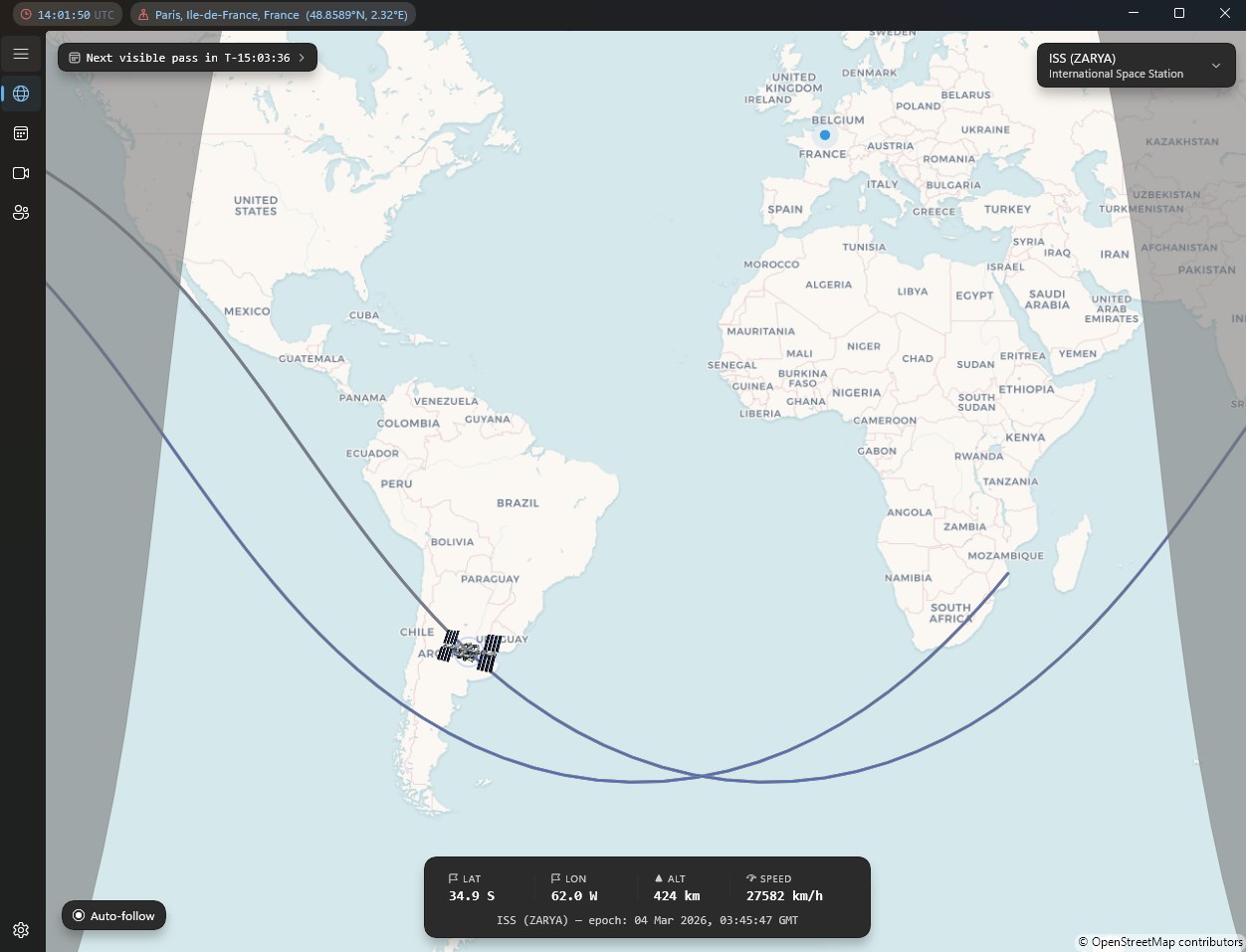
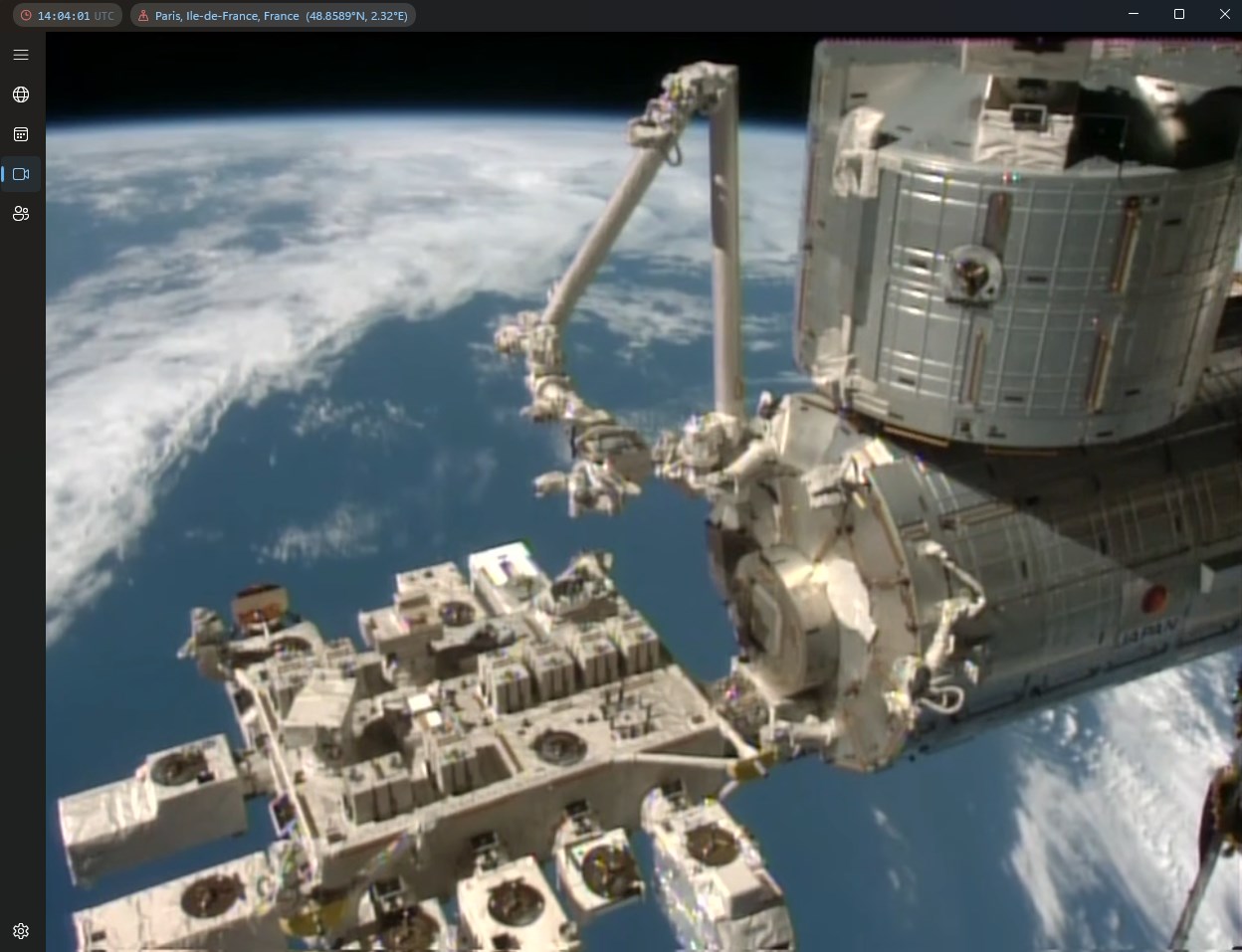
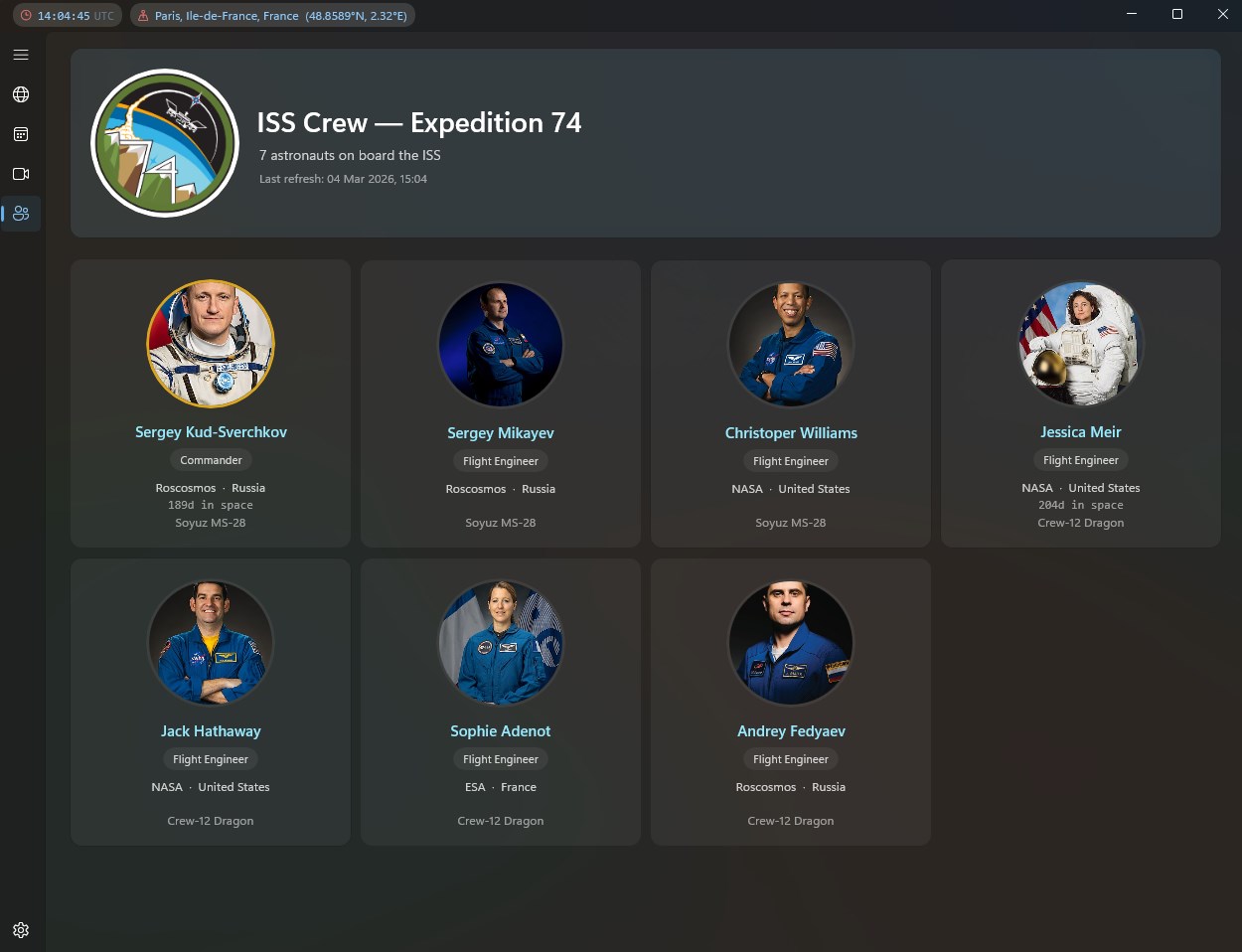
ISS Finder is a desktop app for tracking the International Space Station in real time. It displays the station's position on an interactive map using orbital calculations, and predicts upcoming passes over the user's location with sky charts and reminders so a sighting is not missed. The app works offline and supports both light and dark themes. According to the provider, it also respects user privacy. It suits anyone interested in space, photographers planning to capture the station, and people who simply enjoy watching the sky.
Show the developer's original descriptionHide the original description
🚀 ISS Finder brings the International Space Station to your desktop.
Watch the ISS orbit Earth in real time on an interactive map, powered by the same orbital math used by mission control. Know exactly when the station will fly over your location — with pass predictions, sky charts, and smart reminders so you never miss a sighting.
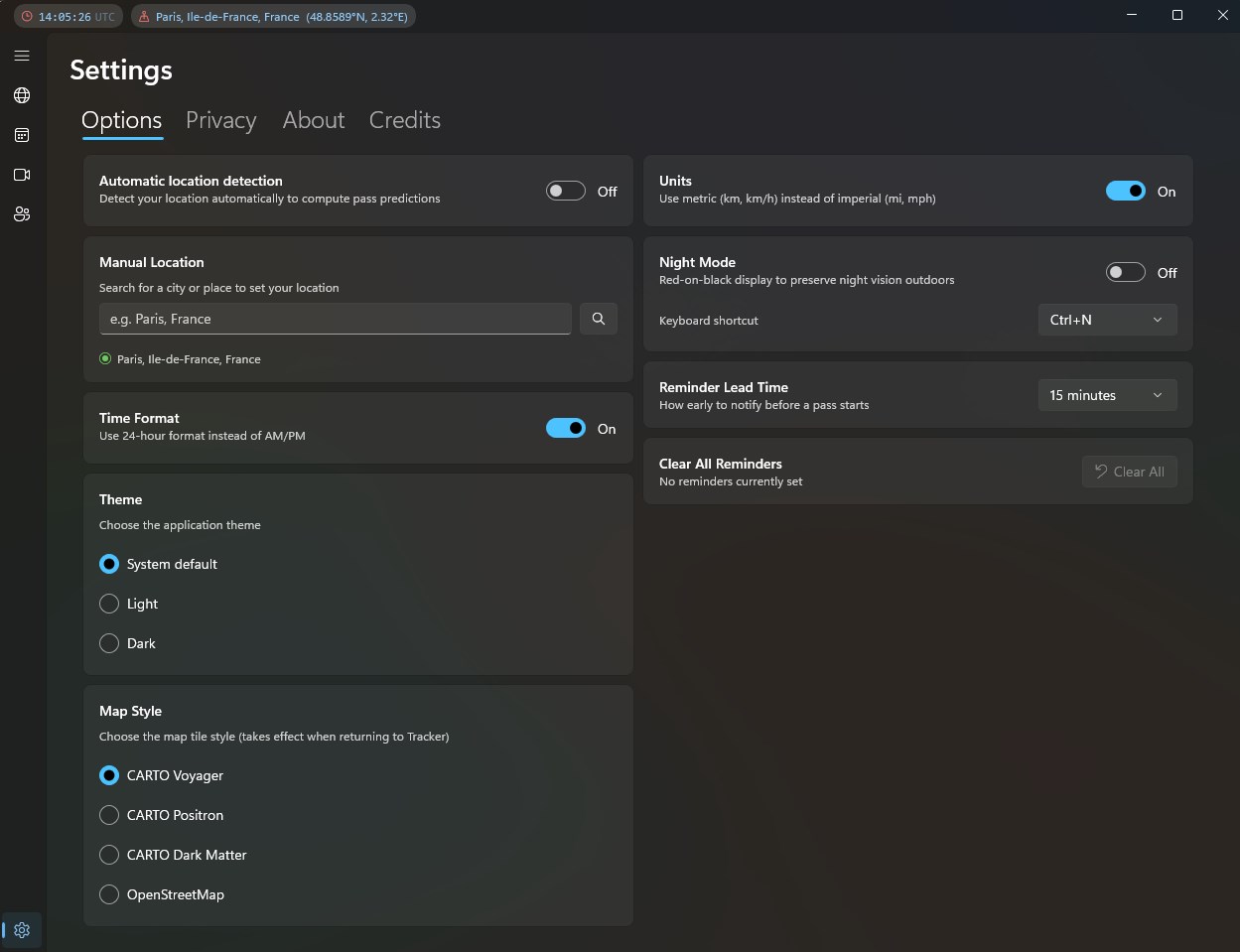
ISS Finder works offline, respects your privacy, and is designed to look great in both light and dark themes. Whether you're a space enthusiast, photographer, or just love looking up — ISS Finder is your window to orbit.
If there is a version of this app for iOS/Mac or Windows we don't know about, paste the store link here — we'll auto-detect the store.
How to find the URL:1. Open the app in its store. 2.In the App Store app: tap the Share icon → “Copy Link”. In the browser: copy the URL from the address bar — it contains apps.apple.com/…/id… or apps.microsoft.com/detail/…. 3. Paste it here.
Paste the original link from the Apple App Store or Microsoft Store. We fetch all details automatically.
How to find the URL:
1. Open the app in its store. 2.In the App Store app: tap the Share icon → “Copy Link”. In the browser: copy the URL from the address bar — it contains apps.apple.com/…/id… or apps.microsoft.com/detail/…. 3. Paste it here.
Android apps can only be listed by their developer.