

Screenshot appears after consentScreenshot appears after consentScreenshot appears after consentScreenshot appears after consentScreenshot appears after consentScreenshot appears after consentScreenshot appears after consentScreenshot appears after consentScreenshot appears after consentScreenshot appears after consentScreenshot appears after consentScreenshot appears after consentScreenshot appears after consentScreenshot appears after consentScreenshot appears after consentScreenshot appears after consent
Summary
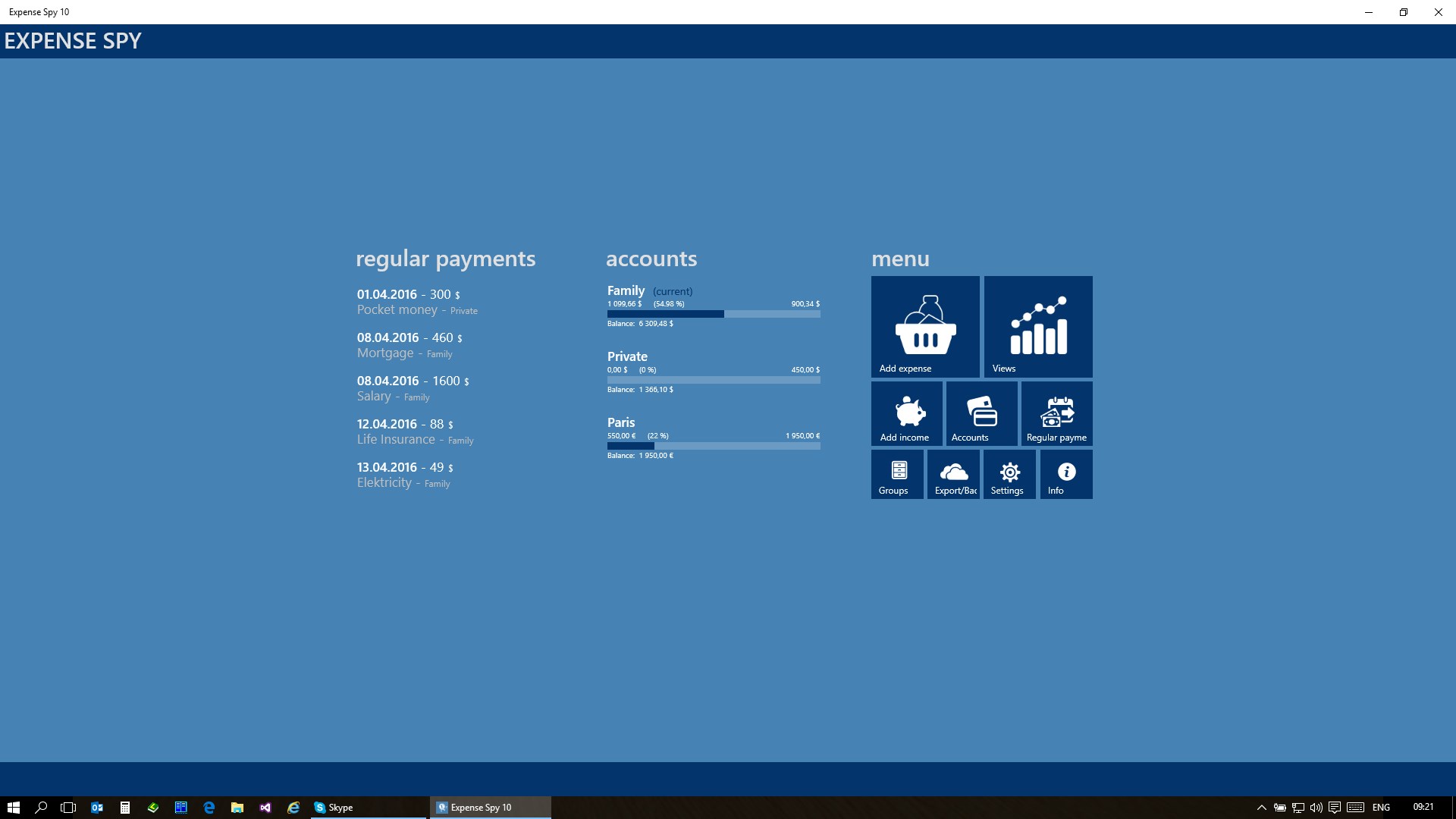
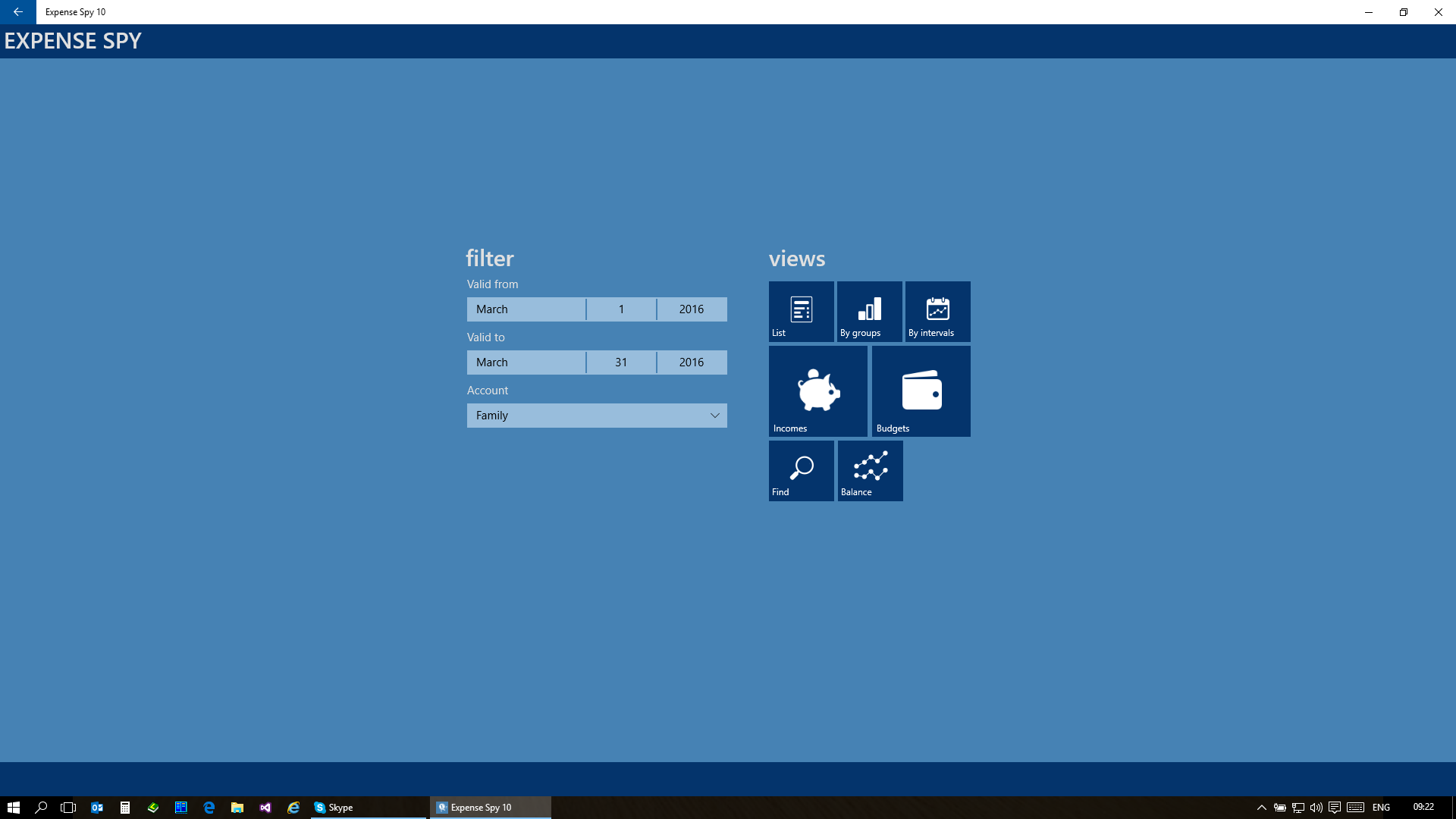
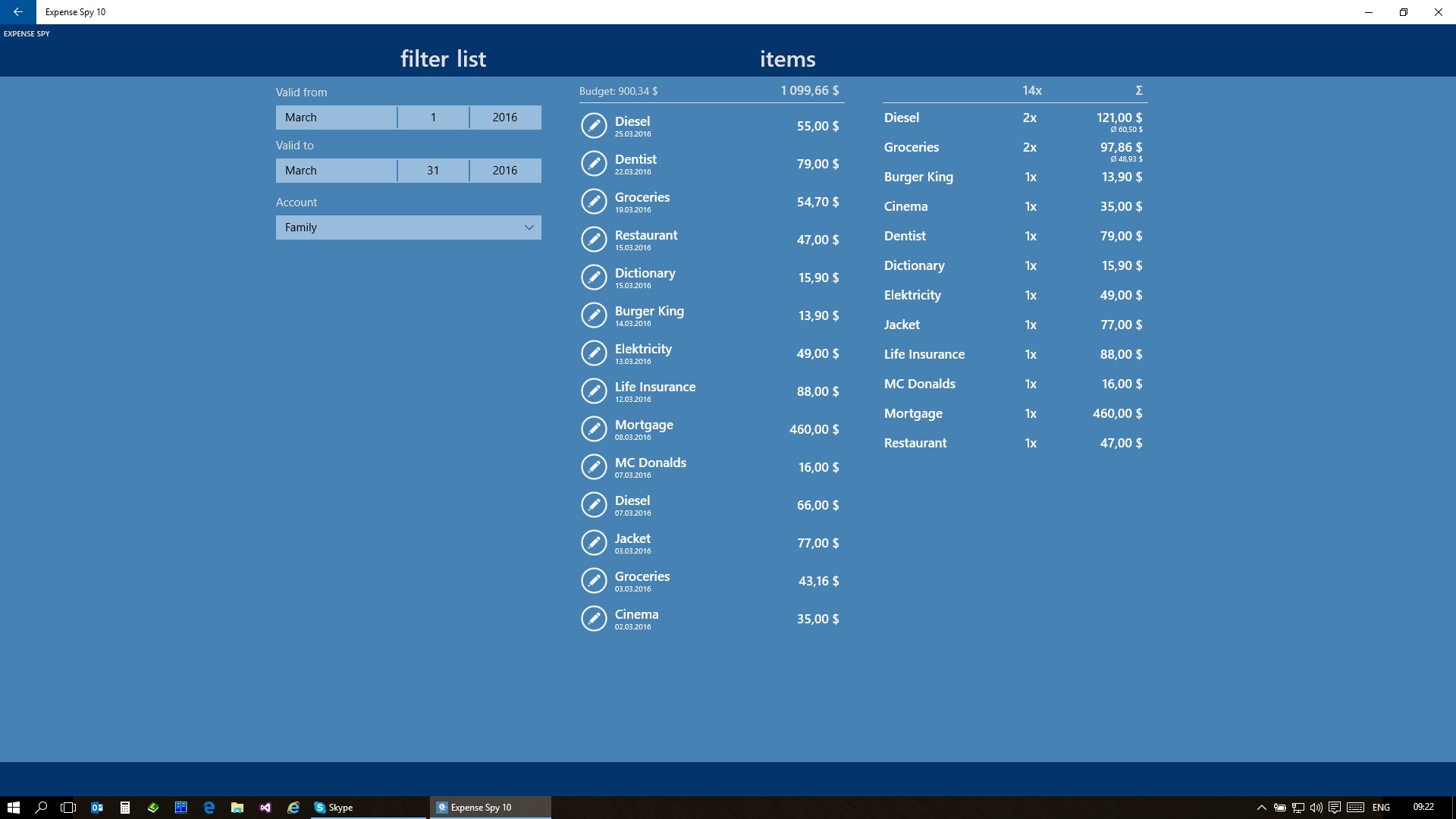
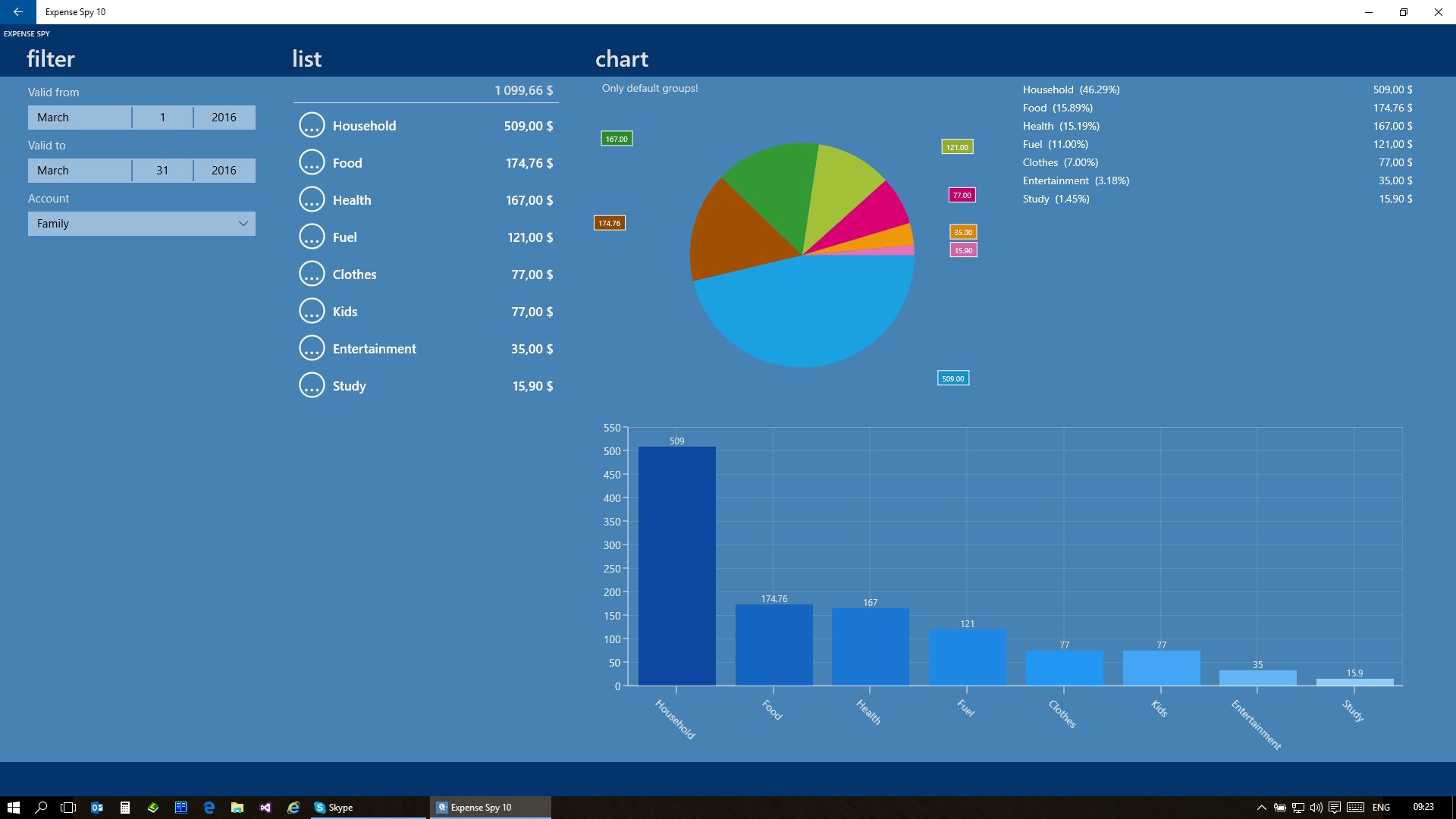
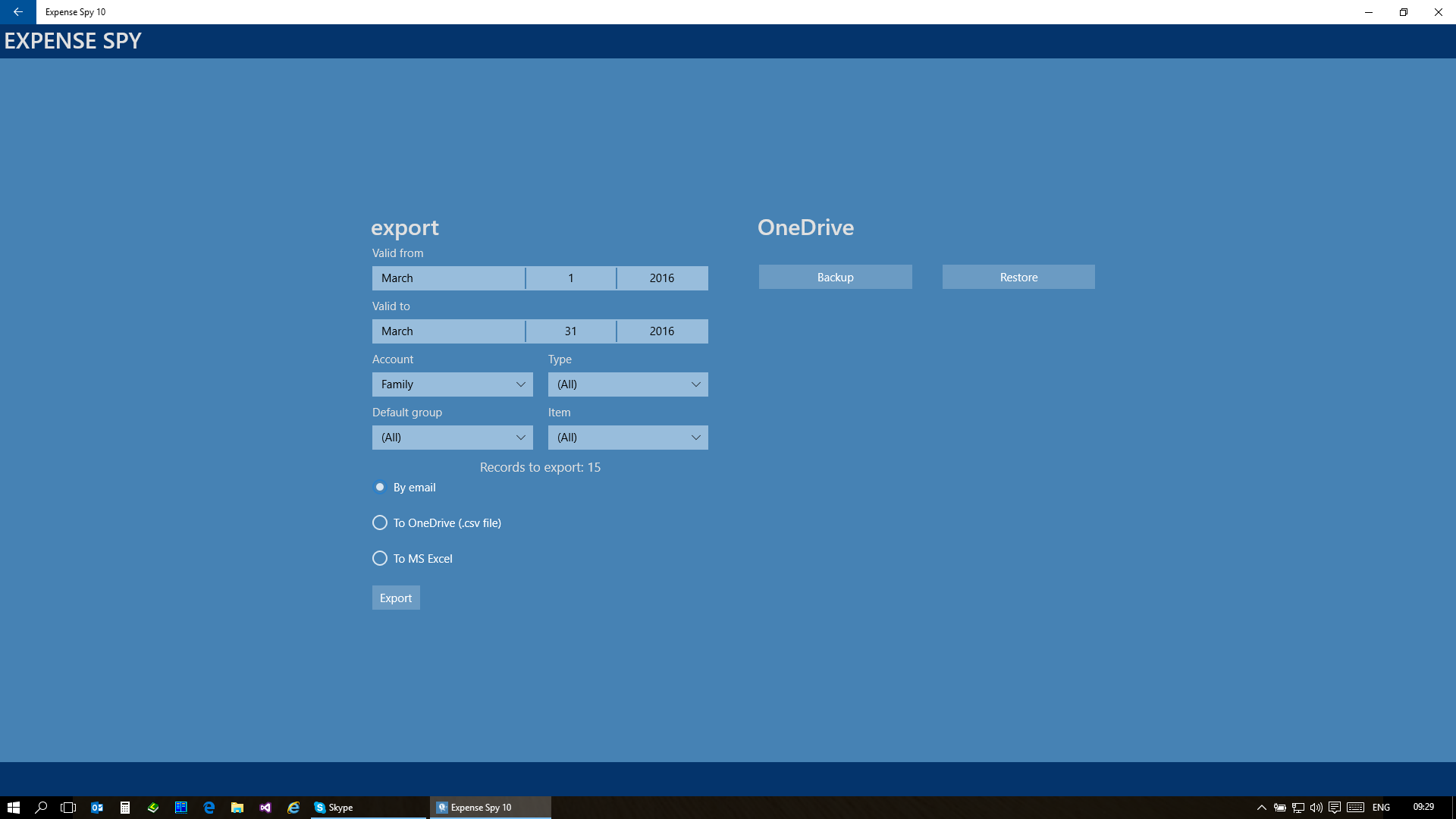
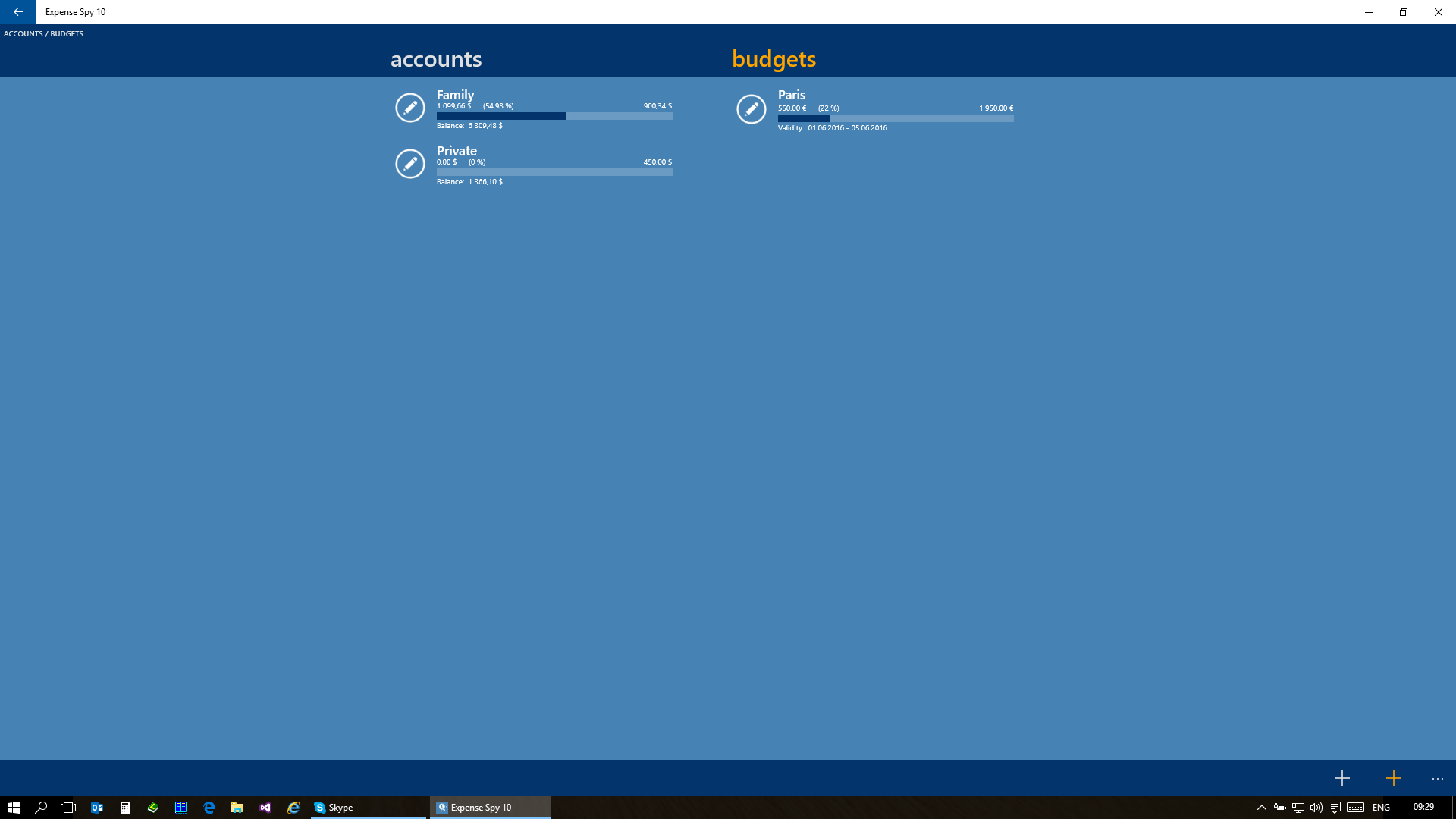
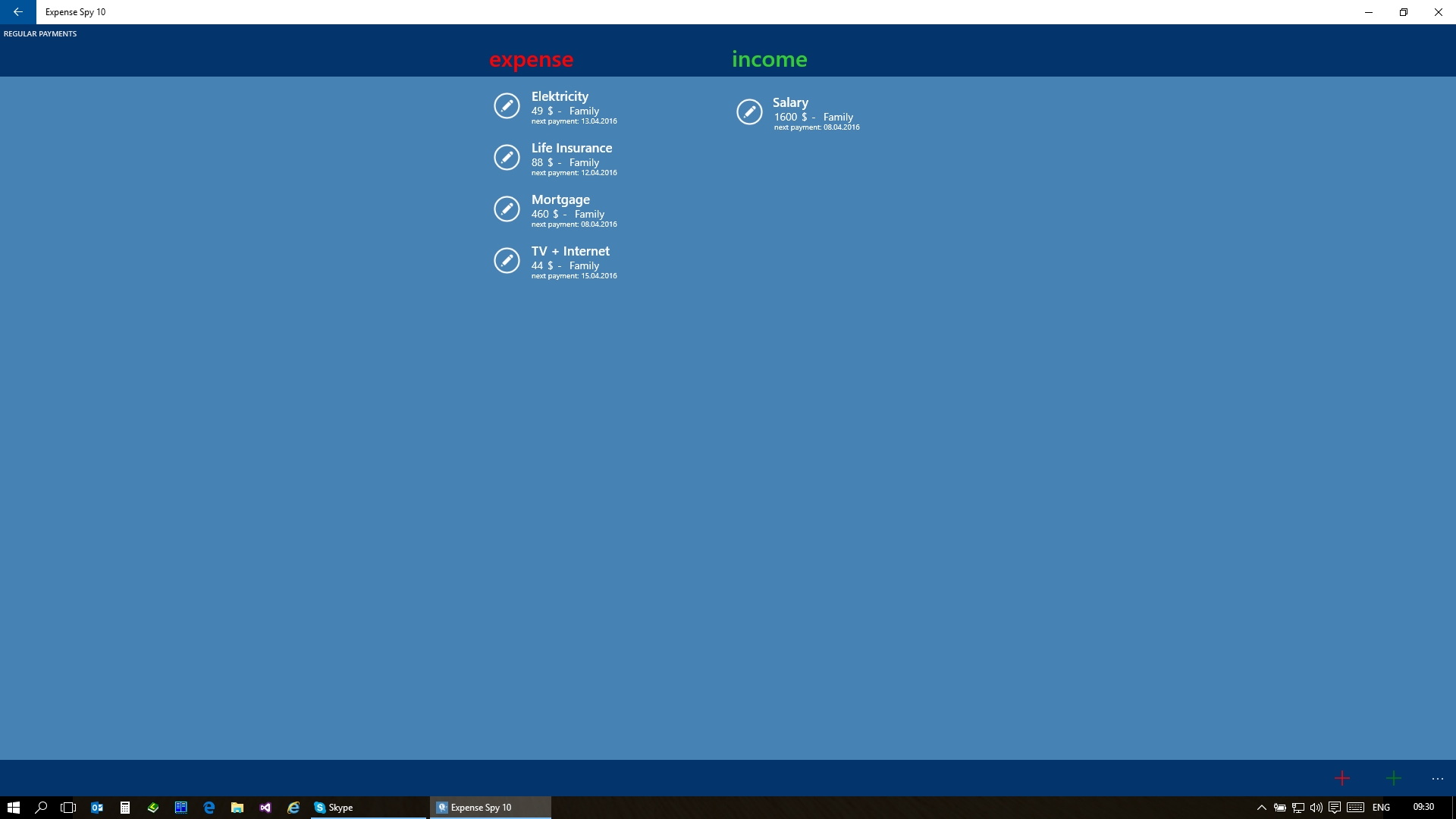
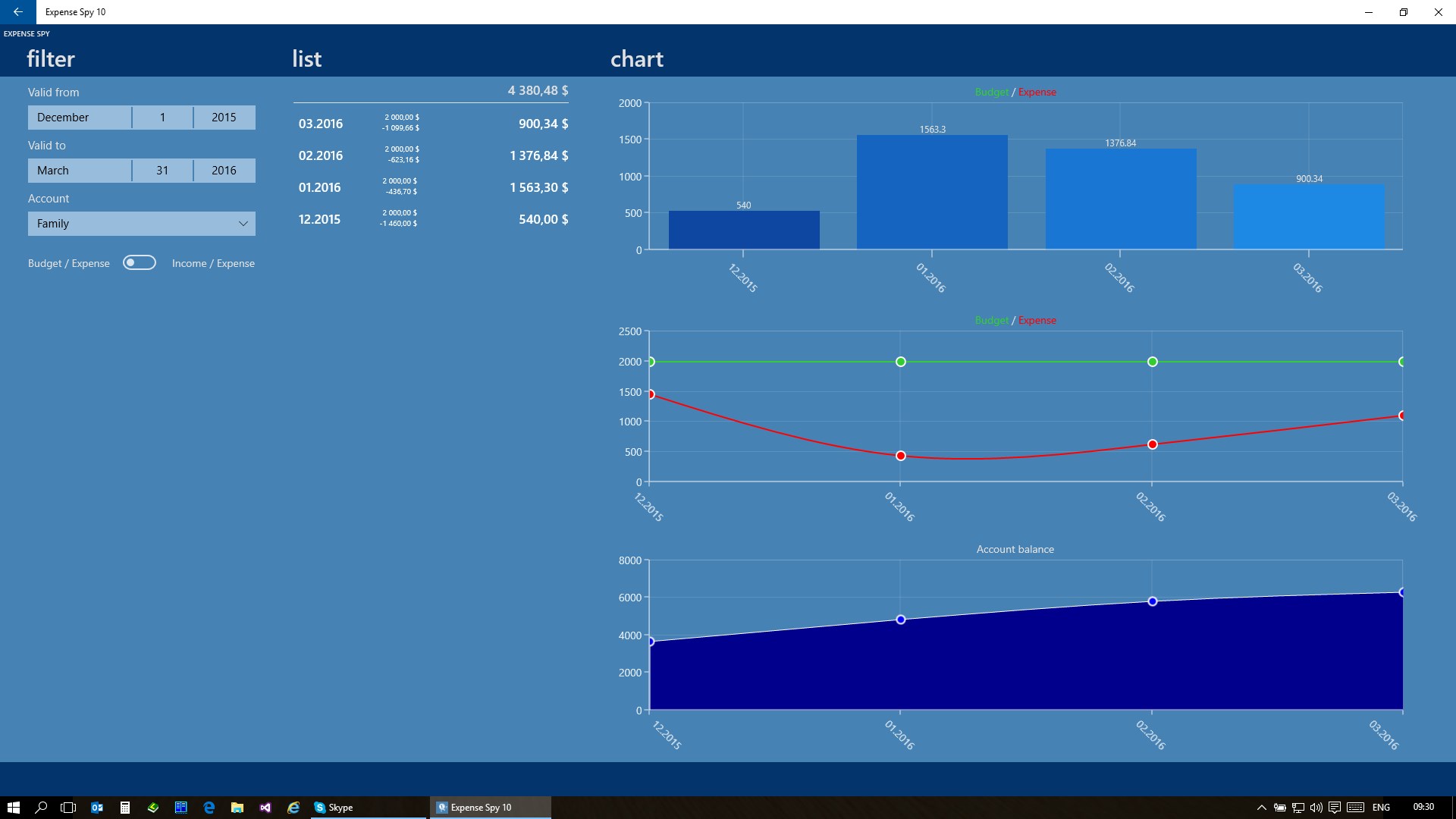
Expense Spy is a personal finance tracker for logging and reviewing everyday expenses. It displays spending data in tables or charts, supports entering expenses in foreign currencies or by unit price and quantity, and allows separate budgets for short trips. Data can be exported to Excel and backed up to or restored from OneDrive. All records are stored locally on the device with no registration required, and password protection is available. Additional accounts and regular payment tracking can be added through in-app purchases. The app is free and contains no advertising, and the number of records is not limited.
Show the developer's original descriptionHide the original description
The new generation of popular application for tracking personal finance extended to many new features. App is free, without ads and the number of your records are not limited!
Main application features:
- Continuum
- Separate budgets for short trips
- Alternative expenses
- Regular payments (in-app purchase)
- Data are displayed in a table or chart
- Active tiles (optional)
- Decimal places (optional)
- Entering new expense in foreign currencies (optional)
- Entering new expense with number of pieces of unit price (optional)
- Data stored only on your phone. (no registration, no data on foreign remote servers)
- No advertising
- Password protection (optional)
- Export to Excel (.csv) file (Email, OneDrive)
- OneDrive backuping / restoring data
- The possibility of adding accounts (in-app purchase)
If there is a version of this app for iOS/Mac or Windows we don't know about, paste the store link here — we'll auto-detect the store.
How to find the URL:1. Open the app in its store. 2.In the App Store app: tap the Share icon → “Copy Link”. In the browser: copy the URL from the address bar — it contains apps.apple.com/…/id… or apps.microsoft.com/detail/…. 3. Paste it here.
Paste the original link from the Apple App Store or Microsoft Store. We fetch all details automatically.
How to find the URL:
1. Open the app in its store. 2.In the App Store app: tap the Share icon → “Copy Link”. In the browser: copy the URL from the address bar — it contains apps.apple.com/…/id… or apps.microsoft.com/detail/…. 3. Paste it here.
Android apps can only be listed by their developer.