

Screenshot appears after consentScreenshot appears after consentScreenshot appears after consentScreenshot appears after consentScreenshot appears after consentScreenshot appears after consentScreenshot appears after consentScreenshot appears after consentScreenshot appears after consentScreenshot appears after consent
Summary
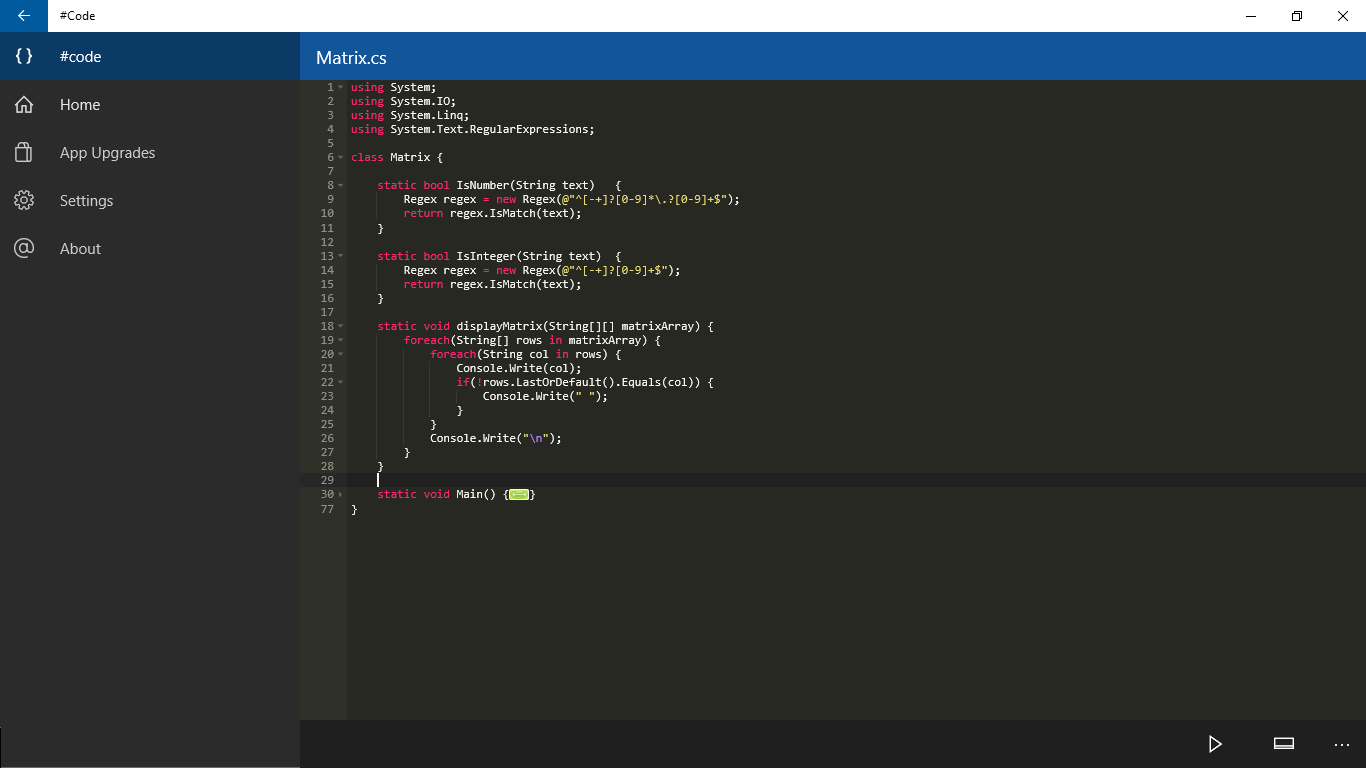
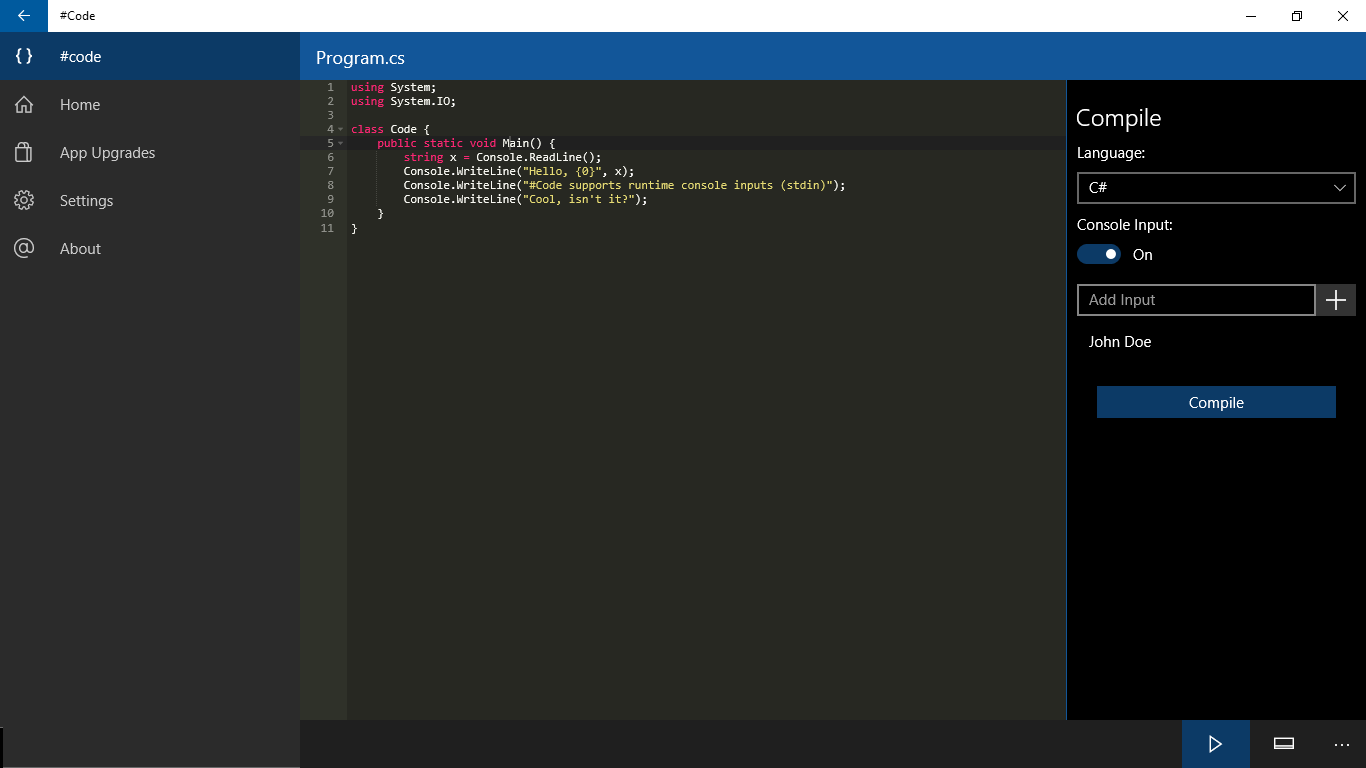
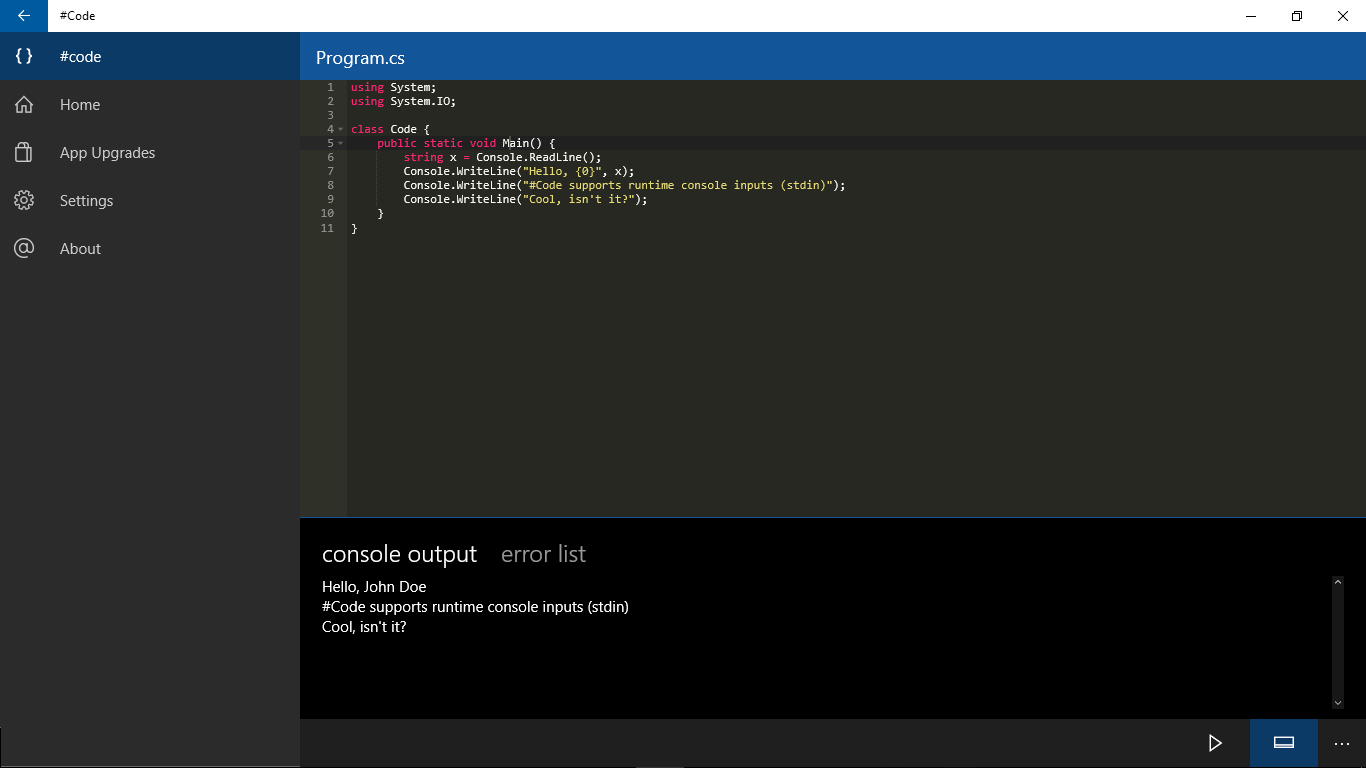
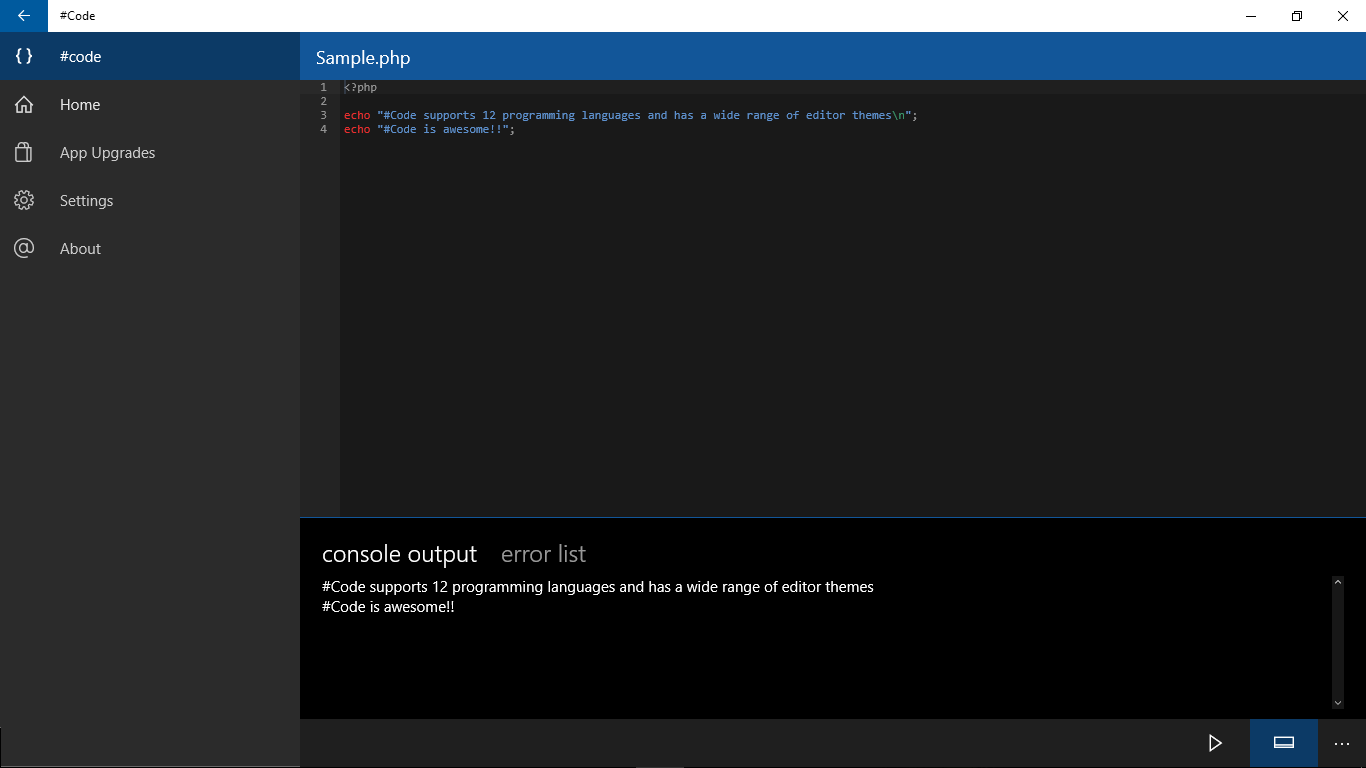
This is a coding application that functions as an online compiler, allowing writing, compiling and executing code snippets on Windows 10 devices. Code supports more than twelve programming languages, including C, C++, Java, Python, C#, PHP, Perl, Ruby, Swift, Visual Basic, JavaScript and Pascal. Code can be written and compiled on a PC, tablet or mobile device, making the app suitable for learning and exploring different programming languages.
Show the developer's original descriptionHide the original description
#Code is an online compiler that that lets you compile and execute code snippets on your Windows 10 device. As of now, #Code supports over 12 programming languages and is a one-of-a-kind app on the Windows Store. You can write and compile your code snippets on your PC, tablet or mobile device. #Code is an elegant way to learn and explore various programming languages.
#Code supports the following 12 languages: C, C++, Java, Python, C#, PHP, Perl, Ruby, Swift, Visual Basic, Javascript and Pascal.
If there is a version of this app for iOS/Mac or Windows we don't know about, paste the store link here — we'll auto-detect the store.
How to find the URL:1. Open the app in its store. 2.In the App Store app: tap the Share icon → “Copy Link”. In the browser: copy the URL from the address bar — it contains apps.apple.com/…/id… or apps.microsoft.com/detail/…. 3. Paste it here.
Paste the original link from the Apple App Store or Microsoft Store. We fetch all details automatically.
How to find the URL:
1. Open the app in its store. 2.In the App Store app: tap the Share icon → “Copy Link”. In the browser: copy the URL from the address bar — it contains apps.apple.com/…/id… or apps.microsoft.com/detail/…. 3. Paste it here.
Android apps can only be listed by their developer.