


Screenshot appears after consentScreenshot appears after consentScreenshot appears after consentScreenshot appears after consentScreenshot appears after consentScreenshot appears after consentScreenshot appears after consentScreenshot appears after consent
Summary
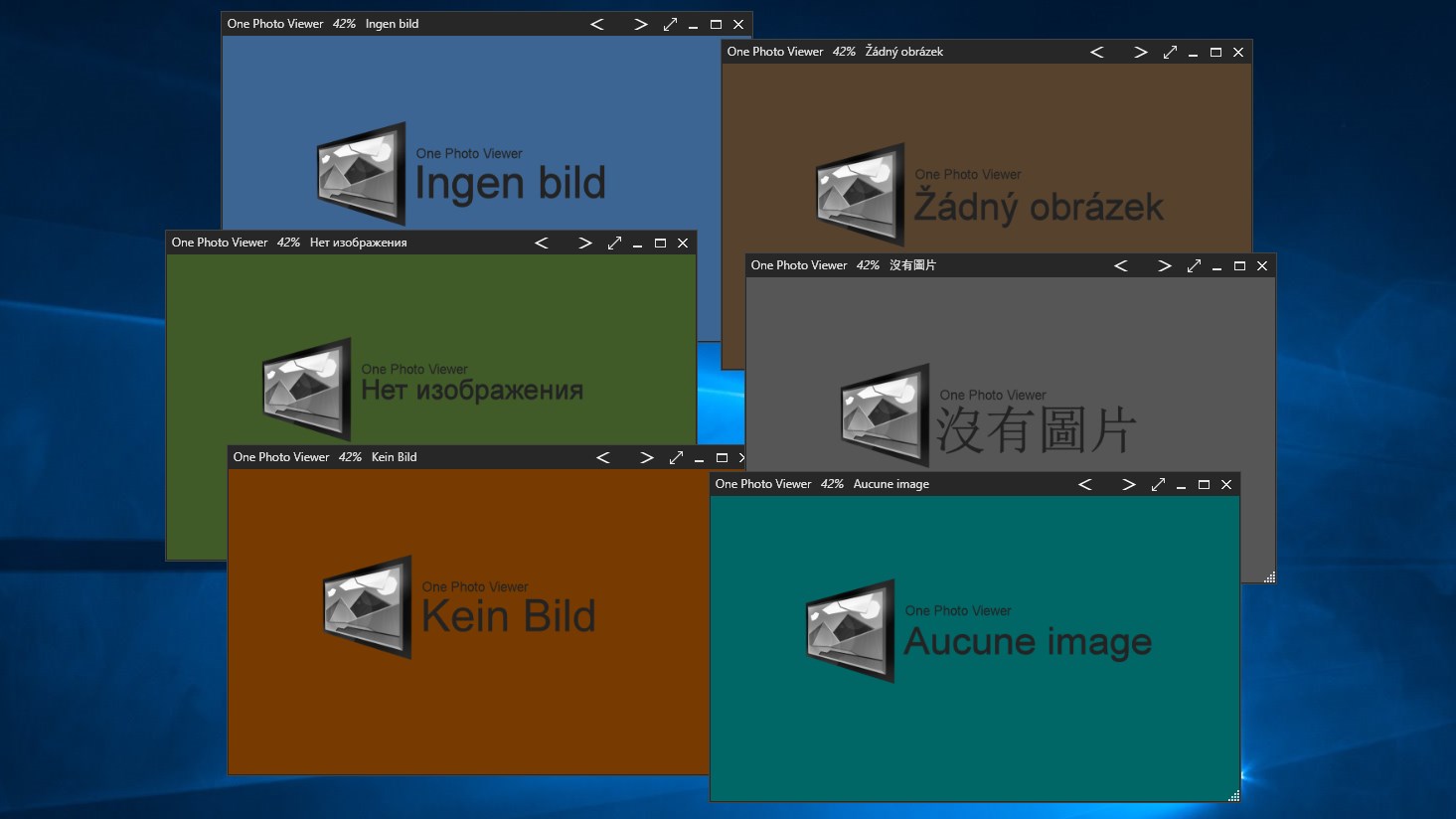
One Photo Viewer is an image viewer designed to be used as the default photo viewer app on Windows 10/11. It offers a slideshow function, color adjustment, cropping, resizing, rotating and copy/paste via clipboard. All features are accessible through the right-click menu or keyboard shortcuts, and the app is touchscreen compatible. It is free to use and contains no ads. A Pro version adds a toolbar and thumbnails for those who wish to support development. The app is available in a wide range of languages thanks to user translations.
Show the developer's original descriptionHide the original description
One Photo Viewer is easy to use and has a clean interface. Free with no ads. Designed to be used as Windows 10/11 default photo viewer app. One Photo Viewer has many customization options and features such as slideshow, color adjustment, crop, resize, rotate, copy/paste clipboard, and more. All accessible by right click menu or keyboard shortcuts. It is also touchscreen compatible.
Check out Pro version if you wish to support development and get two extra feature, toolbar and thumbnails.
One Photo Viewer is available in English, Russian, Chinese (traditional and simplified), Portuguese, German, French, Swedish, Hebrew, Czech, Turkish, Dutch, Serbian, Norwegian, Italian, Japanese and Danish. Thanks to user translations. To see if other languages is available visit onephotoviewer.com/languages
If there is a version of this app for iOS/Mac or Windows we don't know about, paste the store link here — we'll auto-detect the store.
How to find the URL:1. Open the app in its store. 2.In the App Store app: tap the Share icon → “Copy Link”. In the browser: copy the URL from the address bar — it contains apps.apple.com/…/id… or apps.microsoft.com/detail/…. 3. Paste it here.
Paste the original link from the Apple App Store or Microsoft Store. We fetch all details automatically.
How to find the URL:
1. Open the app in its store. 2.In the App Store app: tap the Share icon → “Copy Link”. In the browser: copy the URL from the address bar — it contains apps.apple.com/…/id… or apps.microsoft.com/detail/…. 3. Paste it here.
Android apps can only be listed by their developer.