
Screenshot appears after consentScreenshot appears after consent
Summary
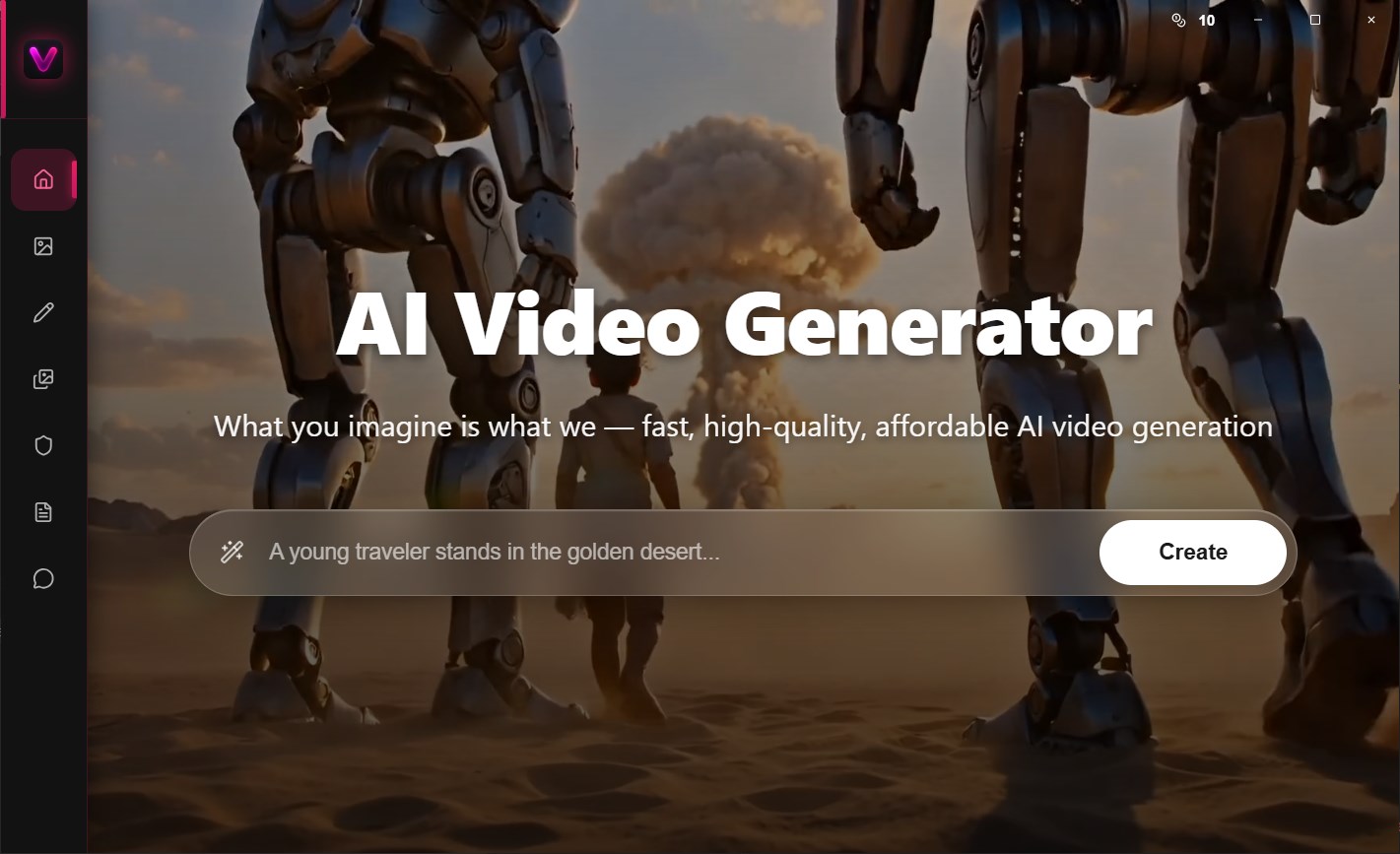
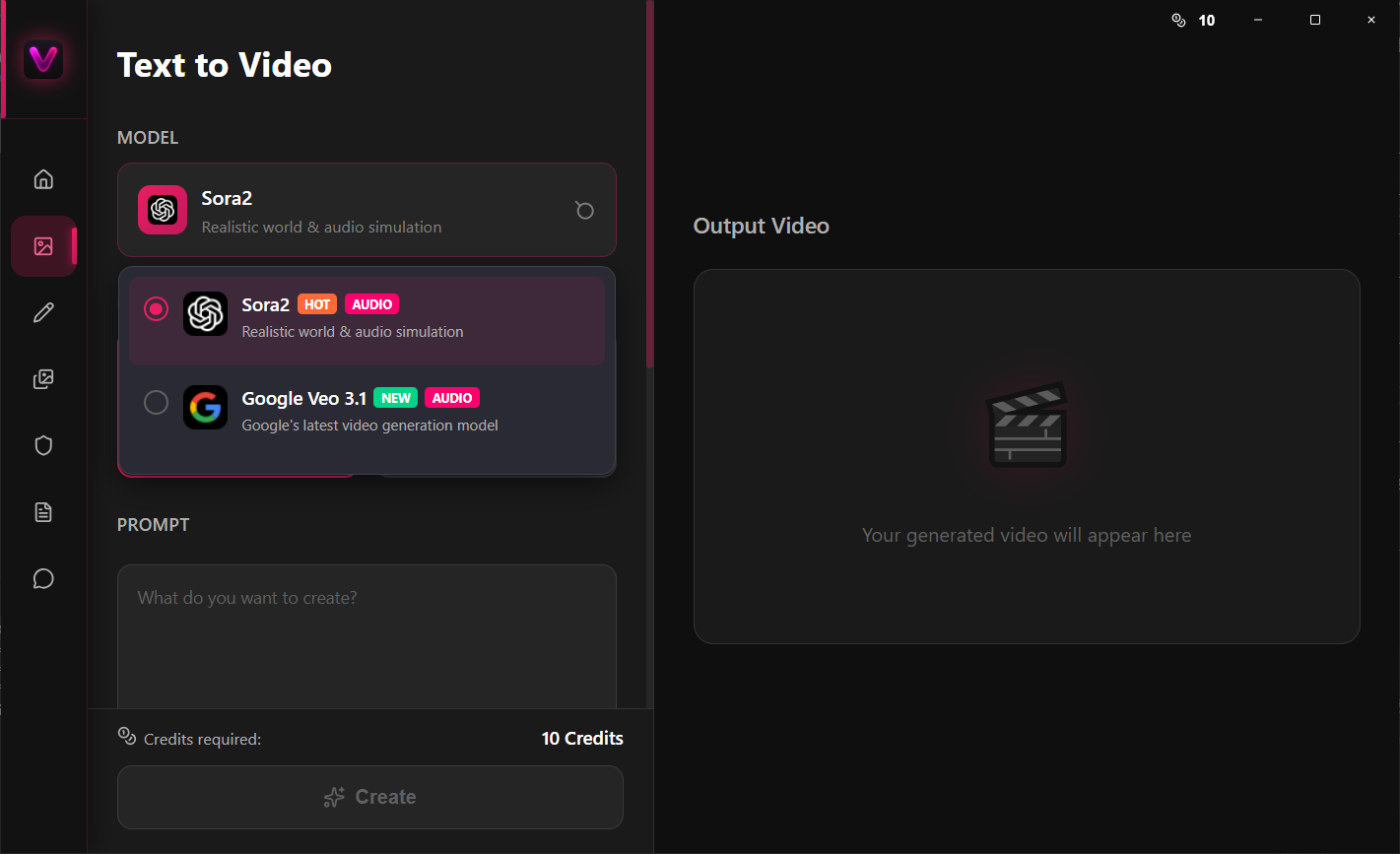
AI Video Generator + is an AI video generator that turns text prompts or images into videos. It uses several underlying AI models, including Seedance, Kling, Google Gemini, Veo and Grok Imagine, to produce the resulting footage. It includes an AI Prompt Optimizer for refining input prompts, which free users can access. Generating videos with the full range of available models requires credits obtained through a monthly or annual subscription.
Show the developer's original descriptionHide the original description
AI Video Generator – Text & Image to Video
Create stunning videos with AI using text or images in seconds.
Turn your ideas into cinematic videos instantly with AI Video Generator — the ultimate AI-powered video creation tool. Whether you start with a text prompt or an image, our app transforms your imagination into high-quality, realistic videos in just a few taps.
Powered by leading AI models — Seedance, Kling, Google Gemini, Veo, and Grok Imagine — AI Video Generator delivers next-level creativity, speed, and realism for creators, marketers, and storytellers alike.
Why Choose AI Video Generator?
With advanced AI models and an intuitive interface, AI Video Generator makes professional video production faster, smarter, and more accessible than ever before.
Bring your imagination to life — from text or image to motion — powered by the most advanced AI video models on the planet.
Free users can only use the AI Prompt Optimizer, available in the bottom-right corner of the prompt input box.
Subscribe to a monthly or annual plan to access AI video generation with all available models using credits.
New users can enjoy a limited-time offer on annual plans, available for 24 hours.
If there is a version of this app for iOS/Mac or Windows we don't know about, paste the store link here — we'll auto-detect the store.
How to find the URL:1. Open the app in its store. 2.In the App Store app: tap the Share icon → “Copy Link”. In the browser: copy the URL from the address bar — it contains apps.apple.com/…/id… or apps.microsoft.com/detail/…. 3. Paste it here.
Paste the original link from the Apple App Store or Microsoft Store. We fetch all details automatically.
How to find the URL:
1. Open the app in its store. 2.In the App Store app: tap the Share icon → “Copy Link”. In the browser: copy the URL from the address bar — it contains apps.apple.com/…/id… or apps.microsoft.com/detail/…. 3. Paste it here.
Android apps can only be listed by their developer.