

Screenshot appears after consentScreenshot appears after consentScreenshot appears after consentScreenshot appears after consent
Summary
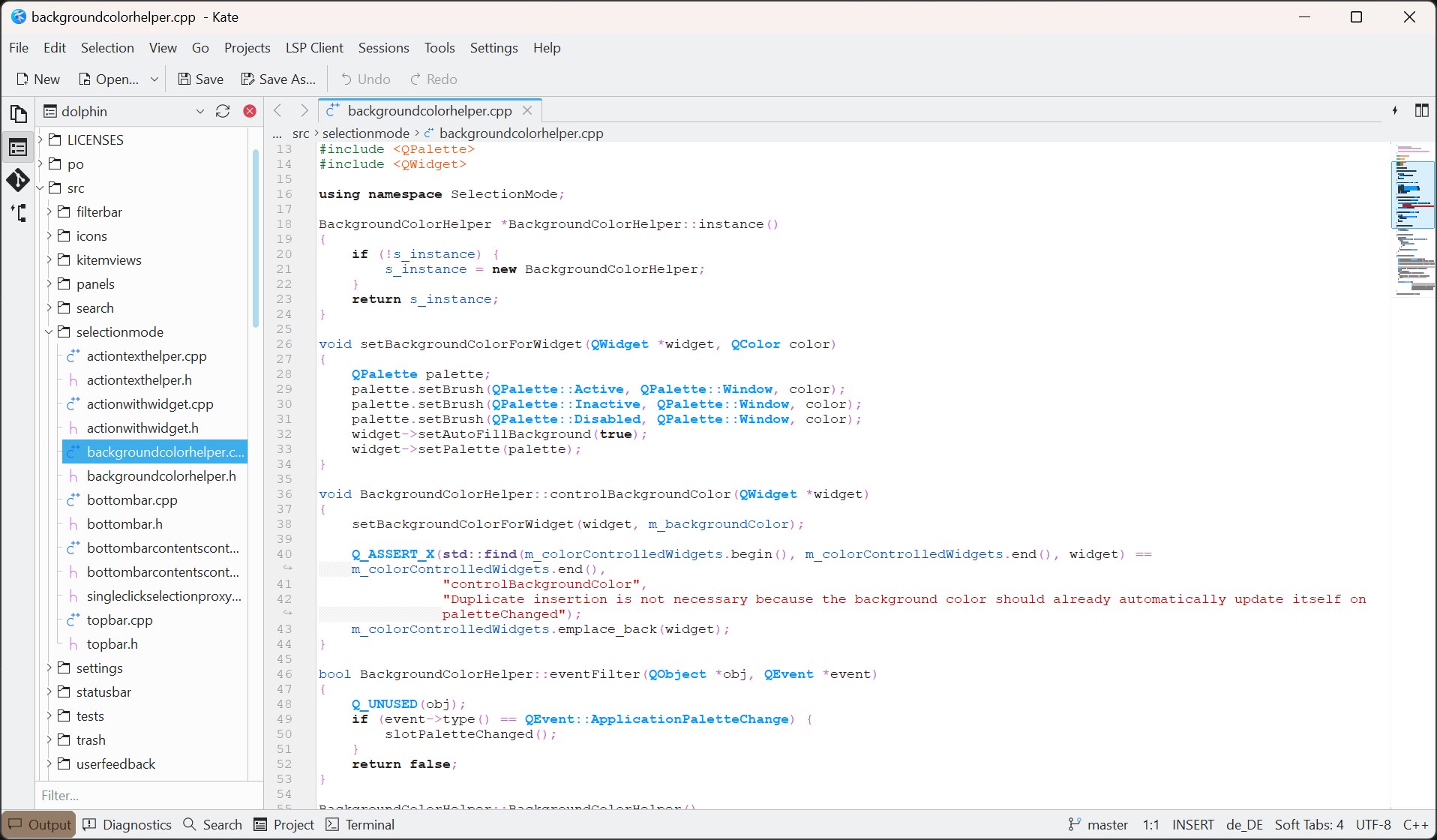
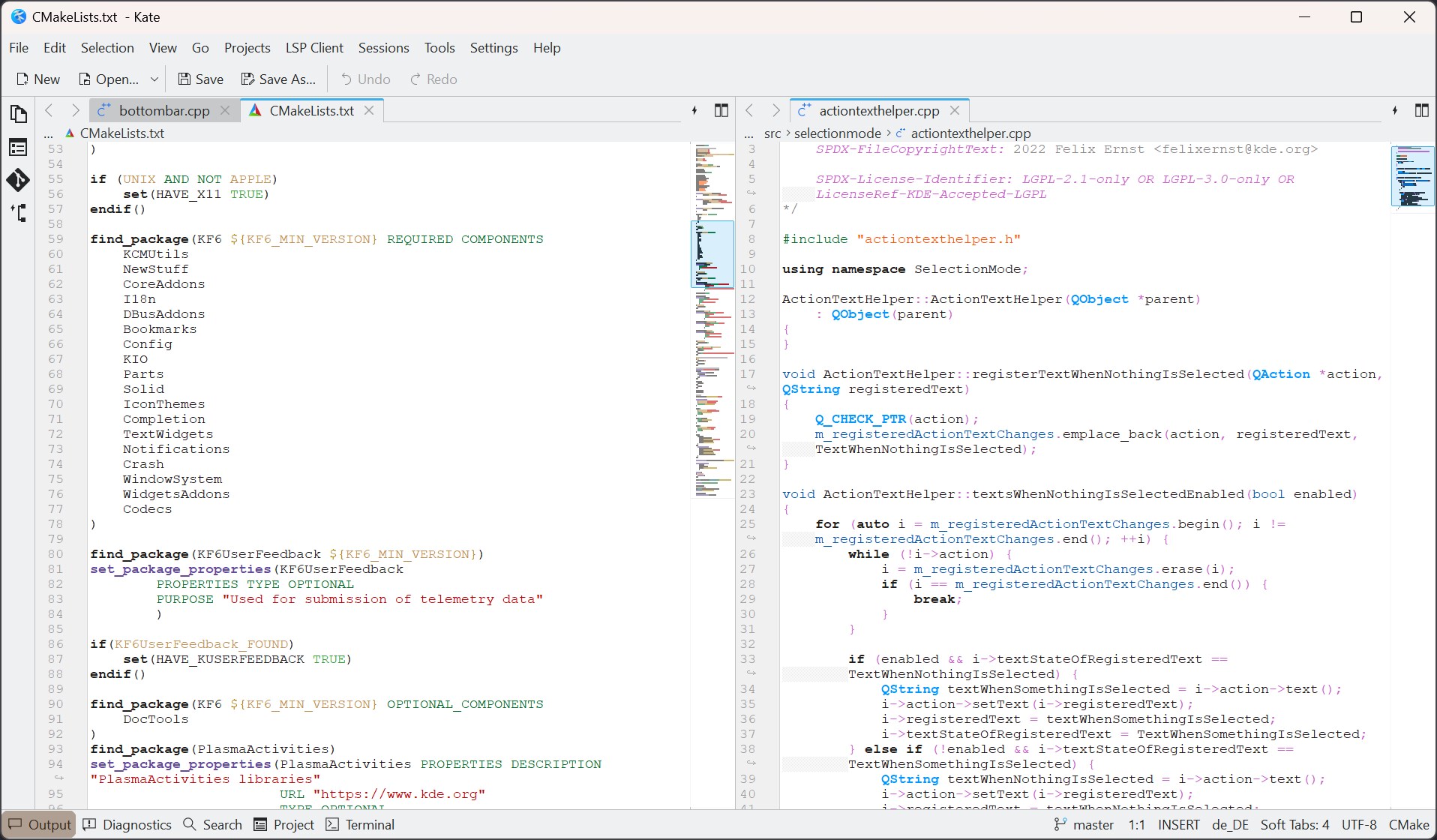
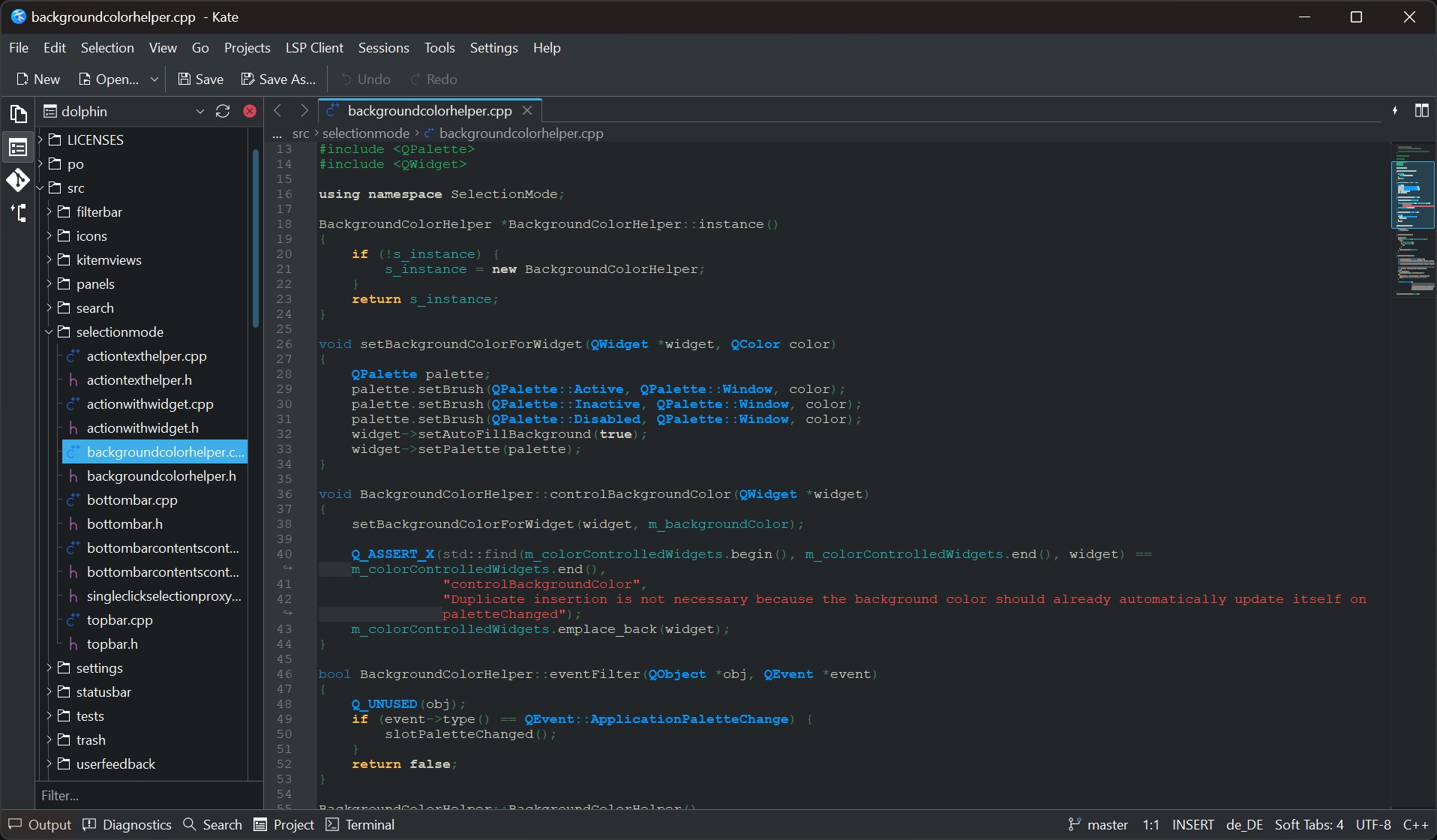
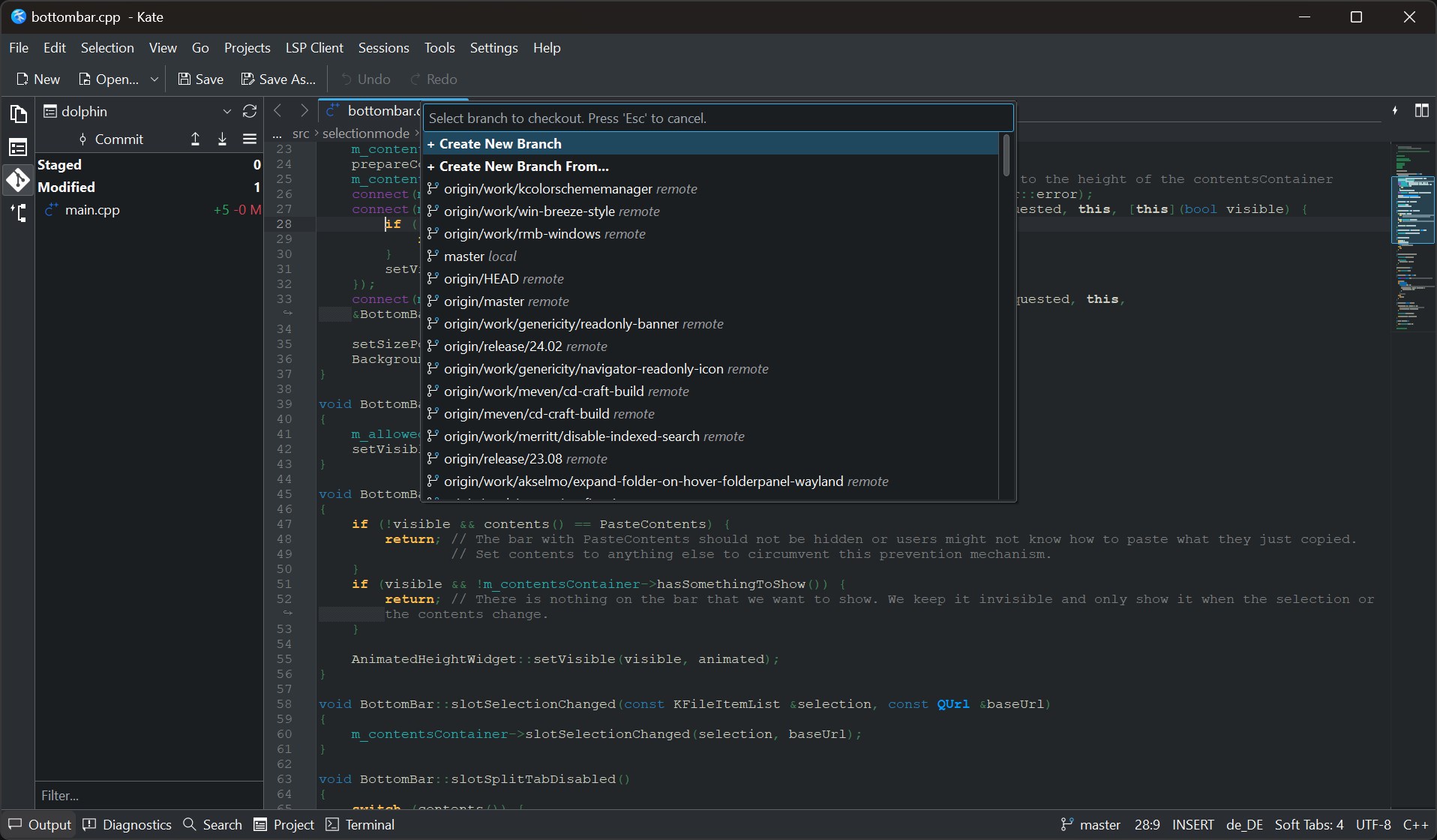
Kate is a text editor for programmers by KDE, supporting multiple documents and views at once. It offers Language Server Protocol support for intellisense and Debug Adapter Protocol support for debugging, along with git integration and project-wide or folder-wide search. It provides multiple cursors and selections, horizontal and vertical window splits, a vi mode and syntax highlighting for over 300 languages. A built-in terminal and integrated filesystem browser are included, along with support for regular expression based find and replace. The editor is extensible through plugins and scriptable using JavaScript, and runs on Linux, BSD, Windows and macOS.
Show the developer's original descriptionHide the original description
Kate is a fast multi-document, multi-view text editor for programmers by KDE. It features stuff like LSP (Language Server Protocol) support, projects, multiple cursors and selections, git integration, folder wide search, horizontal and vertical splits, vi mode, syntax highlighting for 300+ languages, built-in terminal, dynamic word wrap and much more. It is available on Linux, BSD, Windows and MacOS.
Features:
* MDI, window splitting, window tabbing
* Spell checking
* CR, CRLF, LF newline support
* Encoding support (utf-8, utf-16, ascii etc.)
* Encoding conversion
* Regular expression based find & replace
* Syntax highlighting for 300+ languages
* Code and text folding
* Multiple cursors and multiple selections
* Block selection mode
* Auto indentation
* Auto completion support
* Shell integration
* Wide protocol support (http, ftp, ssh, webdav etc.)
* Extensible via plugins
* Integrated terminal
* Scriptable using JavaScript
* Vi mode
* Intellisense support using LSP (Language Server Protocol)
* DAP (Debug Adapter Protocol) support
* Vertical tabs/document list
* Lightweight project support. Kate can open folders as projects
* Code formatting using native formatters such as clang-format, prettier etc
* Built in filesystem browser
* CTags support
* Project wide and folder wide search
* Git integration
If there is a version of this app for iOS/Mac or Windows we don't know about, paste the store link here — we'll auto-detect the store.
How to find the URL:1. Open the app in its store. 2.In the App Store app: tap the Share icon → “Copy Link”. In the browser: copy the URL from the address bar — it contains apps.apple.com/…/id… or apps.microsoft.com/detail/…. 3. Paste it here.
Paste the original link from the Apple App Store or Microsoft Store. We fetch all details automatically.
How to find the URL:
1. Open the app in its store. 2.In the App Store app: tap the Share icon → “Copy Link”. In the browser: copy the URL from the address bar — it contains apps.apple.com/…/id… or apps.microsoft.com/detail/…. 3. Paste it here.
Android apps can only be listed by their developer.