

Screenshot appears after consentScreenshot appears after consentScreenshot appears after consentScreenshot appears after consentScreenshot appears after consent
Summary
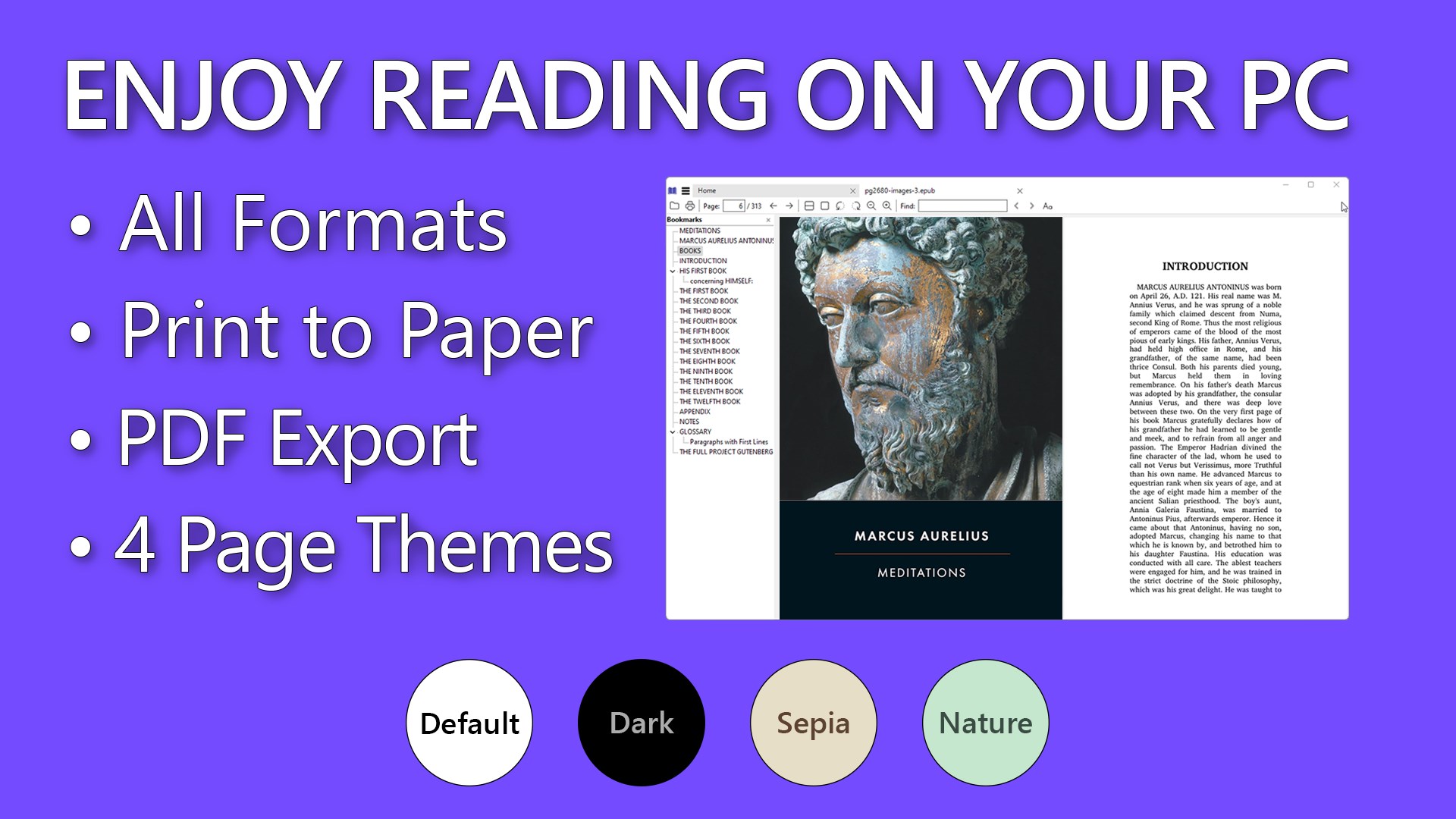
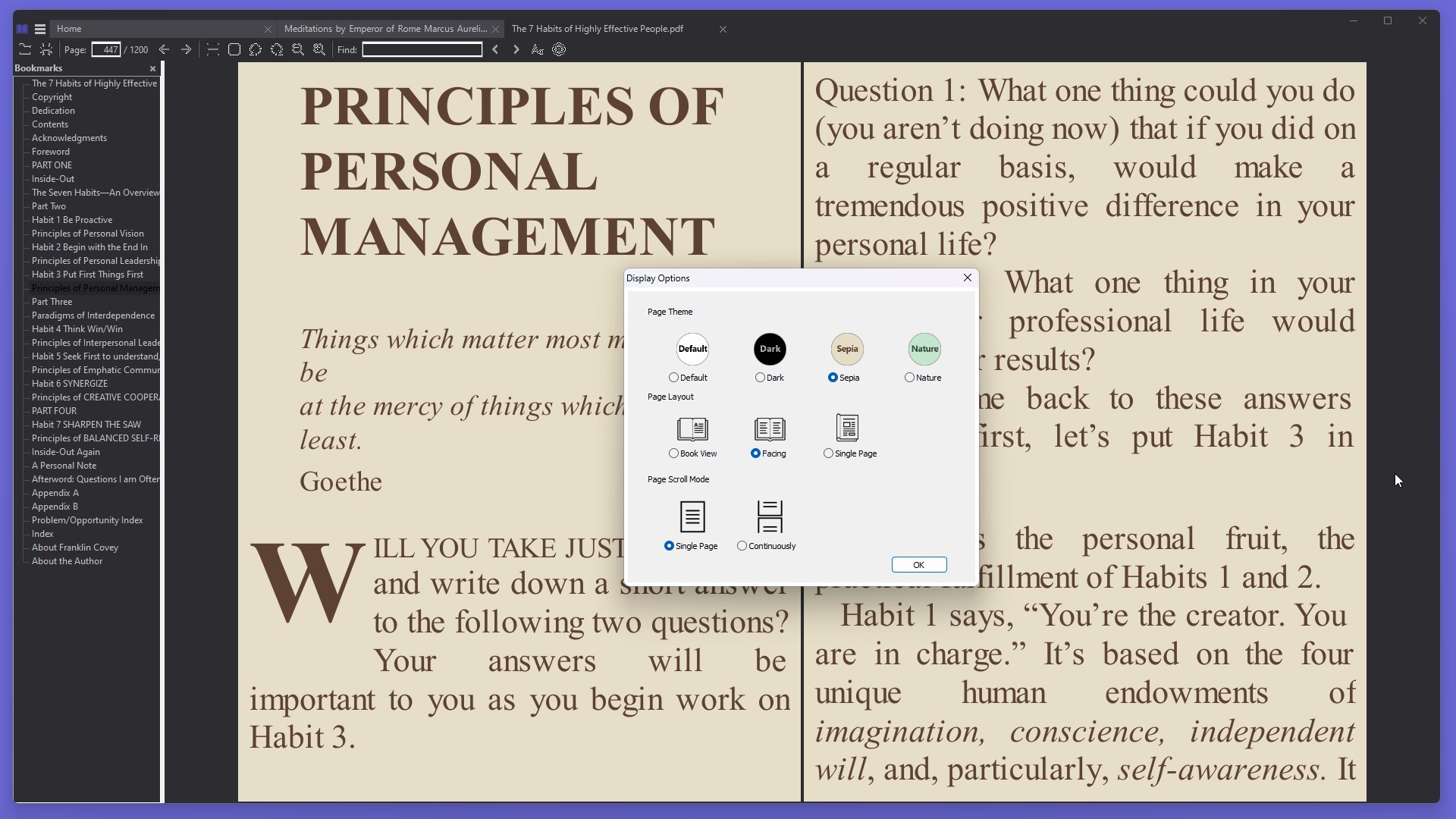
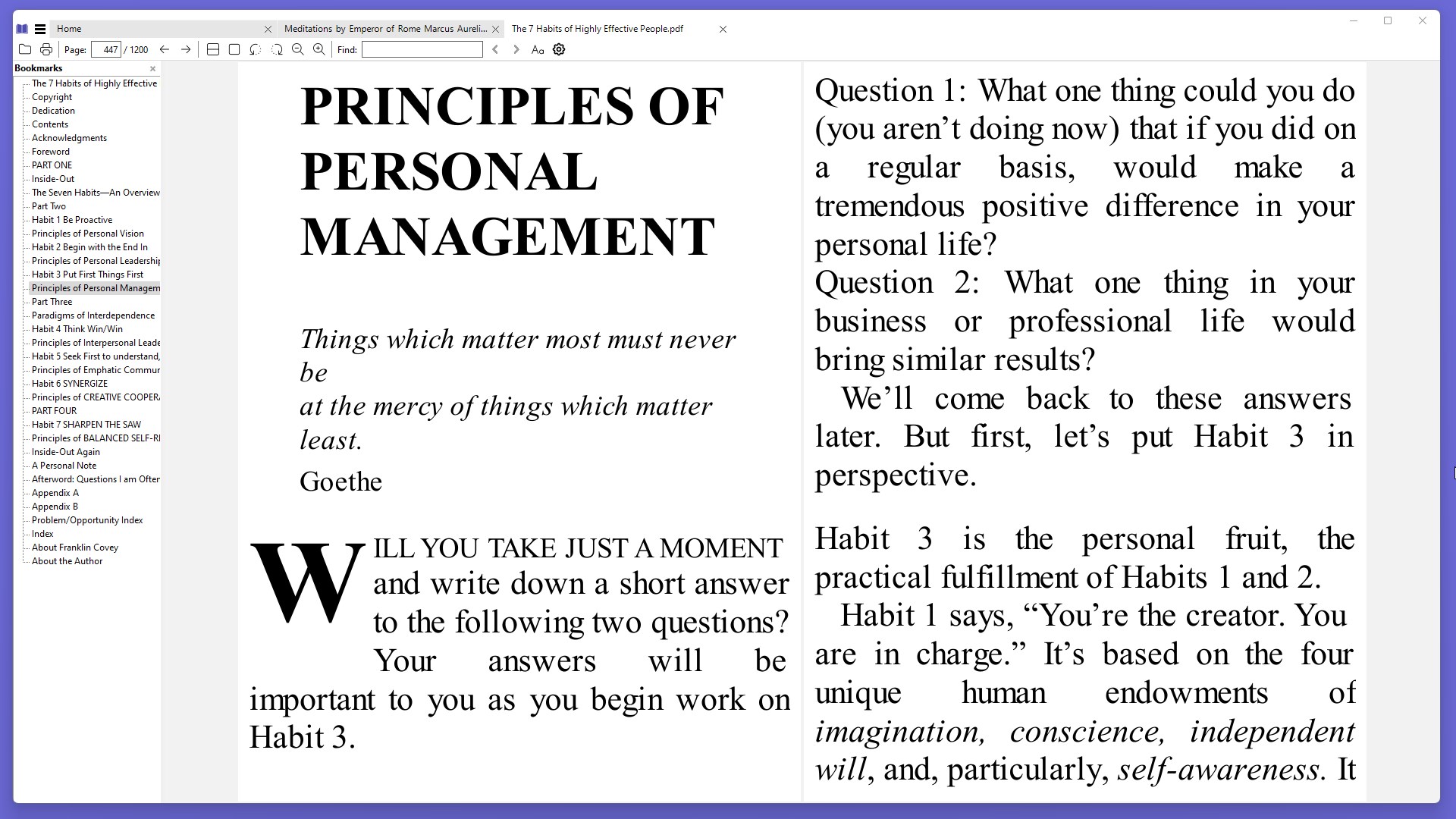
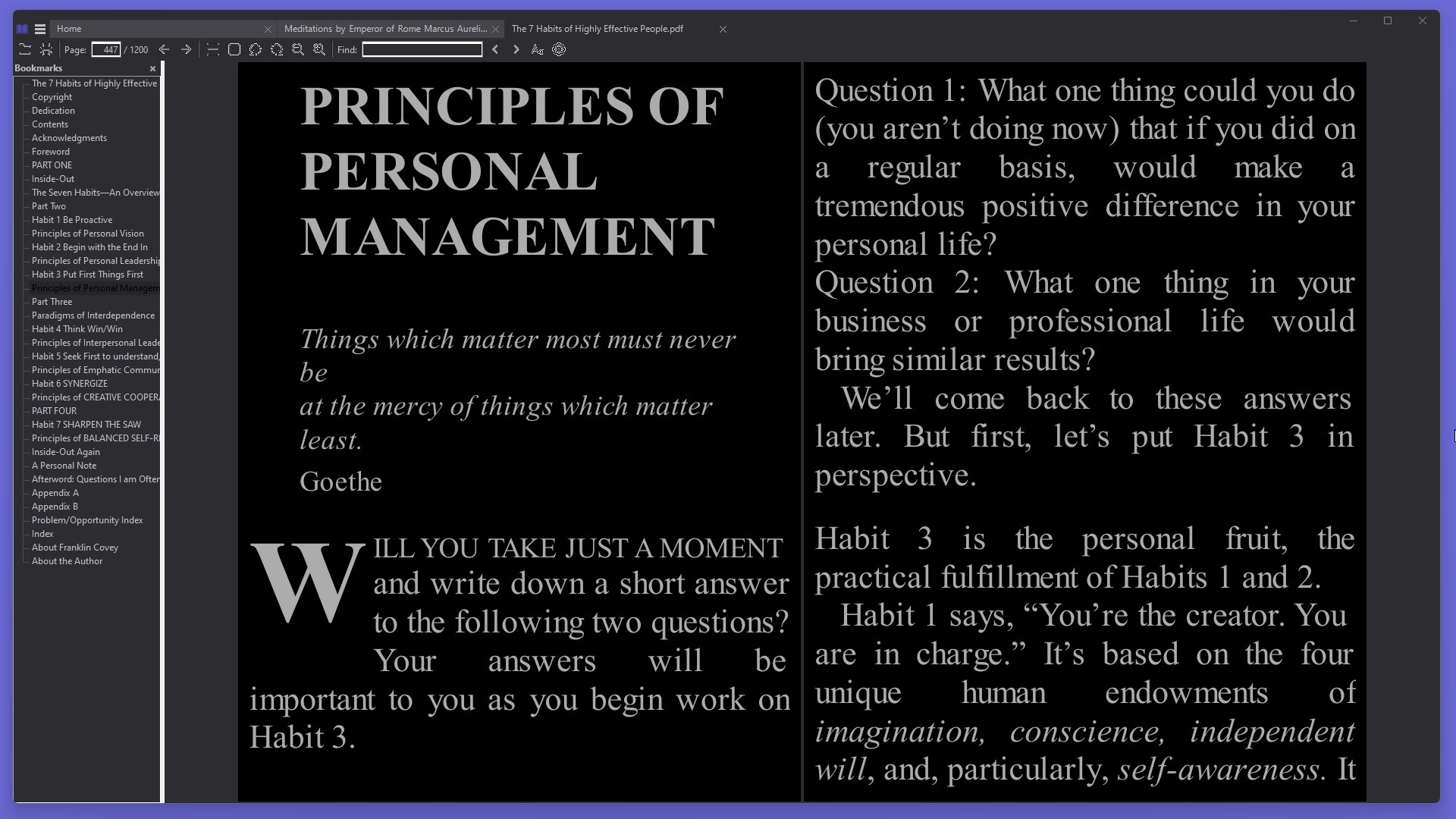
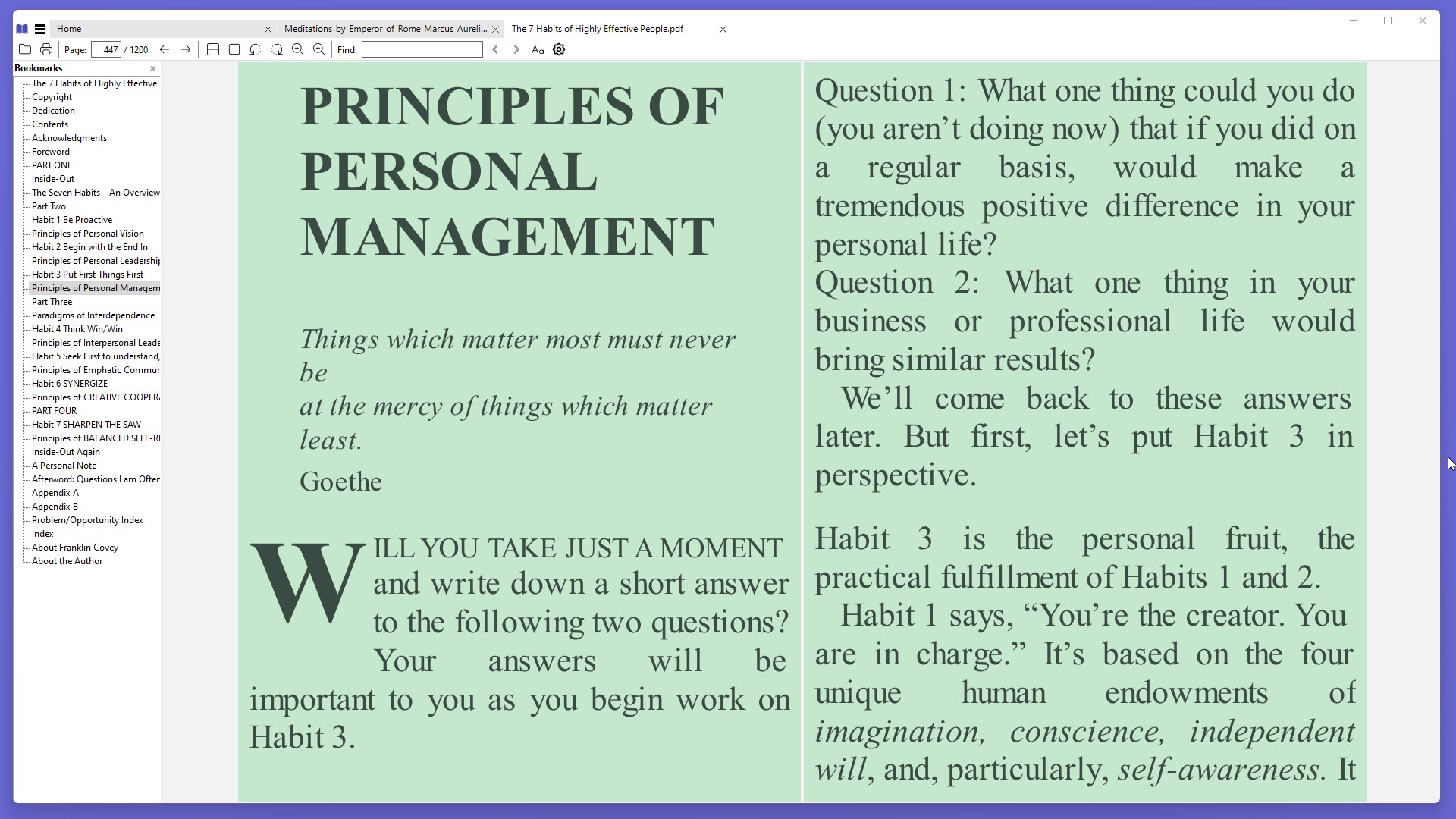
EPUB eBooks Reader is an e-book reader that supports formats such as EPUB, MOBI, AZW and PDF. It offers flexible layout options including single page, book view and continuous scroll, along with customizable page themes such as default, sepia, dark and nature. Users can search within eBooks and use bookmarks for quick navigation to important pages. The app also tracks recently opened files for quick access and allows adjustment of font and background color. The app offers a 3-day free trial, during which all features are available.
Show the developer's original descriptionHide the original description
EPUB eBooks Reader supports various eBook formats, including EPUB, MOBI, AZW, and PDF. It offers flexible layout options like Single Page, Book View, and Continuous Scroll, along with customizable page themes to enhance reading comfort. Users can easily search within eBooks and navigate through bookmarks for quick access. The app also tracks recently opened files and allows for basic reading customization, making it a practical tool for managing and enjoying digital books.
Product License: The app offers a 3-day free trial. All features are available during the 3-day trial, after which most features, including viewing and opening all eBook formats, remain free to use.
Key Features:
• Supports Multiple Formats: Read eBooks in EPUB, PDF, MOBI, and more.
• Flexible Layout Options: Choose from Single Page, Book View, Continuous View, and others.
• Text Search: Easily find specific content within your eBooks.
• Bookmarks: Navigate quickly to important pages with saved bookmarks.
• Recent Files: Quickly access recently opened eBooks.
• Customization: Adjust font and background color to enhance your reading experience, including Default, Sepia, Dark, and Nature color theme.
• Simple Navigation: User-friendly interface for easy navigation through eBooks.
If there is a version of this app for iOS/Mac or Windows we don't know about, paste the store link here — we'll auto-detect the store.
How to find the URL:1. Open the app in its store. 2.In the App Store app: tap the Share icon → “Copy Link”. In the browser: copy the URL from the address bar — it contains apps.apple.com/…/id… or apps.microsoft.com/detail/…. 3. Paste it here.
Paste the original link from the Apple App Store or Microsoft Store. We fetch all details automatically.
How to find the URL:
1. Open the app in its store. 2.In the App Store app: tap the Share icon → “Copy Link”. In the browser: copy the URL from the address bar — it contains apps.apple.com/…/id… or apps.microsoft.com/detail/…. 3. Paste it here.
Android apps can only be listed by their developer.