

Amazon Kindle: Reading App

Read and manage Kindle e-books on your PC AI summary
AMZN Kindle, Amazon Mobile LLC Manage app ›
Rank 179
1 Up Votes, 0 Down Votes
▲
+1
▼
Amazon Kindle: Reading App is not available on Apple — or is it? Submit URL
Screenshots
Screenshot 1 of Amazon Kindle: Reading App on WindowsScreenshot
appears after consent
Screenshot 2 of Amazon Kindle: Reading App on WindowsScreenshot
appears after consent
Screenshot 3 of Amazon Kindle: Reading App on WindowsScreenshot
appears after consent
Screenshot 4 of Amazon Kindle: Reading App on WindowsScreenshot
appears after consent
Screenshot 5 of Amazon Kindle: Reading App on WindowsScreenshot
appears after consent
Screenshot 6 of Amazon Kindle: Reading App on WindowsScreenshot
appears after consent
Screenshot 7 of Amazon Kindle: Reading App on WindowsScreenshot
appears after consent
Screenshot 8 of Amazon Kindle: Reading App on WindowsScreenshot
appears after consent
Summary
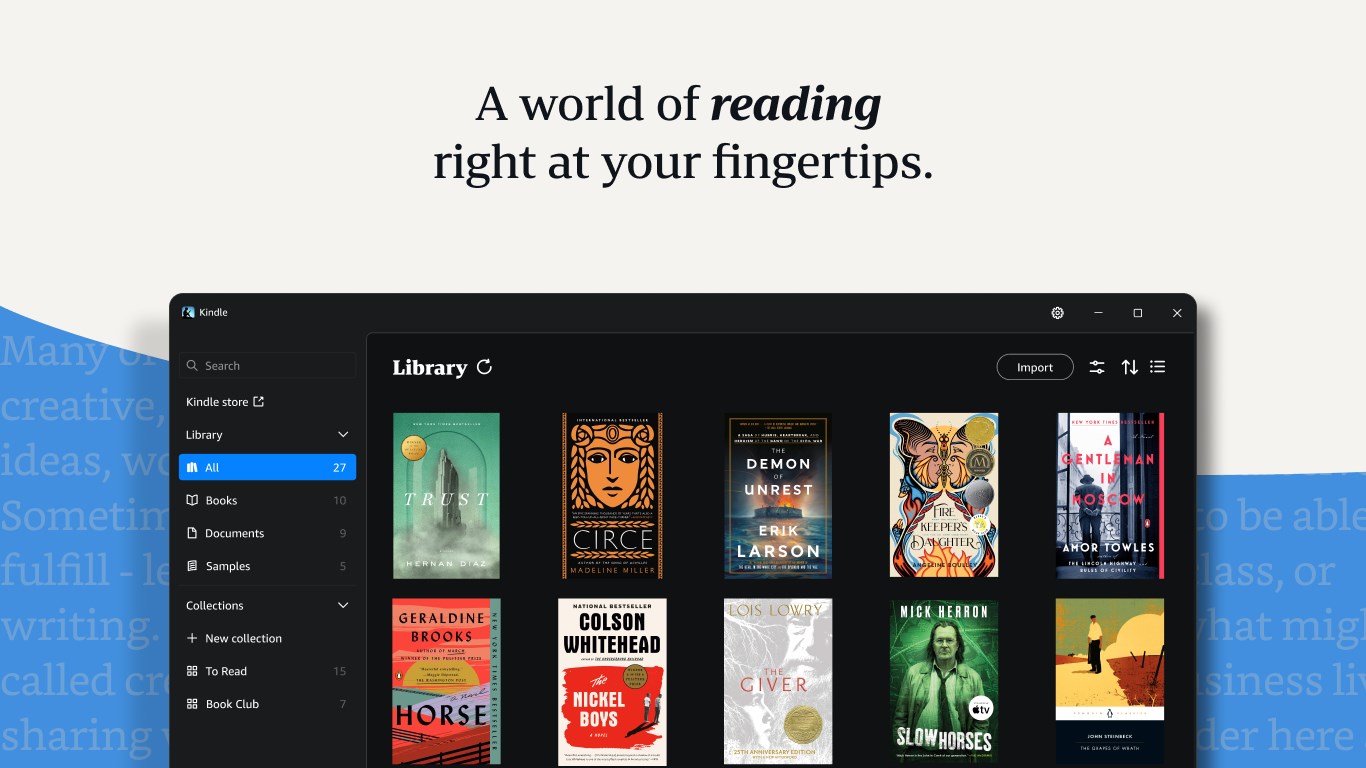
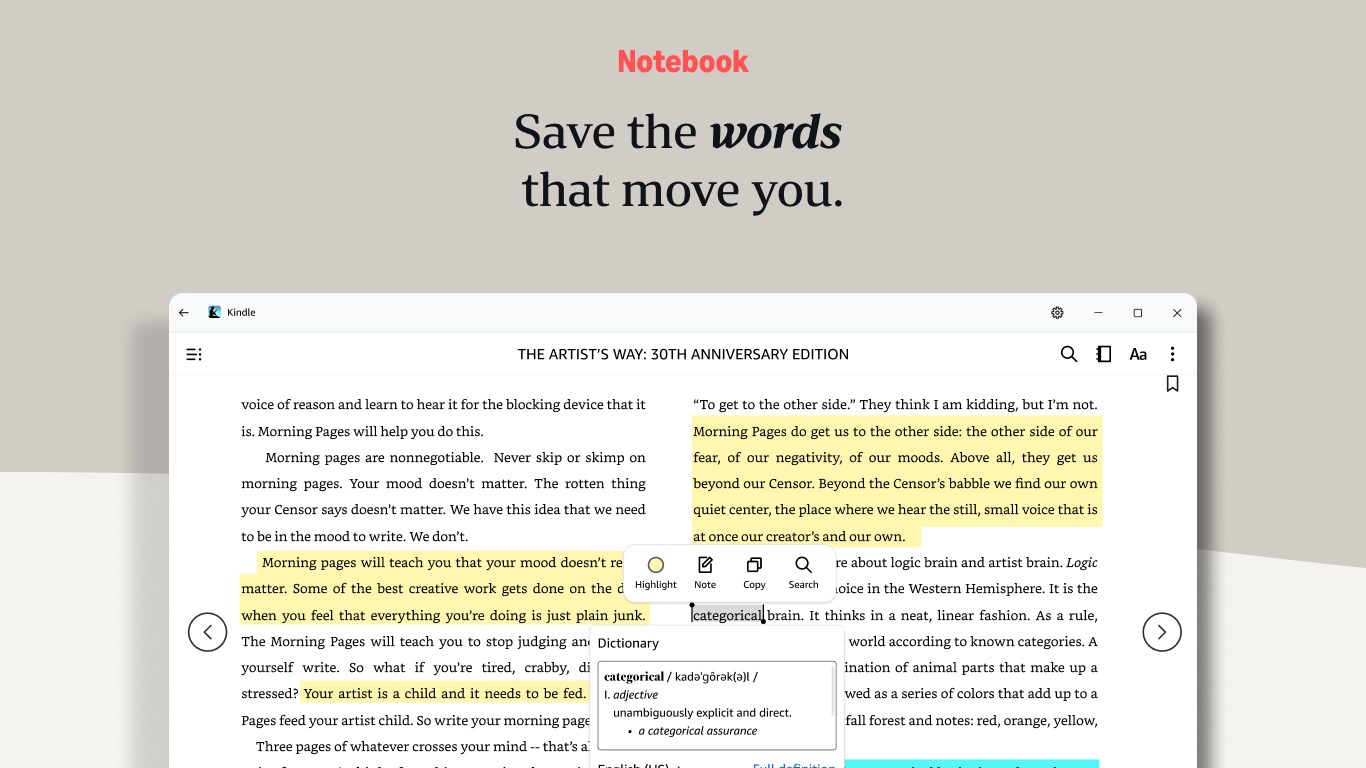
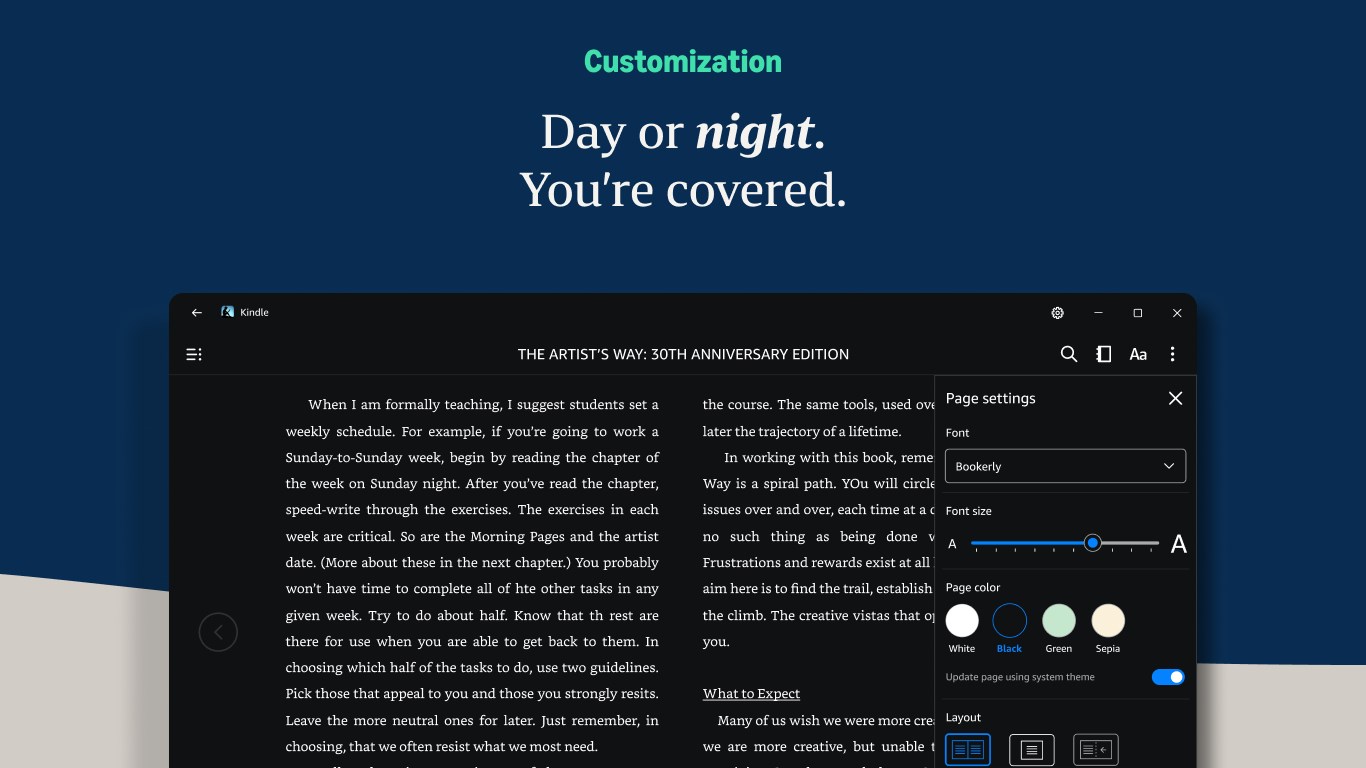
Amazon Kindle: Reading App is a free reading tool for Windows PCs that displays Kindle books purchased on Amazon automatically. Readers can customize font, text size, page color, margins, alignment, layout and spacing to suit their preferences. It allows bookmarking, highlighting and note-taking throughout a book, with a notebook view collecting all notes in one place, and lets readers look up word definitions by selecting text. It tracks reading progress by percentage and page number for most popular titles. Reading position, bookmarks, highlights and notes sync automatically across devices.
Show the developer's original descriptionHide the original description
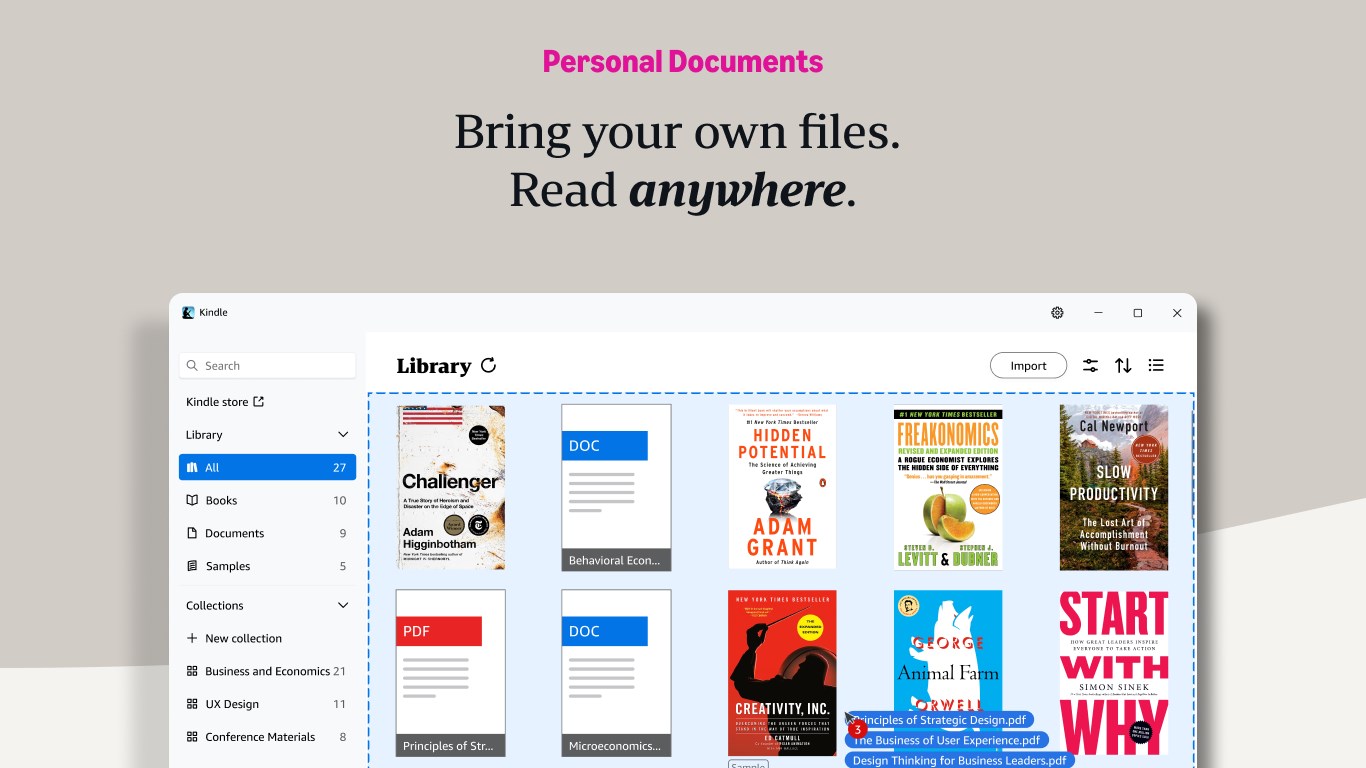
Got a Windows PC? You've got a Kindle. Kindle books you have bought on Amazon will automatically appear in your app. Turn your PC into a book with the free Kindle app—so you can read anytime, anywhere. Explore these features in the Kindle app: • Read your way. Customize your font type, text size, page color, margins, text alignment, layout (multiple columns, single column), and spacing. Go to the Aa menu in your book to get started. • Bookmark places you want to revisit, and make highlights and take notes throughout your book. Open your notebook to see all your notes in the same place. • Look up words while you read. Simply select a word to view its definition. • Track your reading progress. See what percent of the book you've read and real page numbers (for most top titles). • Zoom in on high-definition color images in Kindle books, magazines, comics, and manga. Shift from panel to panel on applicable comics and manga titles when you enable Guided View. • Sync across devices. The Kindle app will automatically sync where you left off—along with your bookmarks, highlights, or notes—so you can seamlessly pick up where you left off. • Bring your own files, read anywhere. Drag and drop your personal documents directly into the Kindle app to read on the app or across your other Kindle apps and devices.
Technical details about Amazon Kindle
Category
Age Rating
Price
Size
532,0 MB
Last updated in Microsoft Store
2026-11-05
App Store Rating
1.7 ★
Amazon Kindle in the rankings
Manage app

Are you on the developer team behind Amazon Kindle?

Verify yourself and manage your listing on Most Voted Apps.

Verify Amazon Kindle for free
Verification usually takes only a few minutes.
Similar apps to Amazon Kindle