
Screenshot appears after consentScreenshot appears after consentScreenshot appears after consentScreenshot appears after consent
Summary
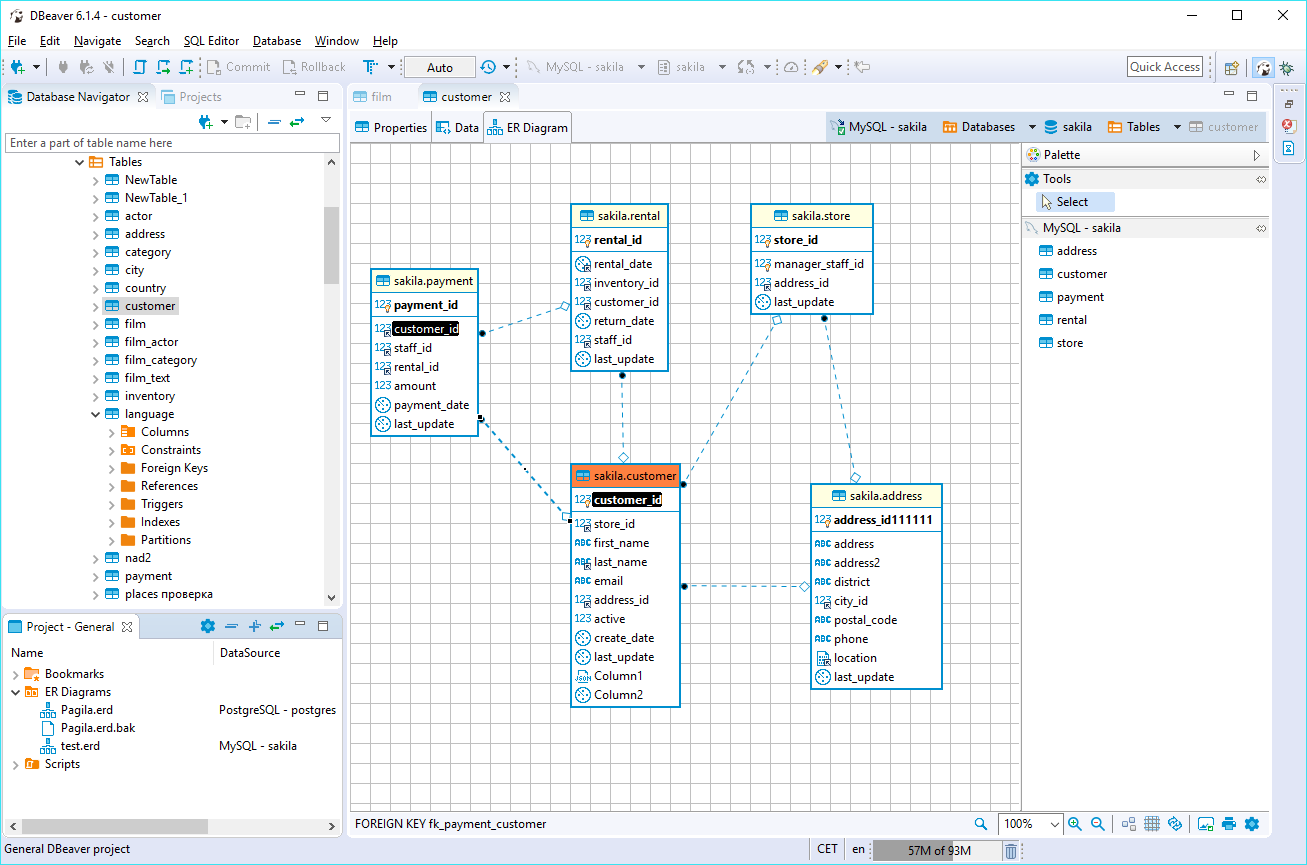
DBeaver CE is a universal database management tool and SQL client. It lets users work with data as in a regular spreadsheet, create analytical reports based on records from different data sources, and export information in an appropriate format. For advanced database users, it offers a range of administrative and development features, and it supports more than 70 databases out of the box.
Show the developer's original descriptionHide the original description
DBeaver is a universal database management tool and SQL client for everyone who needs to work with data in a professional way.
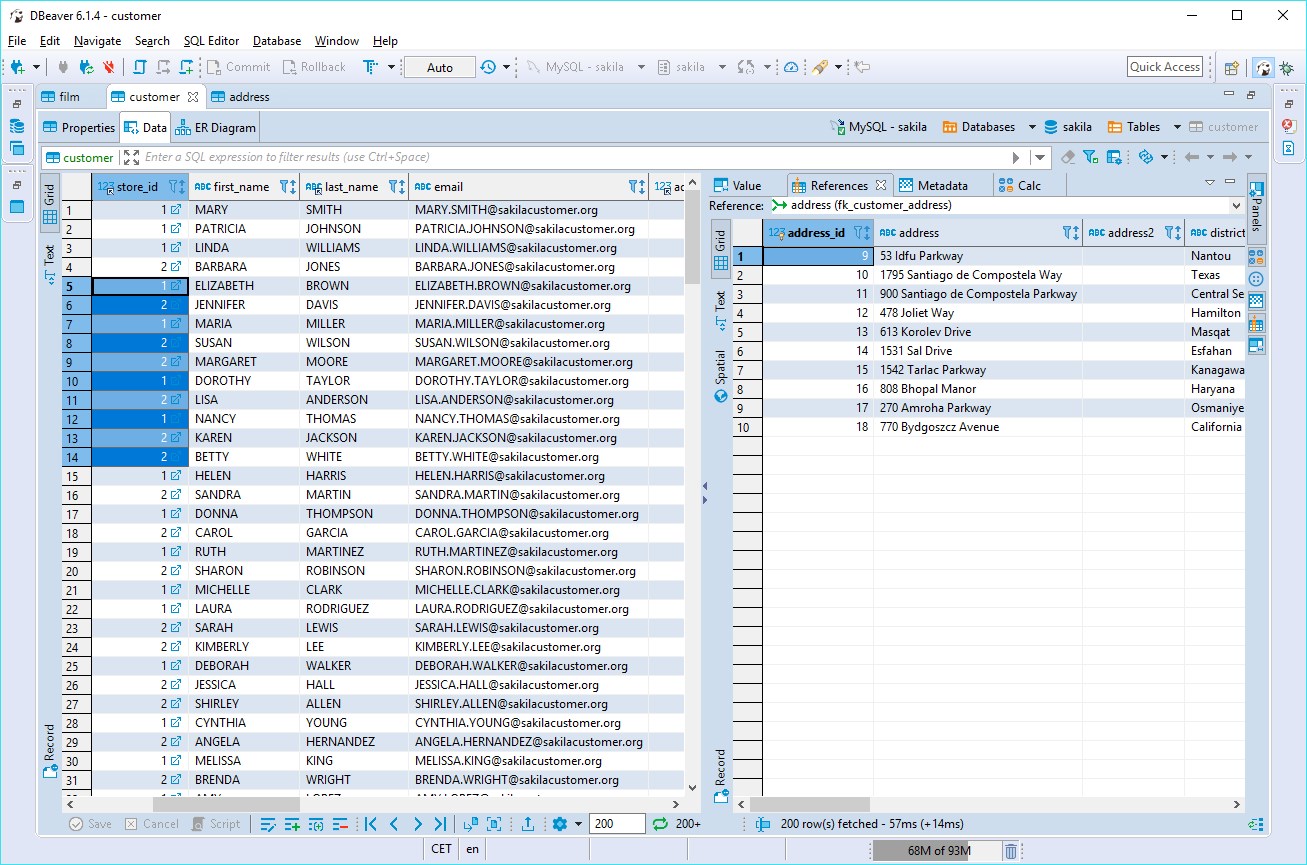
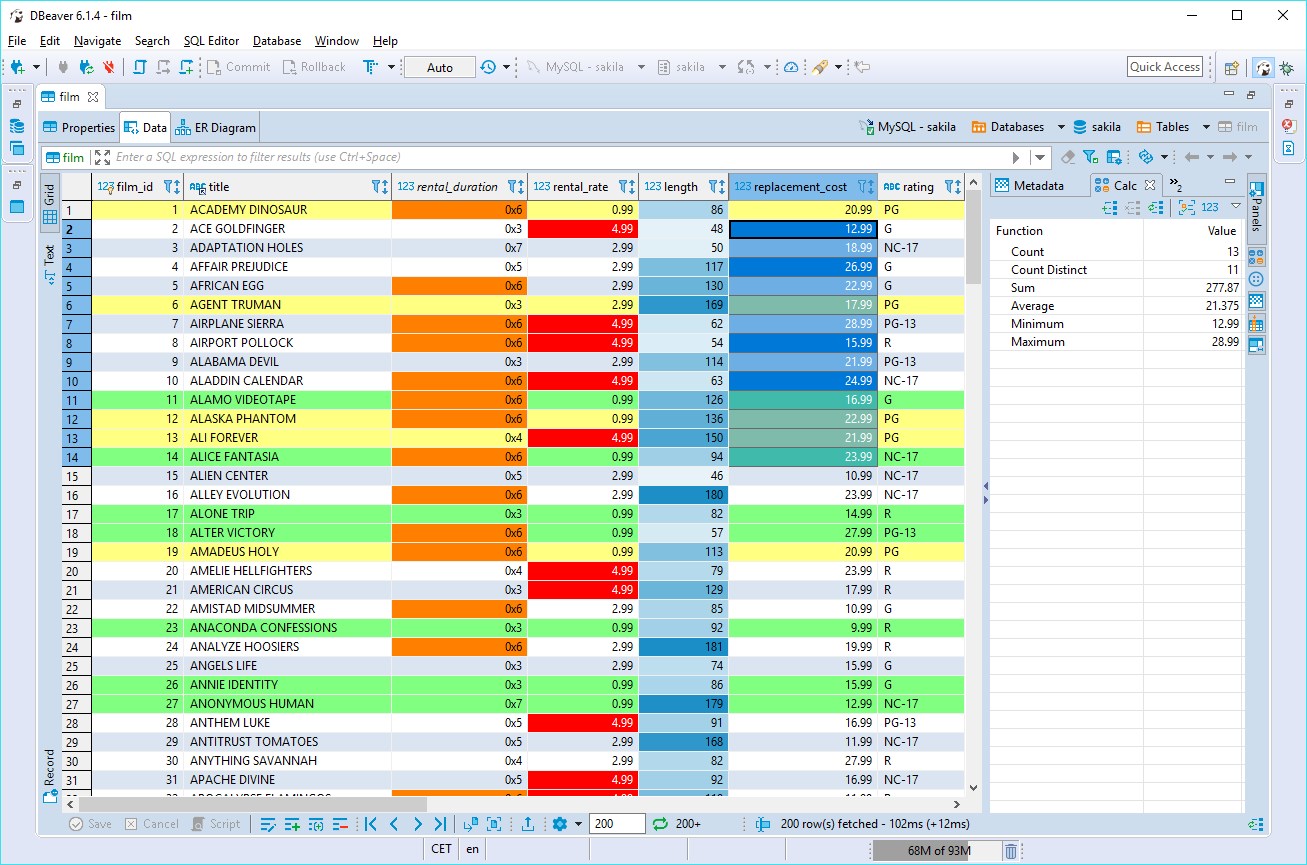
With DBeaver you are able to manipulate with your data like in a regular spreadsheet, create analytical reports based on records from different data sources, export information in an appropriate format.
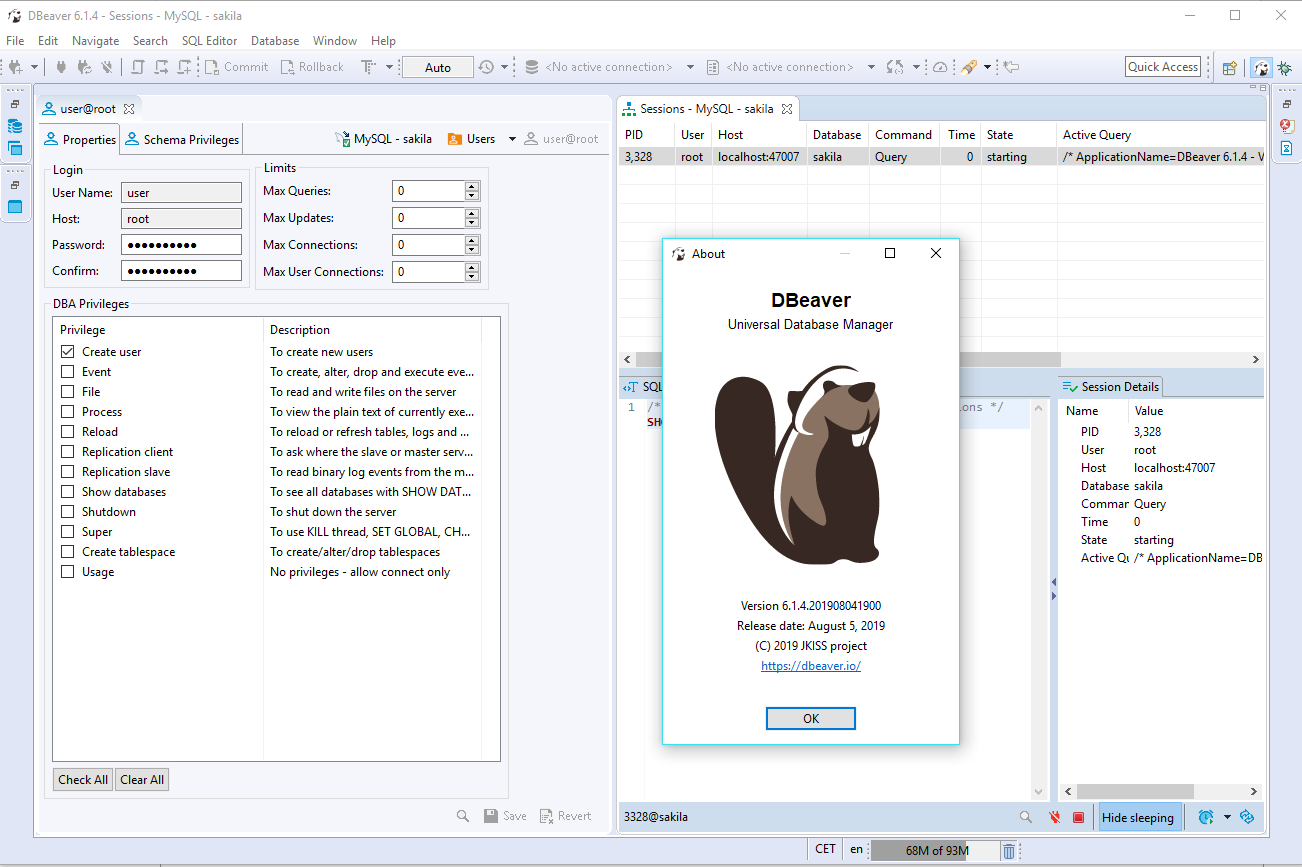
For advanced database users DBeaver suggests a plenty of administrative and development features that turn out hours of development and tens rows of code to a few clicks.
Out-of-the box DBeaver supports more than 70 databases.
More details at https://dbeaver.com
If there is a version of this app for iOS/Mac or Windows we don't know about, paste the store link here — we'll auto-detect the store.
How to find the URL:1. Open the app in its store. 2.In the App Store app: tap the Share icon → “Copy Link”. In the browser: copy the URL from the address bar — it contains apps.apple.com/…/id… or apps.microsoft.com/detail/…. 3. Paste it here.
Paste the original link from the Apple App Store or Microsoft Store. We fetch all details automatically.
How to find the URL:
1. Open the app in its store. 2.In the App Store app: tap the Share icon → “Copy Link”. In the browser: copy the URL from the address bar — it contains apps.apple.com/…/id… or apps.microsoft.com/detail/…. 3. Paste it here.
Android apps can only be listed by their developer.