
Screenshot appears after consentScreenshot appears after consentScreenshot appears after consentScreenshot appears after consentScreenshot appears after consentScreenshot appears after consent
Summary
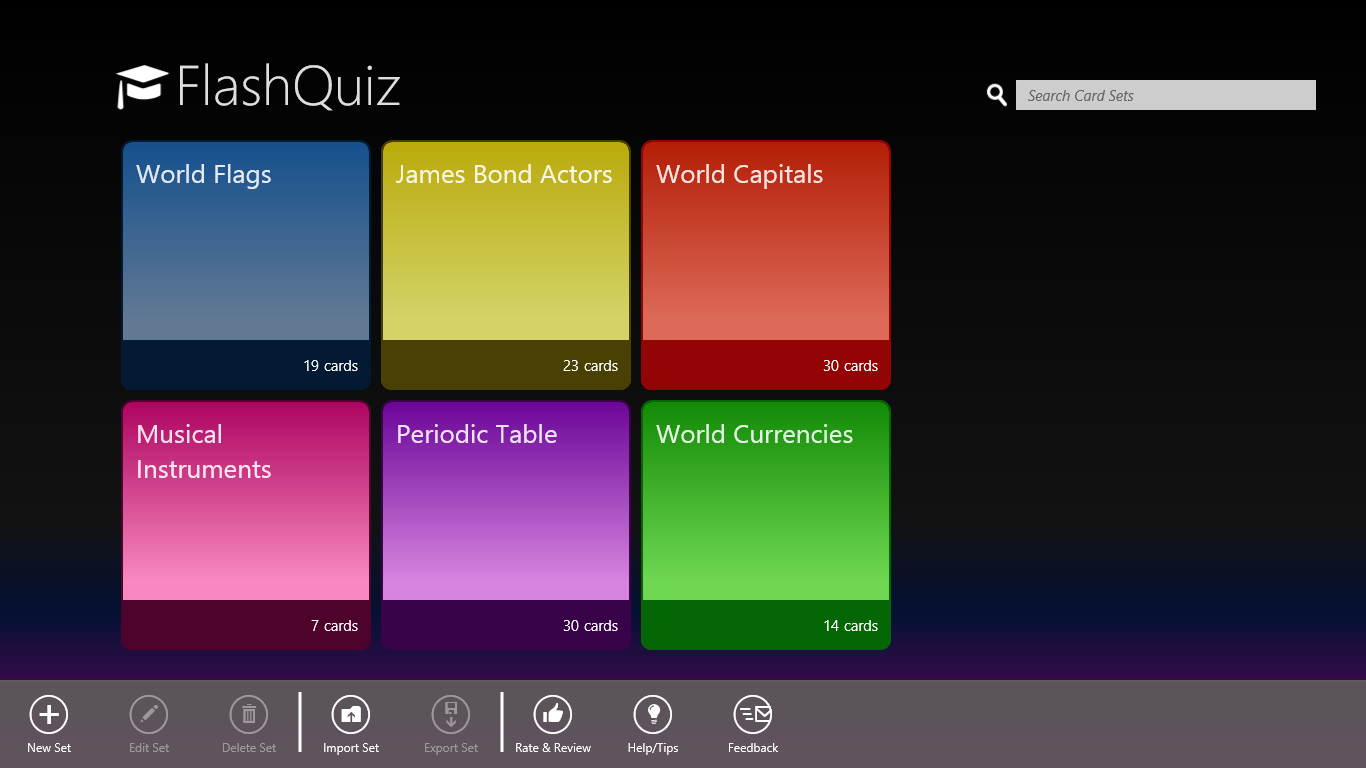
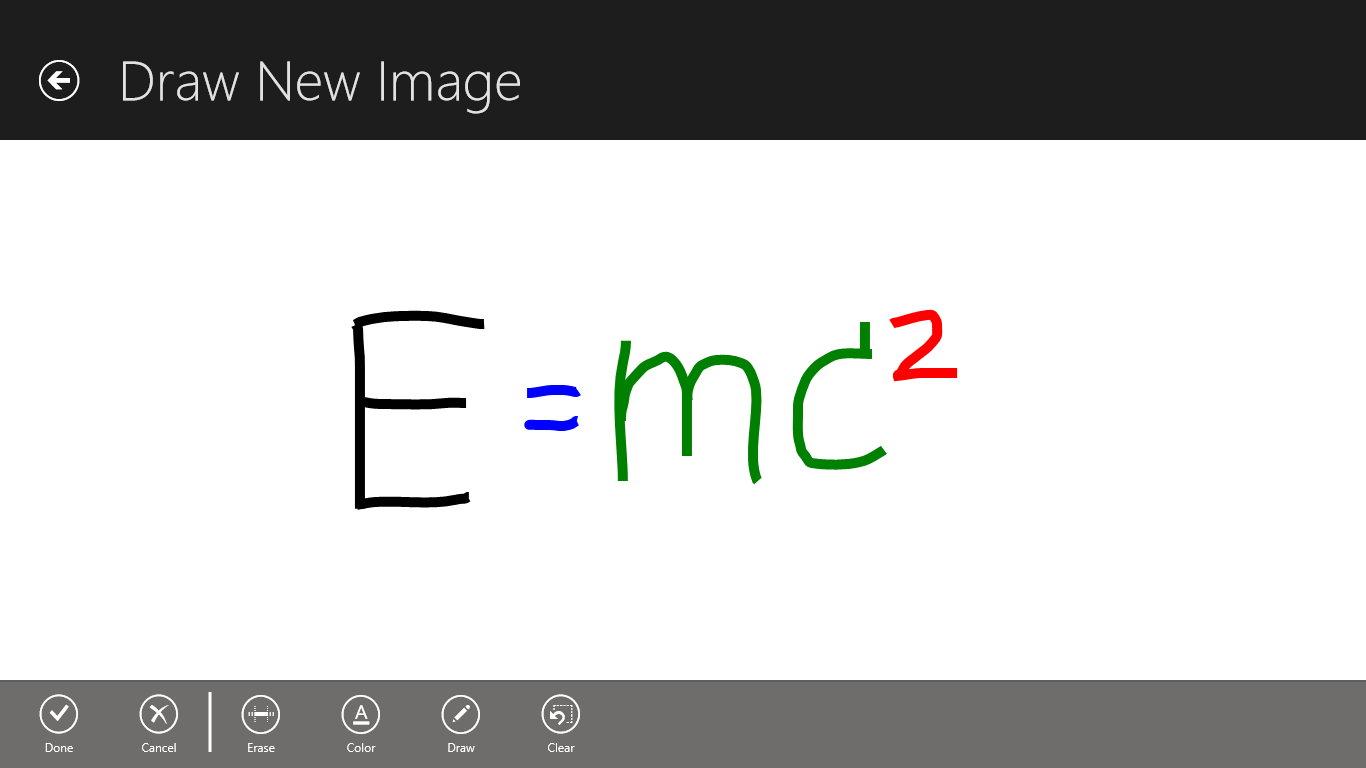
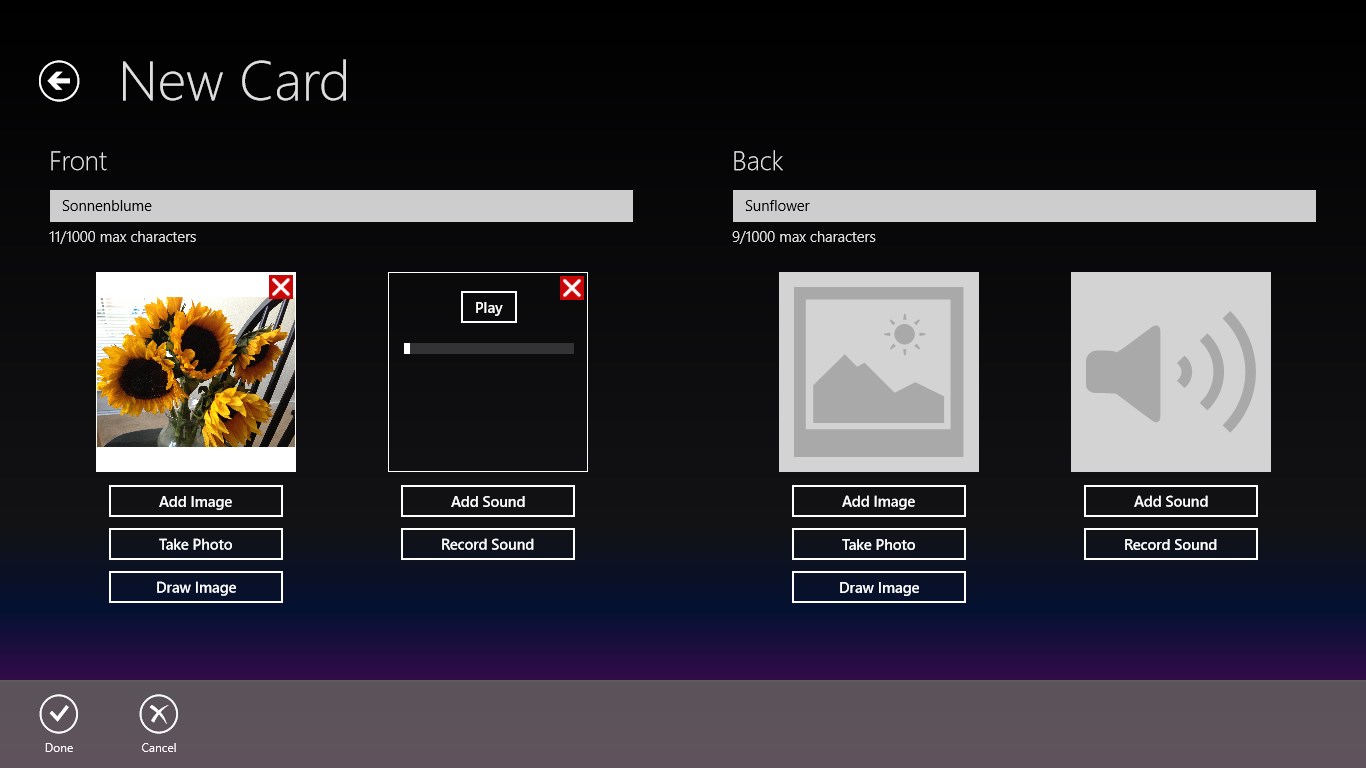
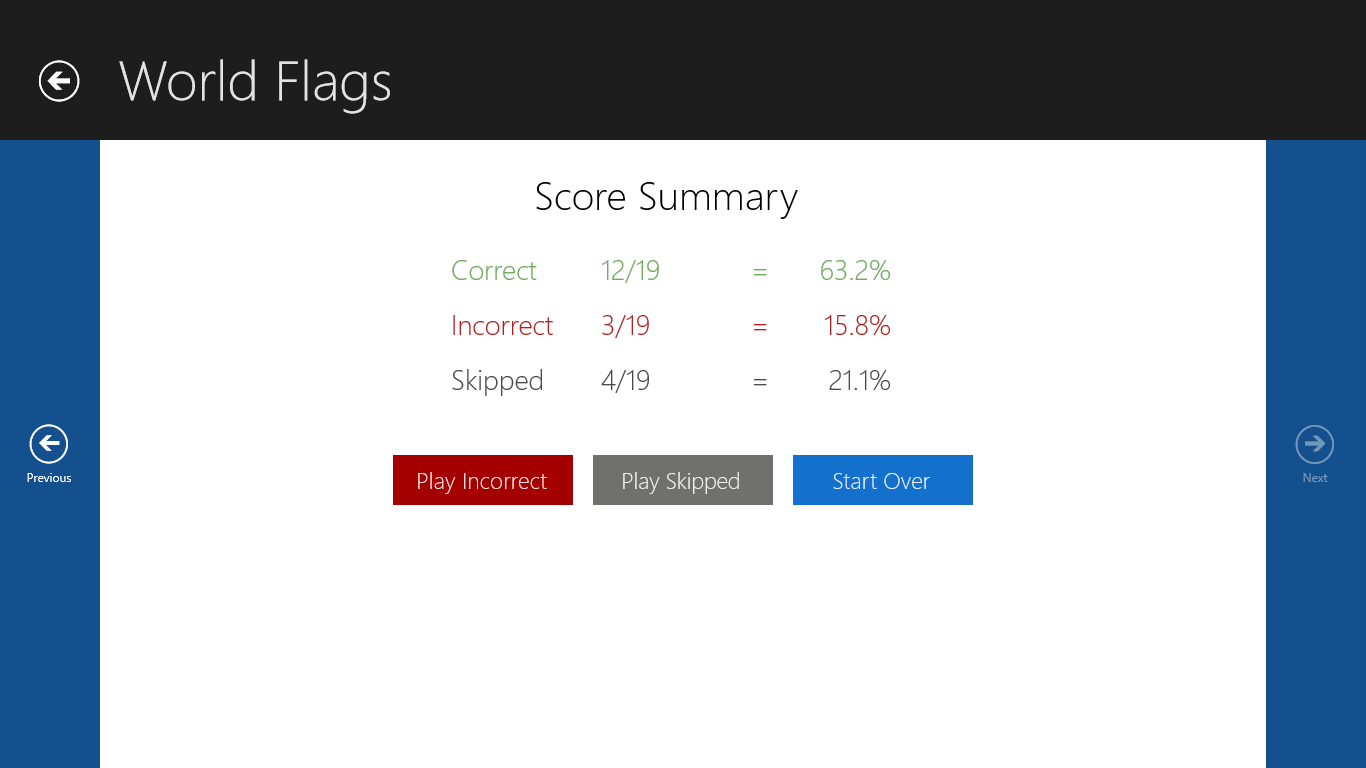
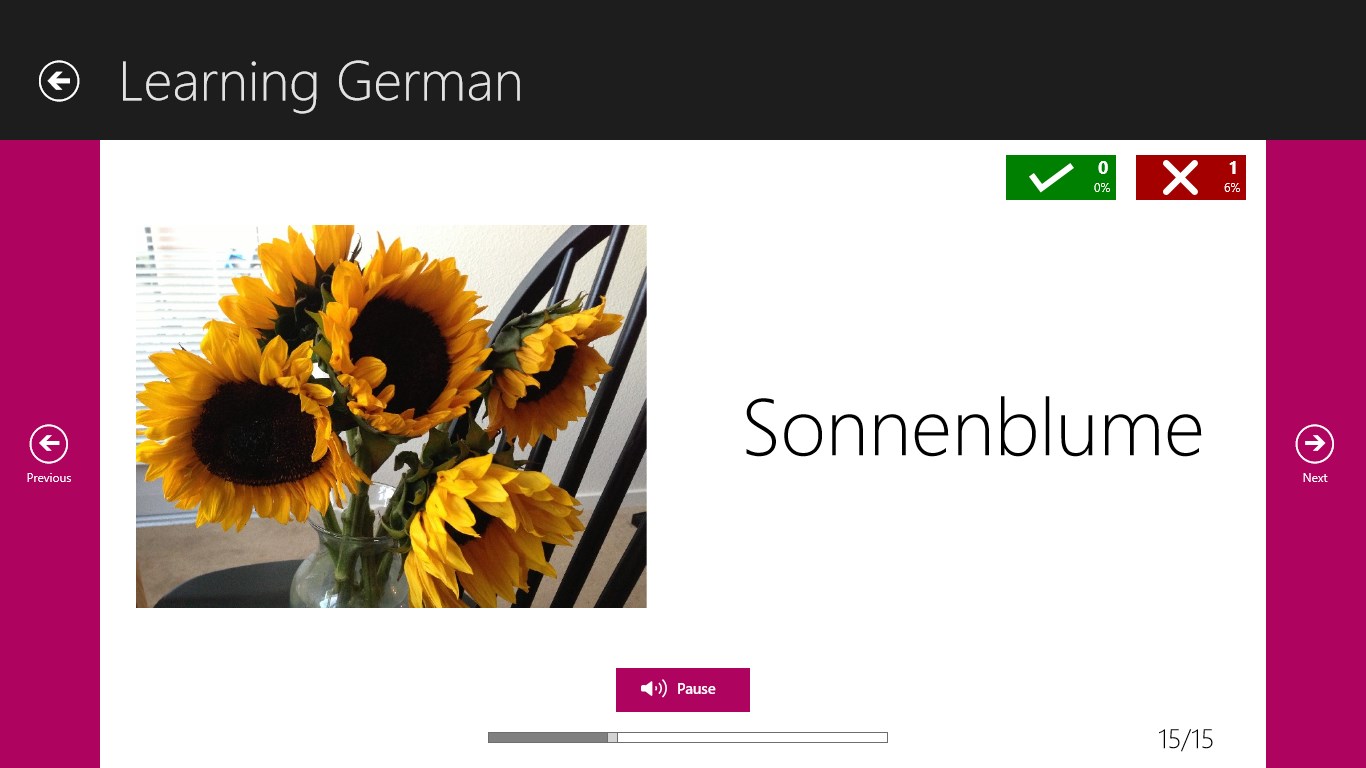
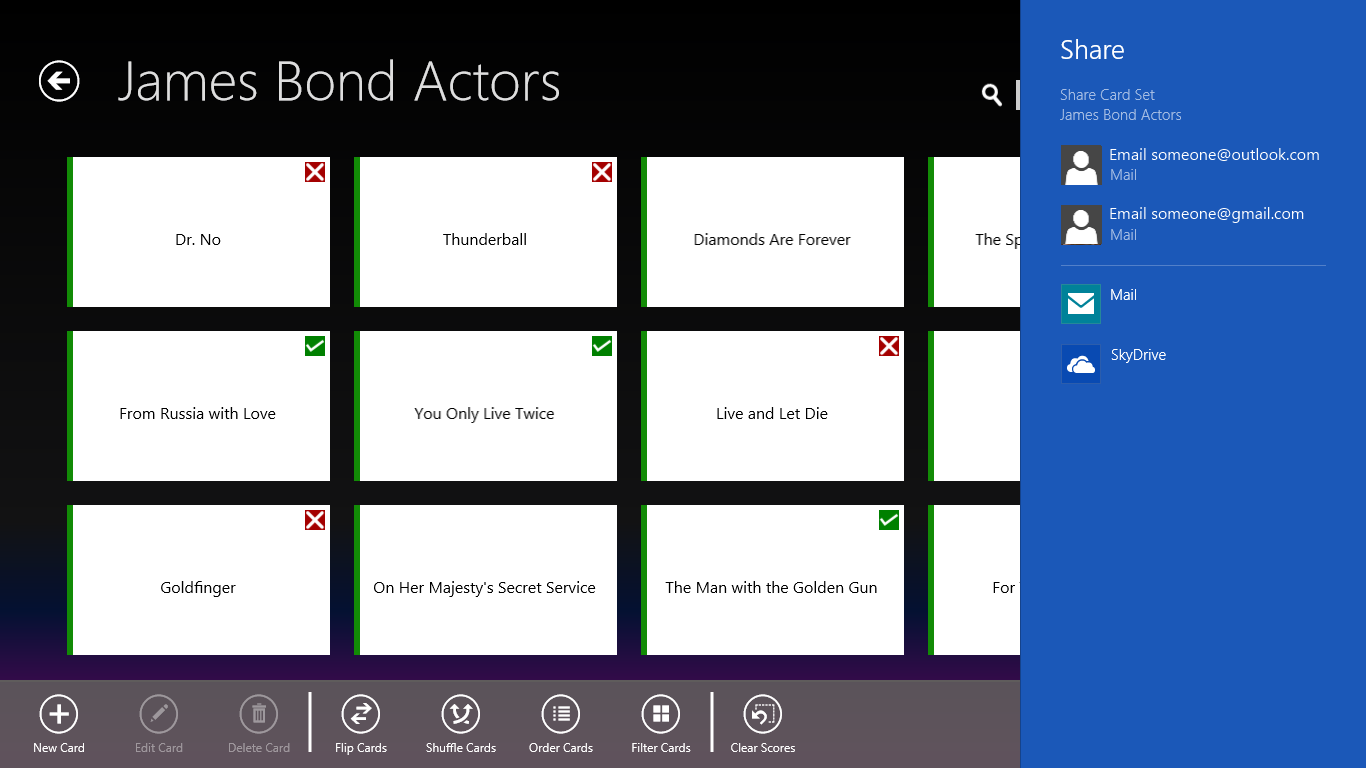
FlashQuiz is a flashcard app for studying. It lets users create their own flashcards with images, sound or personal drawings, and these can be kept private or shared with others. The app tracks which cards are known and which are not, allowing missed cards to be replayed for further practice. Scoring can be handled automatically or skipped entirely for simple browsing. Cards can be navigated using touch, mouse or keyboard gestures, making the study experience adaptable to different preferences.
Show the developer's original descriptionHide the original description
FlashQuiz lets you have fun while studying. Enjoy creating your own flash cards with images, sound or even your own drawings! You can keep your flashcards for yourself or easily share them with anyone you like. FlashQuiz lets you keep track of which cards you know and which ones you don't, and replay the ones you get wrong, helping you learn.
The interface is designed to be simple to use and flexible, so you can study the way you want. You can let FlashQuiz keep score for you, or you can browse without keeping track. Use touch, mouse or keyboard gestures to move through your cards.
We hope you enjoy using FlashQuiz and please send us feedback, we'd love to hear it.
If there is a version of this app for iOS/Mac or Windows we don't know about, paste the store link here — we'll auto-detect the store.
How to find the URL:1. Open the app in its store. 2.In the App Store app: tap the Share icon → “Copy Link”. In the browser: copy the URL from the address bar — it contains apps.apple.com/…/id… or apps.microsoft.com/detail/…. 3. Paste it here.
Paste the original link from the Apple App Store or Microsoft Store. We fetch all details automatically.
How to find the URL:
1. Open the app in its store. 2.In the App Store app: tap the Share icon → “Copy Link”. In the browser: copy the URL from the address bar — it contains apps.apple.com/…/id… or apps.microsoft.com/detail/…. 3. Paste it here.
Android apps can only be listed by their developer.