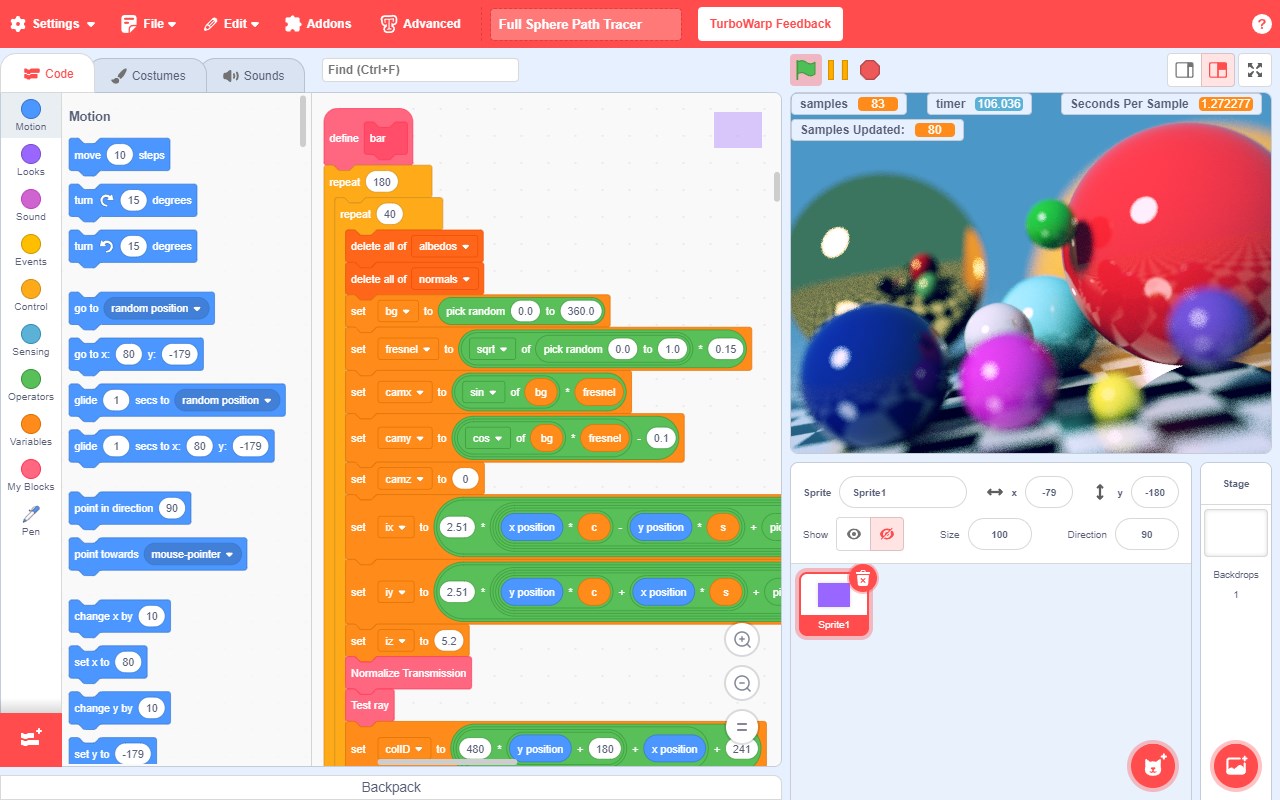
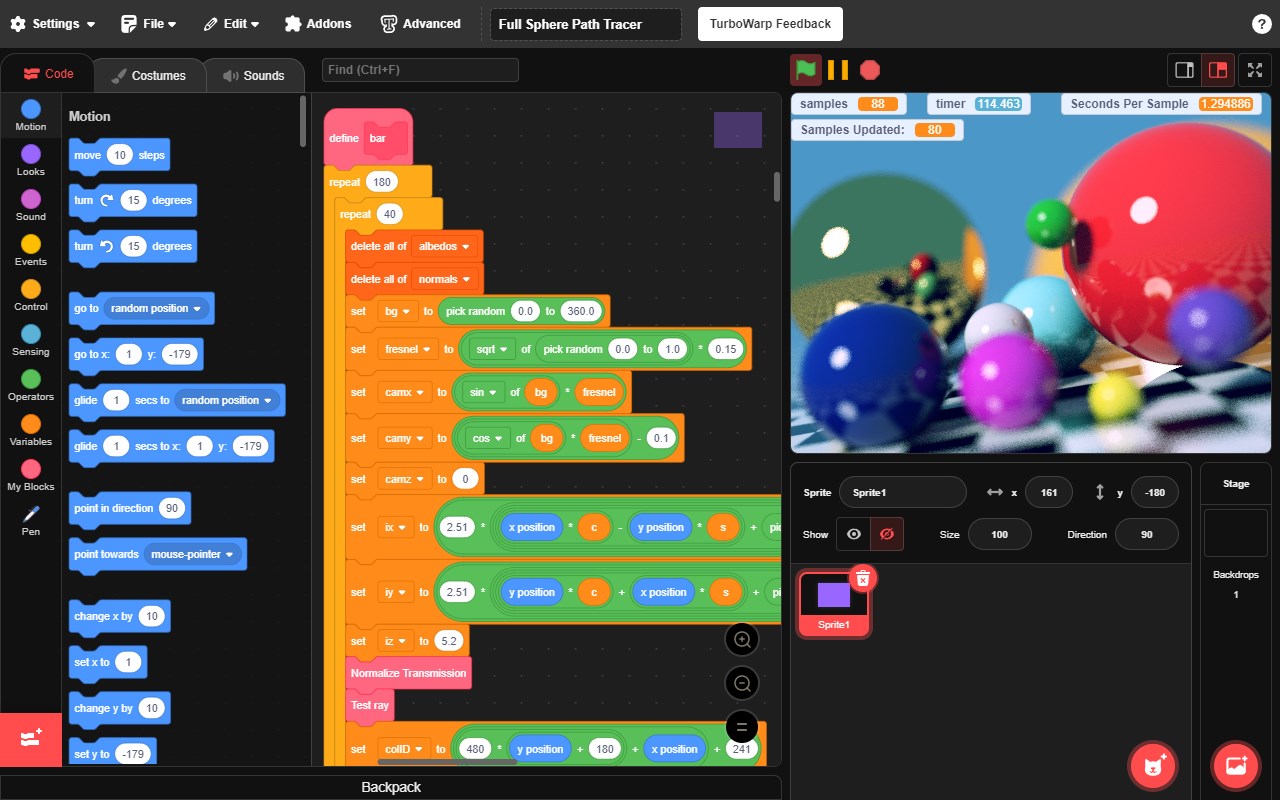


Screenshot appears after consentScreenshot appears after consentScreenshot appears after consentScreenshot appears after consent
Summary
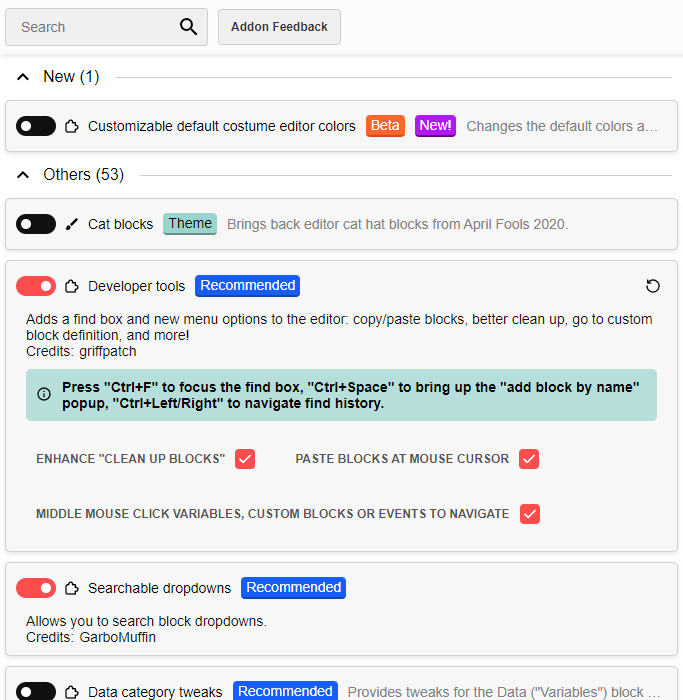
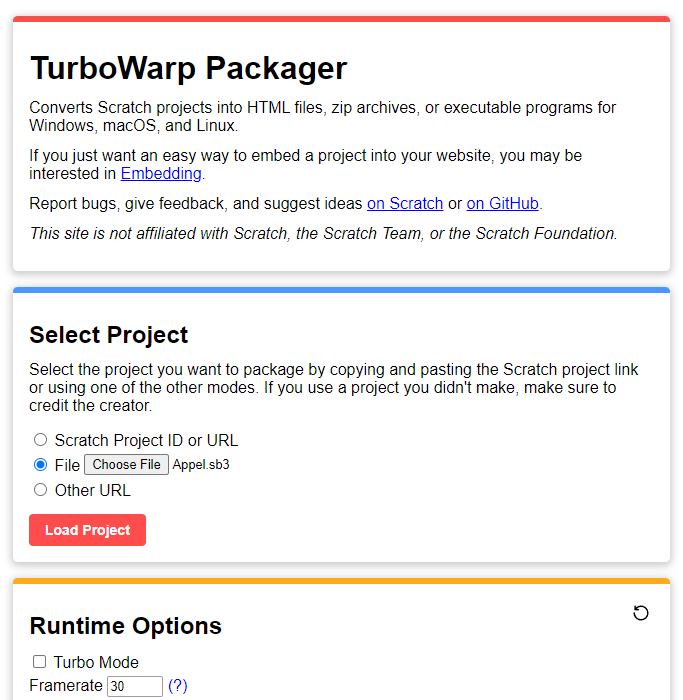
TurboWarp is a mod of the Scratch programming language with a compiler to run projects faster, dark mode, new extensions, a bunch of addons, and more. It offers developer tools, searchable dropdowns, onion skinning, many addons and customizability options, native filesystem and file explorer integration, and less lag when editing large projects. It is still almost 100% compatible with Scratch, and offers optional support for interpolation, 60 FPS, high quality pen, infinite clones, a backpack, and custom extensions. The developers of TurboWarp have no affiliation with the Scratch Team; this is a community-developed mod.
Show the developer's original descriptionHide the original description
TurboWarp is a mod of the Scratch programming language with a compiler to run projects faster, dark mode, new extensions, a bunch of addons, and more.
- Runs projects up to 100x faster than Scratch
- Uses significantly less memory and energy when idle
- Dark mode
- Developer tools, searchable dropdowns, onion skinning
- Many more addons and customizability options
- Still almost 100% compatible with Scratch
- Native filesystem and file explorer integration
- Less lag when editing large projects
- Optional support for interpolation, 60 FPS, high quality pen, infinite clones
- Backpack
- Custom extensions
- and more
The developers of TurboWarp have no affiliation with the Scratch Team. This is a community-developed mod.
Project shown in screenshots is https://scratch.mit.edu/projects/425020125/
If there is a version of this app for iOS/Mac or Windows we don't know about, paste the store link here — we'll auto-detect the store.
How to find the URL:1. Open the app in its store. 2.In the App Store app: tap the Share icon → “Copy Link”. In the browser: copy the URL from the address bar — it contains apps.apple.com/…/id… or apps.microsoft.com/detail/…. 3. Paste it here.
Paste the original link from the Apple App Store or Microsoft Store. We fetch all details automatically.
How to find the URL:
1. Open the app in its store. 2.In the App Store app: tap the Share icon → “Copy Link”. In the browser: copy the URL from the address bar — it contains apps.apple.com/…/id… or apps.microsoft.com/detail/…. 3. Paste it here.
Android apps can only be listed by their developer.