

Screenshot appears after consentScreenshot appears after consentScreenshot appears after consent
Summary
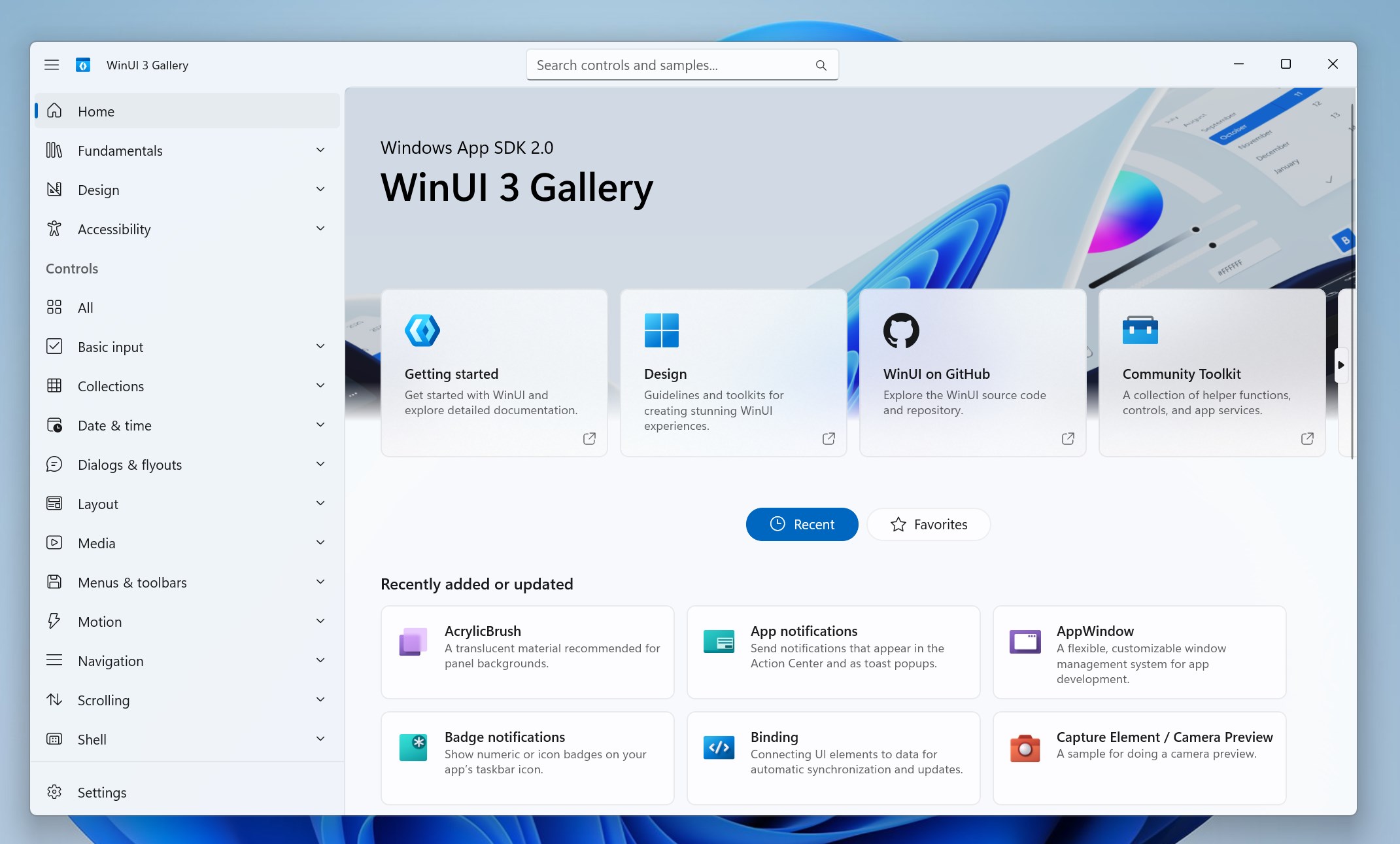
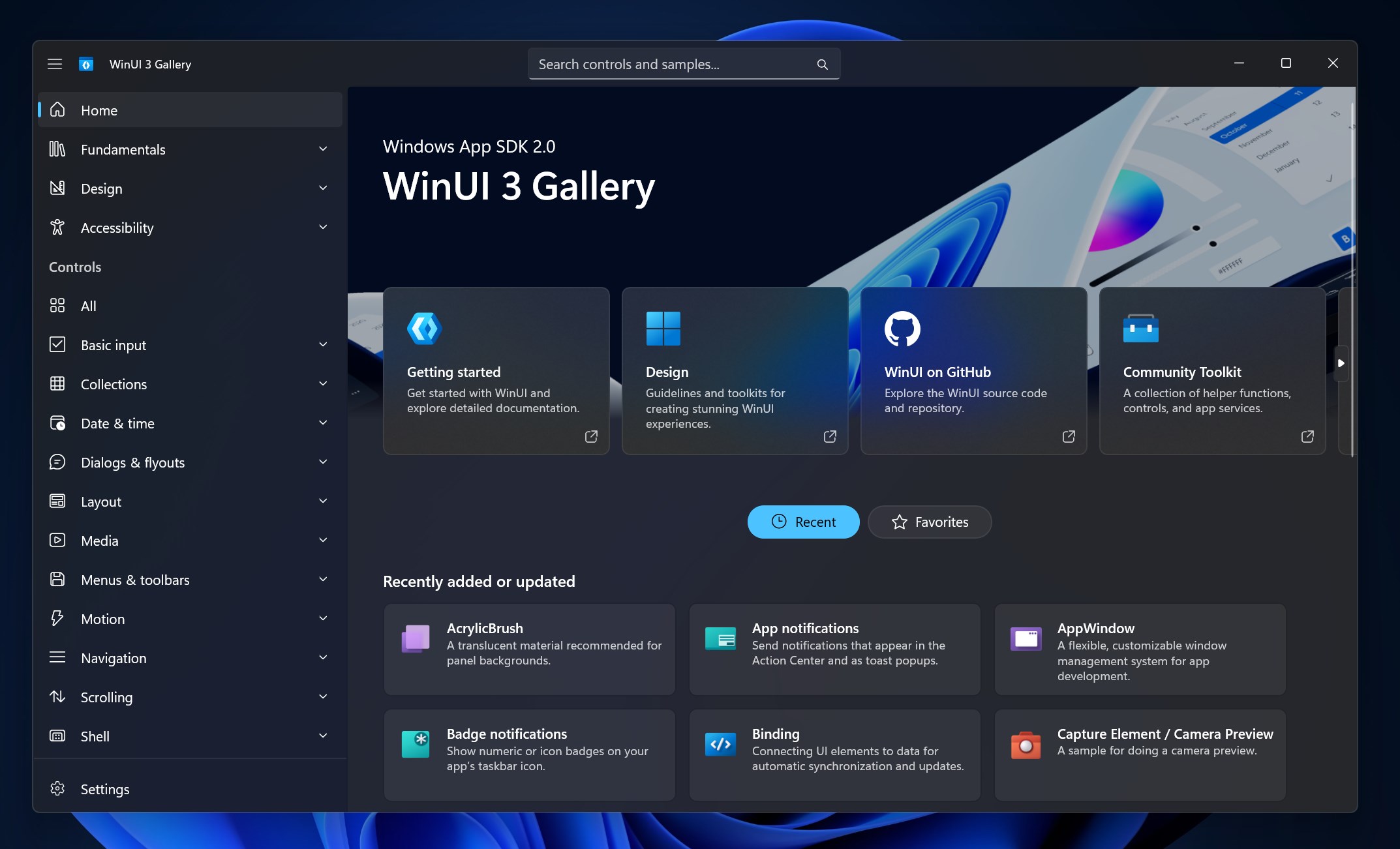
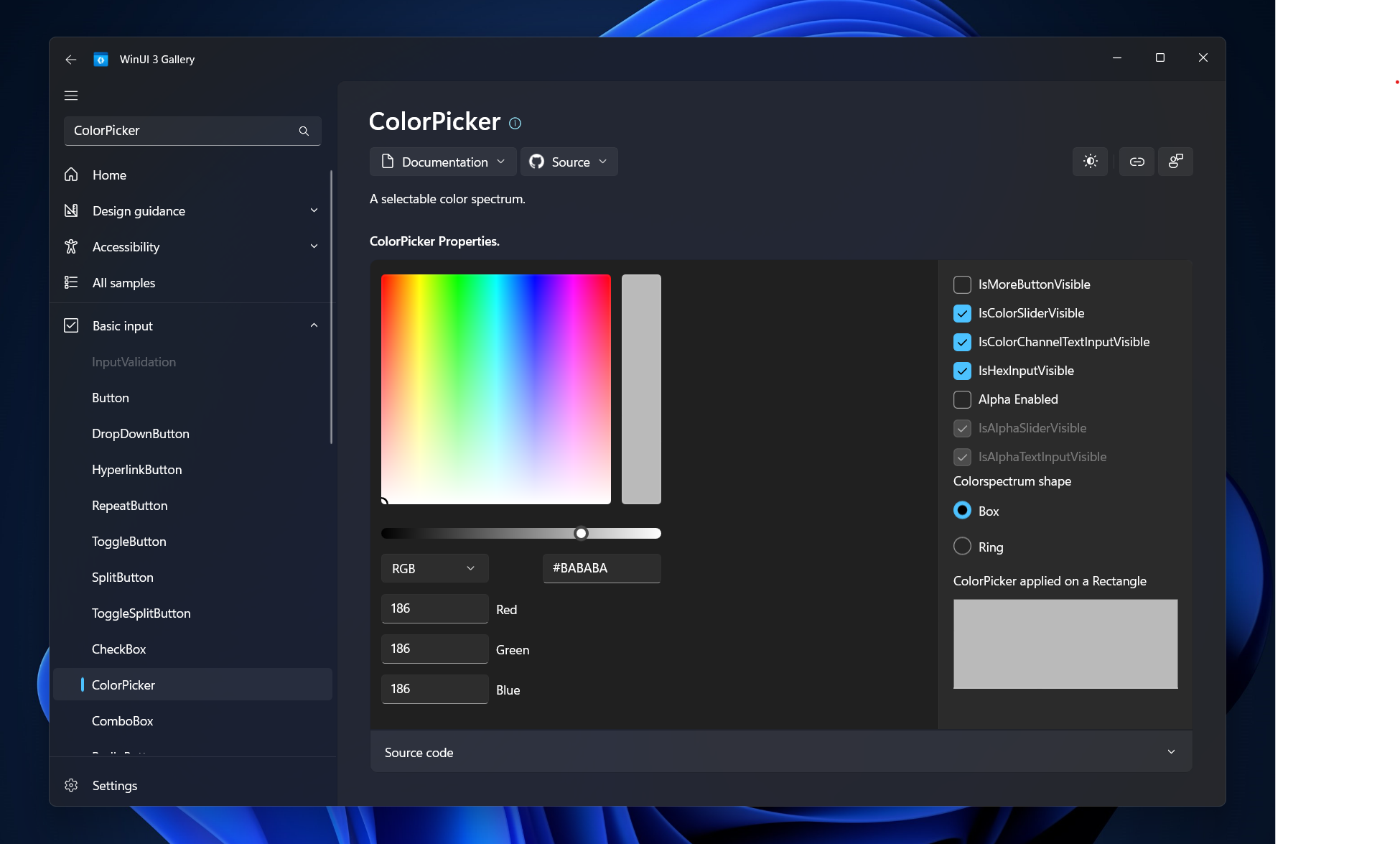
The WinUI 3 Gallery is an interactive showcase app for developers exploring WinUI 3 controls, styles, and features used in building Windows desktop applications with the Windows App SDK. It offers hands-on samples that demonstrate WinUI 3 controls in action through interactive demos. It provides code snippets, giving ready-to-use XAML and C# samples for direct use in projects. It includes a Fluent Design showcase covering brushes, type ramps, and icons. The app is open source, allowing its source code to be viewed and contributed to on GitHub.
Show the developer's original descriptionHide the original description
The WinUI 3 Gallery is the ultimate interactive showcase of WinUI 3 controls, styles, and features. Whether you're a developer exploring modern Windows app design or looking for inspiration, this app provides real-world examples and code snippets of how to build beautiful, fluent, and performant desktop applications with Windows App SDK.
Features:
Hands-on samples – see WinUI 3 controls in action with interactive demos.
Code snippets – get instant access to ready-to-use XAML and C# samples.
Fluent Design showcase – explore brushes, typeramps and icons.
Open source – contribute and see the source code on GitHub
Learn more about WinUI at https://aka.ms/winui
The source code for this app is available on GitHub: https://github.com/microsoft/WinUI-Gallery
If there is a version of this app for iOS/Mac or Windows we don't know about, paste the store link here — we'll auto-detect the store.
How to find the URL:1. Open the app in its store. 2.In the App Store app: tap the Share icon → “Copy Link”. In the browser: copy the URL from the address bar — it contains apps.apple.com/…/id… or apps.microsoft.com/detail/…. 3. Paste it here.
Paste the original link from the Apple App Store or Microsoft Store. We fetch all details automatically.
How to find the URL:
1. Open the app in its store. 2.In the App Store app: tap the Share icon → “Copy Link”. In the browser: copy the URL from the address bar — it contains apps.apple.com/…/id… or apps.microsoft.com/detail/…. 3. Paste it here.
Android apps can only be listed by their developer.