
Screenshot appears after consentScreenshot appears after consentScreenshot appears after consentScreenshot appears after consent
Description
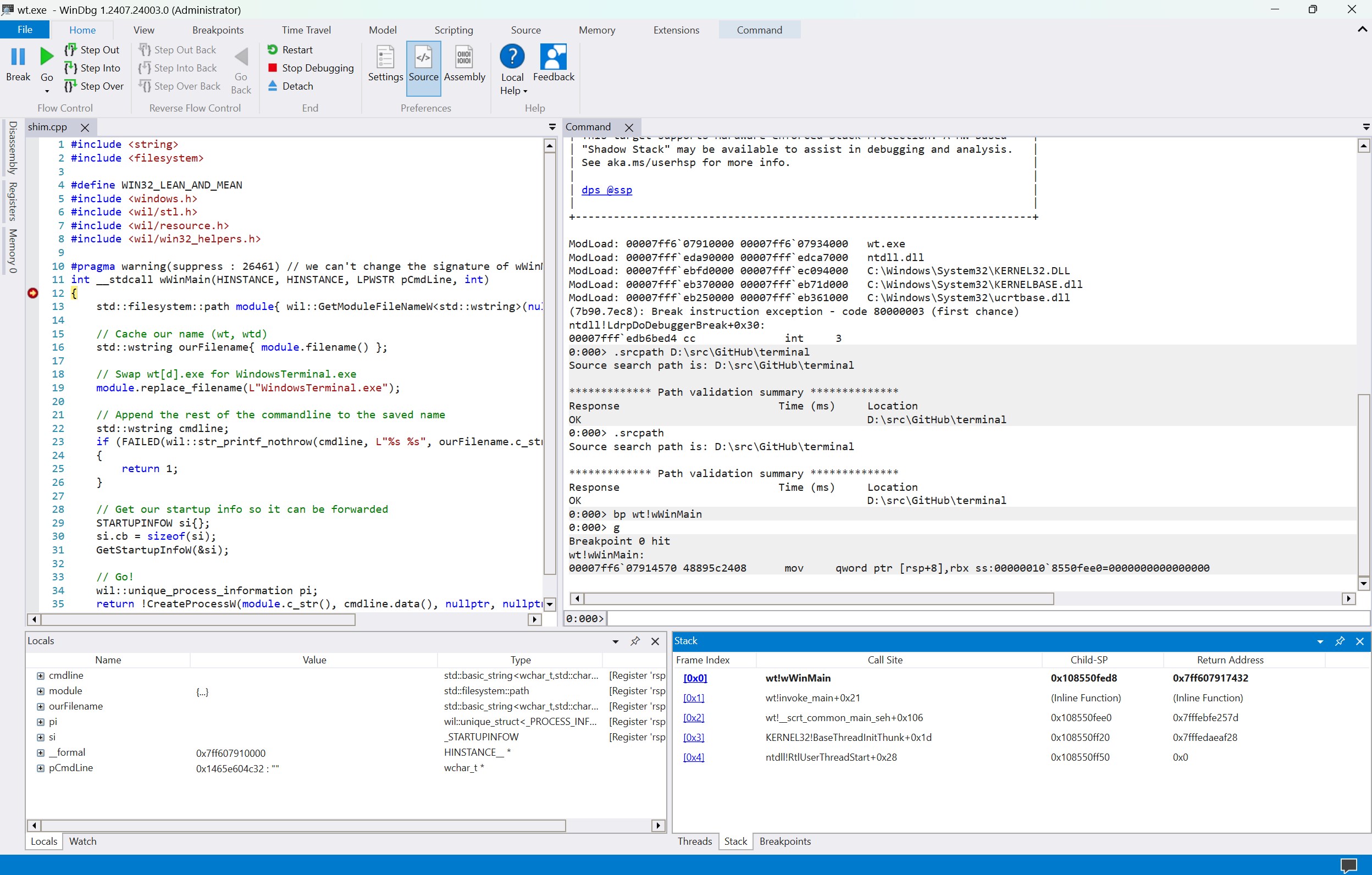
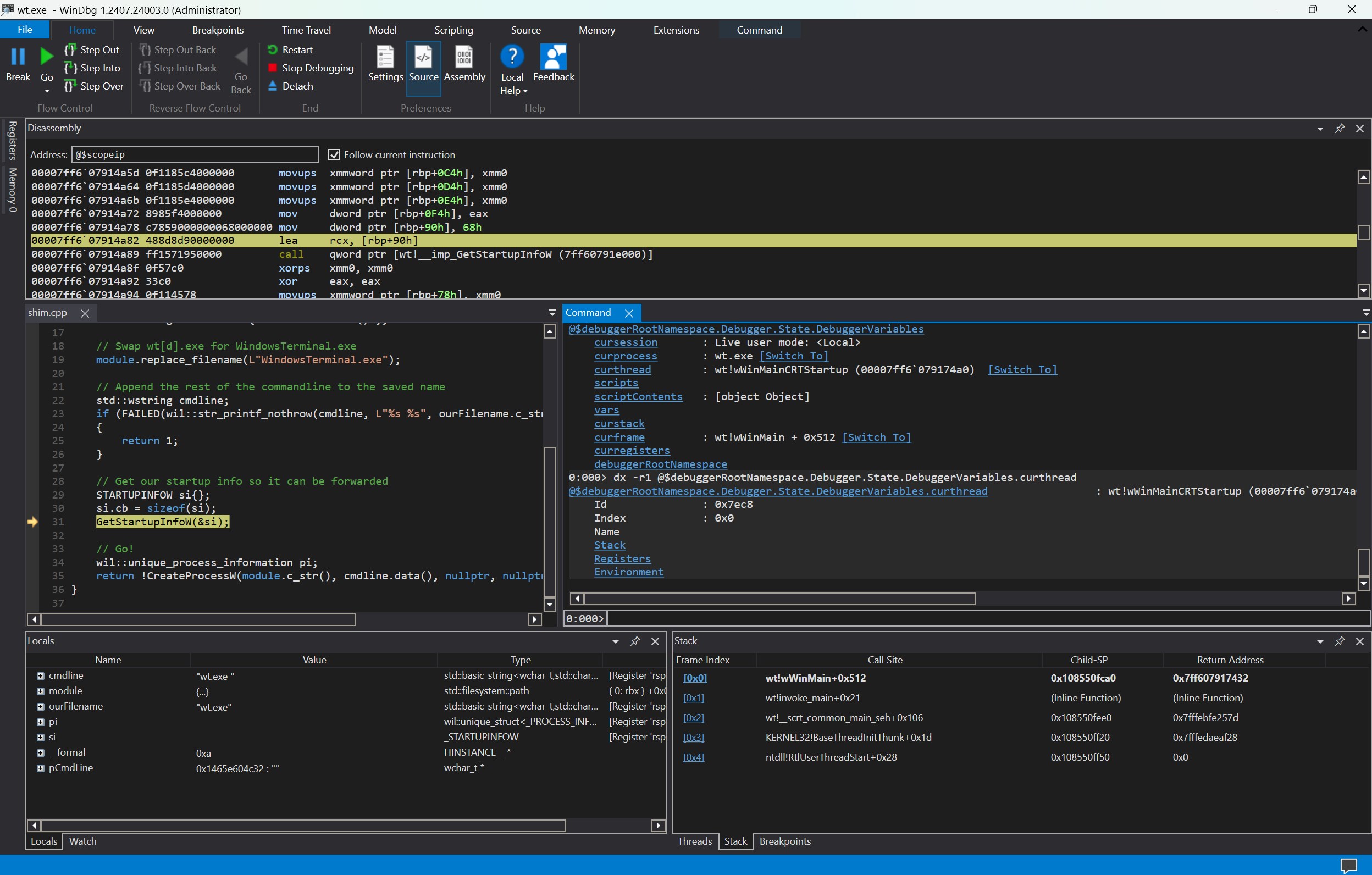
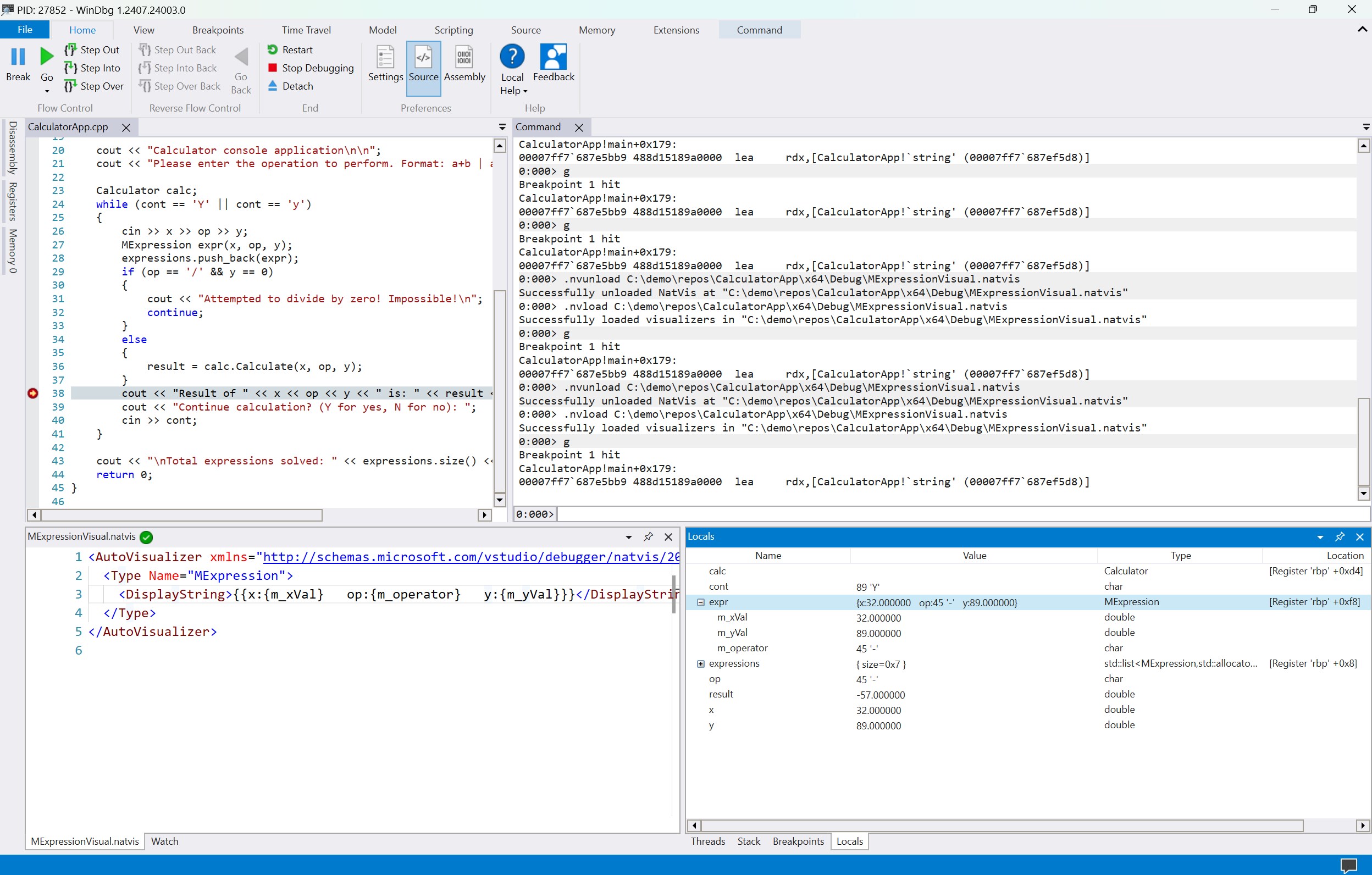
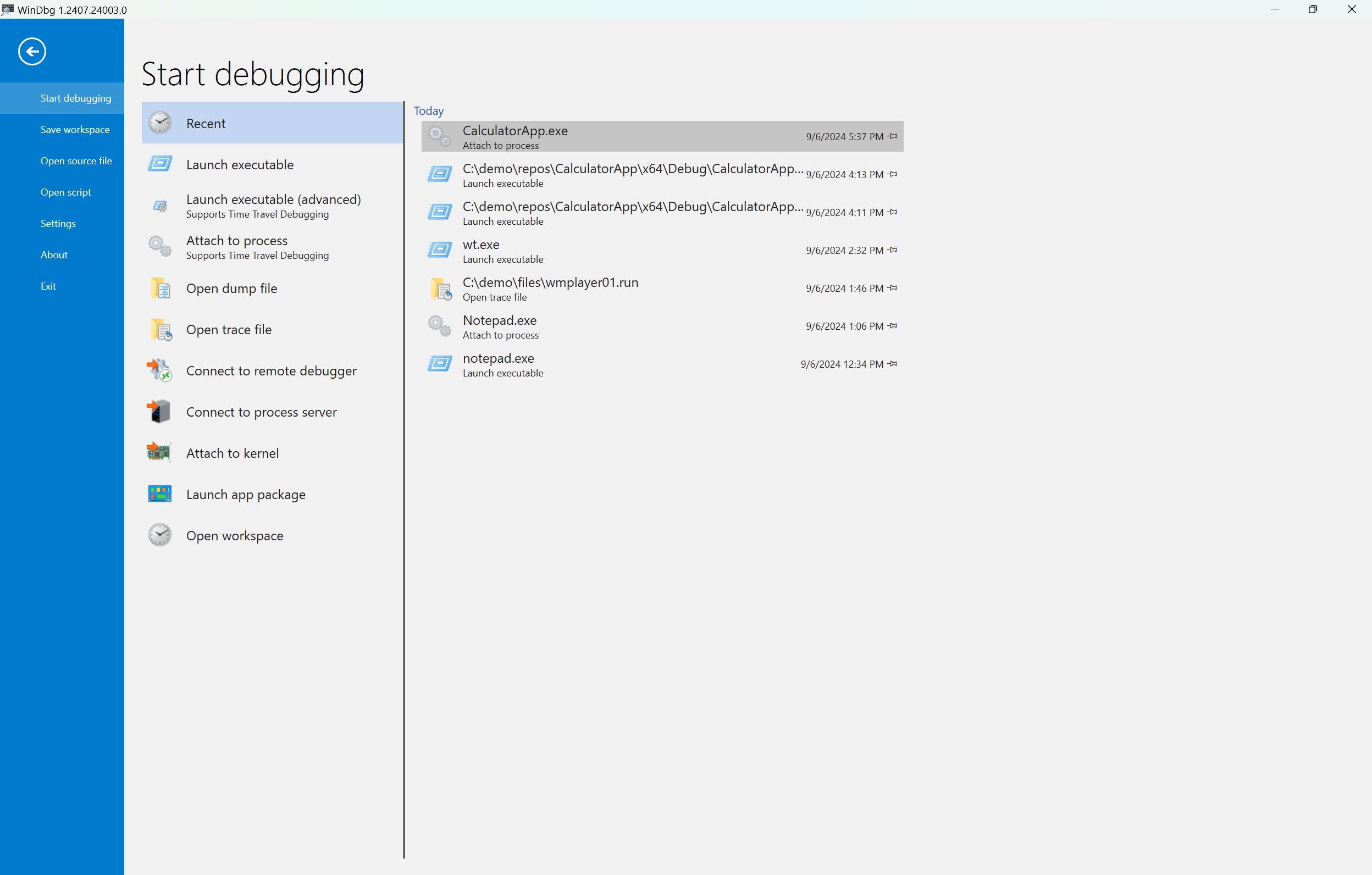
We've updated WinDbg to have more modern visuals, faster windows, a full-fledged scripting experience, and Time Travel Debugging, all with the easily extensible debugger data model front and center. WinDbg is using the same underlying engine as WinDbg (classic), so all the commands, extensions, and workflows you're used to will still work as they did before.
See https://aka.ms/WinDbgWhatsNew and https://go.microsoft.com/fwlink/p/?linkid=854349 for more information!
IMPORTANT: This app works with Windows 10/11 Pro and Home but not with Windows 10/11 S.
If there is a version of this app for iOS/Mac or Windows we don't know about, paste the store link here — we'll auto-detect the store.
How to find the URL:1. Open the app in its store. 2.In the App Store app: tap the Share icon → “Copy Link”. In the browser: copy the URL from the address bar — it contains apps.apple.com/…/id… or apps.microsoft.com/detail/…. 3. Paste it here.
Paste the original link from the Apple App Store or Microsoft Store. We fetch all details automatically.
How to find the URL:
1. Open the app in its store. 2.In the App Store app: tap the Share icon → “Copy Link”. In the browser: copy the URL from the address bar — it contains apps.apple.com/…/id… or apps.microsoft.com/detail/…. 3. Paste it here.
Android apps can only be listed by their developer.