
Screenshot appears after consentScreenshot appears after consentScreenshot appears after consentScreenshot appears after consentScreenshot appears after consent
Summary
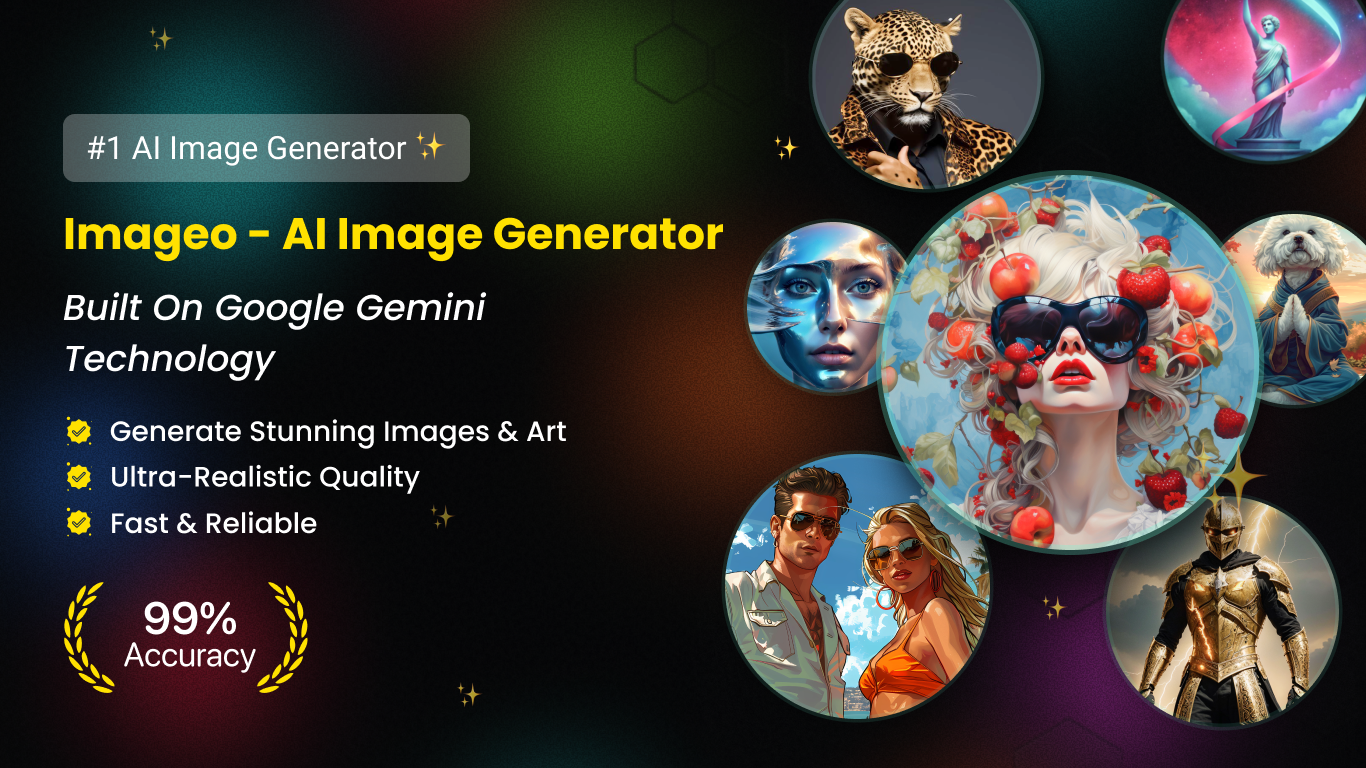
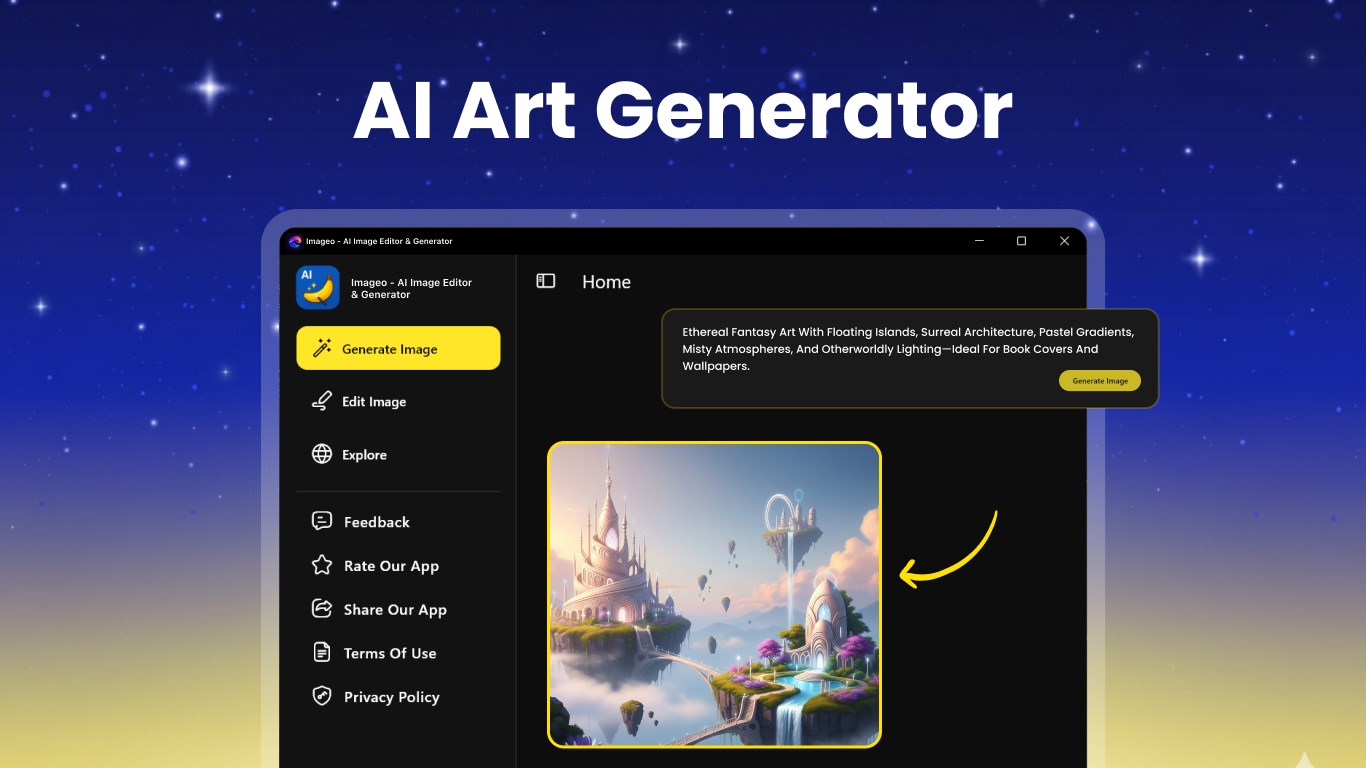
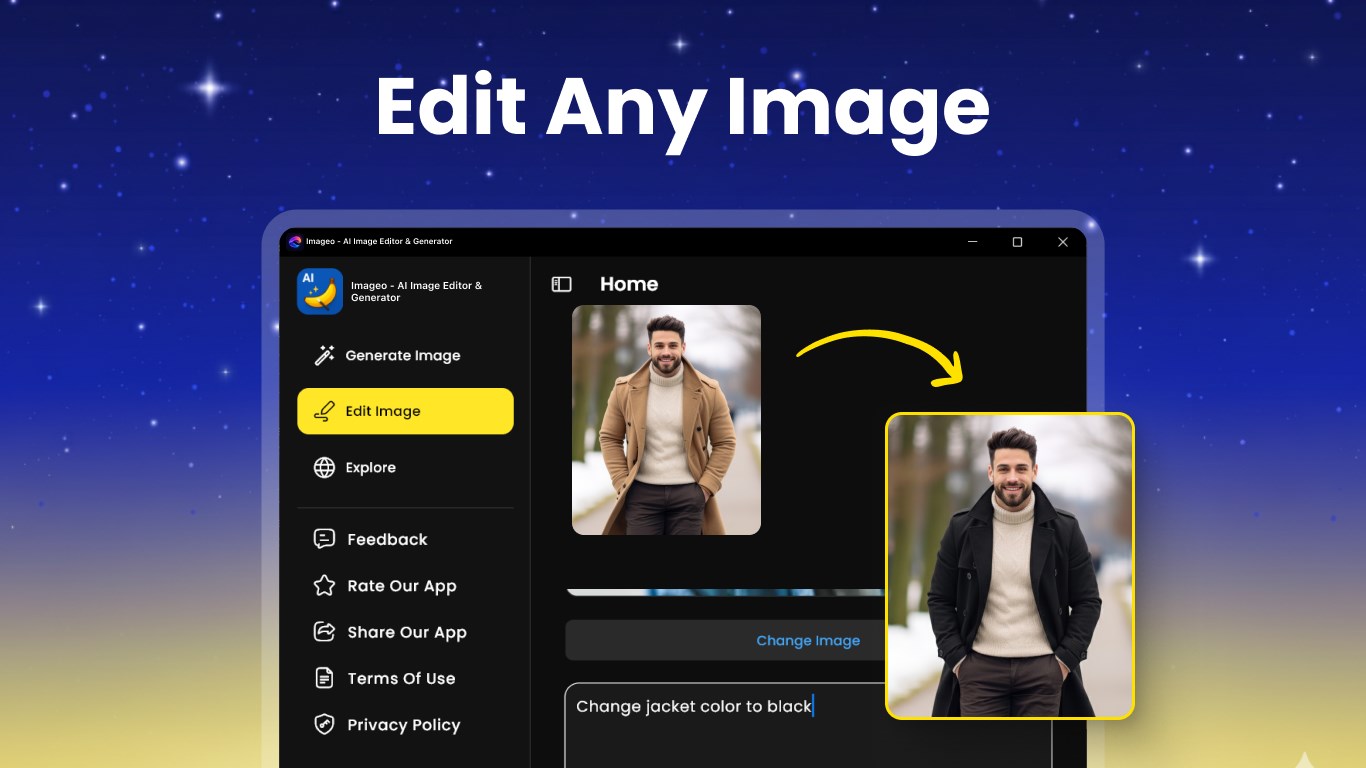
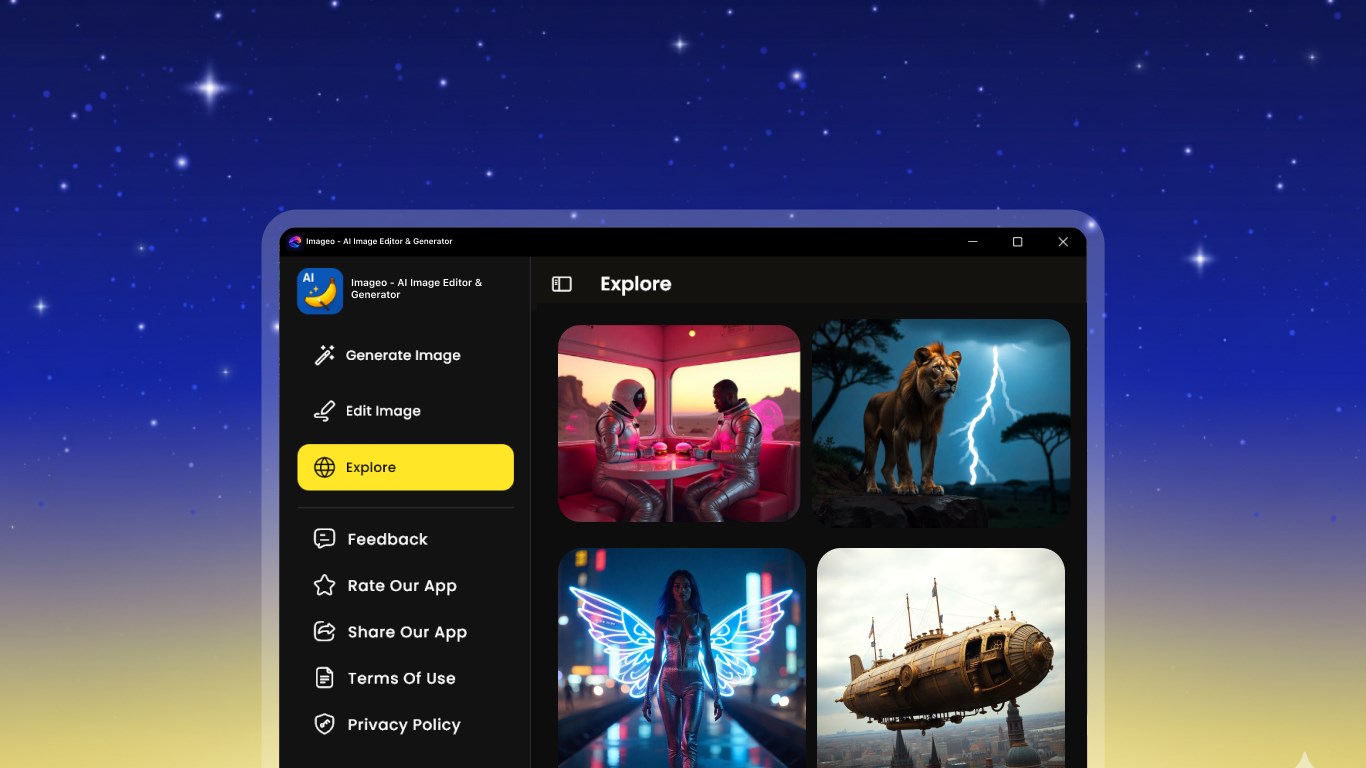
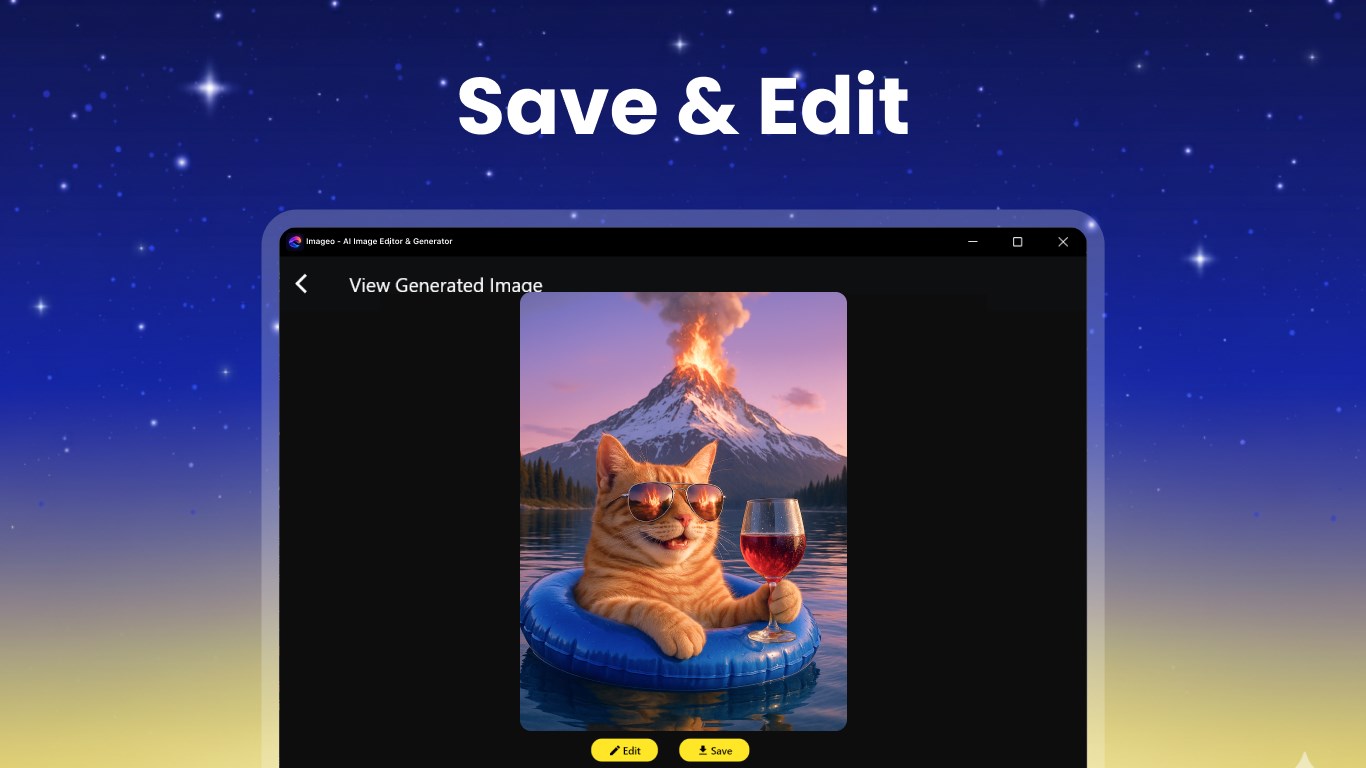
Imageo - AI Image Editor & Generator is a photo editing app that turns ideas into visuals. It generates images from text descriptions within seconds. It also offers photo editing tools for cropping, adjusting and applying filters to enhance pictures instantly. Creative tools allow adding effects, text, stickers and styles to images. The app is designed for fast, simple use without requiring particular skills.
Show the developer's original descriptionHide the original description
Imageo – AI Image Editor & Generator
Create, edit, and transform images effortlessly with Imageo. Turn your ideas into stunning visuals using powerful AI tools—all in one simple app.
AI Image Generation
Generate unique images from text in seconds. Just type your idea and let AI bring it to life.
Easy Photo Editing
Edit your photos with simple tools—crop, adjust, apply filters, and enhance instantly.
Creative Tools
Add effects, text, stickers, and styles to make your images stand out.
Fast & Simple
Designed for everyone. No skills needed—just tap, create, and share.
Why Imageo?
• Text to image in seconds
• Easy photo editing tools
• Creative filters & effects
• Fast AI processing
• Simple and clean experience
Turn your ideas into amazing images with Imageo
Play Store URL for "Imageo - AI Image Editor & Generator"
If there is a version of this app for iOS/Mac or Windows we don't know about, paste the store link here — we'll auto-detect the store.
How to find the URL:1. Open the app in its store. 2.In the App Store app: tap the Share icon → “Copy Link”. In the browser: copy the URL from the address bar — it contains apps.apple.com/…/id… or apps.microsoft.com/detail/…. 3. Paste it here.
Paste the original link from the Apple App Store or Microsoft Store. We fetch all details automatically.
How to find the URL:
1. Open the app in its store. 2.In the App Store app: tap the Share icon → “Copy Link”. In the browser: copy the URL from the address bar — it contains apps.apple.com/…/id… or apps.microsoft.com/detail/…. 3. Paste it here.
Android apps can only be listed by their developer.