Screenshot appears after consentScreenshot appears after consentScreenshot appears after consentScreenshot appears after consentScreenshot appears after consentScreenshot appears after consent
Screenshot appears after consentScreenshot appears after consentScreenshot appears after consentScreenshot appears after consentScreenshot appears after consentScreenshot appears after consent
Screenshot appears after consentScreenshot appears after consentScreenshot appears after consentScreenshot appears after consentScreenshot appears after consentScreenshot appears after consentScreenshot appears after consentScreenshot appears after consentScreenshot appears after consent
Summary
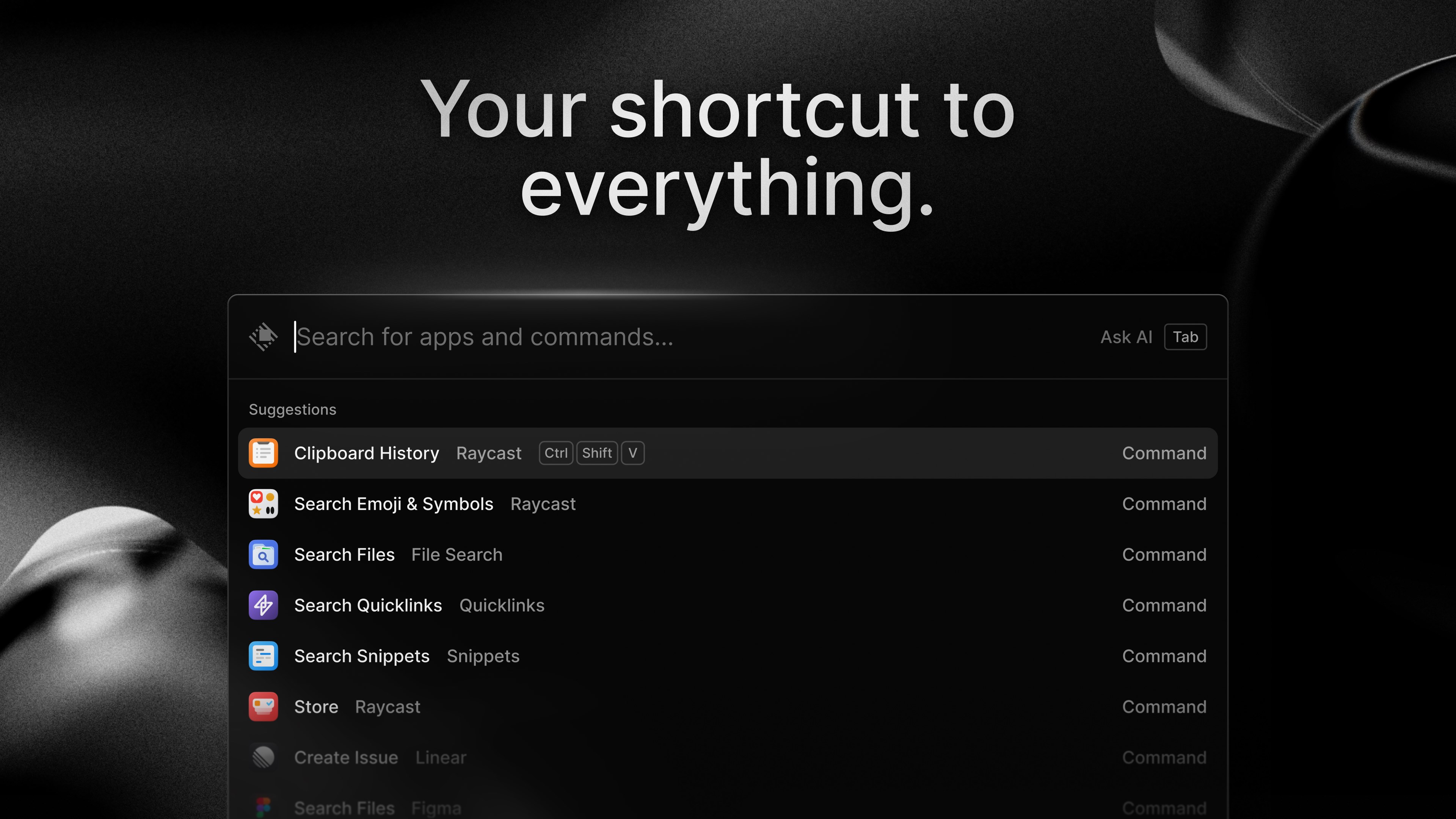
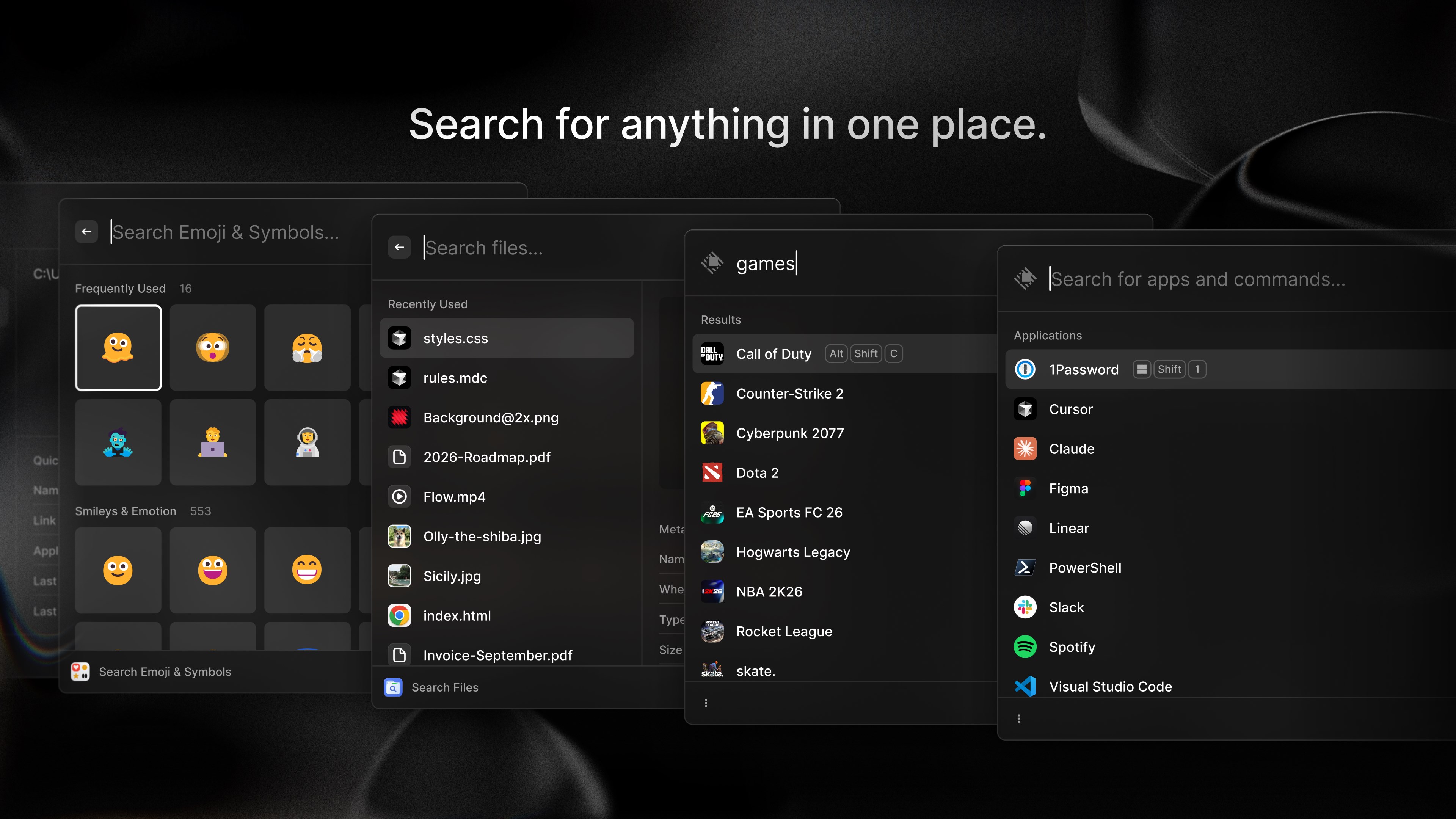
Raycast is a productivity application for launching apps, searching files, and automating work with AI. It opens apps, files, and commands instantly through keyboard shortcuts, and includes file search, clipboard history, window management, and quicklinks for fast access to tools and websites. Snippets and a natural-language calculator speed up repetitive tasks. Built-in AI offers quick answers or longer chats using models from providers such as OpenAI, Anthropic, Google, and xAI, with the ability to add context from screens, files, or clipboard content. Raycast is free to download and use, with a Pro subscription available for expanded features.
Show the developer's original descriptionHide the original description
Raycast is a command bar for Windows to launch apps, search files, automate your work with AI, jot down notes, block distractions, and so much more. It is your shortcut to everything.
THE BASICS
- App Launcher: Open apps, games, settings, and commands instantly
- Hotkeys: Open apps, files, folders, and commands from anywhere with keyboard shortcuts
- File Search: Find files and folders quickly
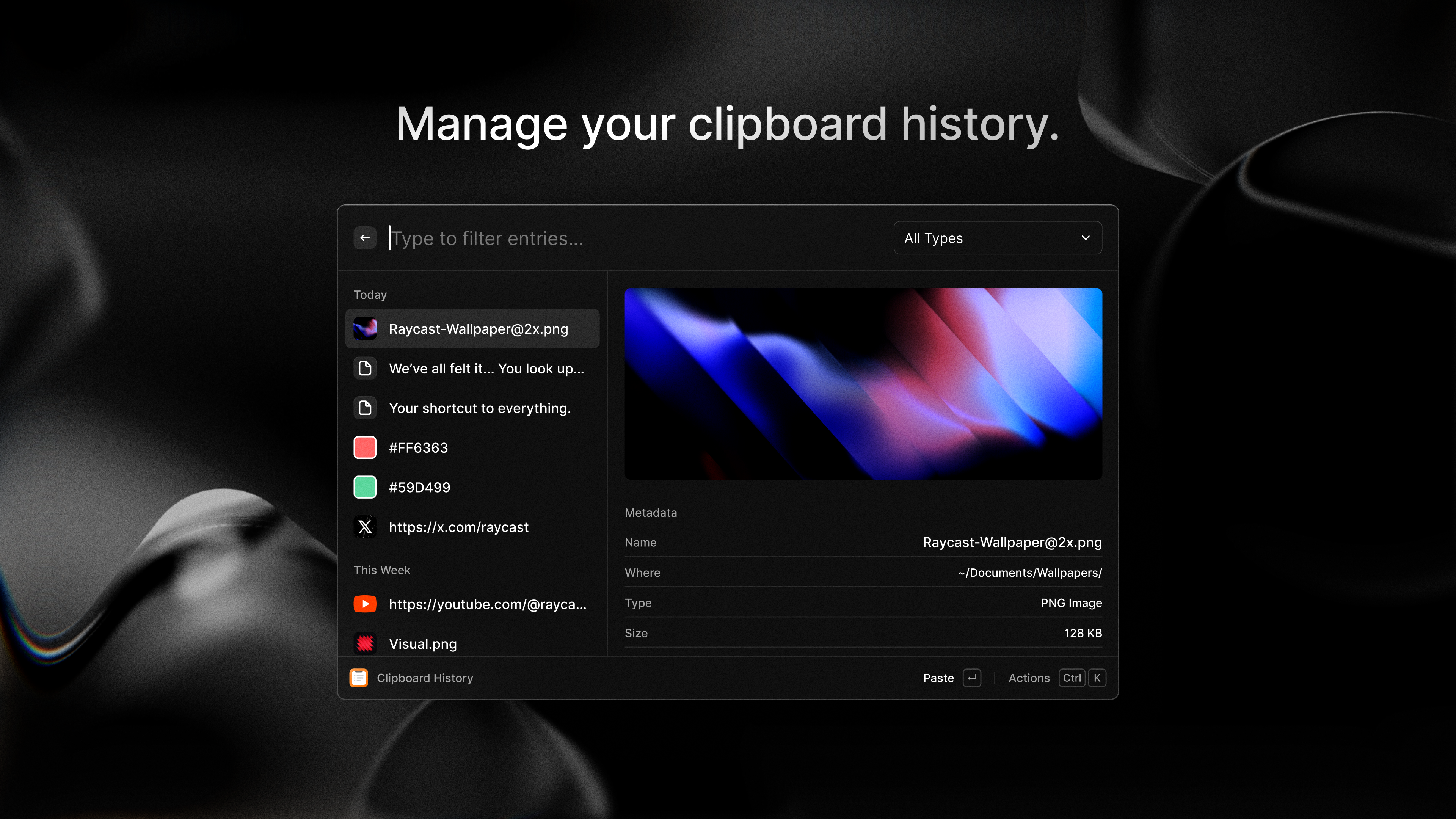
- Clipboard History: Search everything you copied and paste it again
- Focus: Block distracting apps and websites with a timed session
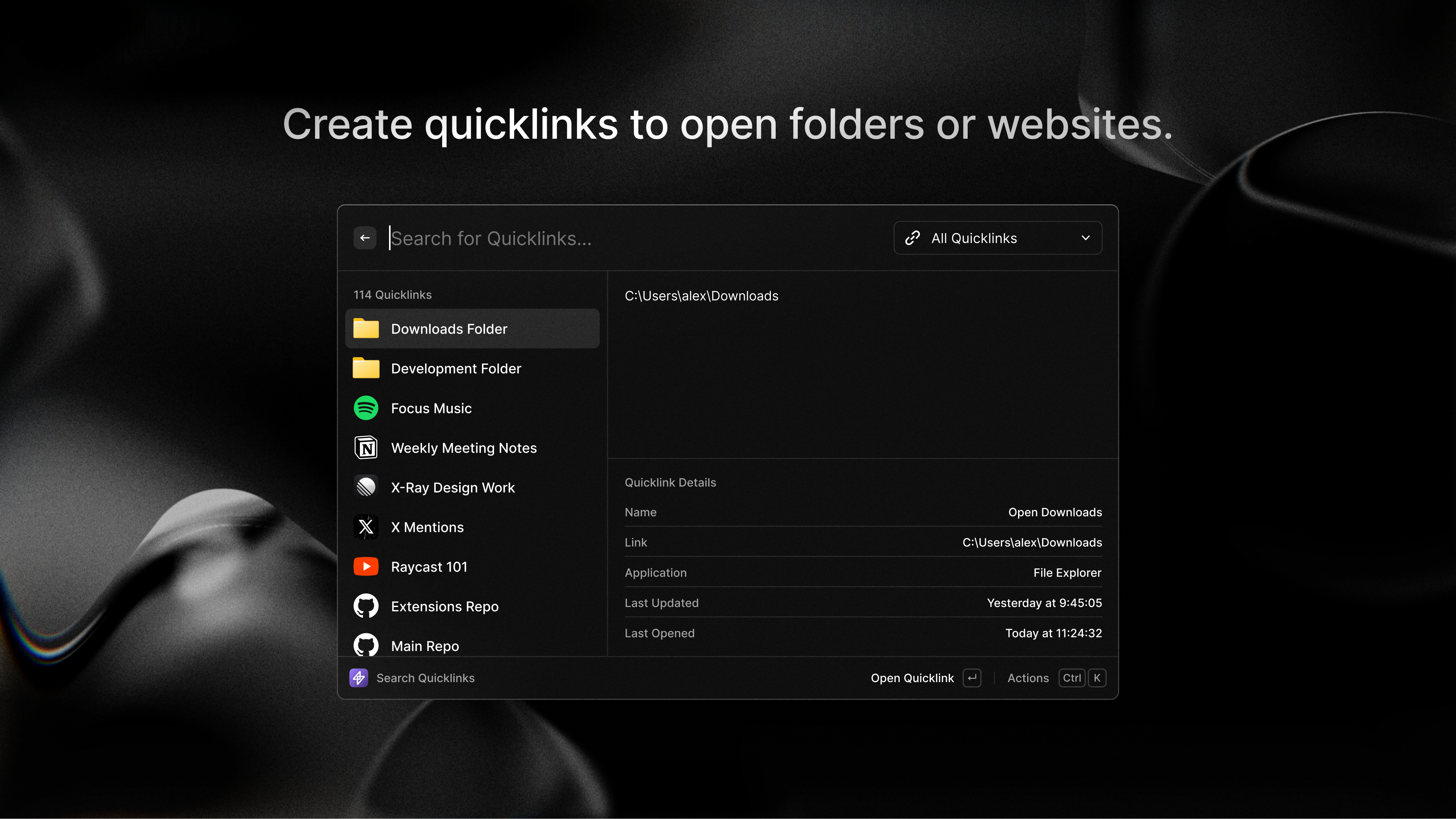
- Quicklinks: Open websites, searches, and tools faster than bookmarks
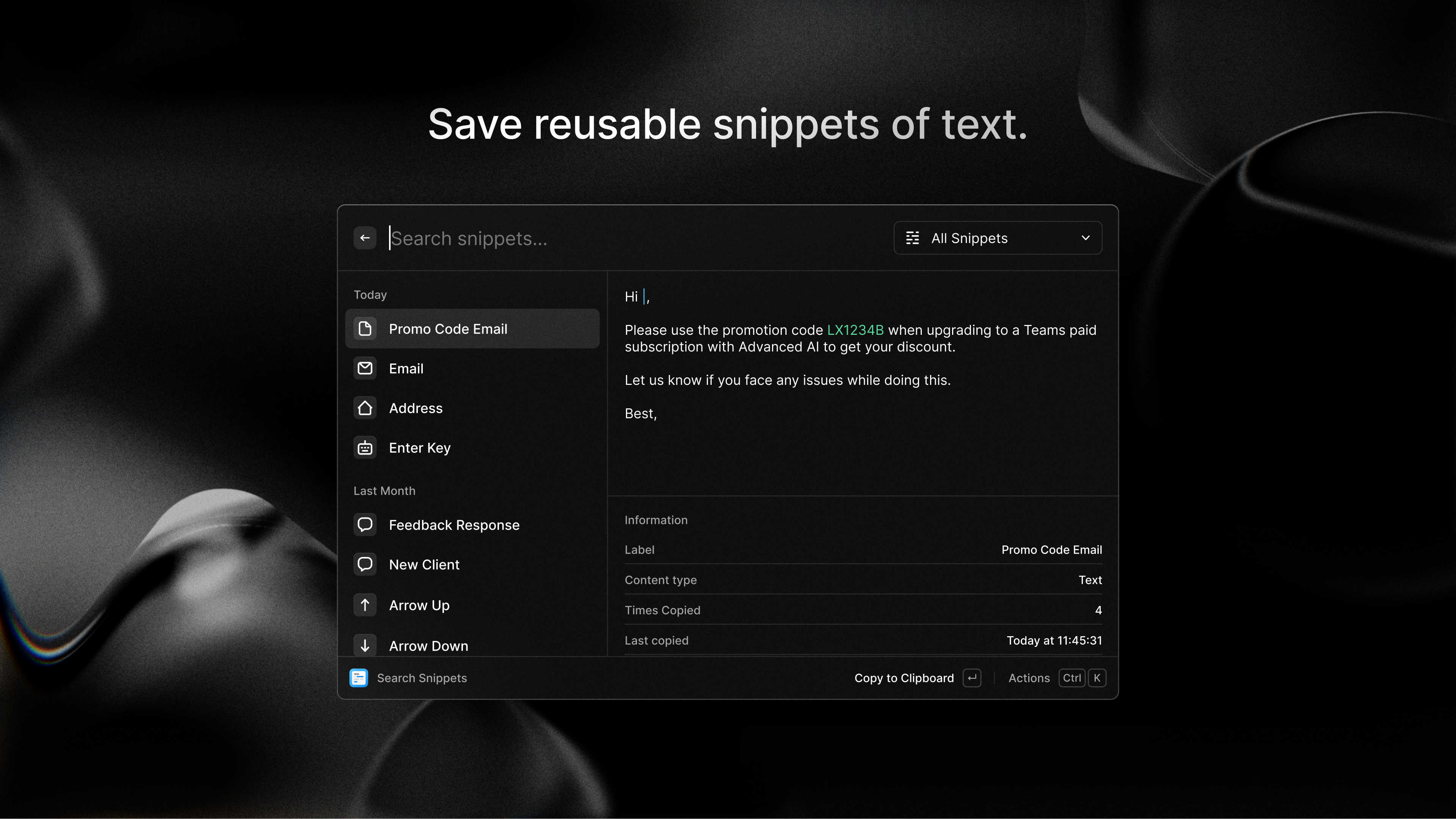
- Snippets: Insert reusable text with a short keyword
- Calculator: Convert currencies, time zones, and units in natural language
- Translate: Translate, or translate and replace text, with a single key press
- Window Management: Move, resize, and arrange windows from the keyboard
- Extensions: Add commands for your favorite tools, choose from thousands in the Raycast Store, or create your own
AI, WHERE YOU WORK
- Ask AI: Get quick answers with Quick AI or keep going in a longer AI Chat
- Choose Models: Use leading models from OpenAI, Anthropic, Google, xAI, and more, then pick the right one for the job
- Add Context: Bring in your screen, files, notes, clipboard, or browser tabs
- Dictate: Speak instead of typing when words are faster
- Save Prompts: Turn prompts you reuse into one-press commands
- Create Agents: Save custom AI helpers for the work you repeat
- Use Tools and MCP: Let AI work with supported extensions, connected apps, and MCP servers
Raycast is free to download and use, with AI available from the same command bar. Upgrade to Raycast Pro for more AI usage, advanced models, and advanced productivity features.
If there is a version of this app for iOS/Mac or Windows we don't know about, paste the store link here — we'll auto-detect the store.
How to find the URL:1. Open the app in its store. 2.In the App Store app: tap the Share icon → “Copy Link”. In the browser: copy the URL from the address bar — it contains apps.apple.com/…/id… or apps.microsoft.com/detail/…. 3. Paste it here.
Paste the original link from the Apple App Store or Microsoft Store. We fetch all details automatically.
How to find the URL:
1. Open the app in its store. 2.In the App Store app: tap the Share icon → “Copy Link”. In the browser: copy the URL from the address bar — it contains apps.apple.com/…/id… or apps.microsoft.com/detail/…. 3. Paste it here.
Android apps can only be listed by their developer.






 Elgato Stream Deck Mobile
Virtual keypad to control apps and tools from your phone
 G App Launcher
Quick access to Google services with private browser
 Plane Finder ⁃ Flight Tracker
Live flight tracking with 3D map and augmented reality
 Box Anrufe App
Call list, phonebook and smart home control for FRITZ!Box
 Pocket Casts: Podcast Player
Podcast player with playlists and smart filters
 radio.de - Radio und Podcast
Listen to radio stations and podcasts in one app