
Screenshot appears after consentScreenshot appears after consentScreenshot appears after consentScreenshot appears after consentScreenshot appears after consentScreenshot appears after consent
Summary
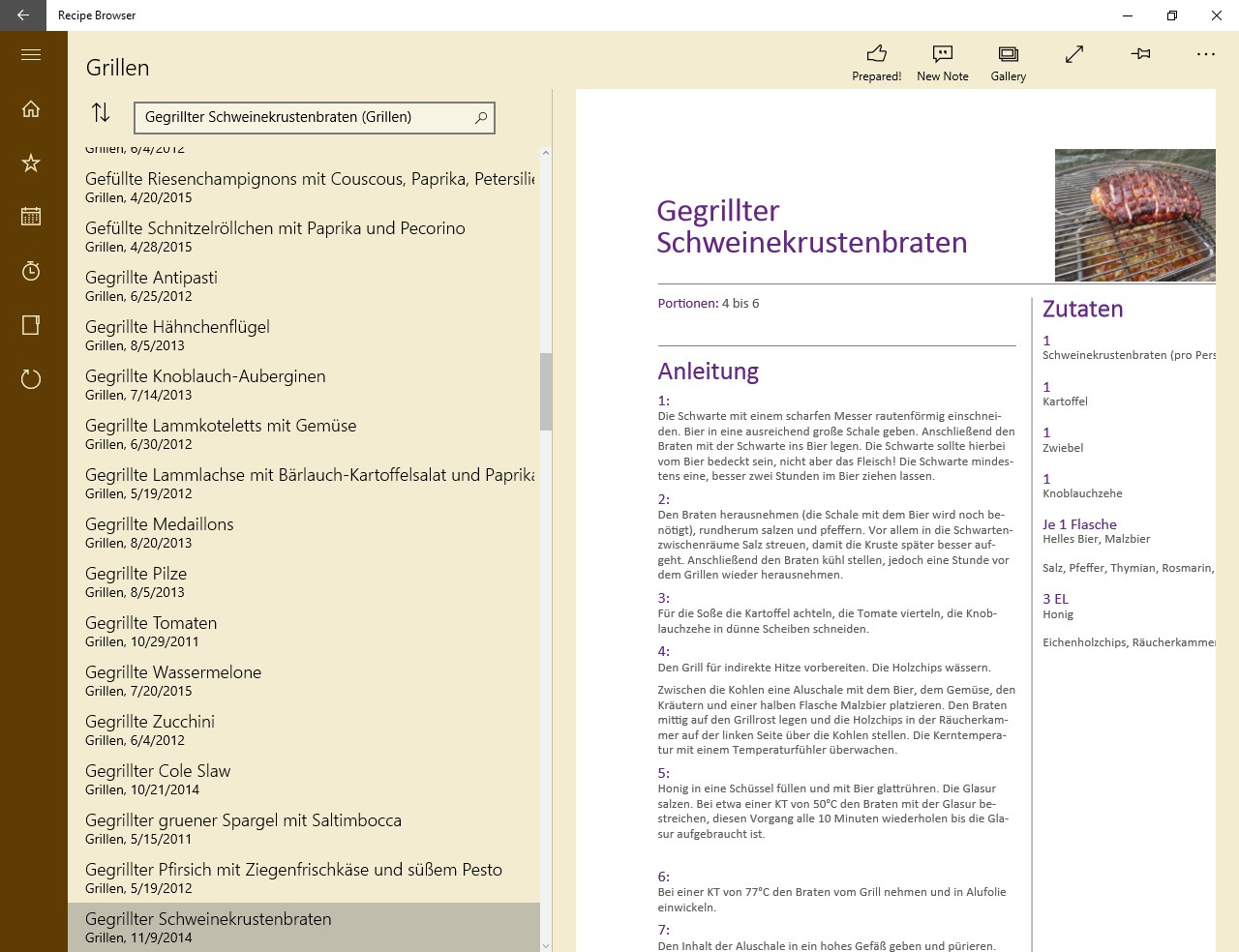
Recipe Browser is a recipe manager that organizes a personal recipe collection into user-defined categories. Recipes can be added as existing PDF or RTF files or entered directly with the built-in recipe editor. A search function locates recipes across all categories or within a single one, and recipes can be pinned to a favorites list for planned cooking. Built-in timers assist while cooking, and pressing the "Prepared!" button logs the dish in a preparation history that shows what was cooked in past weeks or years. Additional features include a photo gallery for finished dishes, recipe templates, a notes function and a choice of light or dark color scheme.
Show the developer's original descriptionHide the original description
The Recipe Browser provides you with a convenient way to explore your recipe collection.
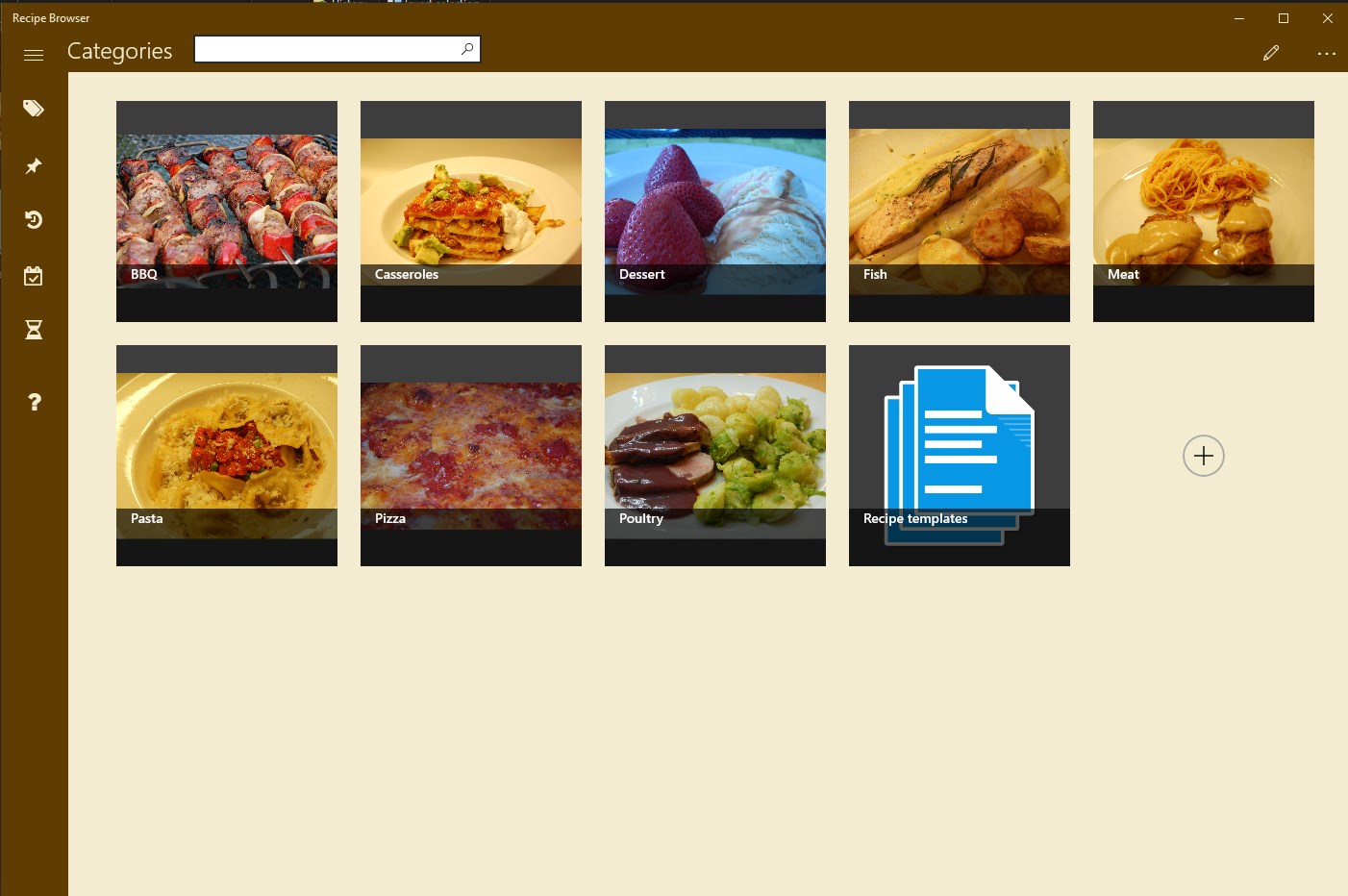
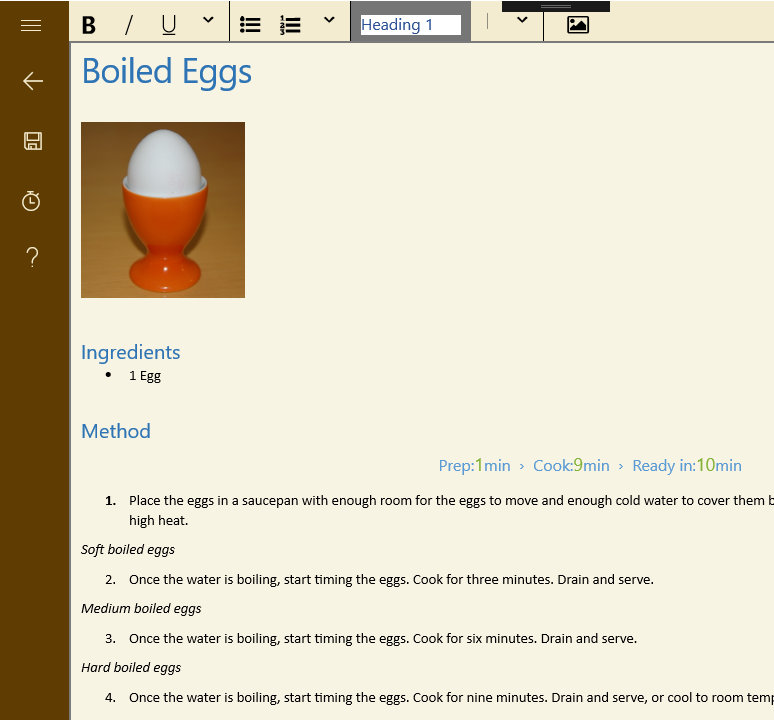
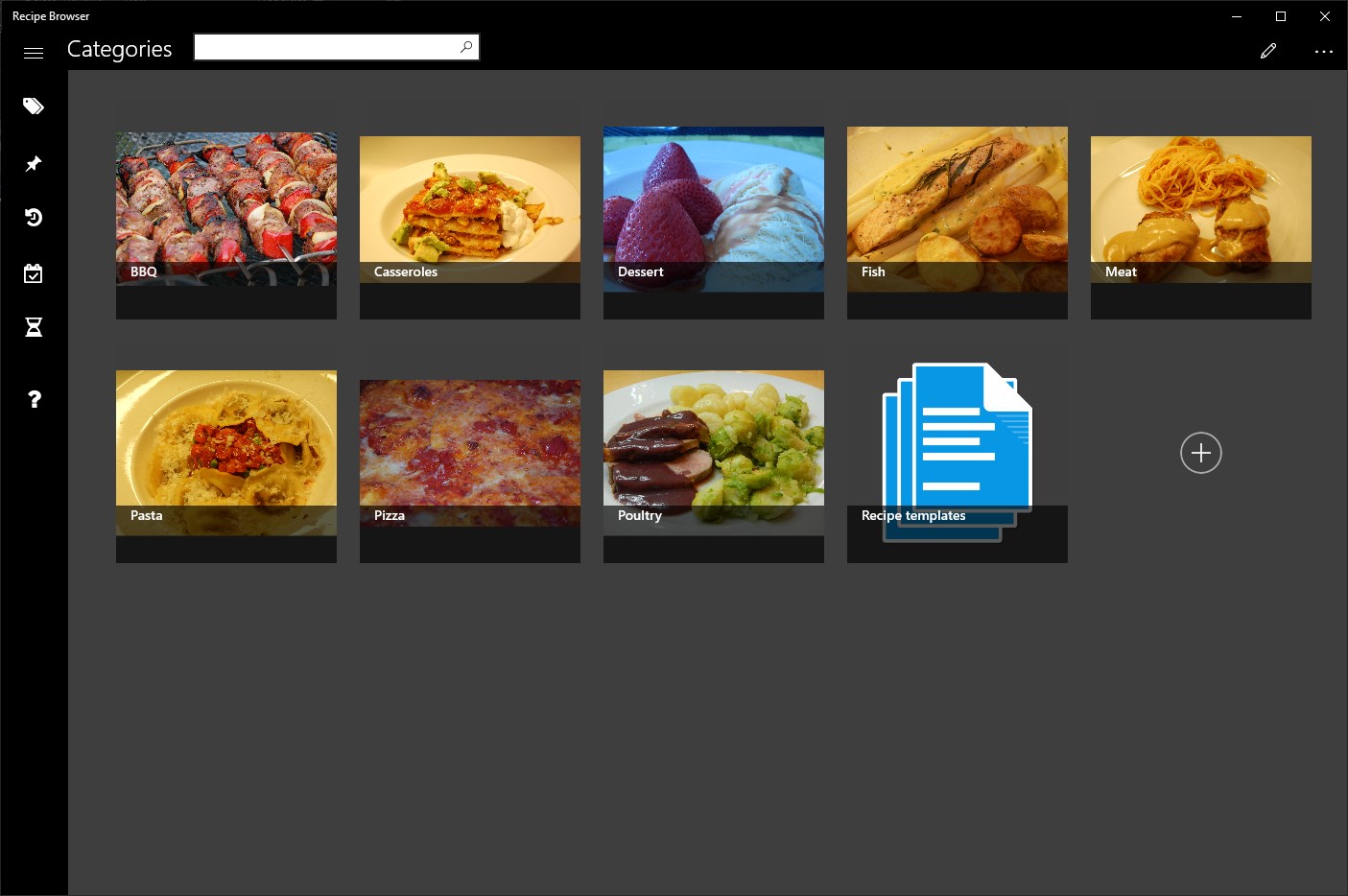
You start by defining the categories that you want to use to organize your collection. Then you either add existing recipes (PDF or RTF), or you enter new recipes with the integrated recipe editor.
The search function helps you finding recipes, across categories or inside a single category. In case you plan to cook a recipe on the next weekend, just pin it to the favorite list.
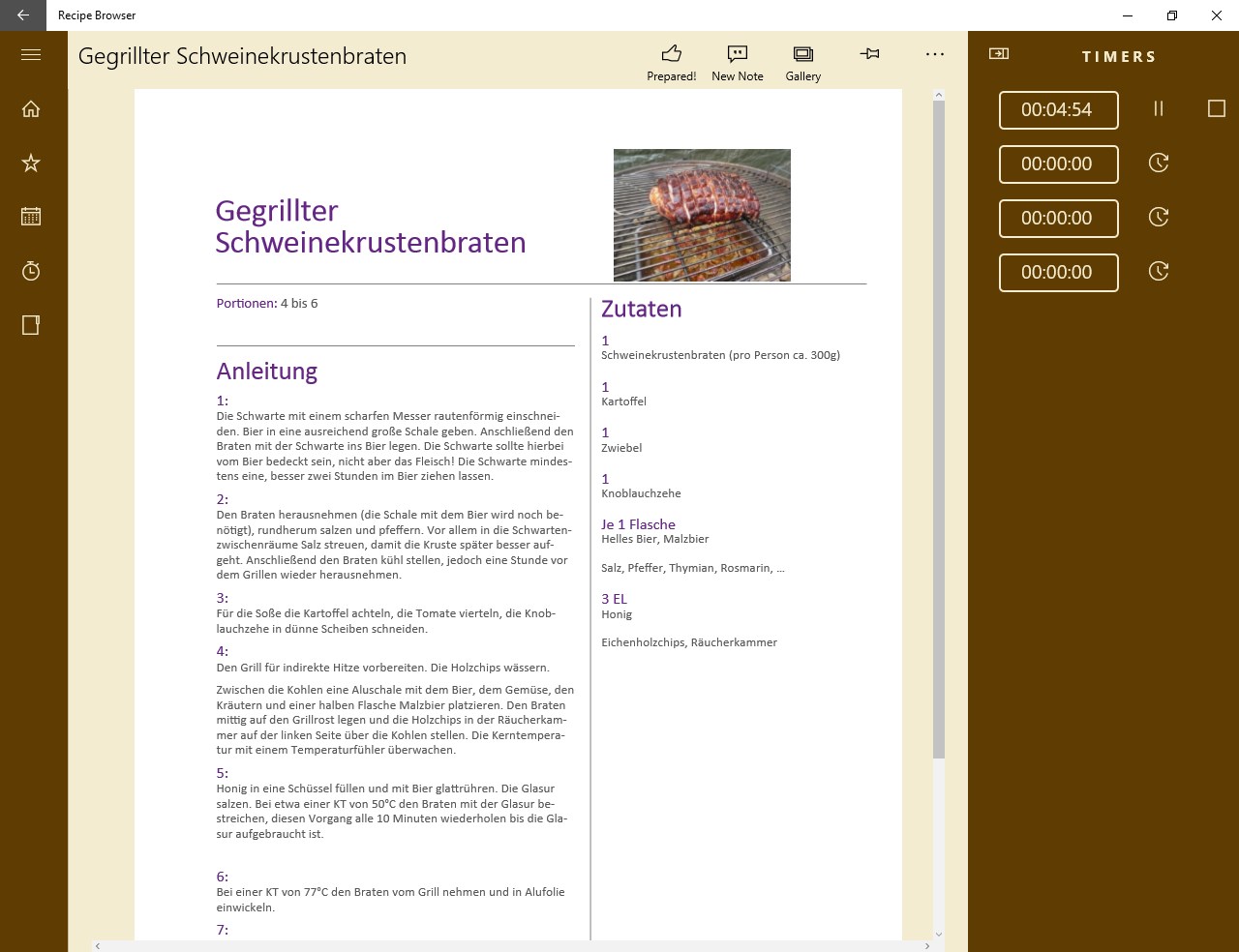
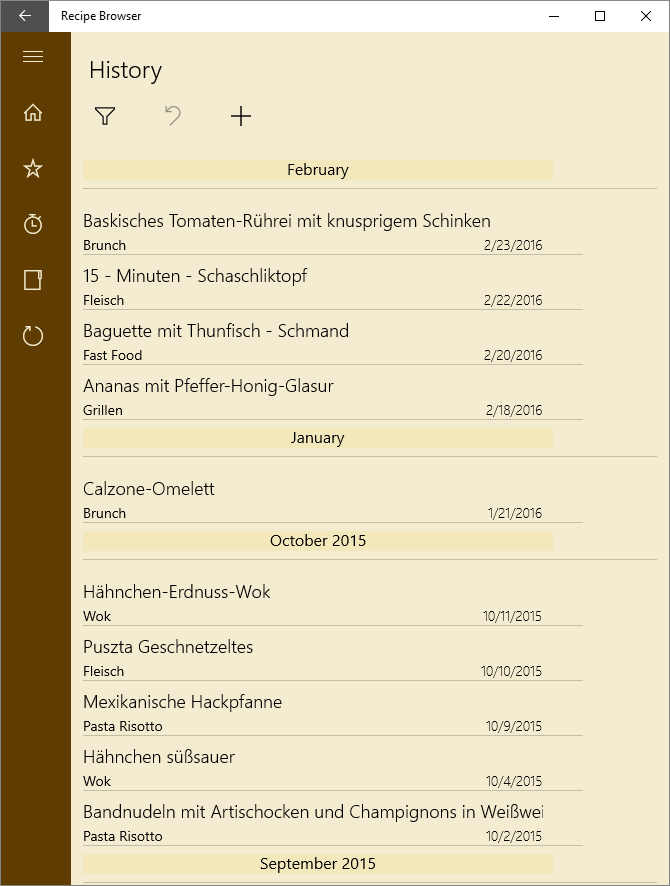
Finally, start cooking - the integrated timers will assist you. Afterwards, press the "Prepared!" button. The app keeps track of your dishes. The history function shows the recipes that you prepared during the last weeks. It is always interesting to see what you prepared a year ago.
Features
- Define labels, and organize the recipes by certain criteria (new)
- Integrated recipe editor
- Supported formats: PDF and RTF
- Recipe gallery: Add your own pictures of your dishes
- History function
- Favorites list
- Timer
- Recipe templates
- Add notes to the recipes
- Light and dark color scheme (new)
- Help function
Hints:
- The resolution of the category images should not be too large in order to make the browser start quickly. A width of 200 pixels suffices.
If there is a version of this app for iOS/Mac or Windows we don't know about, paste the store link here — we'll auto-detect the store.
How to find the URL:1. Open the app in its store. 2.In the App Store app: tap the Share icon → “Copy Link”. In the browser: copy the URL from the address bar — it contains apps.apple.com/…/id… or apps.microsoft.com/detail/…. 3. Paste it here.
Paste the original link from the Apple App Store or Microsoft Store. We fetch all details automatically.
How to find the URL:
1. Open the app in its store. 2.In the App Store app: tap the Share icon → “Copy Link”. In the browser: copy the URL from the address bar — it contains apps.apple.com/…/id… or apps.microsoft.com/detail/…. 3. Paste it here.
Android apps can only be listed by their developer.