Screenshot appears after consentScreenshot appears after consent
Summary
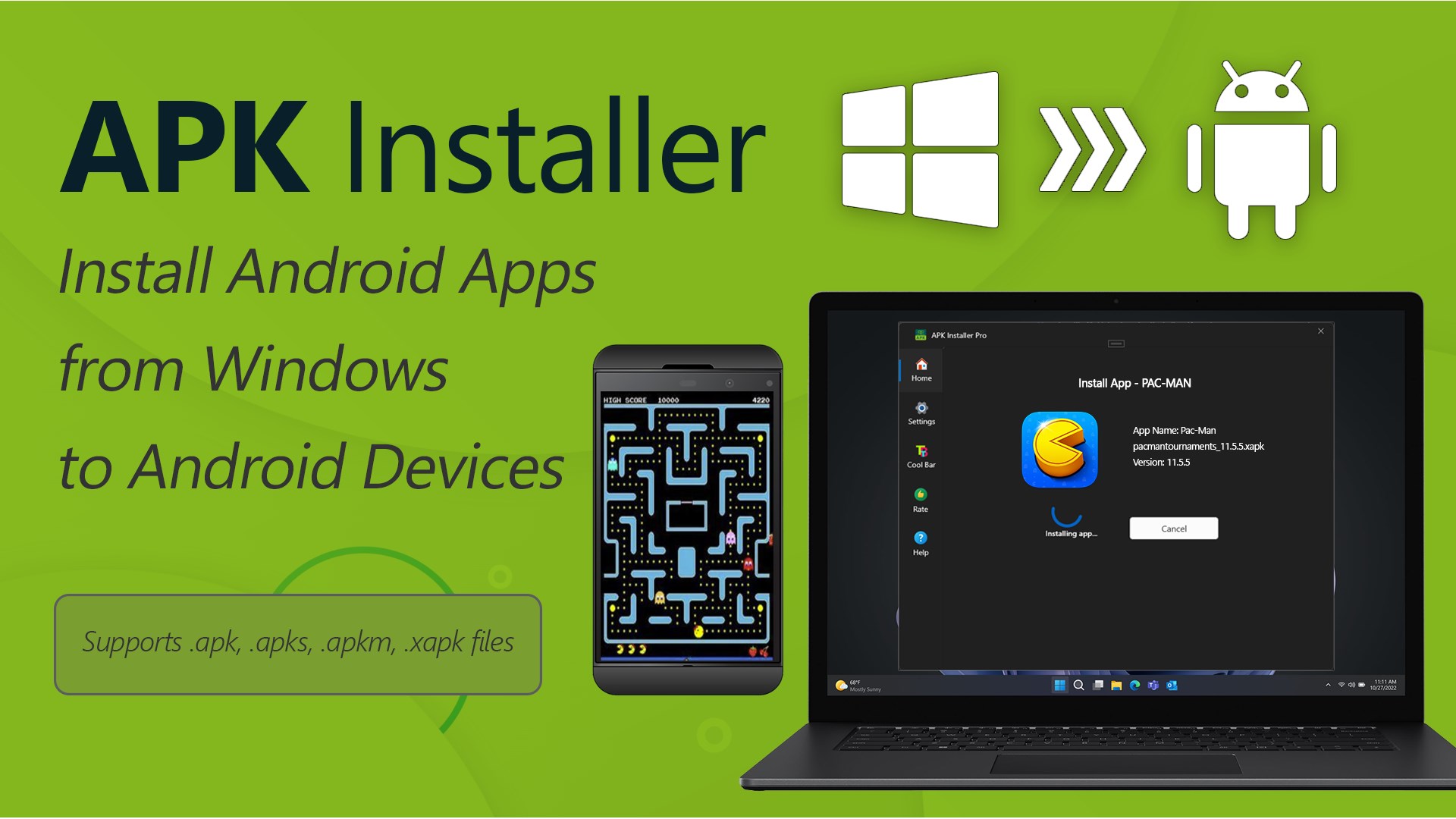
APK Mobile App Installer is a Windows utility that installs Android APK files from a Windows PC onto connected Android devices using Android Debug Bridge, which must already be present on the system. It supports multiple package formats including .apk, .xapk, .apks and .apkm. Devices can be connected via USB or through Wi-Fi pairing options. The app guides users through selecting an APK file and a target device, monitors device detection and connection status, and provides step-by-step instructions along with error handling and troubleshooting prompts. It offers one free installation, while unlimited installations require upgrading to the Premium version.
Show the developer's original descriptionHide the original description
APK Mobile App Installer is a Windows utility designed to help users install Android APK files from a Windows PC onto connected Android devices. The app guides you through selecting an APK file, preparing the required environment, and installing the app onto a physical Android device via USB or Wi-Fi, using Android Debug Bridge (ADB), which must already be available on your system. Supported file types include .apk, .xapk, .apks, and .apkm, making it compatible with a wide range of Android app packages.
App License:
APK Mobile App Installer assists with installing Android APK files onto connected Android devices. The app includes one free APK installation, allowing you to try the complete installation process at no cost. Upgrade to the Premium version to unlock unlimited APK installations.
Key Features:
✅ Install Android APK files from Windows onto connected Android devices
✅ Supports multiple APK formats: .apk, .xapk, .apks, .apkm
✅ Flexible connectivity via USB or three new Wi-Fi pairing options
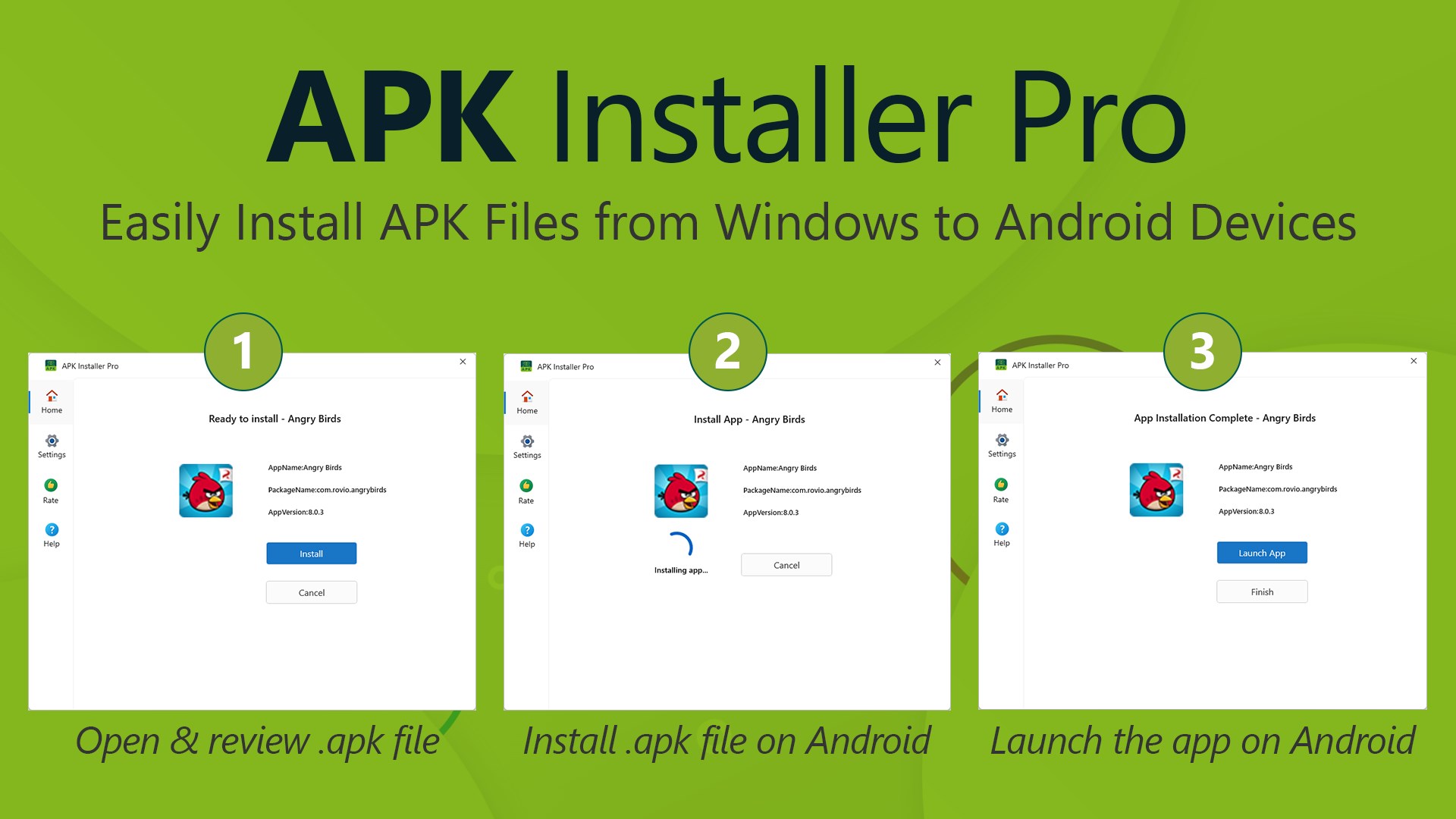
✅ Guided workflow for selecting APK files and target devices
✅ Device detection and connection status monitoring via ADB
✅ Step-by-step instructions with visual guidance
✅ Clear error handling and troubleshooting prompts
APK Mobile App Installer provides a reliable and user-friendly way to install Android apps from Windows without using command-line tools. Whether you are installing a single app or managing multiple APK files, the app helps simplify the installation process while keeping full control on your Android device.
If there is a version of this app for iOS/Mac or Windows we don't know about, paste the store link here — we'll auto-detect the store.
How to find the URL:1. Open the app in its store. 2.In the App Store app: tap the Share icon → “Copy Link”. In the browser: copy the URL from the address bar — it contains apps.apple.com/…/id… or apps.microsoft.com/detail/…. 3. Paste it here.
Paste the original link from the Apple App Store or Microsoft Store. We fetch all details automatically.
How to find the URL:
1. Open the app in its store. 2.In the App Store app: tap the Share icon → “Copy Link”. In the browser: copy the URL from the address bar — it contains apps.apple.com/…/id… or apps.microsoft.com/detail/…. 3. Paste it here.
Android apps can only be listed by their developer.



 Installer for APK Mobile Apps
Installs APK files from PC to Android devices via ADB
 APK App Installer for Mobile
Install APK files to Android devices via USB or Wi-Fi
 EZ APK App Installer
Install APK files to Android devices via USB or Wi-Fi
 App Installer (Mobile) - WinUI 3
Install Android apps via double-click without manual ADB
 Appstoide
Gallery of games and applications