
Screenshot appears after consentScreenshot appears after consentScreenshot appears after consentScreenshot appears after consentScreenshot appears after consentScreenshot appears after consent
Summary
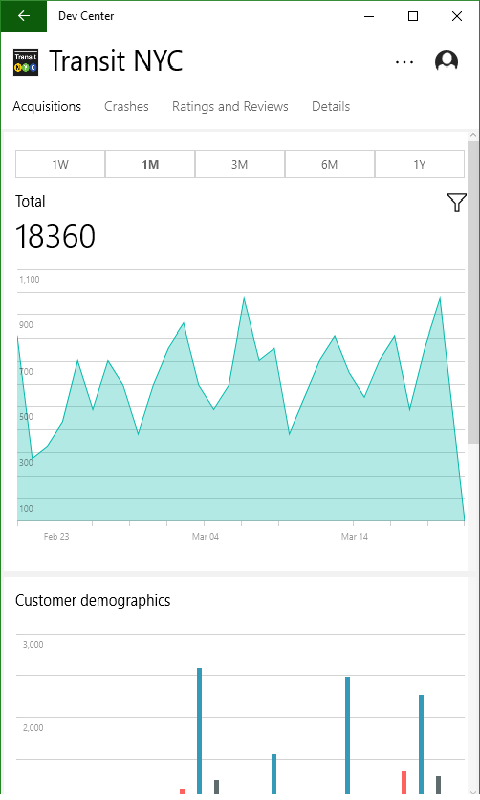
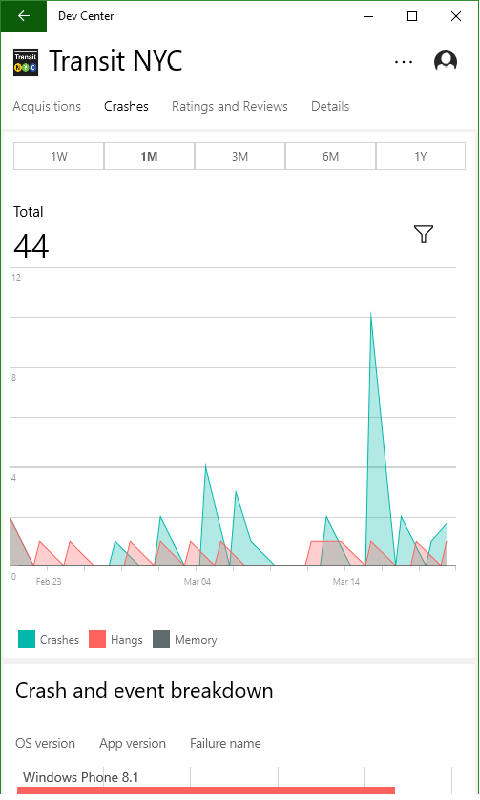
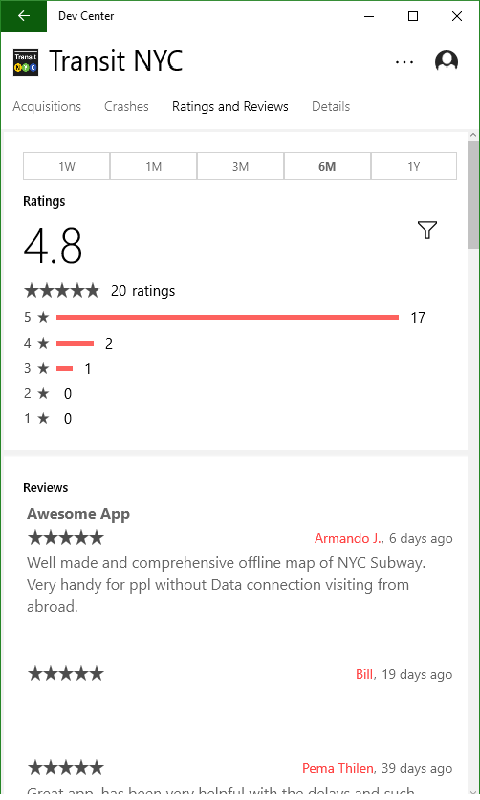
Dev Center is an app for developers to monitor the health and performance of their Windows Store apps. It shows acquisition data for apps and in-app products, including details about purchases over time by market, customer demographics and OS version. It provides crash data broken down by type, device, app version and exception type to help identify and fix problems in the code. It also lets developers drill into customer reviews and ratings and respond to customers directly through the app. The app adapts its design to phones, tablets and PCs.
Show the developer's original descriptionHide the original description
The Microsoft Dev Center app allows you to quickly view details about the health and performance of your Windows Store apps on any Windows 10 device. Note: You must have an active Windows developer account in order to view this data.
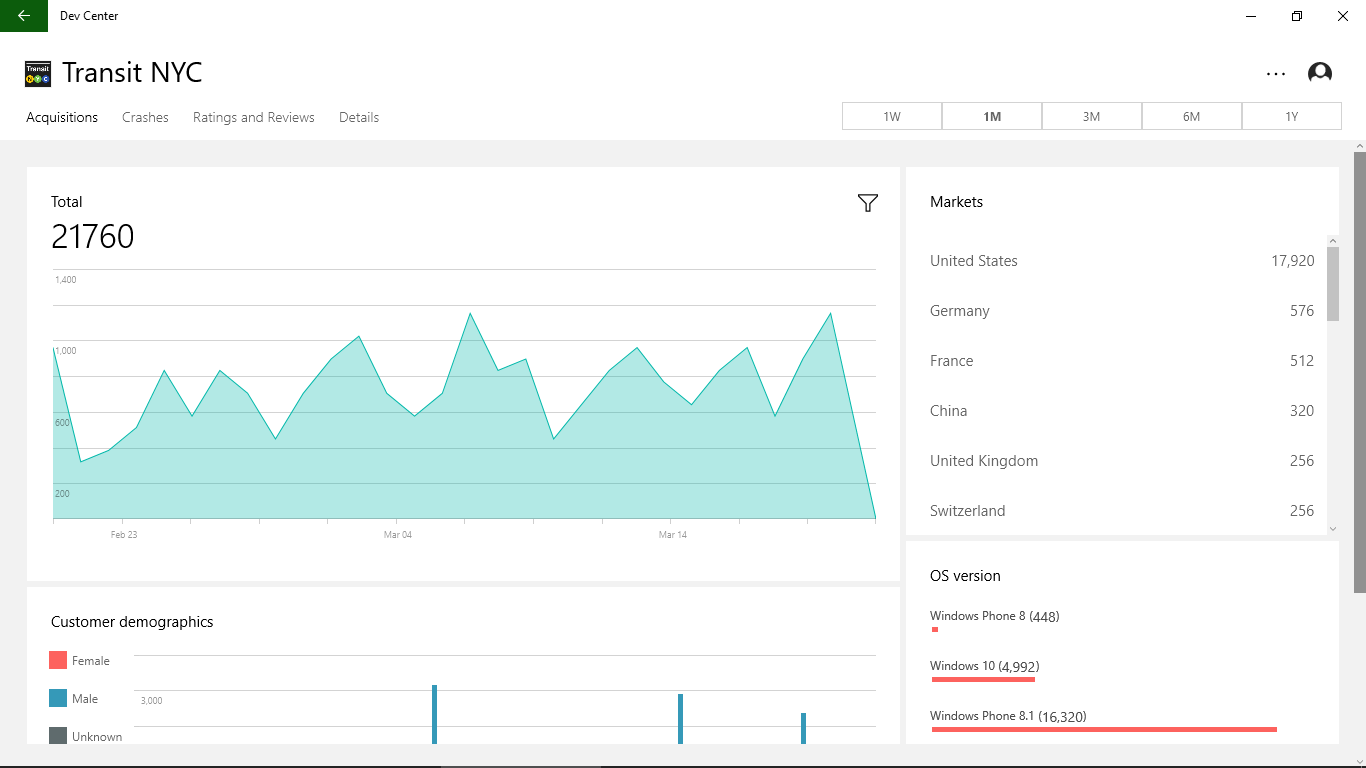
-- See app and in-app product acquisitions data –
Track the performance of your apps and IAPs, and learn about your customers with details about acquisitions over time by market, customer demographics, and OS version.
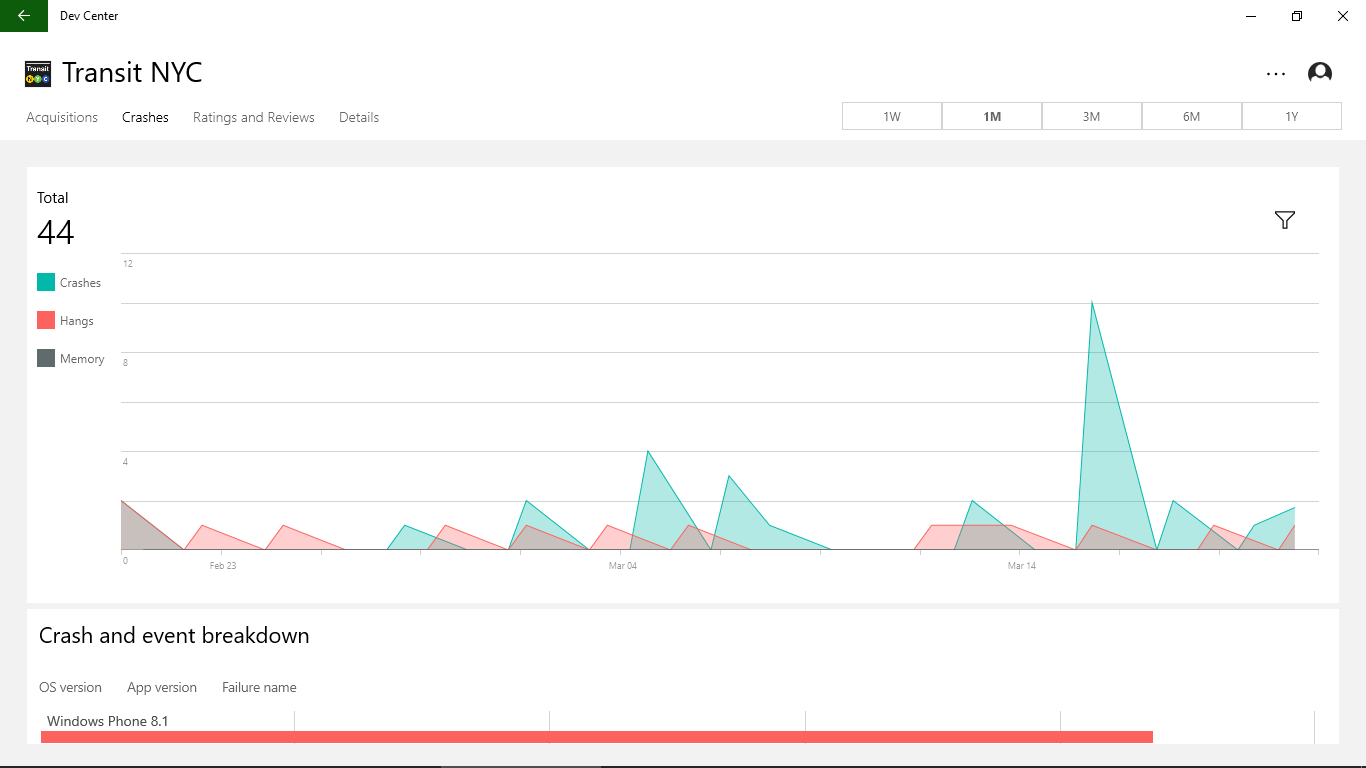
-- Investigate crashes --
Use crash data to help identify and correct issues in your apps. View crashes over time by type, device, app version, and the exception type to help pinpoint issues in your code.
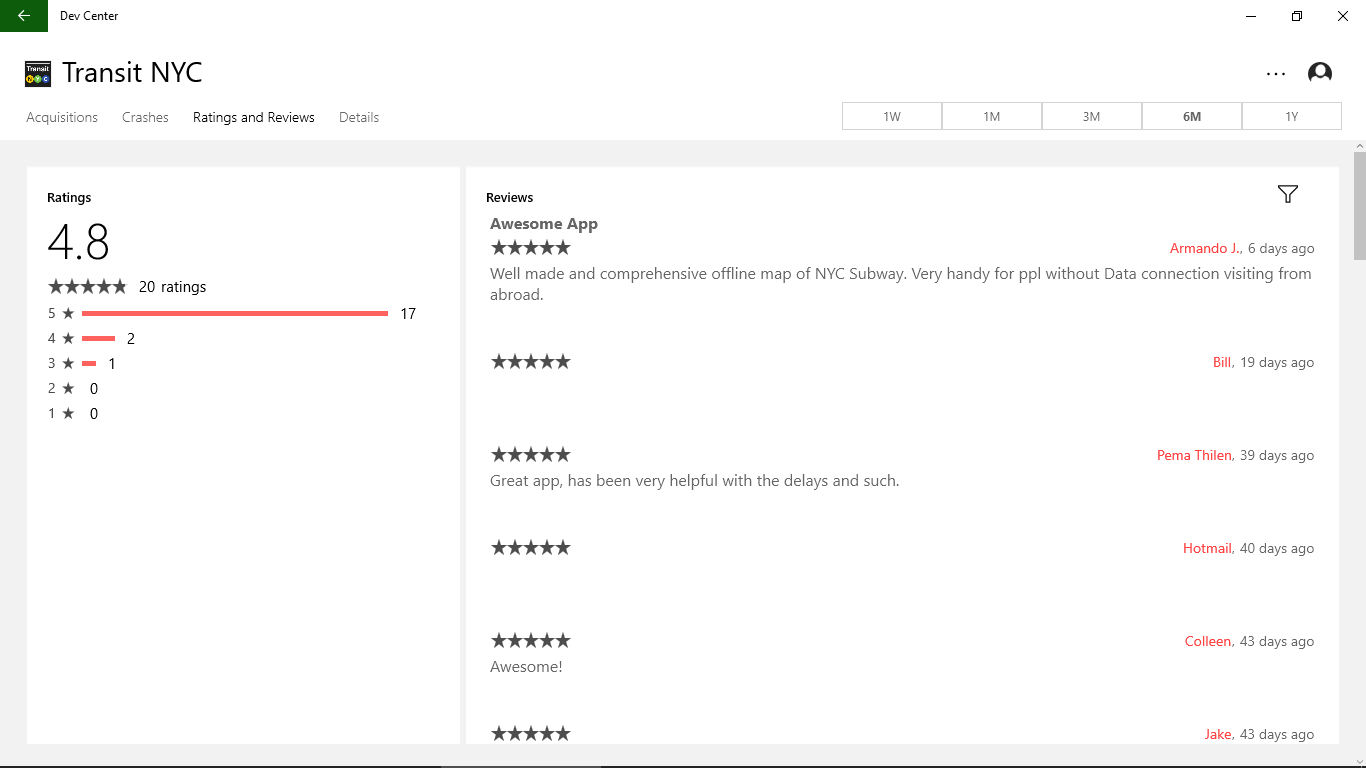
-- Respond to customer reviews --
Drill into your reviews and ratings and respond to your customers directly through the app.
-- Use it anywhere you use Windows --
The app runs on any Windows 10 device, with responsive design to tailor the experience for your phone, tablet, PC, or any Windows 10 device.
If there is a version of this app for iOS/Mac or Windows we don't know about, paste the store link here — we'll auto-detect the store.
How to find the URL:1. Open the app in its store. 2.In the App Store app: tap the Share icon → “Copy Link”. In the browser: copy the URL from the address bar — it contains apps.apple.com/…/id… or apps.microsoft.com/detail/…. 3. Paste it here.
Paste the original link from the Apple App Store or Microsoft Store. We fetch all details automatically.
How to find the URL:
1. Open the app in its store. 2.In the App Store app: tap the Share icon → “Copy Link”. In the browser: copy the URL from the address bar — it contains apps.apple.com/…/id… or apps.microsoft.com/detail/…. 3. Paste it here.
Android apps can only be listed by their developer.