
Screenshot appears after consentScreenshot appears after consentScreenshot appears after consentScreenshot appears after consent
Summary
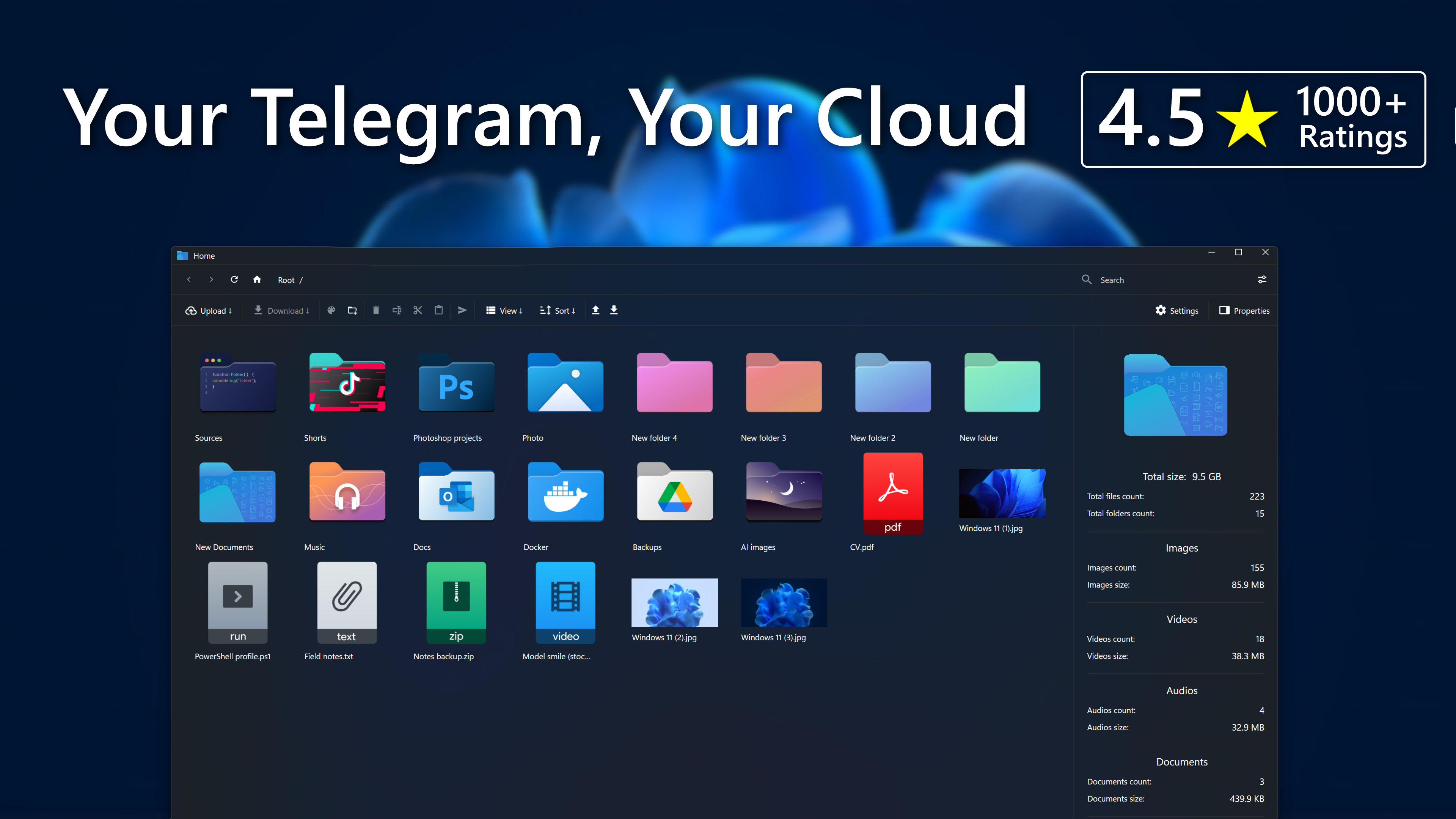
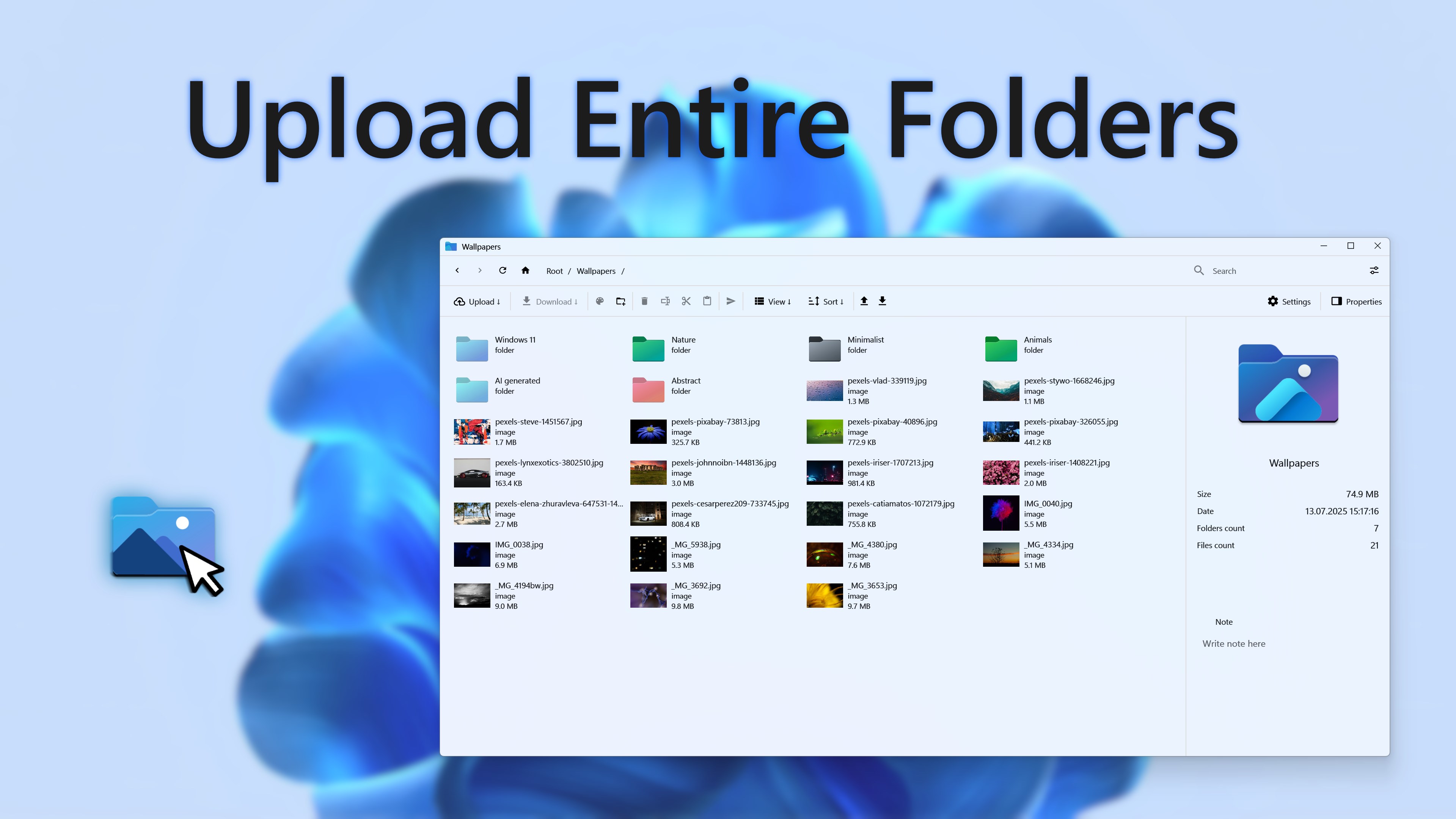
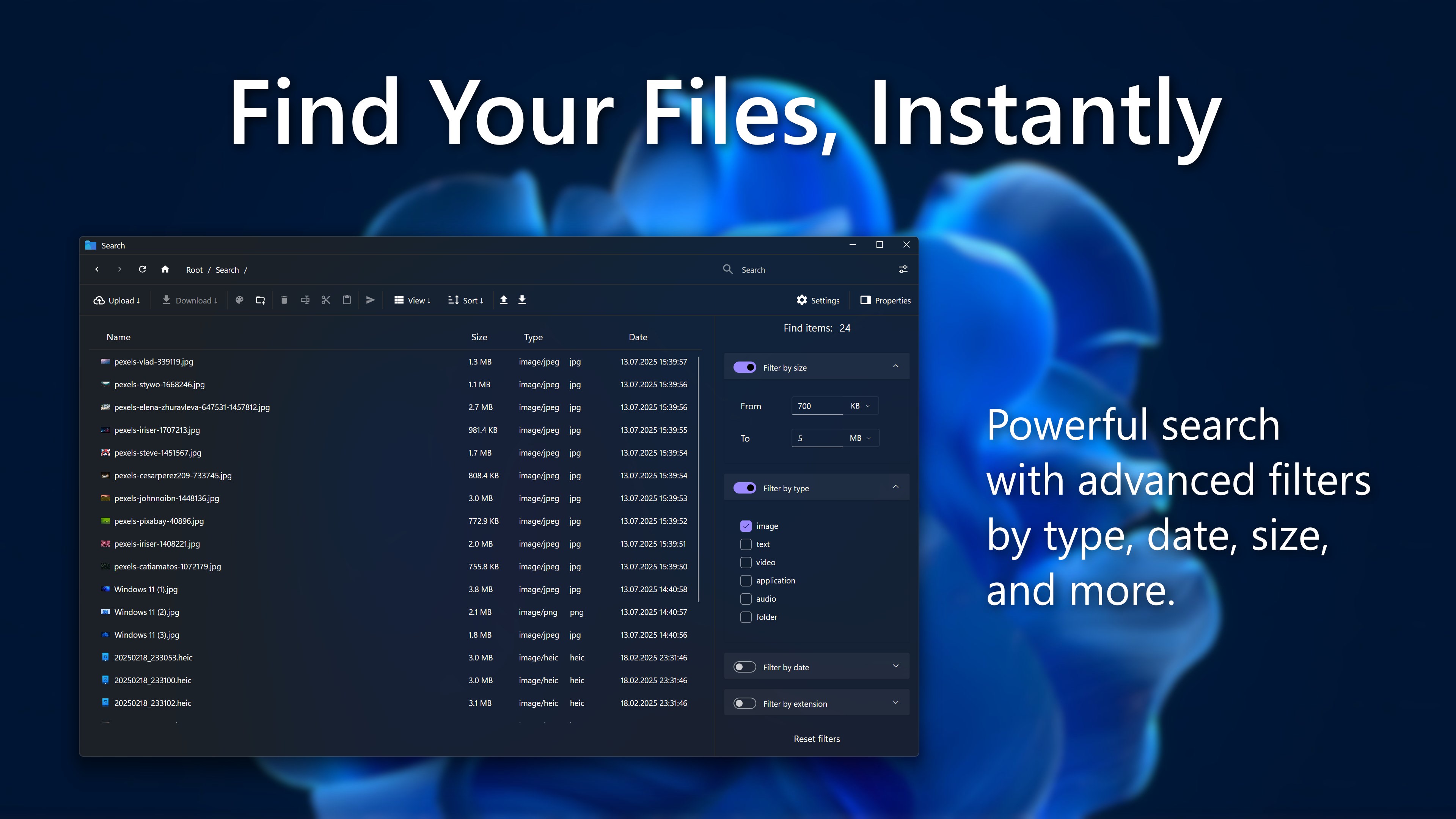
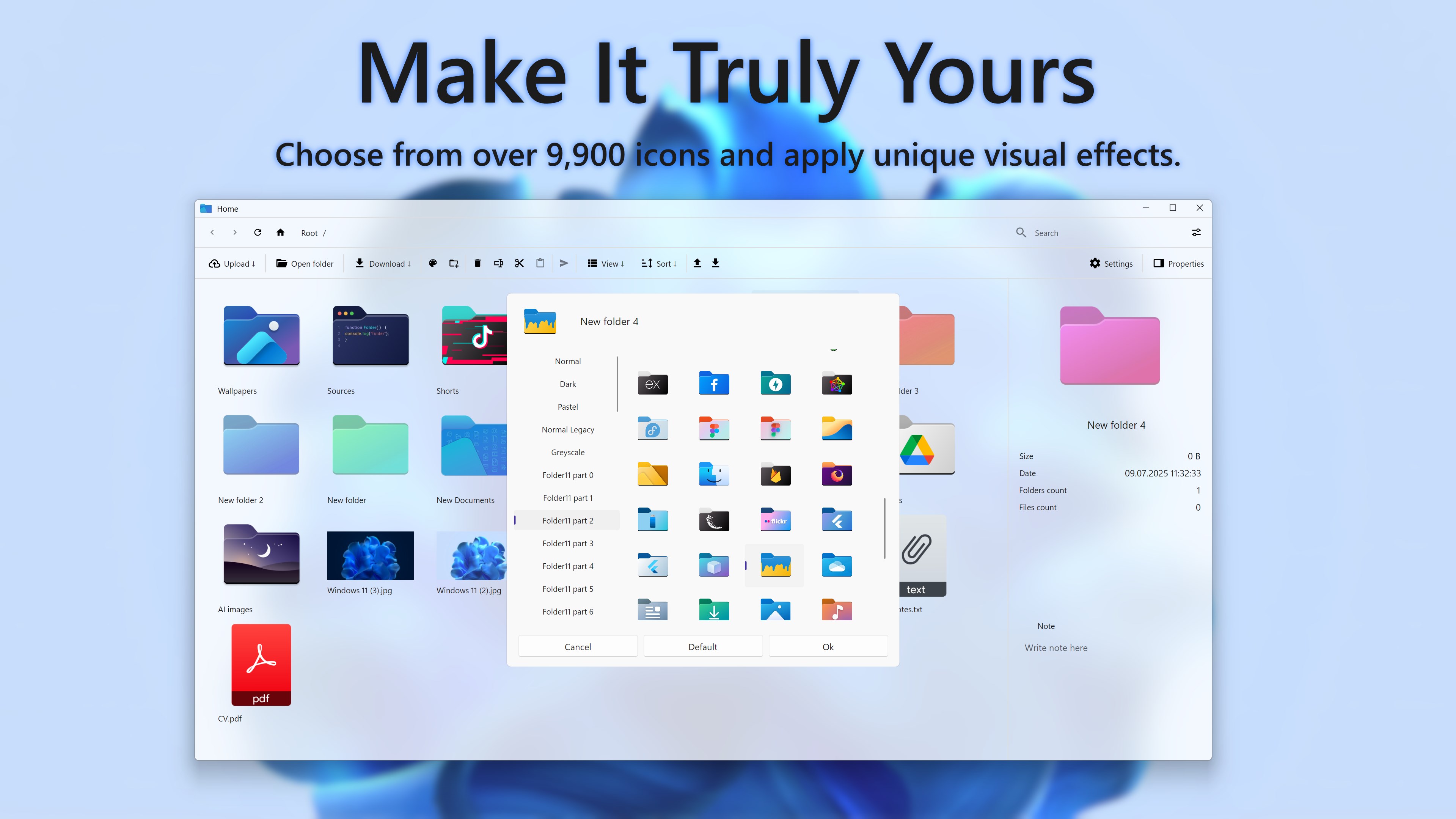
T-Drive is a file management app that turns Telegram into a personal cloud drive on Windows. It supports folders and drag-and-drop, letting files and entire directories be uploaded. Fast search and filters help locate any file, and notes can be added to files or extracted automatically from Telegram messages for context. The interface offers dark and light themes, acrylic effects and more than 300 folder icons, along with a responsive design that supports resumable uploads. According to the provider, it is built on the official Telegram API so data stays within Telegram.
Show the developer's original descriptionHide the original description
Turn Telegram into your personal cloud drive on Windows.
Drag, search, and open files — unlimited, private, pay once.
Tired of searching through “Saved Messages”? T‑Drive gives you full control of your Telegram cloud with a native desktop app. Upload, organise, and access your files in seconds — with the power and simplicity of a true file manager.
📂 Folders & drag‑and‑drop — upload files and entire directories instantly
🔎 Fast search & filters — find any file in seconds
🎨 Themes & icons — dark/light mode, acrylic effects, 300+ folder icons
📝 Notes & context — add descriptions or auto‑extract from Telegram messages
⚡ Speed & performance — fast, responsive UI with resume support
🔐 Privacy by design — built on the official Telegram API; your data stays on Telegram
💳 One-time payment — no subscriptions, no ads, no tracking
Trusted by 1 000+ users across Microsoft Store markets with consistent 4.5★+ ratings.
Built with care in Ukraine. Updated regularly. No fluff — just results.
If there is a version of this app for iOS/Mac or Windows we don't know about, paste the store link here — we'll auto-detect the store.
How to find the URL:1. Open the app in its store. 2.In the App Store app: tap the Share icon → “Copy Link”. In the browser: copy the URL from the address bar — it contains apps.apple.com/…/id… or apps.microsoft.com/detail/…. 3. Paste it here.
Paste the original link from the Apple App Store or Microsoft Store. We fetch all details automatically.
How to find the URL:
1. Open the app in its store. 2.In the App Store app: tap the Share icon → “Copy Link”. In the browser: copy the URL from the address bar — it contains apps.apple.com/…/id… or apps.microsoft.com/detail/…. 3. Paste it here.
Android apps can only be listed by their developer.