
Screenshot appears after consentScreenshot appears after consent
Summary
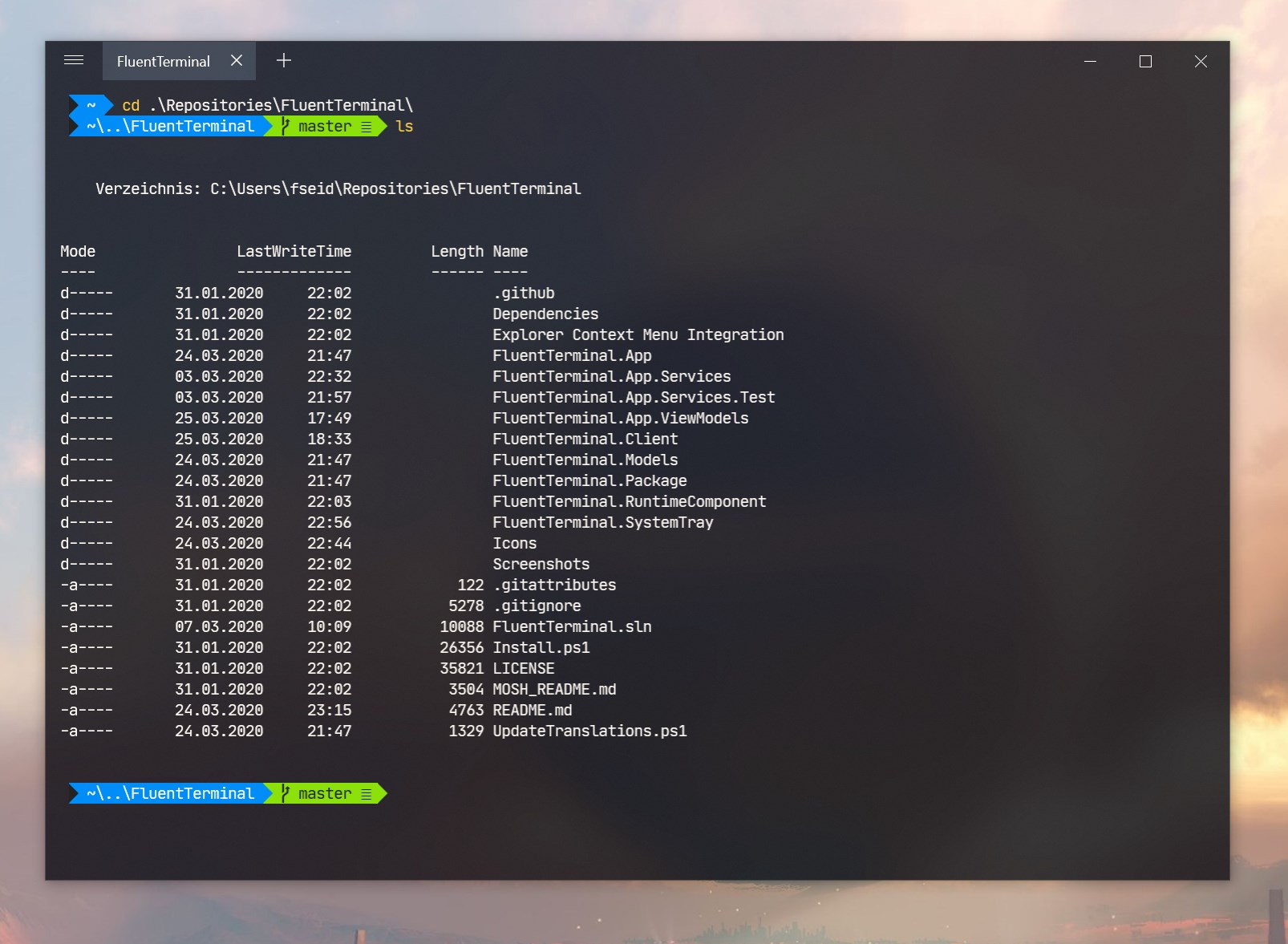
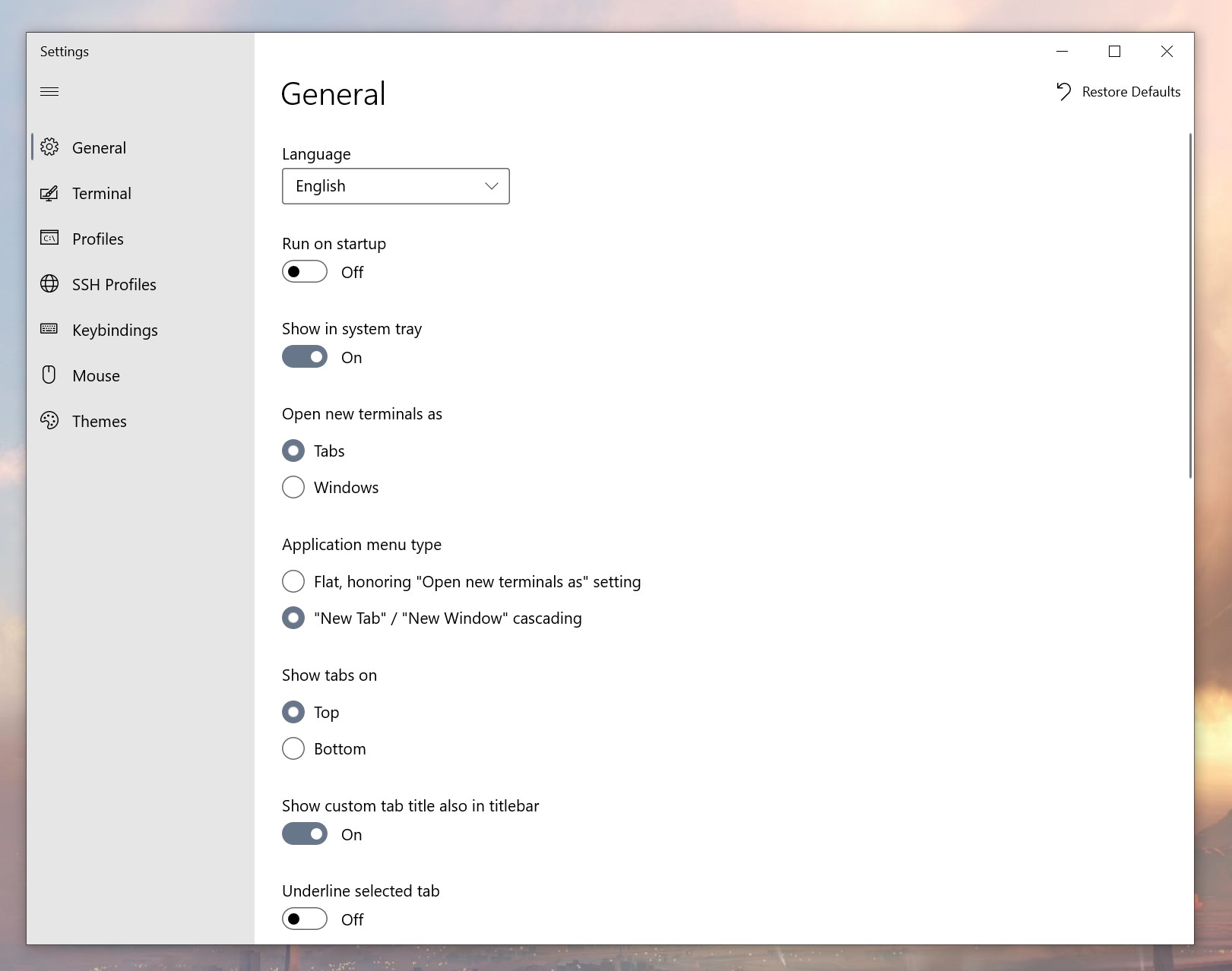
Fluent Terminal is a terminal emulator built on UWP and web technologies. It supports PowerShell, CMD, WSL and custom shells, along with built-in SSH and Mosh connections. It offers tabs and multiple windows, along with theming and appearance configuration, including import and export of themes and support for importing iTerm themes. Shell profiles can be configured to switch quickly between different shells. Additional features include fullscreen mode, editable keybindings, a search function, and integration with the Explorer context menu.
Show the developer's original descriptionHide the original description
A Terminal Emulator based on UWP and web technologies.
Features
Terminal for PowerShell, CMD, WSL or custom shells
Built-in support for SSH and Mosh connections
Supports tabs and multiple windows
Theming and appearance configuration
Import/Export themes
Import iTerm themes
Fullscreen mode
Editable keybindings
Search function
Configure shell profiles to quickly switch between different shells
Explorer context menu integration (Installation script can be found here)
If there is a version of this app for iOS/Mac or Windows we don't know about, paste the store link here — we'll auto-detect the store.
How to find the URL:1. Open the app in its store. 2.In the App Store app: tap the Share icon → “Copy Link”. In the browser: copy the URL from the address bar — it contains apps.apple.com/…/id… or apps.microsoft.com/detail/…. 3. Paste it here.
Paste the original link from the Apple App Store or Microsoft Store. We fetch all details automatically.
How to find the URL:
1. Open the app in its store. 2.In the App Store app: tap the Share icon → “Copy Link”. In the browser: copy the URL from the address bar — it contains apps.apple.com/…/id… or apps.microsoft.com/detail/…. 3. Paste it here.
Android apps can only be listed by their developer.