
Screenshot appears after consentScreenshot appears after consentScreenshot appears after consentScreenshot appears after consentScreenshot appears after consentScreenshot appears after consent
Summary
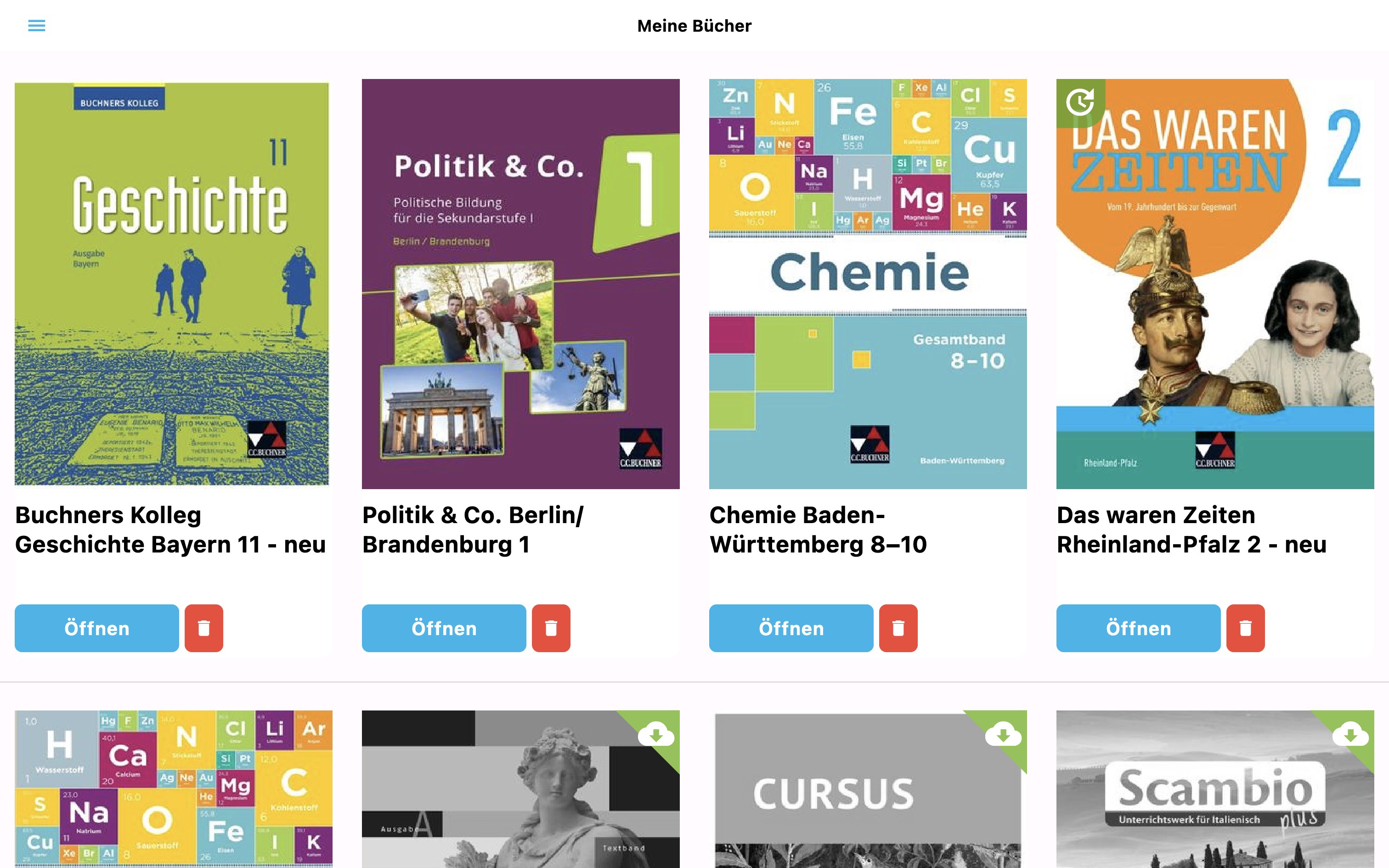
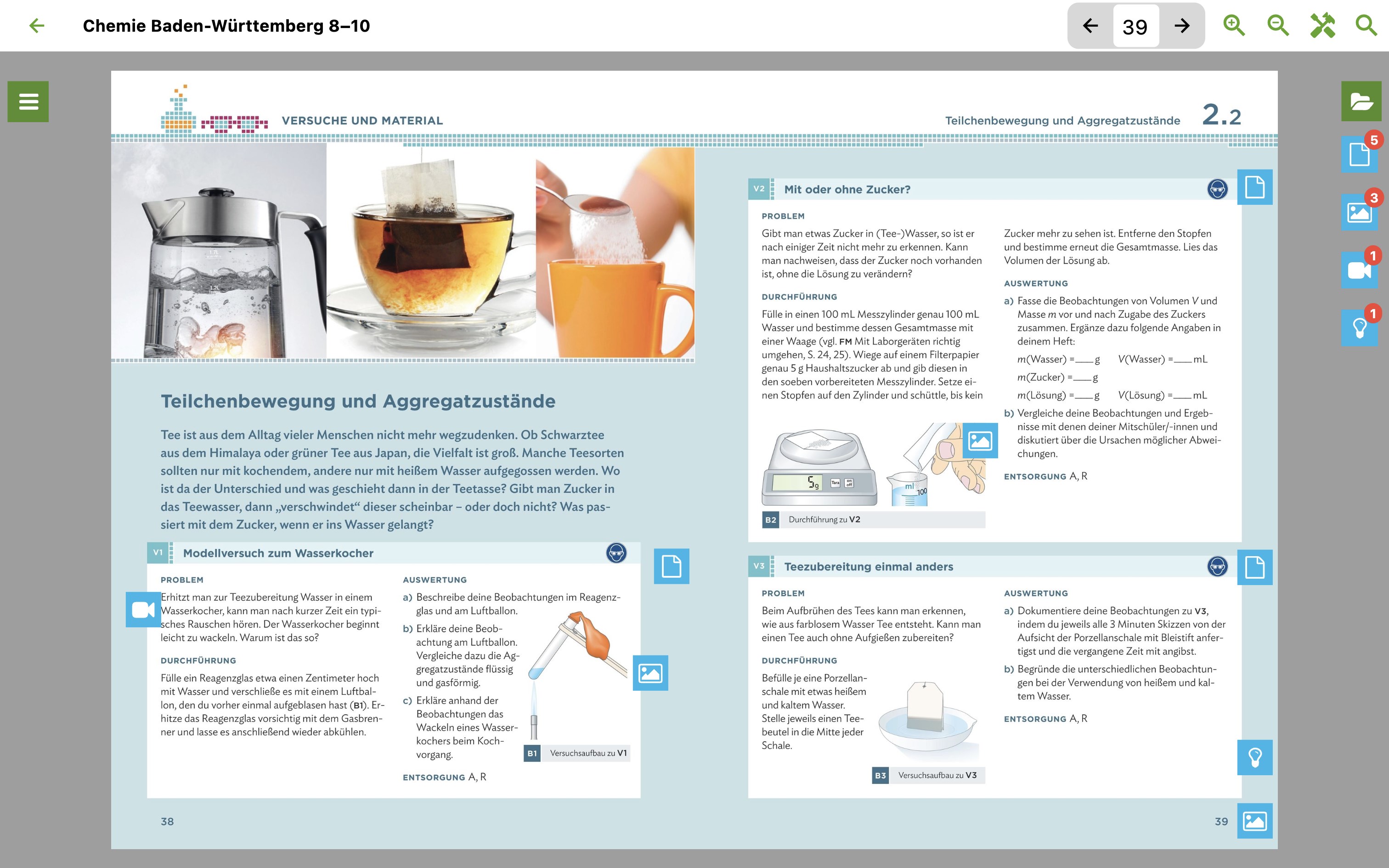
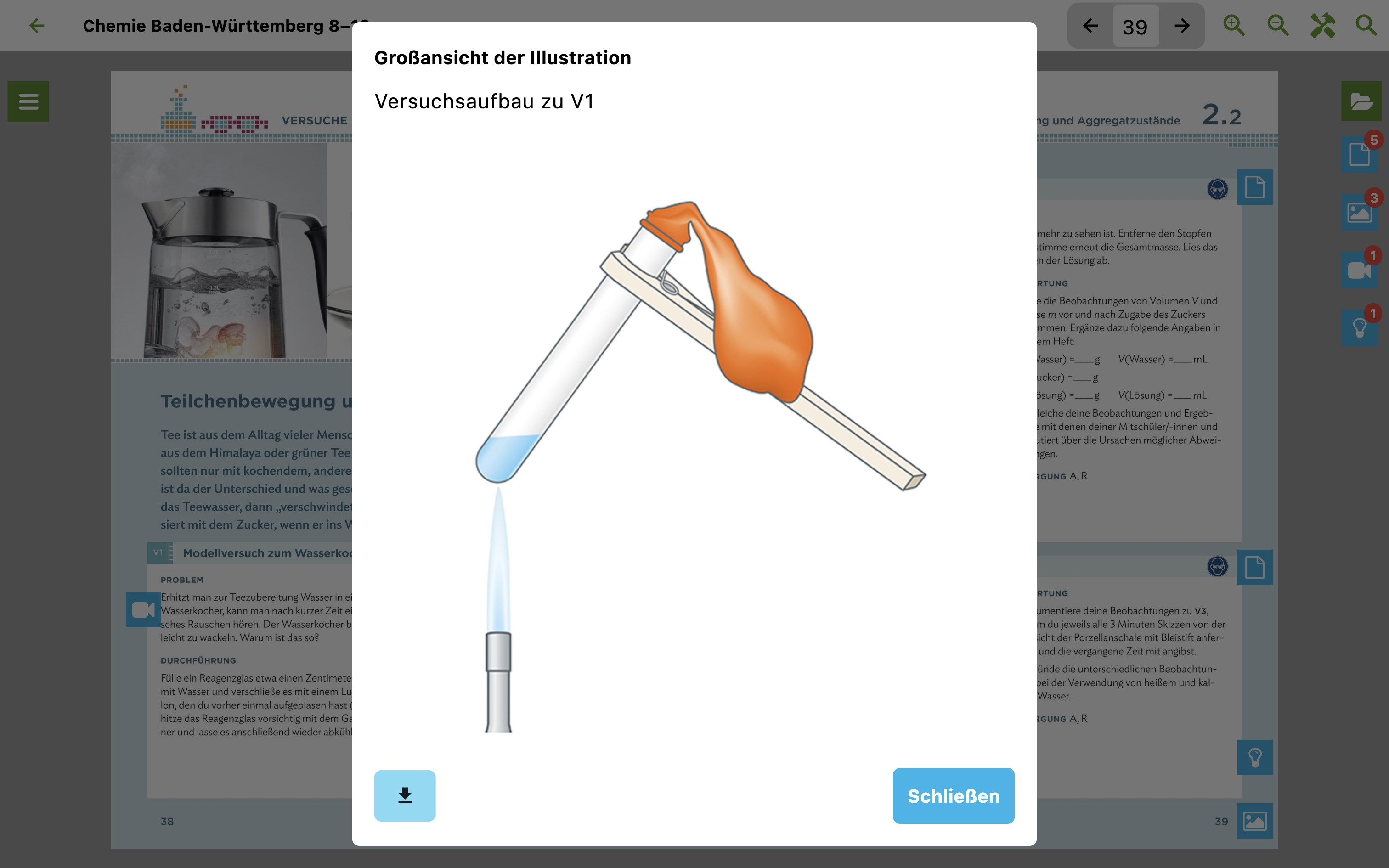
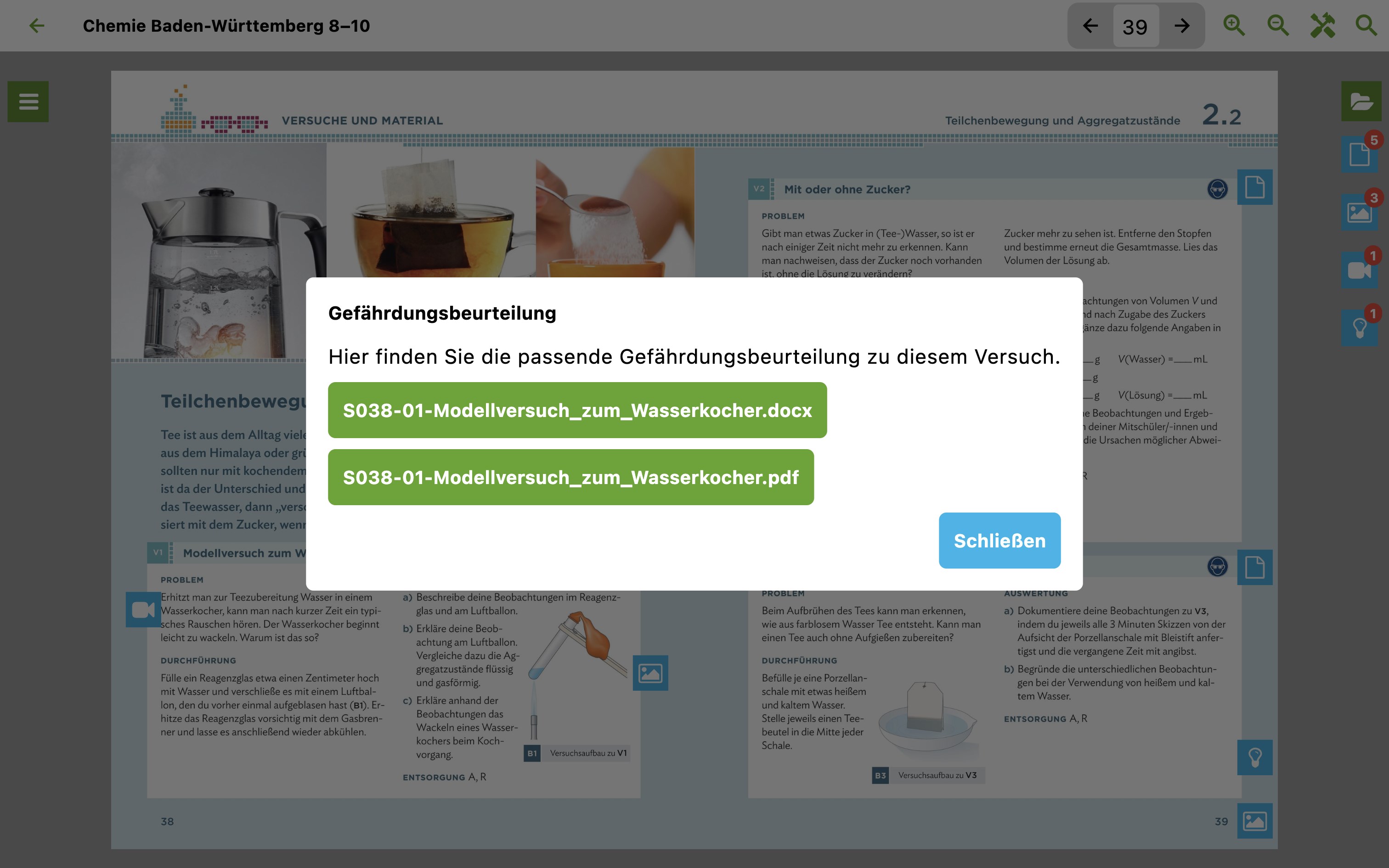
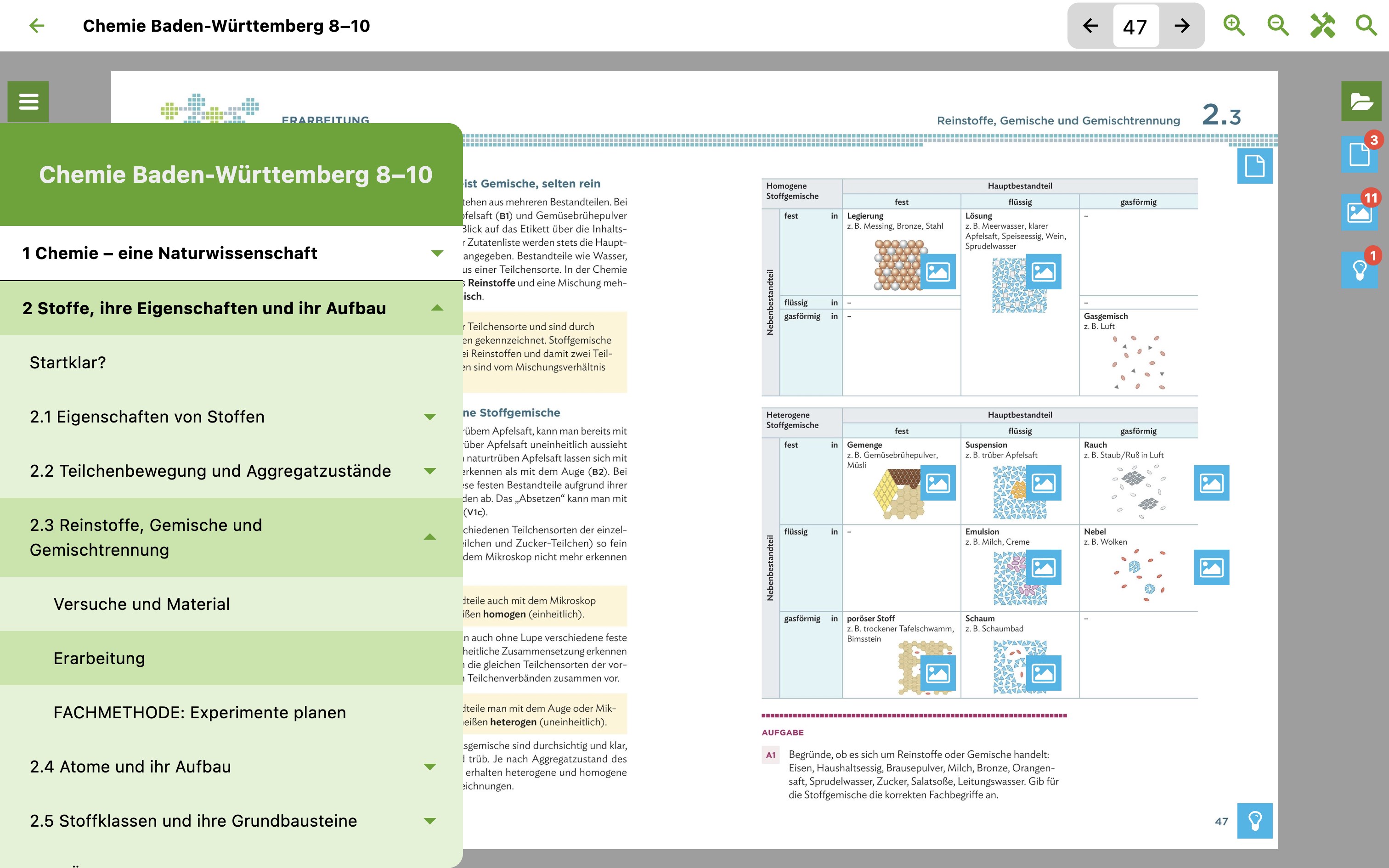
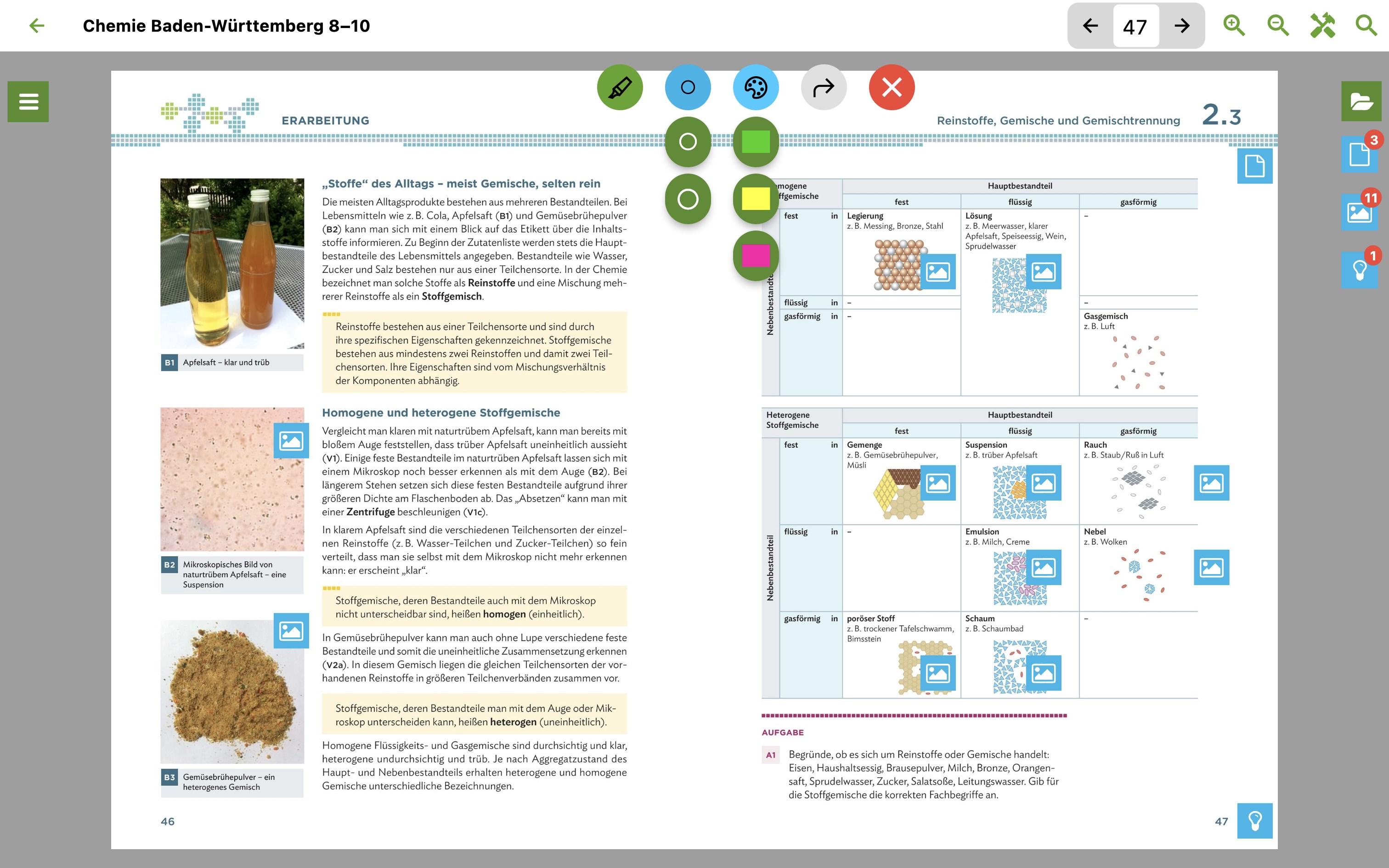
click & teach is a digital teaching assistant app for Windows 10 and 11 that supports lesson preparation with supplementary materials such as methodical notes, task solutions, copy templates and worksheets. It centers on the digital edition of a C.C.Buchner schoolbook, linked precisely to these extra materials through hotspots. Titles purchased online can also be used offline on a tablet. A search function provides access to both the book content and all supplementary materials, while bookmarks, a colored text marker and full-text search support work with the book.
Show the developer's original descriptionHide the original description
click & teach ist die App für Windows 10 und 11 unseres digitalen Lehrerassistenten, der Sie bei der Unterrichtsvorbereitung optimal unterstützt und Ihnen vielfältige und didaktisch sinnvolle Zusatzmaterialien, wie methodische Hinweise, Aufgabenlösungen, Kopiervorlagen oder Arbeitsblätter liefert.
Mit der click & teach App können Sie Ihre online erworbenen Titel auch offline auf Ihrem Tablet nutzen. Wie in der Online-Ausgabe steht auch bei der click & teach App immer die digitale Ausgabe des C.C.Buchner-Schulbuchs im Mittelpunkt, in das passgenau über sogenannte Hotspots die Zusatzmaterialien angebunden sind. Eine Suche bietet Zugriff auf die Buchinhalte sowie auf alle Zusatzmaterialien. Die Lesezeichenfunktion, der farbige Textmarker sowie die Volltext-Suche unterstützen Sie bei der Arbeit mit dem Buch.
If there is a version of this app for iOS/Mac or Windows we don't know about, paste the store link here — we'll auto-detect the store.
How to find the URL:1. Open the app in its store. 2.In the App Store app: tap the Share icon → “Copy Link”. In the browser: copy the URL from the address bar — it contains apps.apple.com/…/id… or apps.microsoft.com/detail/…. 3. Paste it here.
Paste the original link from the Apple App Store or Microsoft Store. We fetch all details automatically.
How to find the URL:
1. Open the app in its store. 2.In the App Store app: tap the Share icon → “Copy Link”. In the browser: copy the URL from the address bar — it contains apps.apple.com/…/id… or apps.microsoft.com/detail/…. 3. Paste it here.
Android apps can only be listed by their developer.