
Screenshot appears after consentScreenshot appears after consent
Summary
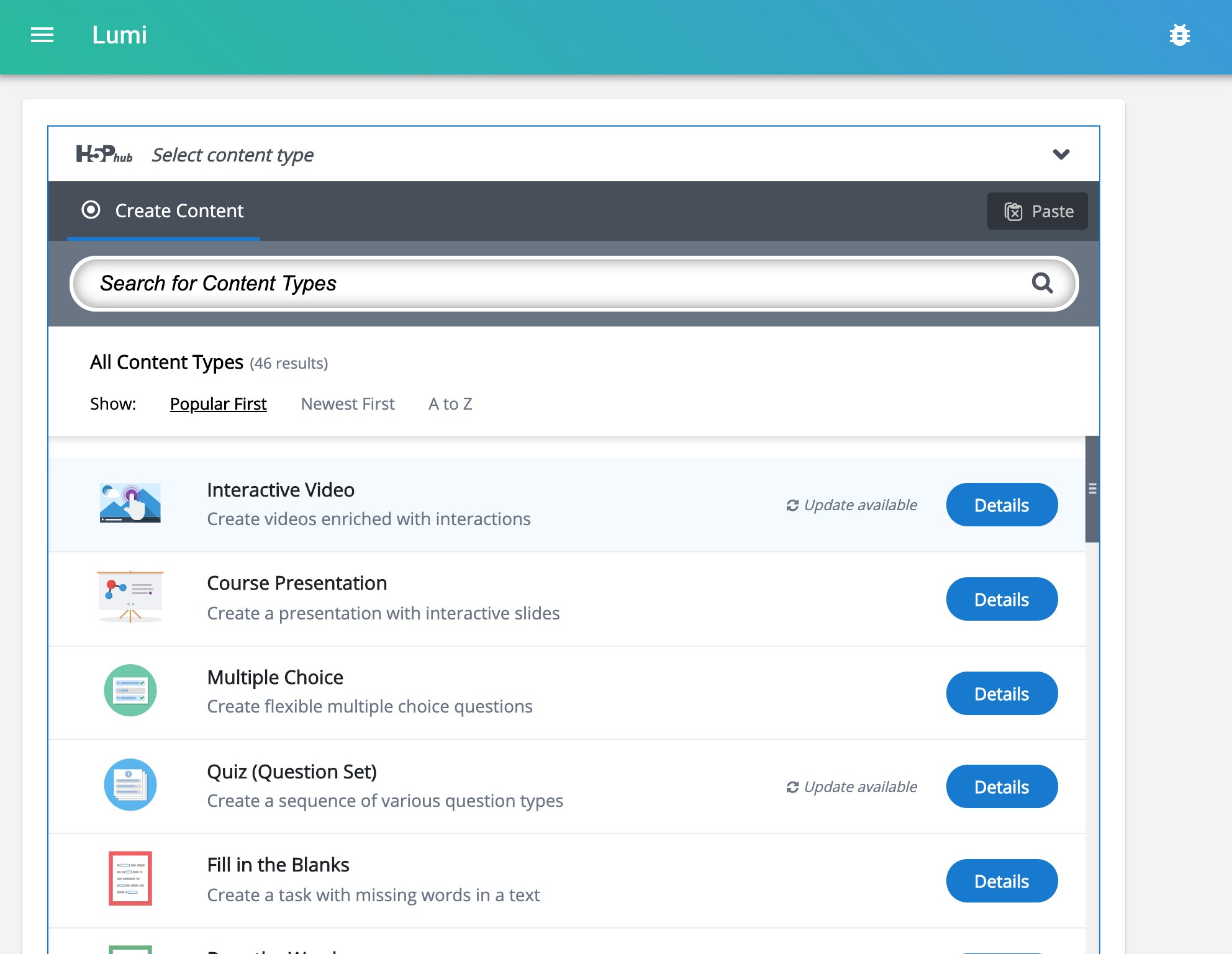
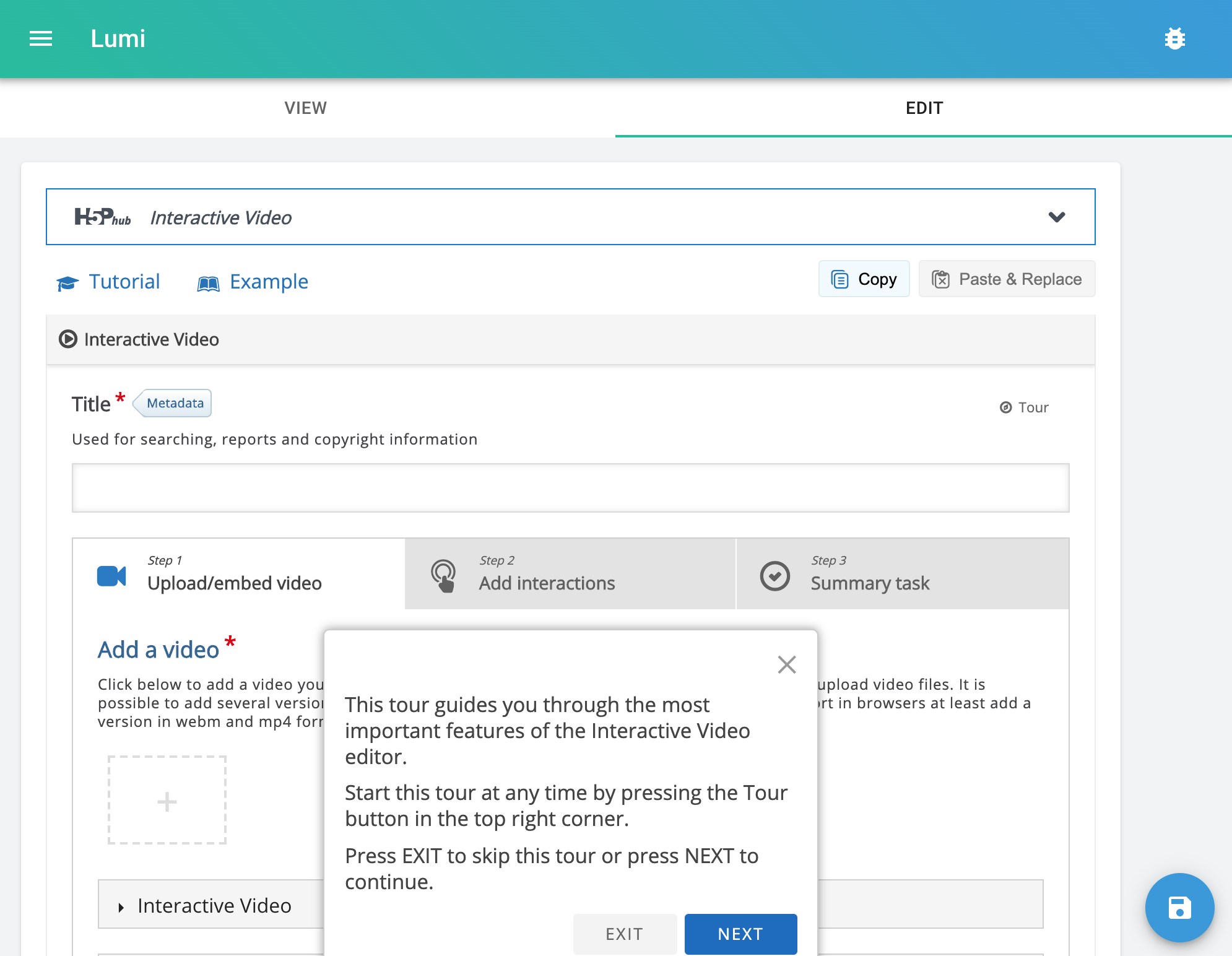
Lumi - Interactive Content with H5P is a desktop tool for creating, editing and viewing interactive HTML content based on H5P packages. It offers more than 40 content types, including interactive videos and common quiz formats such as fill-in-the-blanks and multiple choice questions. No programming knowledge is needed to use it. Unlike other H5P systems, Lumi does not require a Learning Management System such as Moodle or a Content Management System such as WordPress or Drupal. Content can be created directly on the desktop and shared with students as a plain HTML file that runs on almost any device without additional software.
Show the developer's original descriptionHide the original description
With Lumi you can create, edit and view interactive HTML elements (H5P packages) in your desktop environment. You can choose from over 40 content types (templates), which include interactive videos and all common quiz types such as fill-in-the-blanks, multiple choice questions. You don't need any programming knowledge to work with Lumi!
Unlike all other H5P systems, Lumi doesn't require you to have access to a Learning Management System (LMS) like Moodle or a Content Management System (CMS) like WordPress or Drupal. You can simply create interactive content in your desktop environment and share it with your students by exporting it as a HTML file.
Note: Lumi is a community project and is not affiliated with Joubel AS, who have created the H5P core and many of the content types. To find out more about H5P visit https://h5p.org. To contribute to Lumi visit https://github.com/lumieducation/lumi.
Play Store URL for "Lumi - Interactive Content with H5P"
If there is a version of this app for iOS/Mac or Windows we don't know about, paste the store link here — we'll auto-detect the store.
How to find the URL:1. Open the app in its store. 2.In the App Store app: tap the Share icon → “Copy Link”. In the browser: copy the URL from the address bar — it contains apps.apple.com/…/id… or apps.microsoft.com/detail/…. 3. Paste it here.
Paste the original link from the Apple App Store or Microsoft Store. We fetch all details automatically.
How to find the URL:
1. Open the app in its store. 2.In the App Store app: tap the Share icon → “Copy Link”. In the browser: copy the URL from the address bar — it contains apps.apple.com/…/id… or apps.microsoft.com/detail/…. 3. Paste it here.
Android apps can only be listed by their developer.