Screenshot appears after consentScreenshot appears after consentScreenshot appears after consentScreenshot appears after consentScreenshot appears after consentScreenshot appears after consentScreenshot appears after consent
Summary
Xml Editor is a tool for creating, editing and manipulating XML files. It offers two editing modes, letting users work directly with markup code or design documents visually. In code mode, XML can be typed or pasted and edited directly, which suits users familiar with the language. In designer mode, elements can be dragged and dropped into a tree view, with attributes and values set through a form, making it suitable for users new to XML. The app includes syntax highlighting, auto-completion, formatting, and validation against DTD or XSD schemas, along with a preview of the final document.
Show the developer's original descriptionHide the original description
An XML Editor application with XML designer function is a software tool designed for creating, editing, and manipulating XML files. It provides a user-friendly interface for users to input XML code, add, delete or modify elements, and format the structure of the document. Additionally, it offers a designer mode where users can design an XML object by an intuitive interface.
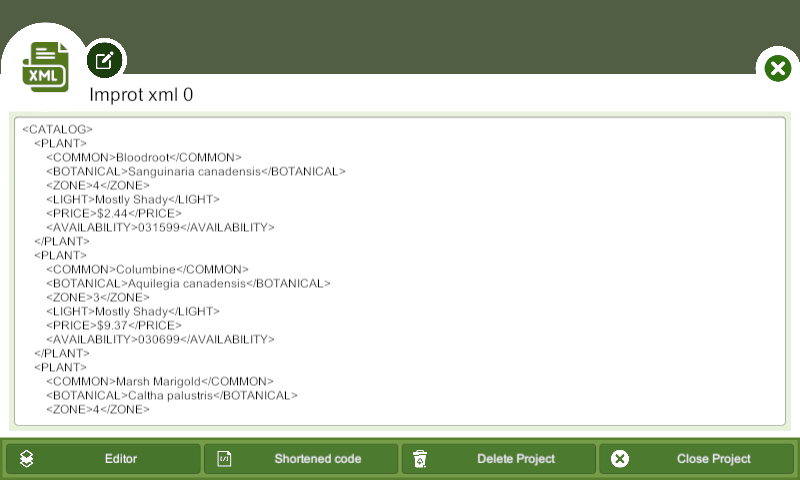
The application has two modes of editing: code and designer mode. In code mode, users can directly edit the XML code, either by typing it manually or copying and pasting it from an existing file. Code mode is useful for users who have experience with XML and want to work directly with the markup language.
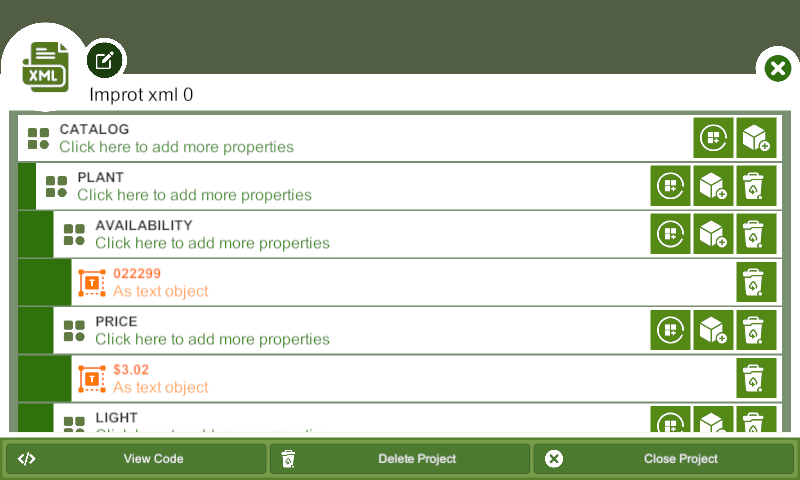
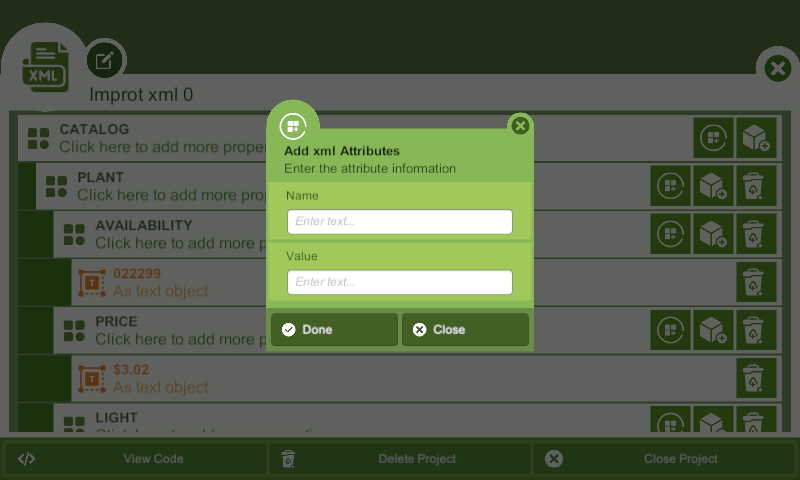
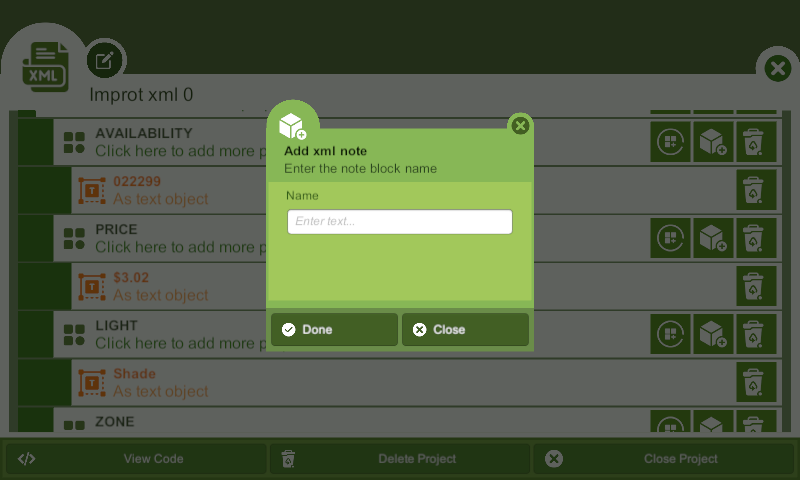
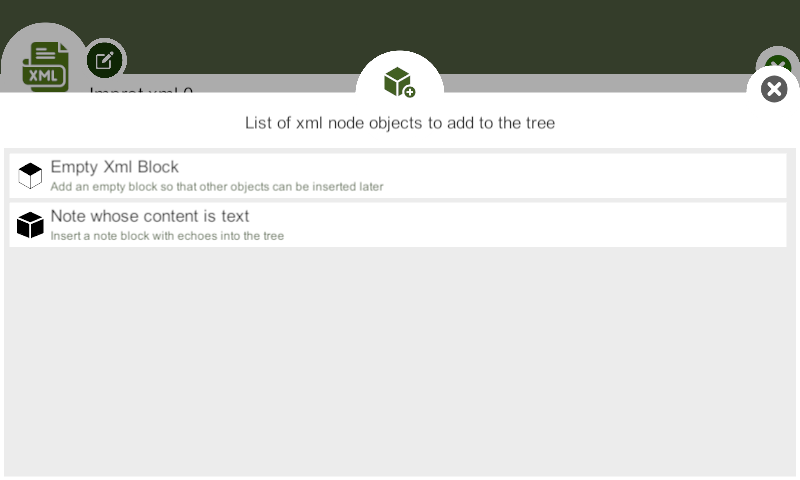
In designer mode, users can create or edit an XML document using a visual interface that allows them to drag and drop elements, set attributes, and format the structure of the document without having to write the code. Designer mode is ideal for users who are new to XML or prefer a more intuitive interface.
The XML editor application provides an array of features such as syntax highlighting, auto-completion, validation, and formatting that help users to create well-formed and error-free XML documents. The application also allows users to validate their XML files against a DTD or XSD schema and provides a preview of the final result.
The XML editor's designer mode offers an intuitive interface for creating XML documents. The designer mode typically provides a tree view of the XML document, allowing users to navigate and modify the document structure. Users can select elements from a palette of available elements and drag them onto the document's tree view. The designer mode also allows users to set element attributes and values by filling out a form.
In summary, an XML editor application with a designer function provides users with two modes of editing, code and designer mode, allowing users with varying degrees of expertise to work with XML documents. The XML editor application offers an array of features to make XML document creation, editing, and manipulation more straightforward and more efficient.
If there is a version of this app for iOS/Mac or Windows we don't know about, paste the store link here — we'll auto-detect the store.
How to find the URL:1. Open the app in its store. 2.In the App Store app: tap the Share icon → “Copy Link”. In the browser: copy the URL from the address bar — it contains apps.apple.com/…/id… or apps.microsoft.com/detail/…. 3. Paste it here.
Paste the original link from the Apple App Store or Microsoft Store. We fetch all details automatically.
How to find the URL:
1. Open the app in its store. 2.In the App Store app: tap the Share icon → “Copy Link”. In the browser: copy the URL from the address bar — it contains apps.apple.com/…/id… or apps.microsoft.com/detail/…. 3. Paste it here.
Android apps can only be listed by their developer.


 NotepadX
Create, edit and share text files via email
 Code Writer
Text editor with syntax highlighting for 20+ file types
 Windows Notepad
Quickly view, edit and search plain text files
 XLS Edit
Create, open and edit Excel spreadsheets
 CAD Viewer Editor
View and edit DWG and DXF files offline
 Notepad Editor
Text editor with syntax highlighting for code and markup