Screenshot appears after consentScreenshot appears after consentScreenshot appears after consentScreenshot appears after consent
Summary
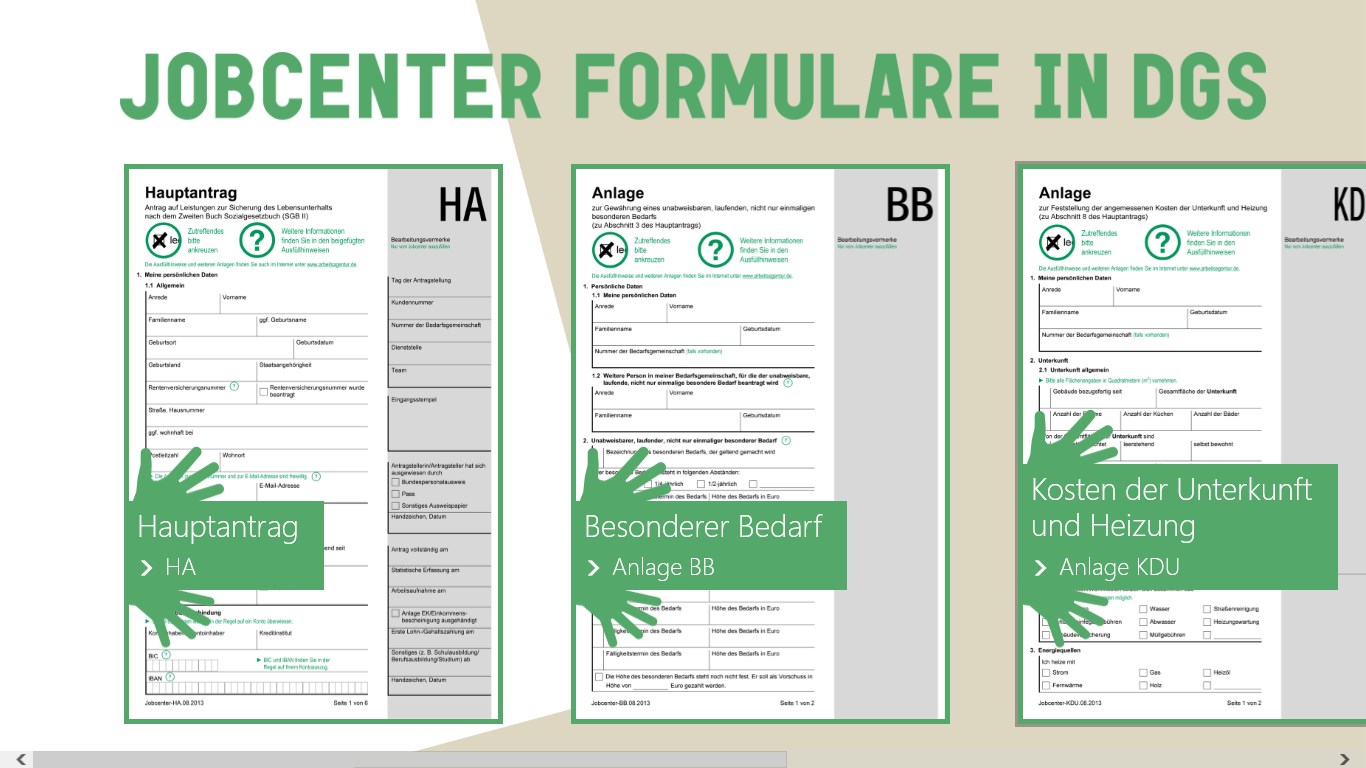
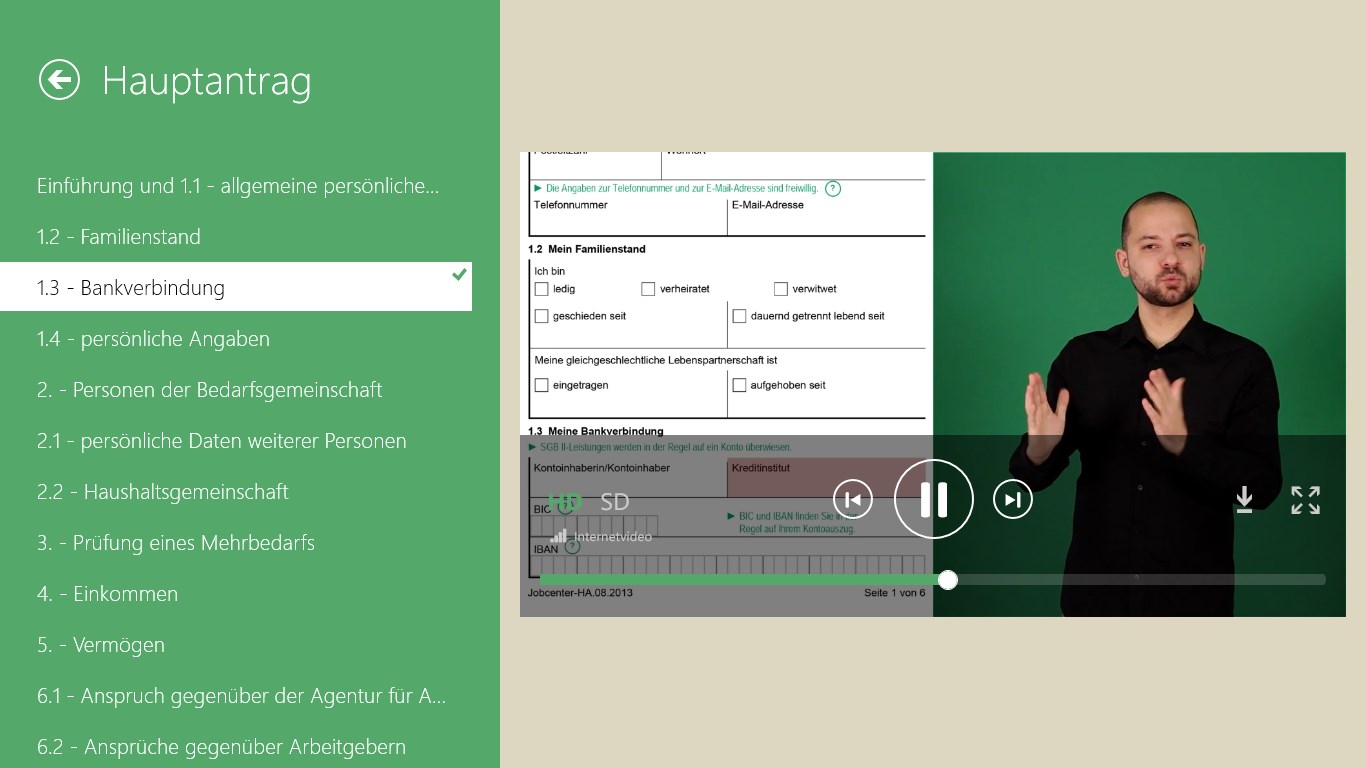
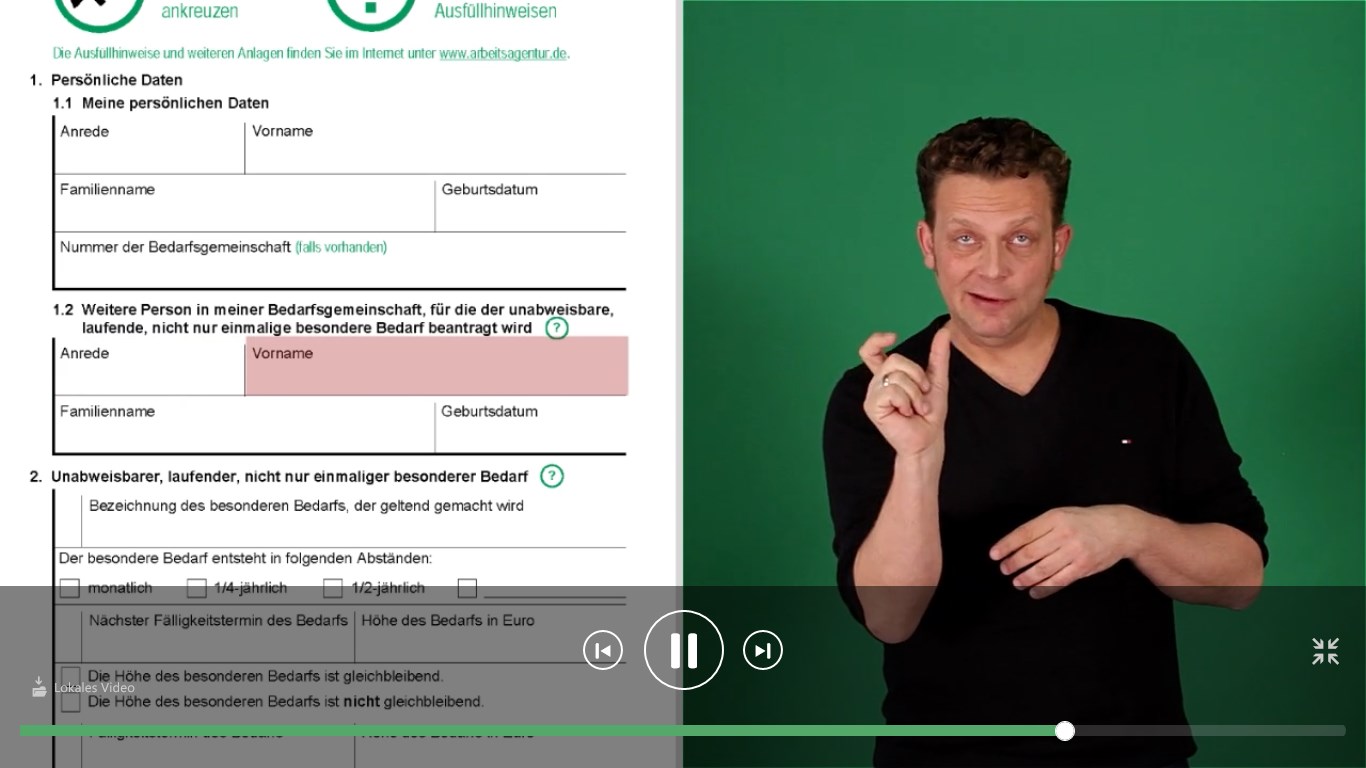
Jobcenterformulare in DGS is an app that explains German job center forms in German Sign Language through videos. Deaf presenters sign the content of five forms, including the main application, the housing cost application, the supplementary form for an additional person aged 15 or older in the household, the responsibility and commitment partnership application, and the special needs form. Rather than translating the text word for word, the content is explained in cooperation with the Jobcenter Reinickendorf to make the meaning clear.
Show the developer's original descriptionHide the original description
INKLUSION IM JOBCENTER:
87% der deutschen Bürger verstehen lt. der Gesellschaft für deutsche Sprache das Amtsdeutsch von Behörden nicht. Einen Antrag beim Jobcenter auszufüllen, bedeutet für viele Menschen daher eine Herausforderung. Eine besondere Hilfe erhalten ab sofort Gebärdensprachler: Sie können sich mittels einer App die Formulare in Deutscher Gebärdensprache (DGS) erläutern lassen. Andreas Costrau und Benedikt J. Feldmann (beide taub) gebärden in Videos die Inhalte der Formulare. Für fünf Formulare ist dieser Service ab sofort verfügbar:
• Hauptantrag
• Antrag für Kosten der Unterkunft (KDU)
• Anlage WEP für eine weitere Person ab 15 Jahren in der Bedarfsgemeinschaft
• Verantwortungs- und Einstehensgemeinschafts-Antrag (VE)
• Anlage BB für besonderen Bedarf
Besonderheit der App: Die Inhalte wurden nicht 1:1 von Schrift- in Gebärdensprache übersetzt, sondern in Zusammenarbeit mit dem Jobcenter Reinickendorf auch inhaltlich erläutert. Wichtig: Die App besitzt keine Rechtsverbindlichkeit, sondern unterstützt Gebärdensprachler beim Ausfüllen der Formulare.
If there is a version of this app for iOS/Mac or Windows we don't know about, paste the store link here — we'll auto-detect the store.
How to find the URL:1. Open the app in its store. 2.In the App Store app: tap the Share icon → “Copy Link”. In the browser: copy the URL from the address bar — it contains apps.apple.com/…/id… or apps.microsoft.com/detail/…. 3. Paste it here.
Paste the original link from the Apple App Store or Microsoft Store. We fetch all details automatically.
How to find the URL:
1. Open the app in its store. 2.In the App Store app: tap the Share icon → “Copy Link”. In the browser: copy the URL from the address bar — it contains apps.apple.com/…/id… or apps.microsoft.com/detail/…. 3. Paste it here.
Android apps can only be listed by their developer.