
Scratch Link
Connects Scratch to microcontrollers and robotics kits AI summary
Screenshots
Summary
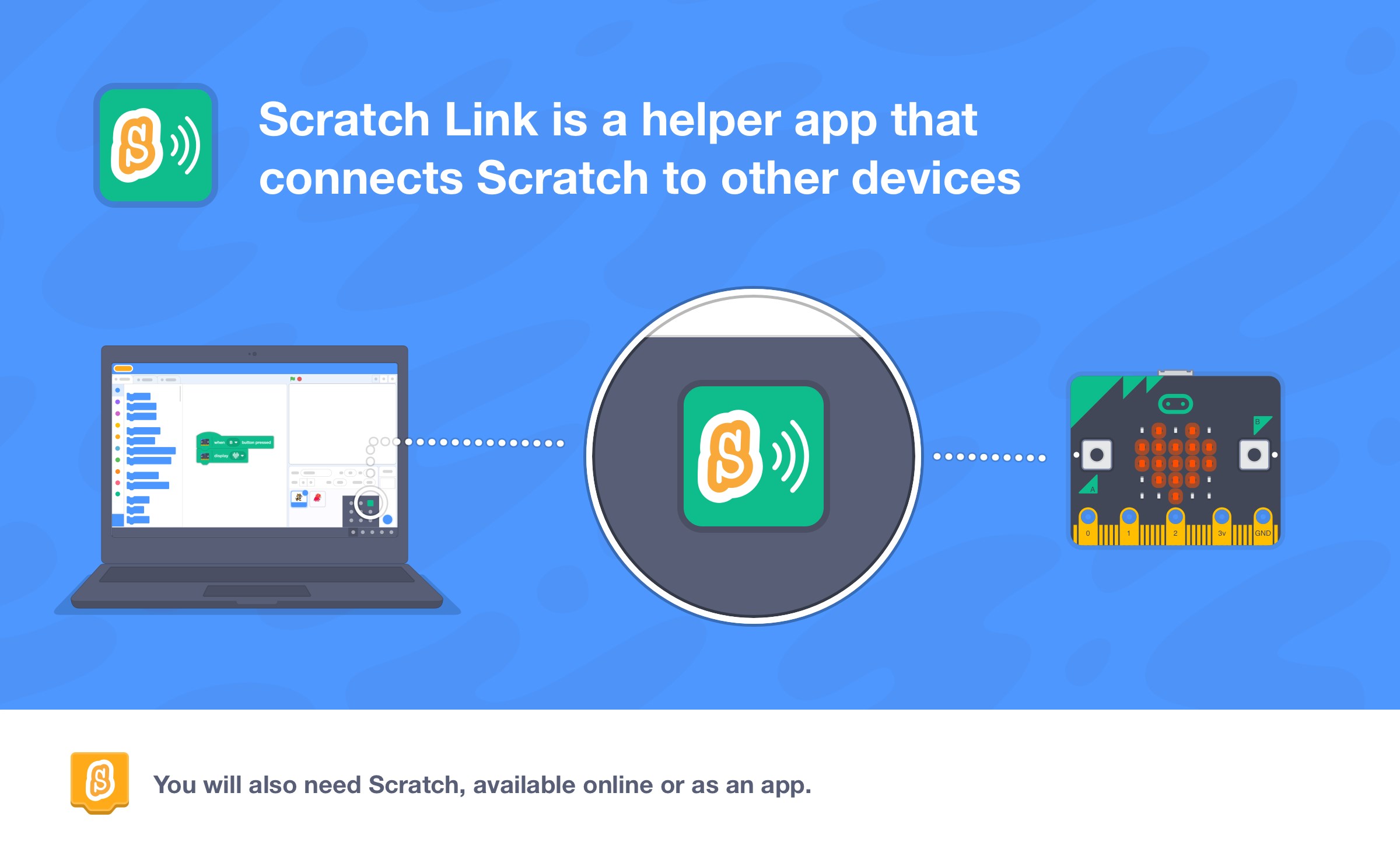
Scratch Link is a connectivity tool that links Scratch to other devices over Bluetooth, such as micro:bit and LEGO robotics kits. It runs alongside Scratch, appearing as an icon on the screen, and enables communication between Scratch projects and compatible Bluetooth hardware. Using Scratch Link requires Scratch itself, accessed either through the Scratch website or the Scratch app, along with a compatible Bluetooth device.
Show the developer's original descriptionHide the original description
Scratch Link is a helper app that lets you connect Scratch to other devices, such as micro:bit and LEGO robotics kits.
Using Scratch Link requires both Scratch (you can use either the Scratch website or the Scratch app) and a compatible Bluetooth device.
Scratch Link appears as an icon at the bottom of your screen.
Learn about Scratch at scratch.mit.edu
Download Scratch at scratch.mit.edu/download
Technical details about Scratch Link
Scratch Link in the rankings
Manage app
Are you on the developer team behind Scratch Link?
Verify yourself and manage your listing on Most Voted Apps.
Verify Scratch Link for free
Verification usually takes only a few minutes.
Similar apps to Scratch Link