ALLRIS

Access and manage municipal documents and meeting materials AI summary
Rank 549
0 Up Votes, 0 Down Votes
▲
0
▼
iOS version not available in your country.
Screenshots
iPhone iPad Windows
Screenshot 1 of ALLRIS on iPhoneScreenshot
appears after consent
Screenshot 2 of ALLRIS on iPhoneScreenshot
appears after consent
Screenshot 3 of ALLRIS on iPhoneScreenshot
appears after consent
Screenshot 4 of ALLRIS on iPhoneScreenshot
appears after consent
Screenshot 5 of ALLRIS on iPhoneScreenshot
appears after consent
Screenshot 6 of ALLRIS on iPhoneScreenshot
appears after consent
Screenshot 7 of ALLRIS on iPhoneScreenshot
appears after consent
Screenshot 8 of ALLRIS on iPhoneScreenshot
appears after consent
Summary
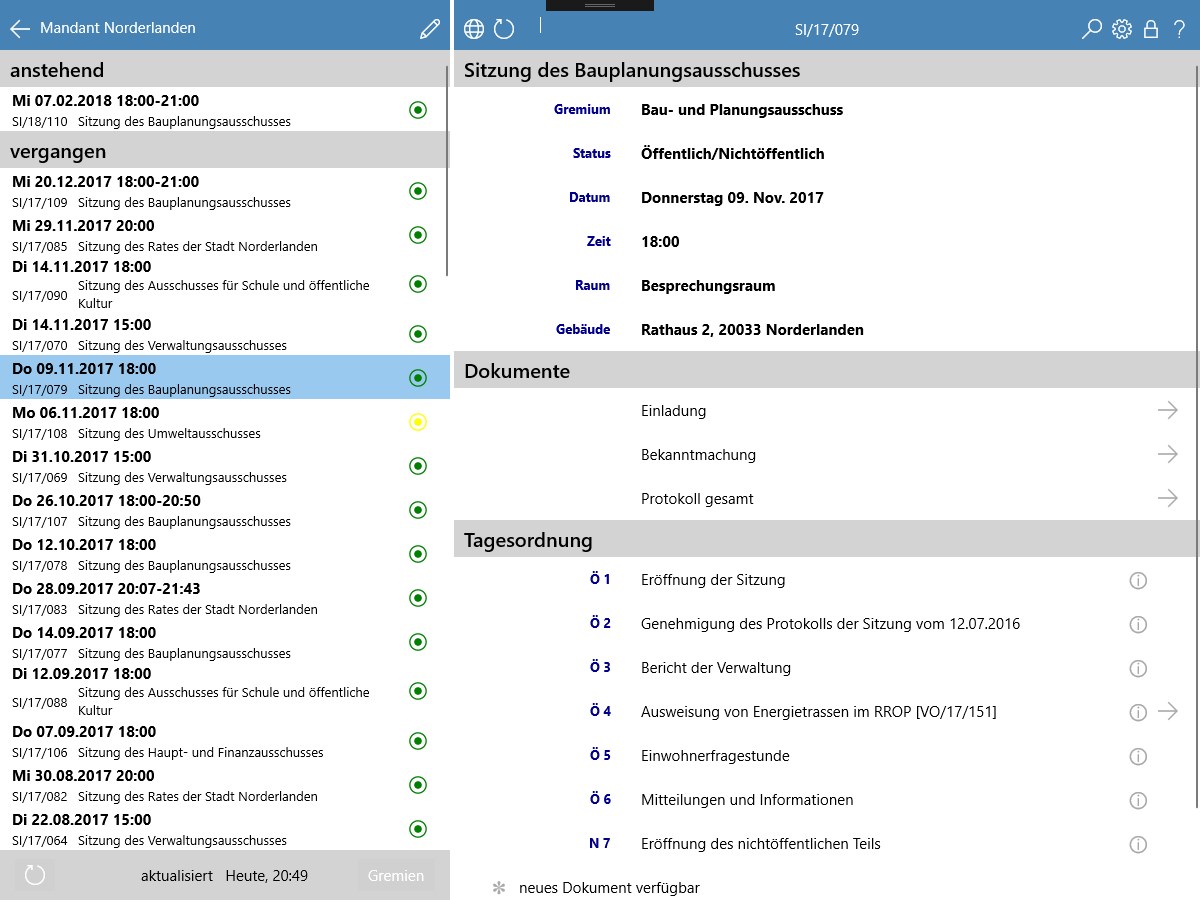
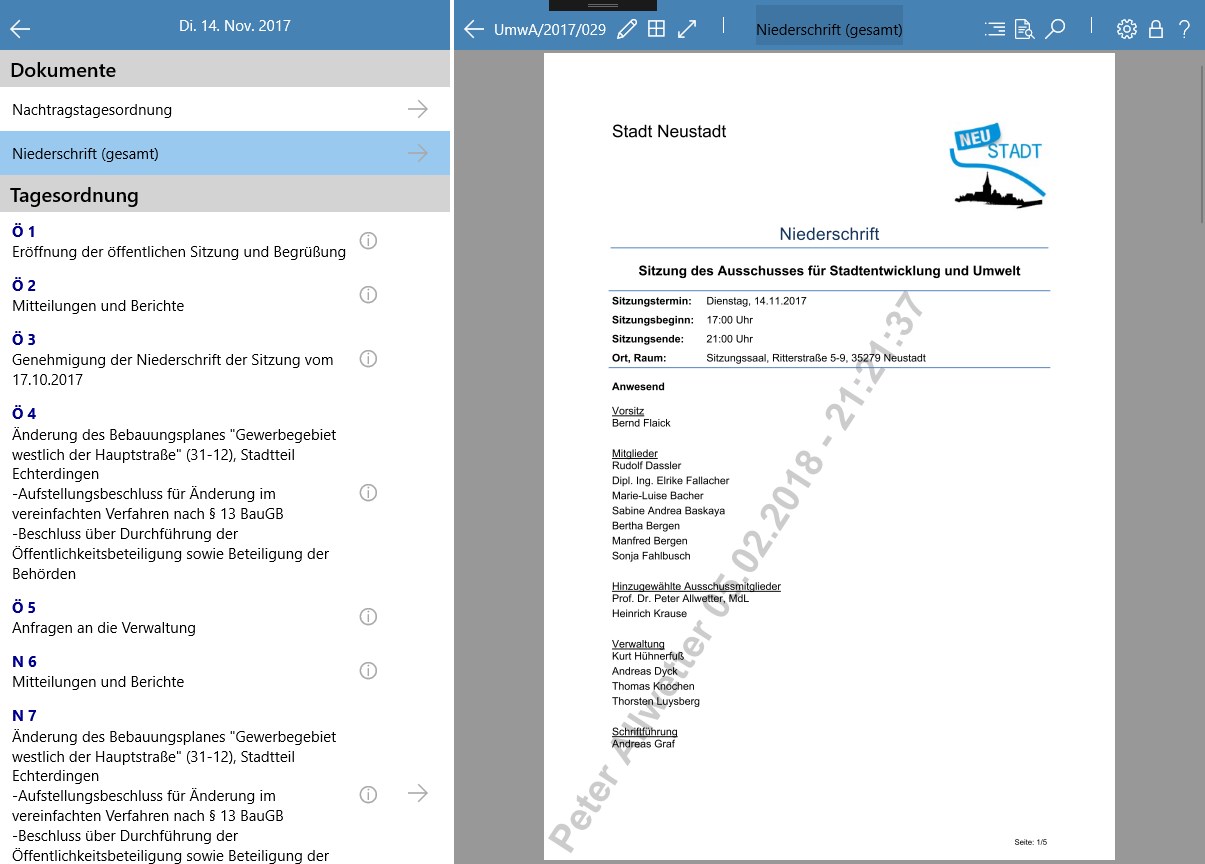
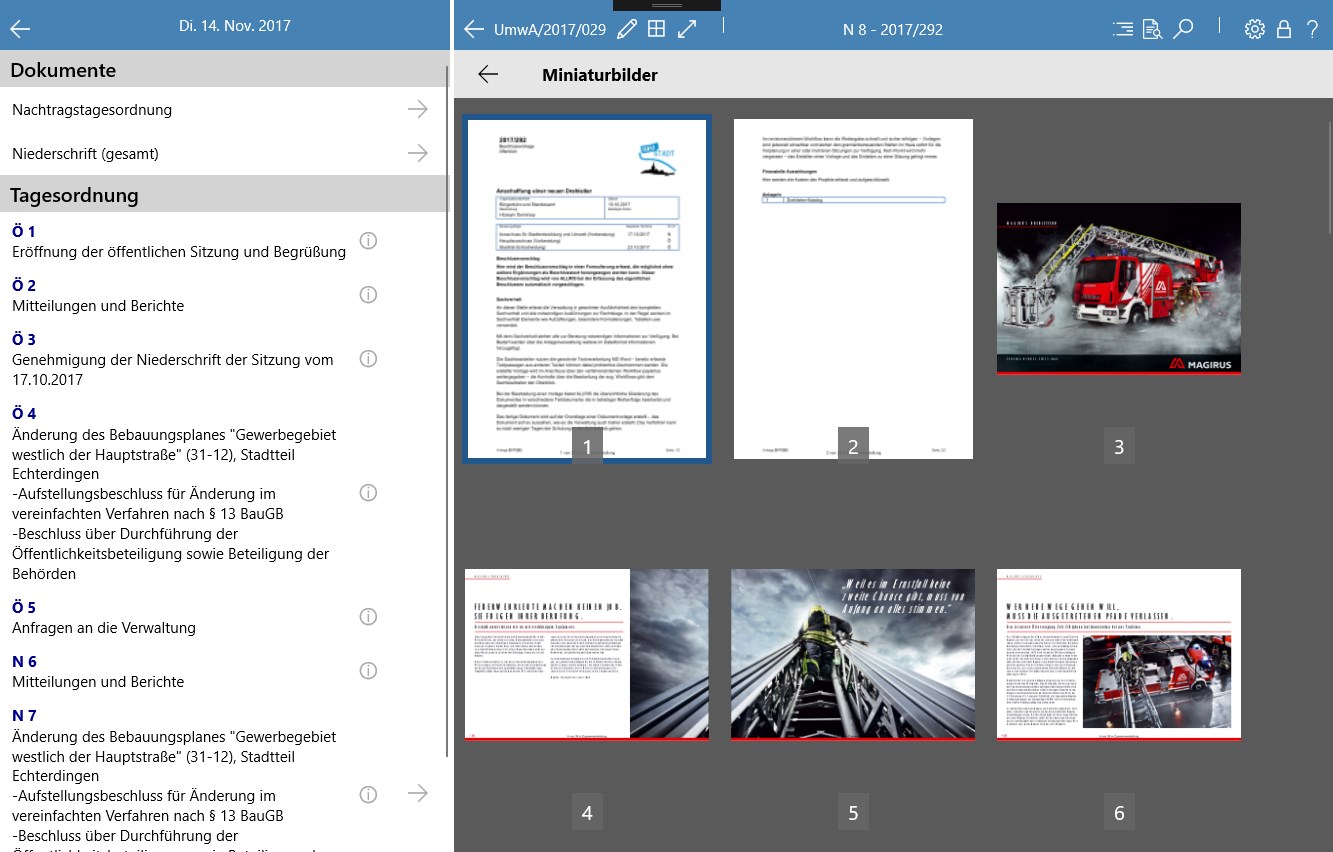
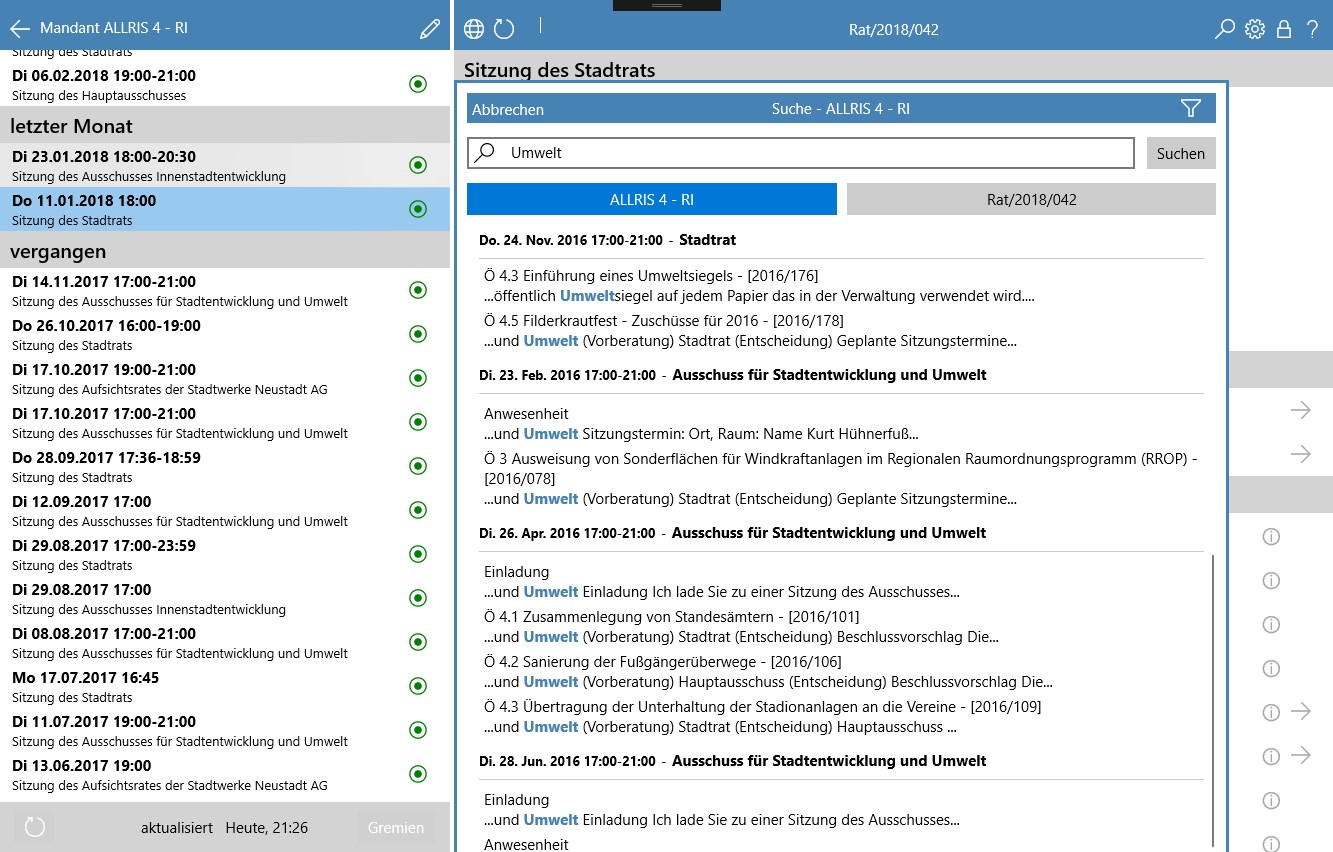
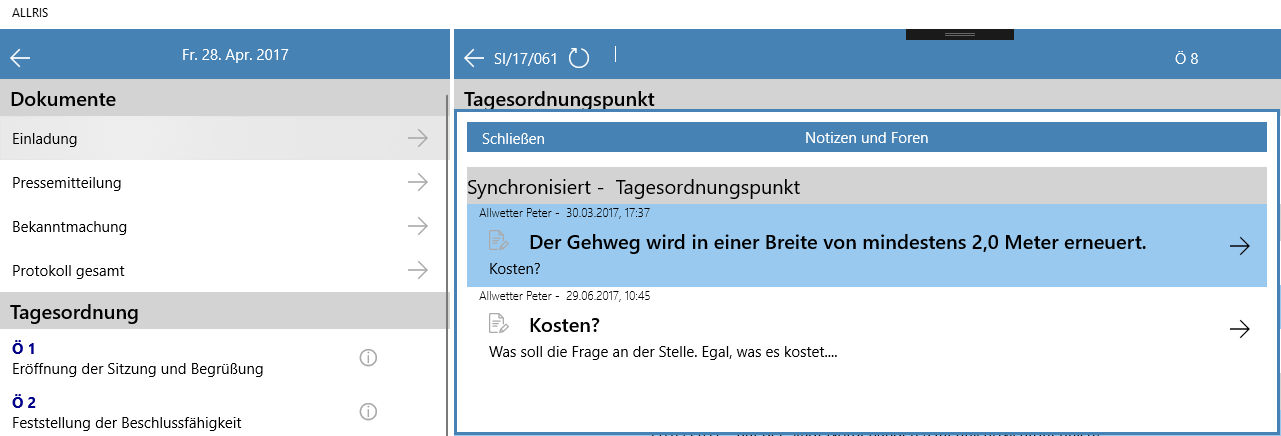
ALLRIS is a mobile information app for local council and committee documents, used by administration and committee members as well as citizens who can access public information from committee work. The app saves meeting documents to the device and keeps them updated, checking the connected ALLRIS server and signaling with a traffic light whether documents are current, loading, or need updating. A meeting calendar leads to the agenda and documents, and the app allows quick navigation within large documents along with personal comments. It supports multiple ALLRIS servers and offers full text search including personal comments.
Show the developer's original descriptionHide the original description
The ALLRIS app is the mobile information center for administration and committee members: no more annoying stacks of paper, all information is organized, always up-to-date, available anytime and anywhere. All public information from committee work is available to citizens with the ALLRIS app - a contribution to more transparency in local politics. ALLRIS saves the documents for the meetings at the push of a button on your device and keeps them up to date. You are therefore always informed about changes. As soon as there is a connection to the ALLRIS server, the app regularly checks that the stored documents are up to date. A traffic light signals: • Red: documents for the meeting need to be updated. One click is enough and the documents are brought up to date. • Yellow: documents are being loaded. • Green: All documents for the session on your iPad are up-to-date. The navigation in the app is intuitive and self-explanatory. The meeting calendar takes you to the agenda for a meeting. The relevant documents are available there. The app enables quick navigation even in large documents. You can of course add personal comments. Other functions: • Multi-tenancy: the app can be connected to several ALLRIS servers • Full text search, also in your own comments • Selection of individual bodies • Direct access to the ALLRIS online offer within the app Requirements for council and office information: • User account on an ALLRIS server (prepared for the ALLRIS app)
Technical details about ALLRIS
Category
Age Rating
Price
Size
74,9 MB
Last updated in Microsoft Store
2026-08-21
App Store Rating
2.6 ★
ALLRIS in the rankings
Manage app

Are you on the developer team behind ALLRIS?

Verify yourself and manage your listing on Most Voted Apps.

Verify ALLRIS for free
Verification usually takes only a few minutes.
Similar apps to ALLRIS