
Screenshot appears after consentScreenshot appears after consentScreenshot appears after consentScreenshot appears after consentScreenshot appears after consentScreenshot appears after consentScreenshot appears after consentScreenshot appears after consentScreenshot appears after consentScreenshot appears after consentScreenshot appears after consentScreenshot appears after consentScreenshot appears after consentScreenshot appears after consentScreenshot appears after consentScreenshot appears after consentScreenshot appears after consent
Summary
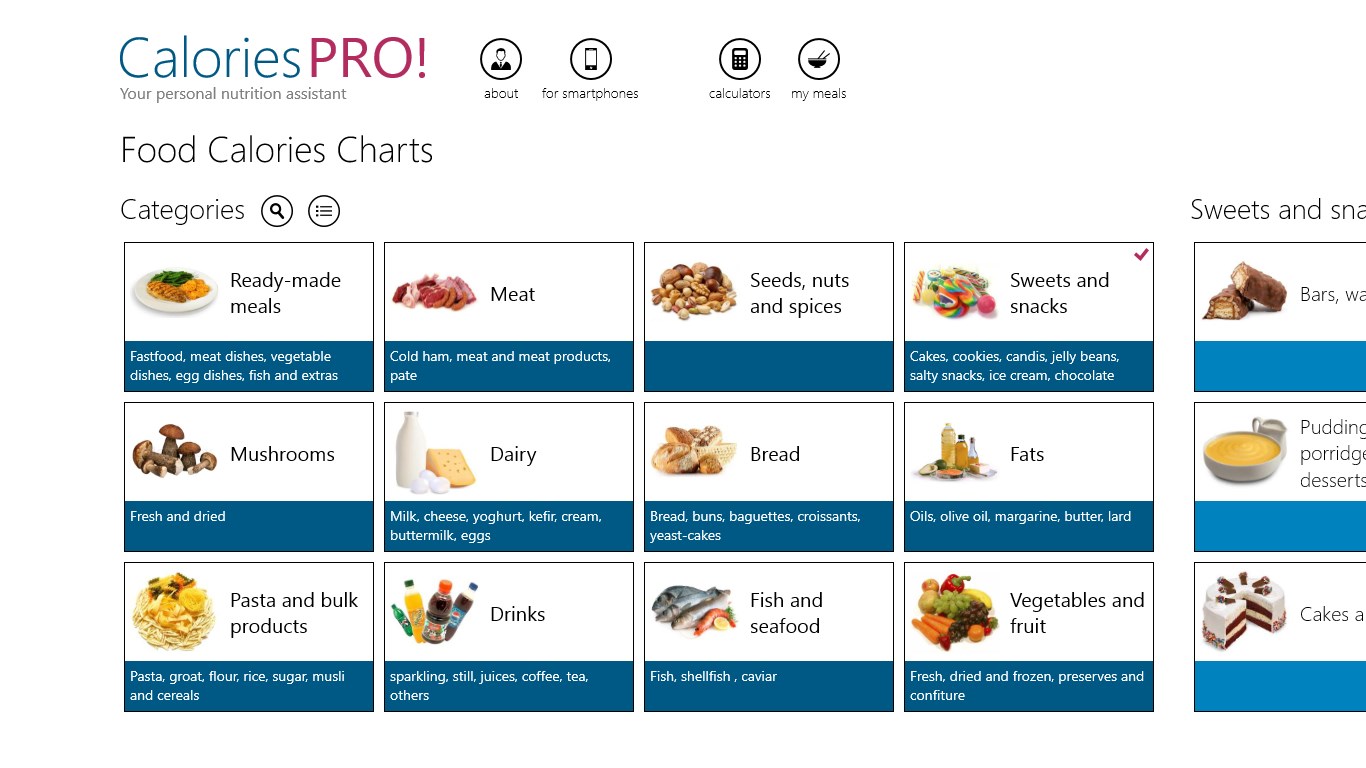
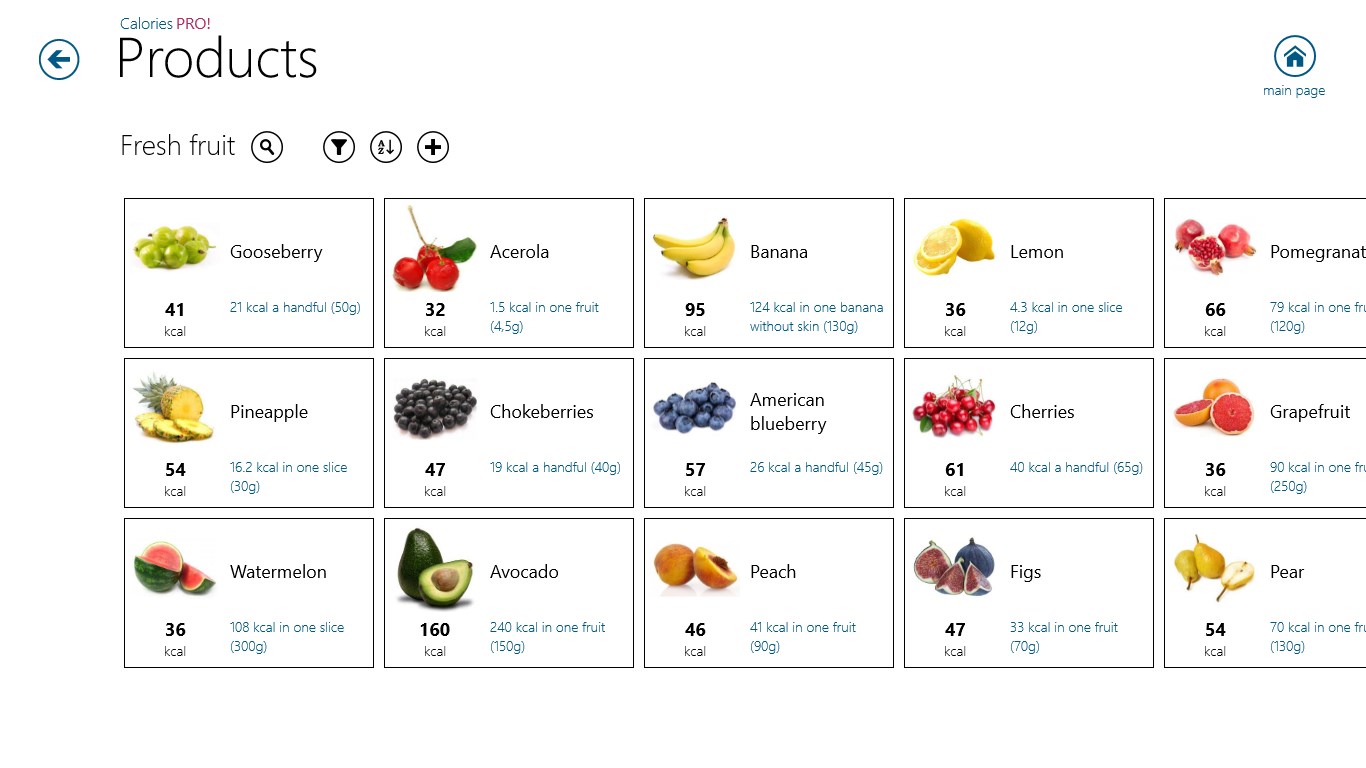
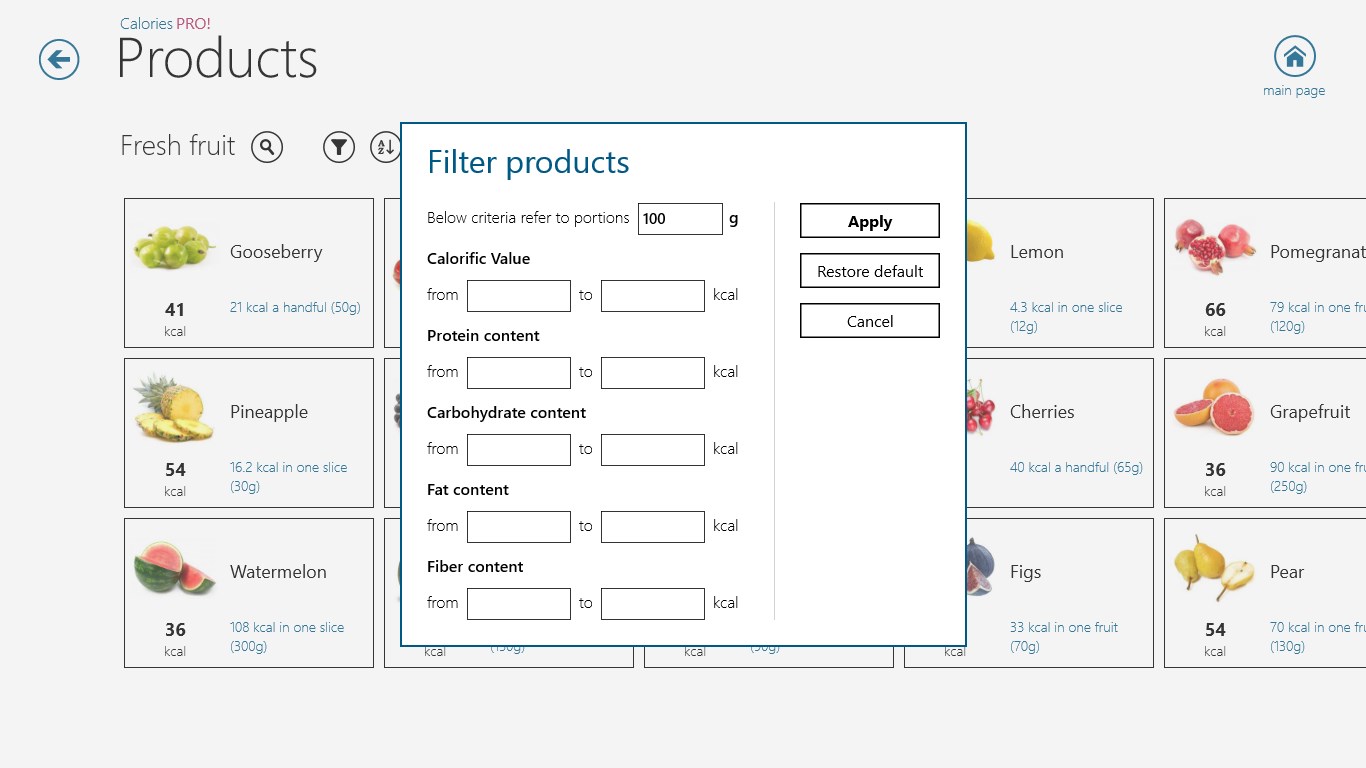
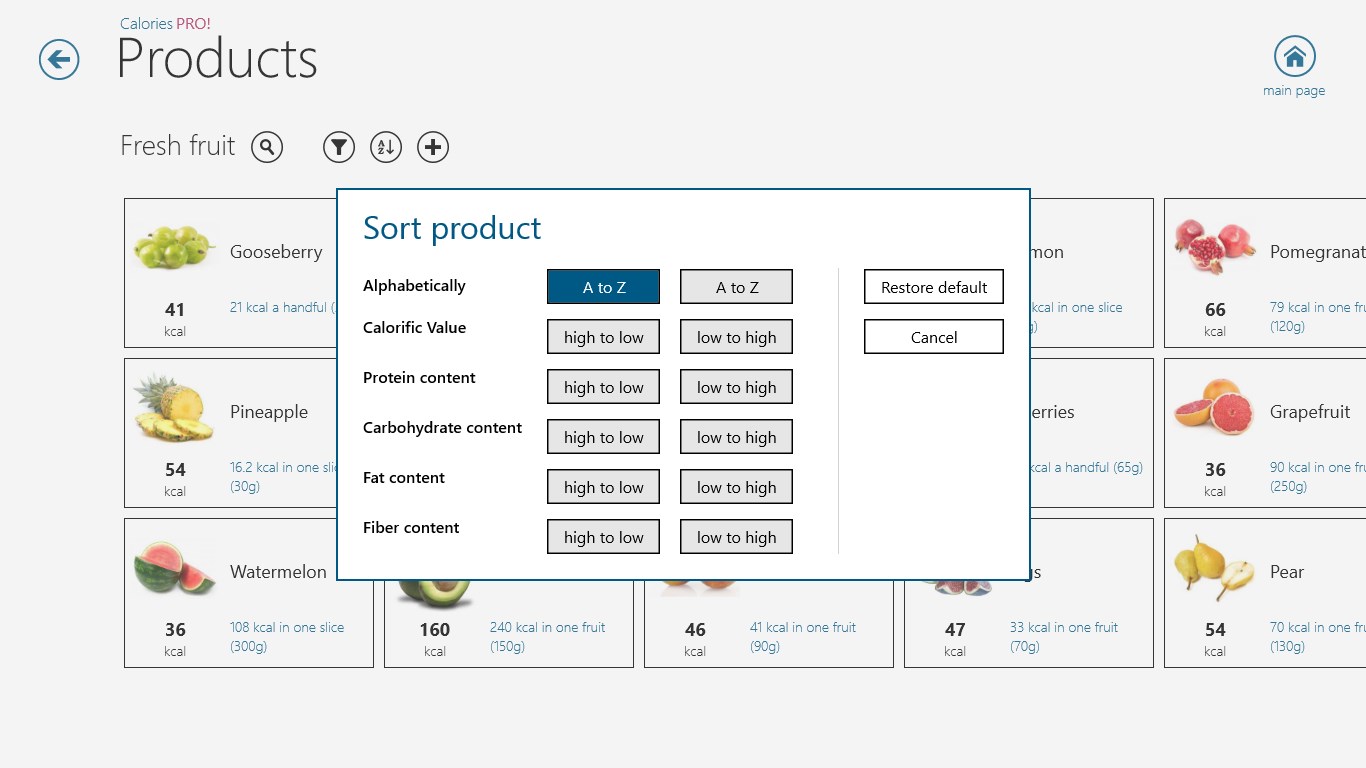
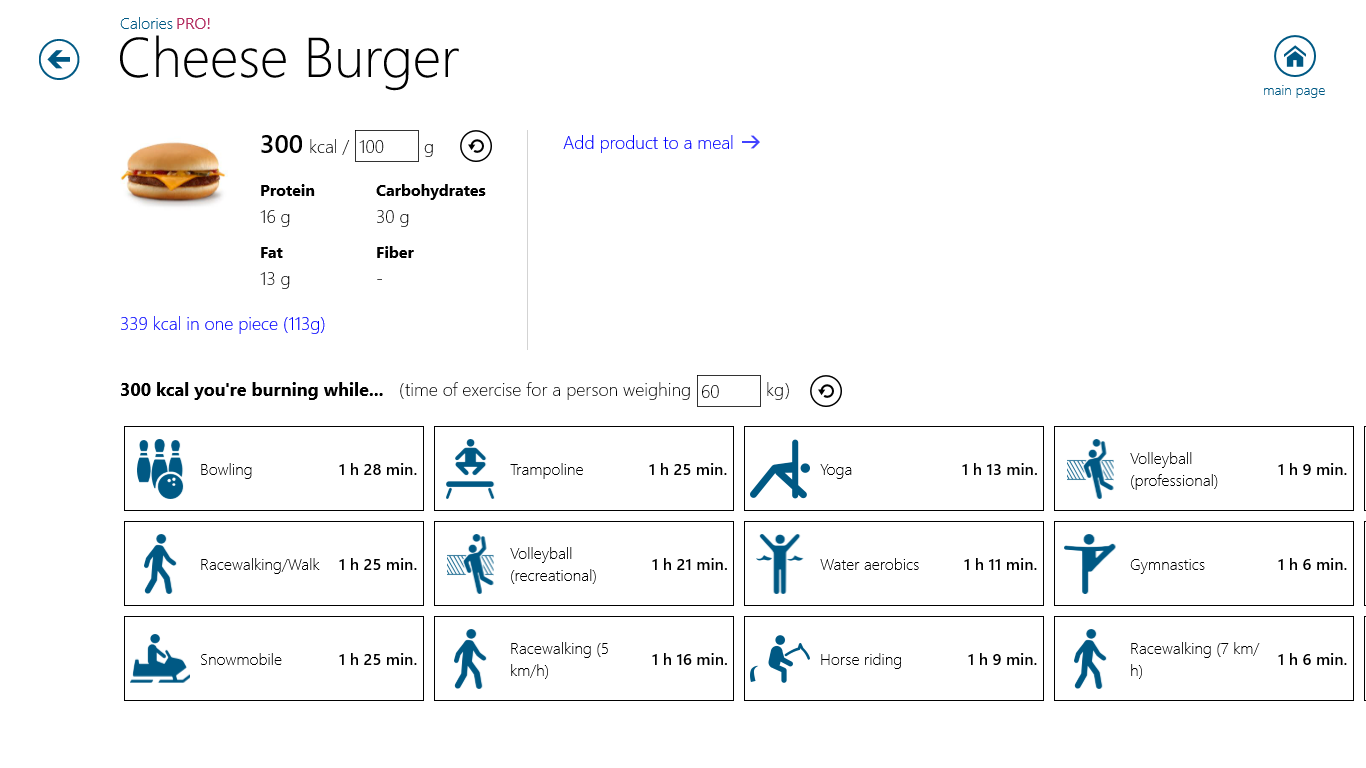
Calories PRO! is a nutrition database containing over 2220 products organized into categories and subcategories. Each product includes a photo along with information about its calories and nutritional value. The app allows composing meals to determine their total calorific value. It also offers a set of calculators, such as for BMI and calorie requirements, based on the user's sex, weight, height and age. The app works without an internet connection.
Show the developer's original descriptionHide the original description
Calories PRO! is a base of over 2220 products divided into various categories and subcategories. Each product contains a photo and information about the amount of calories and nutritional value. Application allows you to compose meals to determine their calorific value and offers a set of calculators (ex. BMI, calorie requirements and others) regarding sex, weight, height and age of user. Note! An internet connection is not required!
If there is a version of this app for iOS/Mac or Windows we don't know about, paste the store link here — we'll auto-detect the store.
How to find the URL:1. Open the app in its store. 2.In the App Store app: tap the Share icon → “Copy Link”. In the browser: copy the URL from the address bar — it contains apps.apple.com/…/id… or apps.microsoft.com/detail/…. 3. Paste it here.
Paste the original link from the Apple App Store or Microsoft Store. We fetch all details automatically.
How to find the URL:
1. Open the app in its store. 2.In the App Store app: tap the Share icon → “Copy Link”. In the browser: copy the URL from the address bar — it contains apps.apple.com/…/id… or apps.microsoft.com/detail/…. 3. Paste it here.
Android apps can only be listed by their developer.