



Screenshot appears after consentScreenshot appears after consentScreenshot appears after consentScreenshot appears after consentScreenshot appears after consentScreenshot appears after consentScreenshot appears after consent
Summary
Guide for Shein Shopping is a step-by-step guide to shopping on Shein. It walks through the shopping possibilities the site offers and explains how to find the best deals. It aims to help users get the most out of Shein and become familiar with its features. It is designed as a practical reference that can be consulted repeatedly while shopping on the platform.
Show the developer's original descriptionHide the original description
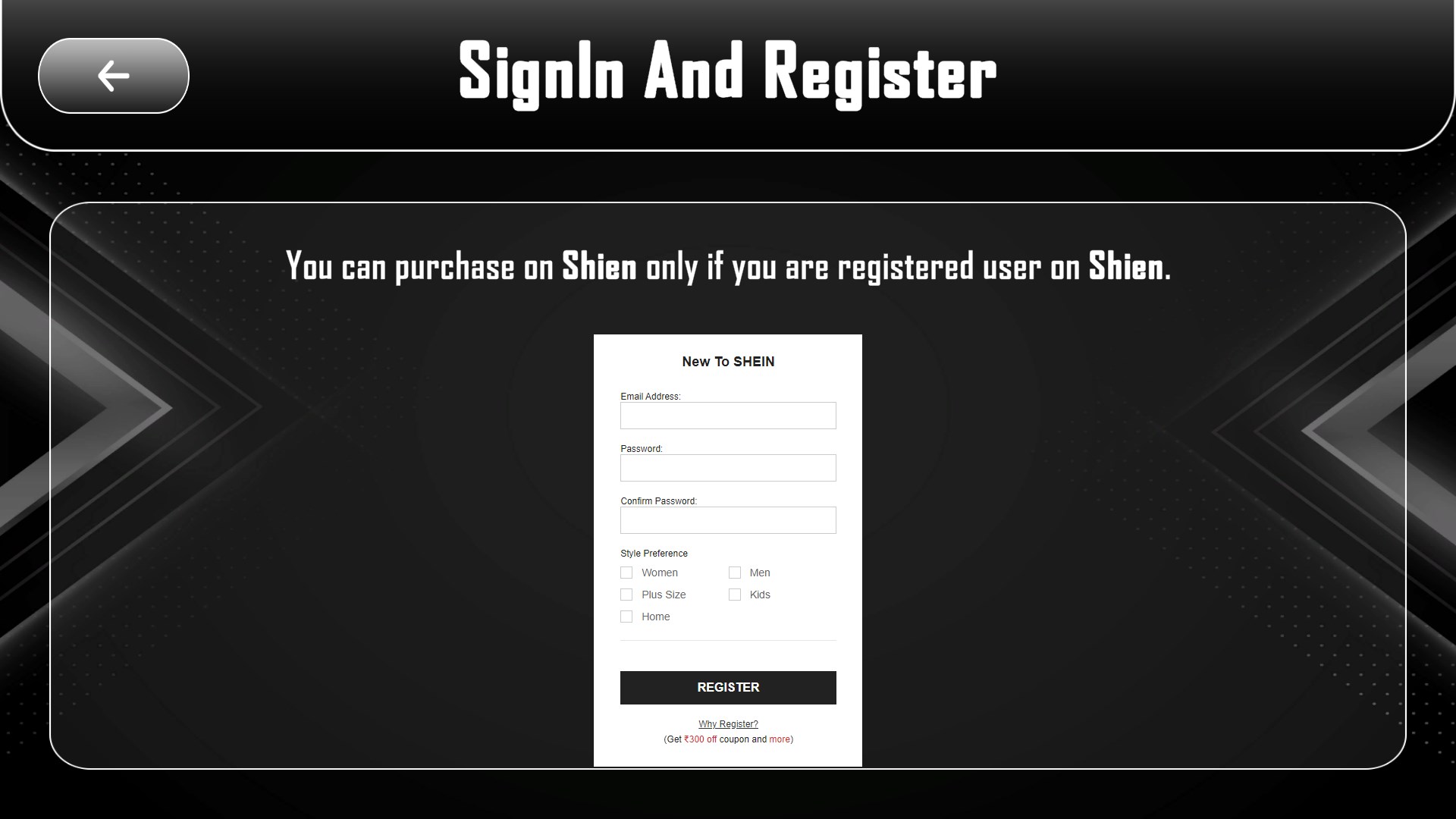
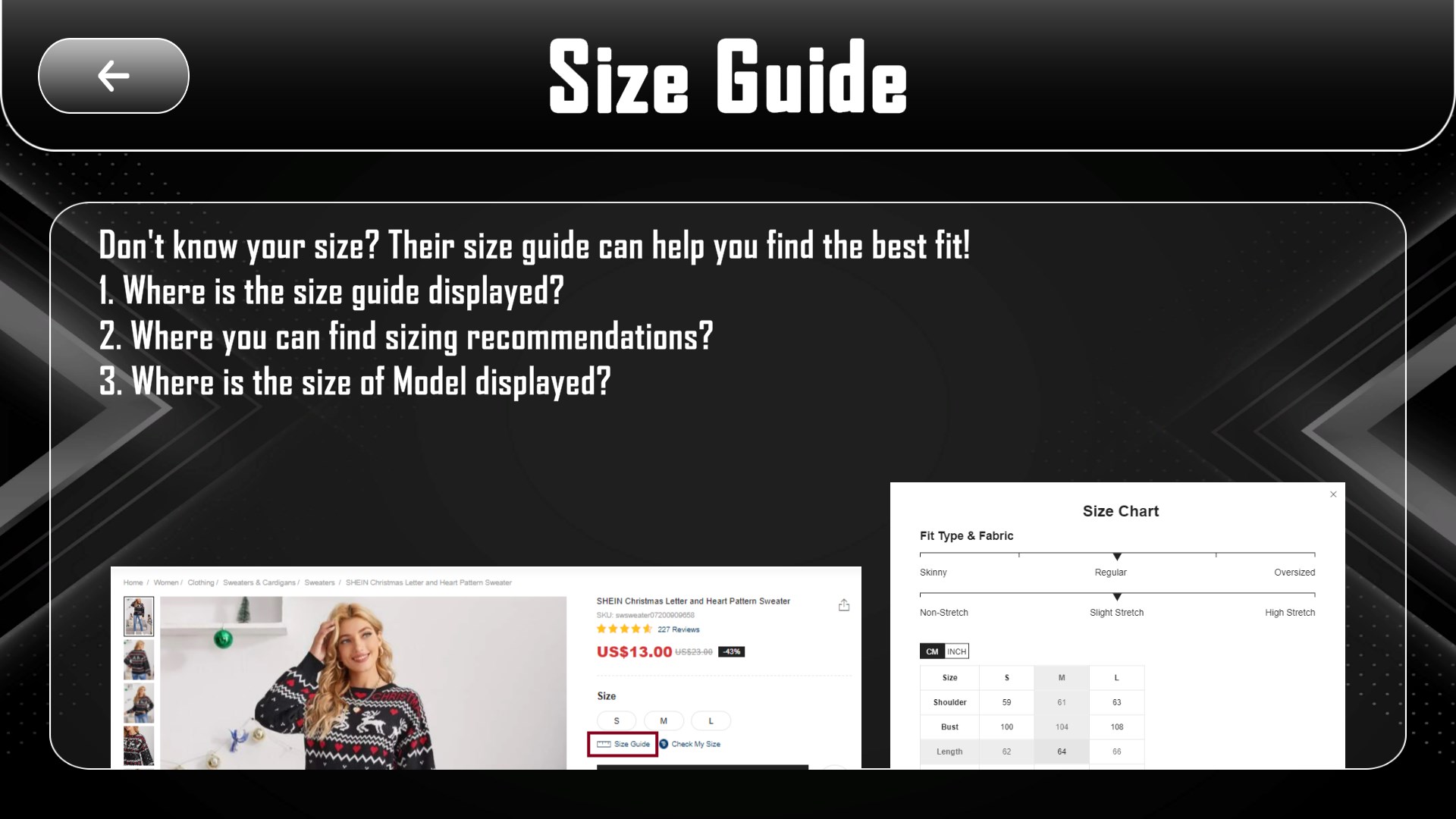
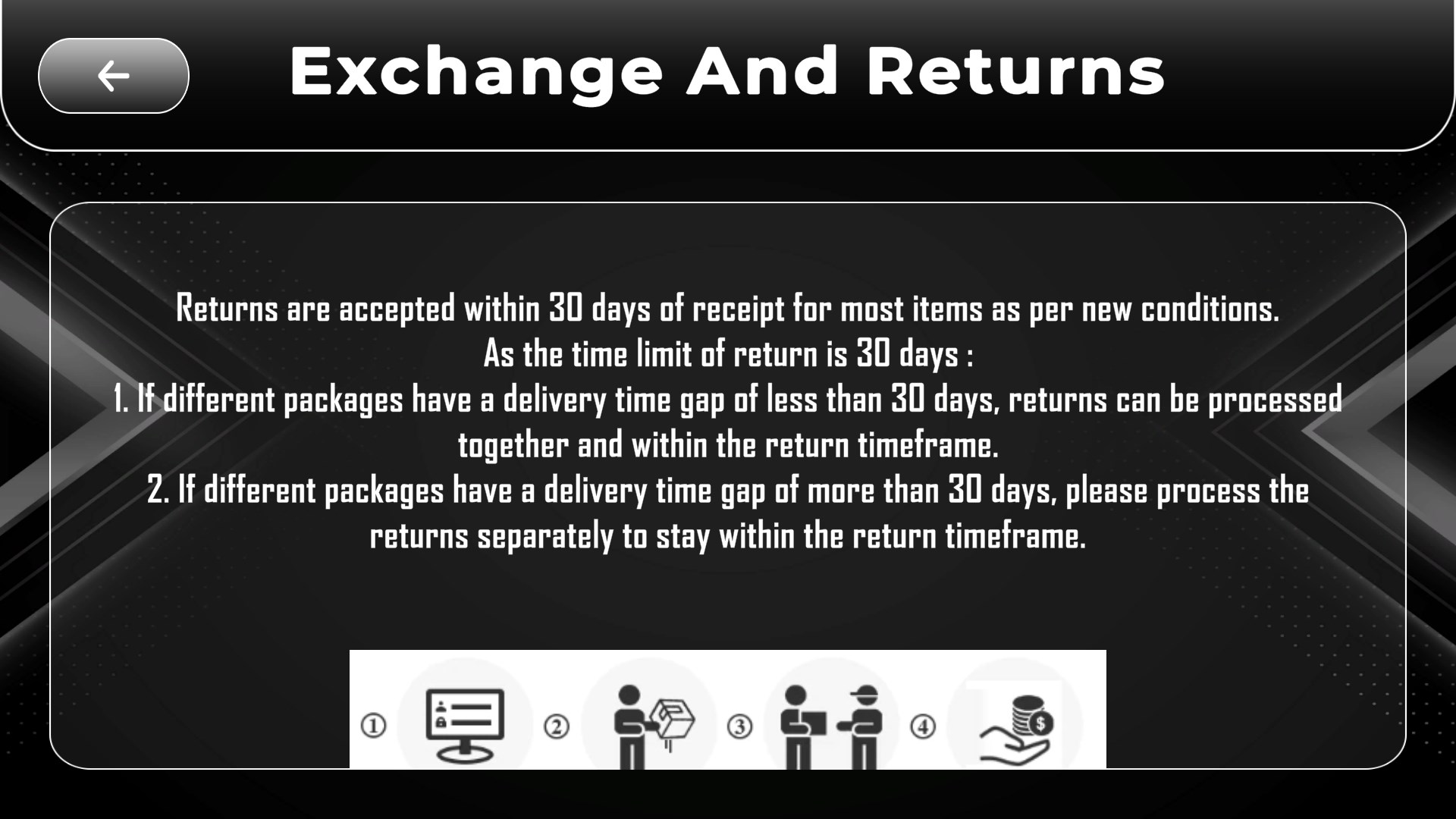
This guide will guide you stey by step through the wonderful shopping possibilities of Shein.
Become a Shein expert and get the most out of this exceptional online shopping site.
Enjoy a very useful and outstanding guide to help you find the best deals and to help you make the most of Shein , so you can shine.
We spell things out for you, enjoy a practical guide you will keep coming back to.
If there is a version of this app for iOS/Mac or Windows we don't know about, paste the store link here — we'll auto-detect the store.
How to find the URL:1. Open the app in its store. 2.In the App Store app: tap the Share icon → “Copy Link”. In the browser: copy the URL from the address bar — it contains apps.apple.com/…/id… or apps.microsoft.com/detail/…. 3. Paste it here.
Paste the original link from the Apple App Store or Microsoft Store. We fetch all details automatically.
How to find the URL:
1. Open the app in its store. 2.In the App Store app: tap the Share icon → “Copy Link”. In the browser: copy the URL from the address bar — it contains apps.apple.com/…/id… or apps.microsoft.com/detail/…. 3. Paste it here.
Android apps can only be listed by their developer.