Screenshot appears after consentScreenshot appears after consentScreenshot appears after consentScreenshot appears after consent
Screenshot appears after consentScreenshot appears after consentScreenshot appears after consentScreenshot appears after consentScreenshot appears after consentScreenshot appears after consentScreenshot appears after consentScreenshot appears after consentScreenshot appears after consentScreenshot appears after consent
Screenshot appears after consentScreenshot appears after consentScreenshot appears after consentScreenshot appears after consent
Summary
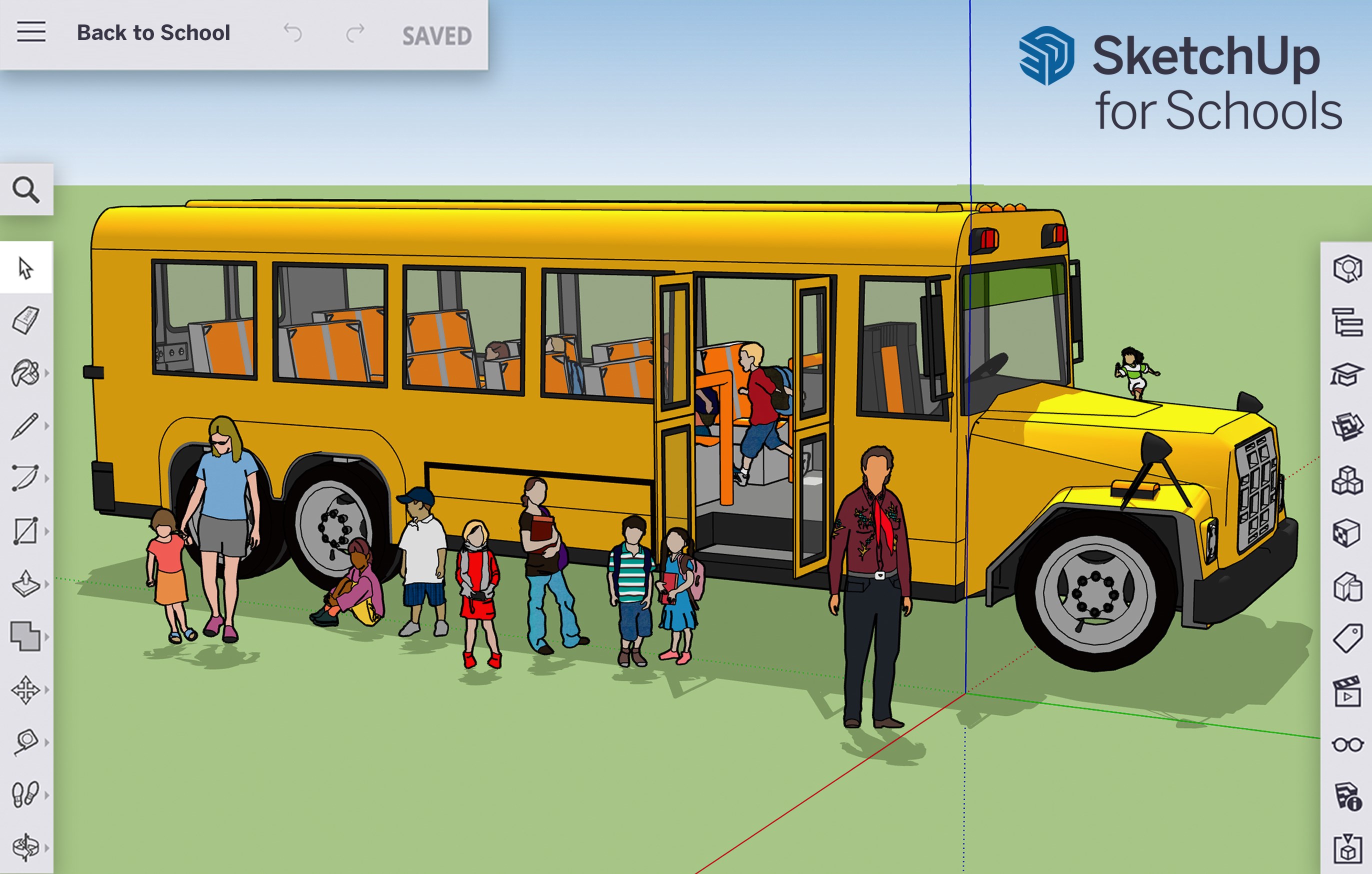
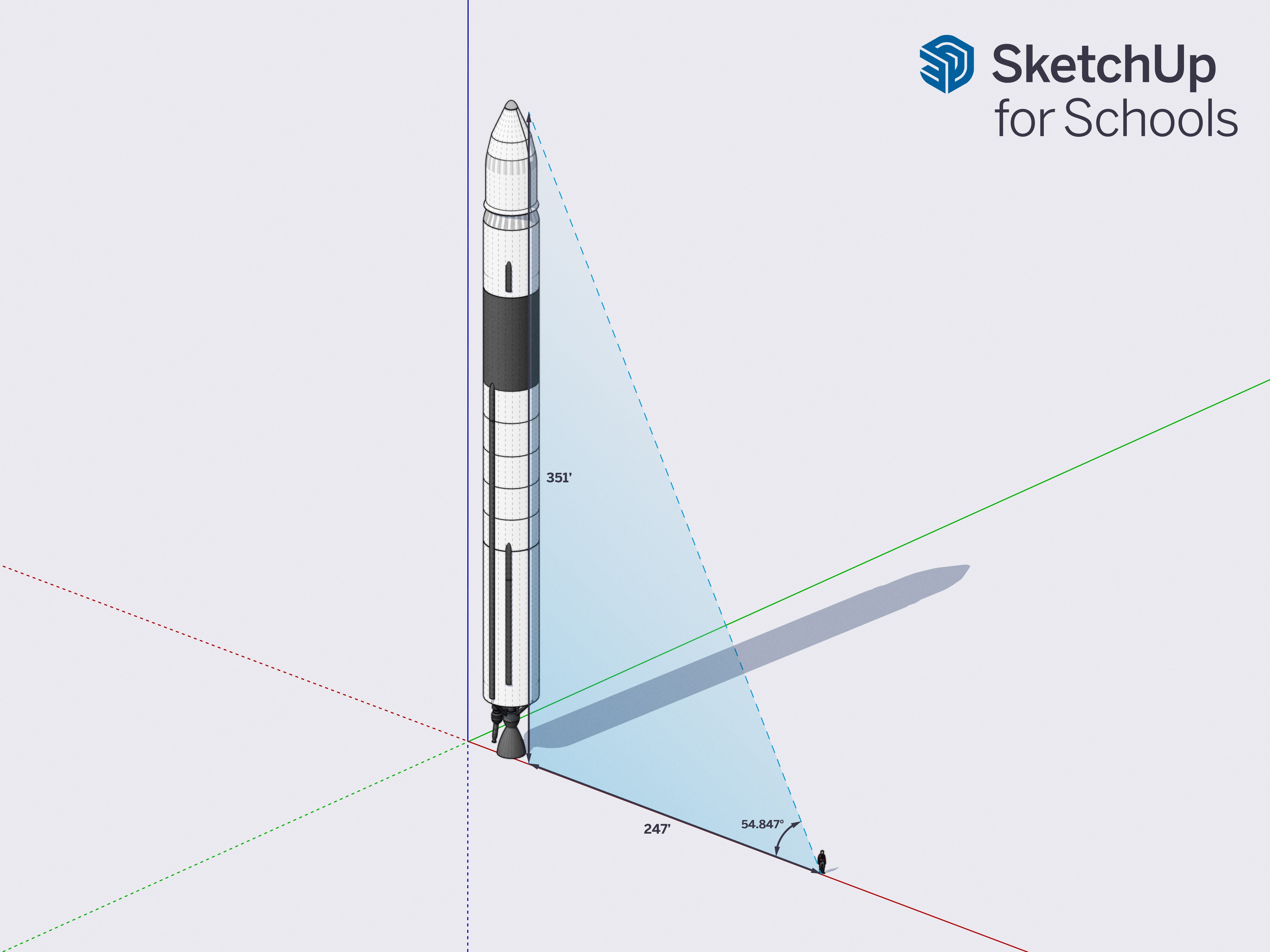
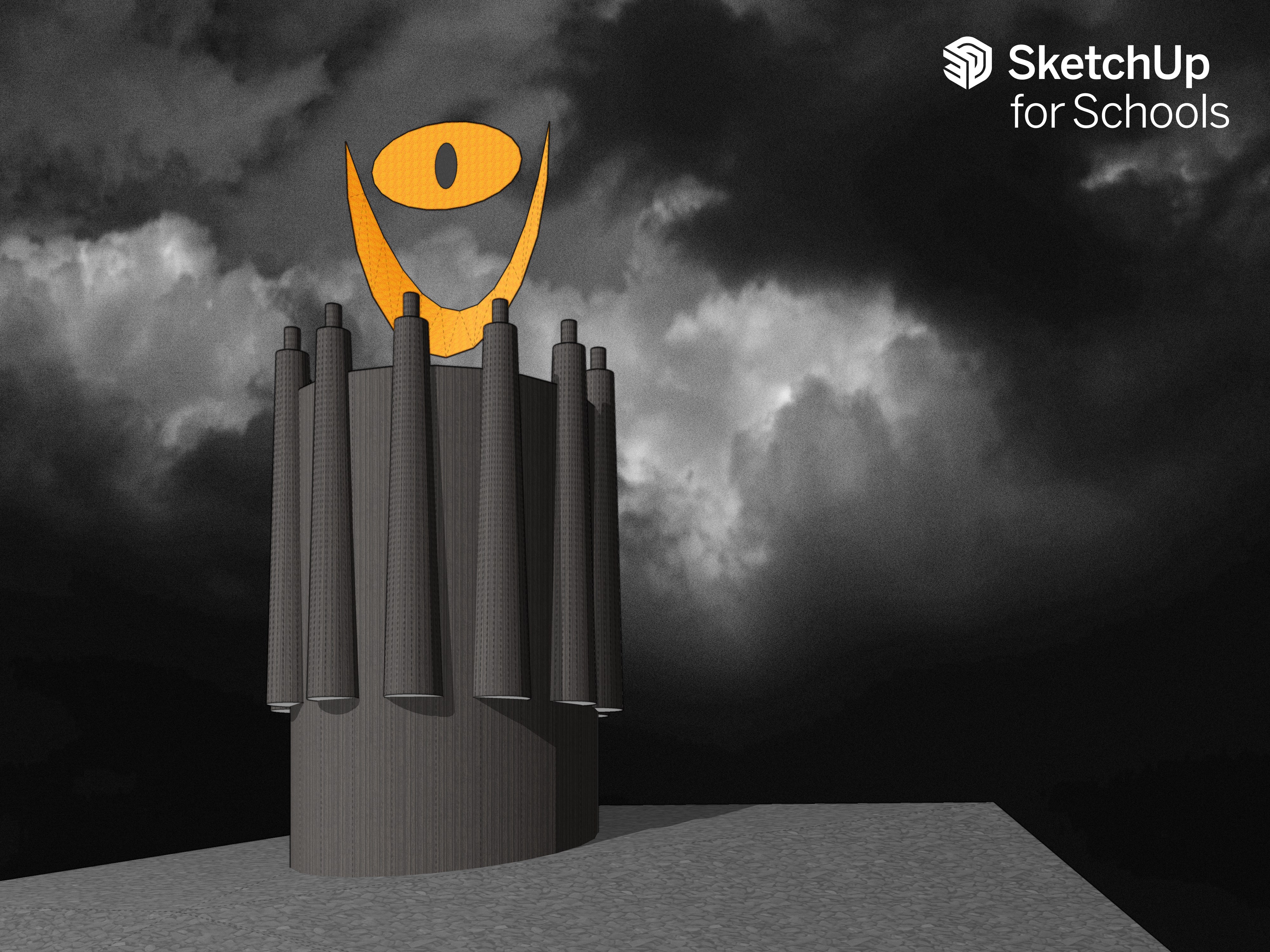
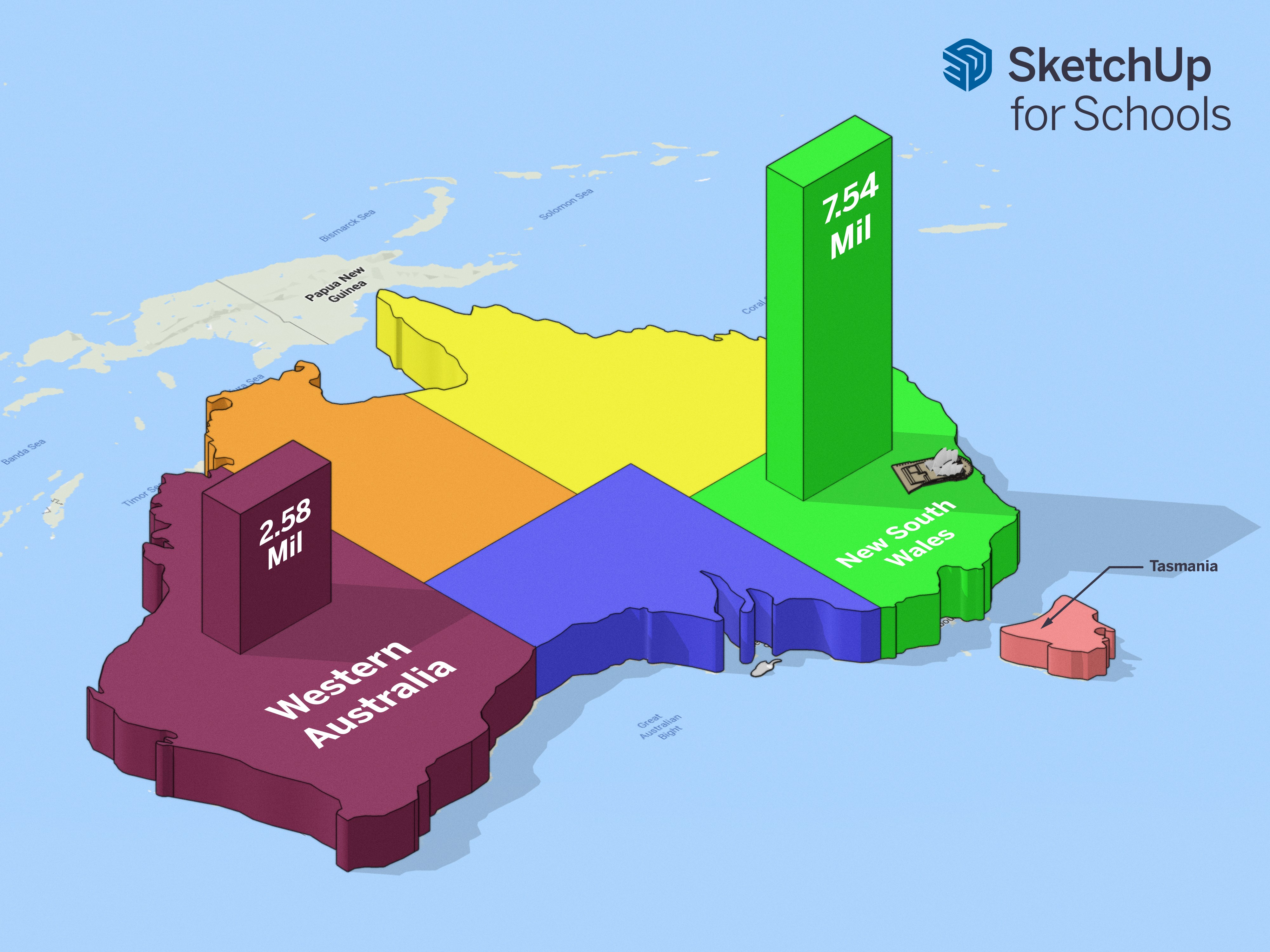
SketchUp for Schools is a 3D modeling tool for primary and secondary schools registered with Microsoft Education, available through a web browser. It lets students design anything from parks and skyscrapers to 3D printable action figures. Built-in training tutorials and curriculum help students and teachers quickly build confidence and improve their modeling skills. The problem-solving and design abilities students gain are transferable to STEM subjects and creative fields such as architecture, engineering and video game design. A trackpad and keyboard are required, with a mouse recommended, and the app is not supported on touch screen devices.
Show the developer's original descriptionHide the original description
Trimble's SketchUp for Schools is the core SketchUp 3D modeler now available in a web browser for any Primary and Secondary School signed up with Microsoft Education.
SketchUp for Schools is a fun and versatile 3D modeling tool that can be used to design anything from parks and skyscrapers, to 3D printable action figures. Featuring built-in training tutorials and curriculum, SketchUp for Schools helps students and teachers quickly gain confidence and improve their 3D modeling skills. The problem solving and design skills students develop using SketchUp are transportable to any number of STEM and creative design fields such as architecture, engineering, and video game design.
For the best 3D modeling experience, a trackpad and keyboard are required, and mouse highly recommended. SketchUp for Schools is not supported on touch screen devices.
If there is a version of this app for iOS/Mac or Windows we don't know about, paste the store link here — we'll auto-detect the store.
How to find the URL:1. Open the app in its store. 2.In the App Store app: tap the Share icon → “Copy Link”. In the browser: copy the URL from the address bar — it contains apps.apple.com/…/id… or apps.microsoft.com/detail/…. 3. Paste it here.
Paste the original link from the Apple App Store or Microsoft Store. We fetch all details automatically.
How to find the URL:
1. Open the app in its store. 2.In the App Store app: tap the Share icon → “Copy Link”. In the browser: copy the URL from the address bar — it contains apps.apple.com/…/id… or apps.microsoft.com/detail/…. 3. Paste it here.
Android apps can only be listed by their developer.