
Screenshot appears after consentScreenshot appears after consent
Summary
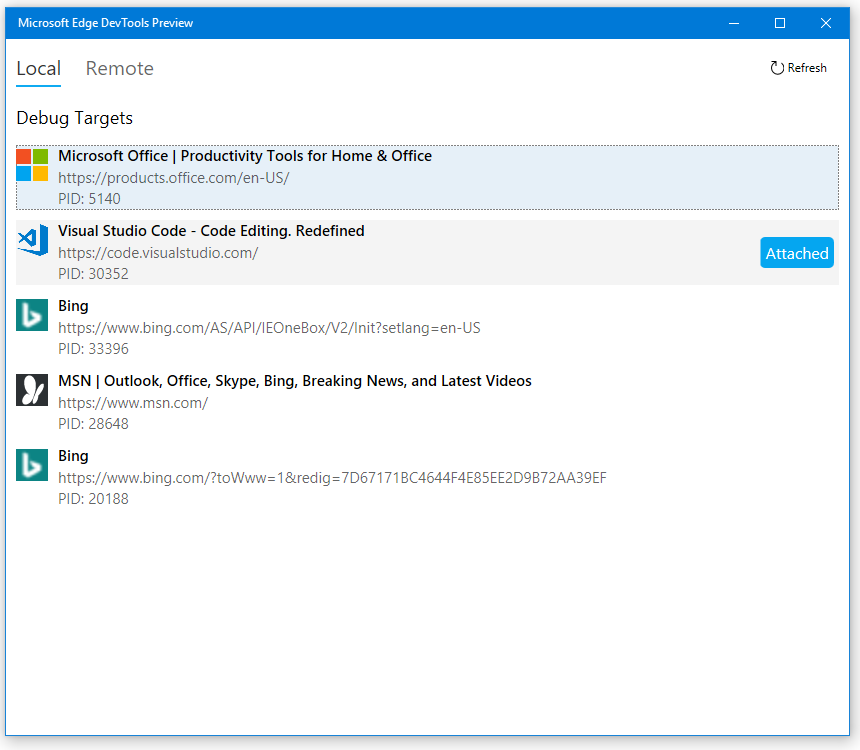
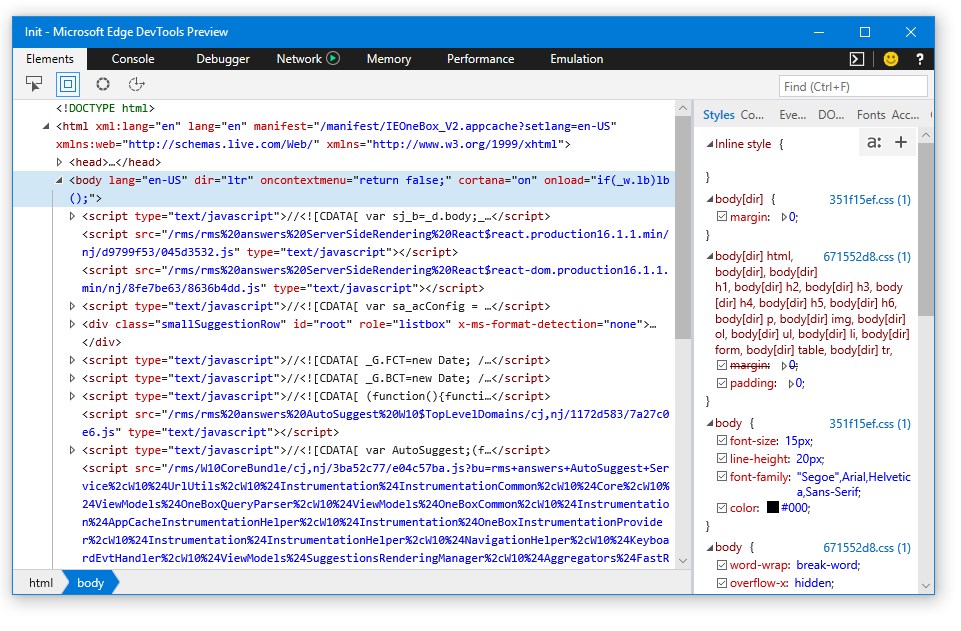
Microsoft Edge DevTools Preview is a developer tool for diagnosing issues in websites and apps on Windows. It allows running the latest DevTools alongside the tools already built into Microsoft Edge. It supports inspecting element layout, adjusting CSS styles, debugging JavaScript, identifying performance issues and optimizing memory usage. The app can attach to any instance of the EdgeHTML rendering engine, including websites, web apps and webview controls, whether running locally, remotely over a network, or connected via USB.
Show the developer's original descriptionHide the original description
The Microsoft Edge DevTools provide web developers with tools to quickly diagnose issues in web sites and apps on Windows. This preview app allows you to run the very latest DevTools side by side with the tools already included in Microsoft Edge. Use these tools to inspect element layout, tweak CSS styles, debug JavaScript, identify performance issues, optimize memory usage, and more. The DevTools app can attach to any instance of the EdgeHTML rendering engine—including web sites, web apps, and webview controls—on your local device or remotely over the network or via USB.
Technical details about Microsoft Edge DevTools Preview
Play Store URL for "Microsoft Edge DevTools Preview"
If there is a version of this app for iOS/Mac or Windows we don't know about, paste the store link here — we'll auto-detect the store.
How to find the URL:1. Open the app in its store. 2.In the App Store app: tap the Share icon → “Copy Link”. In the browser: copy the URL from the address bar — it contains apps.apple.com/…/id… or apps.microsoft.com/detail/…. 3. Paste it here.
Paste the original link from the Apple App Store or Microsoft Store. We fetch all details automatically.
How to find the URL:
1. Open the app in its store. 2.In the App Store app: tap the Share icon → “Copy Link”. In the browser: copy the URL from the address bar — it contains apps.apple.com/…/id… or apps.microsoft.com/detail/…. 3. Paste it here.
Android apps can only be listed by their developer.