Screenshot appears after consentScreenshot appears after consentScreenshot appears after consentScreenshot appears after consentScreenshot appears after consentScreenshot appears after consentScreenshot appears after consentScreenshot appears after consentScreenshot appears after consentScreenshot appears after consentScreenshot appears after consentScreenshot appears after consentScreenshot appears after consentScreenshot appears after consentScreenshot appears after consentScreenshot appears after consentScreenshot appears after consentScreenshot appears after consentScreenshot appears after consentScreenshot appears after consentScreenshot appears after consentScreenshot appears after consentScreenshot appears after consentScreenshot appears after consentScreenshot appears after consentScreenshot appears after consentScreenshot appears after consentScreenshot appears after consentScreenshot appears after consentScreenshot appears after consentScreenshot appears after consentScreenshot appears after consentScreenshot appears after consentScreenshot appears after consentScreenshot appears after consentScreenshot appears after consent
Summary
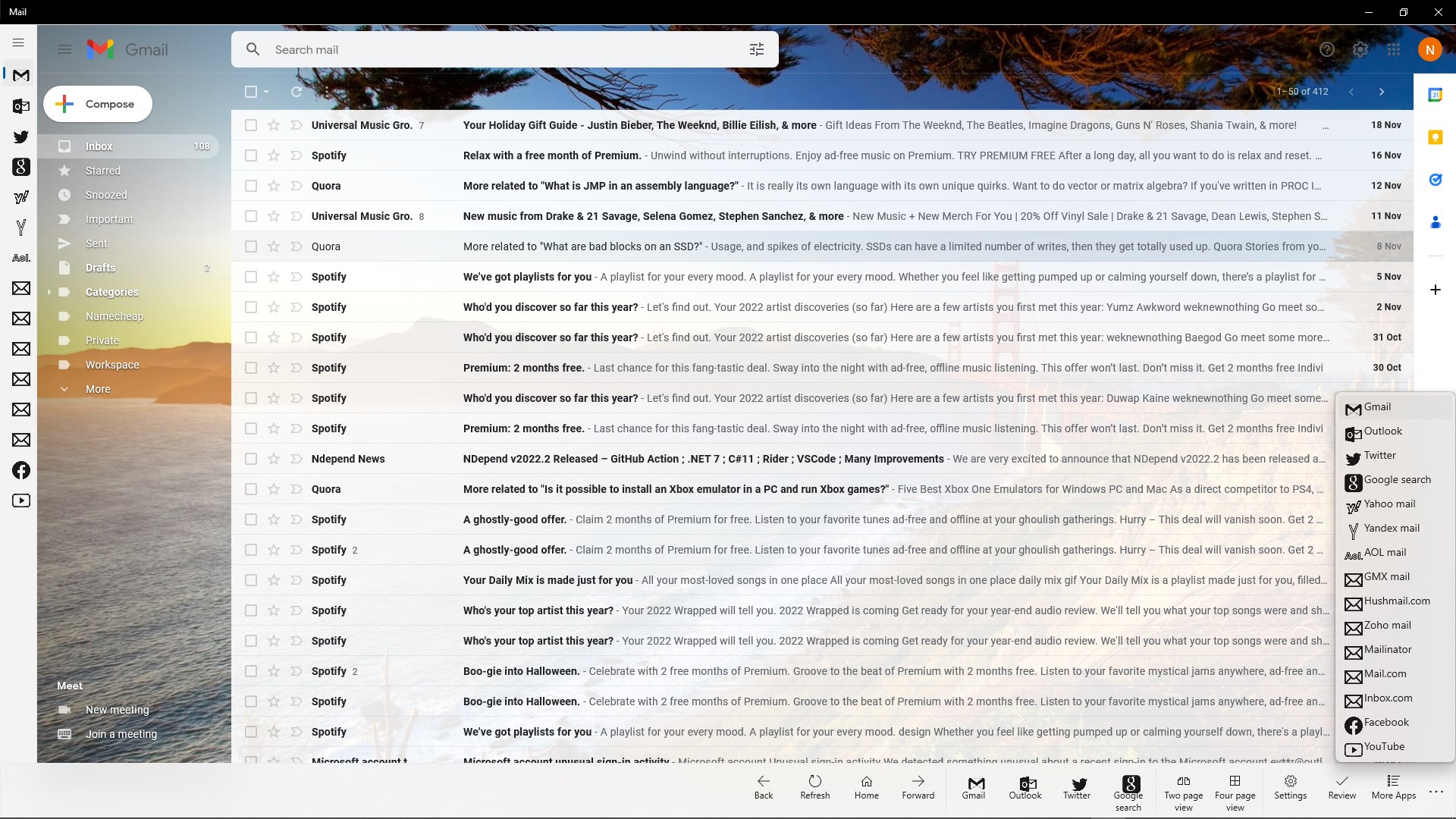
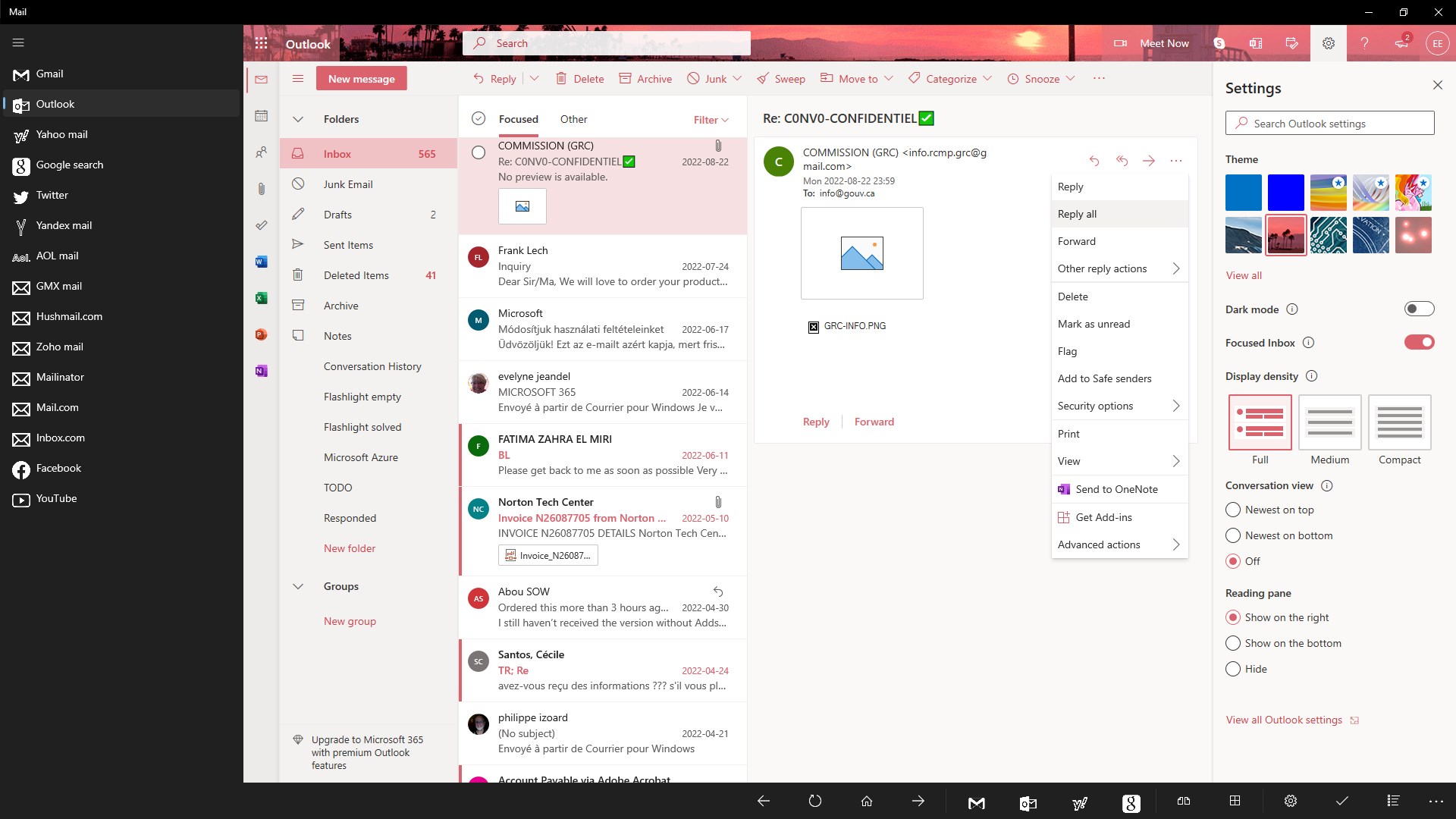
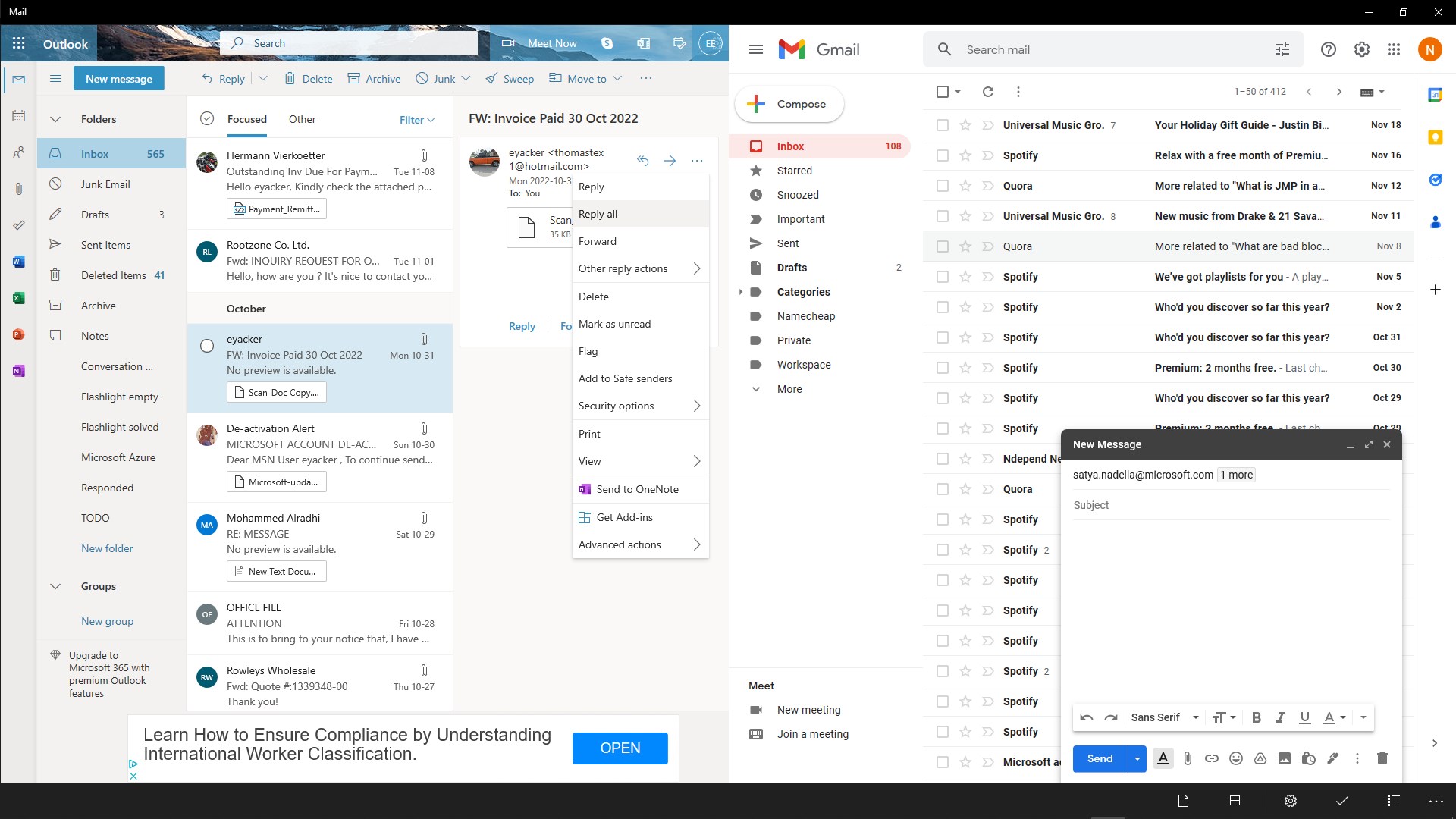
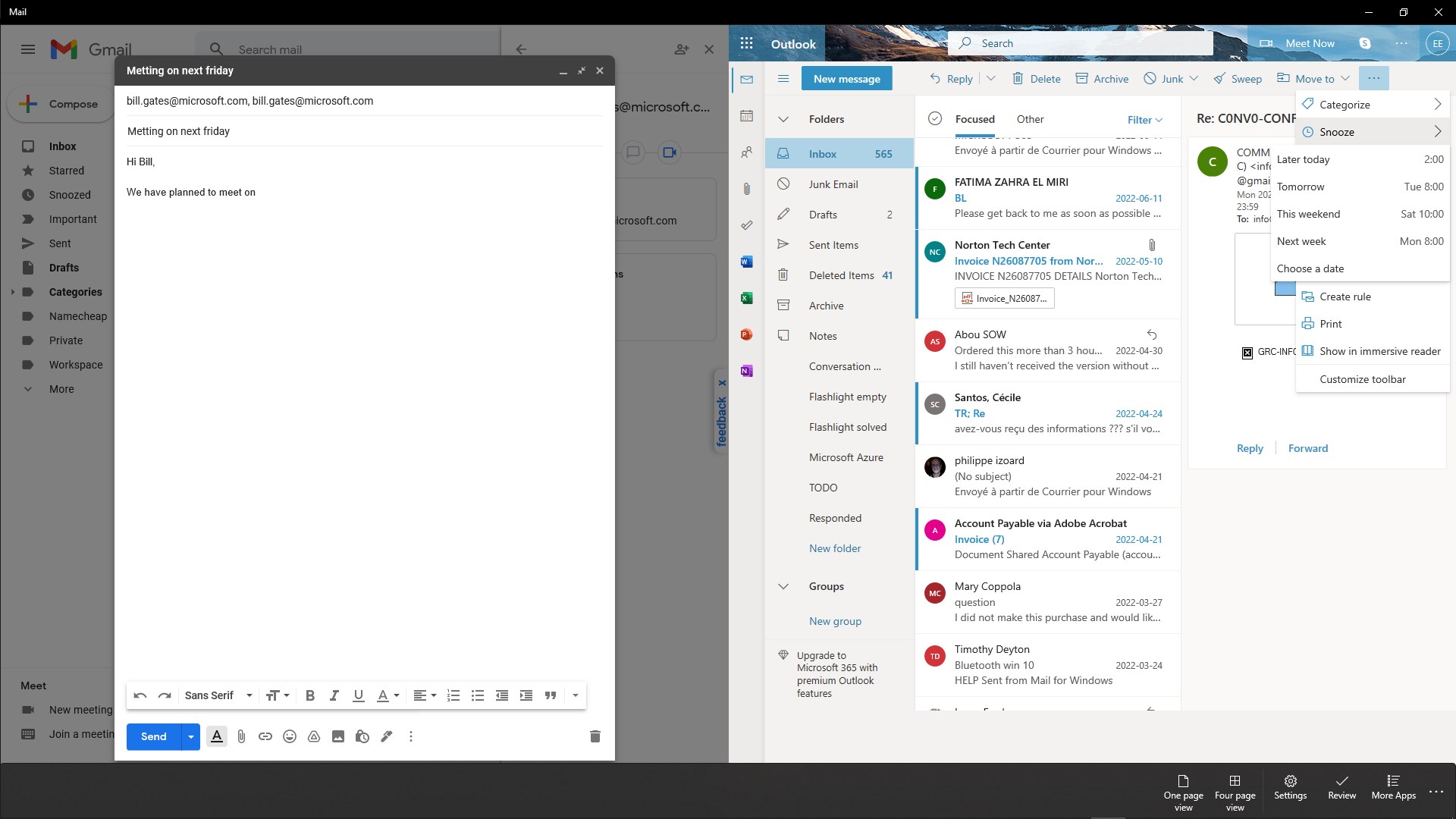
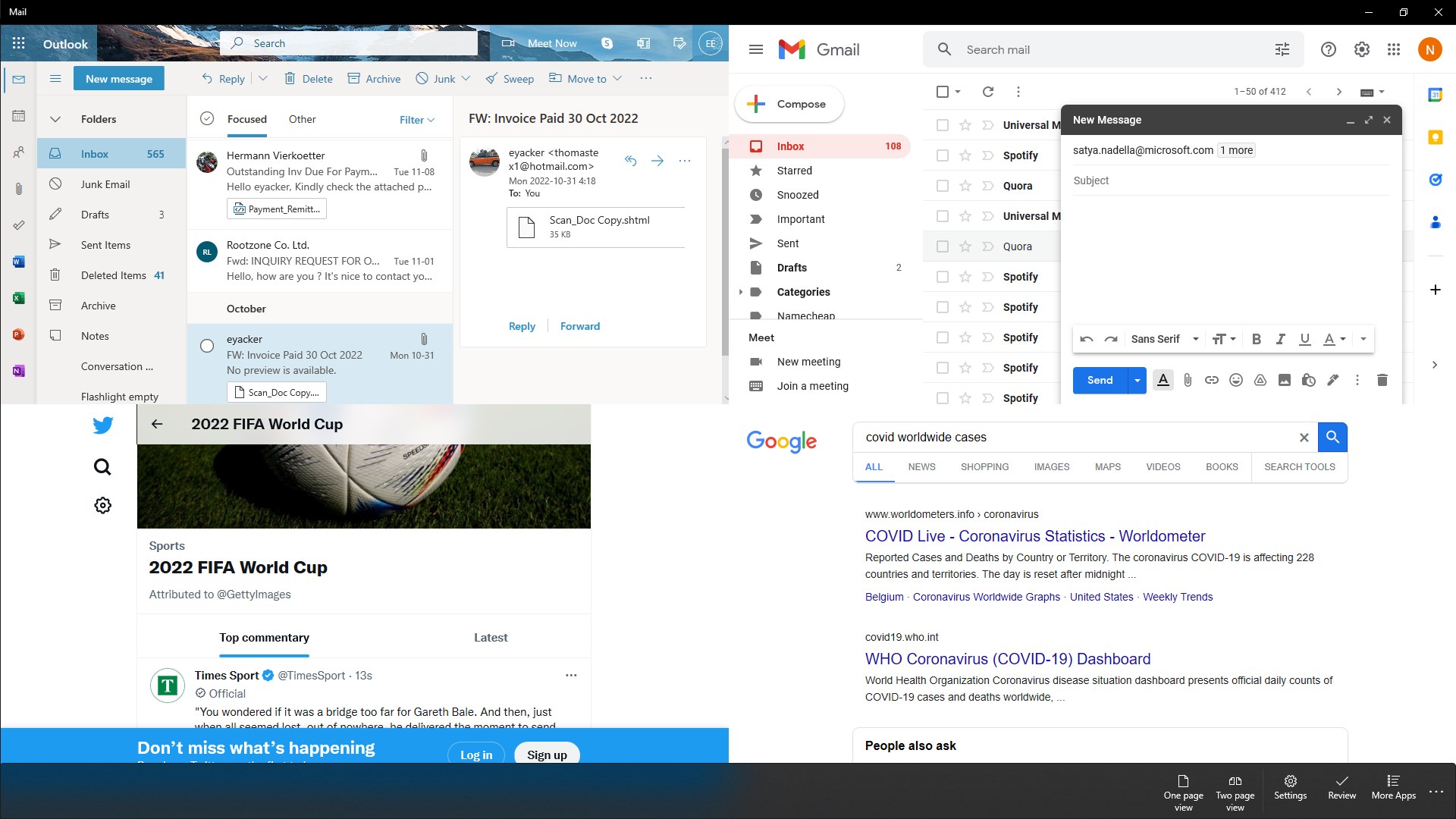
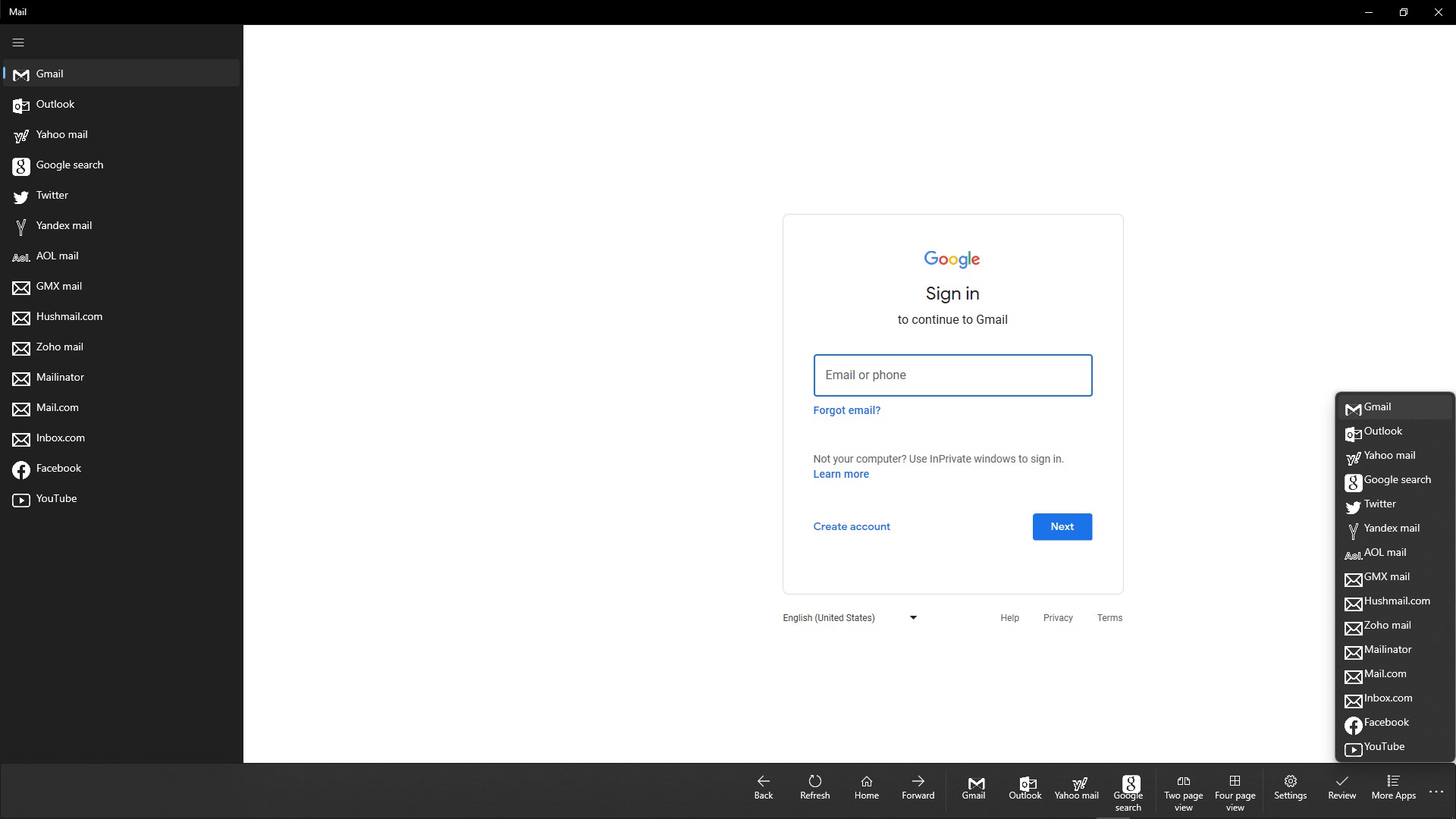
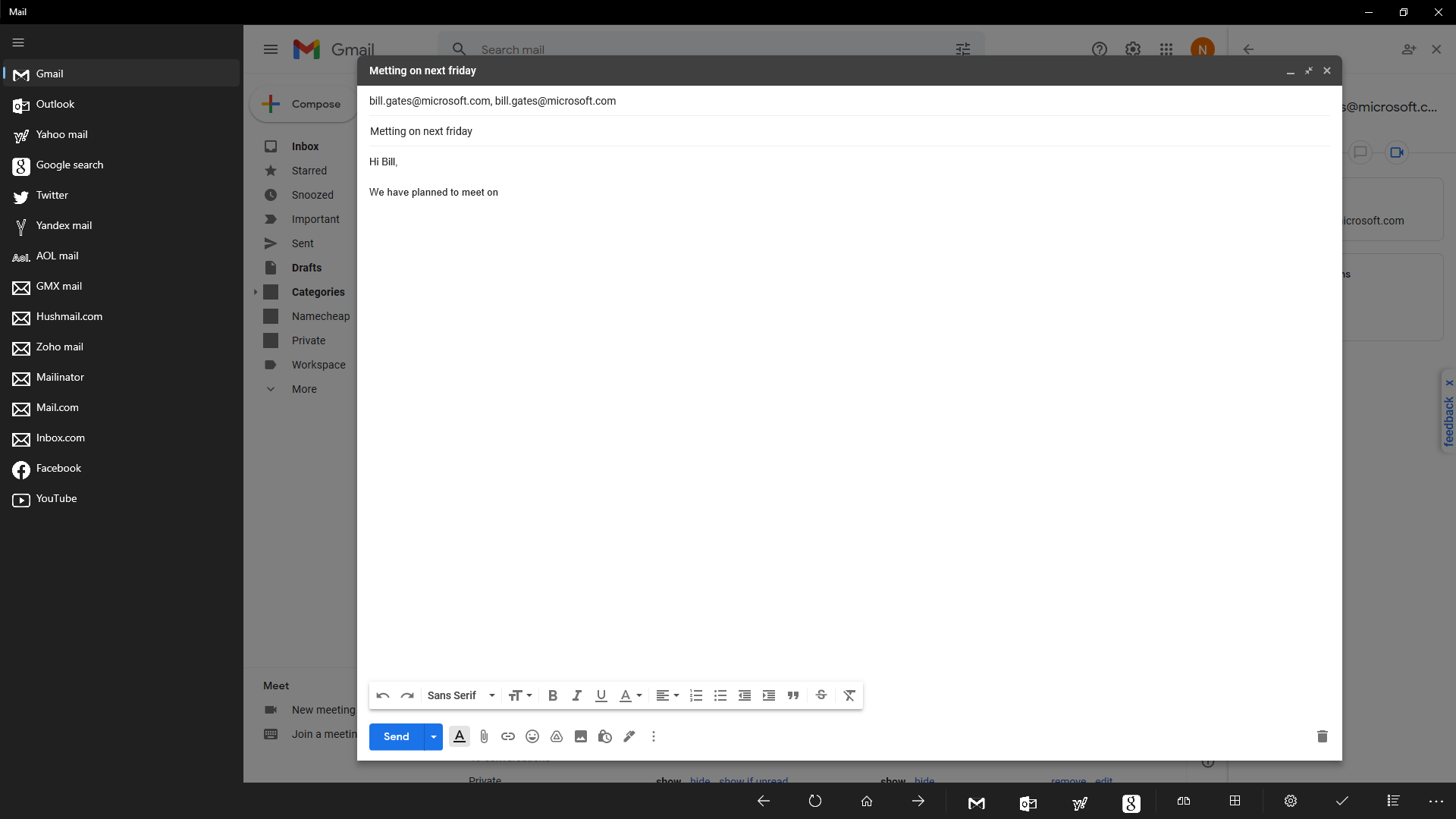
Mail+ is an email client that connects to Gmail, Outlook, Yahoo and other email accounts. It offers a split view for working on two accounts in parallel, along with back, forward, home and refresh buttons for easy navigation. Users can read and compose messages, delete, archive and mark emails, and manage sent mail, drafts and personal labels. The app also allows downloading attachments, managing contacts and searching mail. A settings area lets users reorder or rename email providers, switch between dark and light themes, and view device and app information. Mail+ is free to use, and a paid version called Mail++ removes advertisements.
Show the developer's original descriptionHide the original description
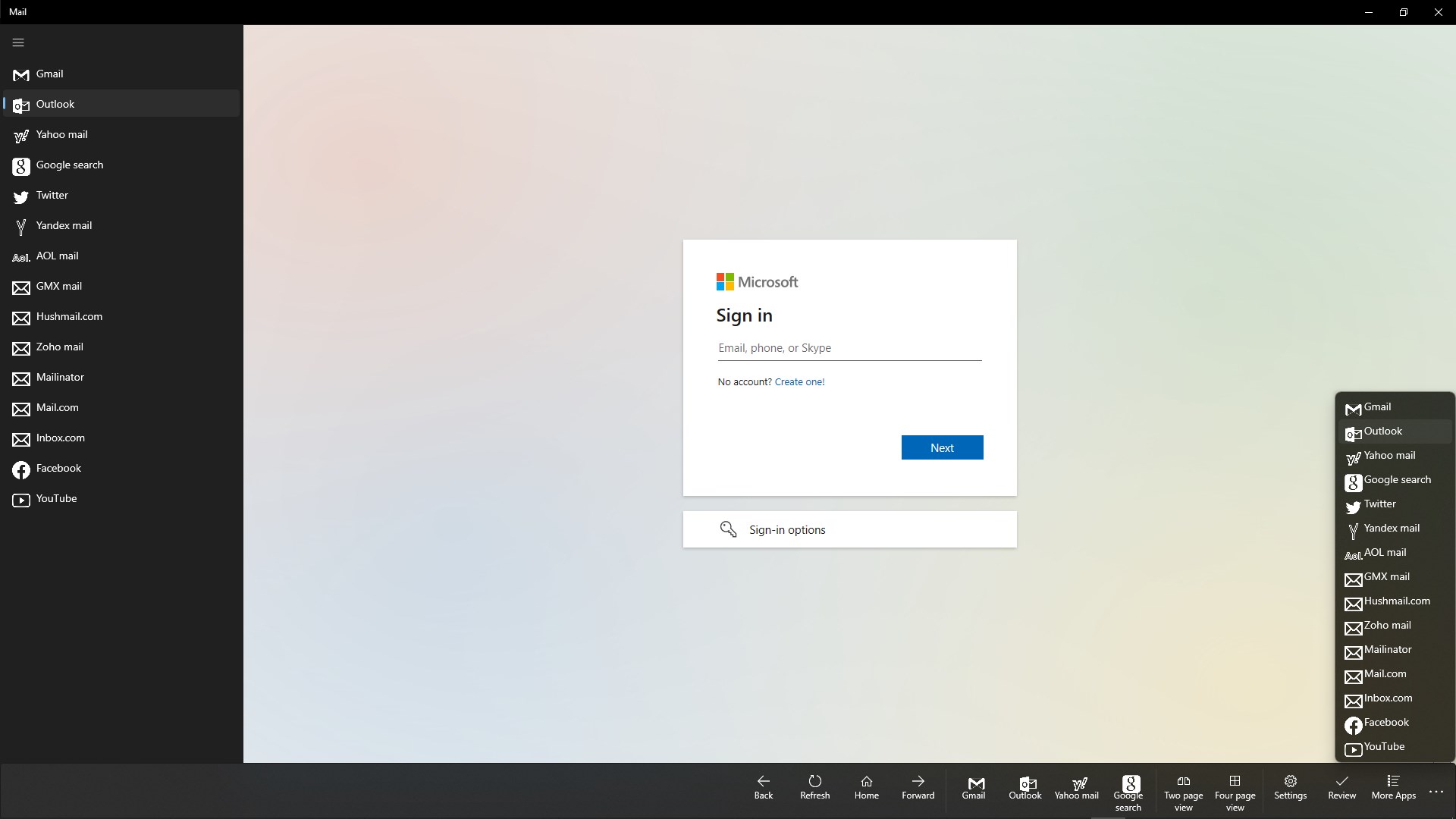
Connect easily and super fast to your Gmail, Outlook, Yahoo or other email accounts!
FEATURES:
• Easy to use and super fast user interface. You can easily navigate between your email accounts
• Two page split view to work parallel on multiple email accounts
• Back, Forward, Home and Refresh buttons for easy navigation
• Read incoming messages in the Inbox
• Compose new meassges
• Delete, Archive and Mark your emails
• Manage Sent mails, Drafts and your personal Labels
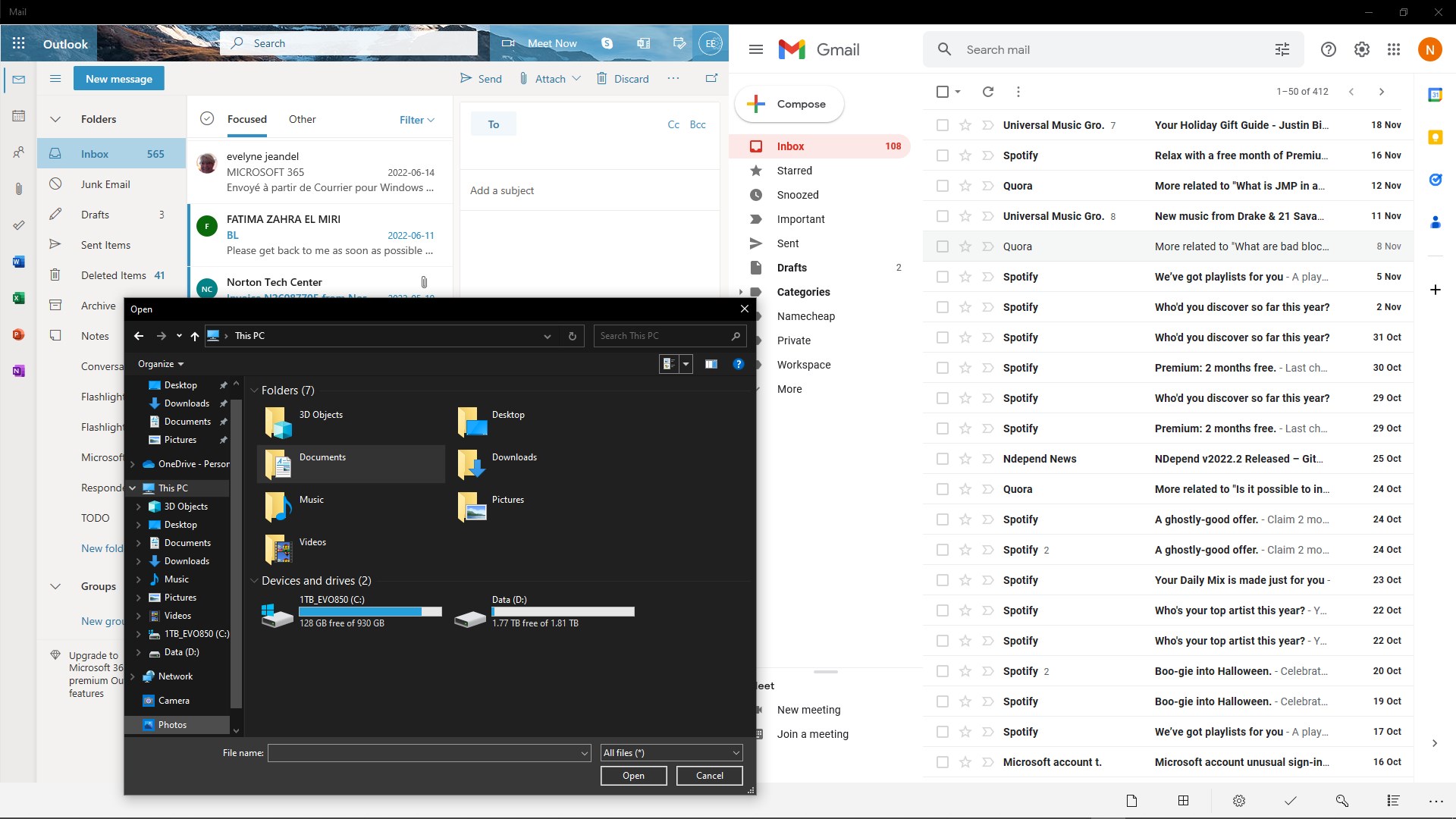
• Download attachments to your device
• Manage your Contacts
• Search
• Fastest Mail app on the Microsoft Store
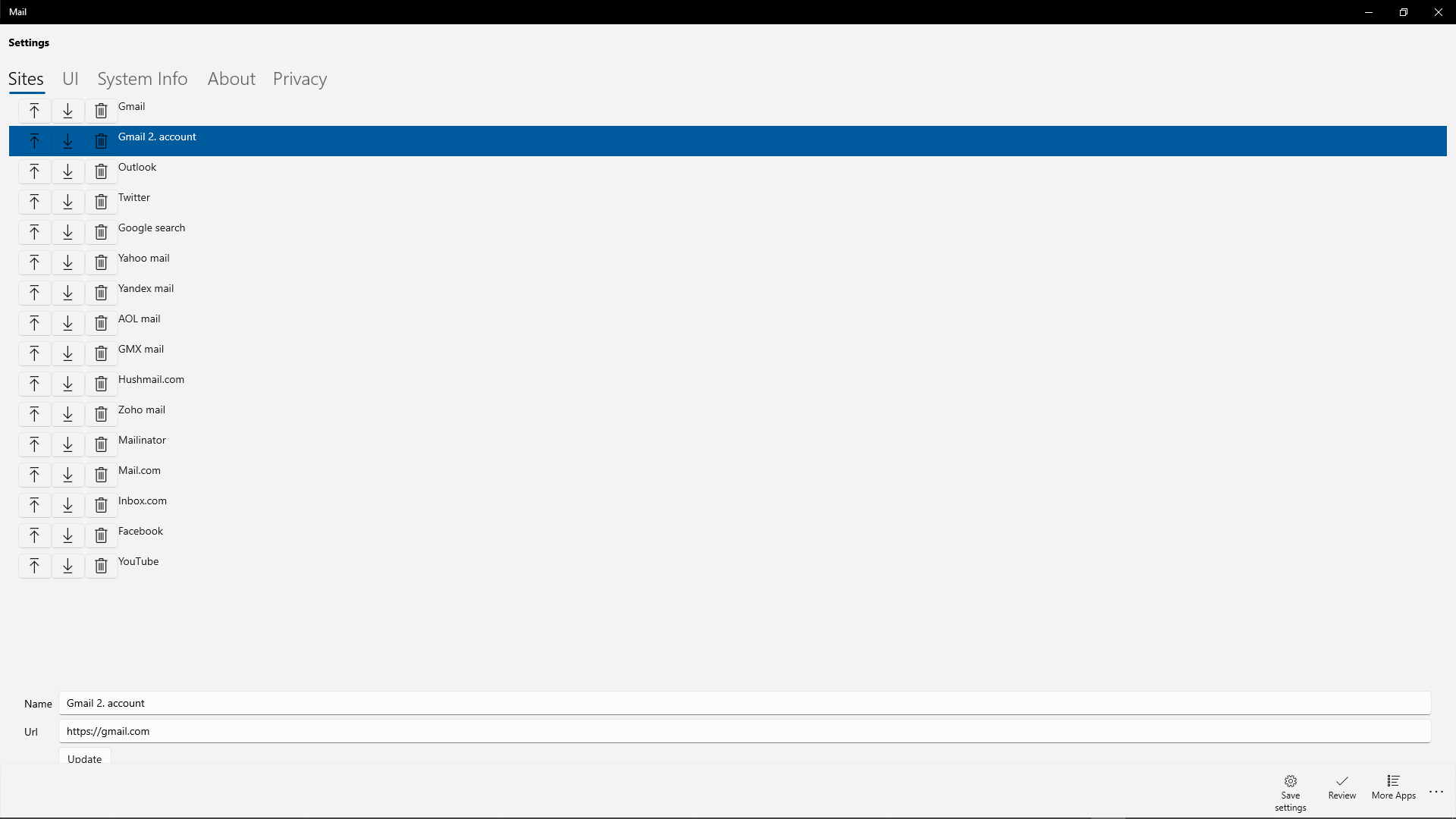
• Redesigned Settings page
• In the Sites page you can easily reorder, delete, add new or rename your email providers.
• In the UI page you can set your Theme (dark or light mode) and on Xbox devices you can set your screen scale
• In the System Info page you can see details about your device hardware and software
• In the About page you can see your installed Mail app version, license and package processor architecture (x86, x64, arm)
LICENSE:
• The paid version of Mail+ has no advertisments. Buy the Mail+ app to remove advertisments and support the developer!
CONTACT:
• Please feel free to contact me at eyacker@outlook.com if you would like to have some new feature in the Mail app or you have any suggestion.
I will take care of every issue or suggestion with the Mail+ app! :)
Please review the Mail+ app in the Microsoft Store if you like it! It will help me! Thank you! :)
DISCLAIMER:
Mail app and its creators are not associated with or sponsored by Google, Inc. All rights belong to their respective owners.
If there is a version of this app for iOS/Mac or Windows we don't know about, paste the store link here — we'll auto-detect the store.
How to find the URL:1. Open the app in its store. 2.In the App Store app: tap the Share icon → “Copy Link”. In the browser: copy the URL from the address bar — it contains apps.apple.com/…/id… or apps.microsoft.com/detail/…. 3. Paste it here.
Paste the original link from the Apple App Store or Microsoft Store. We fetch all details automatically.
How to find the URL:
1. Open the app in its store. 2.In the App Store app: tap the Share icon → “Copy Link”. In the browser: copy the URL from the address bar — it contains apps.apple.com/…/id… or apps.microsoft.com/detail/…. 3. Paste it here.
Android apps can only be listed by their developer.





 Flow Mail - Email with multi account
Manage emails from multiple accounts in one place
 Multi Mail - Multi-Account Email Client
Manage multiple email accounts in one unified inbox
 Mail Apps
Manage multiple email accounts in one app
 Microsoft Outlook
Manage email, calendar and files in one place
 One Task
Manage tasks and sync with Google, Outlook and Office
 Blue Mail - Email & Calendar
Email client for multiple accounts with AI assistance