Screenshot appears after consentScreenshot appears after consentScreenshot appears after consentScreenshot appears after consentScreenshot appears after consentScreenshot appears after consentScreenshot appears after consentScreenshot appears after consent
Screenshot appears after consentScreenshot appears after consentScreenshot appears after consentScreenshot appears after consentScreenshot appears after consentScreenshot appears after consentScreenshot appears after consent
Screenshot appears after consentScreenshot appears after consentScreenshot appears after consentScreenshot appears after consentScreenshot appears after consentScreenshot appears after consentScreenshot appears after consentScreenshot appears after consentScreenshot appears after consentScreenshot appears after consentScreenshot appears after consentScreenshot appears after consentScreenshot appears after consentScreenshot appears after consentScreenshot appears after consentScreenshot appears after consent
Summary
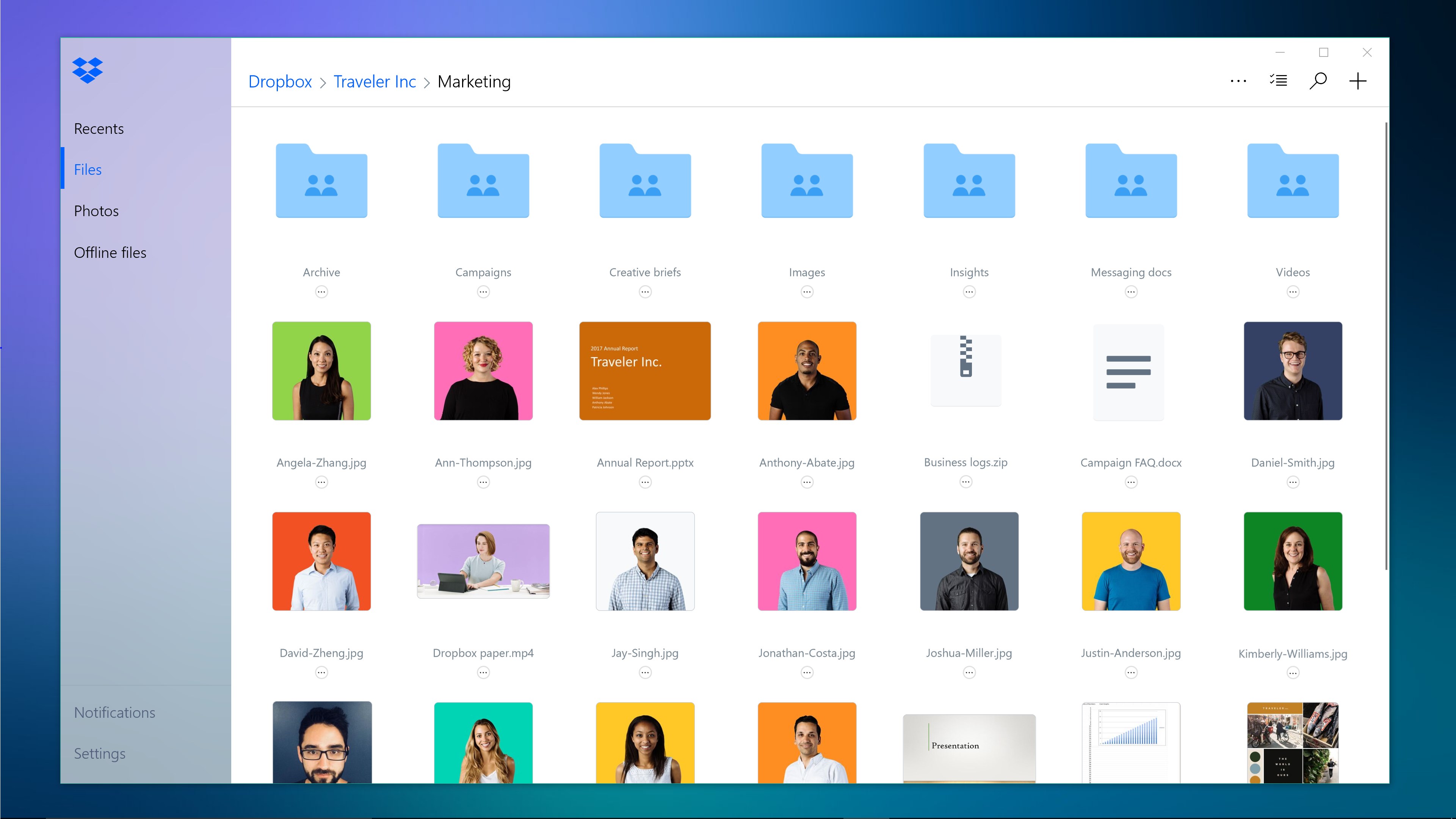
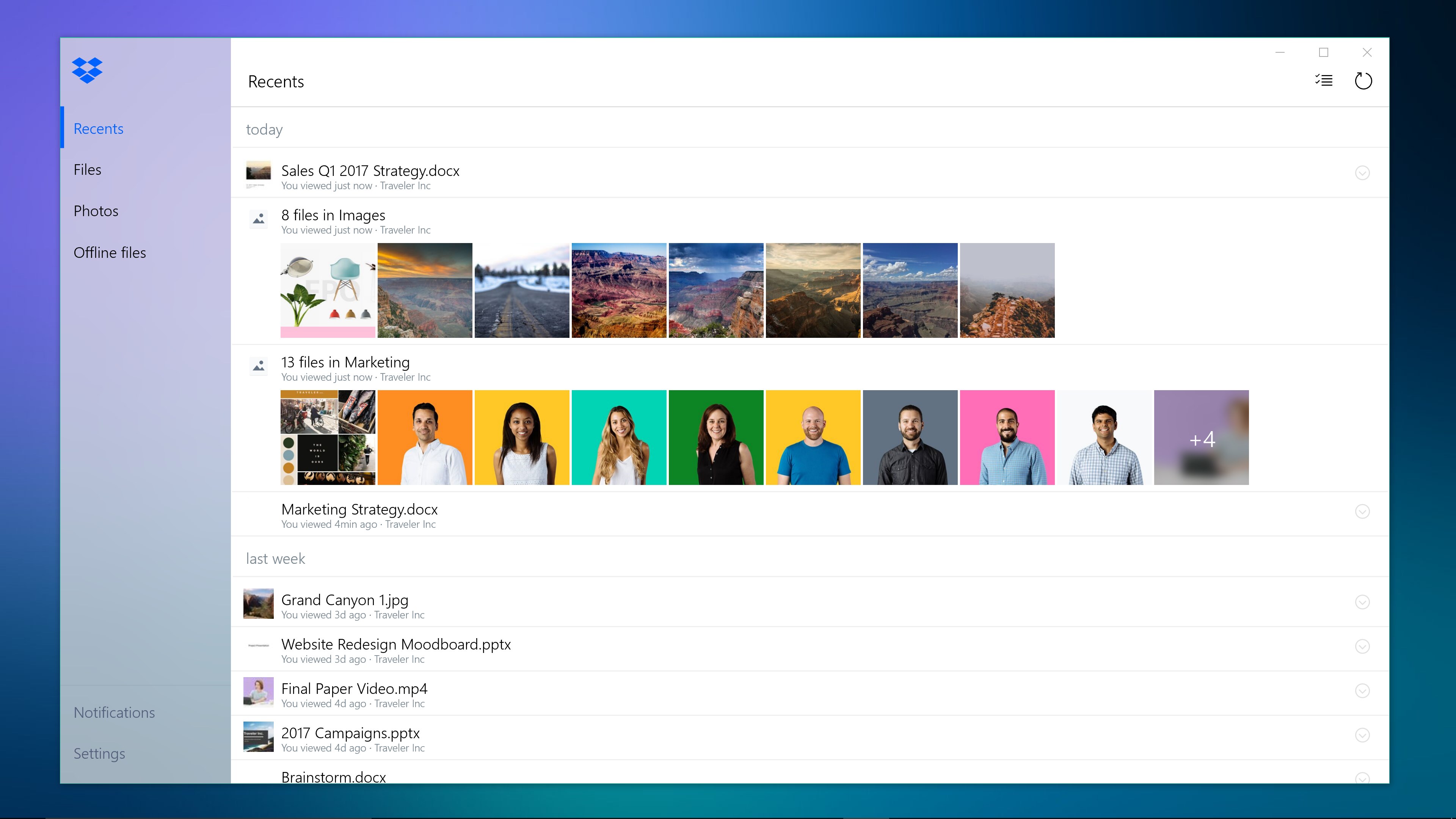
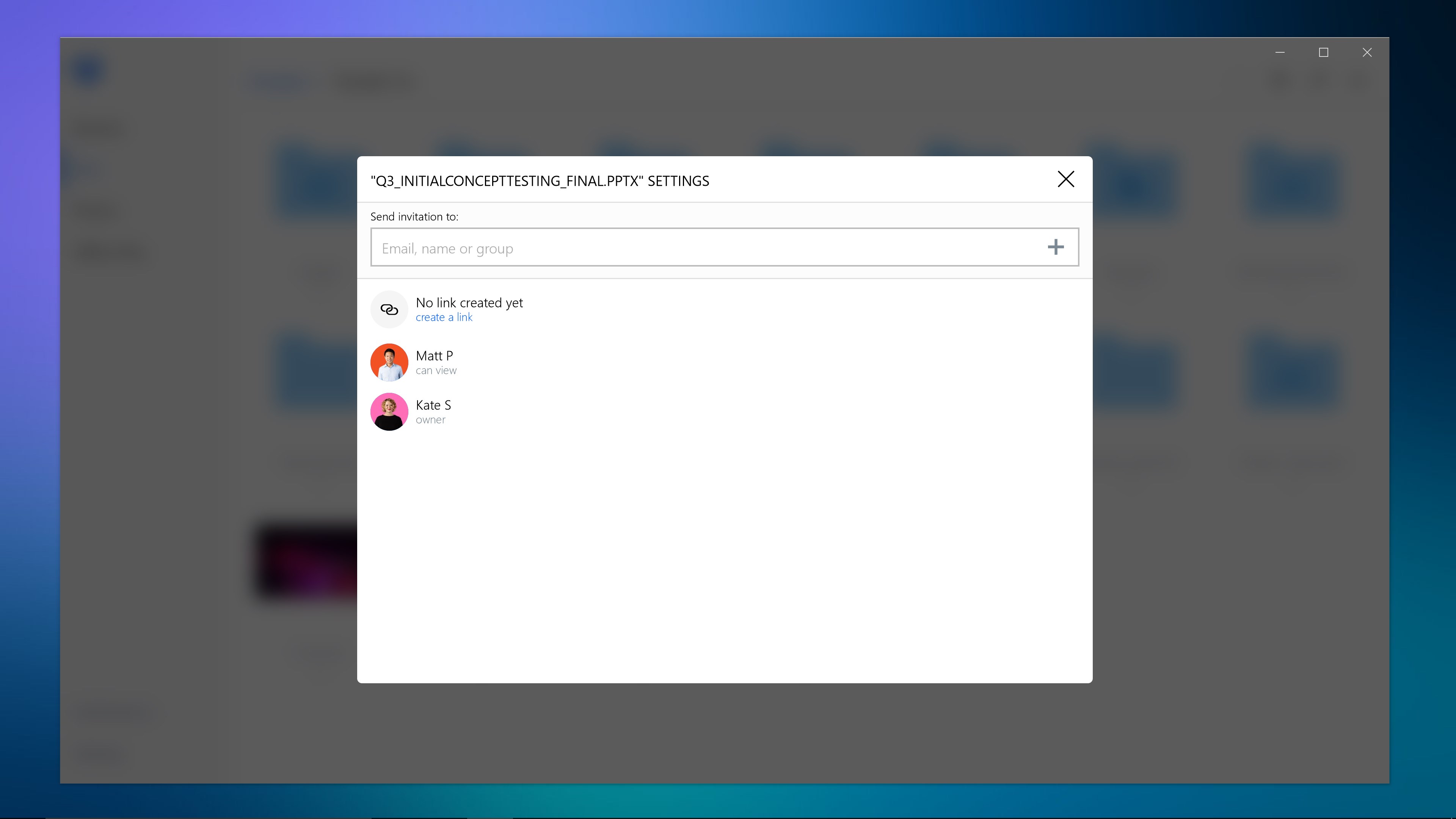
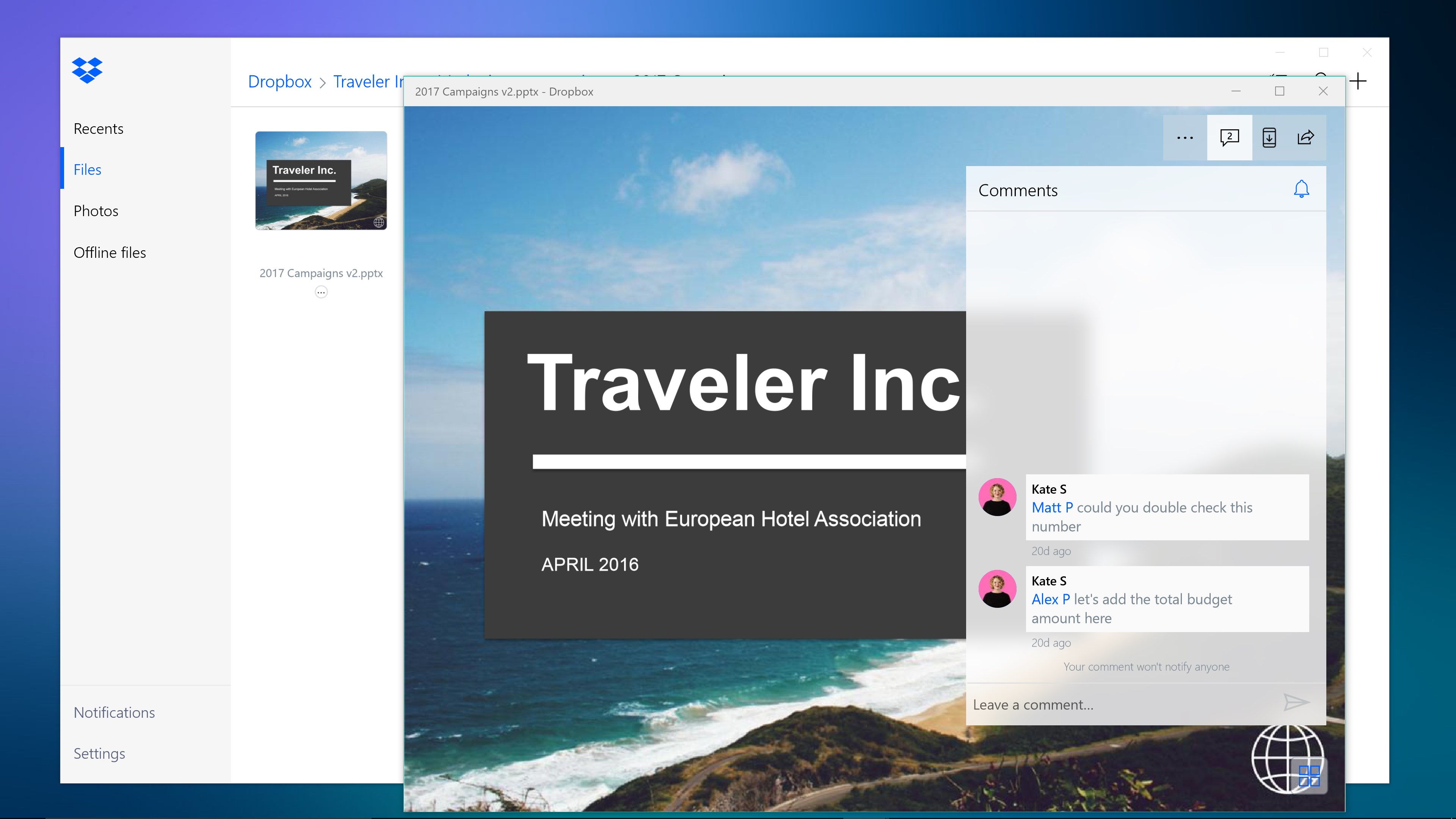
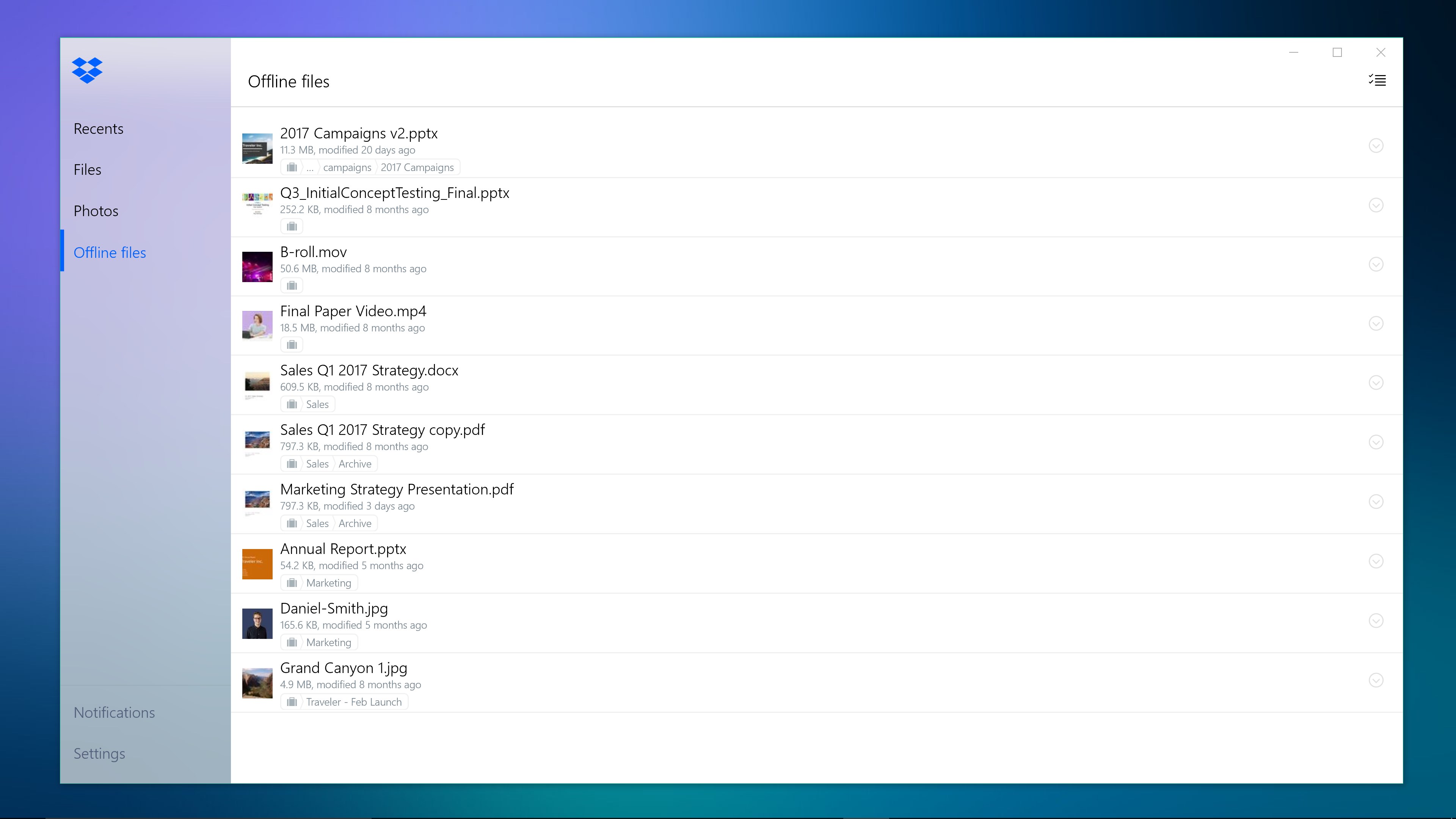
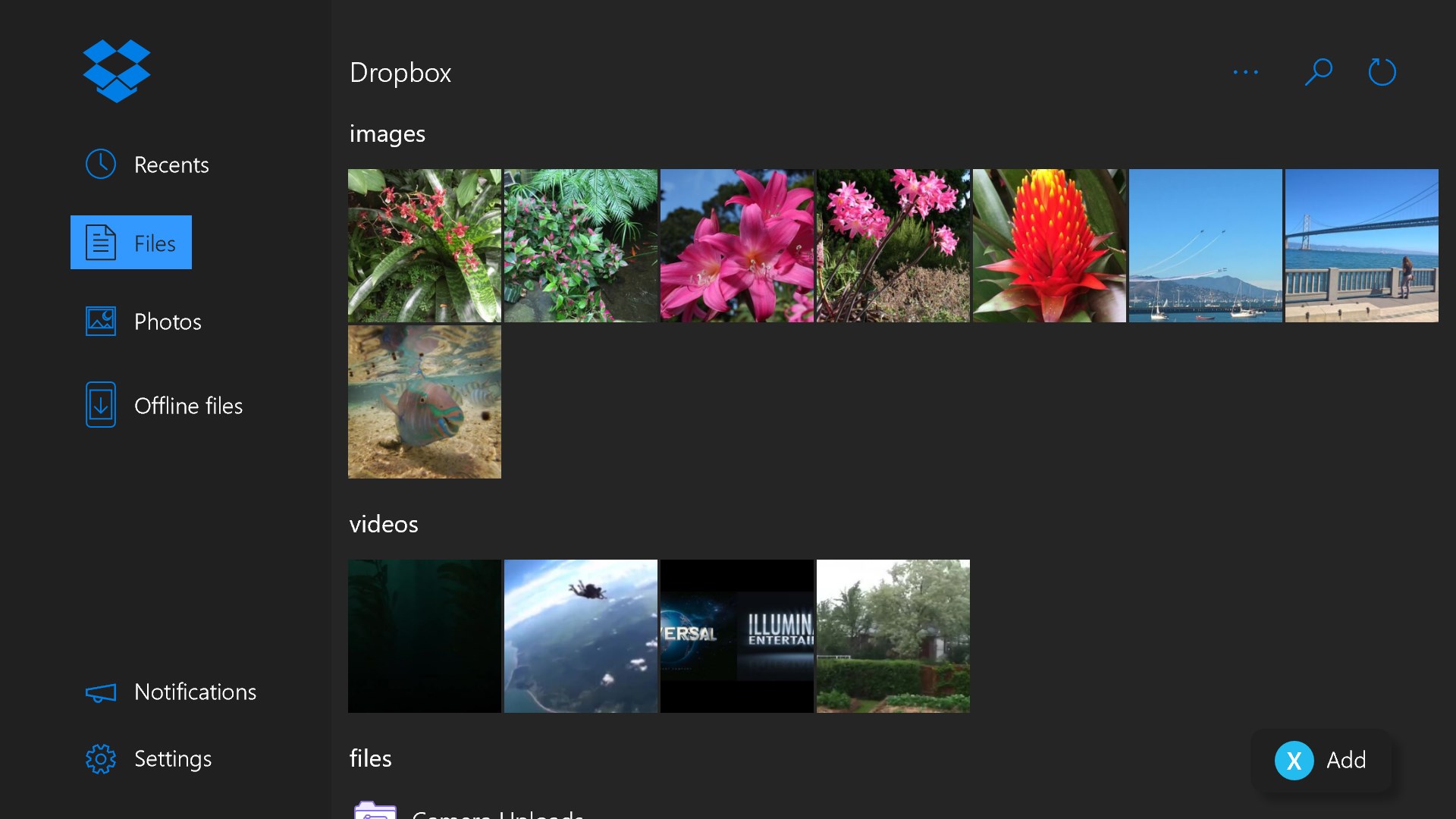
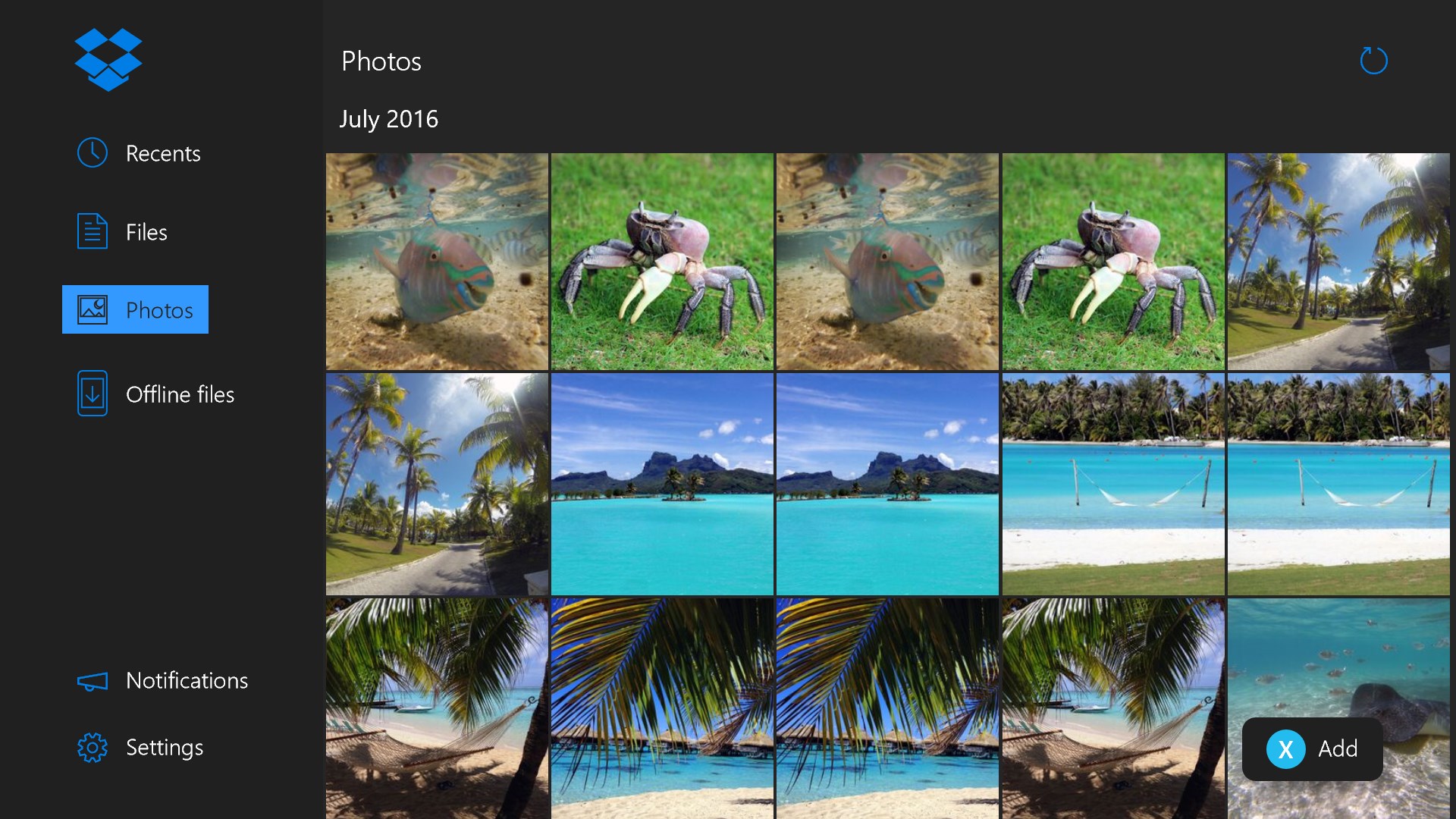
Dropbox Lite is a cloud storage app designed for Windows in S mode or other systems that do not meet the requirements for the full Dropbox app for Windows. It offers a limited set of essential features rather than the complete Dropbox experience. The app brings cloud content and traditional files together in one central place. Files stored there can be synced safely across all devices. Access to files is available anytime and from anywhere.
Show the developer's original descriptionHide the original description
Dropbox for S Mode ("Dropbox Lite") will provide a limited set of essential features and may not provide a complete Dropbox experience. Please note that this app is specifically designed to be used on Windows in S mode or other systems that do not meet the requirements for the Dropbox app for Windows. Check out help.dropbox.com if you have more questions.
Dropbox brings your cloud content and traditional files together with the tools you love—so you can be organized, stay focused, and get in sync with your team. With all your files organized in one central place, you can safely sync them across all your devices and access them anytime, anywhere.
If there is a version of this app for iOS/Mac or Windows we don't know about, paste the store link here — we'll auto-detect the store.
How to find the URL:1. Open the app in its store. 2.In the App Store app: tap the Share icon → “Copy Link”. In the browser: copy the URL from the address bar — it contains apps.apple.com/…/id… or apps.microsoft.com/detail/…. 3. Paste it here.
Paste the original link from the Apple App Store or Microsoft Store. We fetch all details automatically.
How to find the URL:
1. Open the app in its store. 2.In the App Store app: tap the Share icon → “Copy Link”. In the browser: copy the URL from the address bar — it contains apps.apple.com/…/id… or apps.microsoft.com/detail/…. 3. Paste it here.
Android apps can only be listed by their developer.