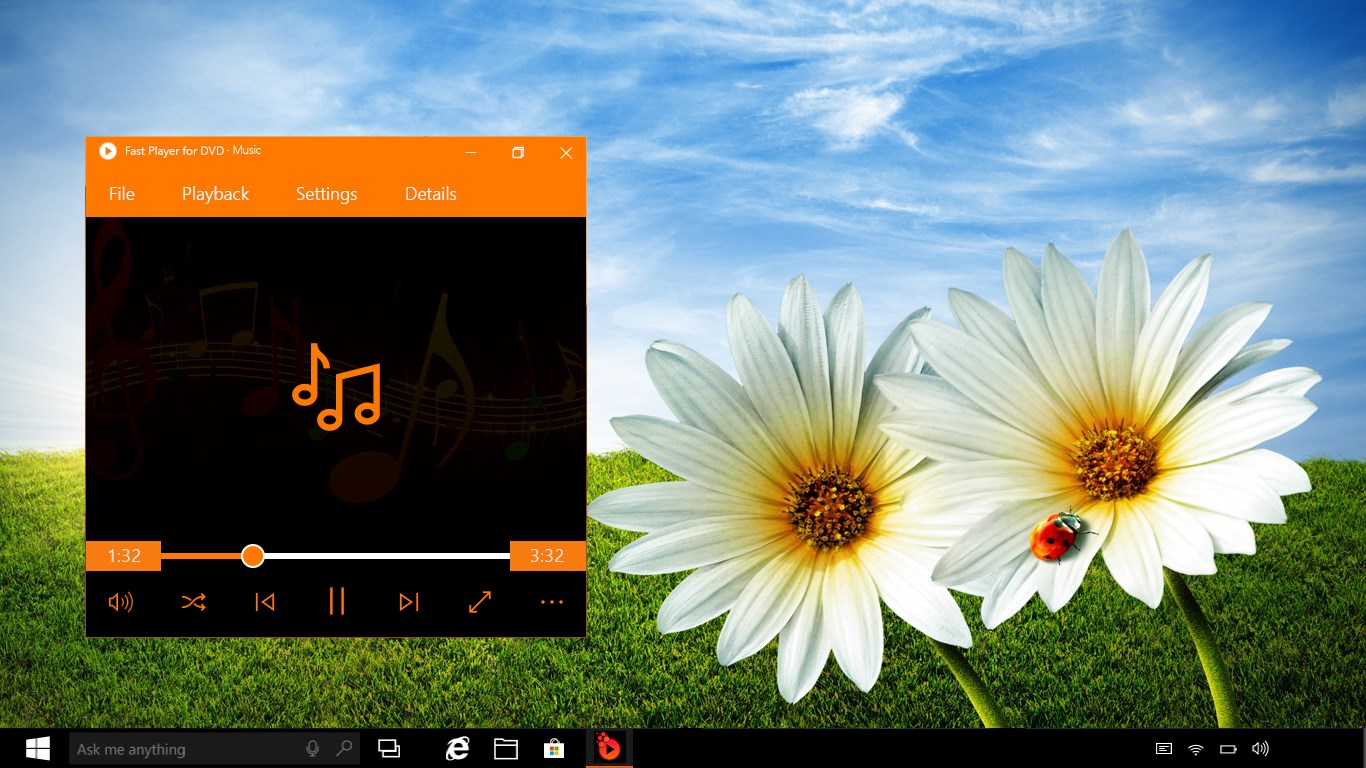
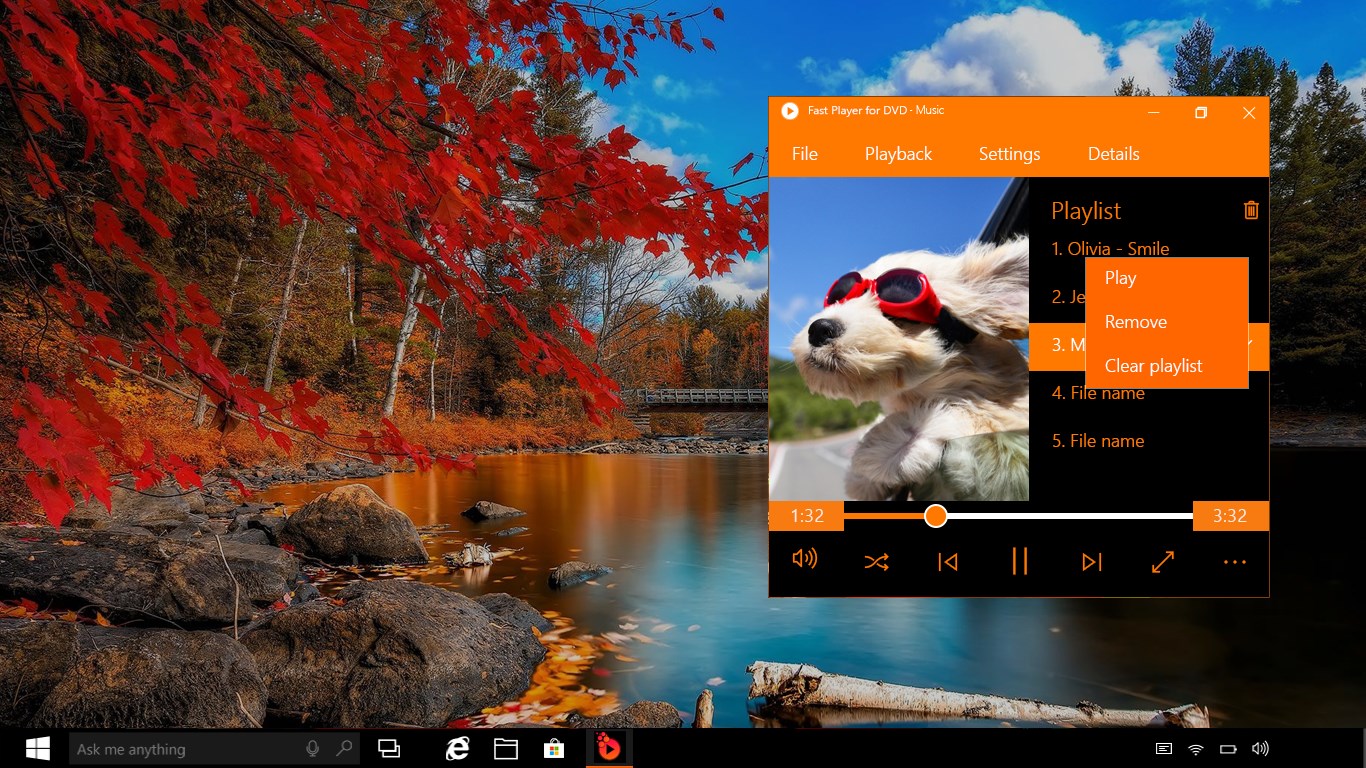
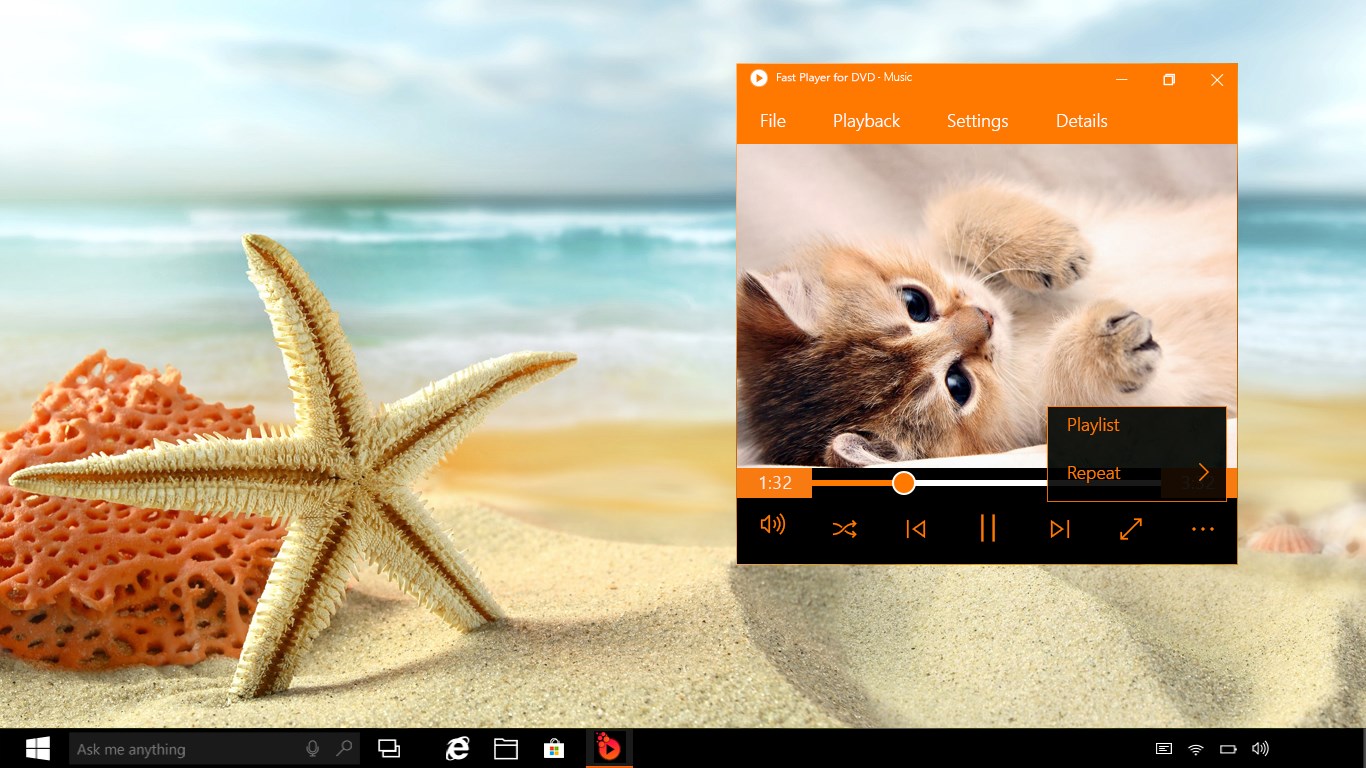
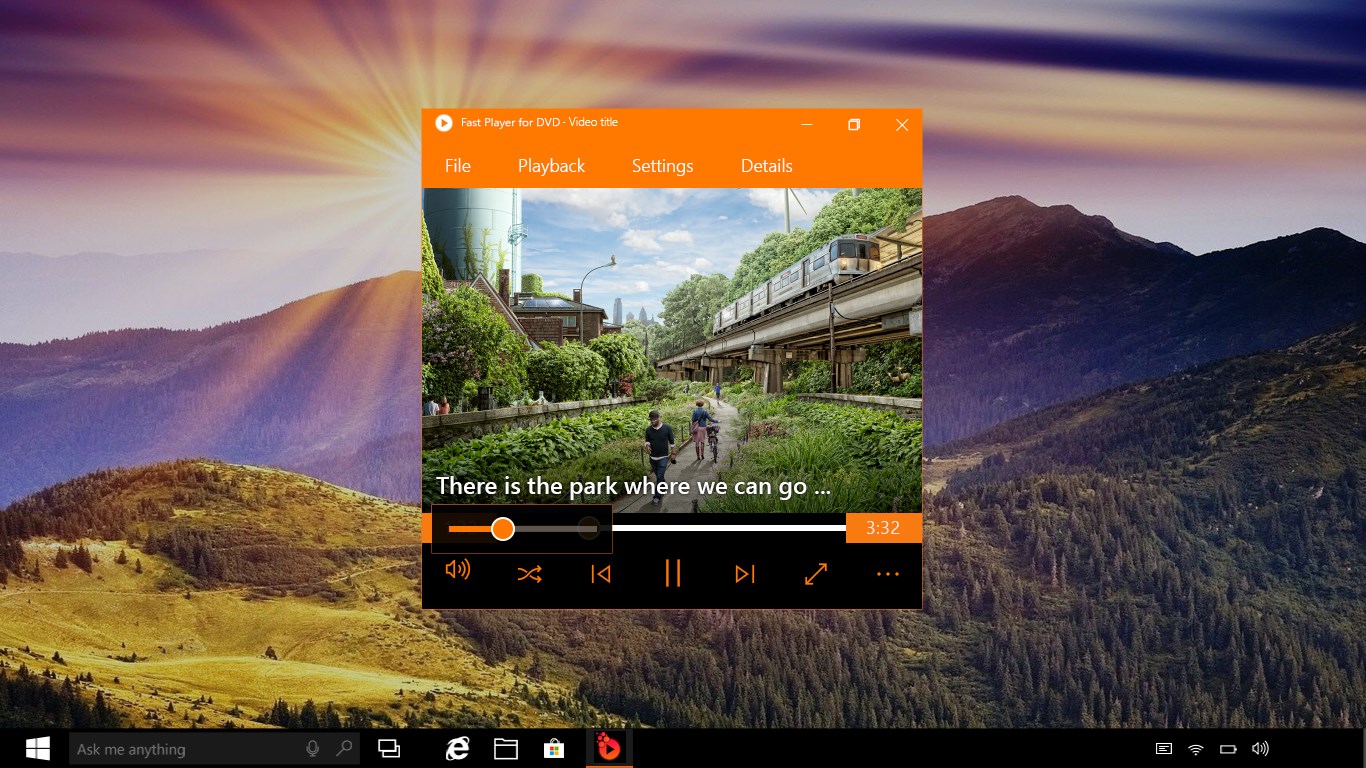


Screenshot appears after consentScreenshot appears after consentScreenshot appears after consentScreenshot appears after consentScreenshot appears after consentScreenshot appears after consentScreenshot appears after consentScreenshot appears after consent
Summary
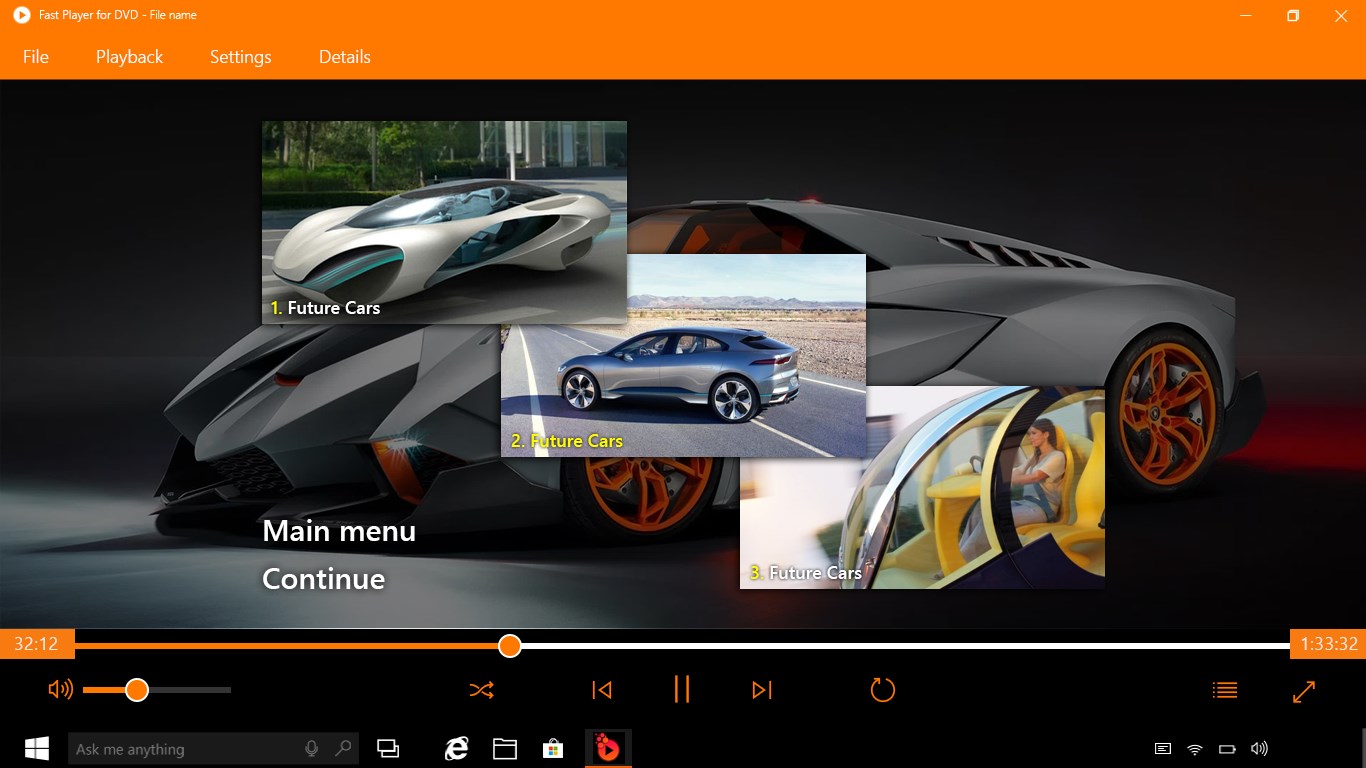
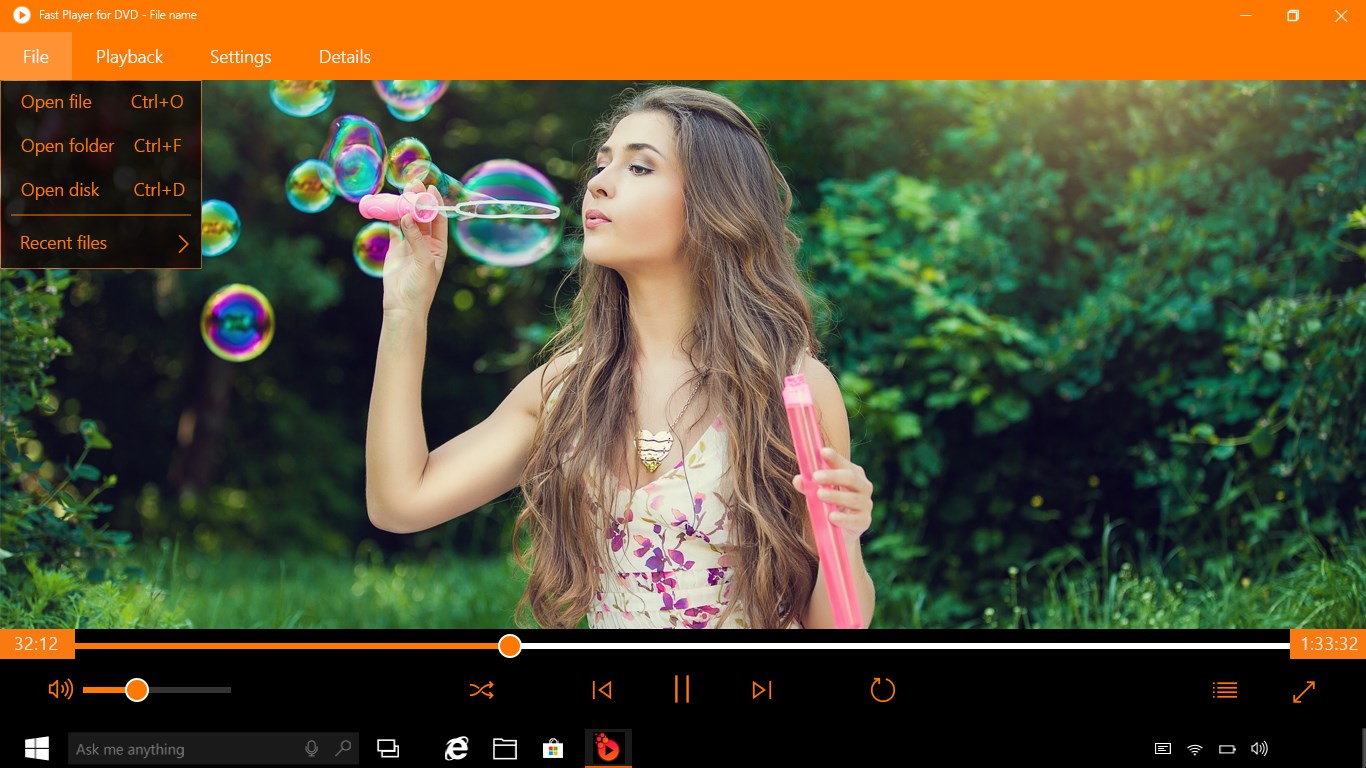
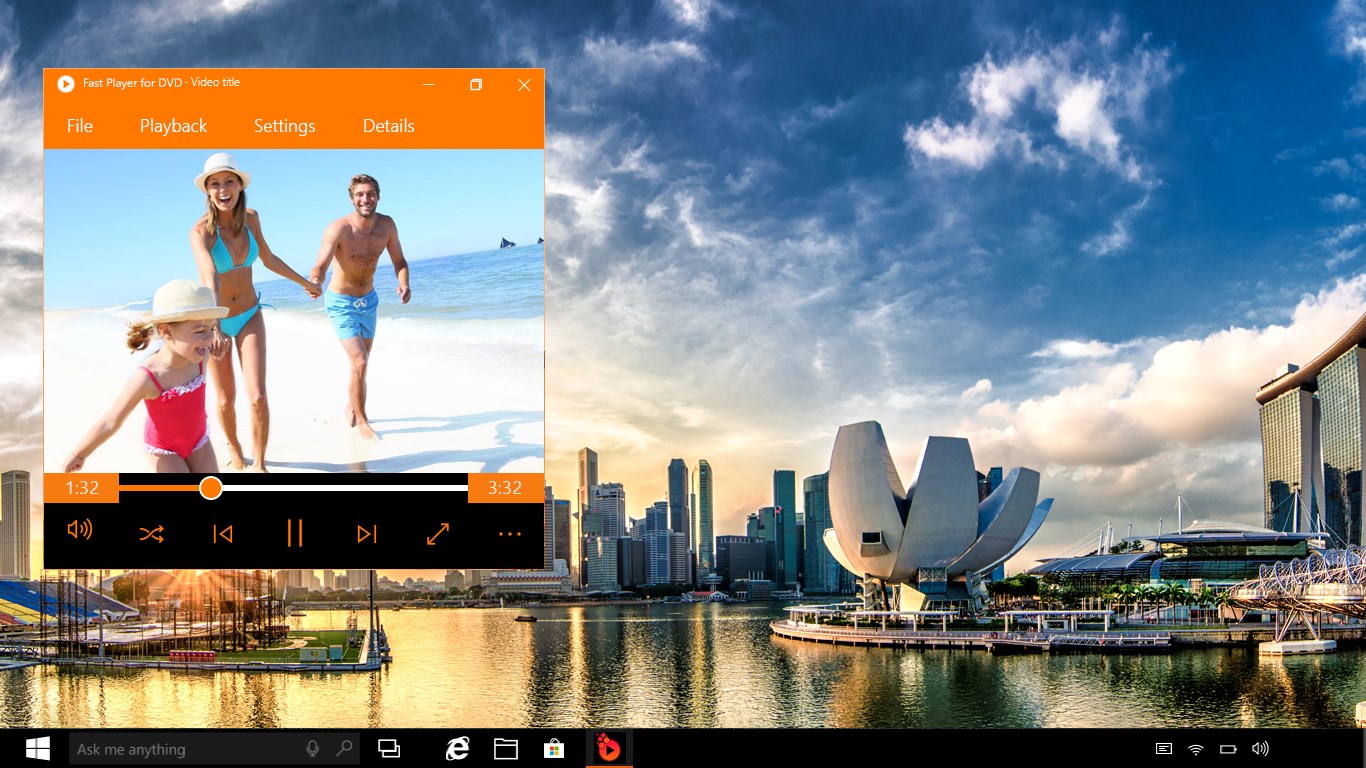
Fast Player for DVD is a media player for DVD and Blu-ray playback that also supports a wide range of video and audio formats. It handles internal multilingual subtitles and allows selecting audio tracks during playback. Users can manage their own playlists within the application and watch favorite movies in background mode. The app also keeps a list of recently played audio and video files for quick access. It is free to install.
Show the developer's original descriptionHide the original description
Fast Player for DVD, a revolutionary program for DVDs and Blu-ray playback!
AND THAT'S NOT ALL:
# Incredible amount of media formats.
# Support for internal multilingual subtitles.
# Selection of audio tracks during the playback.
# Management of own playlists in the application.
# Watching favorite movies in the background mode.
# Access to the list of recently played audio & video files.
FAST PLAYER FOR DVD, easily plays all video and audio content in more than 150 FORMATS. We also provide you amazing HEVC format support as well as QT, .FLV, .VOB, .MKV, .MPG, .WEBM, .FLAC, .ALAC, .WAVE, .OGG and many others.
Looking for something universal?
Fast Player for DVD - ALL YOU NEED!
IMPORTANT NOTES:
Fast Player for DVD does not support Windows 10 S mode. Most of all, this version of Windows is used for education (by teachers, students, etc).
It's absolutely free for installation, though contains some trial mode for DVD playback with a watermark over the video. However, it doesn't limit your use or quality of playback.
Fast Player for DVD doesn't include any kind of formats or codecs with active patents and paid licenses. If we break rules/ copyrights/ rights/ of third parties, please contact our support team. We'll improve everything at the nearest time!
If there is a version of this app for iOS/Mac or Windows we don't know about, paste the store link here — we'll auto-detect the store.
How to find the URL:1. Open the app in its store. 2.In the App Store app: tap the Share icon → “Copy Link”. In the browser: copy the URL from the address bar — it contains apps.apple.com/…/id… or apps.microsoft.com/detail/…. 3. Paste it here.
Paste the original link from the Apple App Store or Microsoft Store. We fetch all details automatically.
How to find the URL:
1. Open the app in its store. 2.In the App Store app: tap the Share icon → “Copy Link”. In the browser: copy the URL from the address bar — it contains apps.apple.com/…/id… or apps.microsoft.com/detail/…. 3. Paste it here.
Android apps can only be listed by their developer.