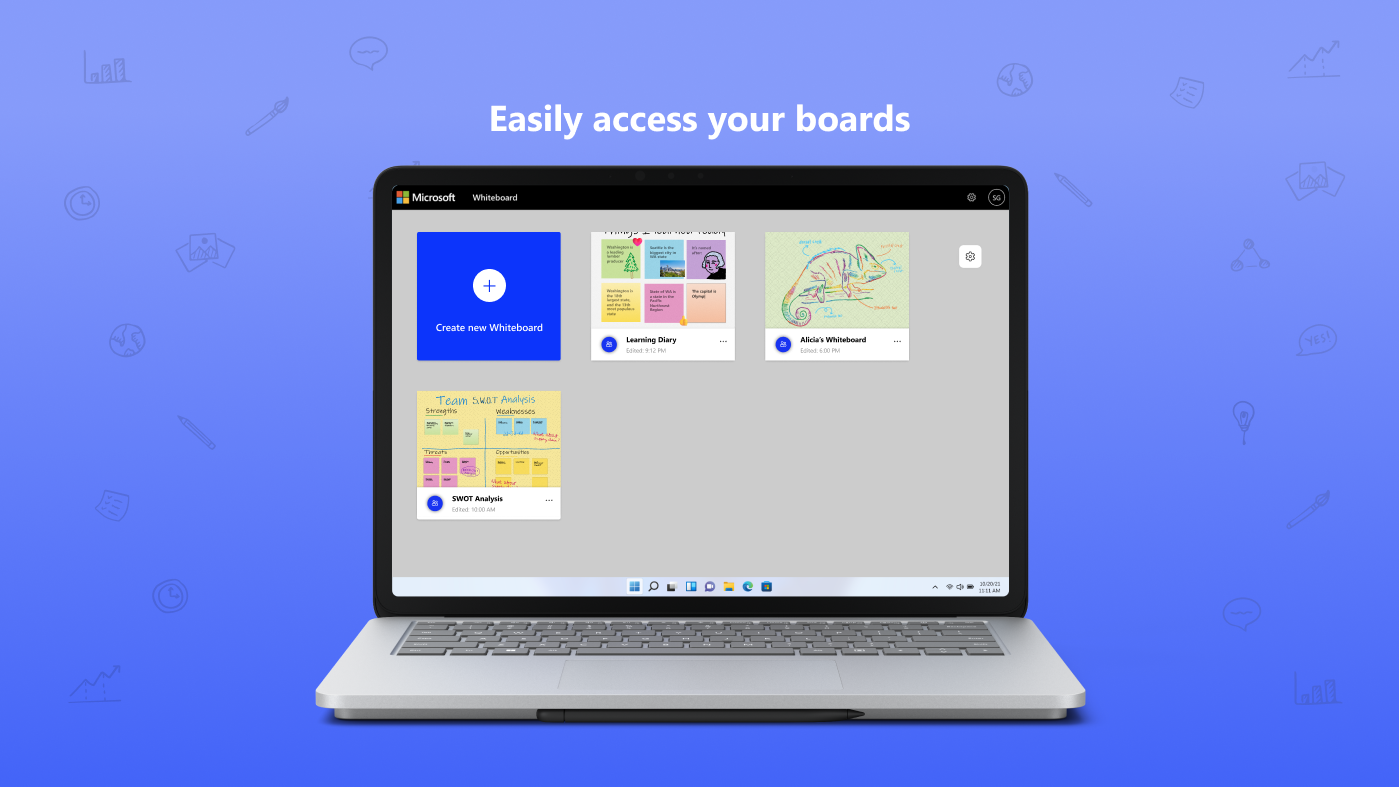
Screenshot appears after consentScreenshot appears after consentScreenshot appears after consentScreenshot appears after consentScreenshot appears after consentScreenshot appears after consent
Screenshot appears after consentScreenshot appears after consentScreenshot appears after consentScreenshot appears after consentScreenshot appears after consent
Summary
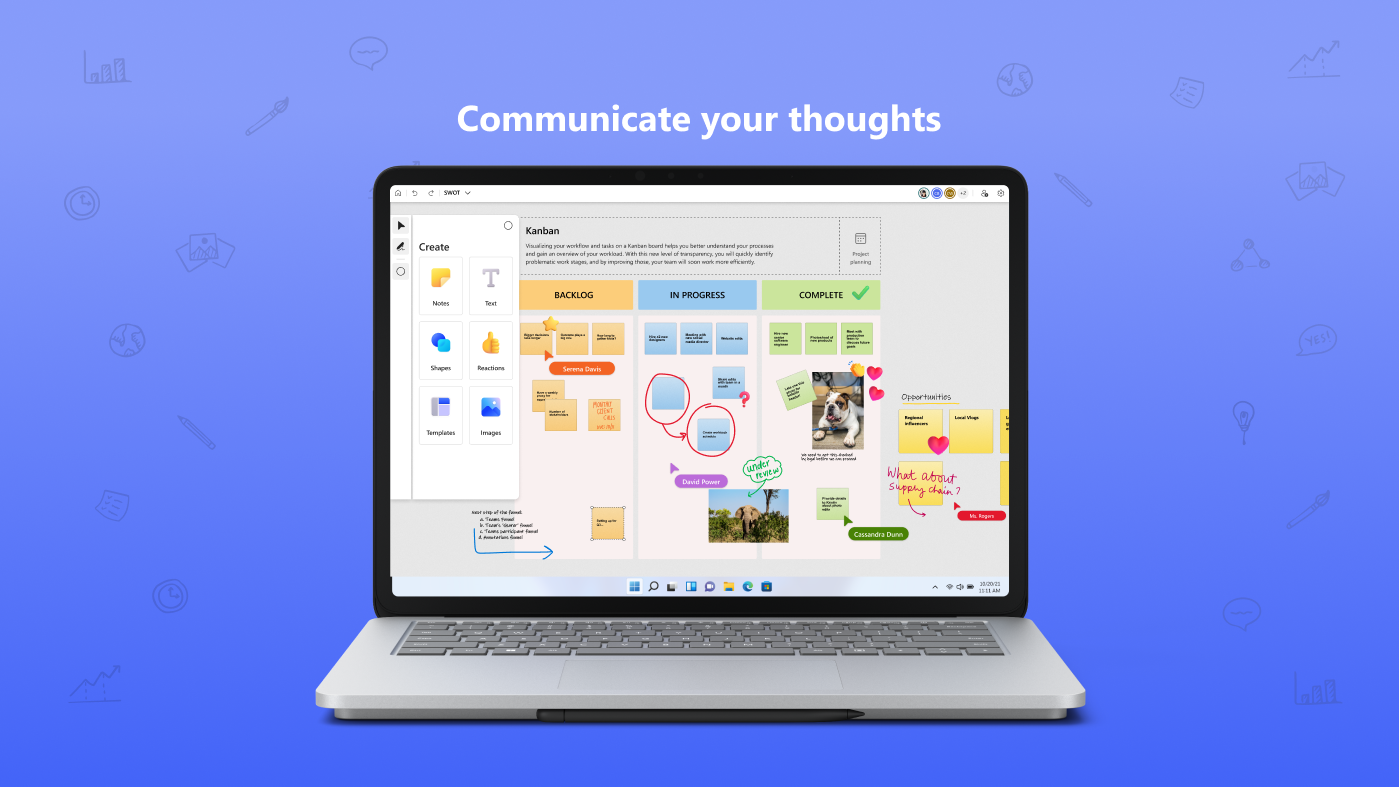
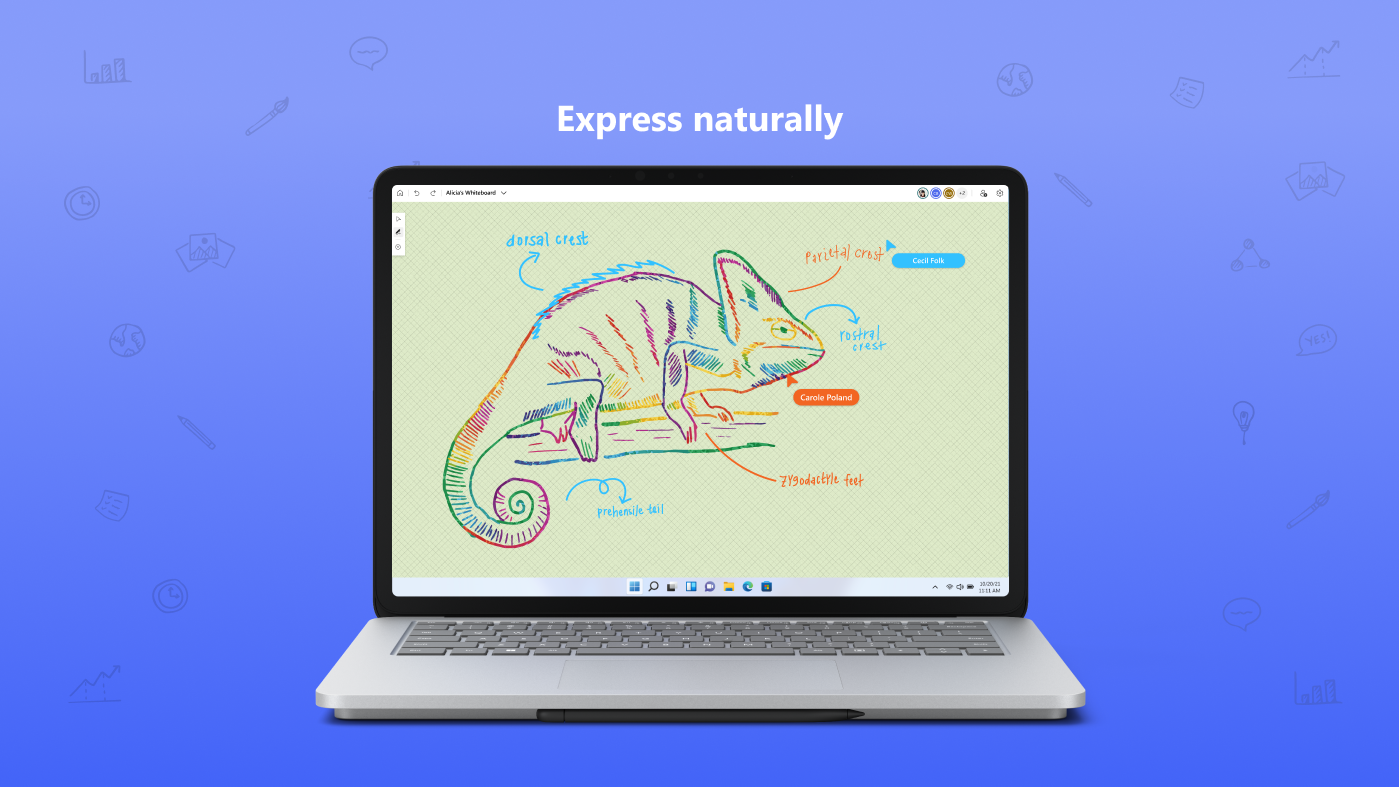
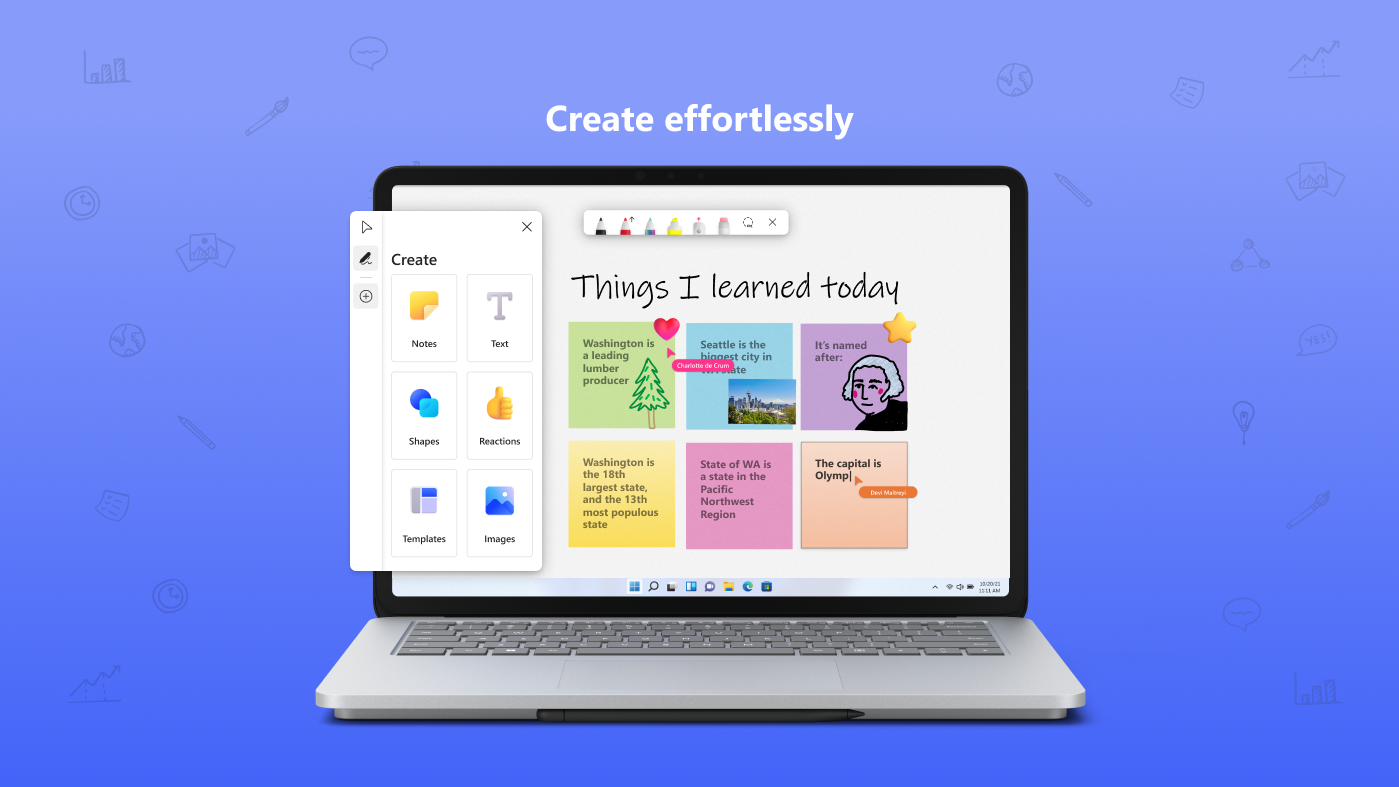
Microsoft Whiteboard is a collaboration app offering a digital canvas within Microsoft 365 for meetings and learning, designed for touch, typing and pen input, letting users write or draw as smoothly as with real ink. Content can include typed text, images, sticky notes, note grids and shapes drawn from a shapes library, with pre-built templates available for quick starts. Reactions allow visual feedback during sessions, while real-time collaboration lets team members edit and see each other's work simultaneously. All work is saved automatically to the cloud for resuming later.
Show the developer's original descriptionHide the original description
The collaborative digital canvas in Microsoft 365 for effective meetings and engaged learning.
Microsoft Whiteboard provides a freeform, intelligent canvas where you and your team can ideate, create, and collaborate visually via the cloud. Designed for touch, type, and pen, it lets you write or draw as smoothly as you would with ink. You can type in text, add an image, sticky notes, or note grid to express your ideas and use reactions to visually communicate your thoughts. It enhances teamwork by allowing all team members to edit the canvas in real time, no matter where they are. Get started quickly by inserting a pre-built template or drawing your own flowchart using our expansive shapes library. Trust that all your work stays safe in the cloud, ready to be picked back up from another location or device.
Paste the original link from the Apple App Store or Microsoft Store. We fetch all details automatically.
How to find the URL:
1. Open the app in its store. 2.In the App Store app: tap the Share icon → “Copy Link”. In the browser: copy the URL from the address bar — it contains apps.apple.com/…/id… or apps.microsoft.com/detail/…. 3. Paste it here.
Android apps can only be listed by their developer.