Screenshot appears after consentScreenshot appears after consentScreenshot appears after consentScreenshot appears after consentScreenshot appears after consentScreenshot appears after consentScreenshot appears after consentScreenshot appears after consentScreenshot appears after consentScreenshot appears after consent
Screenshot appears after consentScreenshot appears after consentScreenshot appears after consentScreenshot appears after consentScreenshot appears after consentScreenshot appears after consentScreenshot appears after consentScreenshot appears after consentScreenshot appears after consentScreenshot appears after consent
Screenshot appears after consentScreenshot appears after consentScreenshot appears after consentScreenshot appears after consentScreenshot appears after consentScreenshot appears after consentScreenshot appears after consent
Summary
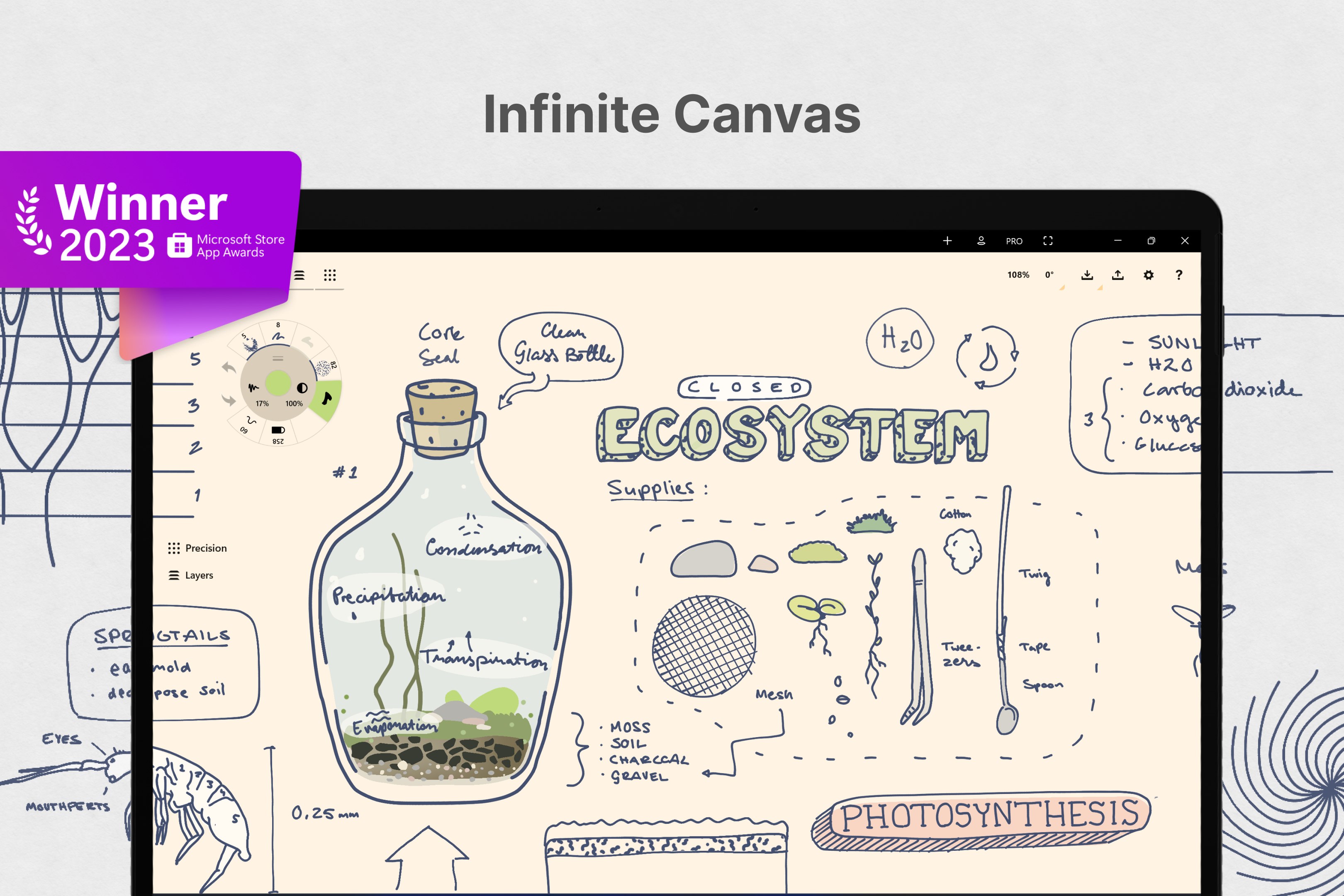
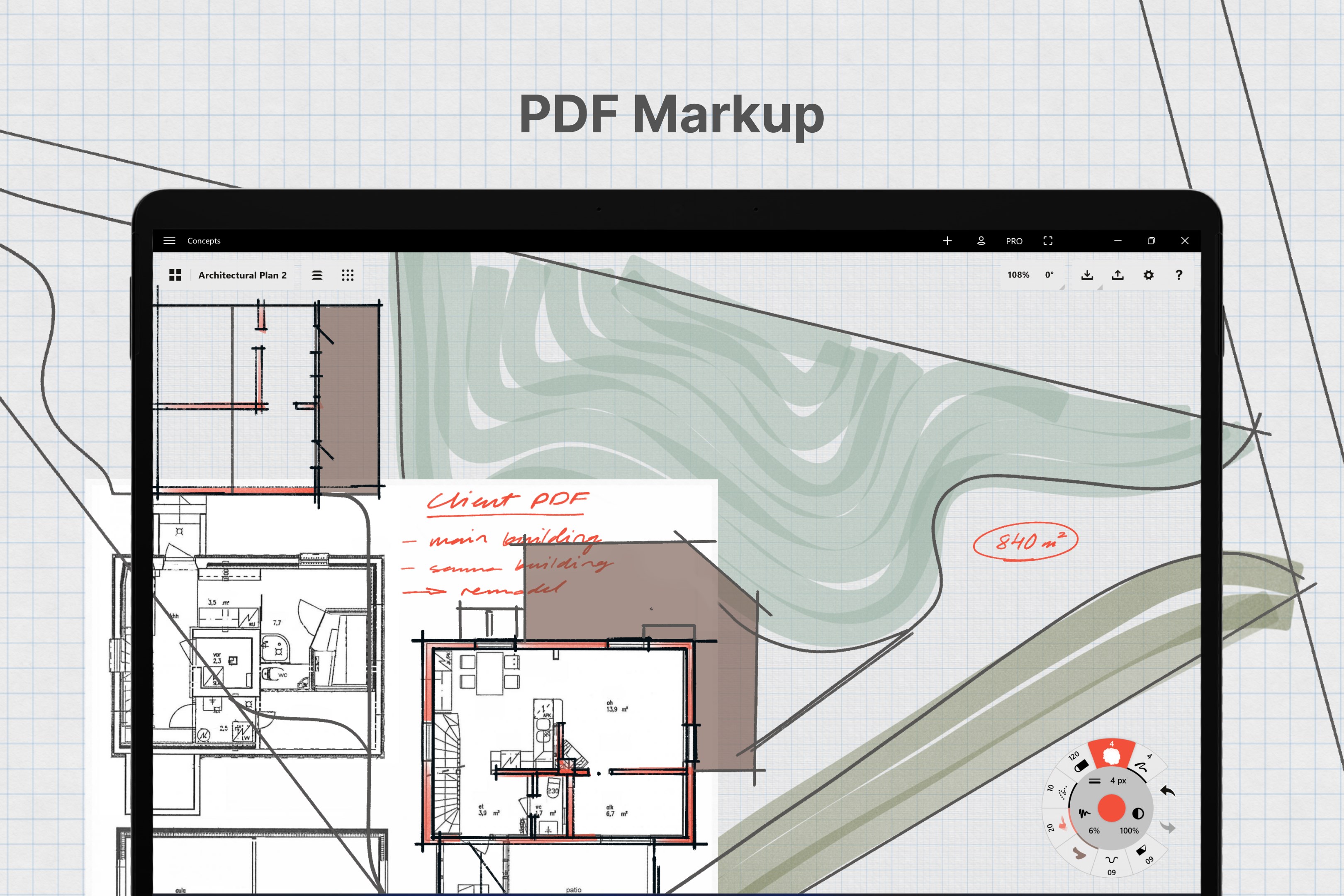
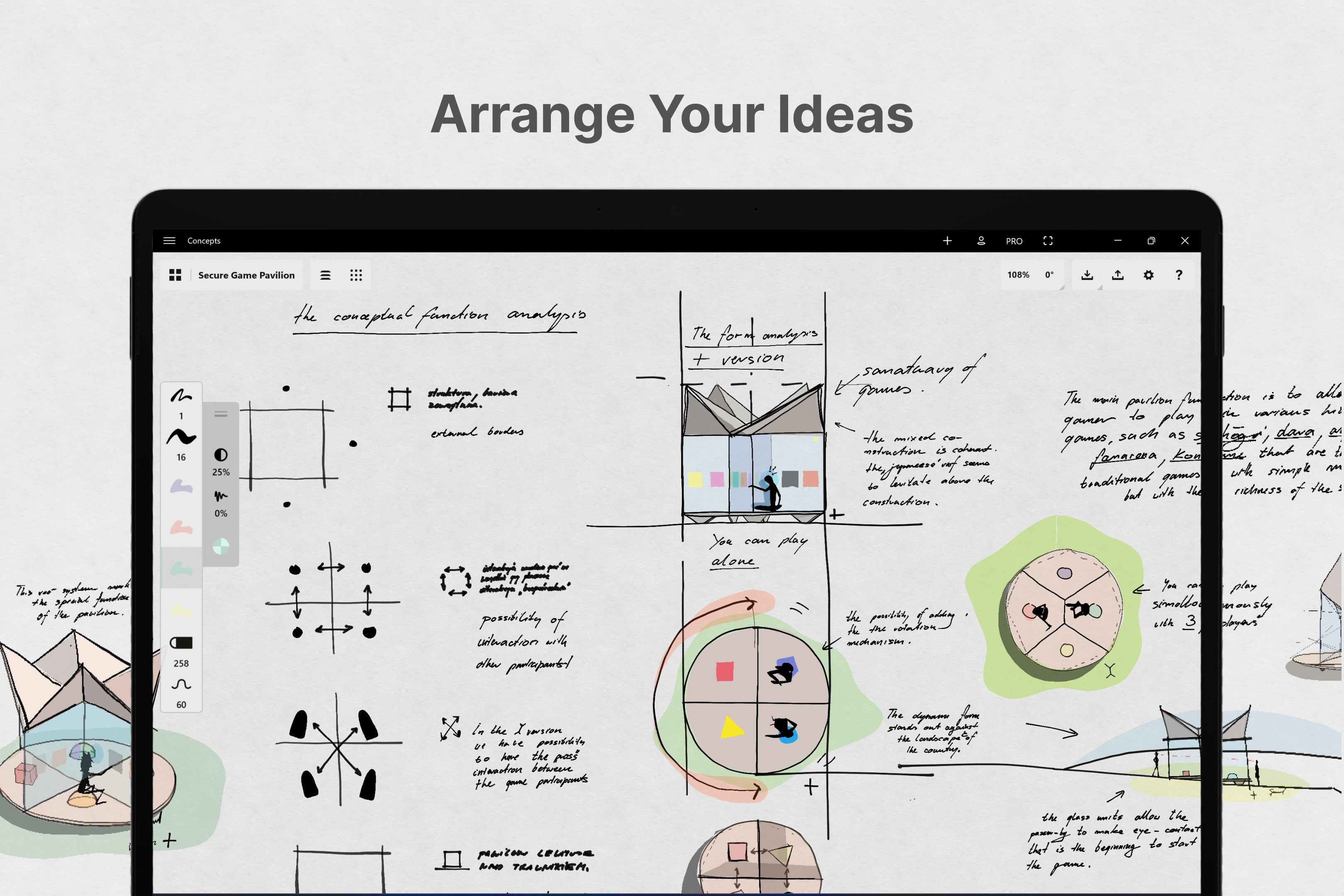
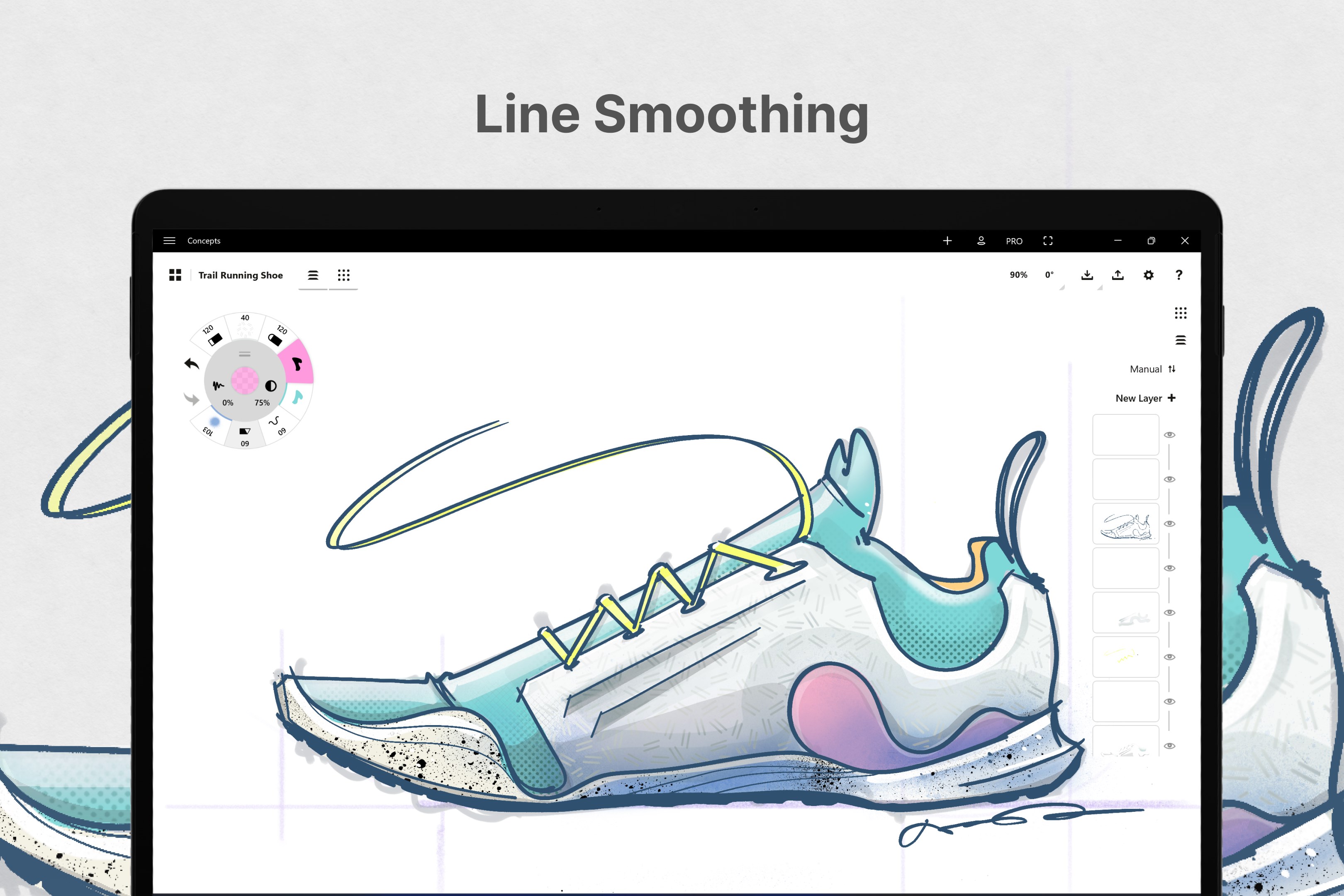
Concepts is a sketching app for thinking, planning and creating on an infinite canvas. It offers realistic pens, pencils and brushes that respond to pressure, tilt and velocity, along with adjustable smoothing and a customizable tool wheel. Because every stroke is vector-based, drawings can be edited, moved, resized and corrected with Nudge, Slice and Select tools instead of being redrawn. It includes an infinite layering system, COPIC, HSL and RGB color wheels, and shape guides. Work can be exported as images, PDFs or vector files and shared with other apps, with additional tools available through purchases or a subscription.
Show the developer's original descriptionHide the original description
Concepts is a flexible space to think, plan and create. Sketch your ideas on the infinite canvas, write notes and doodles with tilt + pressure, draw storyboards, product sketches and design plans, then share with friends, clients and other apps. Optimized for touchscreen and pen-enabled devices, including the latest Intel and ARM64-based systems.
Concepts’ vector nature means every stroke is editable. Pens, pencils, watercolor… if you mess up, just fix it with the Nudge, Slice and Select tools.
Concepts is used by amazing people at Disney, Playstation, Philips, HP, Apple, Google, Unity and Illumination Entertainment to take ideas from concept to reality. Join us!
Concepts has:
• realistic pencils, pens and brushes that respond to pressure, tilt and velocity with adjustable live smoothing and haptic feedback
• an infinite canvas with many paper types and custom grids
• a tool wheel or bar you can customize with your favorite tools and presets
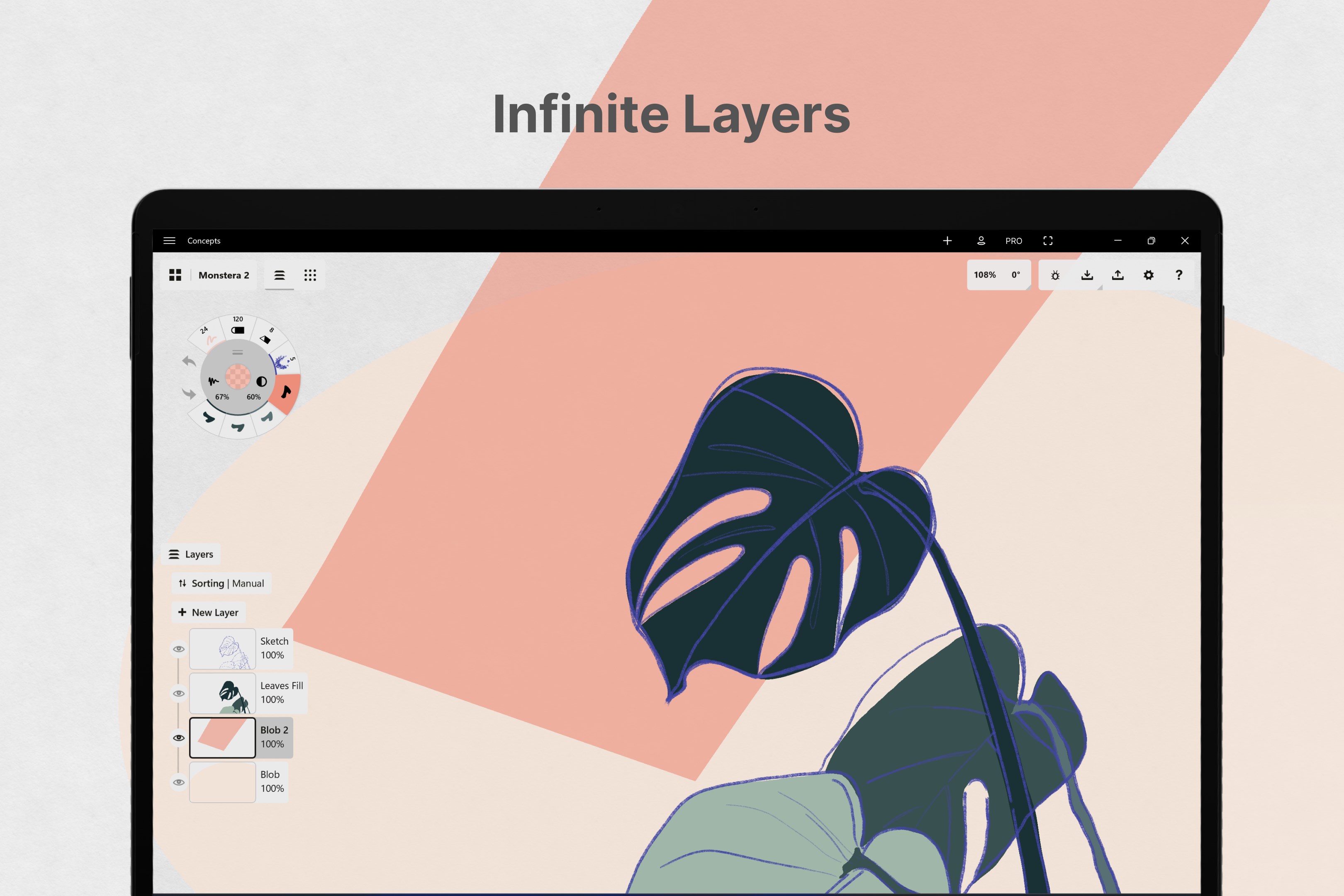
• an infinite layering system with automatic sorting & adjustable opacity
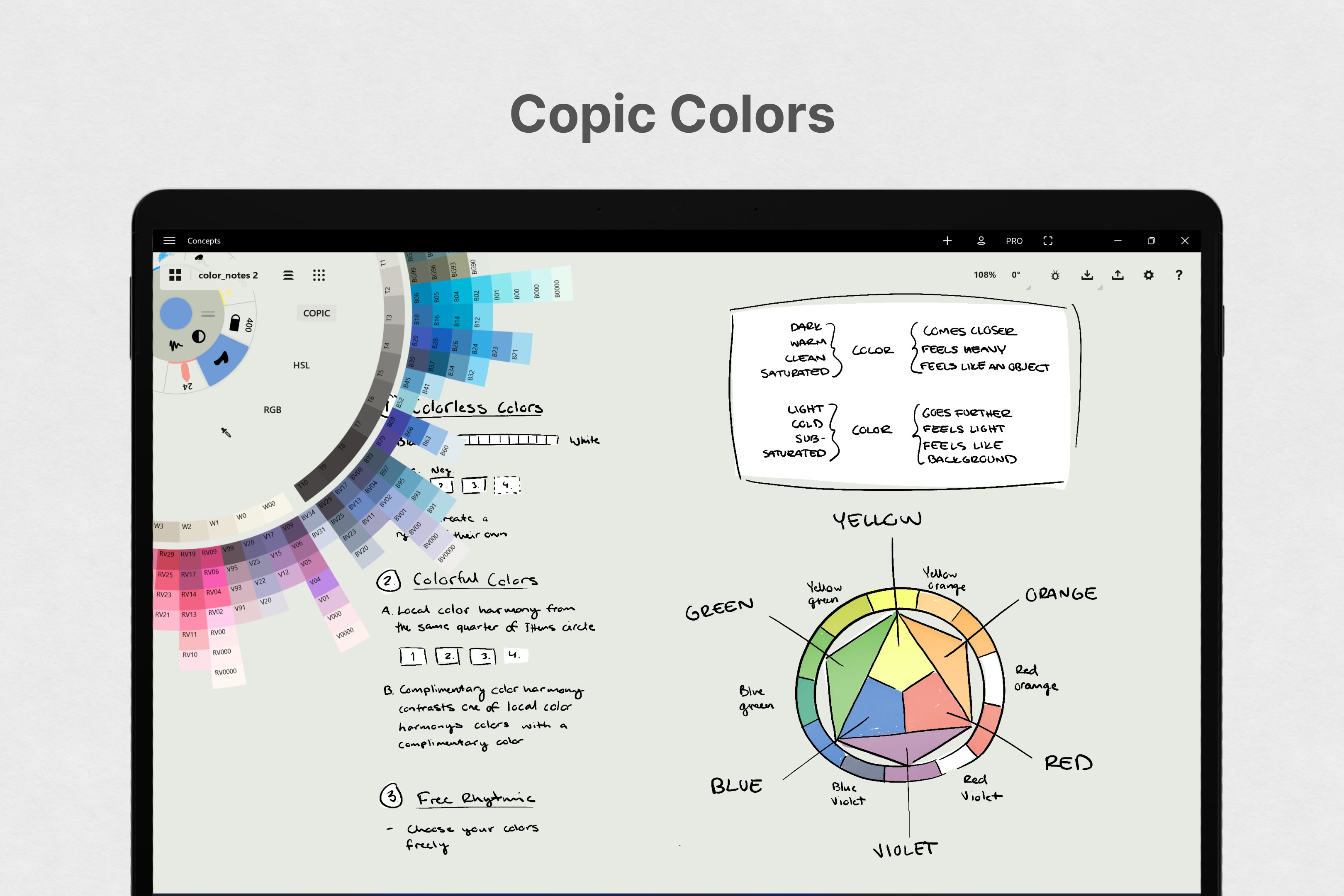
• the COPIC color wheel helps you choose colors that look great together
• flexible vector-based sketching - move and adjust what you’ve drawn by tool, color, size, smoothing and scale
• draw with live snap & align tools for clean and accurate sketches
• personalize everything - your canvas, tools, gestures, everything
• duplicate your work for easy iterations in the gallery and on canvas
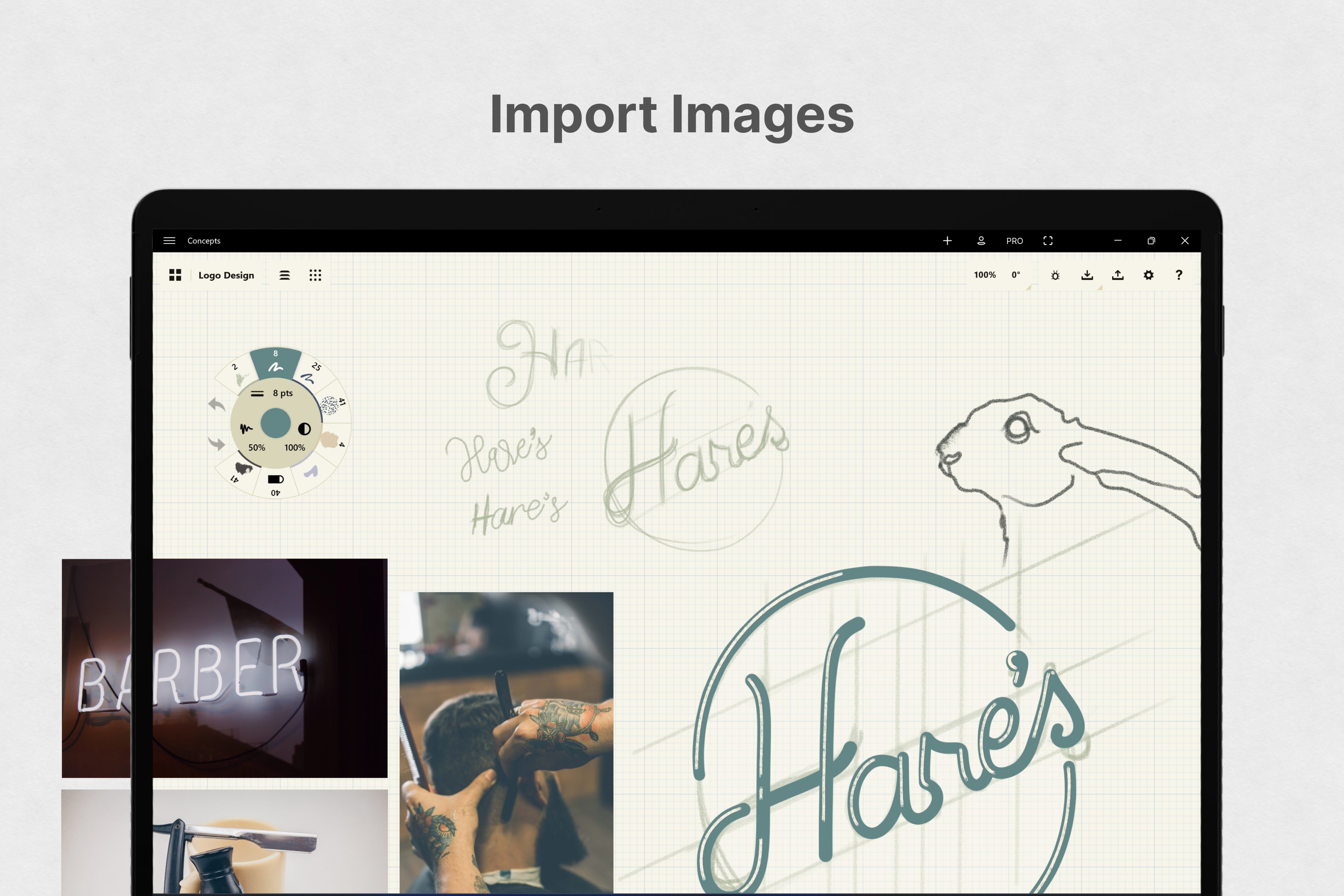
• drag+drop images straight onto the canvas as references or for tracing
• use shape guides in the precision menu to create partial or perfect shapes in your drawings
• export images, PDFs, and vectors for printing or fast feedback between friends and clients
• more precision tools coming soon!
Sketch FREE. Enjoy awesome tools, COPIC colors, five layers, our infinite canvas and JPG exports.
Pay-As-You-Go. Boost your creativity with the Essentials and edit your strokes, unlock infinite layers, shape guides, and export to PNG, PSD, SVG, DXF and Concepts native file formats. Professional brush packs sold separately.
Or subscribe to Concepts Everything and gain access to every library, service and feature going forward.
If you opt to subscribe to Concepts Everything monthly or yearly, payment will be charged to your Microsoft Account at time of purchase. Your plan will renew automatically at the price shown above within 24 hours of the end of the billing period, unless turned off beforehand. You can cancel or make changes anytime in your Microsoft Account settings.
We're dedicated to quality and update often. If you get stuck, chat with us in-app, email us at concepts@tophatch.com or find us anywhere with @ConceptsApp.
COPIC is the trademark of Too Corporation. Many thanks to Lasse Pekkala and Osama Elfar for cover art!
Paste the original link from the Apple App Store or Microsoft Store. We fetch all details automatically.
How to find the URL:
1. Open the app in its store. 2.In the App Store app: tap the Share icon → “Copy Link”. In the browser: copy the URL from the address bar — it contains apps.apple.com/…/id… or apps.microsoft.com/detail/…. 3. Paste it here.
Android apps can only be listed by their developer.






 Kaleidoscope Drawing Pad
Draw symmetrical kaleidoscope art with brushes and effects
 Tayasui Sketches
Draw and paint with realistic pens and brushes
 Procreate Pocket
Drawing and painting app with brushes, layers and effects
 Sketchbook: Create Digital Art
Drawing and painting app with professional brushes and tools
 Paint S
Draw and edit images with layers and effects
 Coloring Book - Harmony
Color over 1,000 pages with realistic brushes and effects