
Screenshot appears after consentScreenshot appears after consentScreenshot appears after consentScreenshot appears after consent
Summary
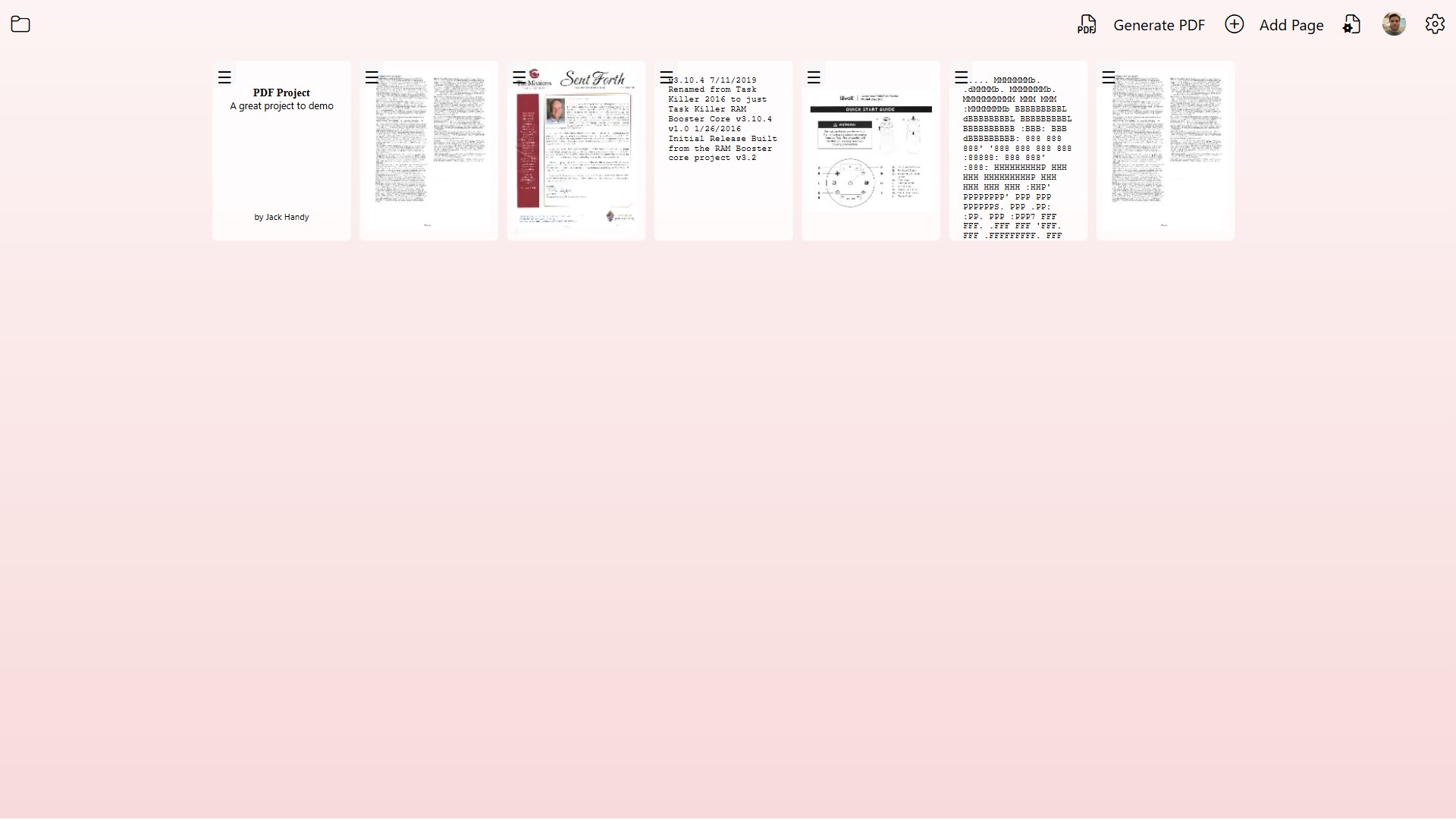
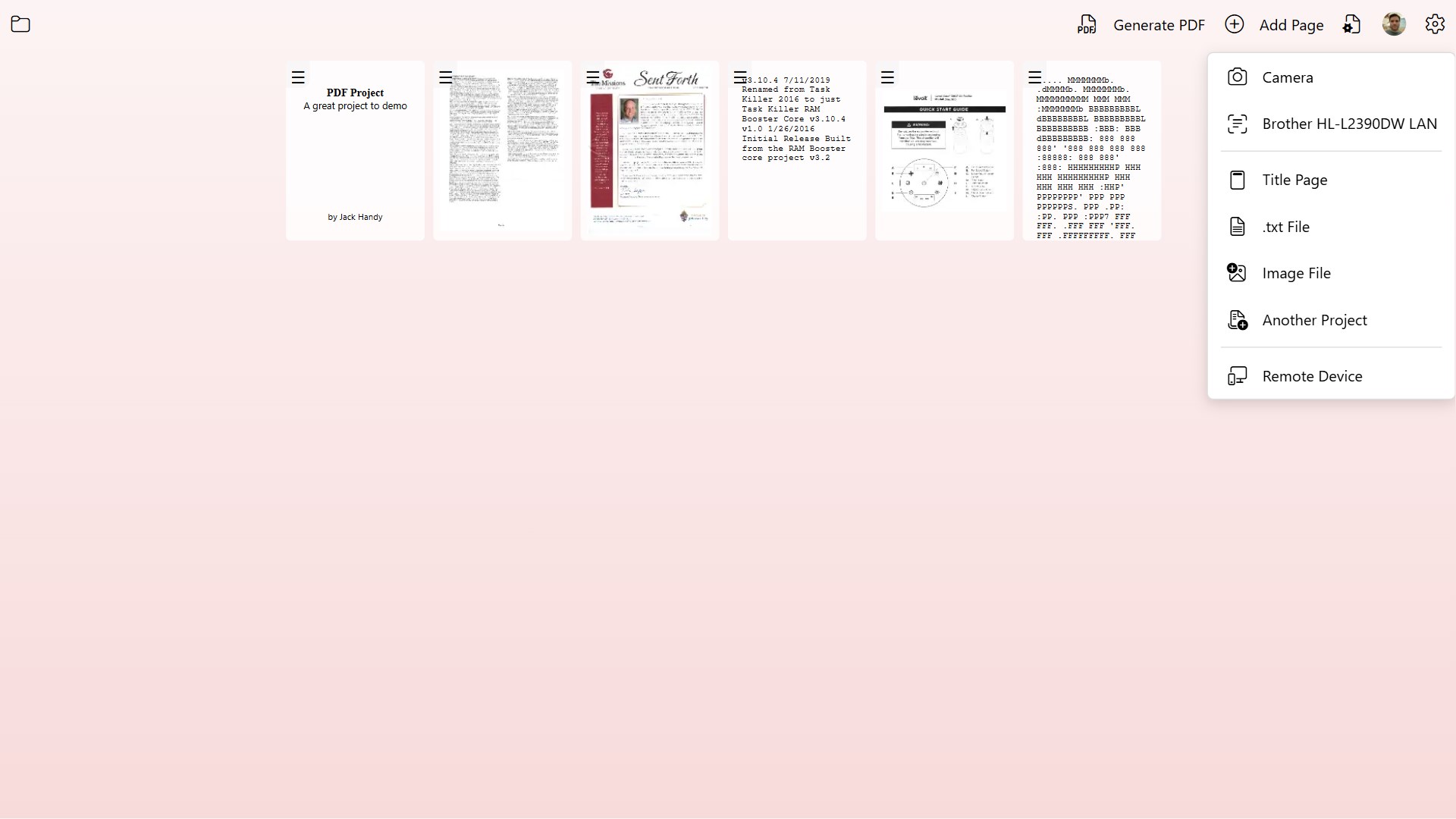
PDF Document Scanner is a document scanning app that converts paperwork, photos, and multi-page materials into PDF files. It captures pages using the device camera, connected or network desktop scanners, or a phone acting as a wireless scanner for desktop use. A built-in image editor allows cropping, rotating, color adjustment, and cleanup, along with automatic or manual page ordering and title page creation. The app supports single-page and multi-page PDFs, converts text files into PDF format, and merges multiple projects into one document, exporting finished files suitable for sharing.
Show the developer's original descriptionHide the original description
PDF Document Scanner transforms your device into a complete document‑creation studio. Whether you're scanning paperwork, digitizing photos, or assembling multi‑page reports, the app gives you everything you need to produce clean, professional PDF files with ease.
Capture Your Way
- Device Camera: Quickly photograph documents and convert them into sharp, readable PDFs.
- Desktop Scanners: Scan directly from any connected or network image scanner.
- Remote Phone Camera: Use your phone as a wireless scanner when working on desktop — perfect for capturing pages on the go.
Powerful Editing Tools
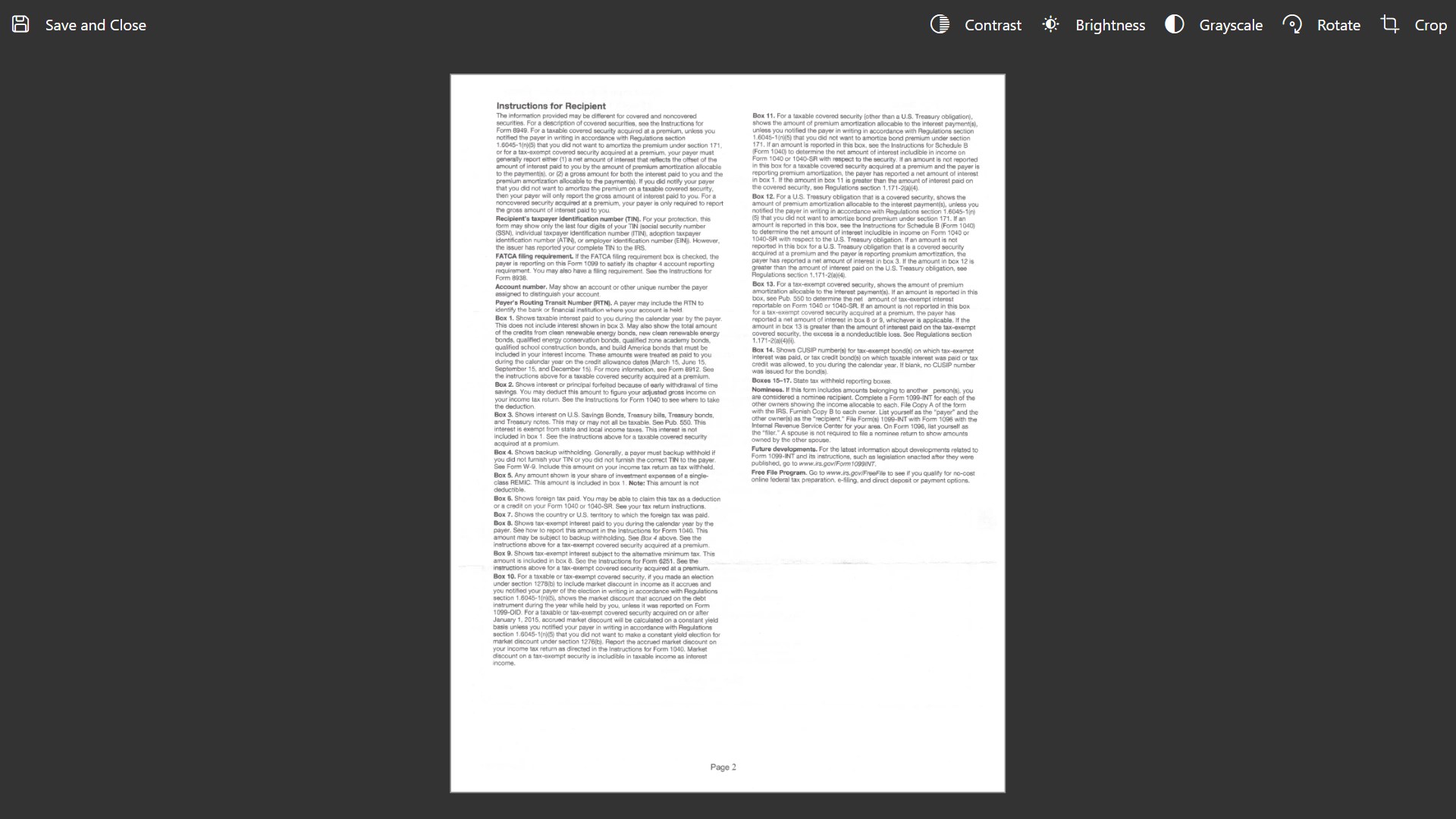
- Built‑in image editor for cropping, rotating, color adjustments, and cleanup
- Automatic or manual page ordering
- Title page creation for polished, professional documents
Flexible PDF Creation
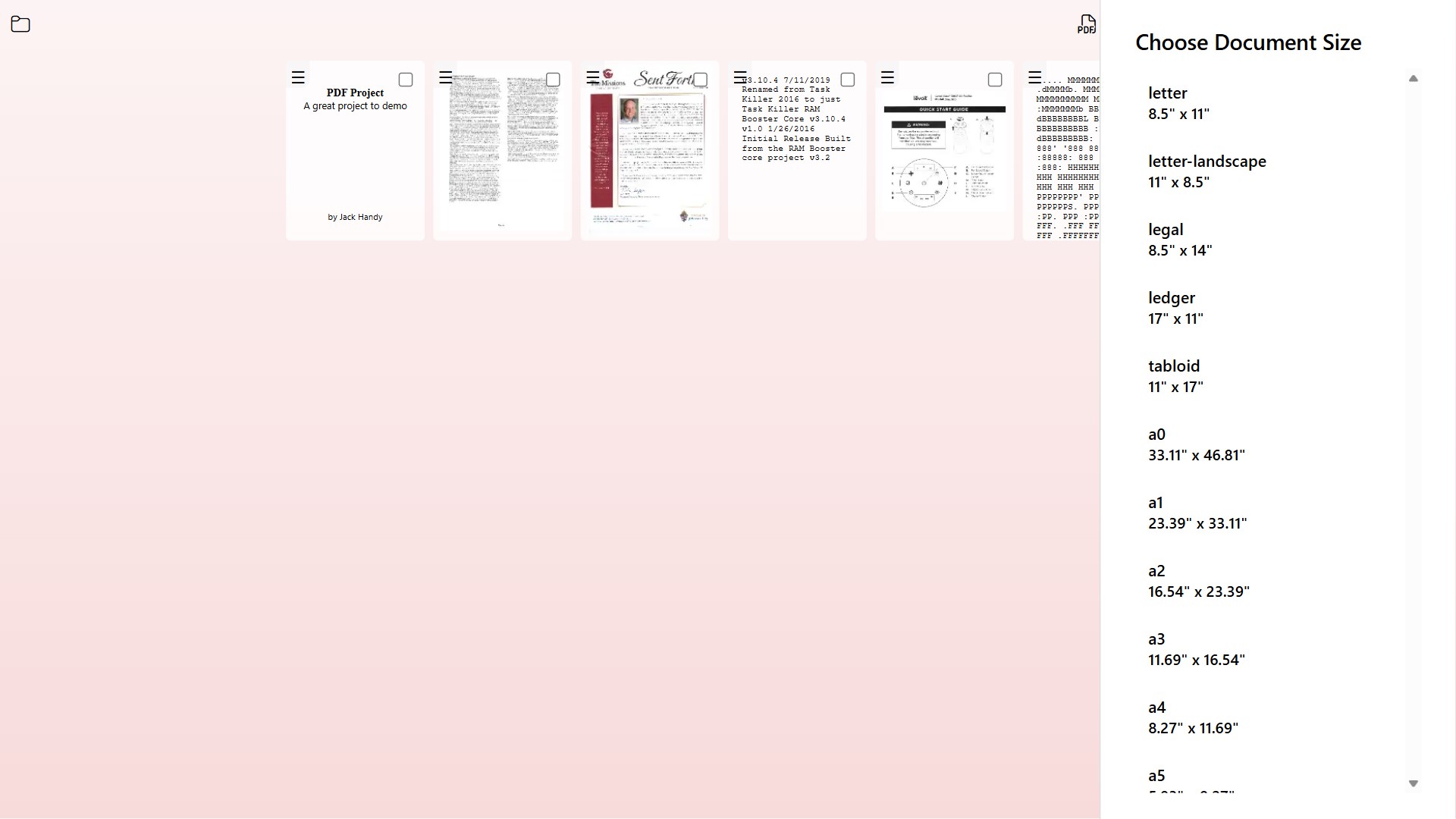
- Create single‑page or multi‑page PDFs
- Import text files and convert them into PDF format
- Merge multiple projects into one unified document
- Export high‑quality, compact PDFs optimized for sharing
Designed for Real‑World Use
Whether you’re scanning receipts, digitizing old photos, submitting homework, archiving paperwork, or assembling a full report, PDF Document Scanner gives you a fast, reliable, and flexible workflow.
Why keep filing cabinets full of old documents and paperwork? It's the 21st century after all. Sure, those tax returns from 1976 are fun to dig out and look at from time to time, but do you really still need the paper copy after all these years? Fear not, now there is an easy way to create digital copies of your old documents with PDF Document Scanner!
If there is a version of this app for iOS/Mac or Windows we don't know about, paste the store link here — we'll auto-detect the store.
How to find the URL:1. Open the app in its store. 2.In the App Store app: tap the Share icon → “Copy Link”. In the browser: copy the URL from the address bar — it contains apps.apple.com/…/id… or apps.microsoft.com/detail/…. 3. Paste it here.
Paste the original link from the Apple App Store or Microsoft Store. We fetch all details automatically.
How to find the URL:
1. Open the app in its store. 2.In the App Store app: tap the Share icon → “Copy Link”. In the browser: copy the URL from the address bar — it contains apps.apple.com/…/id… or apps.microsoft.com/detail/…. 3. Paste it here.
Android apps can only be listed by their developer.