







Screenshot appears after consentScreenshot appears after consentScreenshot appears after consentScreenshot appears after consentScreenshot appears after consentScreenshot appears after consentScreenshot appears after consentScreenshot appears after consentScreenshot appears after consentScreenshot appears after consentScreenshot appears after consentScreenshot appears after consentScreenshot appears after consentScreenshot appears after consent
Summary
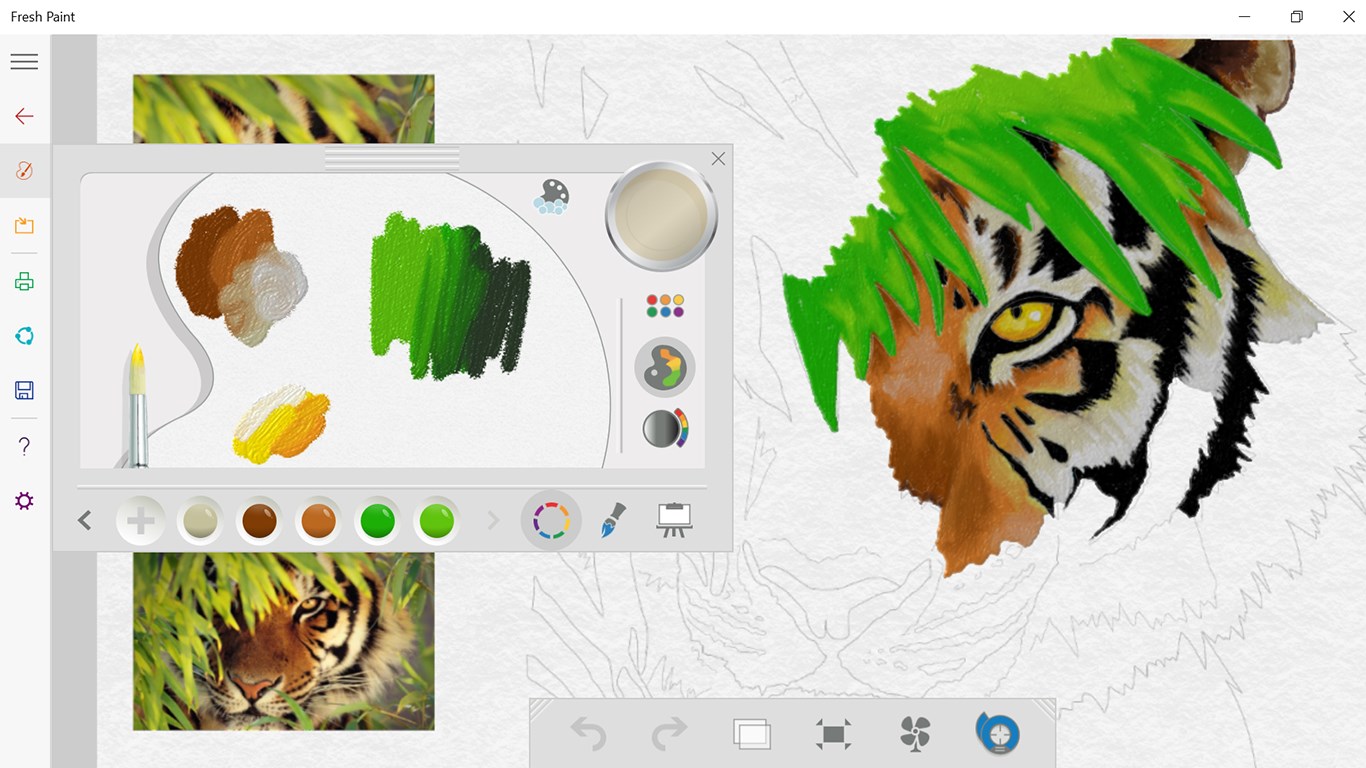
Fresh Paint is a painting app with tools designed for artists of all ages. It allows the creation of original artwork and can turn photos into paintings. Activity packs are available to help users get started quickly. It can be used to create whimsical pictures of friends, landscapes, and other original artwork.
Show the developer's original descriptionHide the original description
Unleash your inner creative with Fresh Paint – the ultimate canvas for your big ideas.
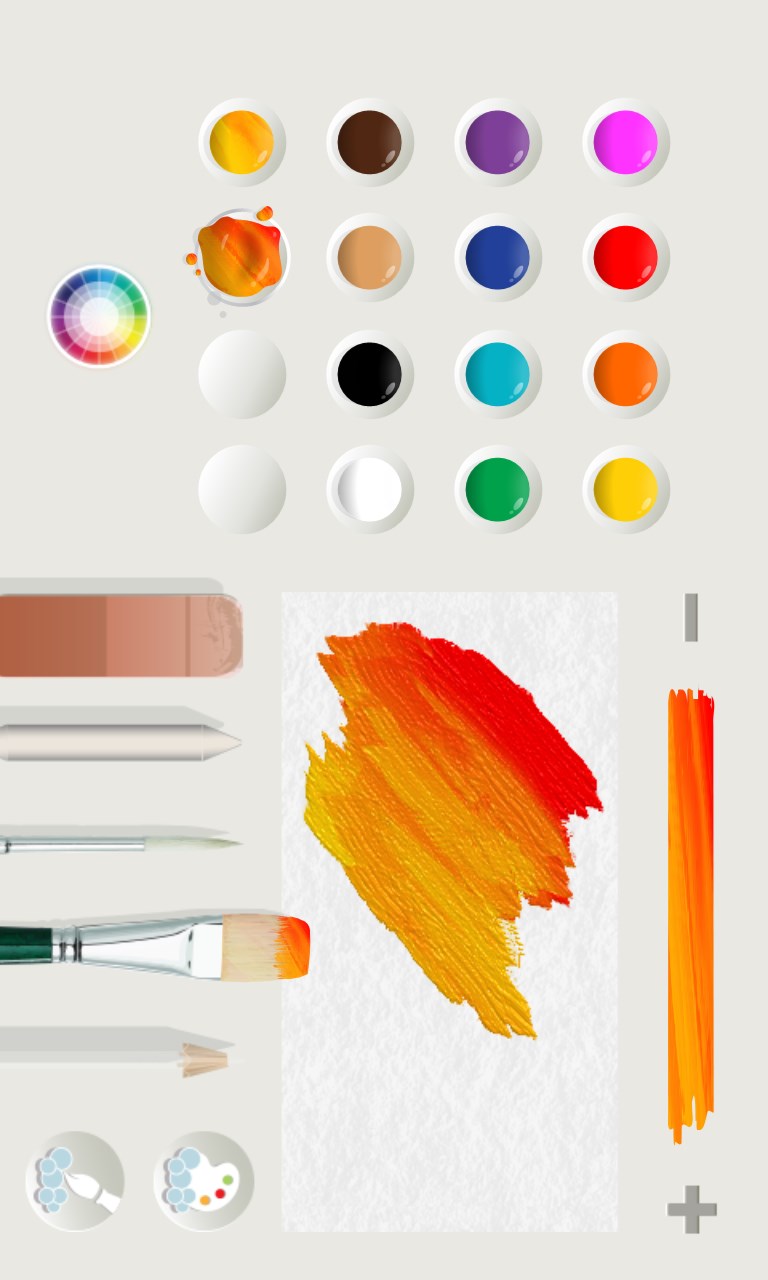
Fresh Paint is a fun and easy to use painting app with the right tools for artists of all ages.
We believe that brilliant, creative ideas can come from anyone, anytime. It’s time to set your creativity free.
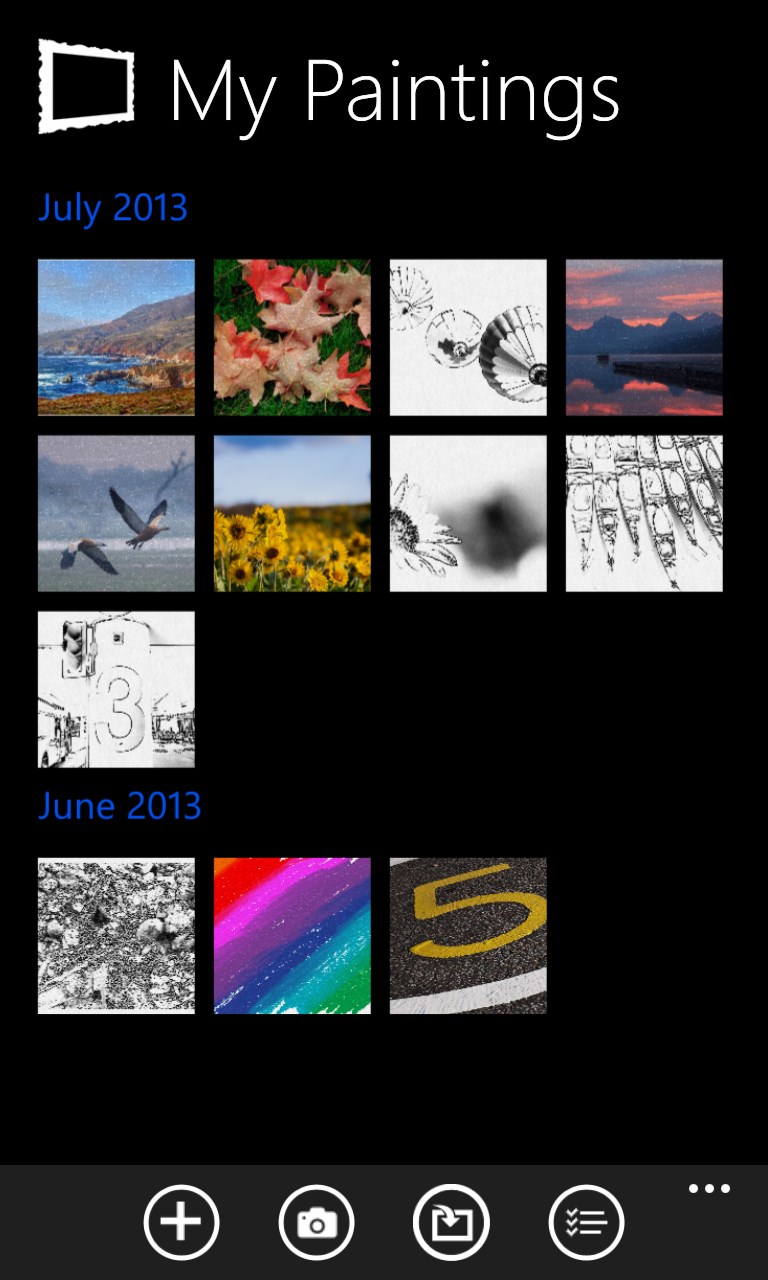
Create original artwork, turn photos into beautiful paintings, or choose an activity pack to help you get started quickly. From whimsical pictures of your friends to amazing landscapes, Fresh Paint enables you to create anything.
“Utterly superb” – Brad Chacos, PC World
“Windows 8’s coolest app: Fresh Paint” – David Goldman, CNNMoney
“The most realistic painting app I have ever used” – Joe Fedewa, WinSource
“There's no better demonstration of the cool types of things you can do with multitouch than Fresh Paint.” – Michael Muchmore, PC Magazine
If there is a version of this app for iOS/Mac or Windows we don't know about, paste the store link here — we'll auto-detect the store.
How to find the URL:1. Open the app in its store. 2.In the App Store app: tap the Share icon → “Copy Link”. In the browser: copy the URL from the address bar — it contains apps.apple.com/…/id… or apps.microsoft.com/detail/…. 3. Paste it here.
Paste the original link from the Apple App Store or Microsoft Store. We fetch all details automatically.
How to find the URL:
1. Open the app in its store. 2.In the App Store app: tap the Share icon → “Copy Link”. In the browser: copy the URL from the address bar — it contains apps.apple.com/…/id… or apps.microsoft.com/detail/…. 3. Paste it here.
Android apps can only be listed by their developer.