Screenshot appears after consentScreenshot appears after consentScreenshot appears after consentScreenshot appears after consentScreenshot appears after consent
Screenshot appears after consentScreenshot appears after consentScreenshot appears after consentScreenshot appears after consent
Screenshot appears after consentScreenshot appears after consentScreenshot appears after consent
Summary
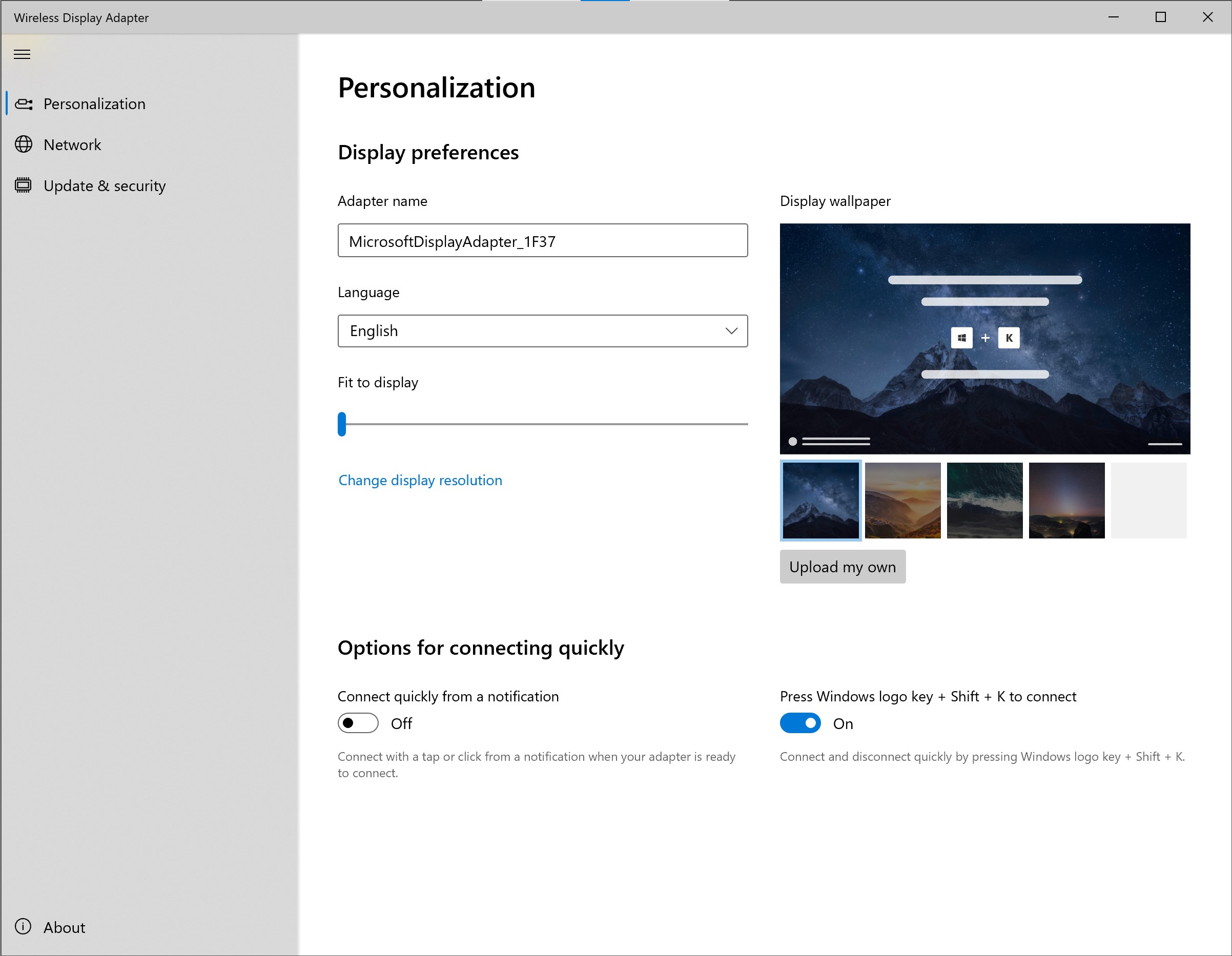
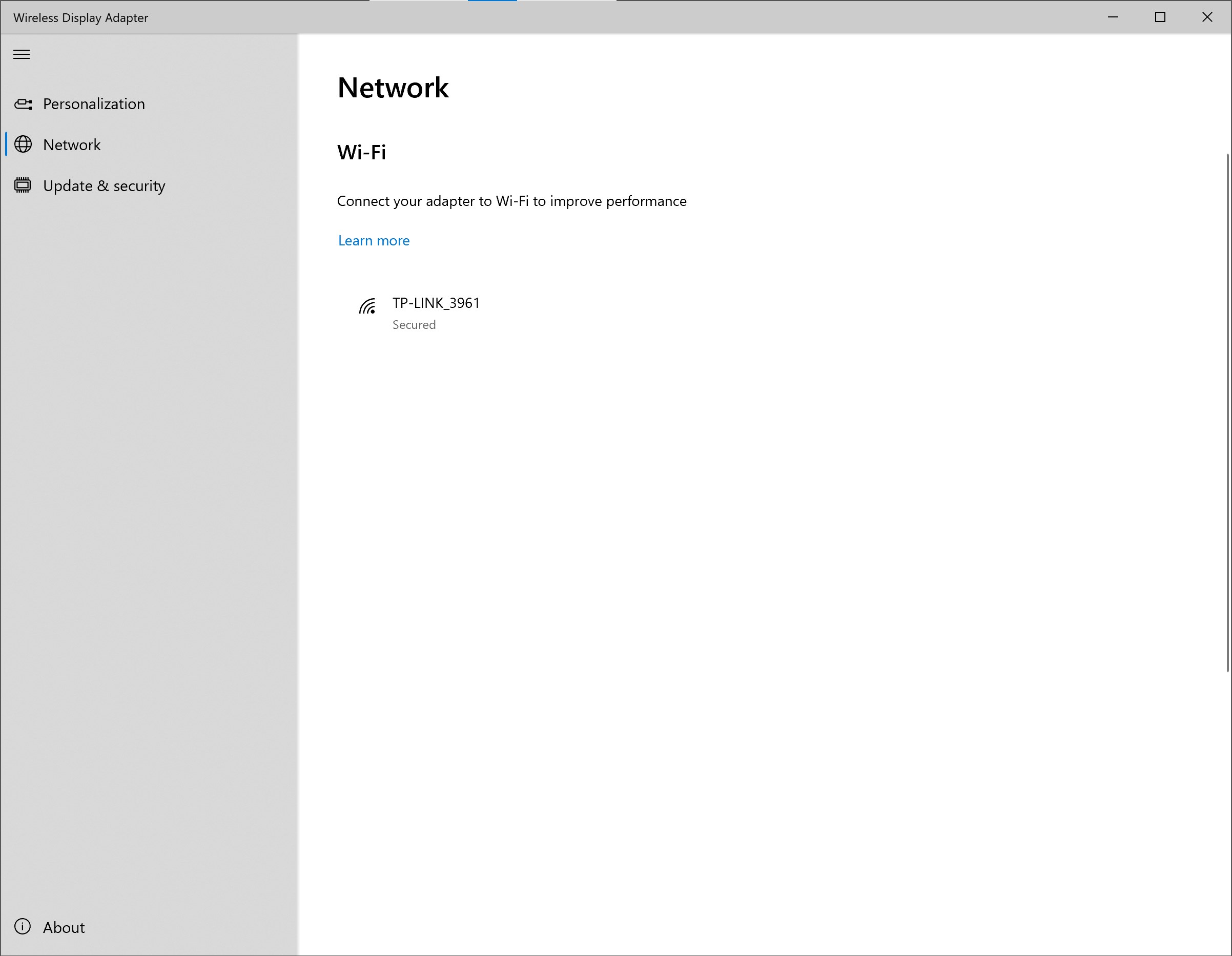
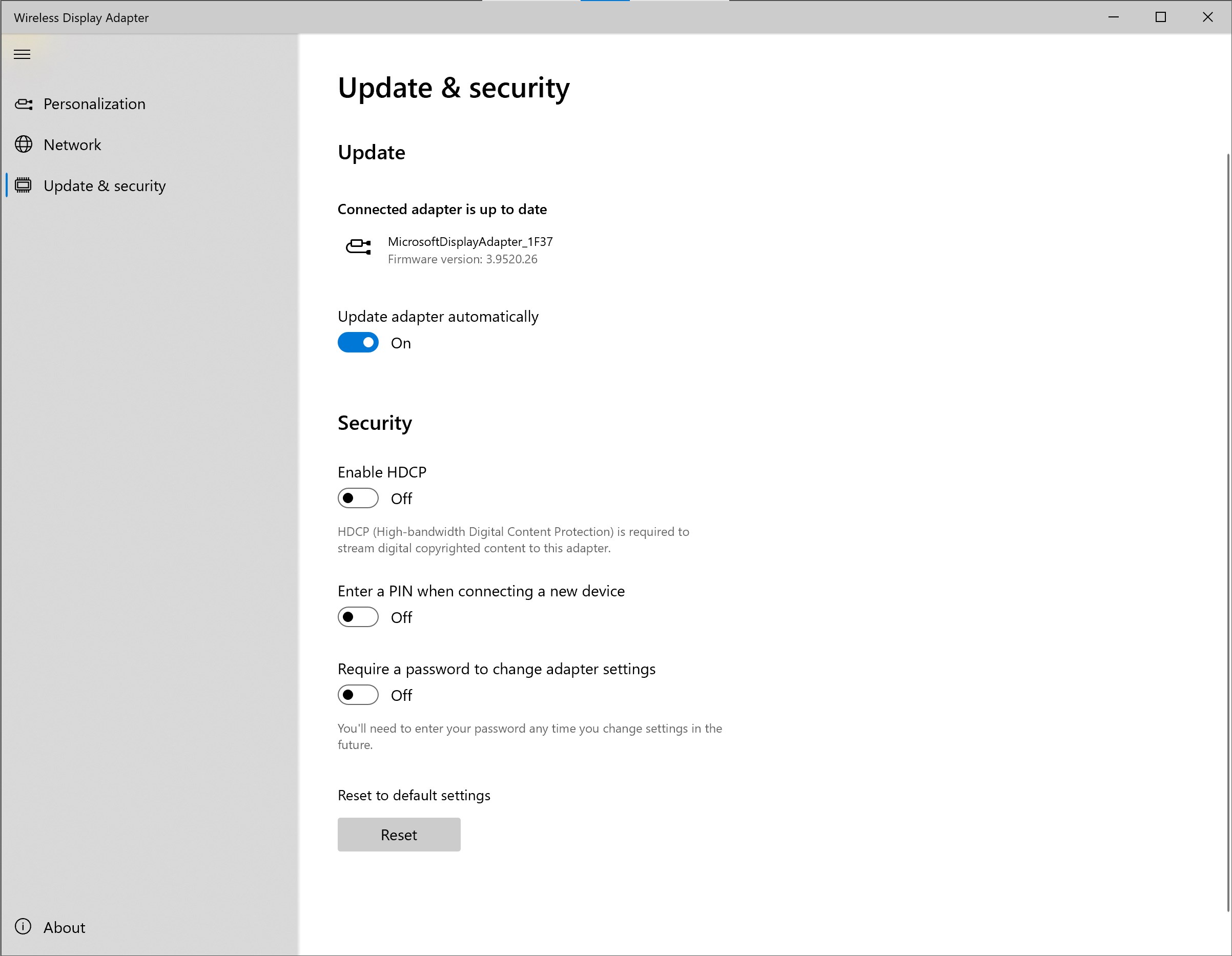
Microsoft Wireless Display Adapter is a companion app for configuring the Microsoft Wireless Display Adapter. It allows naming the adapter and changing its language, customizing the display wallpaper and fitting content to the display. It supports connecting the adapter to Wi-Fi for better performance and offers quick connection options. Firmware can be updated through the app, and security features include enabling HDCP for streaming copyrighted content, requiring a PIN when connecting a new device, and setting a password for adapter settings. Some features depend on the adapter hardware and Windows edition used.
Show the developer's original descriptionHide the original description
Meet the brand-new companion app for your Microsoft Wireless Display Adapter.
Personalization
• Name the adapter
• Change the adapter language
• Customize the display wallpaper (new)
• Fit to display
• Options for connecting quickly (new)*
Network
• Connect your adapter to Wi-Fi for better performance (new)*
Update and security
• Update firmware
• Enable HDCP to stream digital copyrighted content (new)*
• Enable PIN when connecting a new device
• Enable password for adapter settings
App features vary per adapter hardware* and Windows edition**.
* Microsoft 4K Wireless Display Adapter only
** Windows 10 desktop
Technical details about Microsoft Wireless Display Adapter
Play Store URL for "Microsoft Wireless Display Adapter"
If there is a version of this app for iOS/Mac or Windows we don't know about, paste the store link here — we'll auto-detect the store.
How to find the URL:1. Open the app in its store. 2.In the App Store app: tap the Share icon → “Copy Link”. In the browser: copy the URL from the address bar — it contains apps.apple.com/…/id… or apps.microsoft.com/detail/…. 3. Paste it here.
Paste the original link from the Apple App Store or Microsoft Store. We fetch all details automatically.
How to find the URL:
1. Open the app in its store. 2.In the App Store app: tap the Share icon → “Copy Link”. In the browser: copy the URL from the address bar — it contains apps.apple.com/…/id… or apps.microsoft.com/detail/…. 3. Paste it here.
Android apps can only be listed by their developer.