Screenshot appears after consentScreenshot appears after consentScreenshot appears after consentScreenshot appears after consentScreenshot appears after consentScreenshot appears after consent
Summary
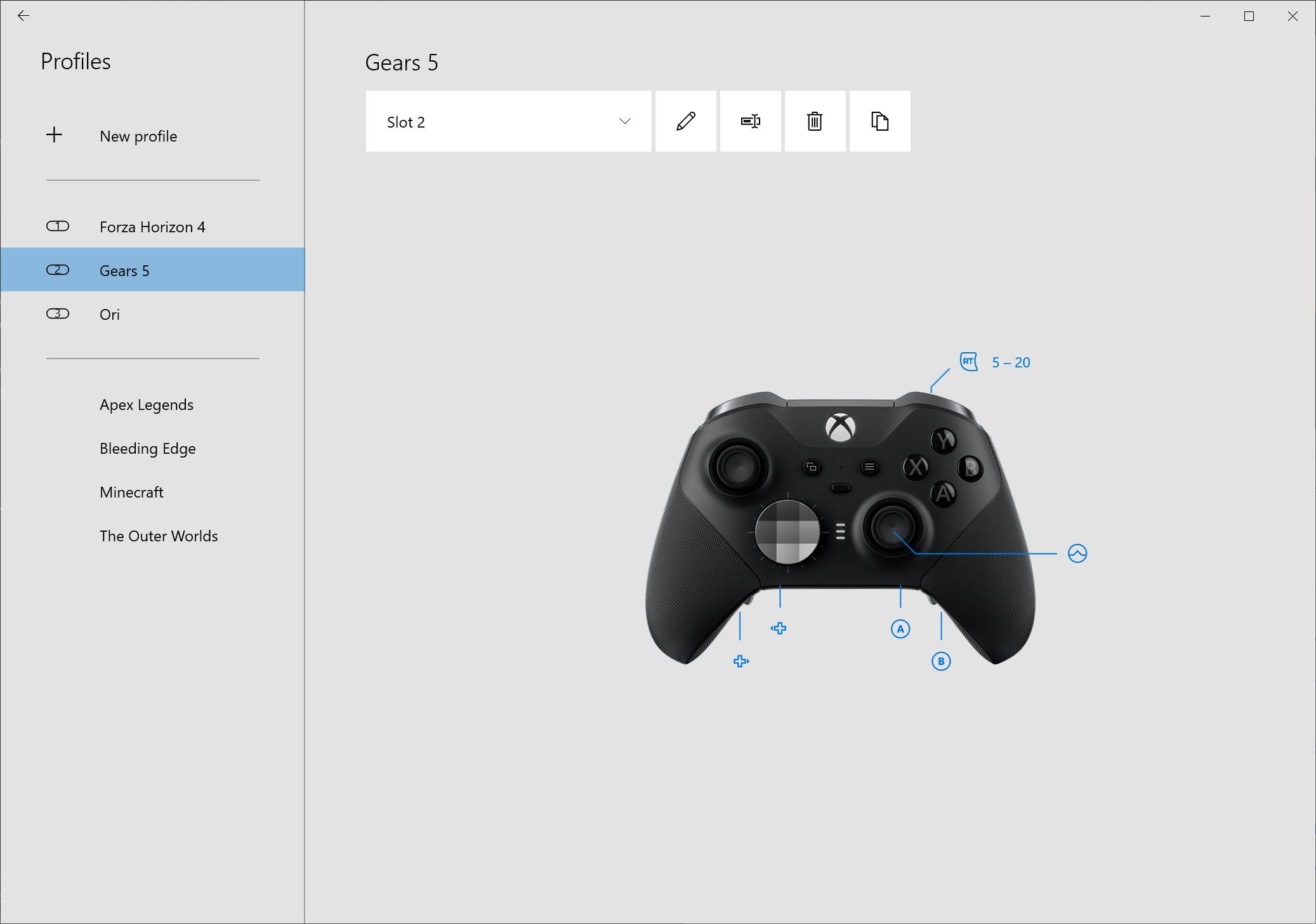
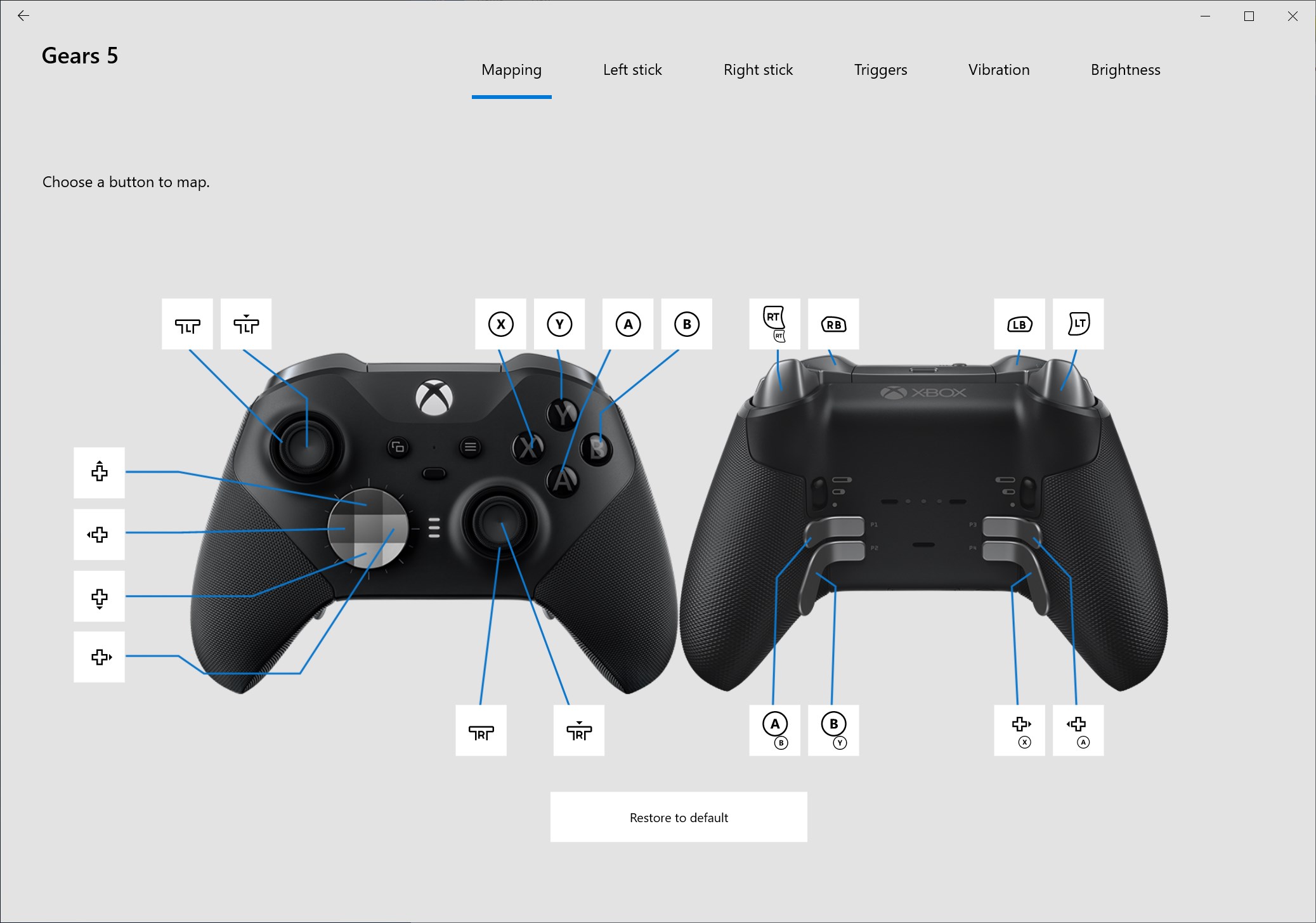
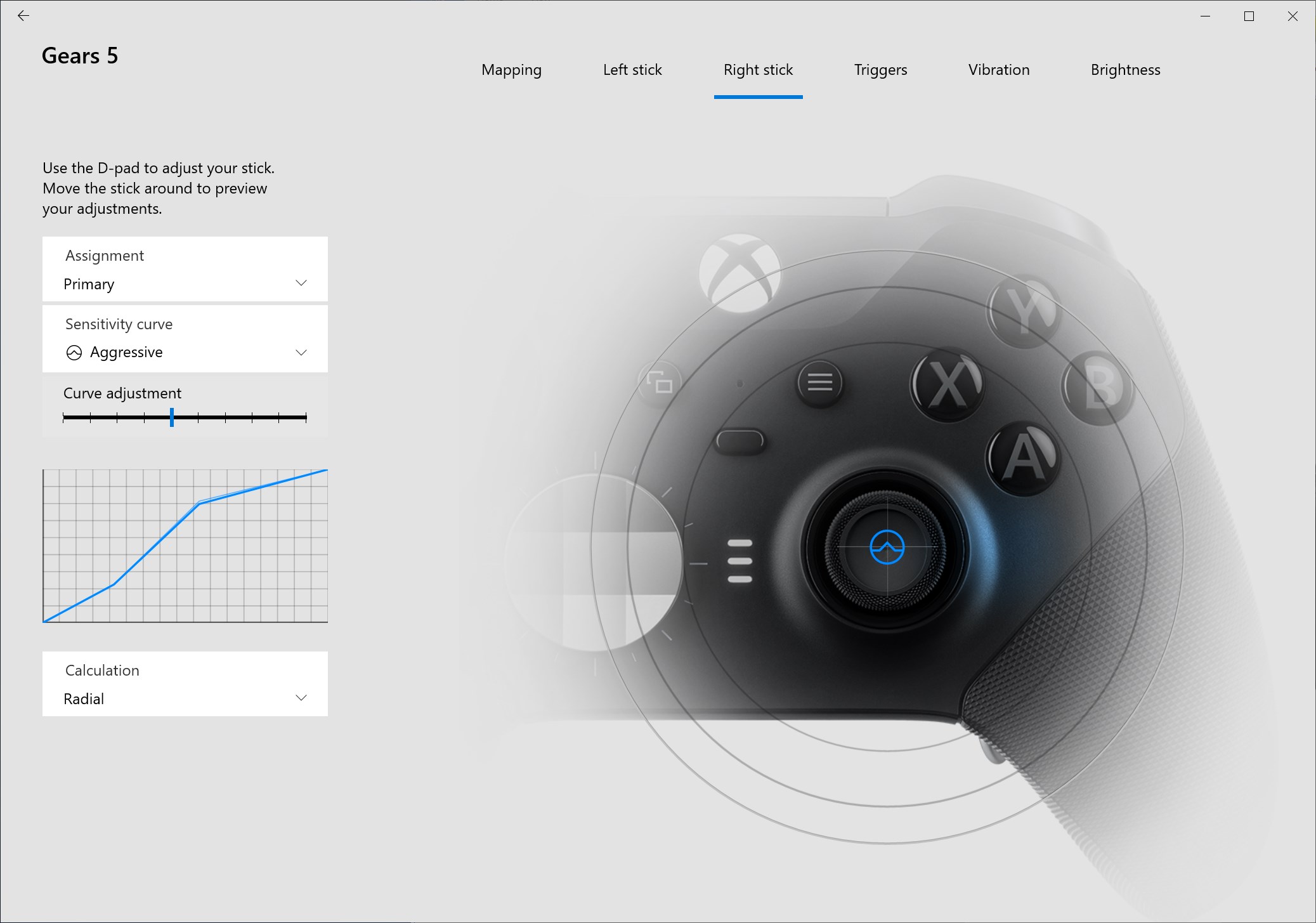
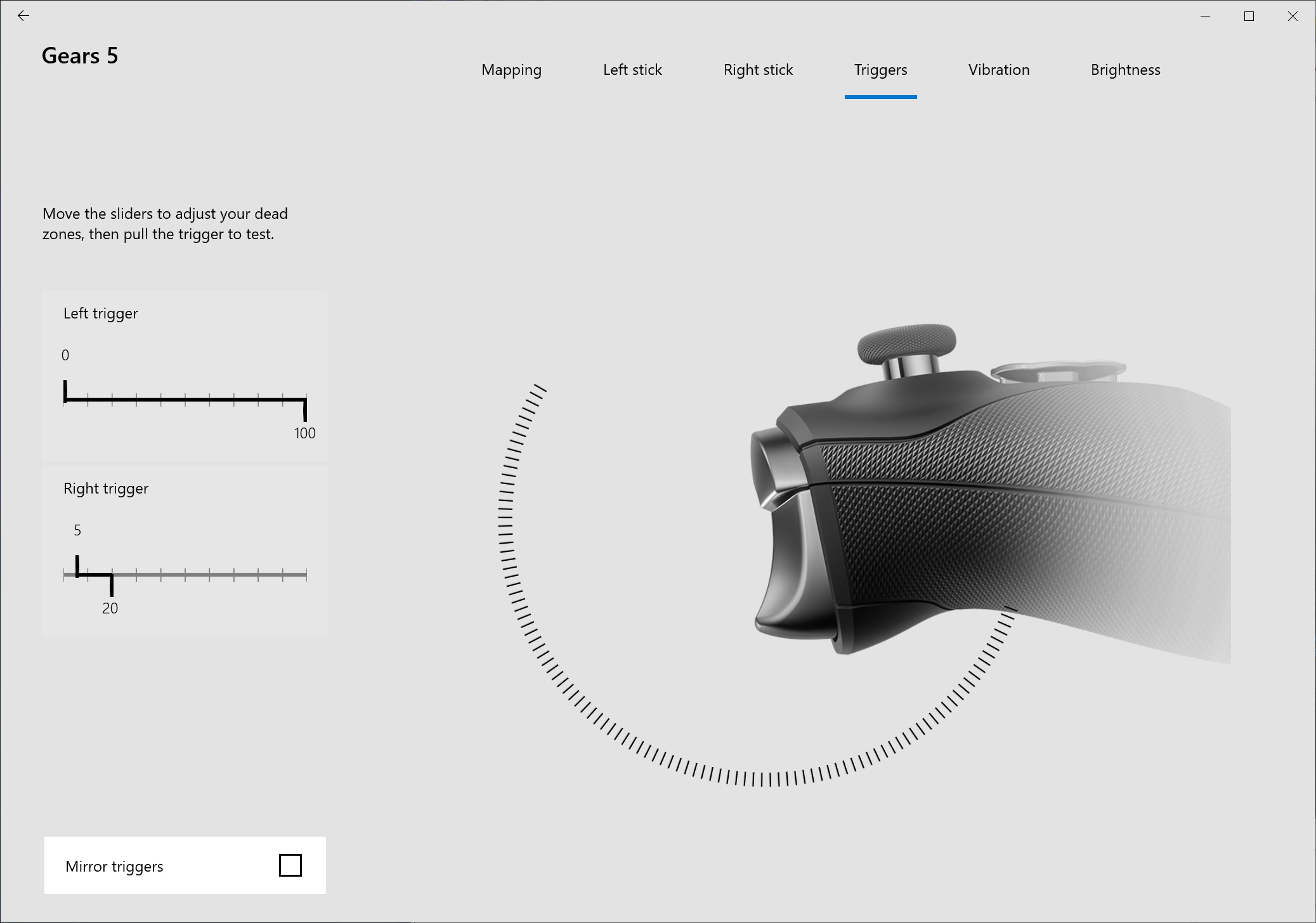
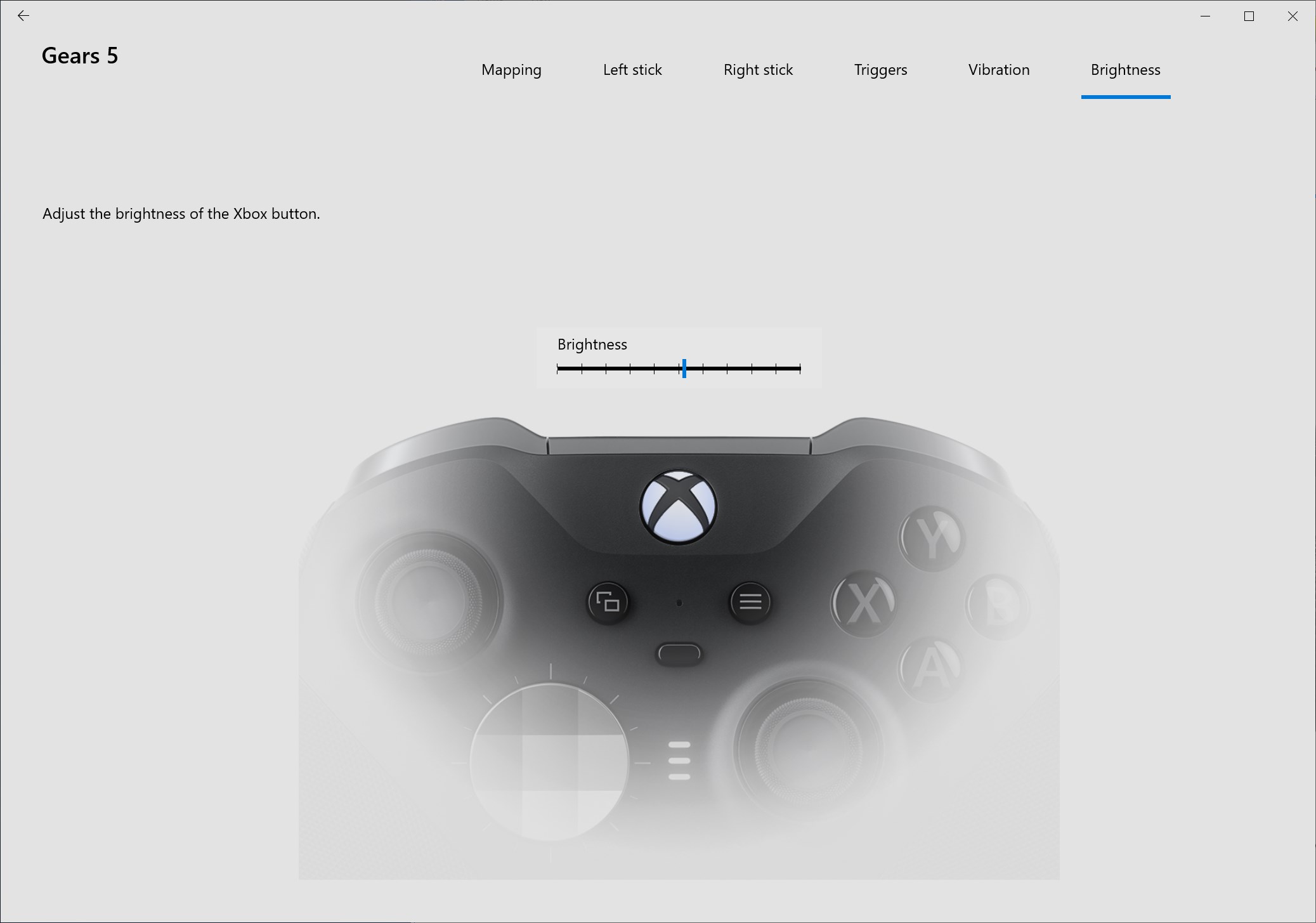
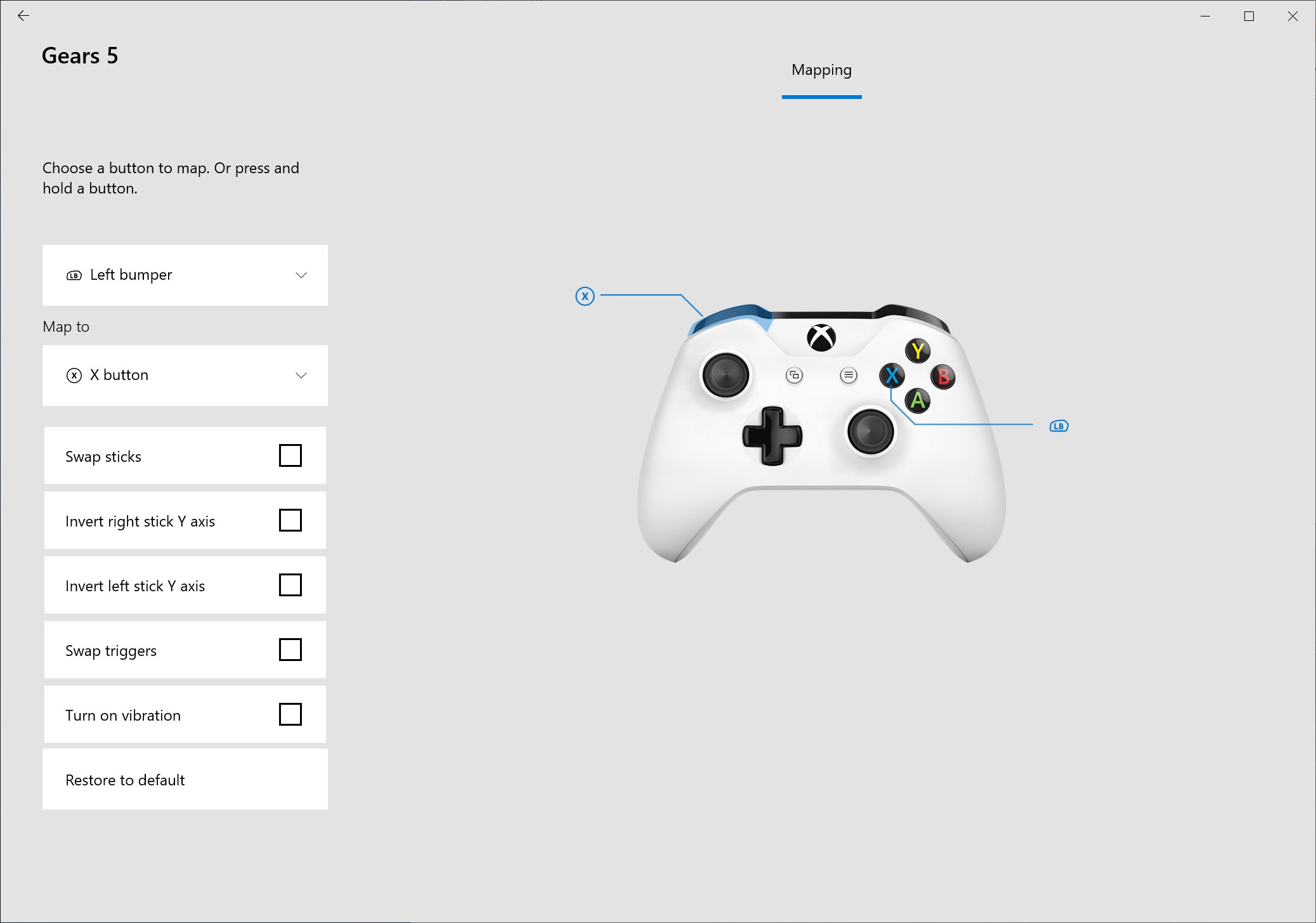
Xbox Accessories is a companion app for configuring Xbox Wireless, Elite Wireless and Adaptive Controllers. It allows creating and editing controller profiles by remapping buttons, swapping sticks and triggers, and adjusting vibration, and it can update controller firmware. A Copilot mode lets two controllers function as one. With an Elite Wireless or Adaptive Controller, multiple profiles can be saved directly to the device, bumpers and paddles remapped, thumbstick sensitivity and trigger dead zones adjusted, and thumbstick axes swapped. The app also allows renaming controllers, adjusting Xbox button brightness, and storing up to 256 configurations.
Show the developer's original descriptionHide the original description
The Xbox Accessories app gives you more ways to play when paired with an Xbox Wireless Controller, an Xbox Elite Wireless Controller, or an Xbox Adaptive Controller. Create and edit controller profiles by remapping buttons, swapping sticks and triggers, and configuring controller vibration. The app allows you to update firmware for your controller and enables Copilot mode, so you can use two different controllers as if they were one.
Additionally, with an Xbox Elite Wireless Controller or Xbox Adaptive Controller, you can save multiple profiles to your controller, so they’re ready to use whenever you’re ready to game. You can also remap bumpers and paddles, configure the level of vibration, and configure thumbstick sensitivity curves on your Xbox Elite Wireless Controller. For gamers using the Xbox Adaptive Controller or an Elite Series 2, this app gives you the option to swap your thumbstick X and Y axes and assign Shift inputs. Adjustable trigger dead zones give you the edge in your favorite games when using an Xbox Elite Wireless Controller, and you can even adjust the brightness of the Xbox button. Rename your controller to make it yours and store up to 256 different configurations within the app itself.
If there is a version of this app for iOS/Mac or Windows we don't know about, paste the store link here — we'll auto-detect the store.
How to find the URL:1. Open the app in its store. 2.In the App Store app: tap the Share icon → “Copy Link”. In the browser: copy the URL from the address bar — it contains apps.apple.com/…/id… or apps.microsoft.com/detail/…. 3. Paste it here.
Paste the original link from the Apple App Store or Microsoft Store. We fetch all details automatically.
How to find the URL:
1. Open the app in its store. 2.In the App Store app: tap the Share icon → “Copy Link”. In the browser: copy the URL from the address bar — it contains apps.apple.com/…/id… or apps.microsoft.com/detail/…. 3. Paste it here.
Android apps can only be listed by their developer.