Screenshot appears after consentScreenshot appears after consentScreenshot appears after consentScreenshot appears after consentScreenshot appears after consentScreenshot appears after consentScreenshot appears after consentScreenshot appears after consentScreenshot appears after consentScreenshot appears after consentScreenshot appears after consentScreenshot appears after consentScreenshot appears after consentScreenshot appears after consentScreenshot appears after consent
Summary
Xodo - PDF Reader & Editor is a PDF utility for Windows that also converts and creates PDF files. It offers PDF viewing with continuous scroll, thumbnails, dark mode, search, zoom and text-to-speech. Documents can be annotated with comments, sticky notes, highlights, underlines and shapes, and edited by writing on pages, adding text, and inserting, rearranging or deleting pages. It supports signing PDFs and filling interactive forms, with signatures saved for reuse. A Pro subscription unlocks tools like conversion to/from Word, Excel and JPG, cropping, merging, splitting, compression, and password protection.
Show the developer's original descriptionHide the original description
Xodo is a trusted PDF reader, editor, and converter for Windows. Get more work done and save valuable time with essential PDF tools and features:
View PDF:
• Smooth navigation and fast PDF viewing engine
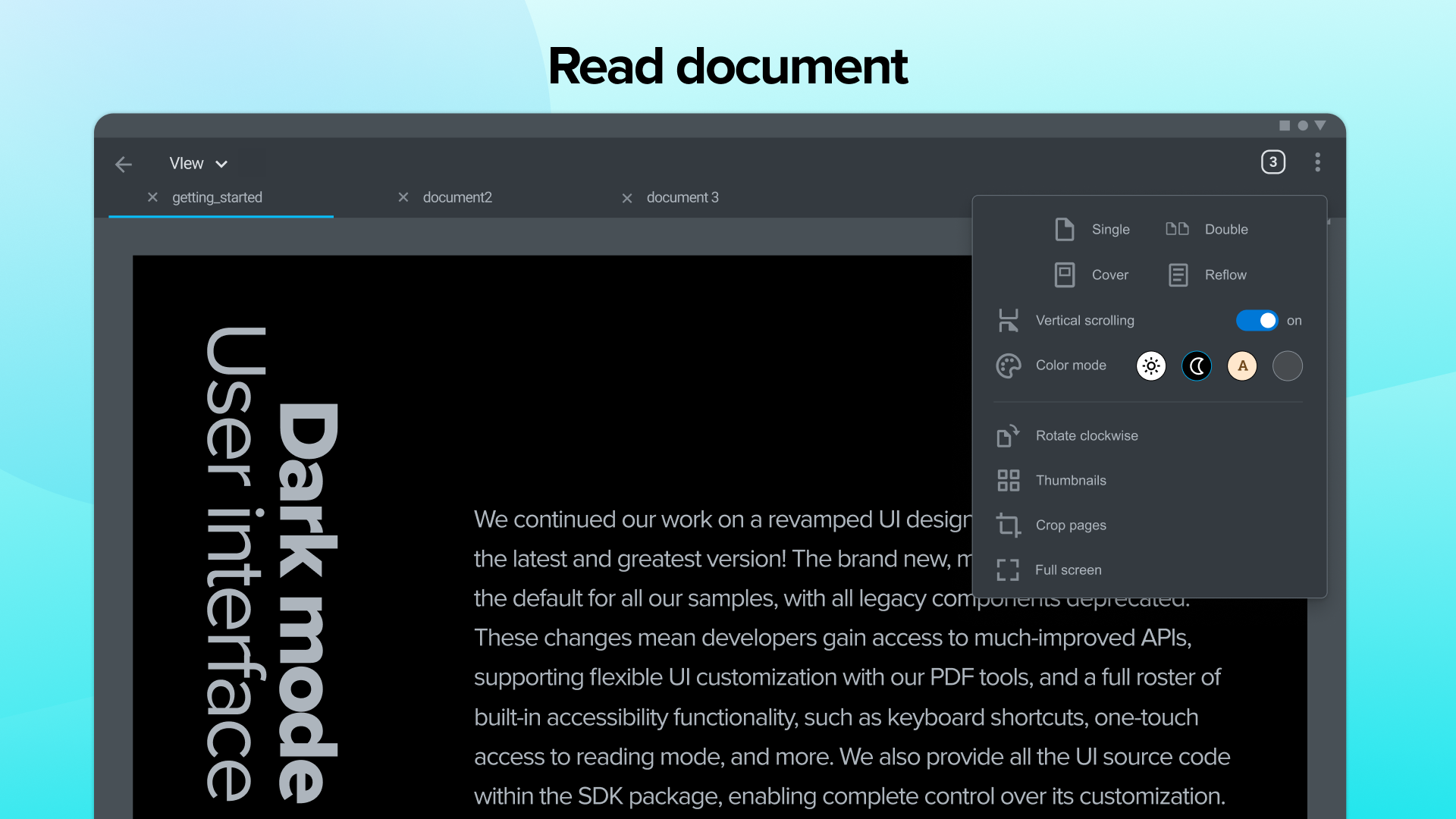
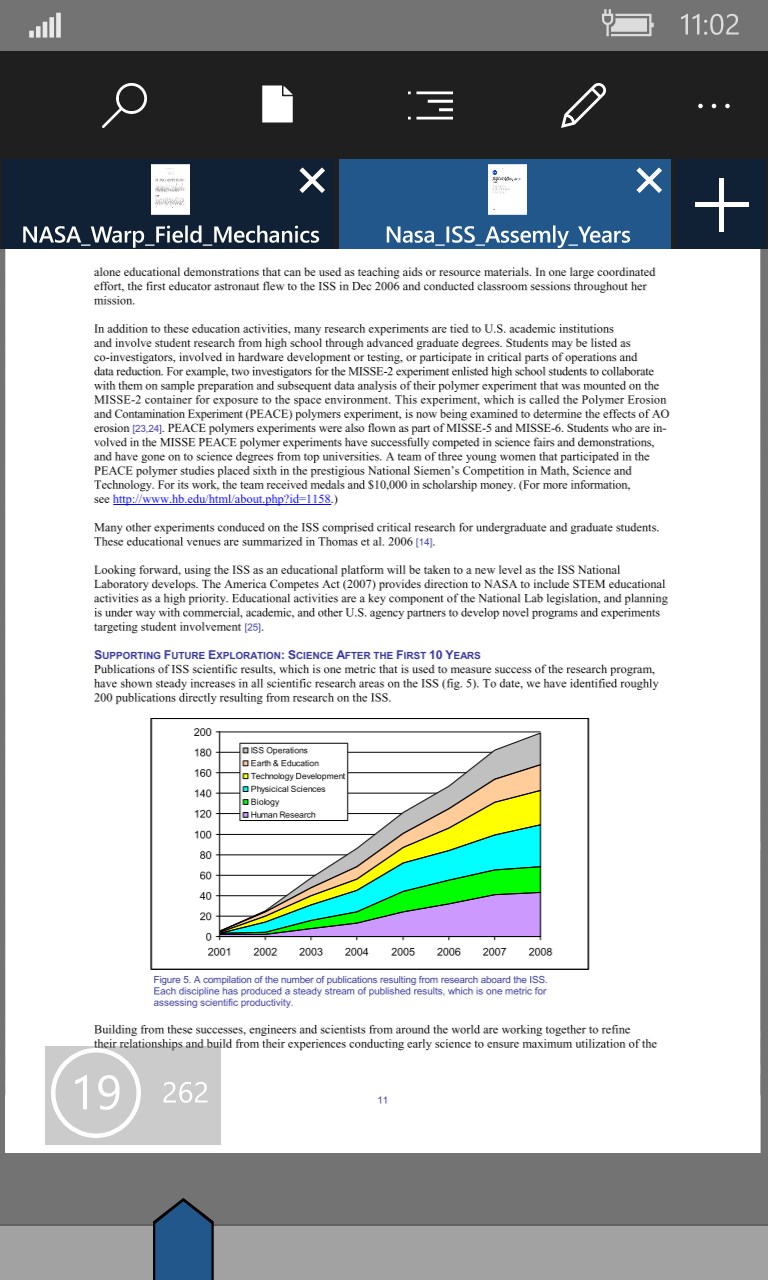
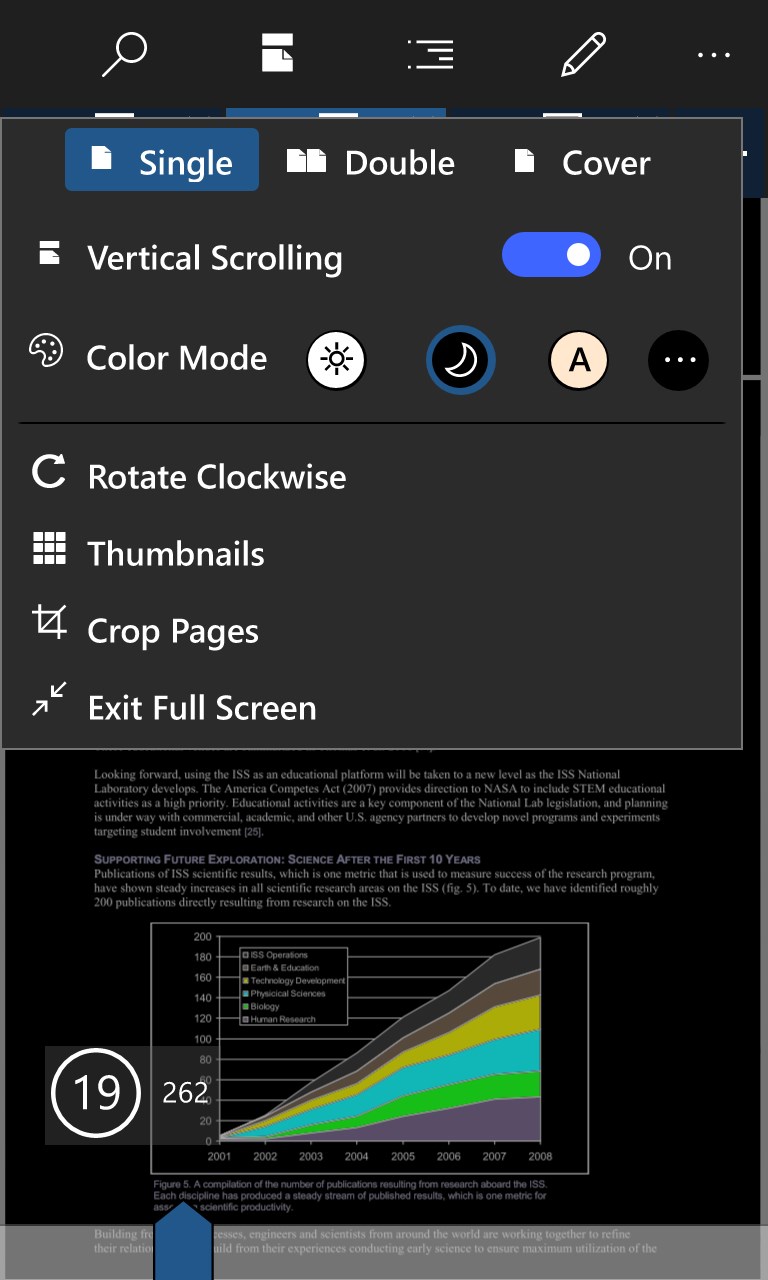
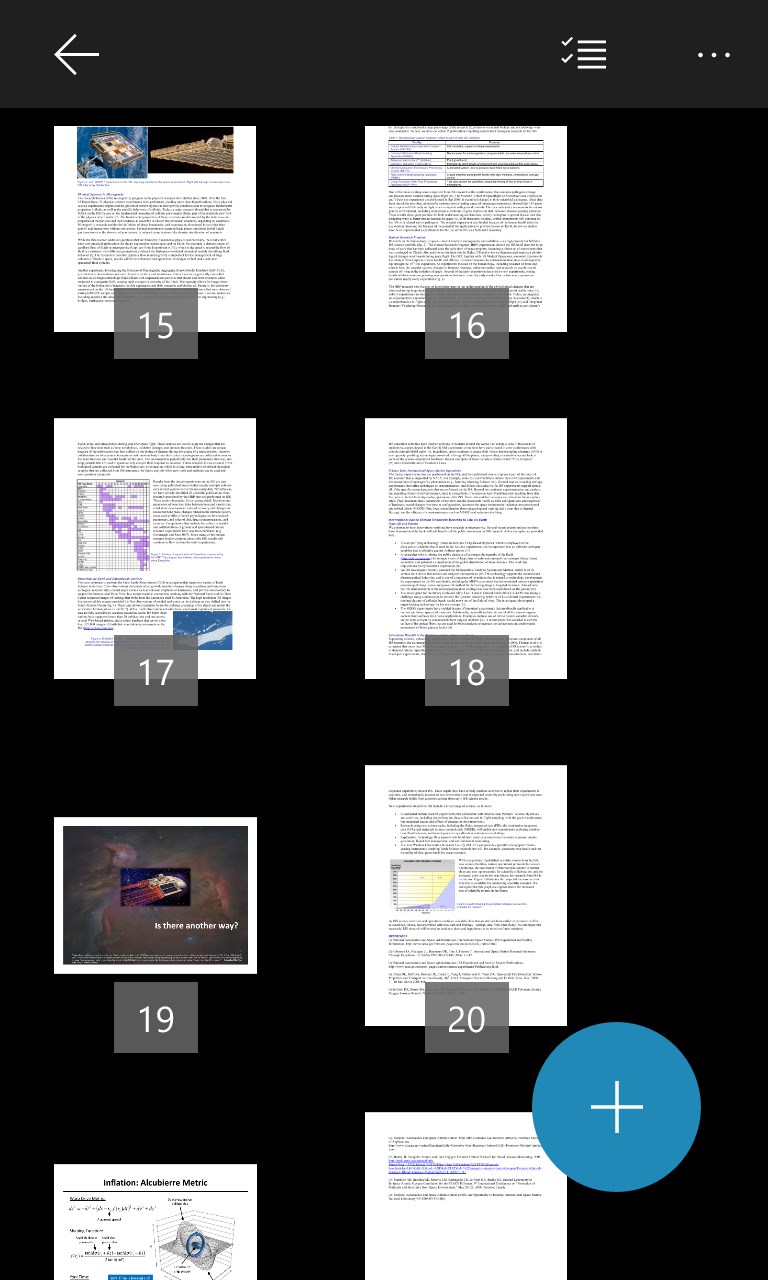
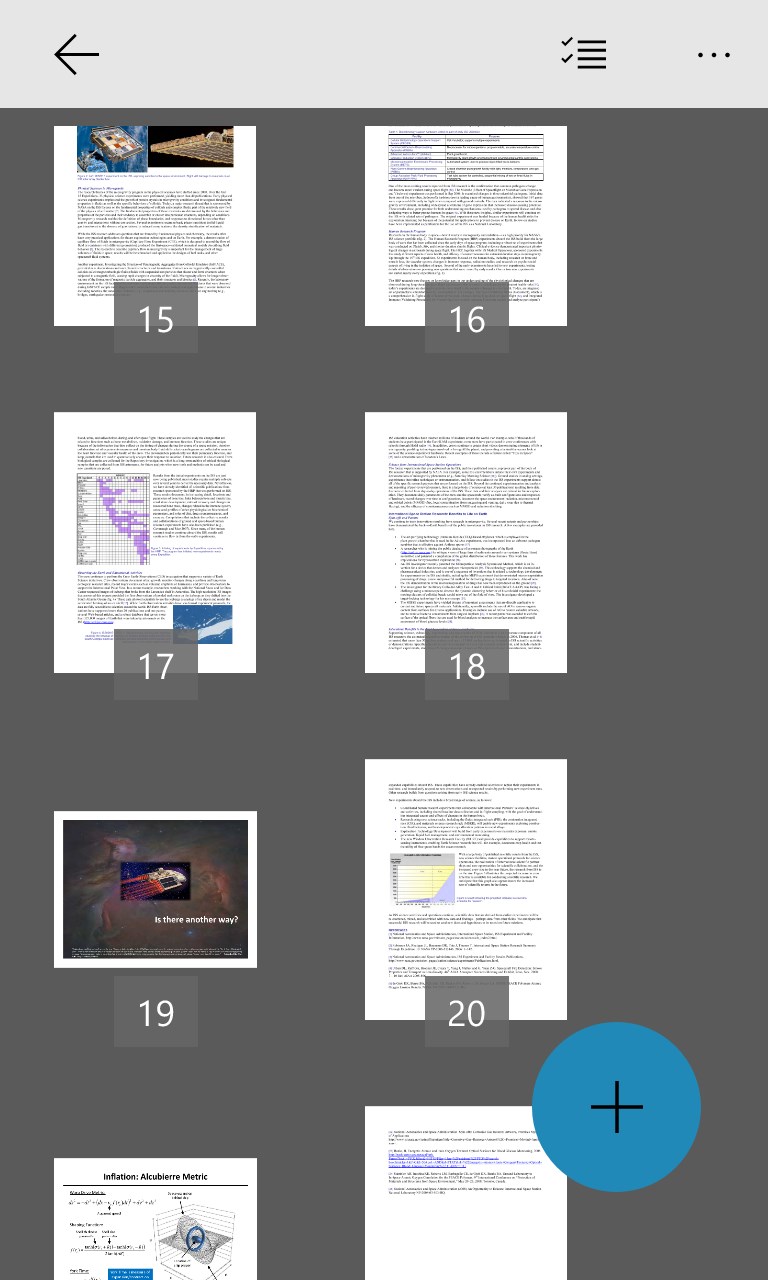
• Single or double-page, continuous scroll, and thumbnails view
• Dark Mode for reading in low-light environments
• Search, copy, and zoom in on PDF text
• Rotate PDF pages as you want
• Conveniently have your document read aloud
• Open an additional PDF viewer window (PRO)
• Compare two PDF files side by side (PRO)
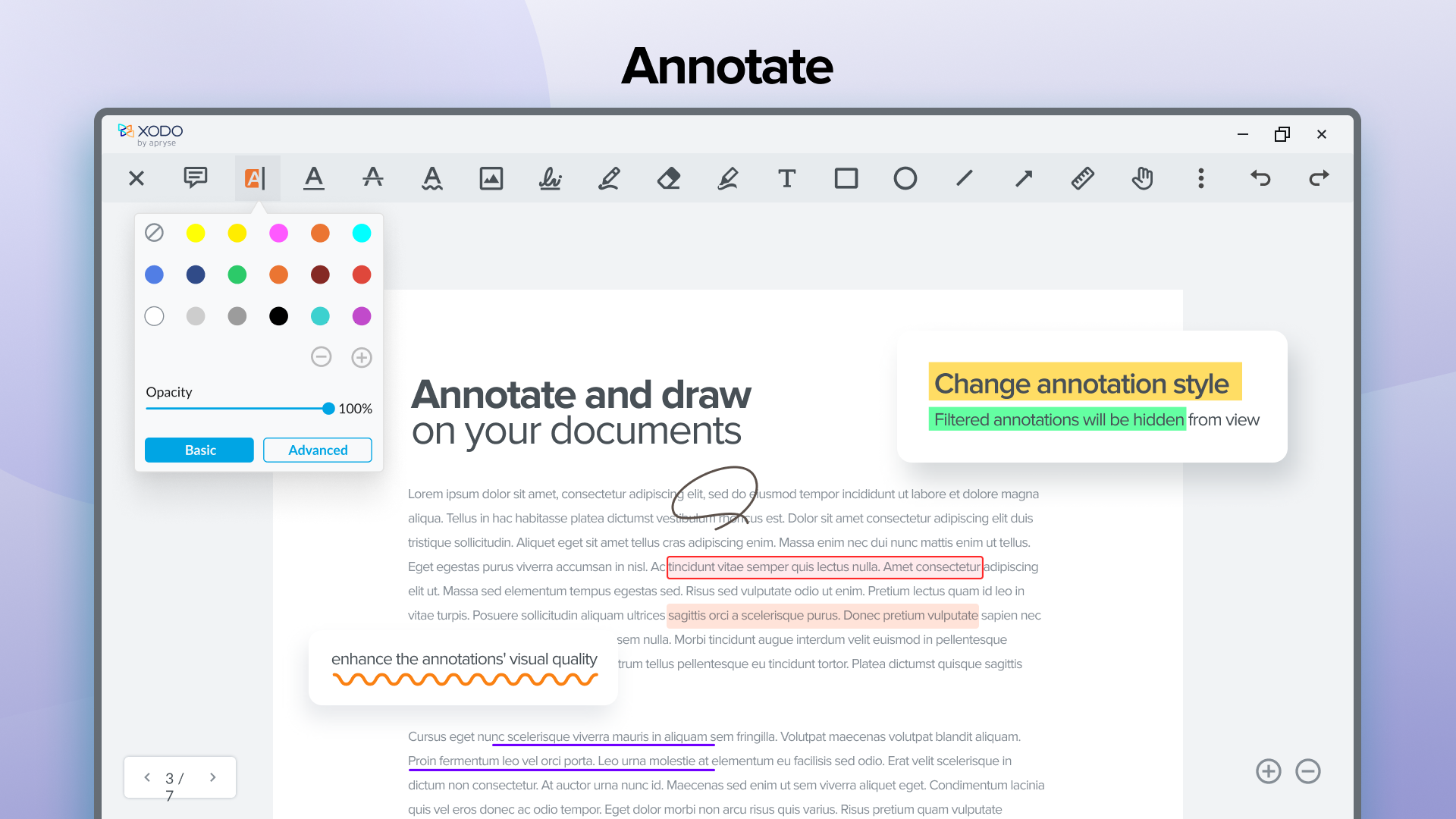
Annotate PDF:
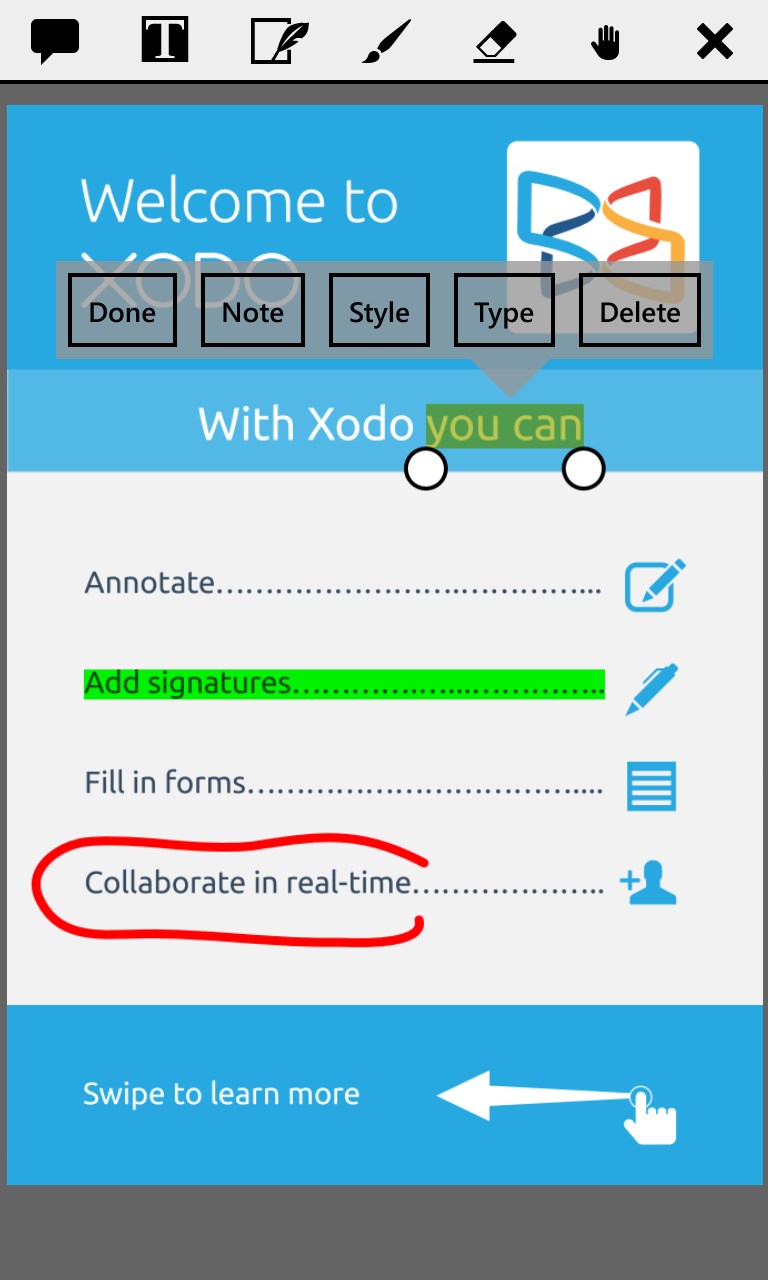
• Add comments, sticky notes, strikethrough, and other annotations
• Insert links, highlight and underline PDF text
• Easily see all annotations in the Annotation summary
• Insert shapes like lines, arrows, circles, and rectangles
• Add image, page, and text stamps (PRO)
• Flatten and remove annotations (PRO)
Edit PDF:
• Write directly on your PDF with ink and marker tools
• Add text, and take notes on blank PDF pages
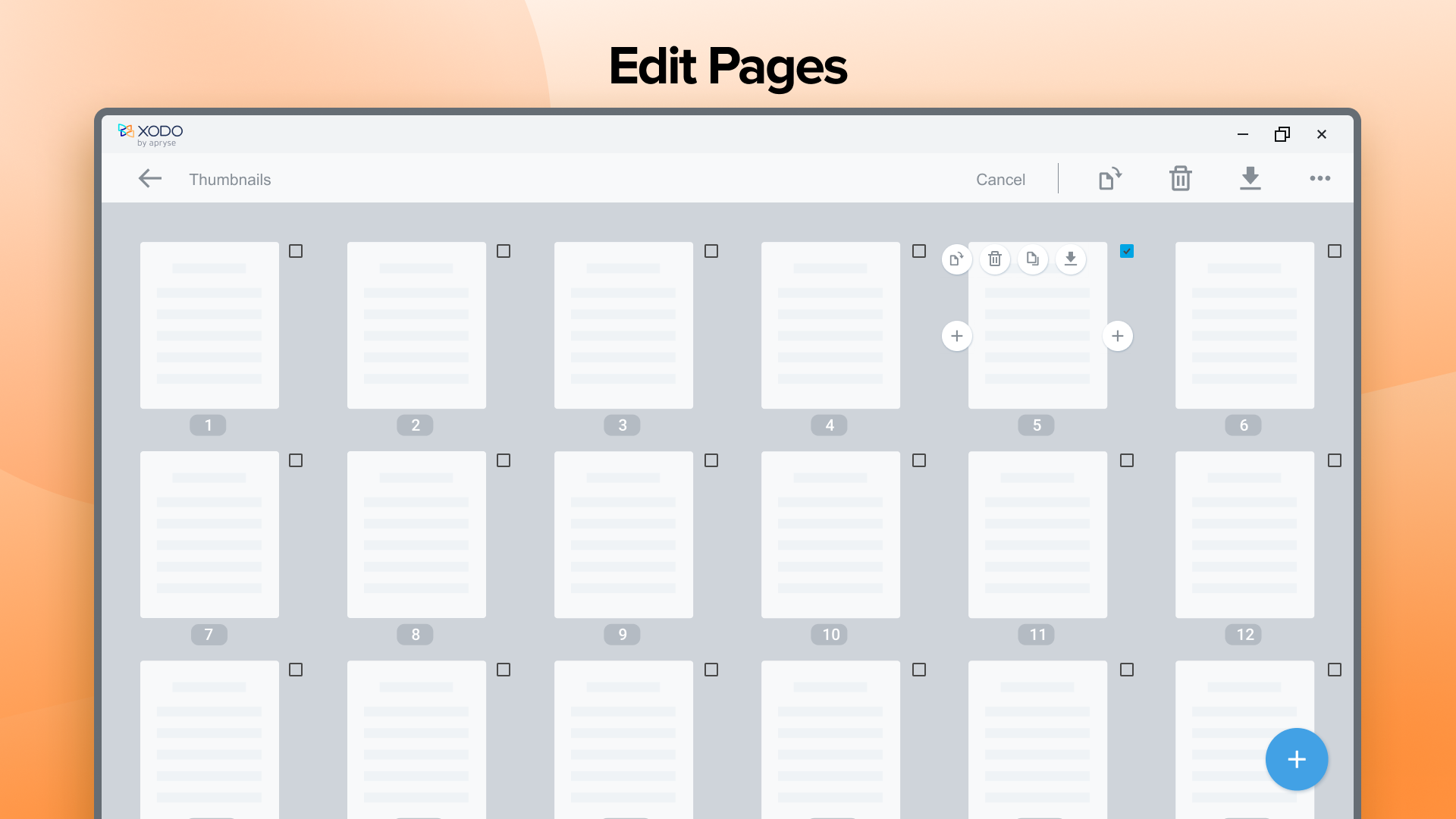
• Insert, rearrange, and delete PDF pages
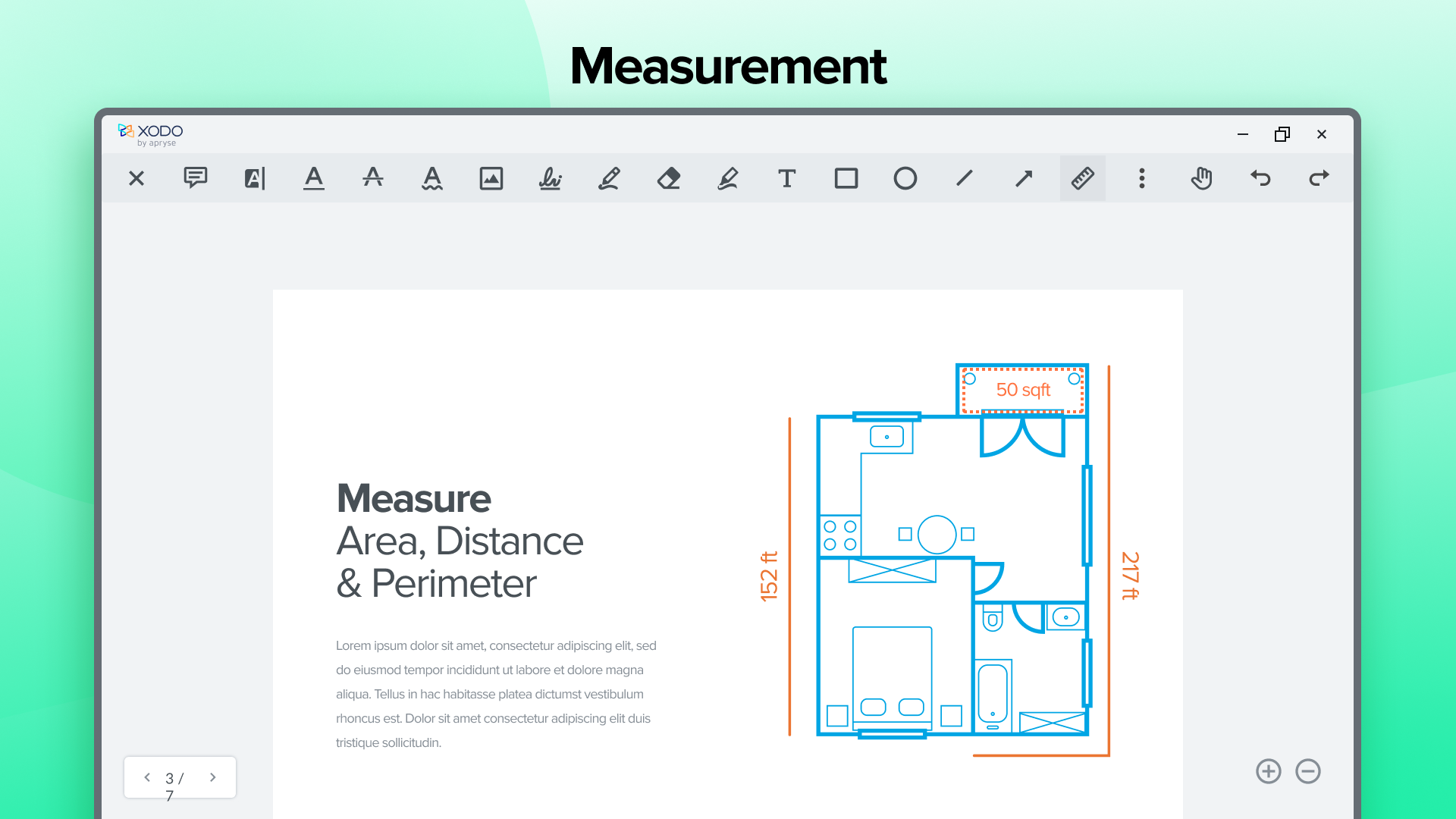
• Use area, perimeter, and ruler PDF measuring tools
• Compress PDF to reduce file size (PRO)
• Redact PDF text and images (PRO)
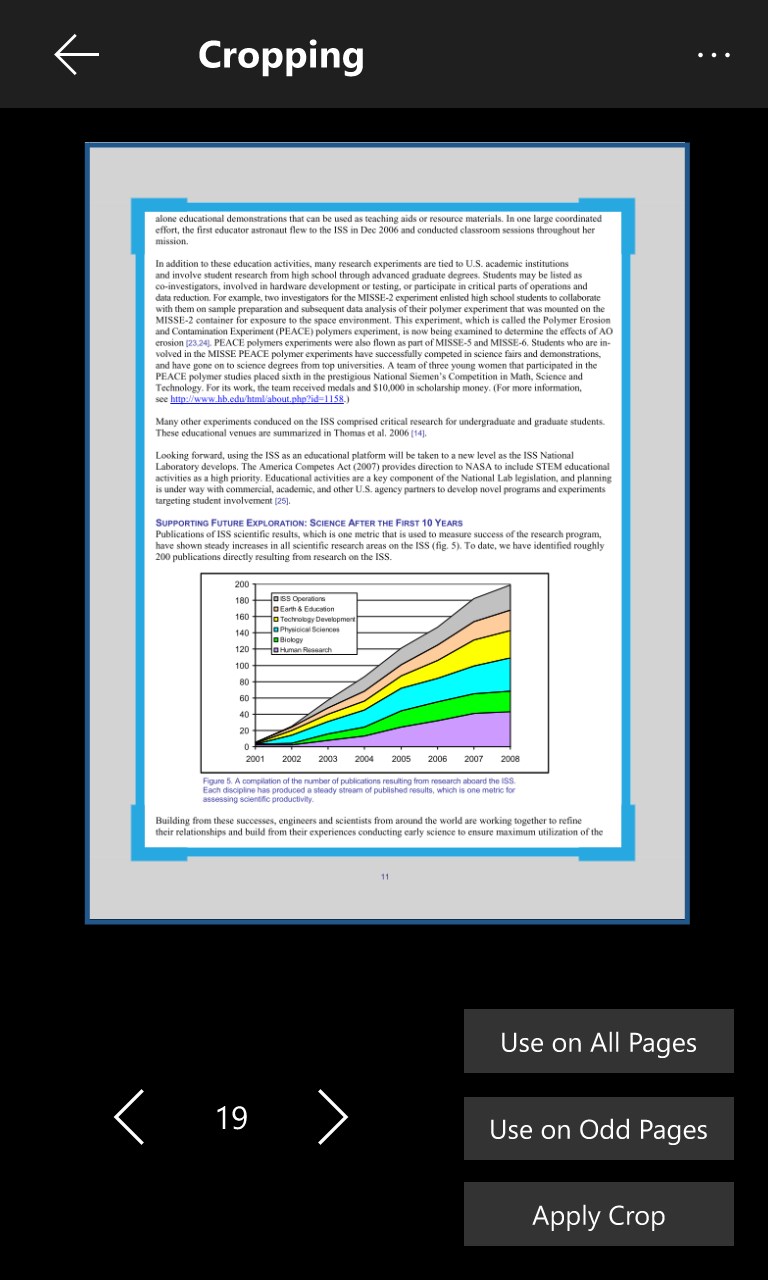
• Crop PDF pages as you desire (PRO)
• Merge and split PDF documents (PRO)
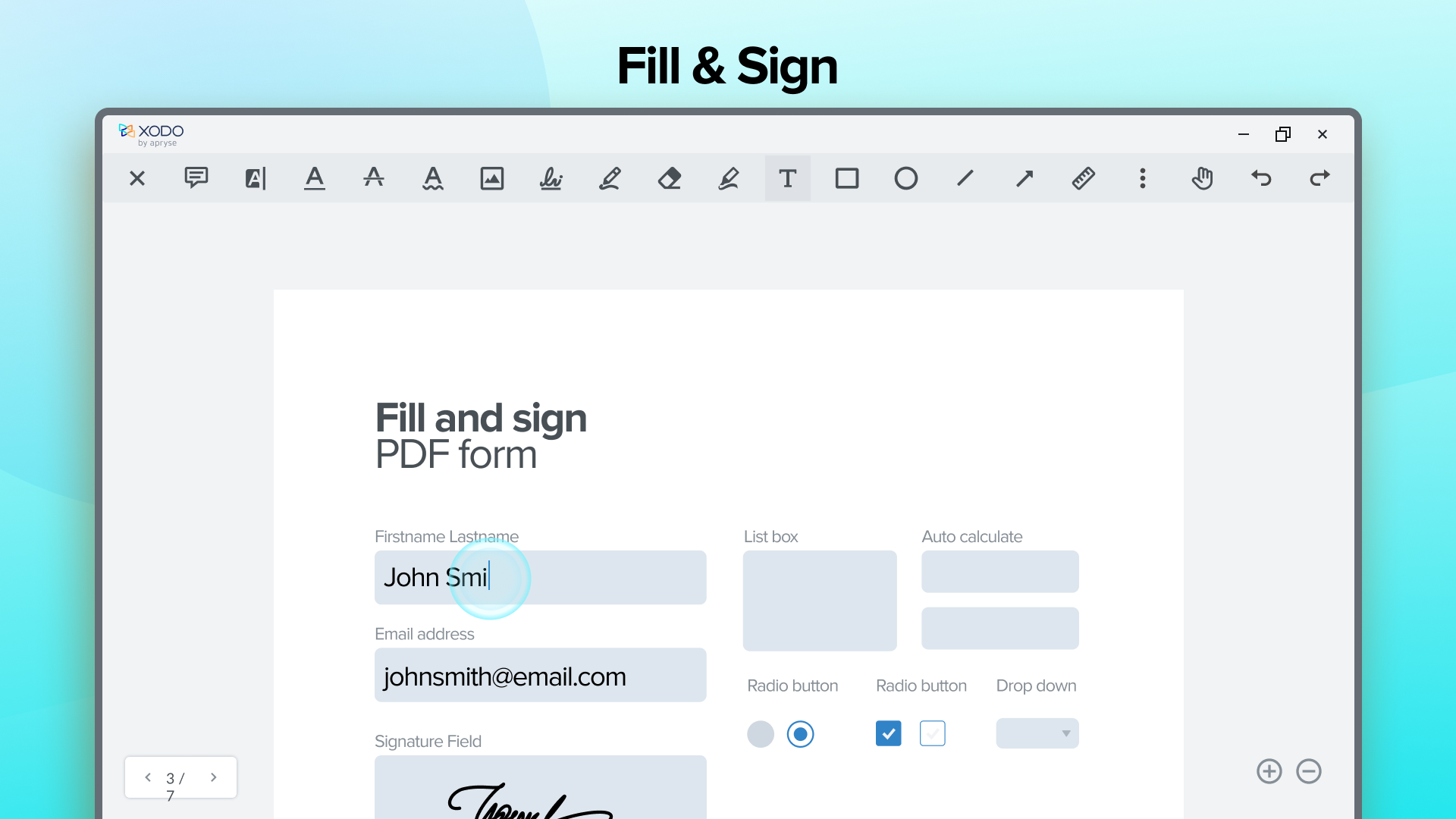
Sign PDF & Fill Forms:
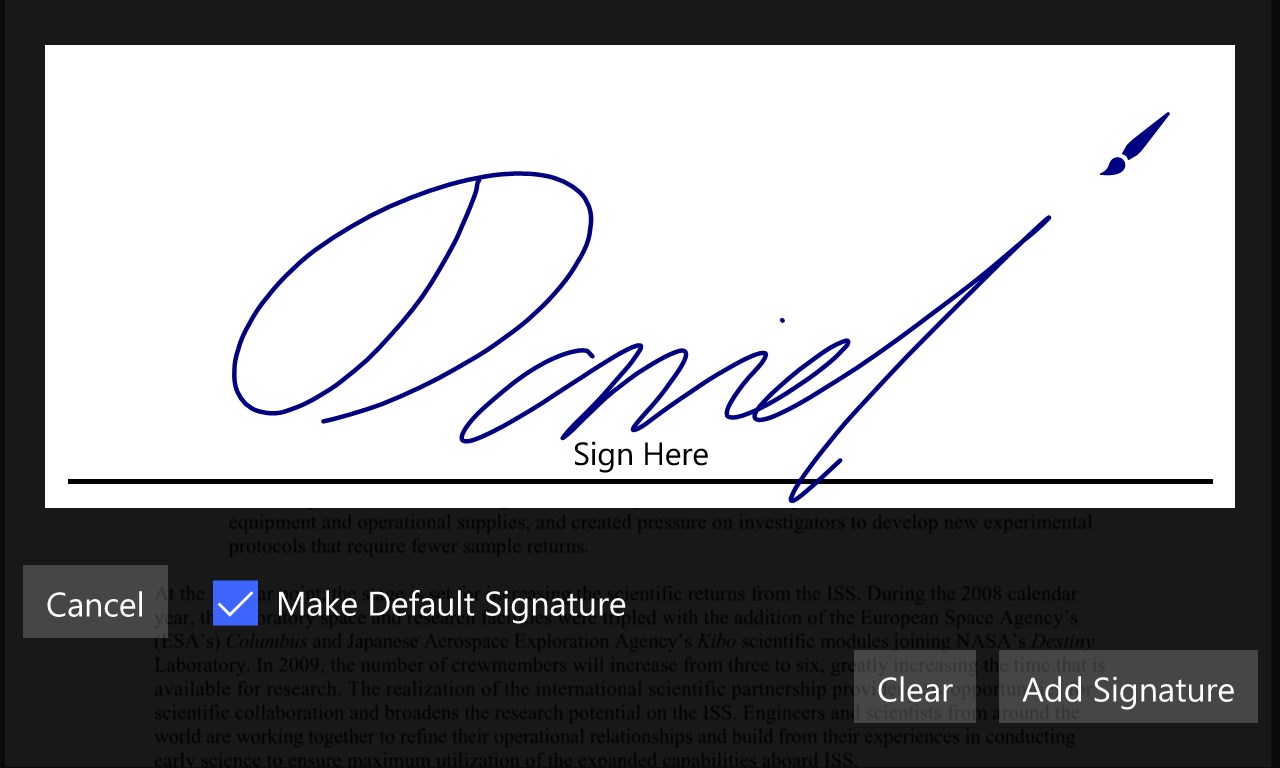
• Add your signature to PDF files
• Save your signature for later re-use
• Fill out interactive PDF forms
• Save, and send PDF forms
Convert PDF (PRO):
• PDF to Word
• PDF to PowerPoint
• PDF to Excel
• PDF to HTML
• PDF to PDF/A
• PDF to JPG
• PDF to PNG
• PDF to BMP
• PDF to TIFF
• PDF to SVG
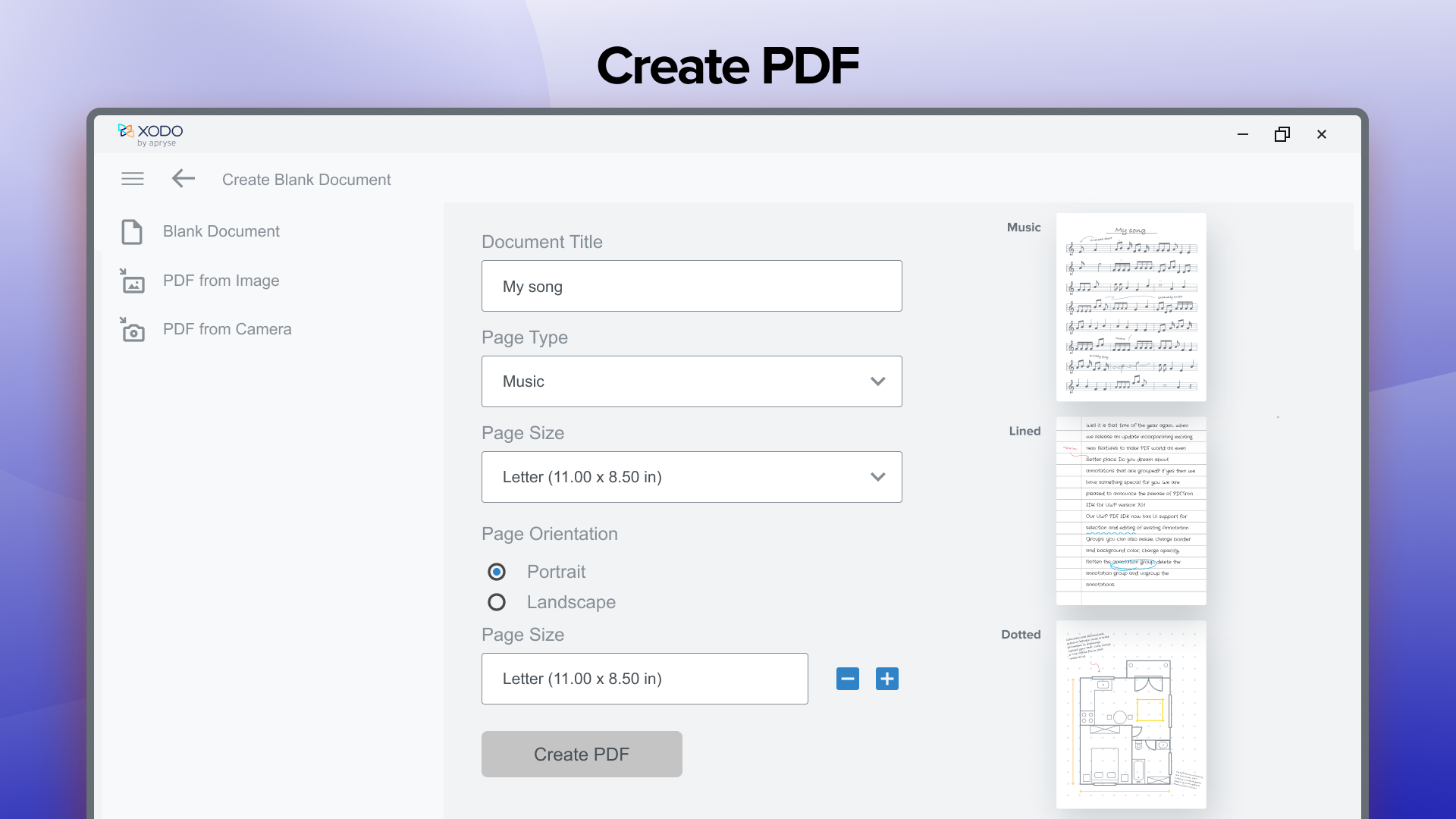
Create PDF (PRO):
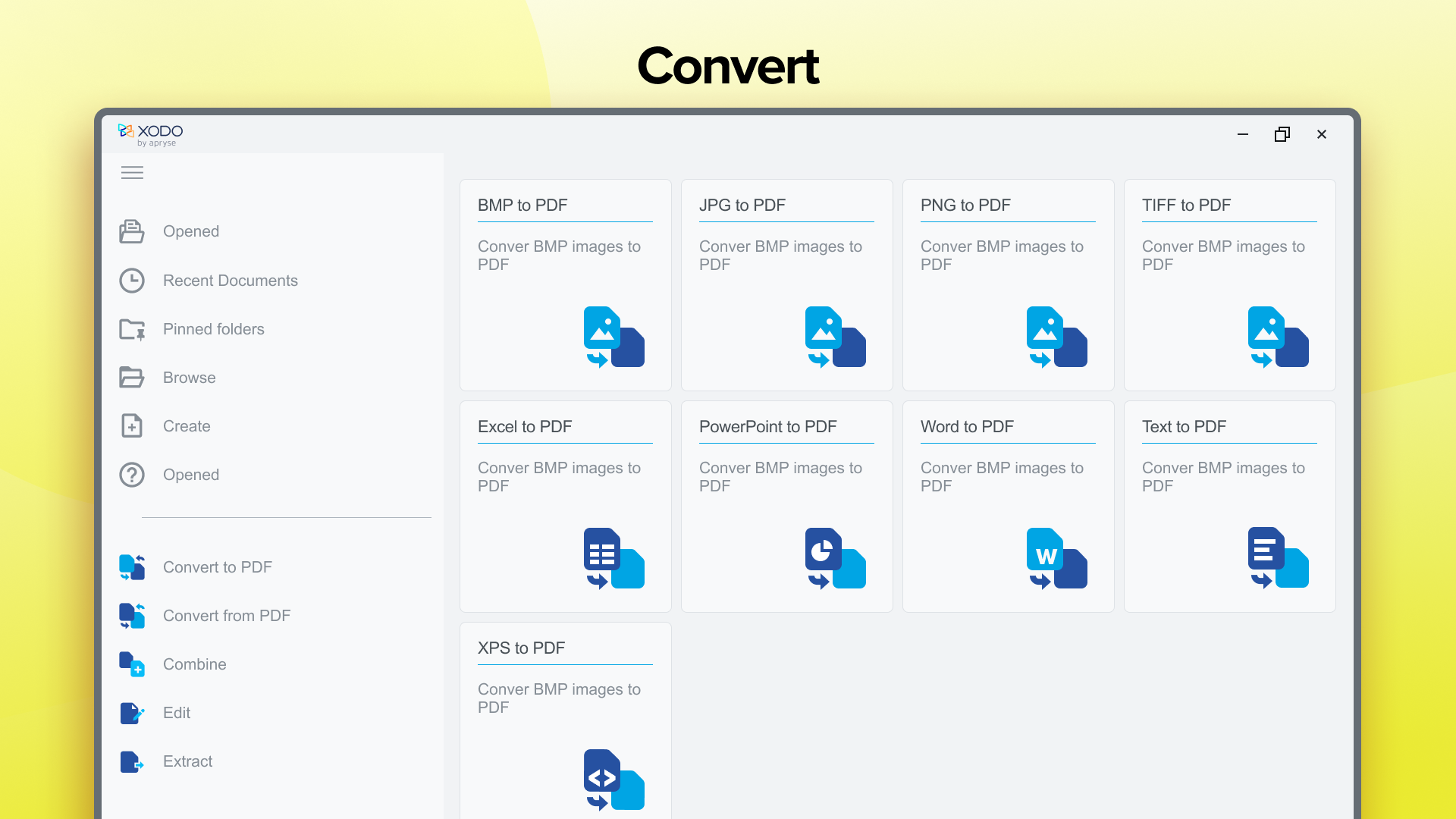
• Word to PDF
• Text to PDF
• Excel to PDF
• PowerPoint to PDF
• HTML to PDF
• JPG to PDF
• PNG to PDF
• BMP to PDF
• XPS to PDF
• TIFF to PDF
Secure PDF (PRO):
• Protect your PDF with a password encryption
• Unlock your protected PDF using password remover tool
Xodo Pro Subscription:
• Supercharge your document experience with the paid version of Xodo:
• Free trial available in supported regions
• All PRO features unlocked
• Unlimited actions (2 daily free actions on Free plan)
• Use Xodo tools on all platforms: Mobile, Desktop and Web
• Monthly and annual subscription options
Feedback and Support:
Want to help us make Xodo even better? We'd love to hear your ideas!
Please add your feedback and ideas, and vote on other ones here: https://feedback.xodo.com/support/home
Terms of Use - https://www.xodo.com/legal/
Privacy Policy - https://www.xodo.com/legal/
Xodo is powered by Apryse | https://www.apryse.com/
If there is a version of this app for iOS/Mac or Windows we don't know about, paste the store link here — we'll auto-detect the store.
How to find the URL:1. Open the app in its store. 2.In the App Store app: tap the Share icon → “Copy Link”. In the browser: copy the URL from the address bar — it contains apps.apple.com/…/id… or apps.microsoft.com/detail/…. 3. Paste it here.
Paste the original link from the Apple App Store or Microsoft Store. We fetch all details automatically.
How to find the URL:
1. Open the app in its store. 2.In the App Store app: tap the Share icon → “Copy Link”. In the browser: copy the URL from the address bar — it contains apps.apple.com/…/id… or apps.microsoft.com/detail/…. 3. Paste it here.
Android apps can only be listed by their developer.





 PDF X: PDF Editor & PDF Reader
PDF editor to view, edit, sign, and convert documents
 Adobe Acrobat Reader DC
View, edit, sign and analyze PDFs with an AI assistant
 PDF Extra - PDF Reader and PDF Editor
Edit, convert, sign and organize PDF documents
 PDF Editor Ink
Sign, annotate and fill PDFs
 PDF Reader Pro - PDF Editor & Converter
Edit, convert, sign and fill PDF forms with ease
 PDF Expert: Editor & Reader
Read, annotate, fill and edit PDFs with AI-powered tools