

Total File Commander Pro

Search, manage files and handle archives AI summary
Rank 1994
0 Up Votes, 0 Down Votes
▲
0
▼
Total File Commander Pro is not available on Android and Apple — or is it? Submit URL
Screenshots
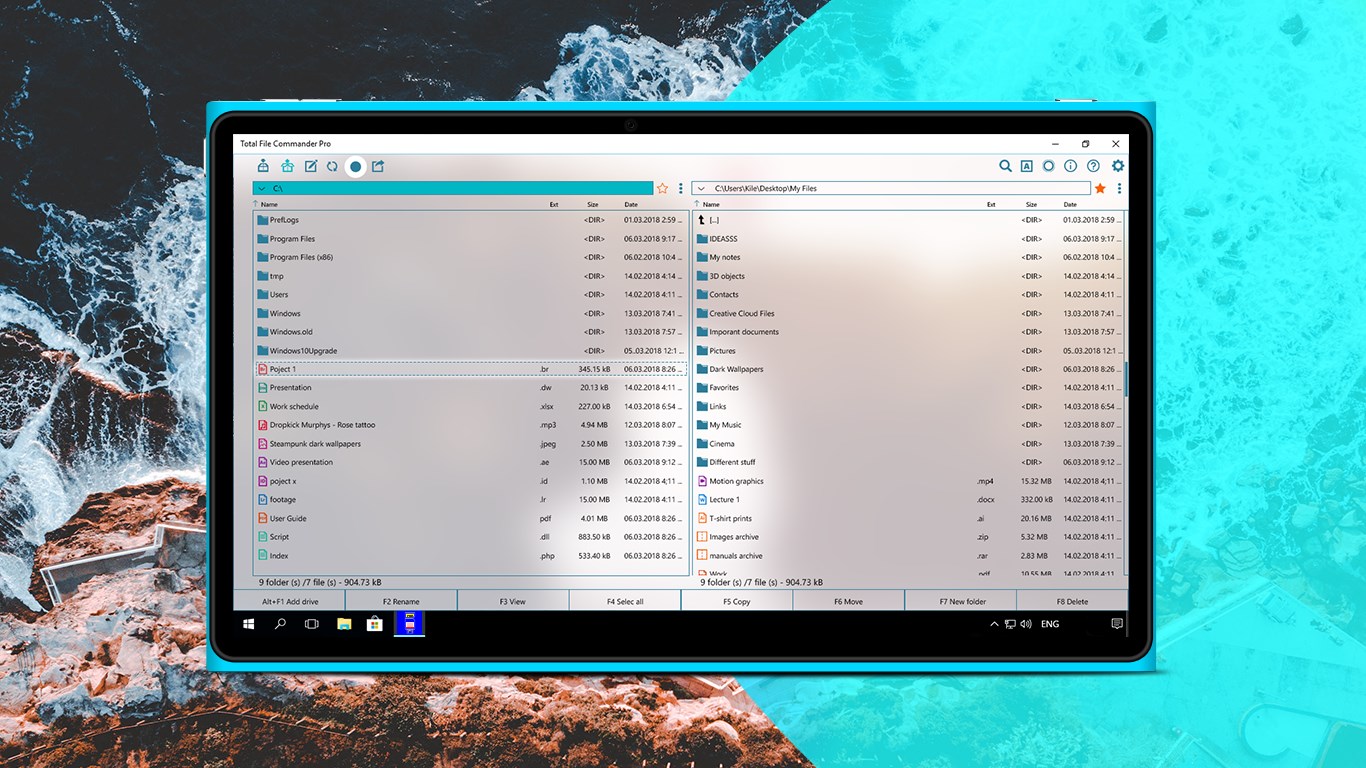
Screenshot 1 of Total File Commander Pro on WindowsScreenshot
appears after consent
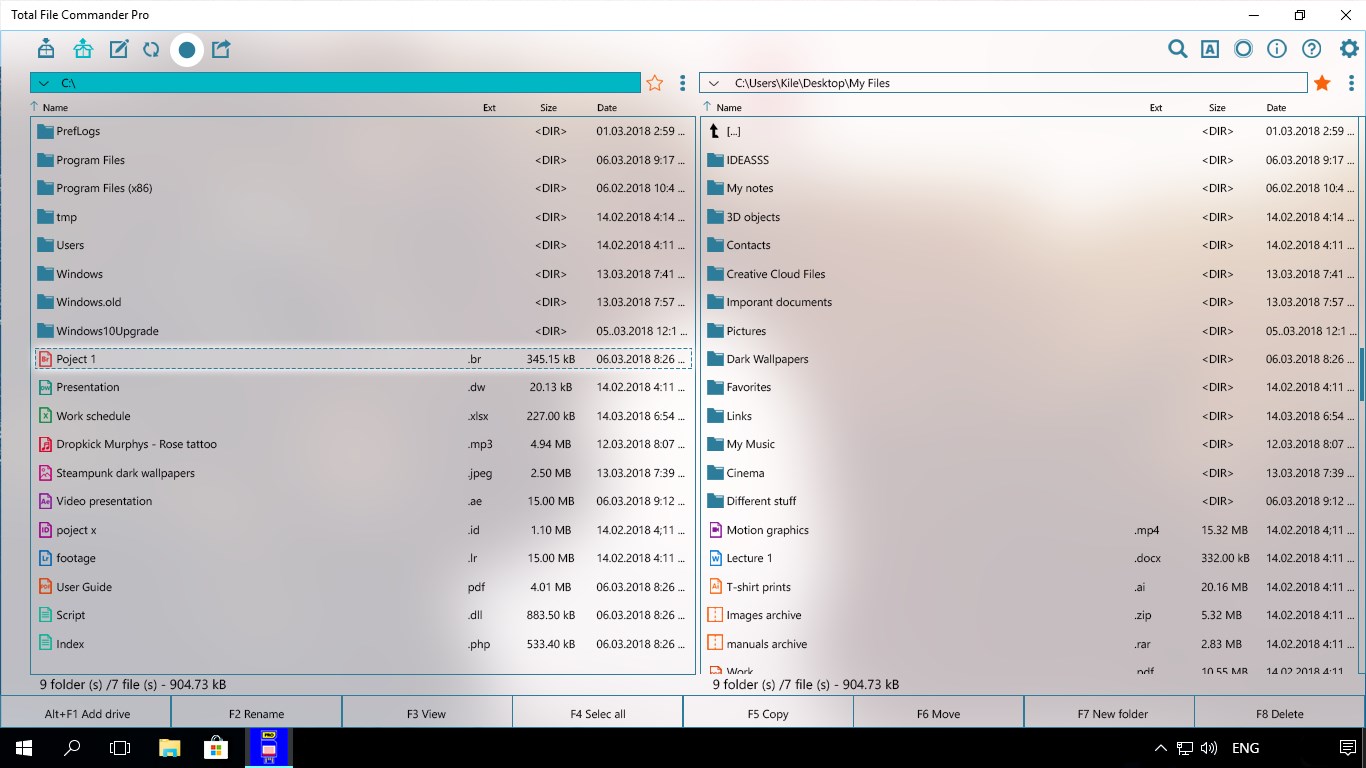
Screenshot 2 of Total File Commander Pro on WindowsScreenshot
appears after consent
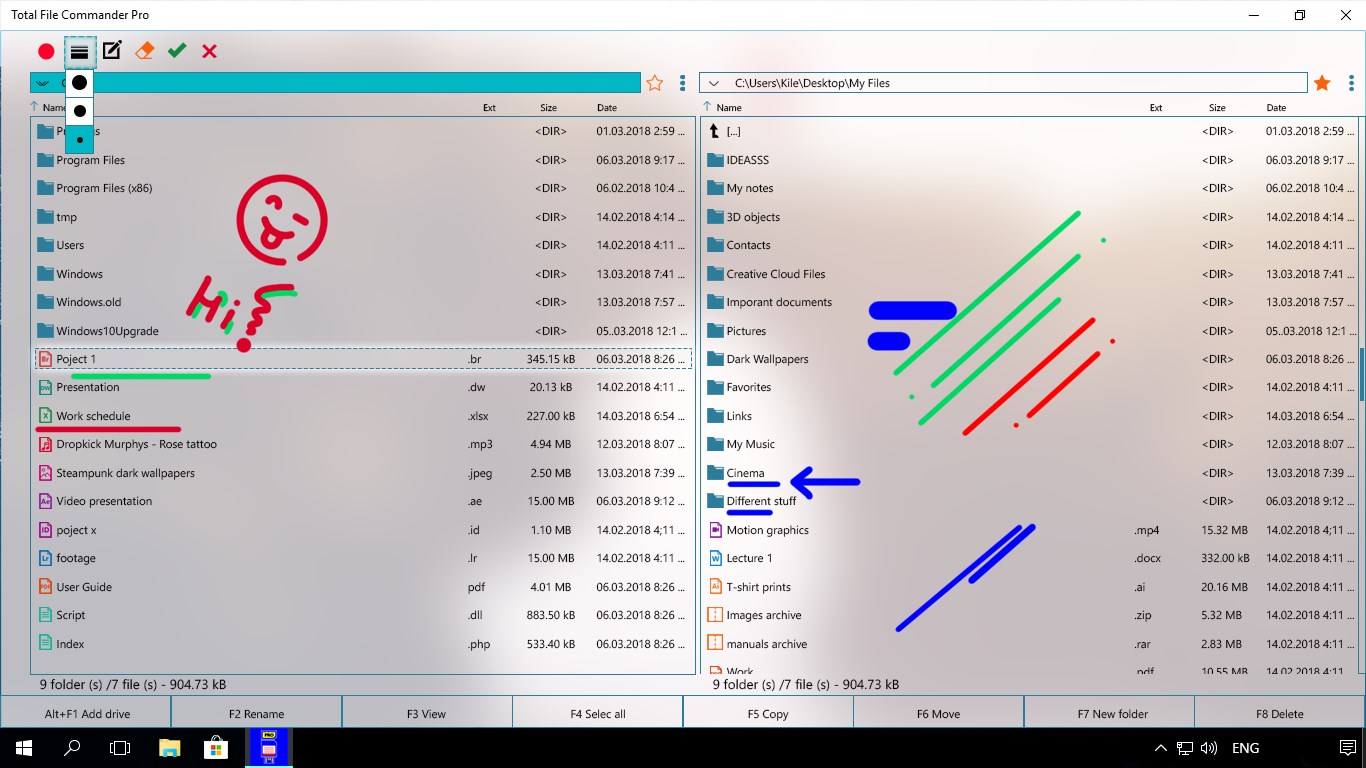
Screenshot 3 of Total File Commander Pro on WindowsScreenshot
appears after consent
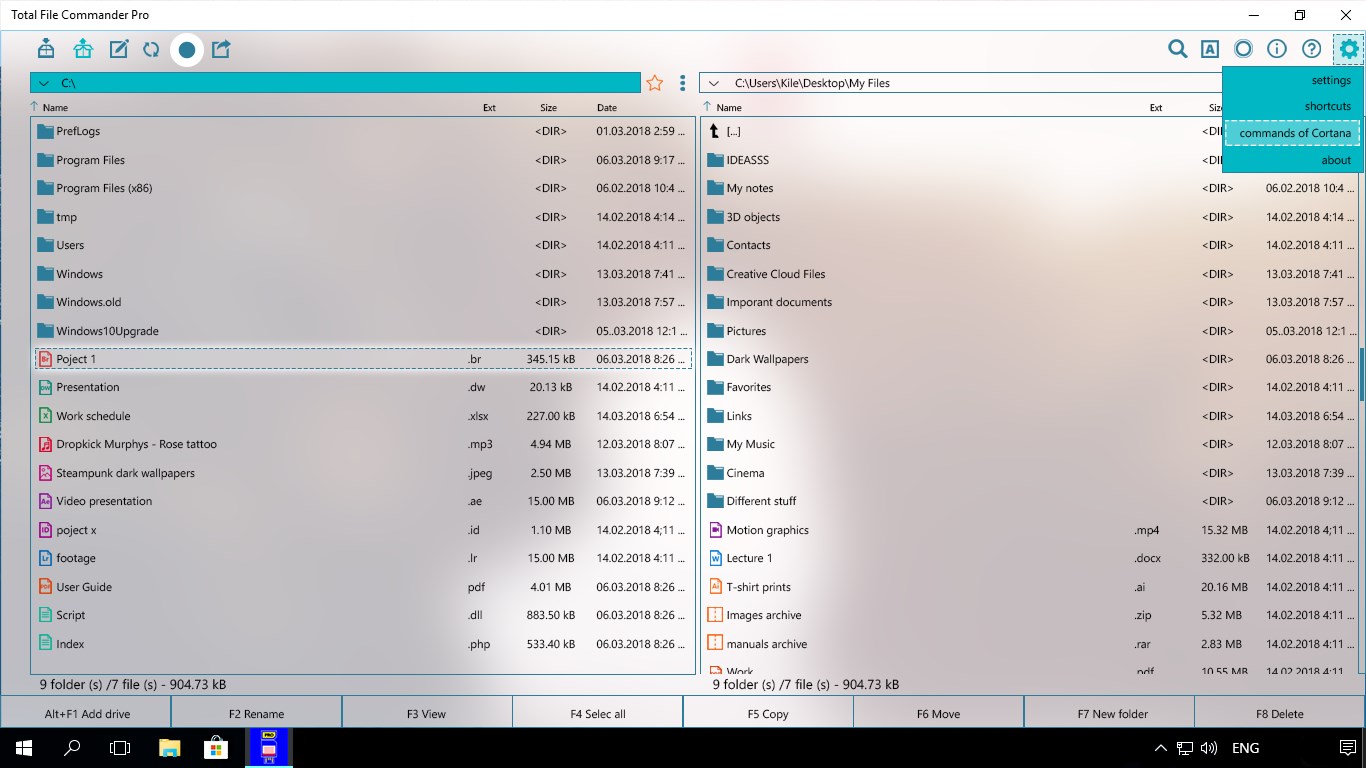
Screenshot 4 of Total File Commander Pro on WindowsScreenshot
appears after consent
Screenshot 5 of Total File Commander Pro on WindowsScreenshot
appears after consent
Screenshot 6 of Total File Commander Pro on WindowsScreenshot
appears after consent
Screenshot 7 of Total File Commander Pro on WindowsScreenshot
appears after consent
Screenshot 8 of Total File Commander Pro on WindowsScreenshot
appears after consent
Screenshot 9 of Total File Commander Pro on WindowsScreenshot
appears after consent
Screenshot 10 of Total File Commander Pro on WindowsScreenshot
appears after consent
Screenshot 11 of Total File Commander Pro on WindowsScreenshot
appears after consent
Screenshot 12 of Total File Commander Pro on WindowsScreenshot
appears after consent
Screenshot 13 of Total File Commander Pro on WindowsScreenshot
appears after consent
Screenshot 14 of Total File Commander Pro on WindowsScreenshot
appears after consent
Screenshot 15 of Total File Commander Pro on WindowsScreenshot
appears after consent
Summary
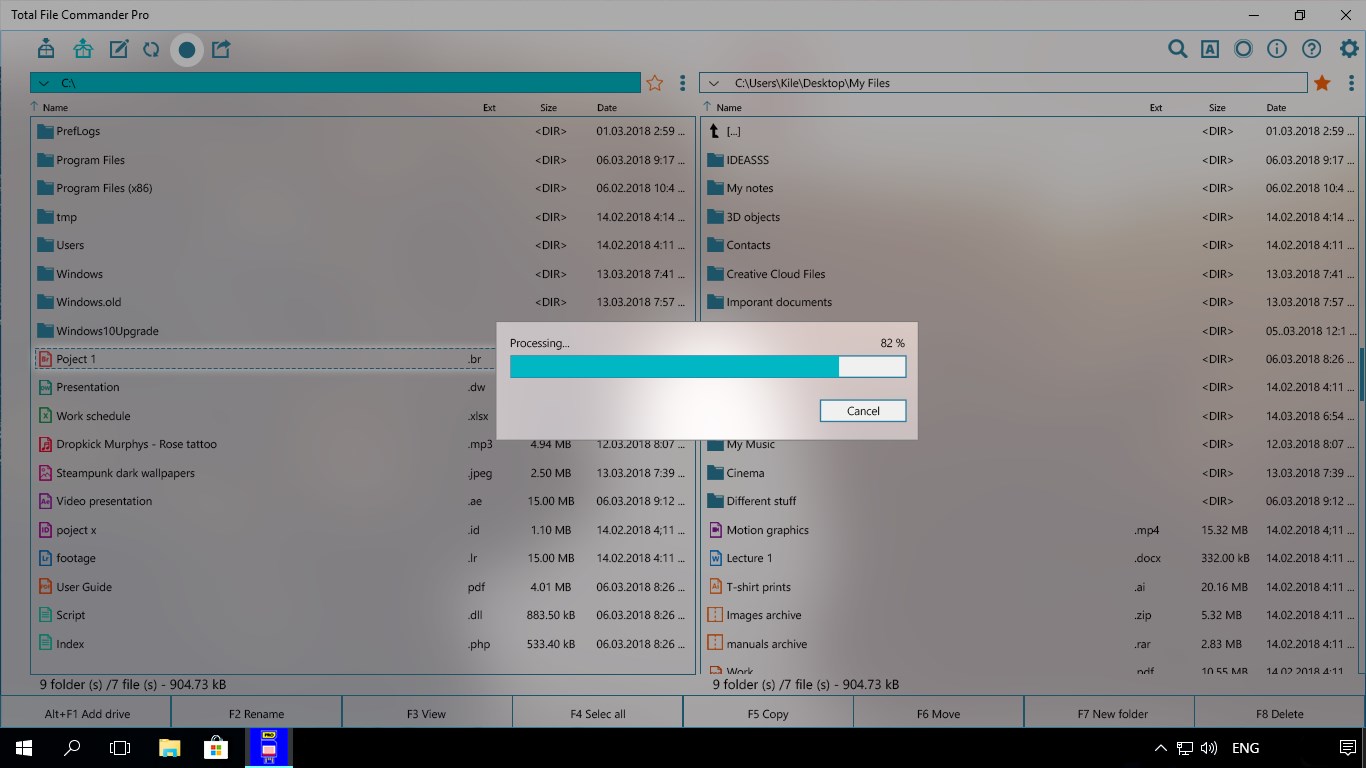
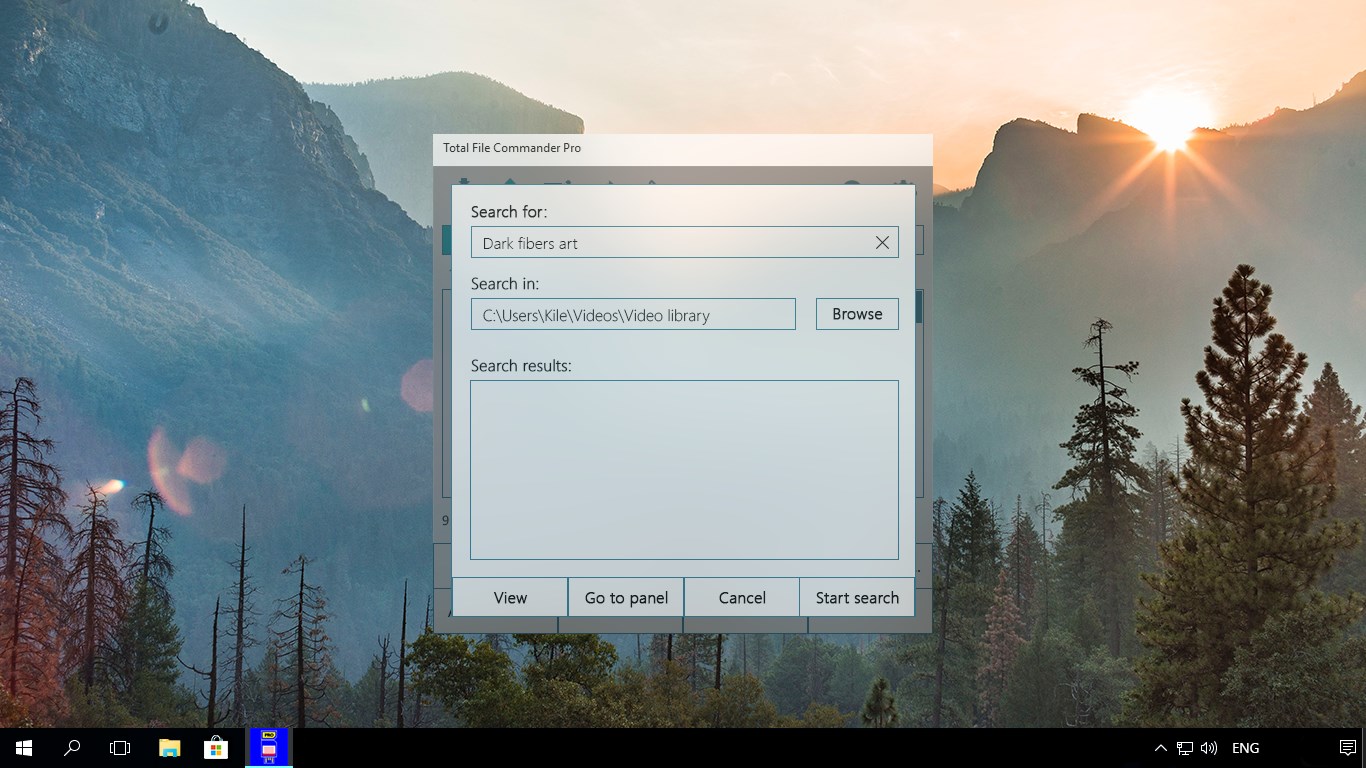
Total File Commander Pro is a file manager for Windows that helps organize and manage files on desktop, laptop or tablet devices. It allows searching for files on the device, including within archives. It handles file archives and supports operations such as copying, moving, deleting, archiving and unpacking, which can be carried out in either serial or parallel mode. It also keeps a history of past file operations. The app runs as a Universal Windows Platform app on any Windows 10 device. Some premium features are available during a trial period, while a subscription is required for an ad-free experience and full functionality.
Show the developer's original descriptionHide the original description
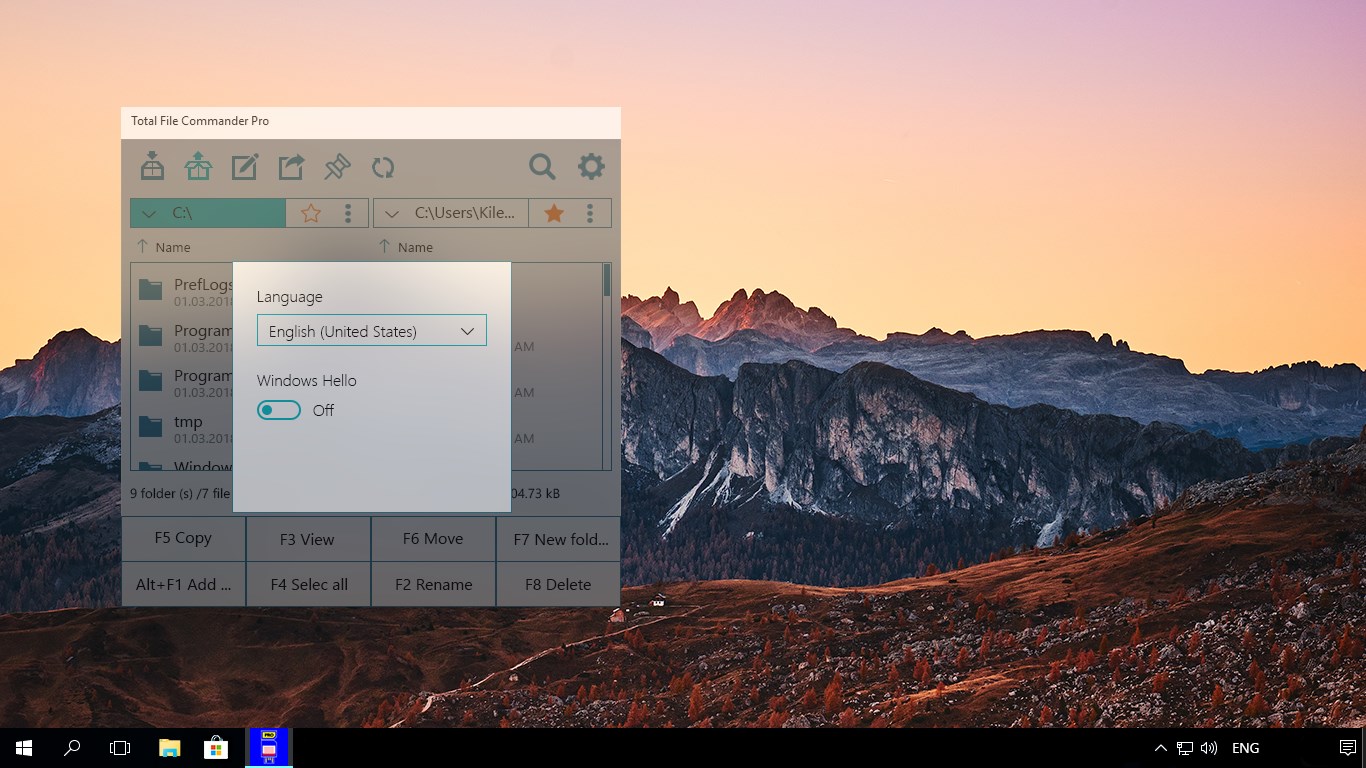
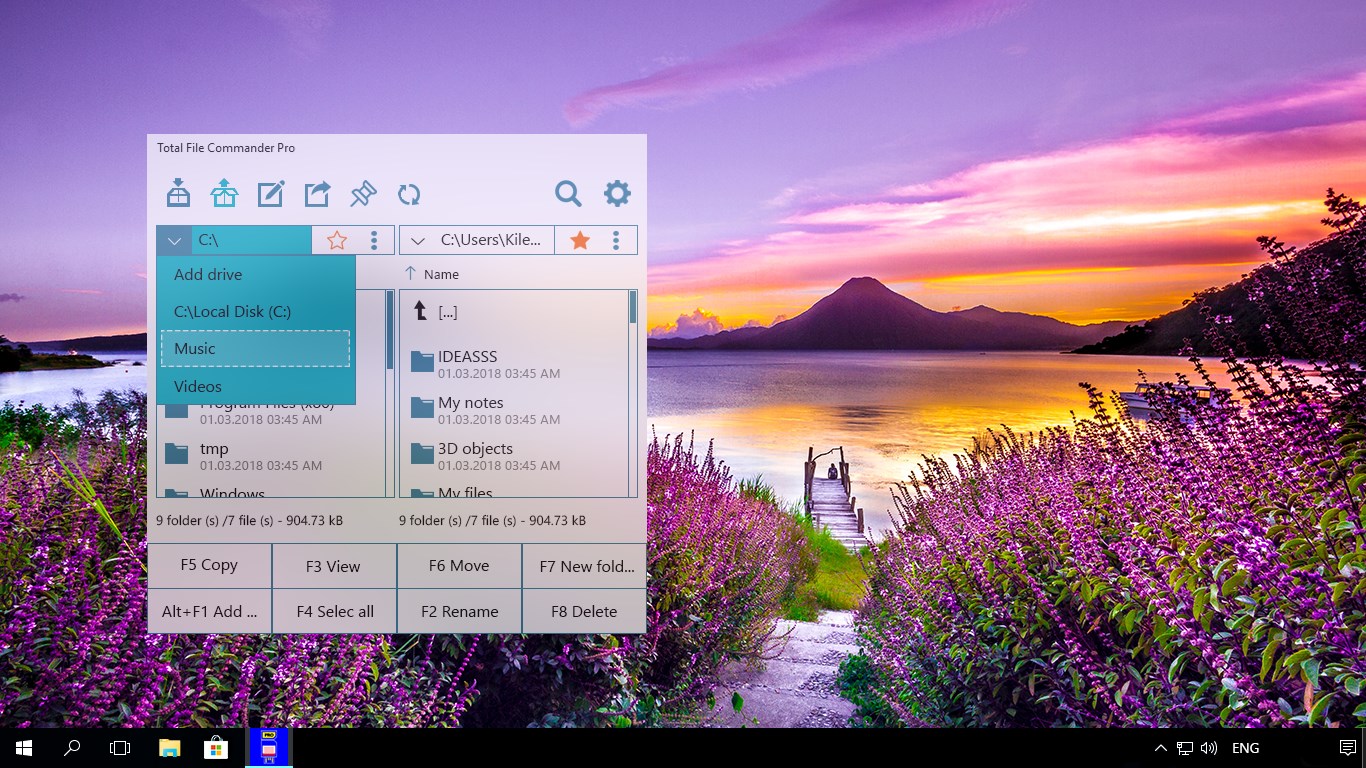
Total File Commander Pro is the ultimate solution for efficiently managing and organizing your files on Windows. With its powerful features and user-friendly interface, this professional file manager sets a new standard for file management. Key Features: - Effortlessly search for files on your device, even within archives. - Seamlessly handle file archives with ease. - Perform file operations such as copying, moving, deleting, archiving, and unpacking archives in both serial and parallel modes. - Access a comprehensive history of your file operations. Total File Commander Pro is a Universal Windows Platform (UWP) app designed to work flawlessly on any Windows 10 device. Whether you're using a desktop computer, laptop, or tablet, this versatile file manager ensures consistent performance and reliability. Experience the convenience, speed, and efficiency of Total File Commander Pro, and take control of your files like never before. Simplify your file management tasks and enjoy a streamlined workflow that saves you time and effort. ⚠️The app offers premium features, some of which are accessible during a trial period. For an ad-free experience and full potential, you need to purchase a subscription.⚠️
Technical details about Total File Commander Pro
Category
Age Rating
Price
Size
108,3 MB
Last updated in Microsoft Store
2026-10-07
App Store Rating
3.8 ★
Devices
Total File Commander Pro in the rankings
Manage app

Are you on the developer team behind Total File Commander Pro?

Verify yourself and manage your listing on Most Voted Apps.

Verify Total File Commander Pro for free
Verification usually takes only a few minutes.
Similar apps to Total File Commander Pro