
Screenshot appears after consentScreenshot appears after consentScreenshot appears after consentScreenshot appears after consentScreenshot appears after consent
Summary
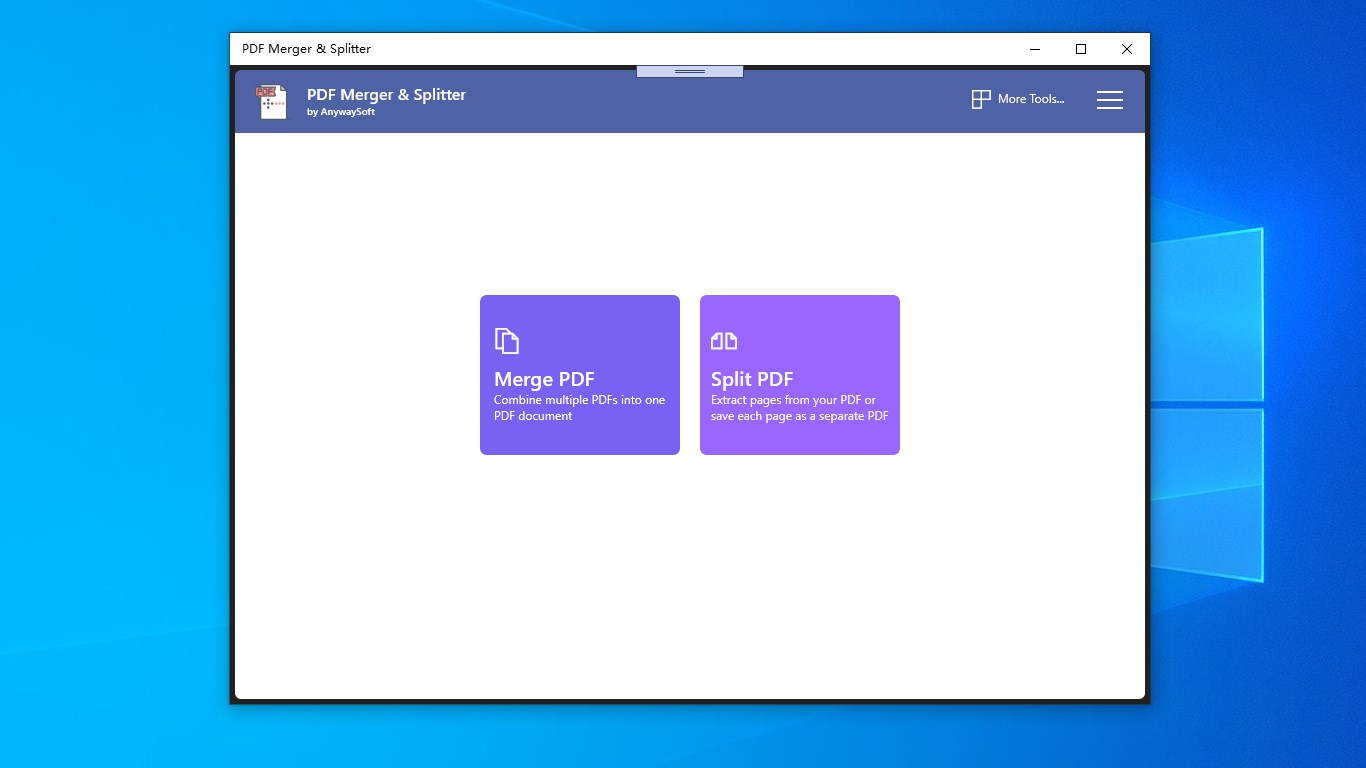
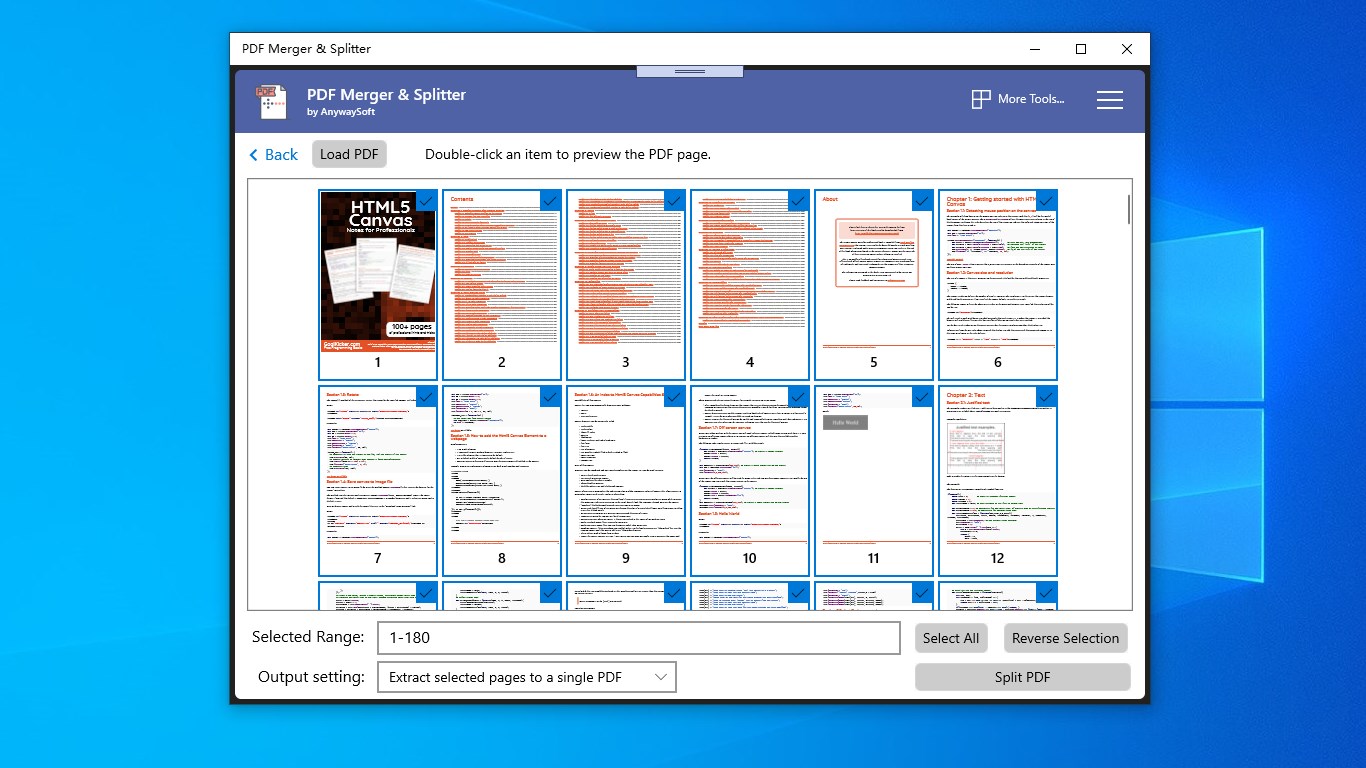
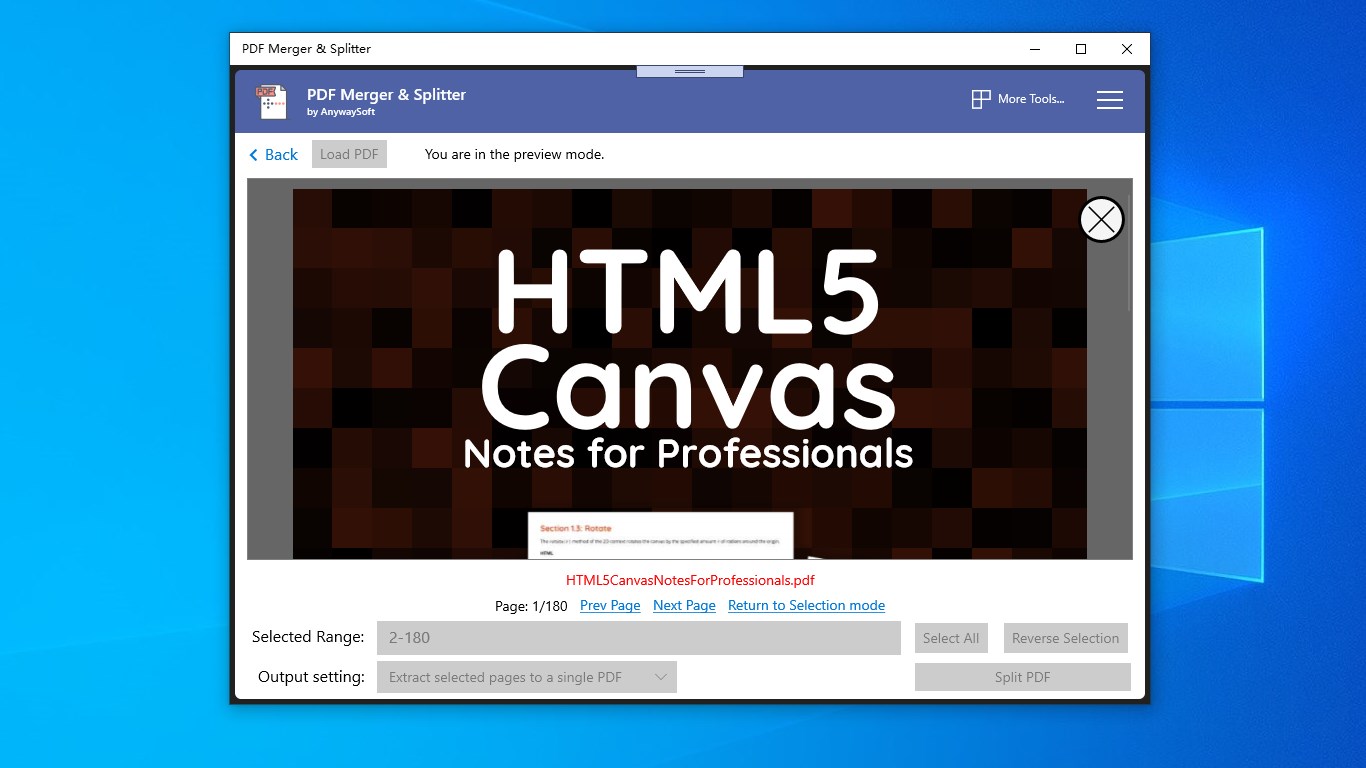
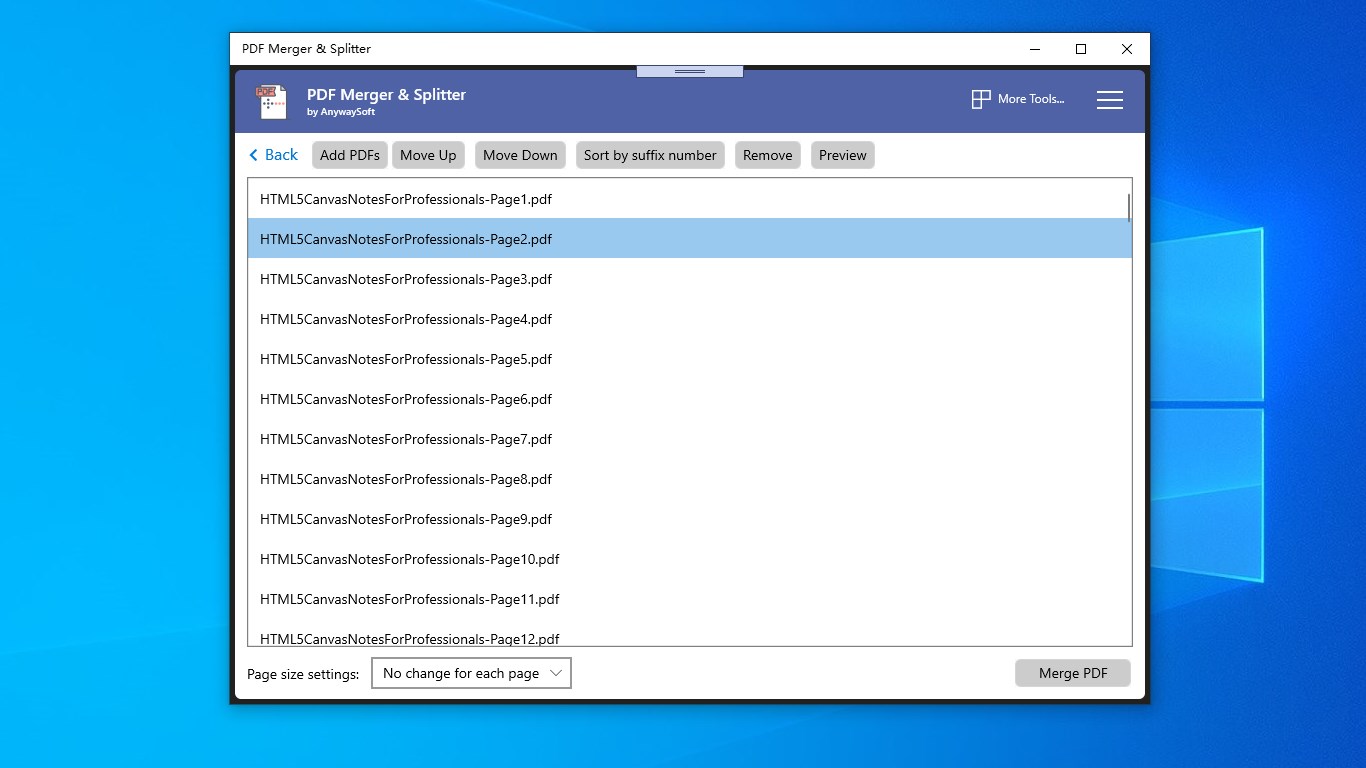
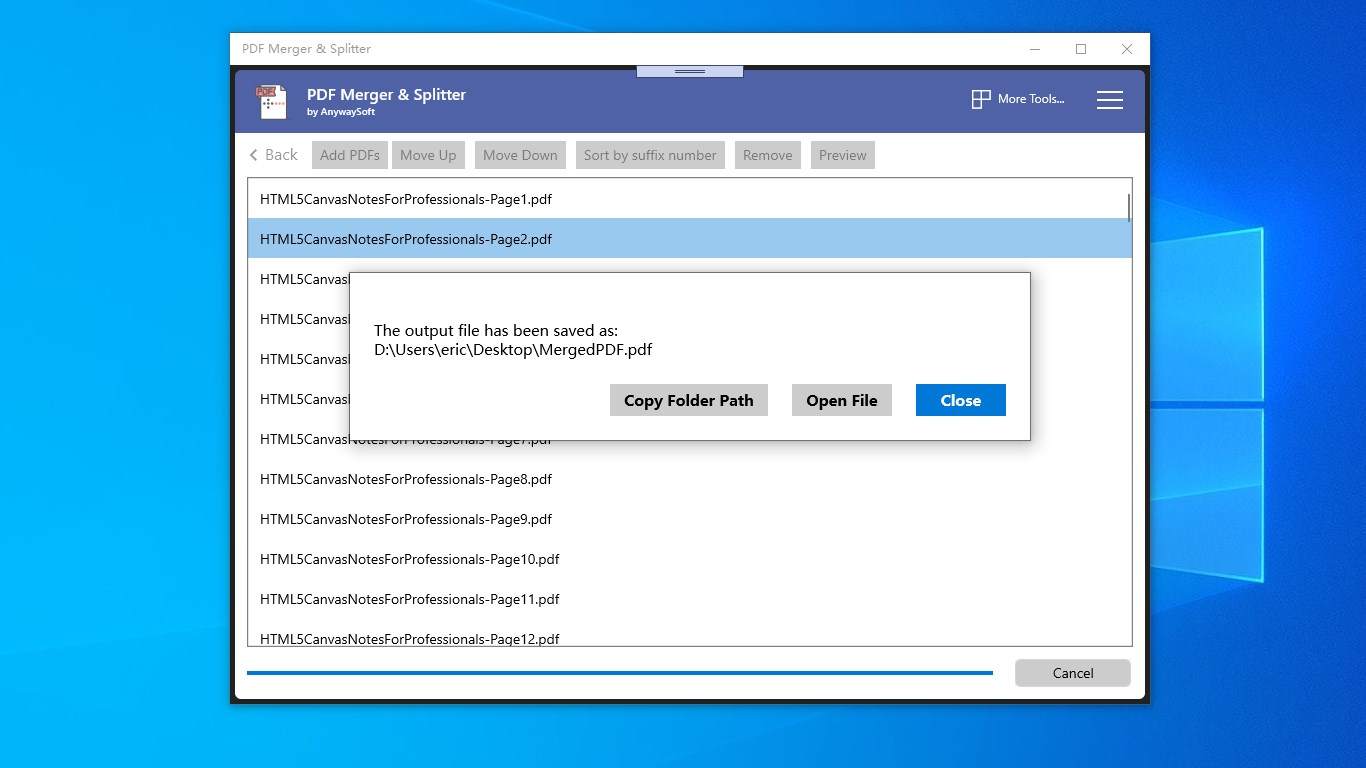
PDF Merger & Splitter is a tool for combining and dividing PDF documents. It merges multiple PDF files into a single document and allows the order of the files to be changed, including sorting by filename suffix number. When source documents have different page sizes, pages can either keep their original size or be adjusted to match. The app can split a PDF into individual one-page files or extract specific pages into a new document, with a preview of the pages to be split. Pages can also be removed by selecting them, reversing the selection, and extracting the rest into a new PDF.
Show the developer's original descriptionHide the original description
PDF Merger & Splitter is a powerful tool to merge PDF files, and extract pages from PDF documents.
Merge PDF:
⭐Combine multiple PDF files into one single PDF document.
⭐Change the order of the files to be merged. You can sort them by filenames‘ suffix number.
⭐If the PDF documents have different page sizes, you can keep the original size of each page, or adjust them to the same.
Split PDF:
⭐Instantly divide your PDF into individual one-pagers, or extract specific pages to form a new PDF document.
⭐The app gives you a preview of the pages you want to split.
⭐You can remove single or multiple pages from your PDF with only a few clicks: select the pages you want to remove, then reverse the selection, and extract them to a new PDF document.
Just download and enjoy it!
If there is a version of this app for iOS/Mac or Windows we don't know about, paste the store link here — we'll auto-detect the store.
How to find the URL:1. Open the app in its store. 2.In the App Store app: tap the Share icon → “Copy Link”. In the browser: copy the URL from the address bar — it contains apps.apple.com/…/id… or apps.microsoft.com/detail/…. 3. Paste it here.
Paste the original link from the Apple App Store or Microsoft Store. We fetch all details automatically.
How to find the URL:
1. Open the app in its store. 2.In the App Store app: tap the Share icon → “Copy Link”. In the browser: copy the URL from the address bar — it contains apps.apple.com/…/id… or apps.microsoft.com/detail/…. 3. Paste it here.
Android apps can only be listed by their developer.