Screenshot appears after consentScreenshot appears after consentScreenshot appears after consentScreenshot appears after consentScreenshot appears after consent
Summary
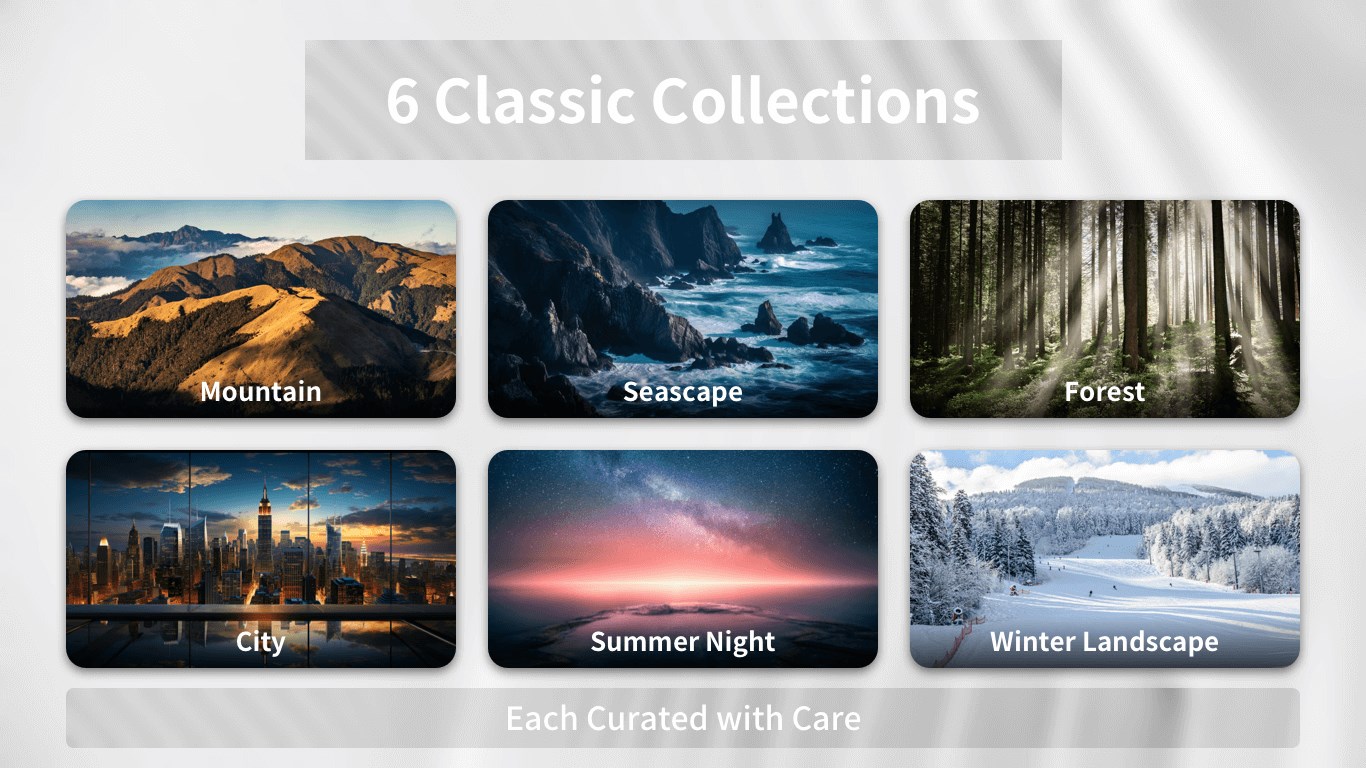
Desktop HD Wallpapers is a wallpaper app for Windows desktops offering thousands of images in 4K, 5K and 8K resolution. It includes animated live wallpapers that bring motion to the desktop and organizes its library into themed categories such as nature, cities, space, vehicles, animals, anime and minimalist designs. A trending section highlights popular picks for those unsure what to choose. Wallpapers can be previewed and applied to the desktop with a single click, and supported wallpapers can also be used on the Windows lock screen. Some features require a membership, available as a monthly, annual or one-time permanent purchase.
Show the developer's original descriptionHide the original description
✨ Give your Windows desktop a fresh look with high-quality HD, 4K, and 8K wallpapers.
Desktop HD Wallpapers helps you discover computer wallpapers and desktop backgrounds for every mood and style. Browse nature, space, cities, technology, anime, animals, abstract art, and minimalist designs. Preview a wallpaper and apply it to your desktop in one click.
🖼️ HD, 4K & 8K Wallpapers
Explore clear, high-resolution wallpapers for different screen sizes and resolutions.
🎬 Live Wallpapers
Bring more energy to your desktop with supported live wallpapers and animated backgrounds.
🧭 Themed Wallpaper Collections
Browse organized categories and find the right wallpaper for your workspace, mood, or personal style.
⚡ One-Click Setup
Preview your favorite PC wallpaper and set it as your desktop background in seconds.
🔒 Lock Screen Wallpapers
Use supported wallpapers on your Windows lock screen for a consistent look across your device.
🖥️ Made for Windows
Enjoy a clean, simple wallpaper app for browsing, previewing, and refreshing your desktop.
Create a personalized desktop that feels like your own. Start exploring and find a new background for Windows today.
⚠️ Some of the features of this software require you to purchase a membership. If you are satisfied with the product, you can experience the full product features by purchasing related services within the application. You can choose to purchase the software on a monthly or annual basis. You can also choose to purchase a permanent membership, pay a one-time fee, and use it forever.
If there is a version of this app for iOS/Mac or Windows we don't know about, paste the store link here — we'll auto-detect the store.
How to find the URL:1. Open the app in its store. 2.In the App Store app: tap the Share icon → “Copy Link”. In the browser: copy the URL from the address bar — it contains apps.apple.com/…/id… or apps.microsoft.com/detail/…. 3. Paste it here.
Paste the original link from the Apple App Store or Microsoft Store. We fetch all details automatically.
How to find the URL:
1. Open the app in its store. 2.In the App Store app: tap the Share icon → “Copy Link”. In the browser: copy the URL from the address bar — it contains apps.apple.com/…/id… or apps.microsoft.com/detail/…. 3. Paste it here.
Android apps can only be listed by their developer.




 Wallpaper·
Daily HD and 4K wallpapers for Windows 11 desktop
 Wallpaper - 4K Live Wallpapers
Animated and static wallpapers for Windows with AI art
 WallPics - Live Wallpapers 4K
Live wallpapers, wallpaper creator and charging animations
 Wallpapers & Themes for Me
Wallpapers and themes for home and lock screens
 Dynamic Theme
Daily wallpapers from Bing and Windows Spotlight
 Live Wallpapers +
Animated desktop wallpapers from videos, GIFs and images