Screenshot appears after consentScreenshot appears after consentScreenshot appears after consentScreenshot appears after consentScreenshot appears after consentScreenshot appears after consentScreenshot appears after consentScreenshot appears after consentScreenshot appears after consentScreenshot appears after consentScreenshot appears after consentScreenshot appears after consent
Summary
Inkodo is a note-taking and sketching app for handwriting, annotating PDFs or photos, creating documents and keeping a journal. It supports drawing with a stylus, fingers or a mouse, and combines touch gestures for zooming or moving the page. Photos, videos, audio recordings, PDF files and maps can be inserted into pages, and text can be extracted from images through OCR. Handwritten ink strokes can be converted into text or geometric shapes, copied, resized or recolored. Books and pages can be organized into groups, searched, printed and saved as image files, and creations can be shared or shown in a slideshow presentation mode.
Show the developer's original descriptionHide the original description
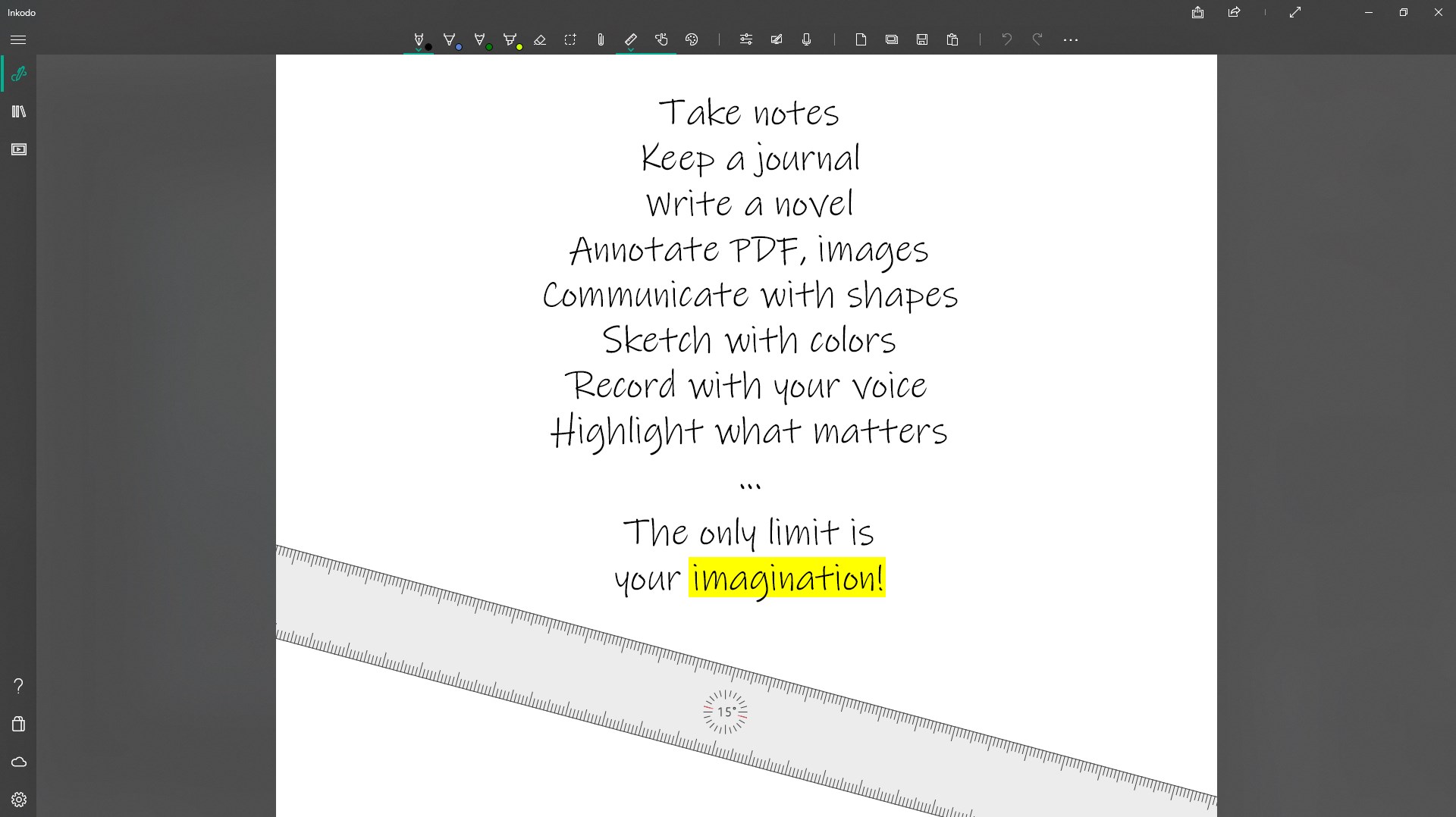
Take notes, annotate PDF or photos, create documents, sketch ideas, keep a journal, ... doodle your world in a creative way !
Depending on your device, draw with your stylus, your fingers or with a computer mouse. You can also combine active stylus and touch gestures to zoom or move the paper.
MULTIMEDIA OBJECTS:
- Insert photos on the pages from your device, clipboard, camera, or web page.
- Insert videos, audios records on the pages, from a file, camera or a web page.
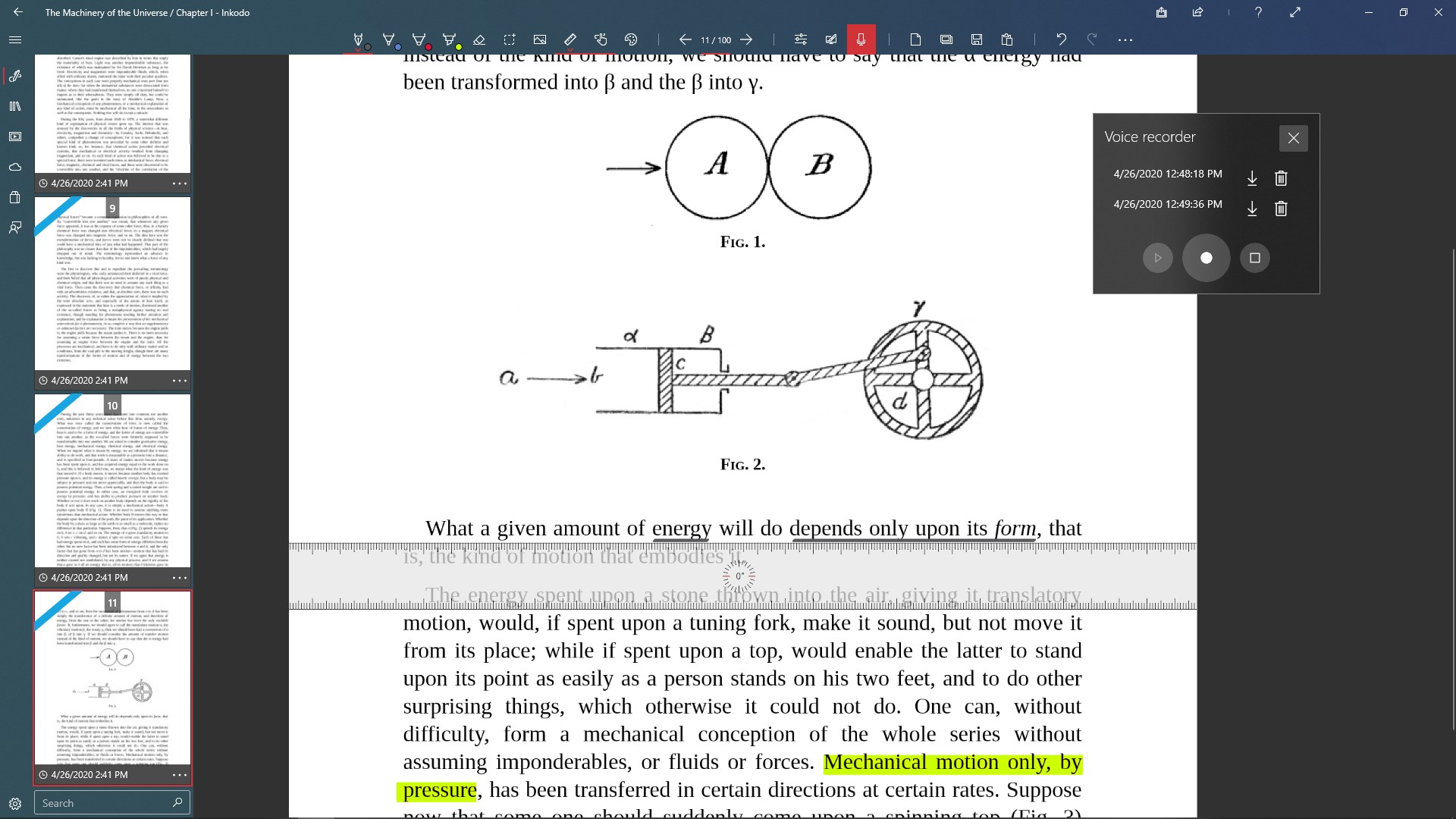
- Import PDF files and insert pages as images on the pages.
- Import PDF files as a book.
- Insert maps as an image on the pages.
- Extract text from images (OCR).
- Generate a dynamic grid calendar based on the selected year, month.
GO FURTHER WITH YOUR INKS:
- Handwriting recognition : your inks strokes can be exported into raw text. *
- Ink shape recognition: convert your ink strokes into geometric shapes. *
- Ink to text: convert the selected ink strokes into editable text.
- Manipulate the selected ink strokes: copy, paste, duplicate, resize, change color.
- Convert handwritten ink strokes to shapes.
INTERACT WITH WINDOWS 10:
- Create toast notifications: reminders, alarms linked to your saved pages.
- Pin your saved pages to start screen.
- Record your thoughts and draw at the same time.
PRODUCTIVITY AT ITS FINEST:
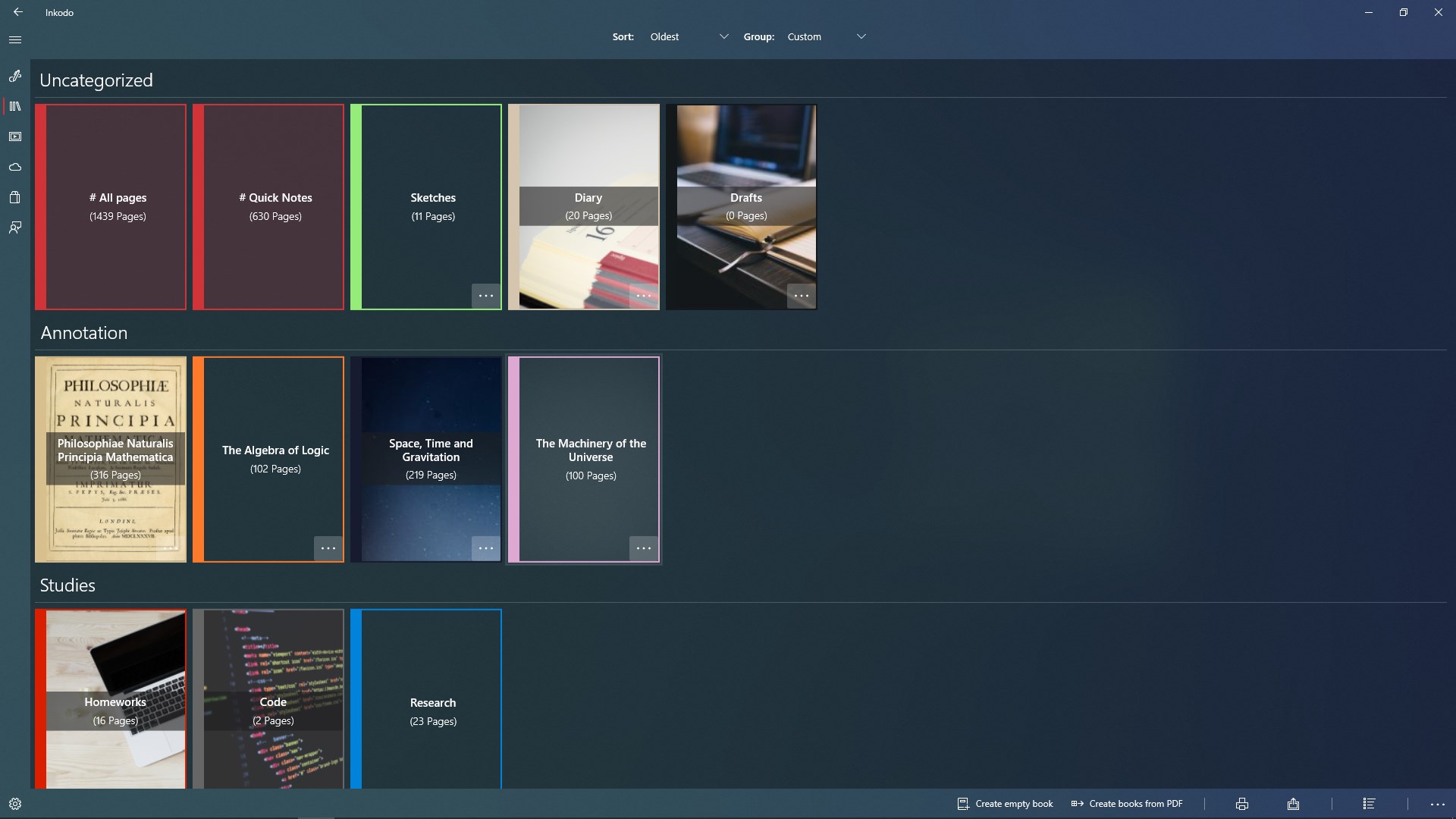
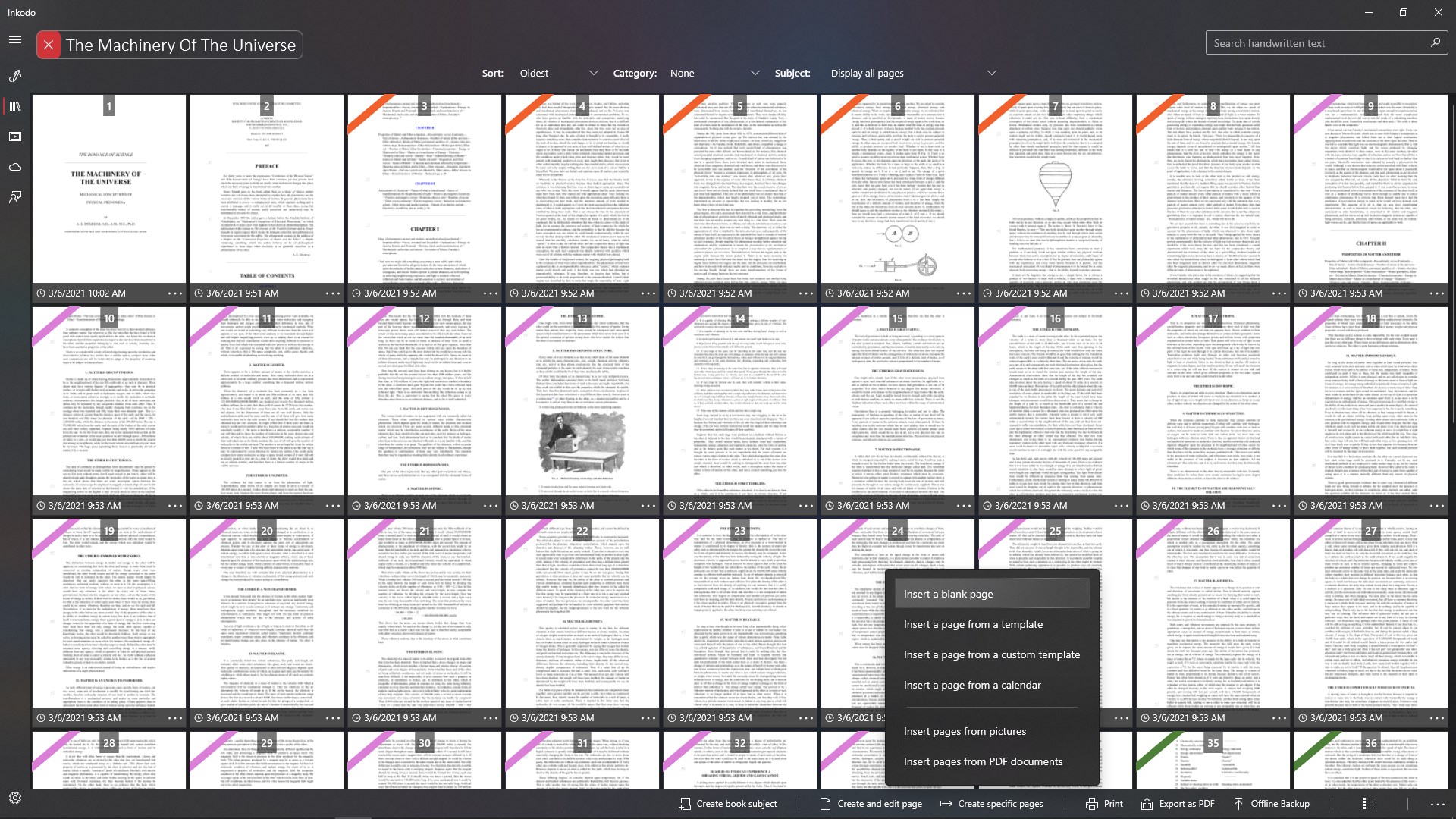
- View, sort, organize books and pages.
- Group your books.
- Add subjects to your pages.
- Copy, duplicates pages.
- Open a book and work on the current book.
- Keep working on the last opened page.
- Print pages, books or a collection of books.
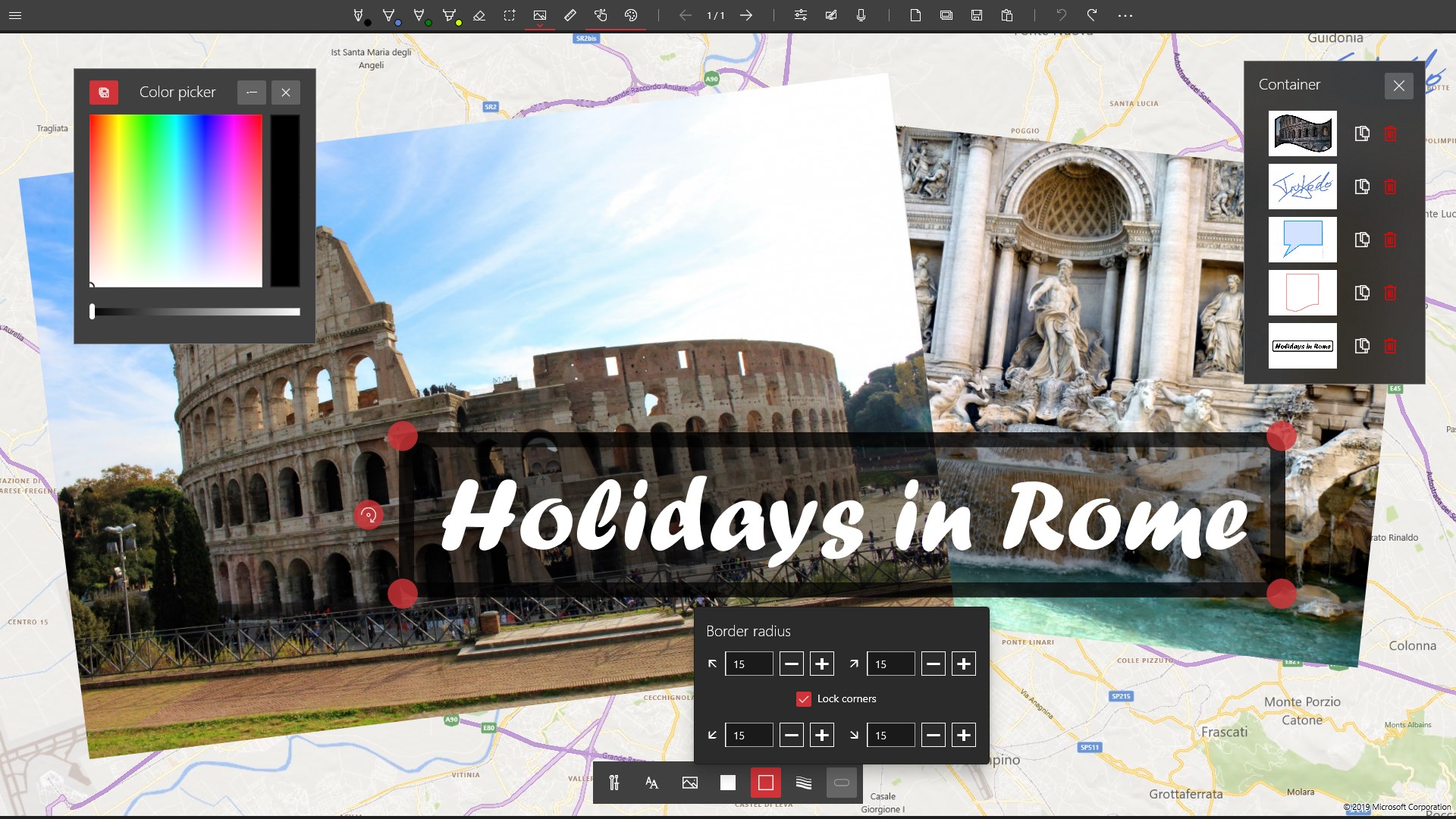
- Save a copy of your ink strokes and objects in a container.
- Search for your handwritten notes.
SHOW YOUR WORK:
- Save your creation to PNG, JPG, JPEG, BMP, TIFF, GIF.
- Share your masterpiece to Twitter, Facebook, E-Mail, ... it depends on what apps you have installed.
- Presentation mode: slideshow with automatic playing.
PRO FEATURES:
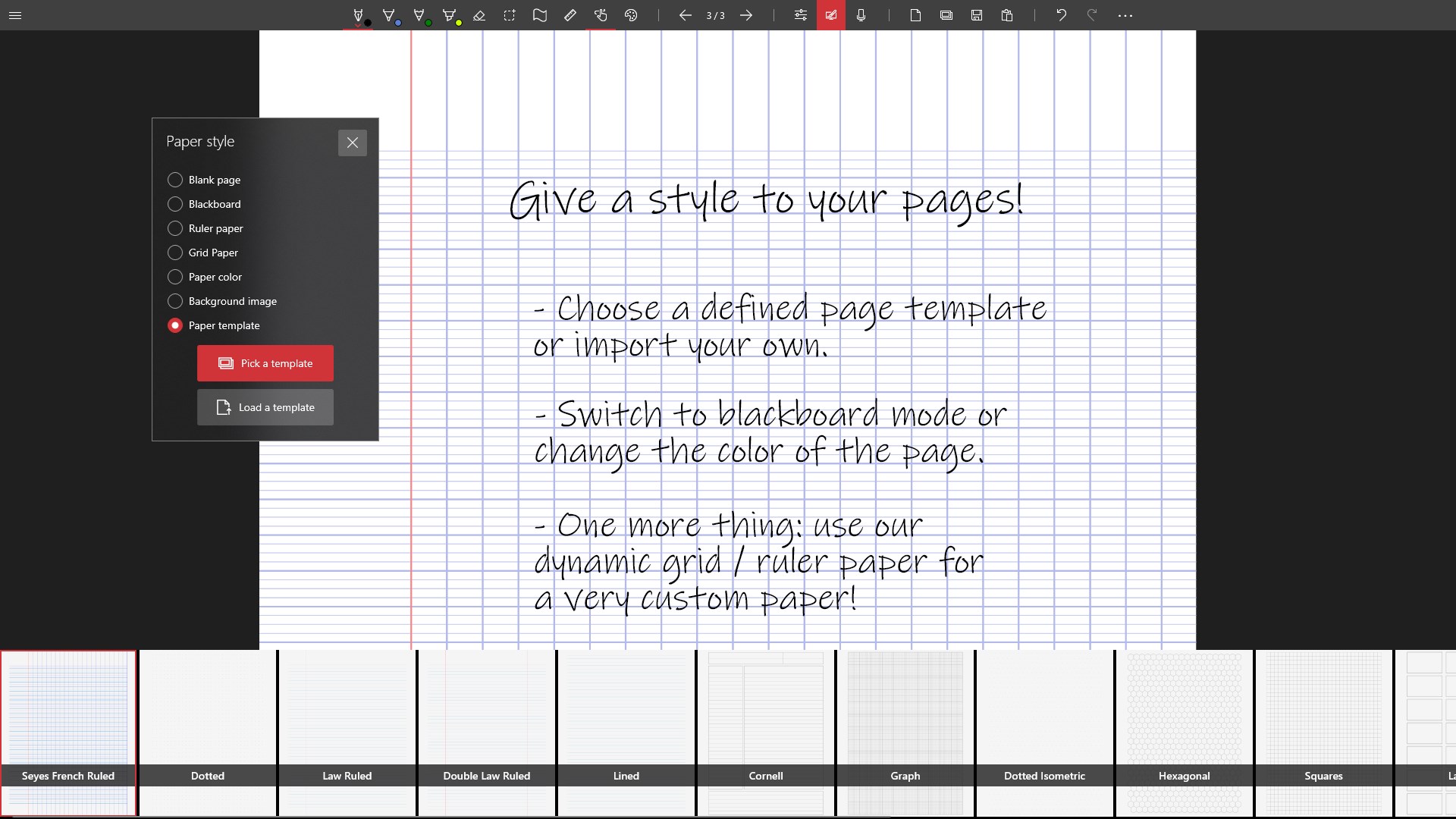
- Import a custom page template.
- Import a custom book cover.
- Save ink strokes and objects in the container.
- Save colors from the color picker.
- Save modified ink strokes.
If there is a version of this app for iOS/Mac or Windows we don't know about, paste the store link here — we'll auto-detect the store.
How to find the URL:1. Open the app in its store. 2.In the App Store app: tap the Share icon → “Copy Link”. In the browser: copy the URL from the address bar — it contains apps.apple.com/…/id… or apps.microsoft.com/detail/…. 3. Paste it here.
Paste the original link from the Apple App Store or Microsoft Store. We fetch all details automatically.
How to find the URL:
1. Open the app in its store. 2.In the App Store app: tap the Share icon → “Copy Link”. In the browser: copy the URL from the address bar — it contains apps.apple.com/…/id… or apps.microsoft.com/detail/…. 3. Paste it here.
Android apps can only be listed by their developer.




 PDF Editor Ink
Sign, annotate and fill PDFs
 Noteshelf
Handwritten and typed notes with PDF markup and audio
 Notability: AI Notes & PDF
Write notes, annotate PDFs and record audio
 Nebo
Handwrite notes and convert them into typed text
 Microsoft Journal
Write and connect notes and sketches with digital pen
 Paper: Sketch, Draw & Create
Sketch, draw and paint with intuitive tools