Screenshot appears after consentScreenshot appears after consentScreenshot appears after consentScreenshot appears after consentScreenshot appears after consentScreenshot appears after consentScreenshot appears after consentScreenshot appears after consentScreenshot appears after consentScreenshot appears after consent
Summary
Video Editor Master is a video editing app that lets users trim, merge, and enhance video clips in HD resolutions up to 1080p. It offers tools for splitting and combining videos with filters, effects, transitions, and text overlays. Users can create photo and video slideshows with background music, extract audio from videos as MP3 files, and mute unwanted sound. The app also allows capturing still frames from video and includes a photo editor with filters, stickers, and adjustments for brightness, contrast, and saturation. It suits social media creators, vloggers, and everyday users looking to produce edited videos and slideshows.
Show the developer's original descriptionHide the original description
Video Editor Master one of the most popular apps on the Microsoft Store. This all-in-one video editing app is designed for everyone—from beginners to casual creators—who want to produce professional-quality videos with ease.
With a clean and intuitive interface, Video Editor Master gives you full creative control. You can trim, merge, add music, extract audio, create slideshows, or even turn your favorite moments into photos—all within one platform. The app supports HD resolutions (480p, 720p, and 1080p) and ensures your videos look sharp and cinematic every time.
Key Features:
1. Video Editor:
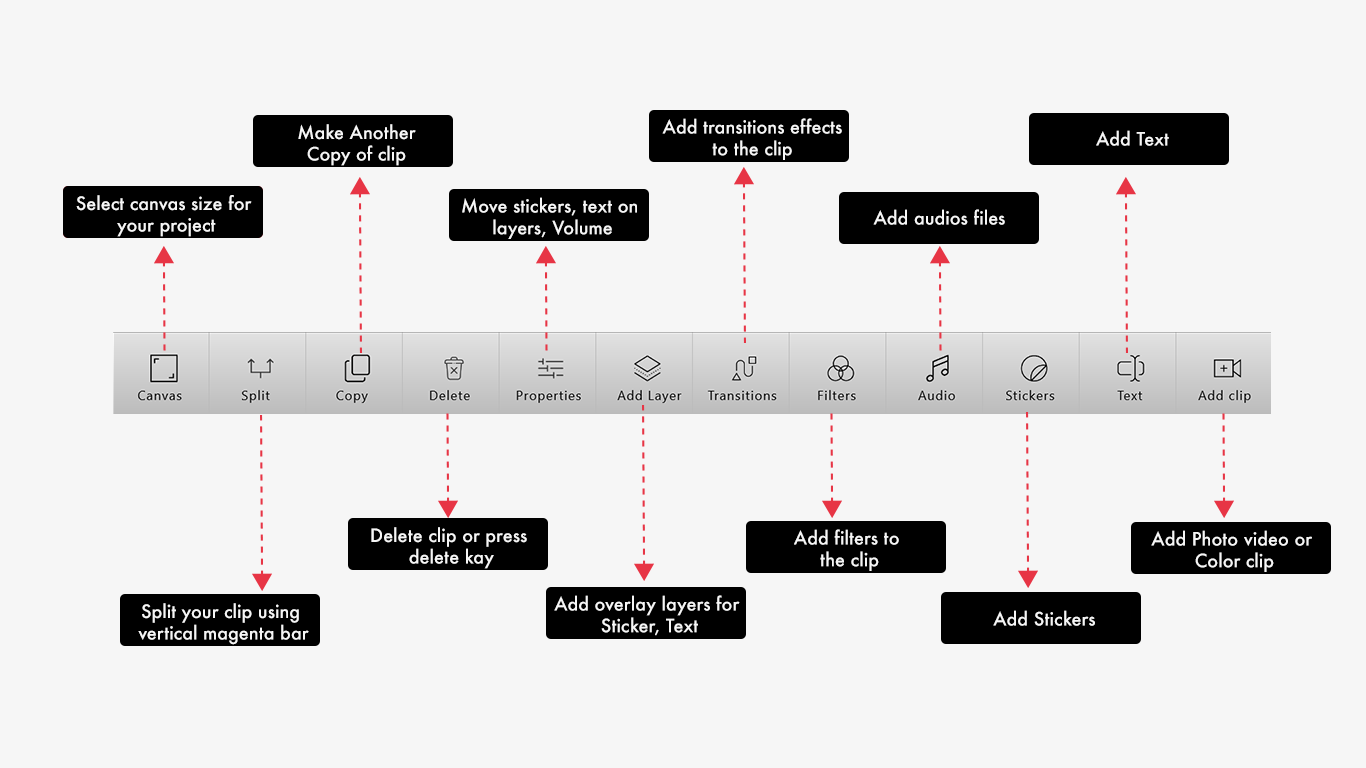
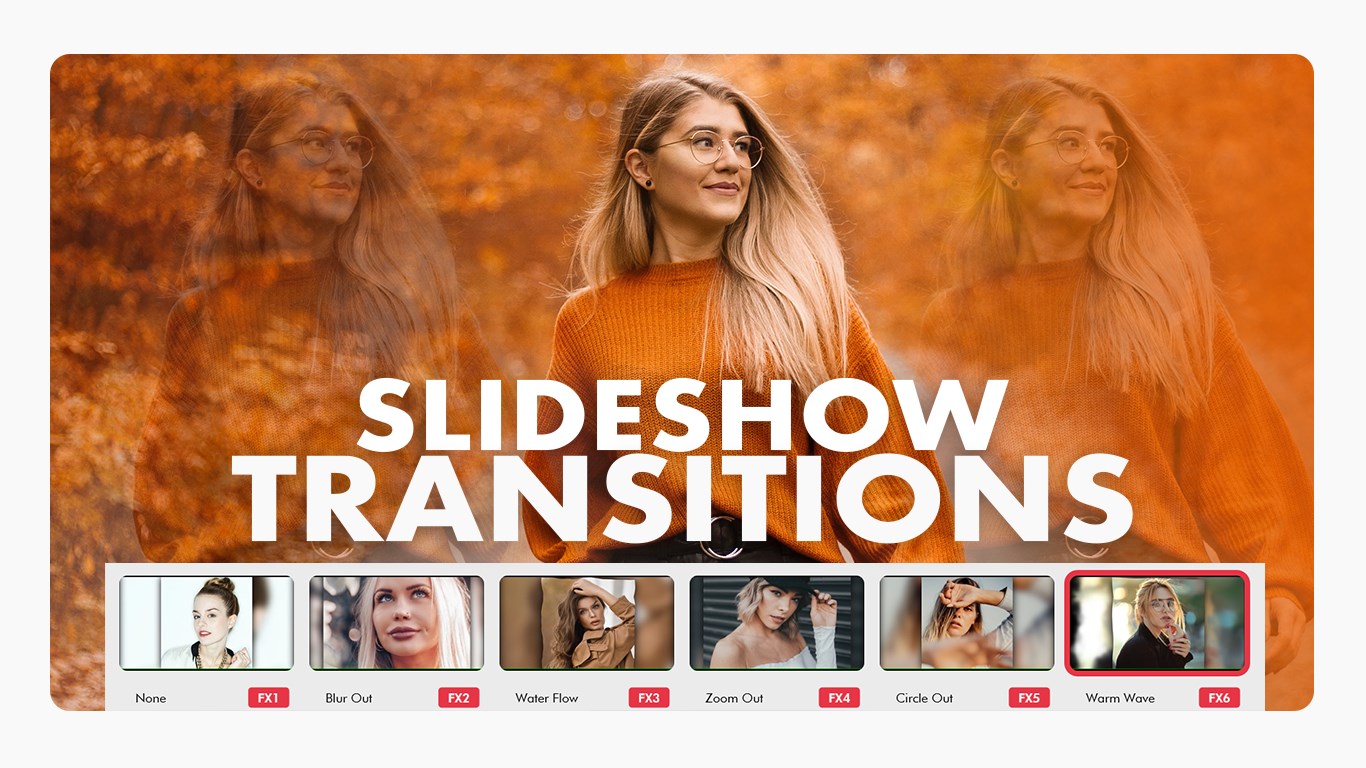
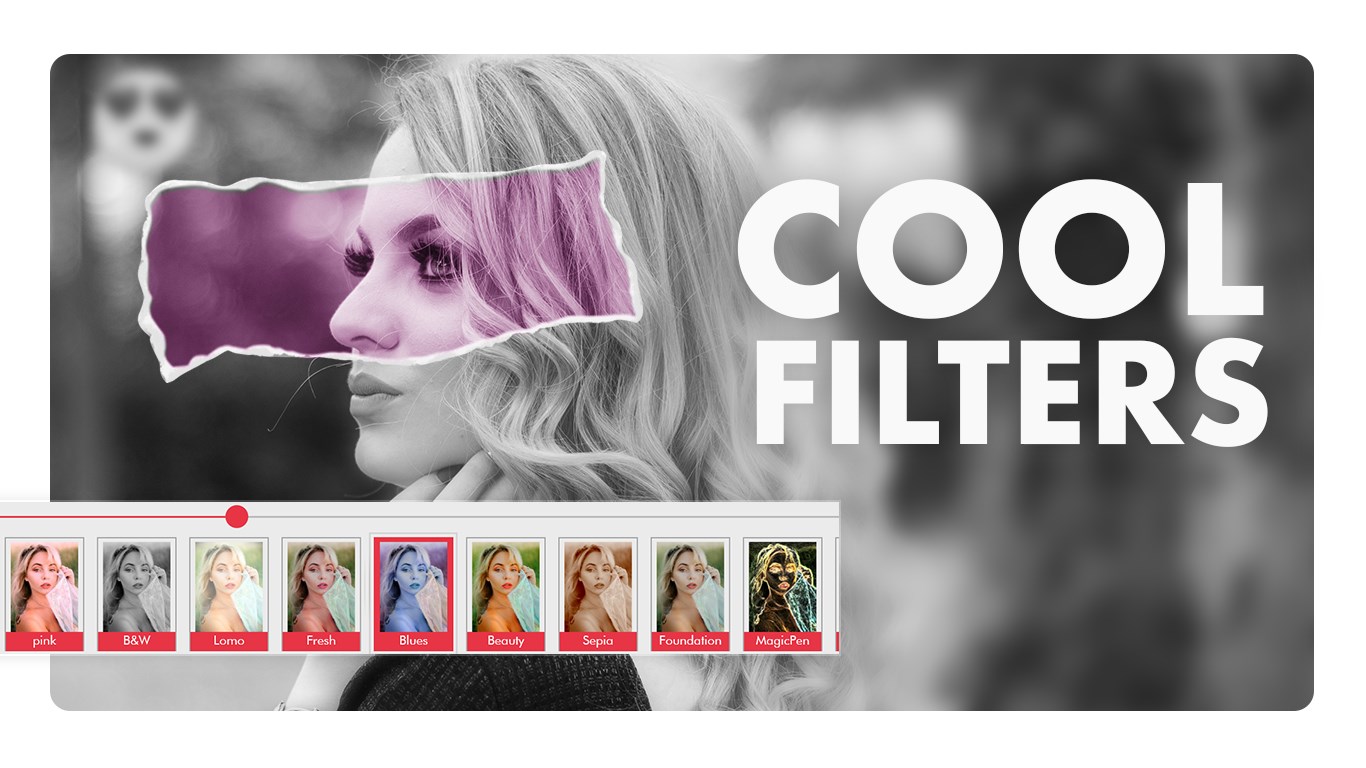
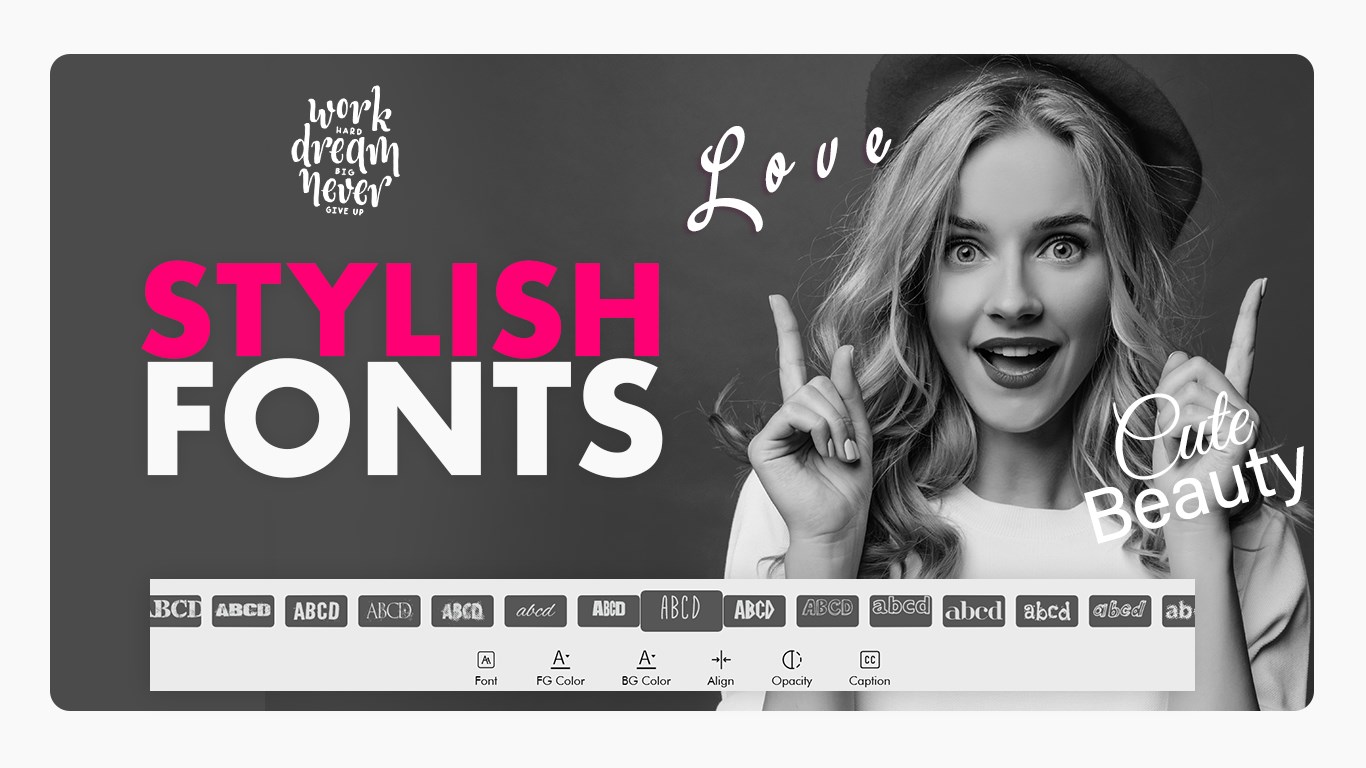
Edit videos with precision using trimming, splitting, and merging tools. Add filters, effects, and text between clips for a creative touch. Apply smooth transitions and overlays to make your content stand out.
2. Slideshow:
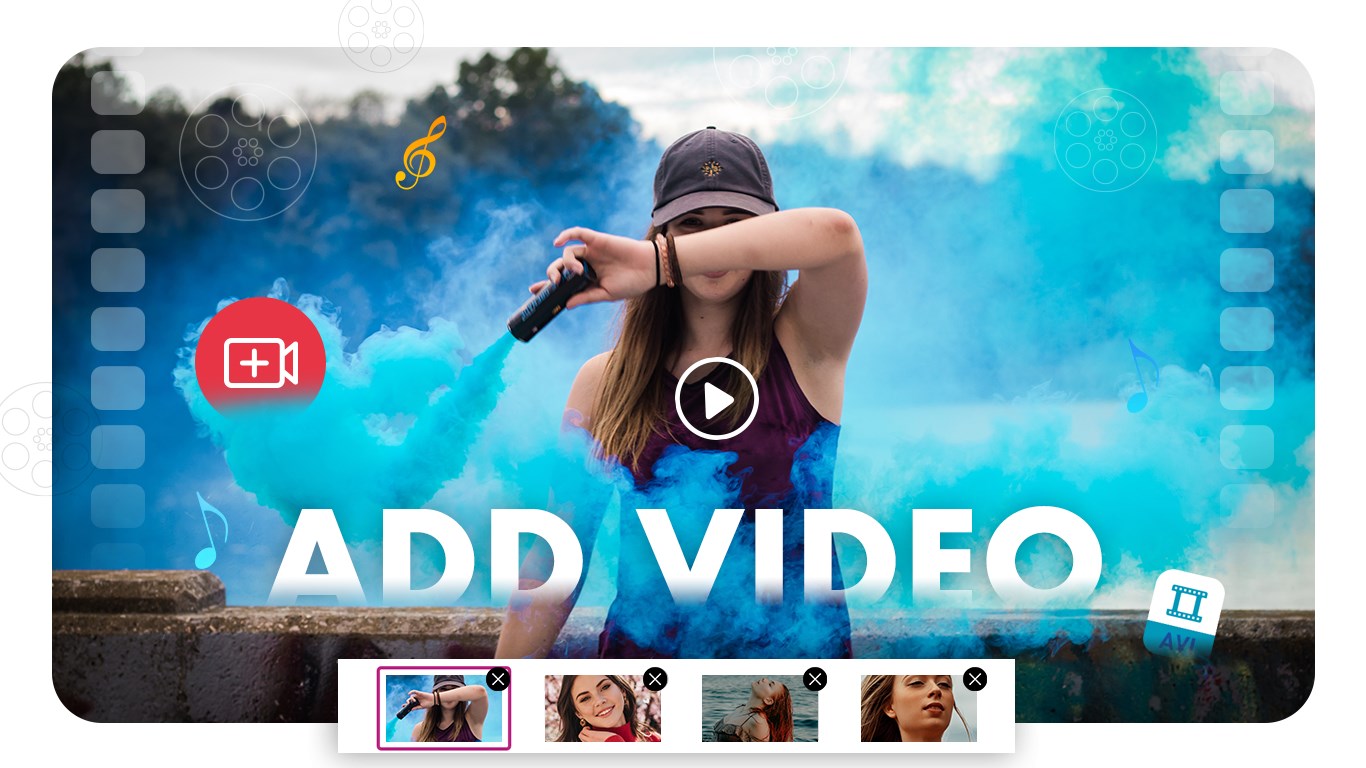
Turn your favorite photos and clips into beautiful slideshows. Add background music, apply transitions, and export in high quality for sharing across social media platforms.
3. Video Trimmer:
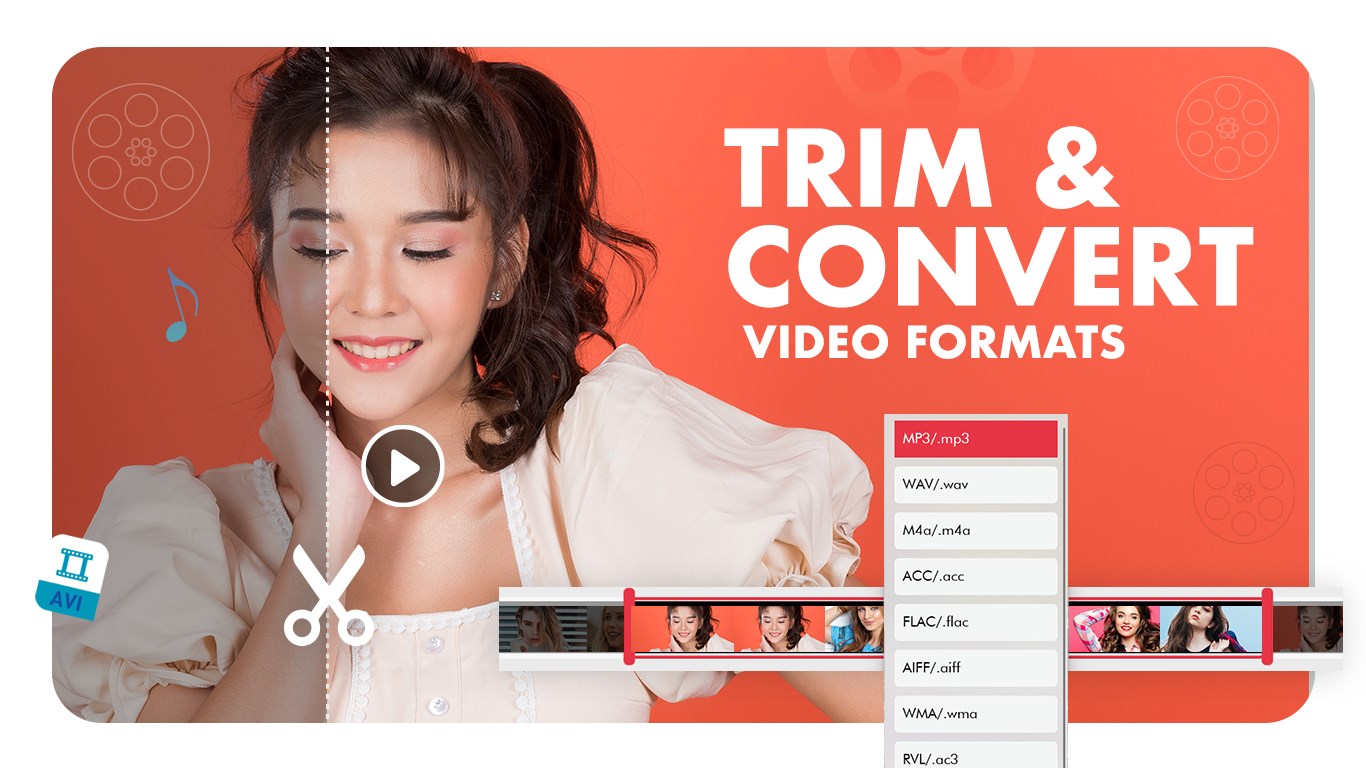
Easily cut unwanted parts of your video with accurate trimming controls. Choose the start and end points to create the perfect clip.
4. Video Merger:
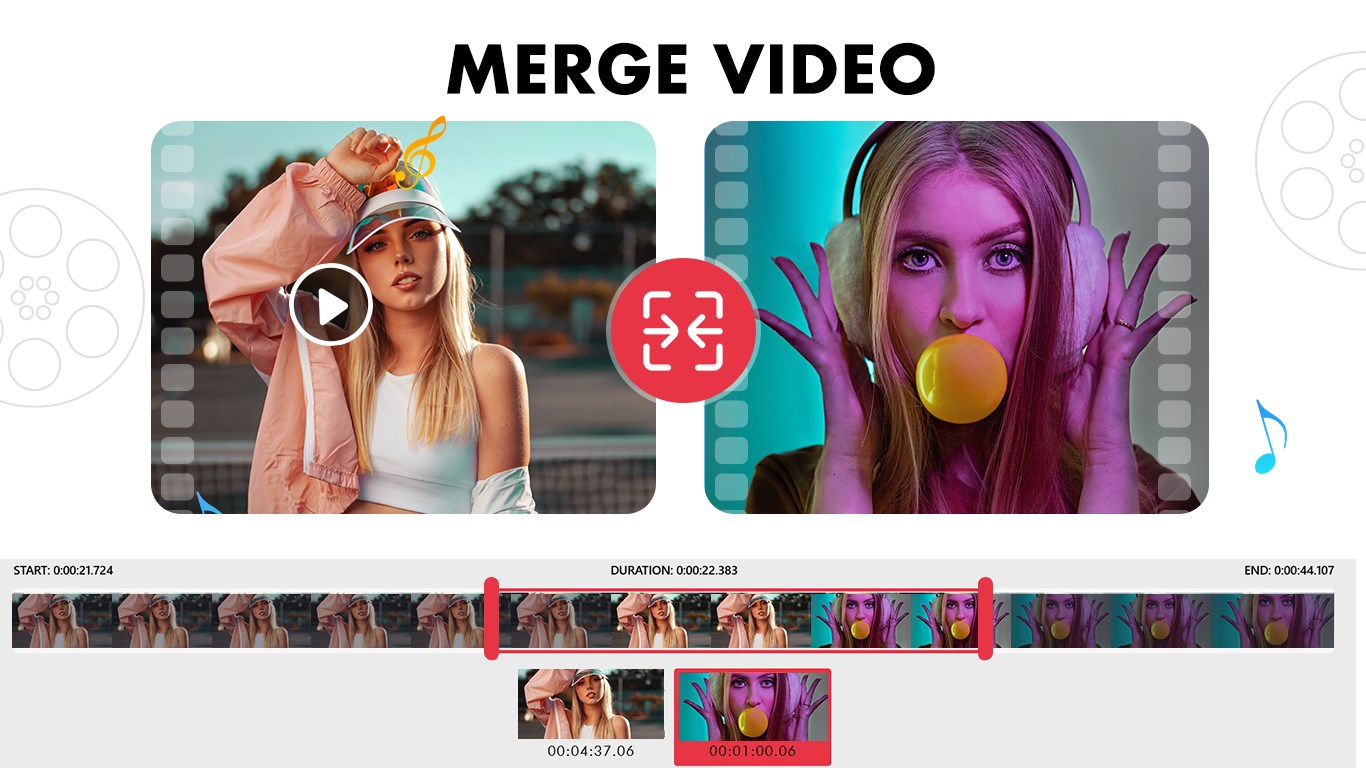
Combine multiple videos into one seamless file. Adjust order, transitions, and playback speed for a smooth result.
5. Video to MP3:
Extract high-quality audio from any video file. Save your favorite music or dialogues as MP3s quickly and easily.
6. Add Background Music:
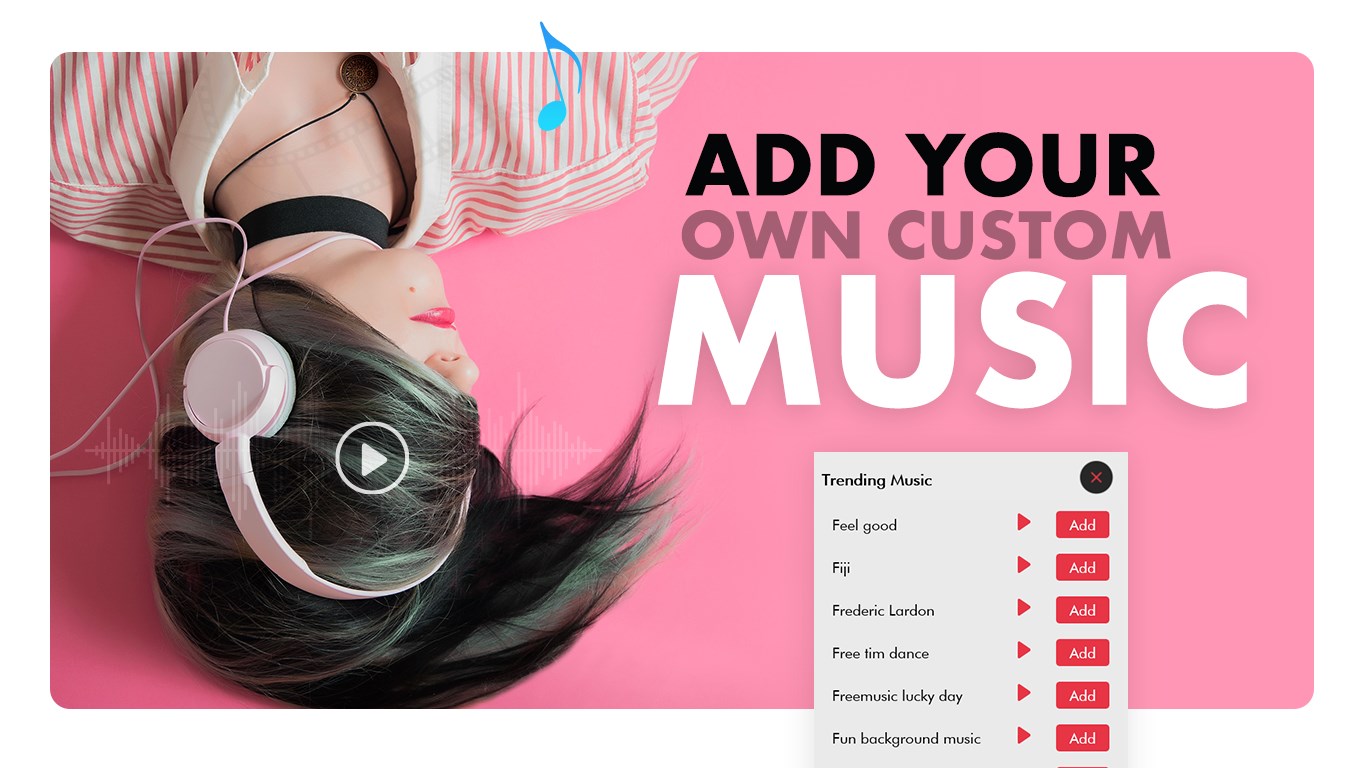
Enhance your videos with background tracks. Choose from built-in music or import your own. Adjust volume and sync perfectly with your footage.
7. Mute Video:
Remove background noise or unwanted sounds from your videos with a single click while keeping video quality intact.
8. Video to Photo:
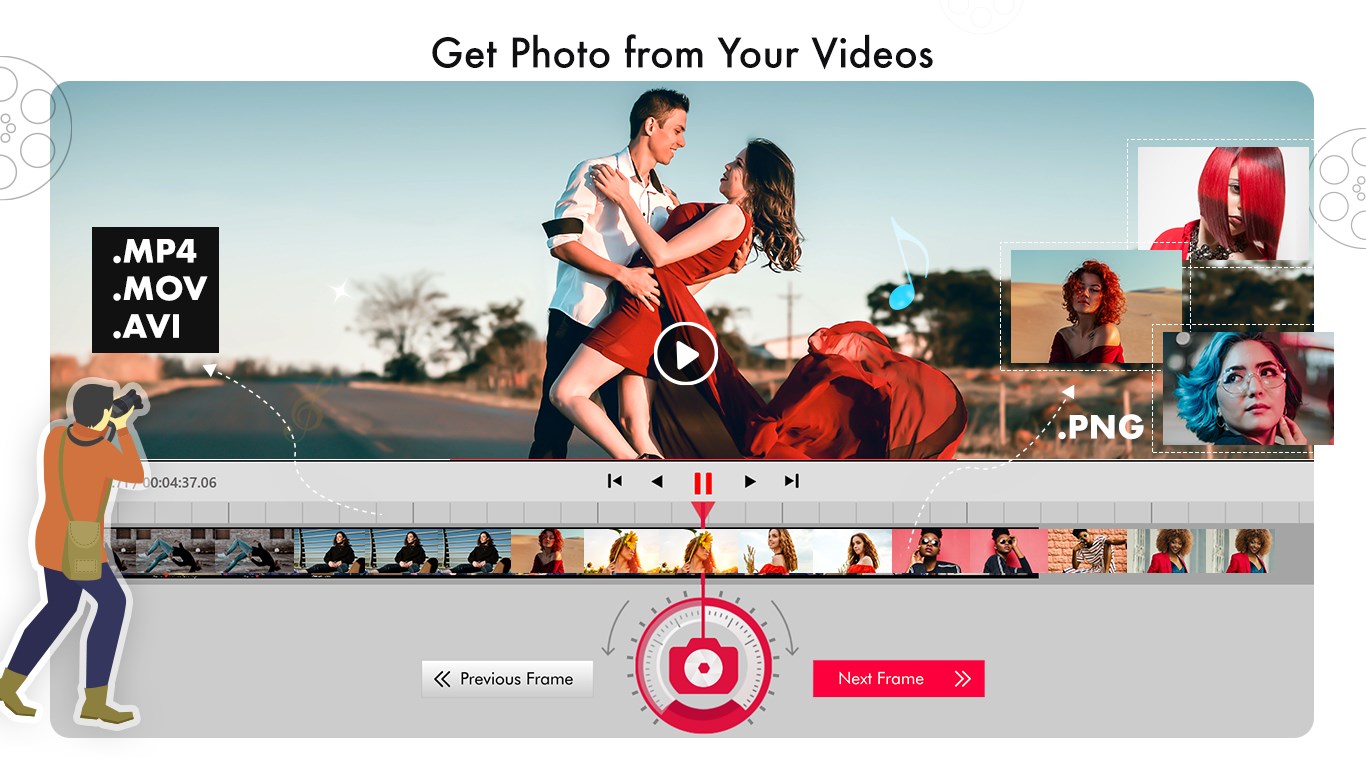
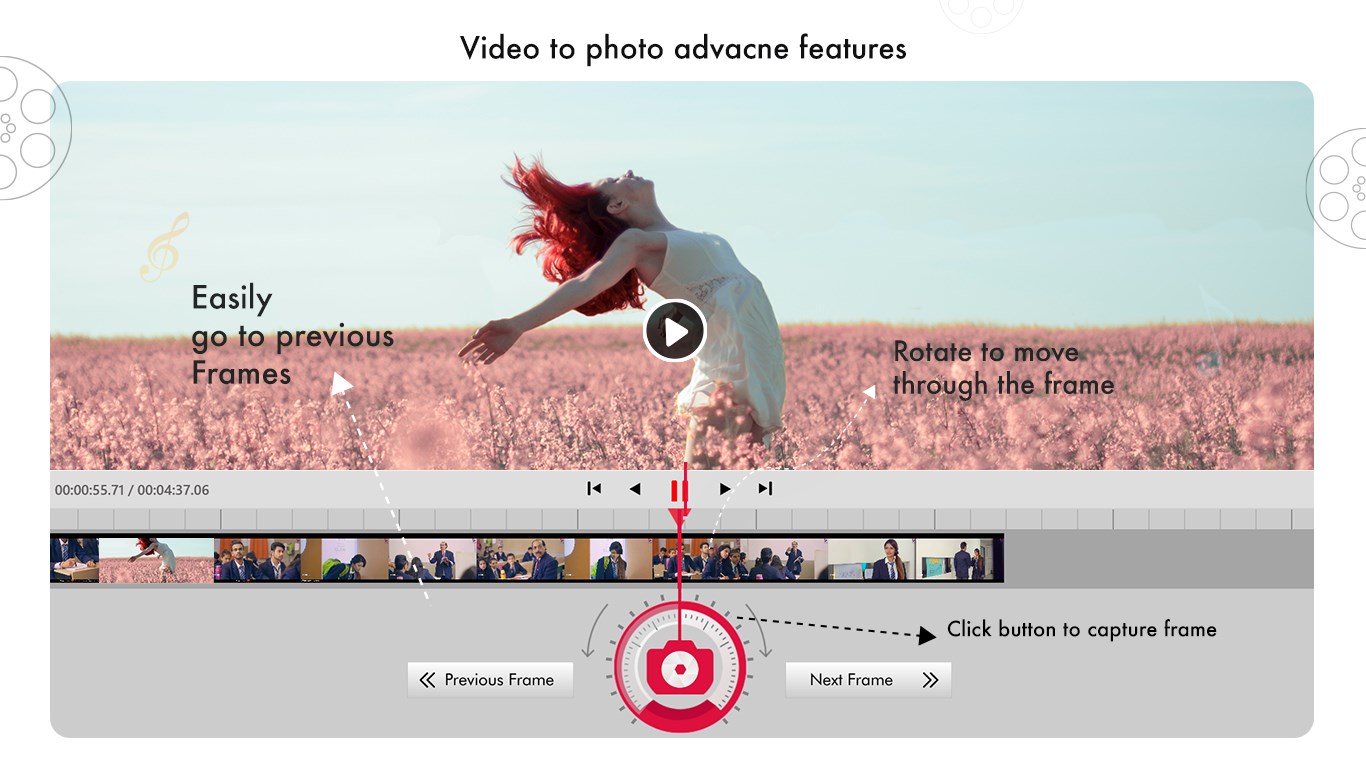
Capture perfect still frames from your videos and save them as high-quality images.
9. Photo Editor:
Edit your photos with tools like filters, stickers, text, and adjustments for brightness, contrast, and saturation.
Why Video Editor Master?
• Fast and reliable video processing.
• Support for multiple formats and HD resolutions.
• Simple drag-and-drop interface.
• Designed for quick edits and professional results.
• Perfect for social media creators, vloggers, and everyday users.
Find us:
Web: https://queenloftapps.com
Facebook: https://www.facebook.com/queenloftapps
Instagram: https://www.instagram.com/queenloft/
Twitter: @queenloftapps
Email: mailto:pinnaclebell@hotmail.com
How to use: https://queenloftapps.com/video-editor-master-tutorial/
If there is a version of this app for iOS/Mac or Windows we don't know about, paste the store link here — we'll auto-detect the store.
How to find the URL:1. Open the app in its store. 2.In the App Store app: tap the Share icon → “Copy Link”. In the browser: copy the URL from the address bar — it contains apps.apple.com/…/id… or apps.microsoft.com/detail/…. 3. Paste it here.
Paste the original link from the Apple App Store or Microsoft Store. We fetch all details automatically.
How to find the URL:
1. Open the app in its store. 2.In the App Store app: tap the Share icon → “Copy Link”. In the browser: copy the URL from the address bar — it contains apps.apple.com/…/id… or apps.microsoft.com/detail/…. 3. Paste it here.
Android apps can only be listed by their developer.



 Movie Creator : Video Editor
Trim, merge and edit videos with effects
 Videoshop - Video Editor
Trim, combine and enhance videos with effects
 Z Mobile : Video Editor Studio
Trim, merge and edit videos with music and filters
 Movie Maker - Video Editor PRO
Edit videos from clips, photos and music to share
 TidyVid Video Editor Movie Creator
Trim, animate and edit videos with effects and titles
 Animotica - Movie Maker
Edit, join and enhance videos with effects