

Screenshot appears after consentScreenshot appears after consentScreenshot appears after consentScreenshot appears after consentScreenshot appears after consentScreenshot appears after consent
Summary
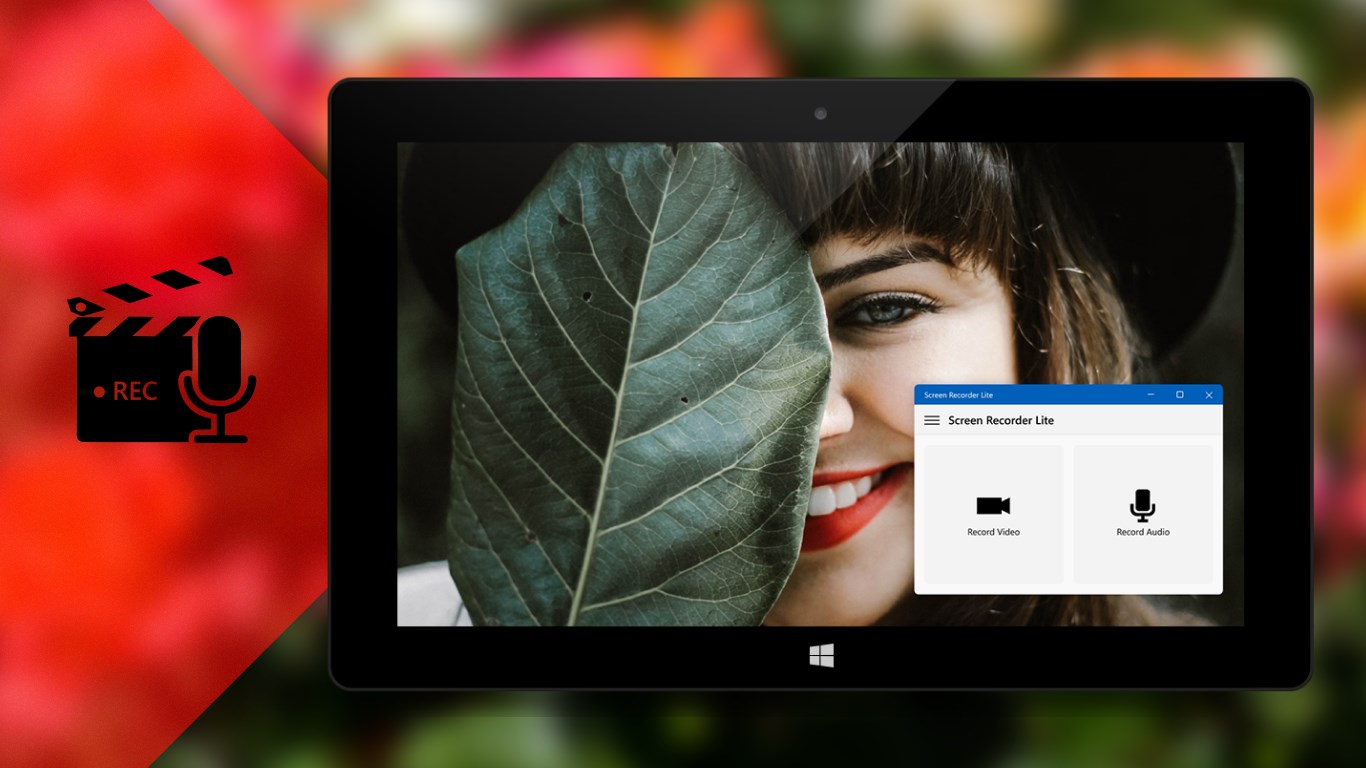
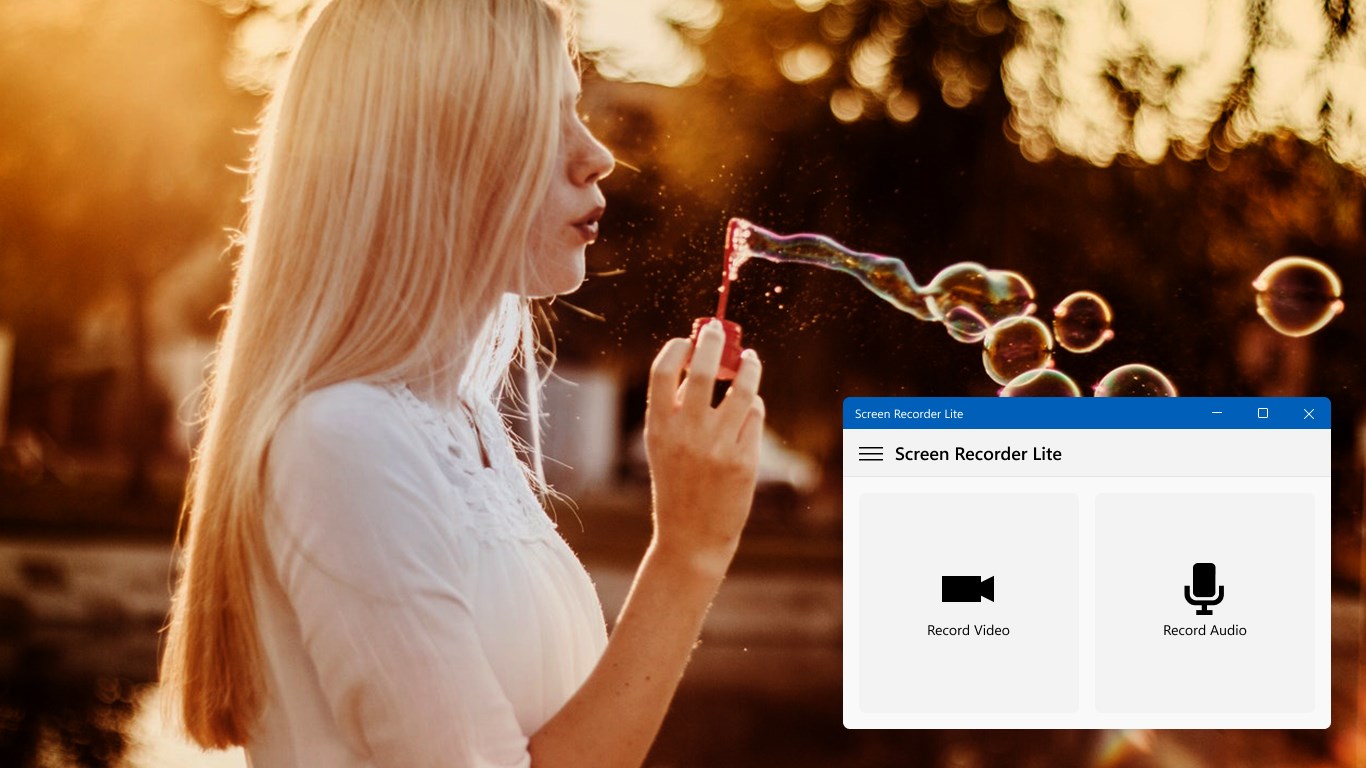
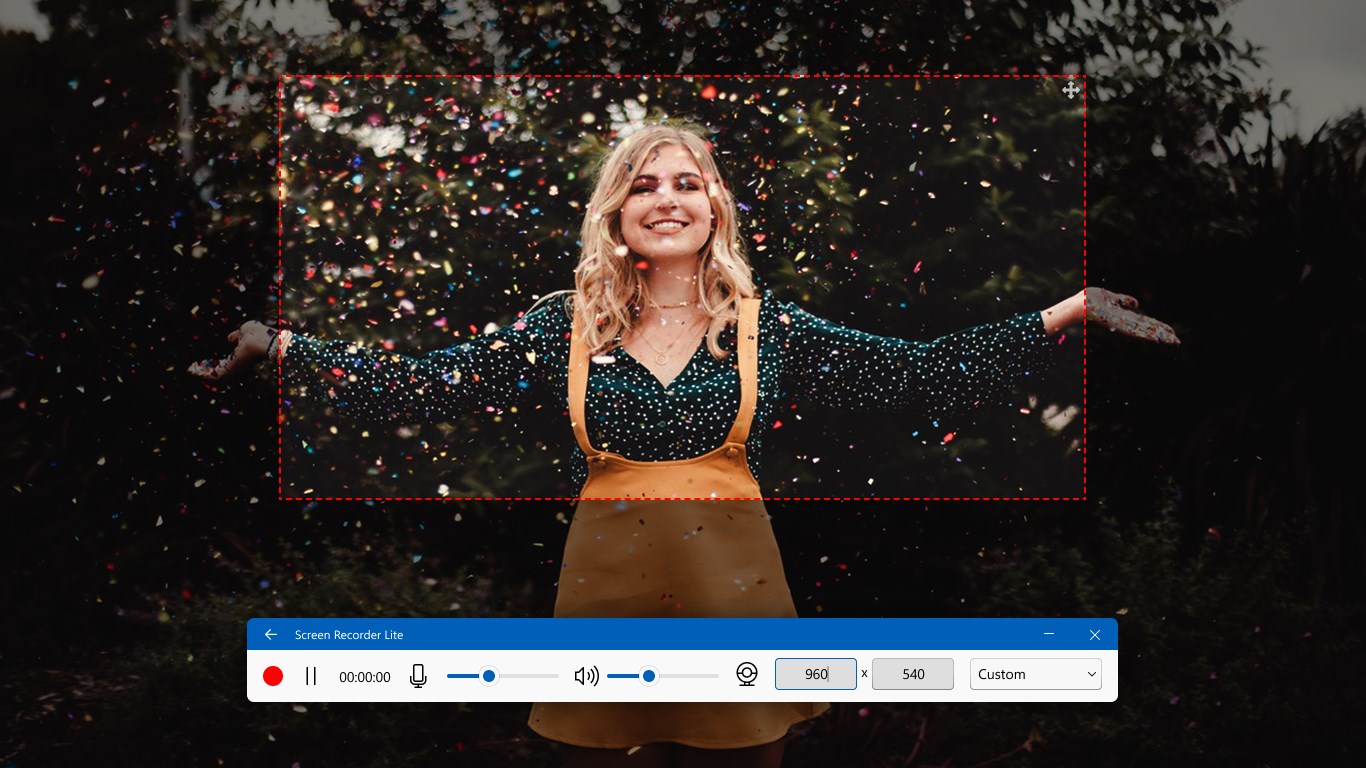
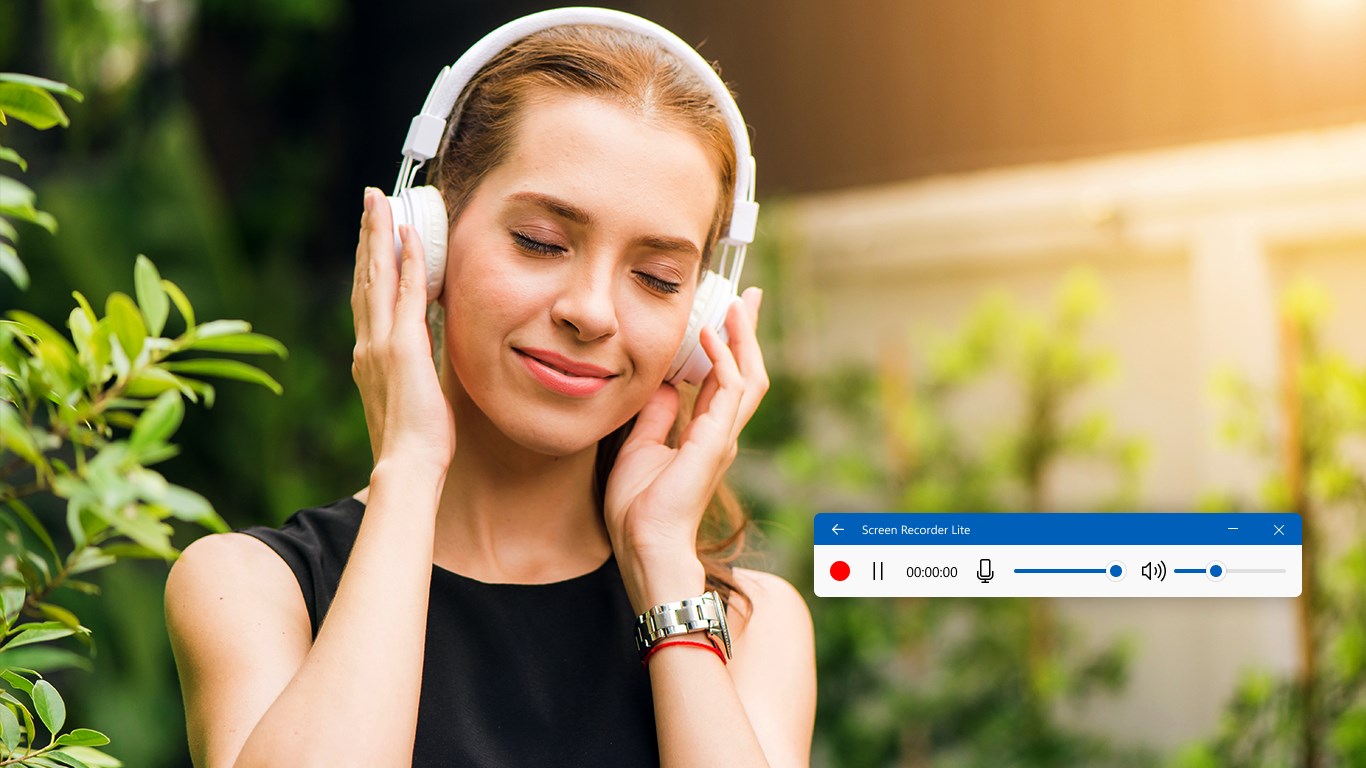
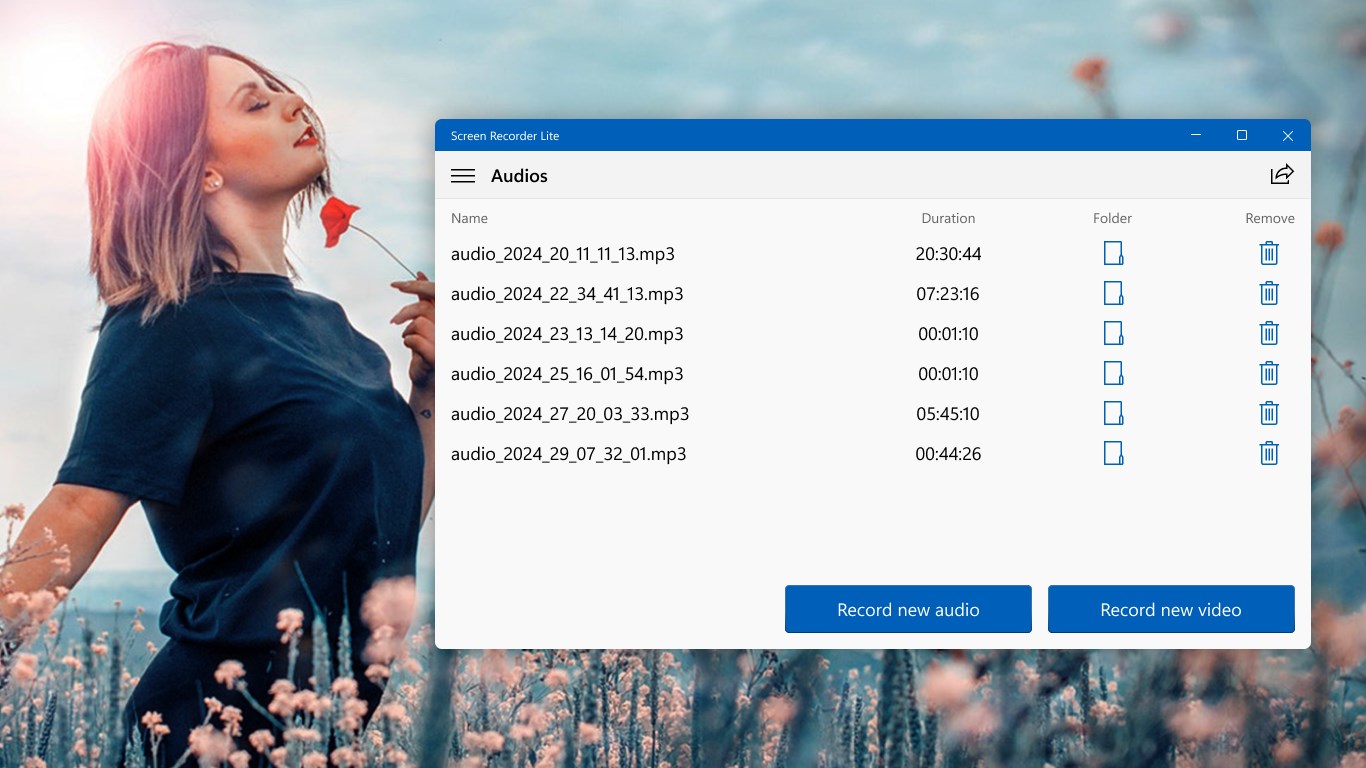
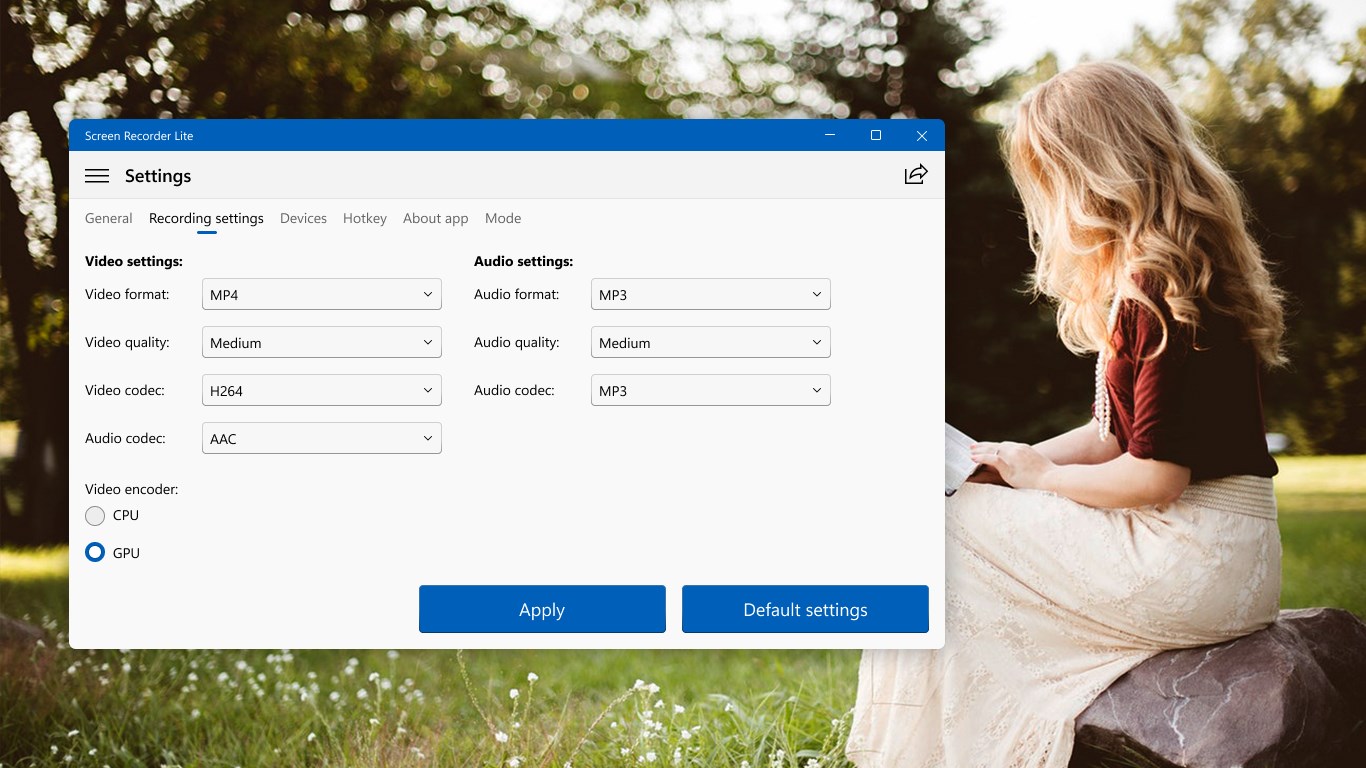
Screen Recorder Lite is a screen recording tool for capturing full screen, games, podcasts, films, active apps and selected areas. It offers audio recording with added commentary, adjustable recording quality and sound optimization. Recordings can be saved in common formats such as MP4, MP3, FLAC and WMA. Webcam, microphone or headphones can be connected for capture. The free version includes ads and a watermark on recorded videos, which can be removed through an in-app purchase upgrading to the full version.
Show the developer's original descriptionHide the original description
Screen Recorder Lite - Your wonderful video & audio capture! 100% Easy and Fast!
The software provides you all needed functions to record full screen, games, podcasts, films, active apps and even selected areas without difficulties. It includes a professional suite of tools for recording audio with your own comments, selecting the quality of records, optimizing sound on them, saving in all popular formats (like MP4, MP3, FLAC, WMA and others).
All you need is connect to your webcam, microphone or headphones, Screen Recorder Lite will do the rest!
Choose Screen Recorder Lite for high-quality captures! Try it on your PC now!
⚠️ This is the free evaluation version of Screen Recorder, which includes ads and a watermark on recorded videos. To remove these restrictions you can make an in-app purchase to upgrade to the full version or install our premium app, Screen Recorder Plus.
⚠️ Our application has no support for Windows 10 S. This is a special version built for educational institutions, especially for students and teachers. Thank for understanding!
If there is a version of this app for iOS/Mac or Windows we don't know about, paste the store link here — we'll auto-detect the store.
How to find the URL:1. Open the app in its store. 2.In the App Store app: tap the Share icon → “Copy Link”. In the browser: copy the URL from the address bar — it contains apps.apple.com/…/id… or apps.microsoft.com/detail/…. 3. Paste it here.
Paste the original link from the Apple App Store or Microsoft Store. We fetch all details automatically.
How to find the URL:
1. Open the app in its store. 2.In the App Store app: tap the Share icon → “Copy Link”. In the browser: copy the URL from the address bar — it contains apps.apple.com/…/id… or apps.microsoft.com/detail/…. 3. Paste it here.
Android apps can only be listed by their developer.