
Screenshot appears after consentScreenshot appears after consentScreenshot appears after consentScreenshot appears after consentScreenshot appears after consent
Summary
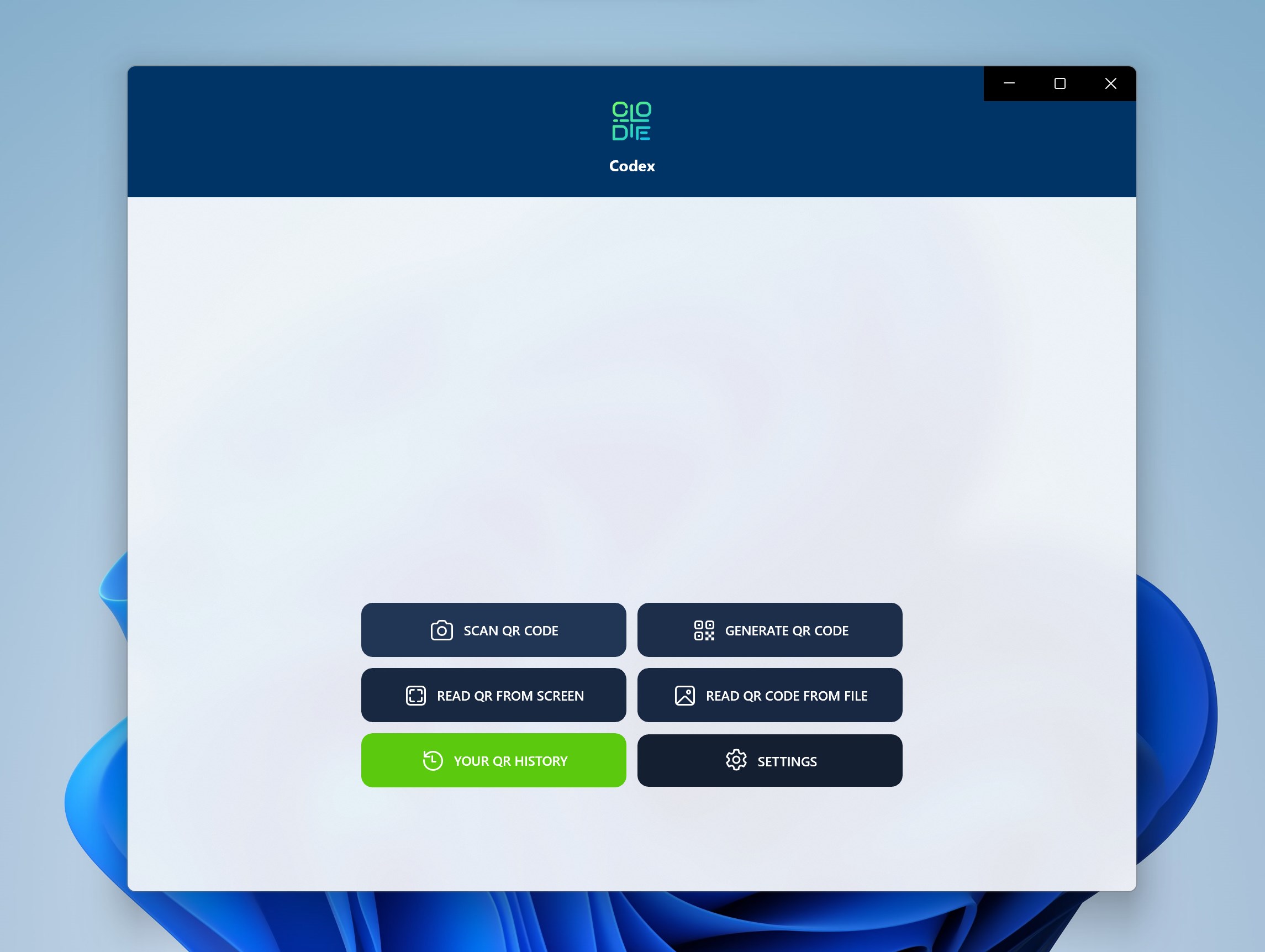
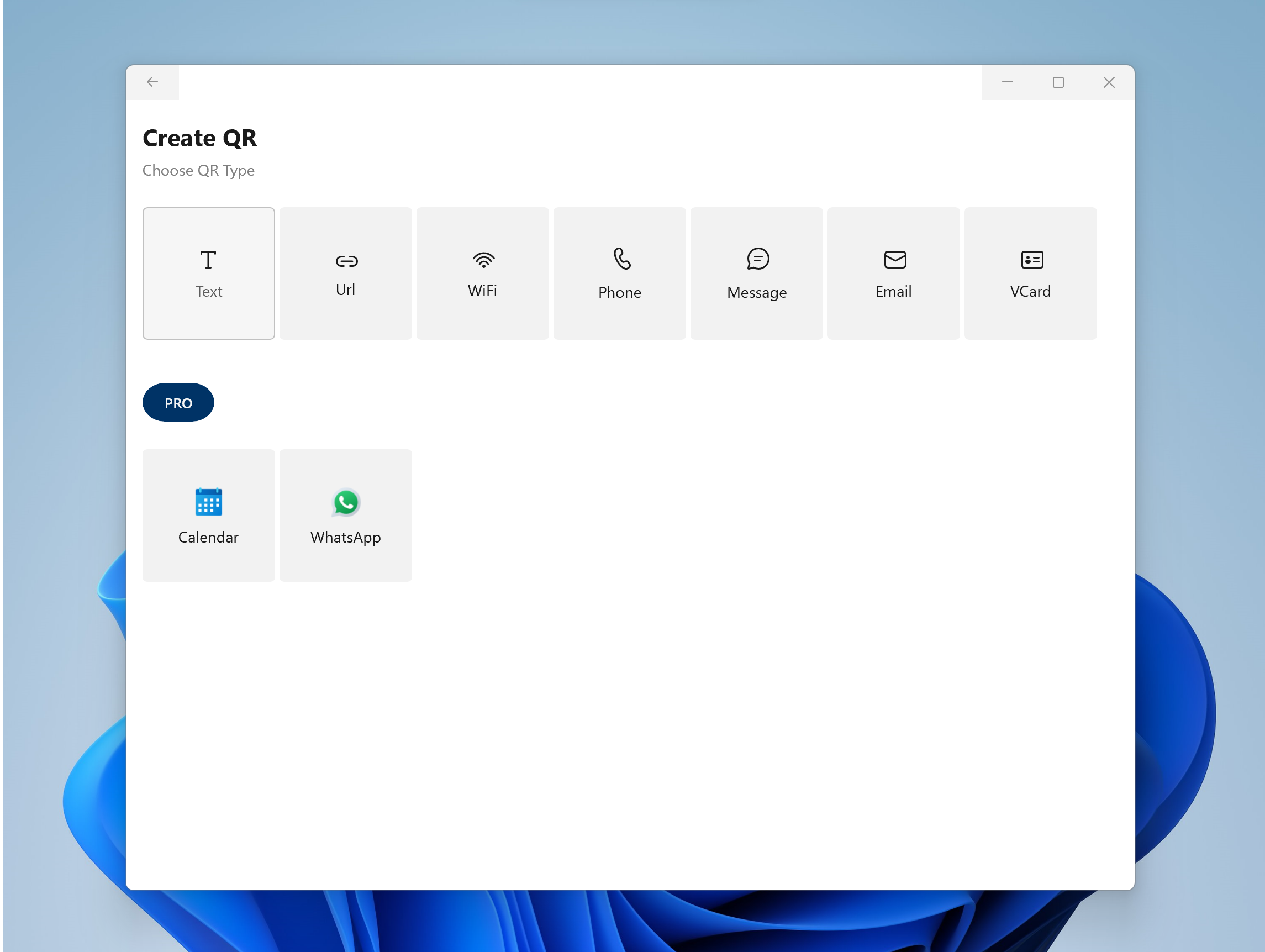
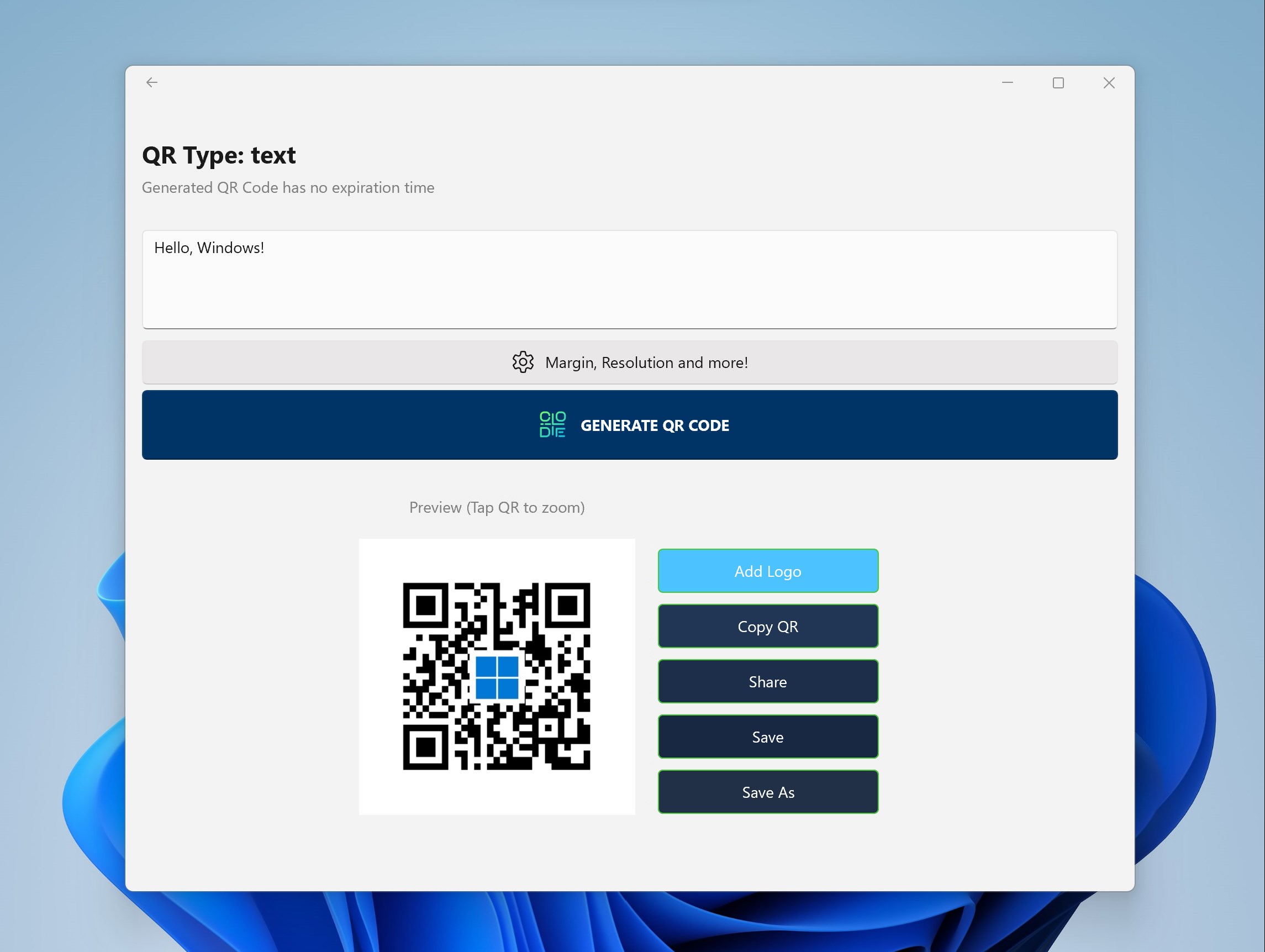
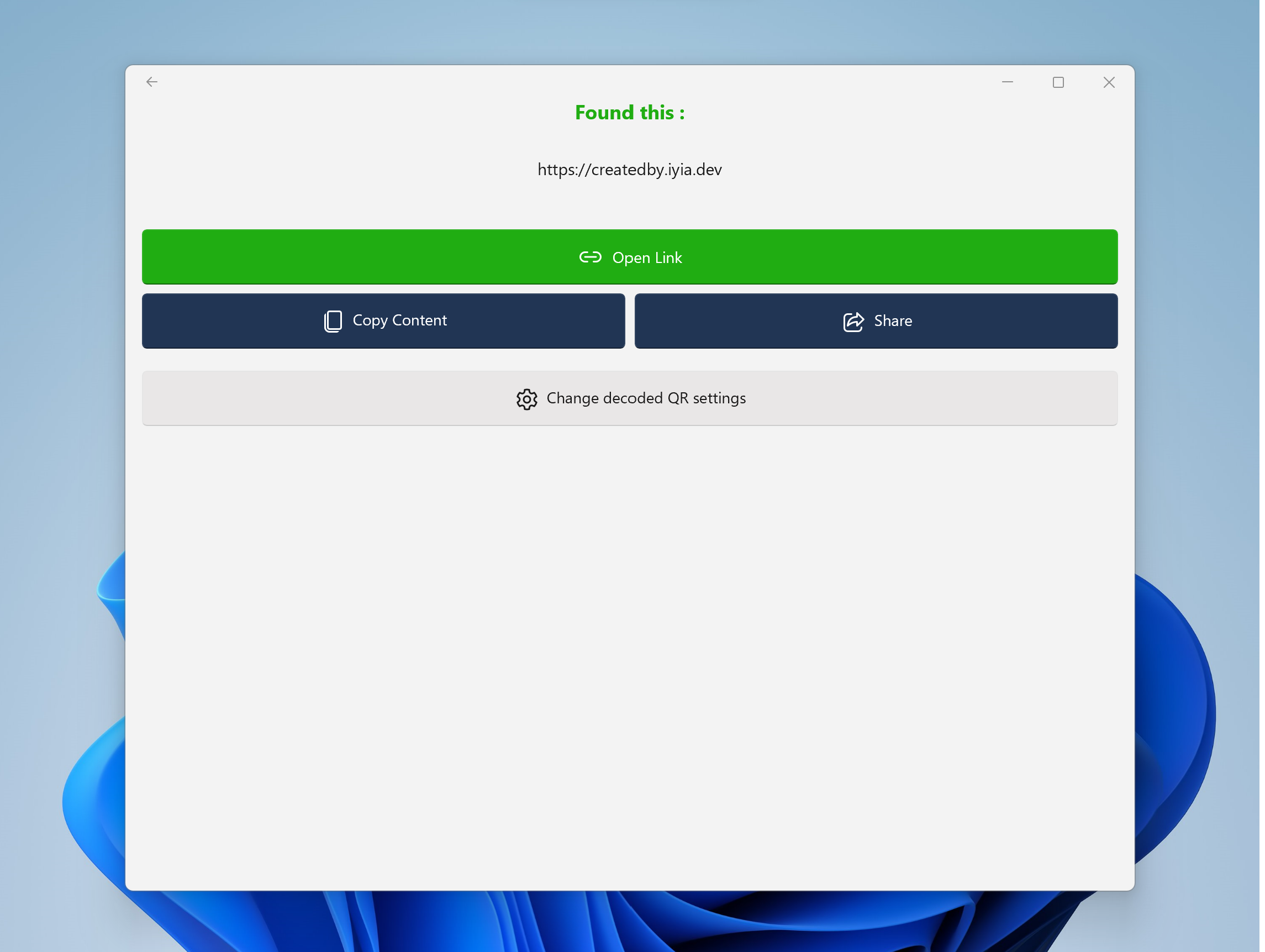
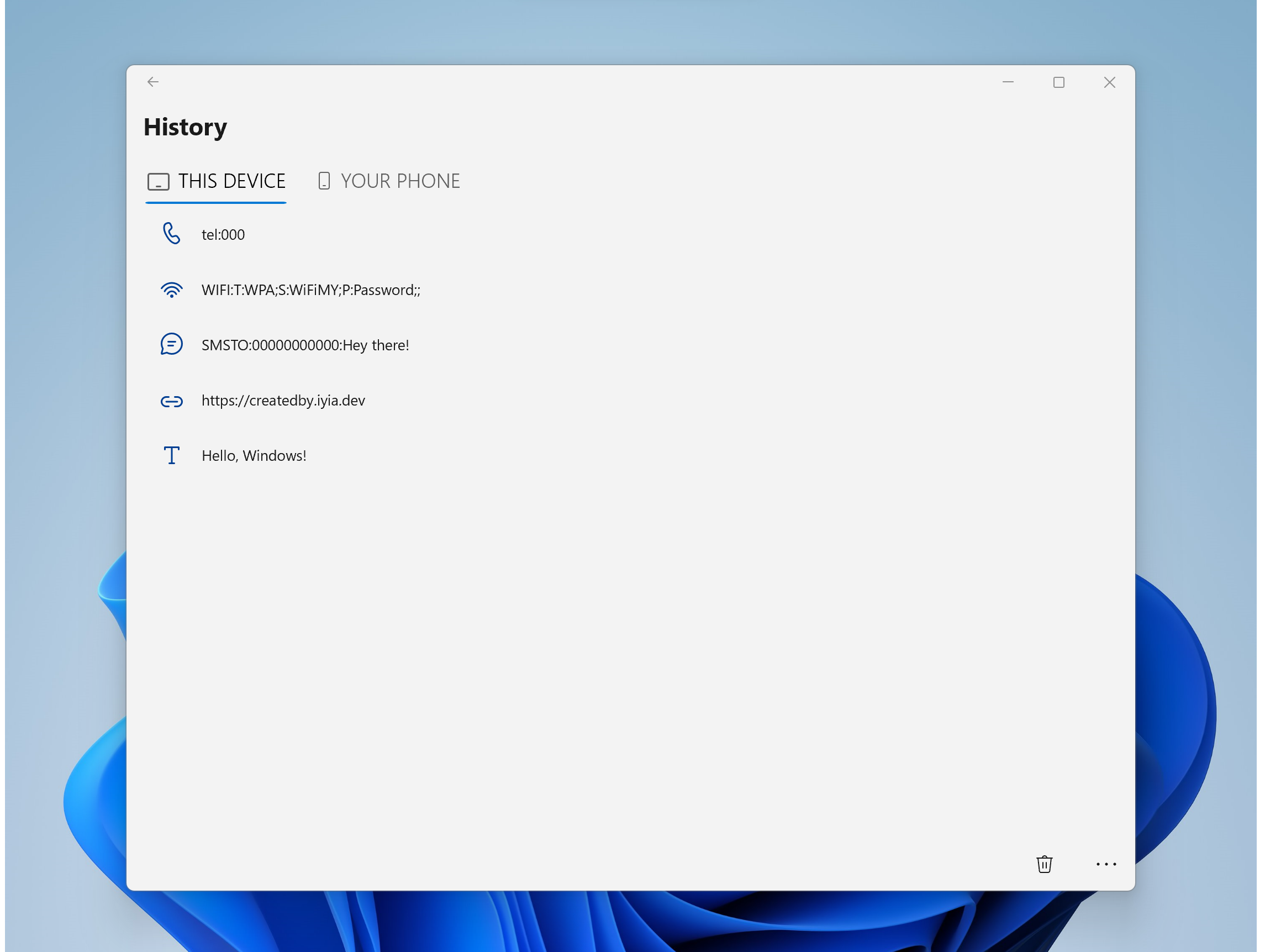
Codex - QR Reader & Generator is a utility app for Windows that reads and generates QR codes, scanning them using the camera or from a file. Generated codes have no expiration time, and scanned codes can be reviewed later through a history section. A PRO version adds further features, including generating codes with a custom background color or custom resolution, automatically opening links from decoded codes, reading codes from picture files or directly from the screen, and removing ads.
Show the developer's original descriptionHide the original description
Codex - QR Reader and Generator app is the best app to Scan QR Code on Windows from your Camera or File. It even lets you generate any type of QR Code with no expiration time.
Place your QR Code in front of camera, if you see it correctly, then the camera will recognize it for you.
Share, save, Enjoy the experience with a simple and intuitive design, all the necessary is right at your fingertip.
Check again all your scanned QR Code with ease through the History section.
Best Windows 10 and Windows 11 QR Code app with over +1million download.
PRO features:
- Generate QR Code with custom color background;
- Generate QR Code with custom resolution;
- Open link from decoded QR automatically;
- READ QR Code from Picture file;
- READ QR Code from SCREEN;
- NO ADS.
For suggestions send me an email at info@codexqr.app
Website codexqr.app
ex name: QR Code for Windows 10
QR Code for Windows 11
Play Store URL for "Codex - QR Reader & Generator"
If there is a version of this app for iOS/Mac or Windows we don't know about, paste the store link here — we'll auto-detect the store.
How to find the URL:1. Open the app in its store. 2.In the App Store app: tap the Share icon → “Copy Link”. In the browser: copy the URL from the address bar — it contains apps.apple.com/…/id… or apps.microsoft.com/detail/…. 3. Paste it here.
Paste the original link from the Apple App Store or Microsoft Store. We fetch all details automatically.
How to find the URL:
1. Open the app in its store. 2.In the App Store app: tap the Share icon → “Copy Link”. In the browser: copy the URL from the address bar — it contains apps.apple.com/…/id… or apps.microsoft.com/detail/…. 3. Paste it here.
Android apps can only be listed by their developer.