
Screenshot appears after consentScreenshot appears after consentScreenshot appears after consent
Summary
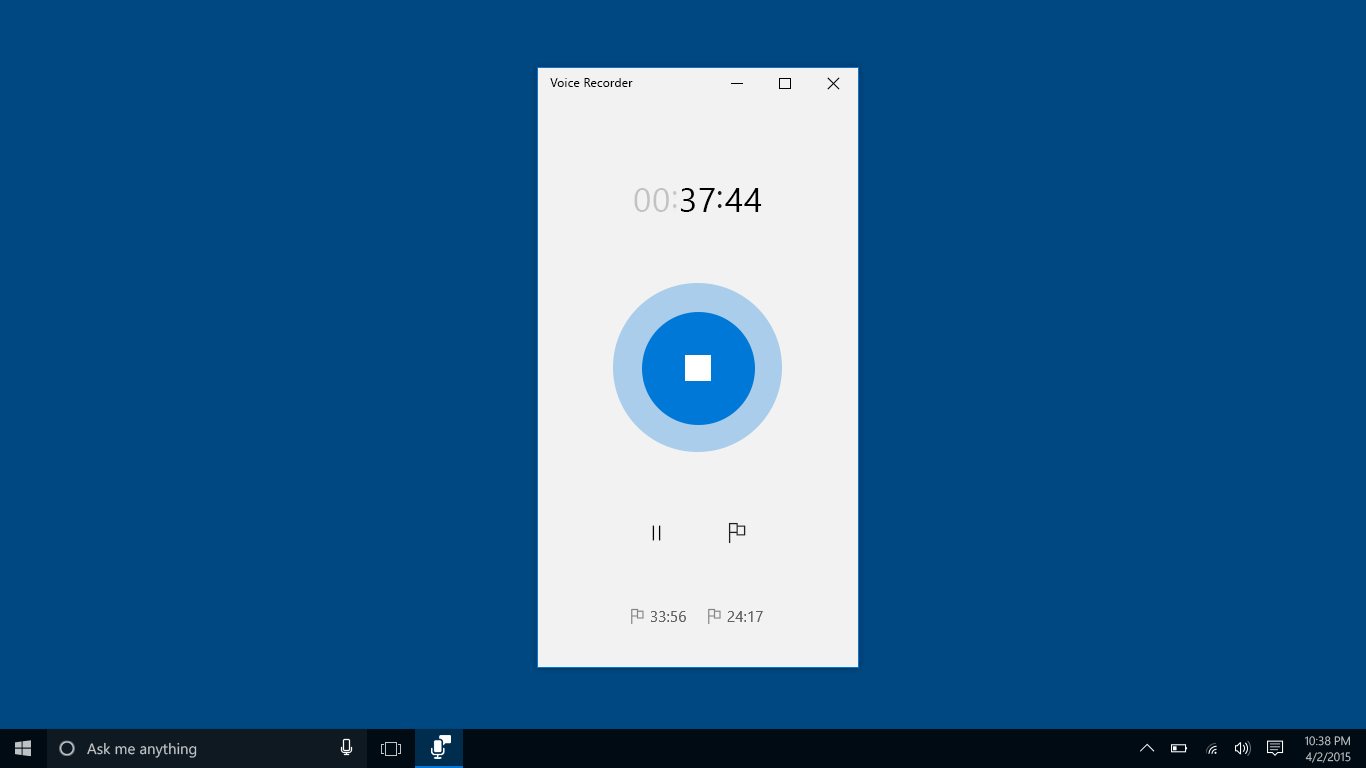
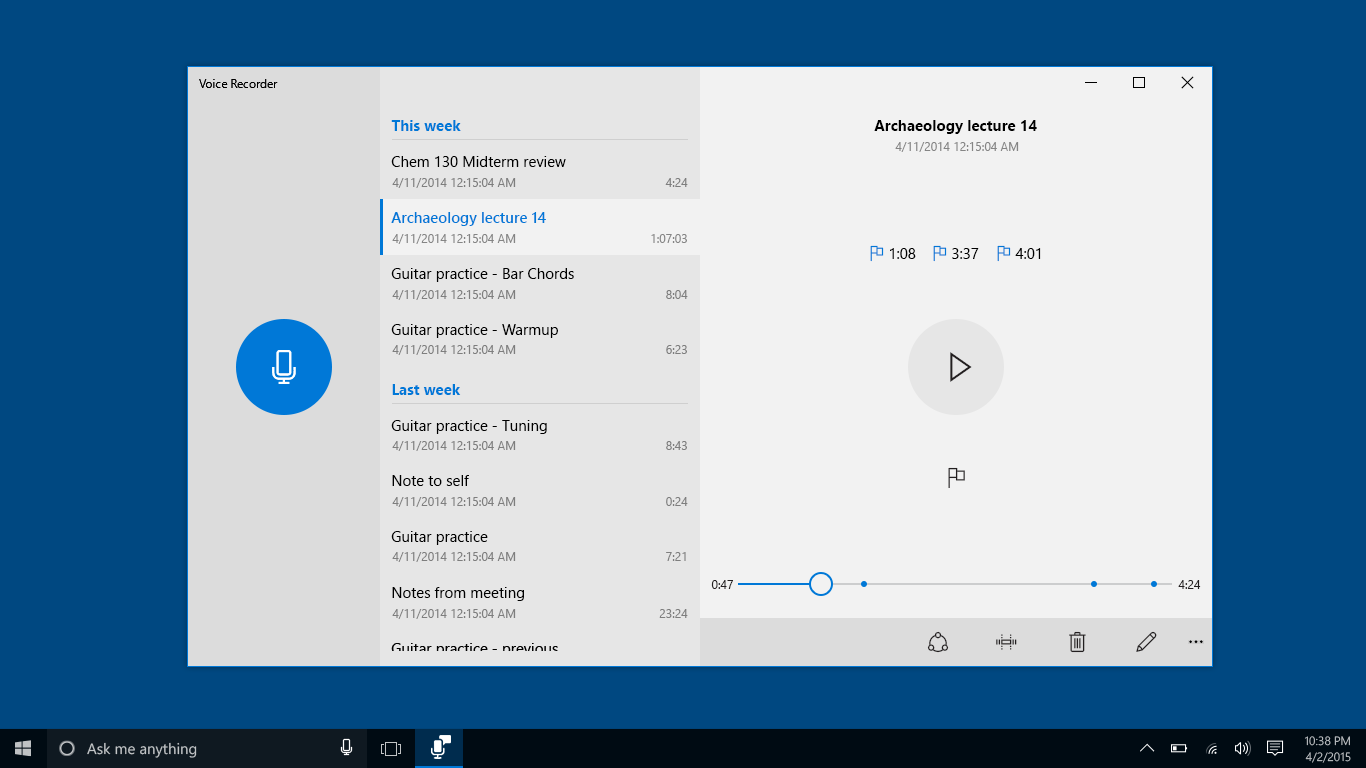
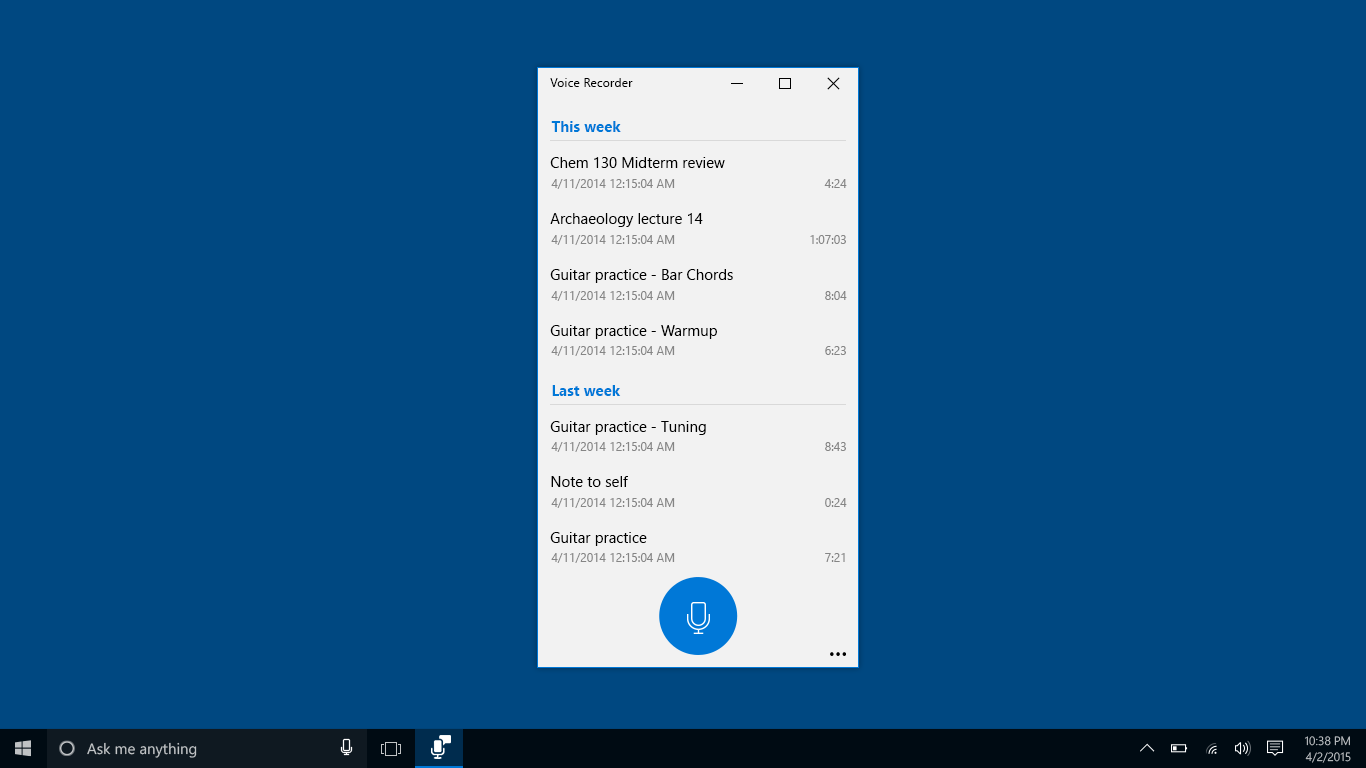
Windows Sound Recorder is a recording app for capturing sounds, lectures, interviews and other events. It allows marking key moments while recording, so important points can be found again easily. It also supports marking key moments during editing and during playback, making it easier to review and navigate recordings afterward, ensuring users can quickly locate and revisit the most significant portions of their recordings without having to listen through entire files repeatedly.
Show the developer's original descriptionHide the original description
Record sounds, lectures, interviews, and other events. Mark key moments as you record, edit, or play them back.
If there is a version of this app for iOS/Mac or Windows we don't know about, paste the store link here — we'll auto-detect the store.
How to find the URL:1. Open the app in its store. 2.In the App Store app: tap the Share icon → “Copy Link”. In the browser: copy the URL from the address bar — it contains apps.apple.com/…/id… or apps.microsoft.com/detail/…. 3. Paste it here.
Paste the original link from the Apple App Store or Microsoft Store. We fetch all details automatically.
How to find the URL:
1. Open the app in its store. 2.In the App Store app: tap the Share icon → “Copy Link”. In the browser: copy the URL from the address bar — it contains apps.apple.com/…/id… or apps.microsoft.com/detail/…. 3. Paste it here.
Android apps can only be listed by their developer.