Screenshot appears after consentScreenshot appears after consentScreenshot appears after consentScreenshot appears after consent
Screenshot appears after consent
Screenshot appears after consentScreenshot appears after consentScreenshot appears after consentScreenshot appears after consentScreenshot appears after consentScreenshot appears after consentScreenshot appears after consentScreenshot appears after consentScreenshot appears after consent
Summary
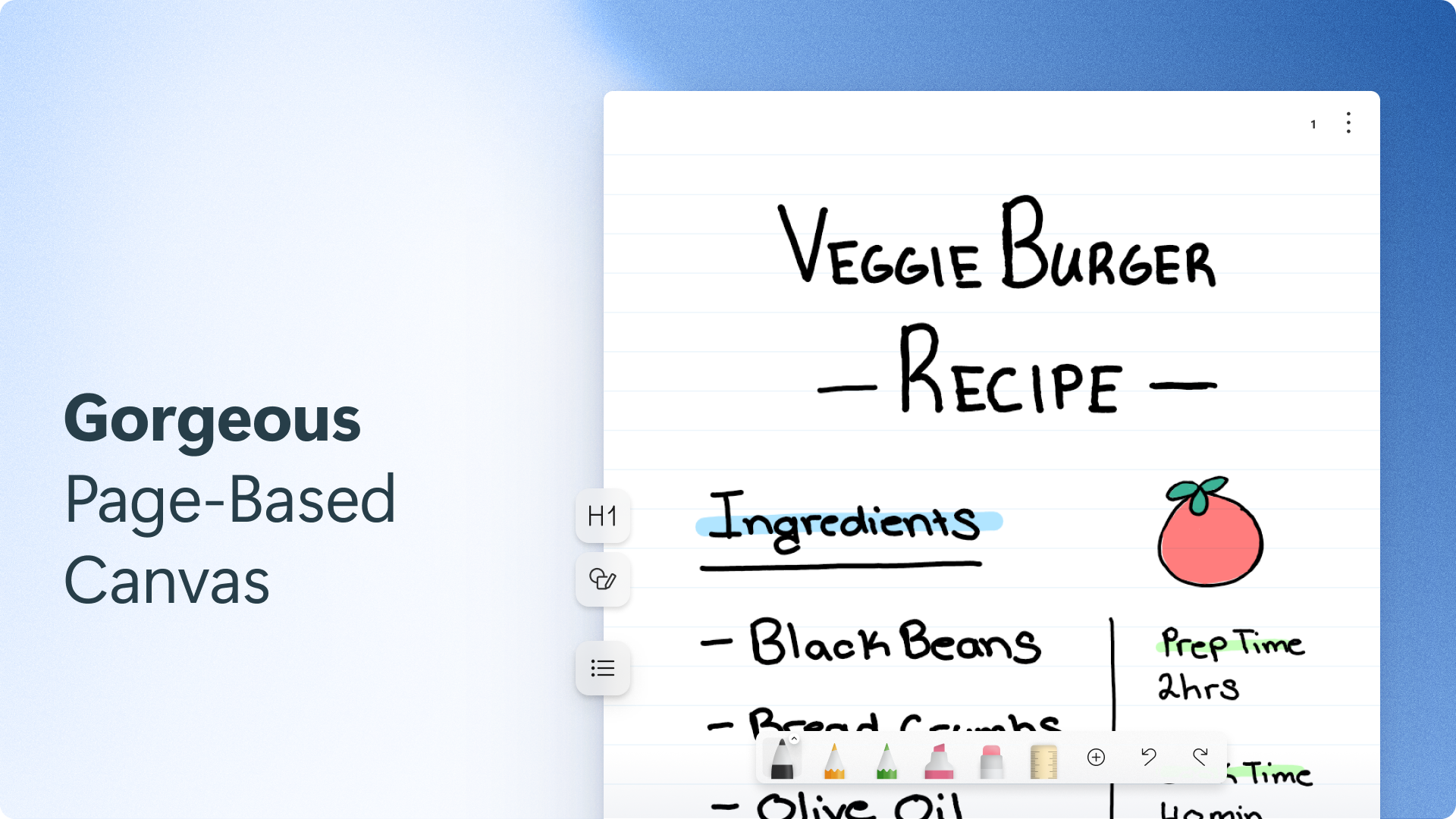
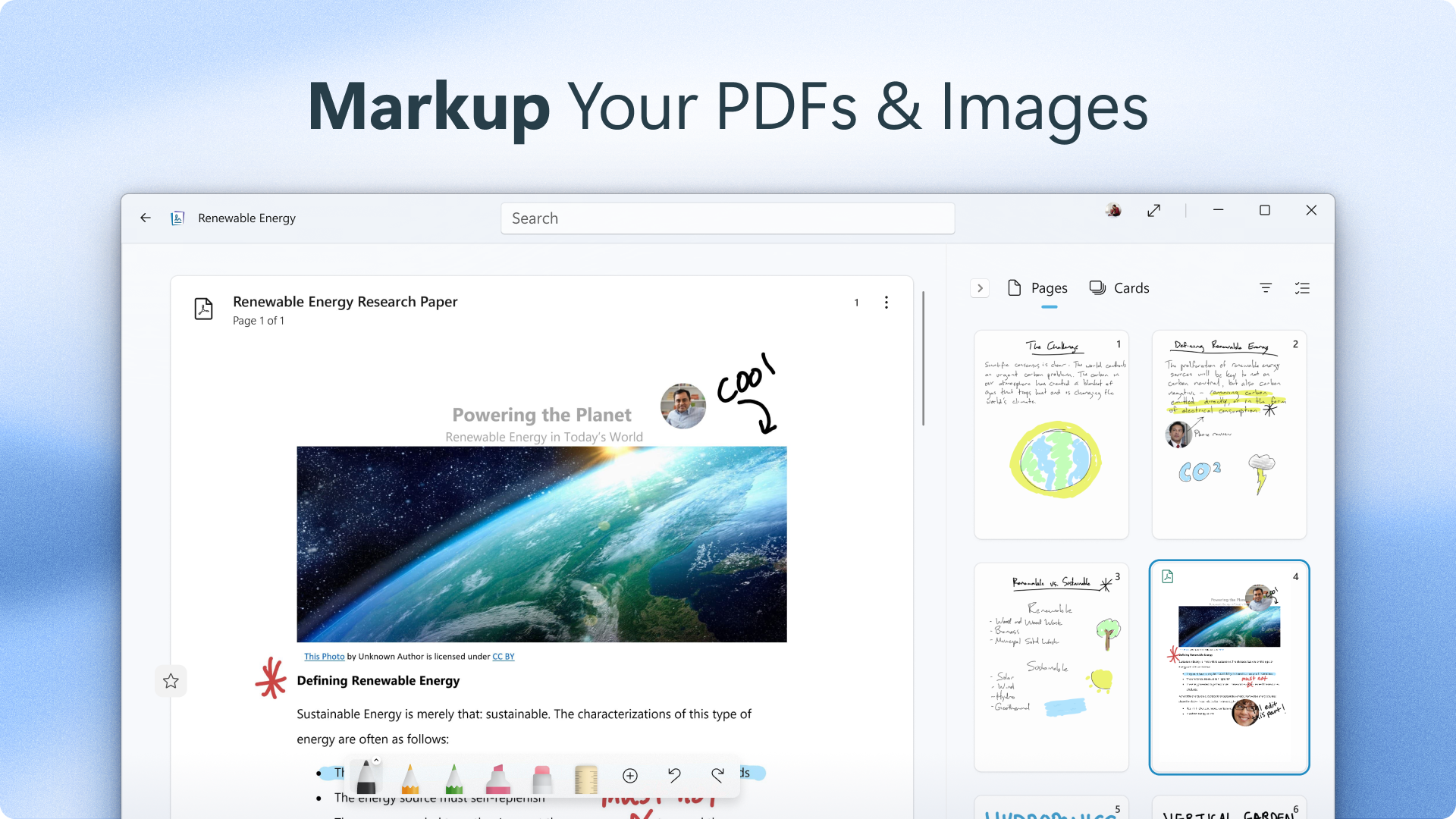
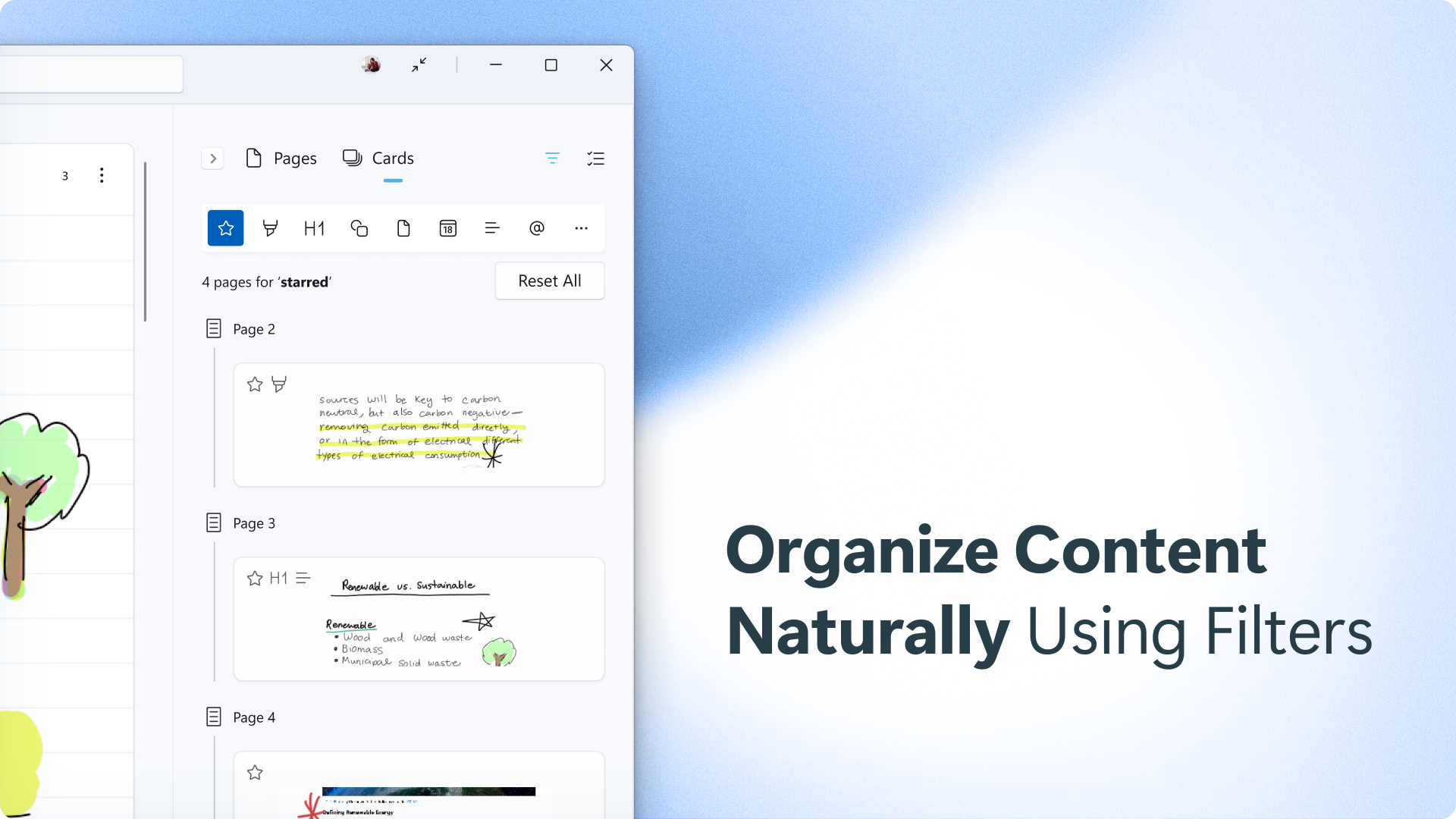
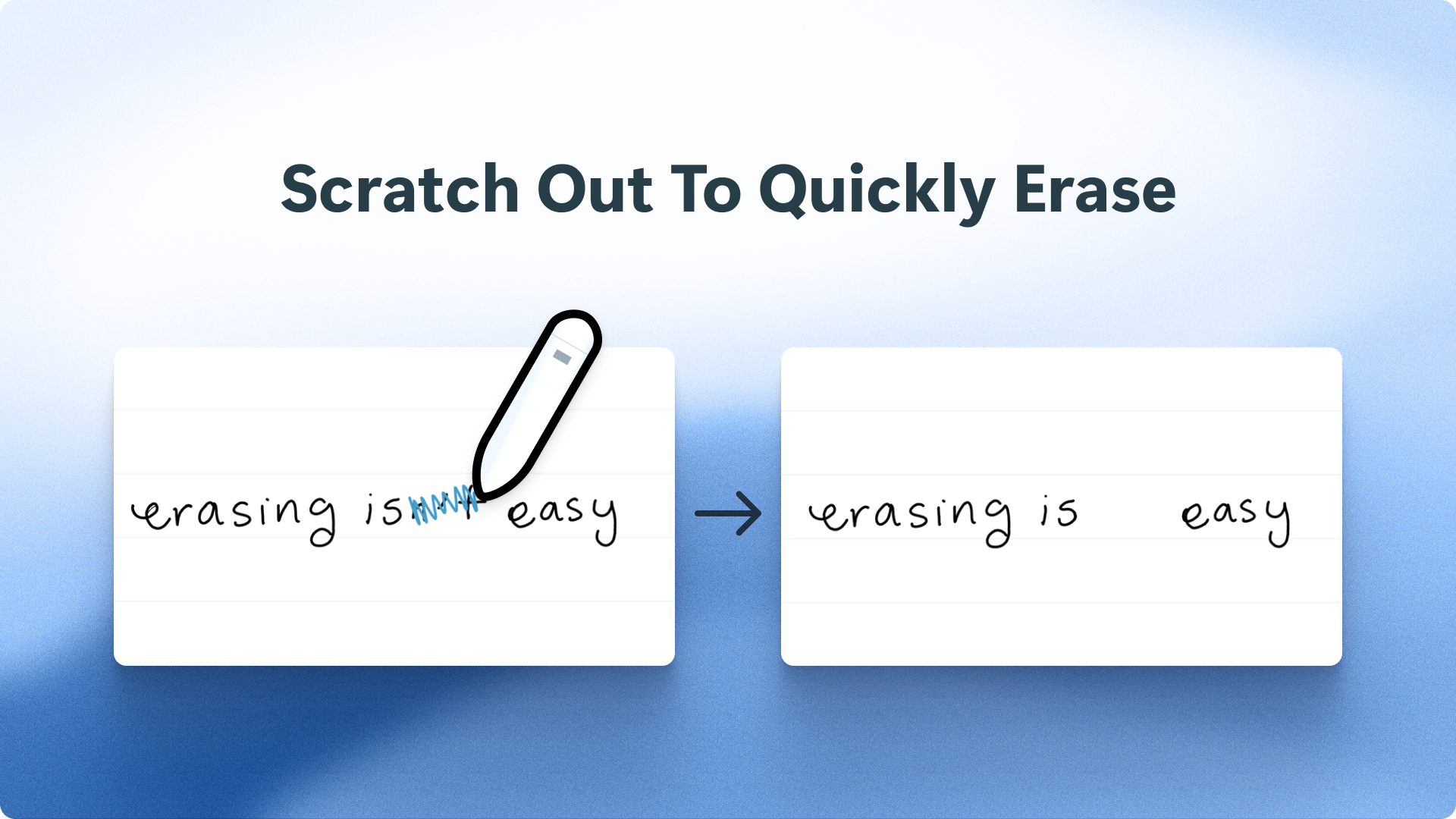
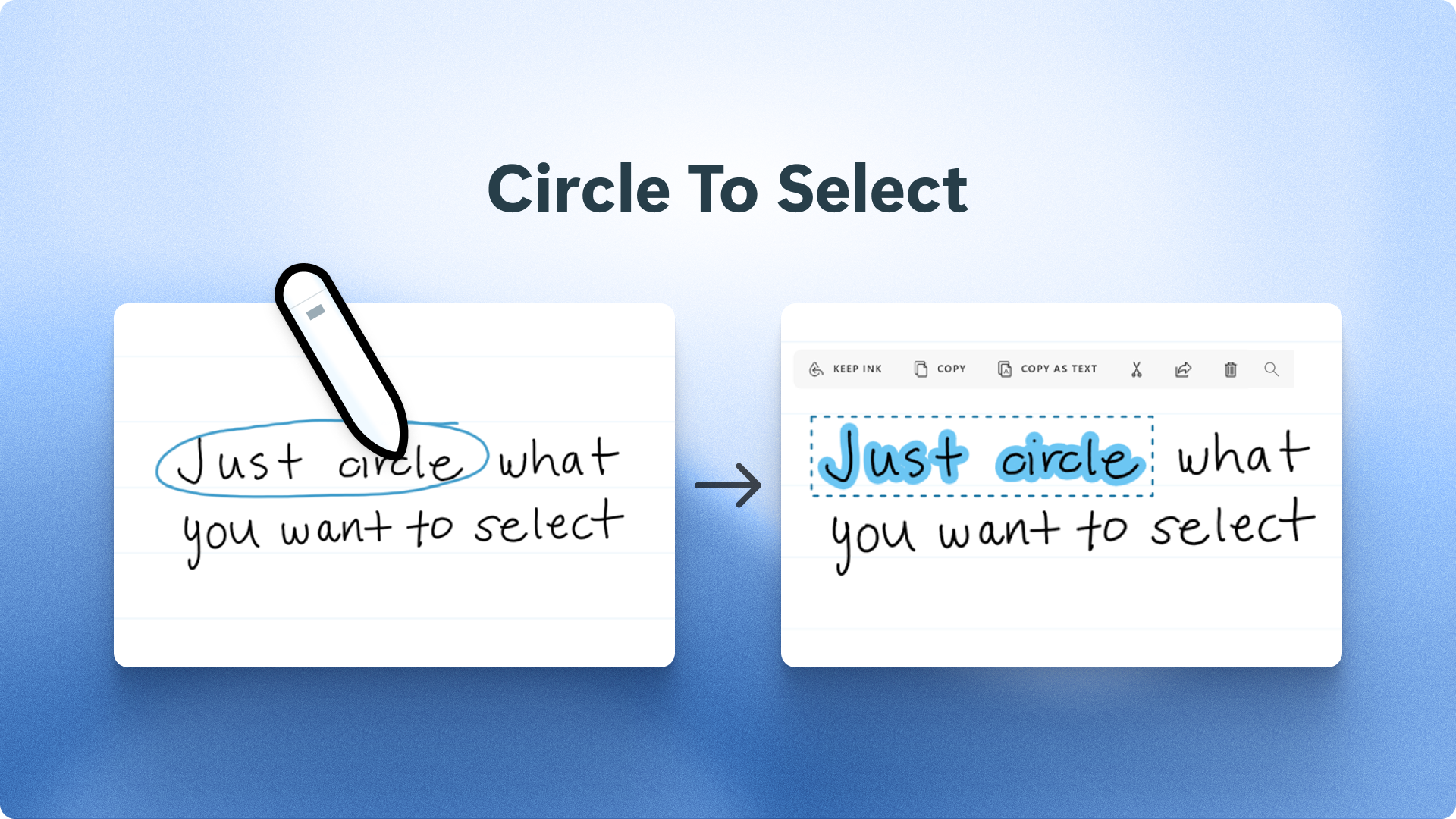
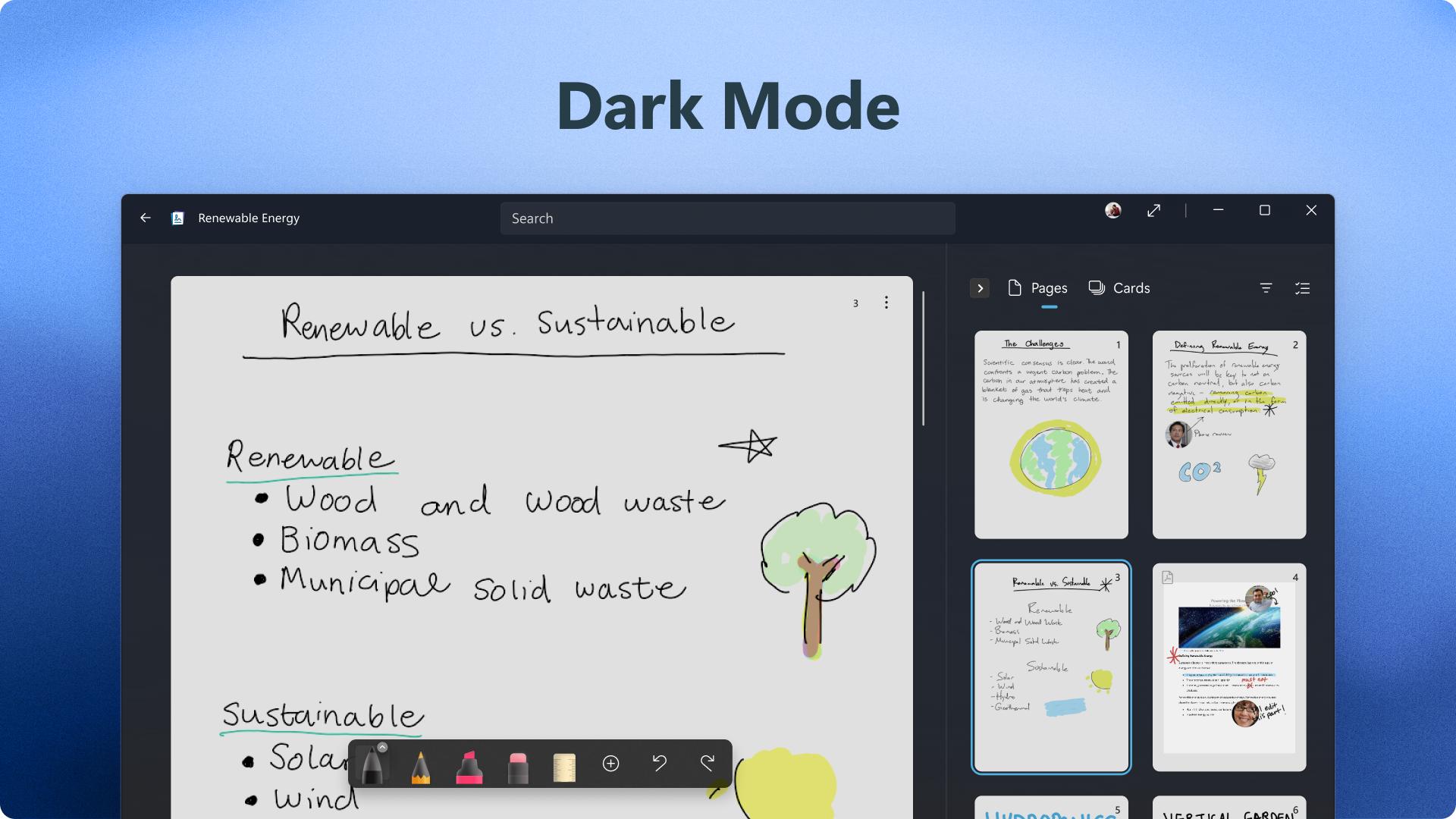
Microsoft Journal is a digital journaling app for Windows built around handwriting with a digital pen. It lets users connect disparate ideas, sketch drawings, insert annotations freely, and locate information through search. Ink created in the app can be linked across other apps to help develop ideas further. Journal provides an ink-first solution that delivers new AI, natural gestures, and connected experiences for Microsoft 365, which requires a separate subscription, and Microsoft account. It is designed for people who thrive when writing out their ideas, notes, and sketches.
Show the developer's original descriptionHide the original description
Microsoft Journal is an app for Windows that invites people who love to journal to pick up their digital pen, express themselves quickly, and evolve their ideas.
Of all the different methods of device interaction, digital ink is unique in the speed and degree of natural expression and in aiding memory. With Journal, disparate ideas can be connected, drawings can be sketched, annotations can be freely inserted, information can be located with search, and you can easily connect your ink across other apps to grow your best ideas.
Journal provides an ink-first solution that delivers new AI, intuitive gestures, and connected experiences for Microsoft 365 (subscription required, sold separately) and Microsoft account. It’s designed for people who thrive when writing out their ideas, notes, and sketches.
If there is a version of this app for iOS/Mac or Windows we don't know about, paste the store link here — we'll auto-detect the store.
How to find the URL:1. Open the app in its store. 2.In the App Store app: tap the Share icon → “Copy Link”. In the browser: copy the URL from the address bar — it contains apps.apple.com/…/id… or apps.microsoft.com/detail/…. 3. Paste it here.
Paste the original link from the Apple App Store or Microsoft Store. We fetch all details automatically.
How to find the URL:
1. Open the app in its store. 2.In the App Store app: tap the Share icon → “Copy Link”. In the browser: copy the URL from the address bar — it contains apps.apple.com/…/id… or apps.microsoft.com/detail/…. 3. Paste it here.
Android apps can only be listed by their developer.