Screenshot appears after consentScreenshot appears after consentScreenshot appears after consentScreenshot appears after consentScreenshot appears after consentScreenshot appears after consent
Summary
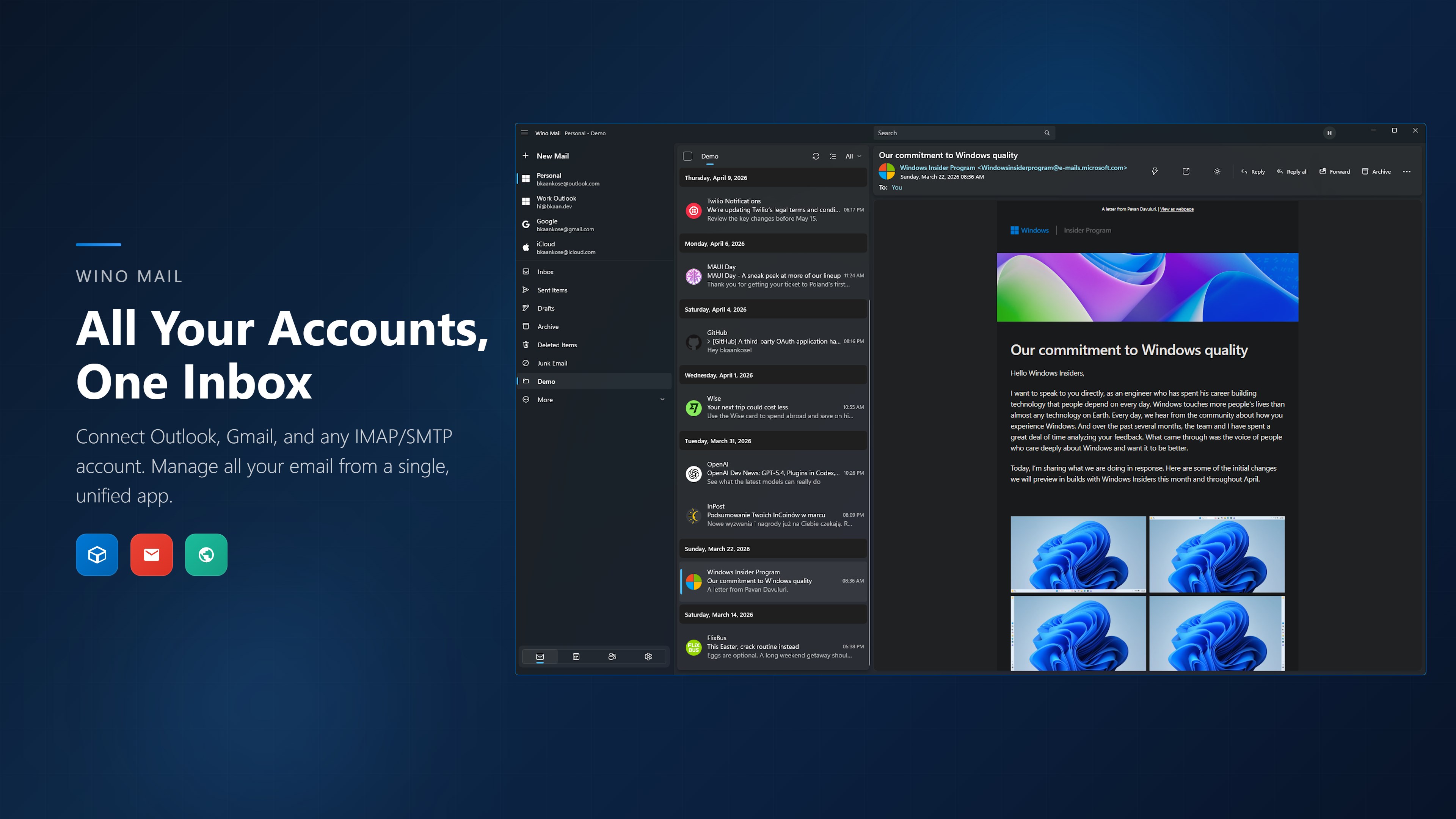
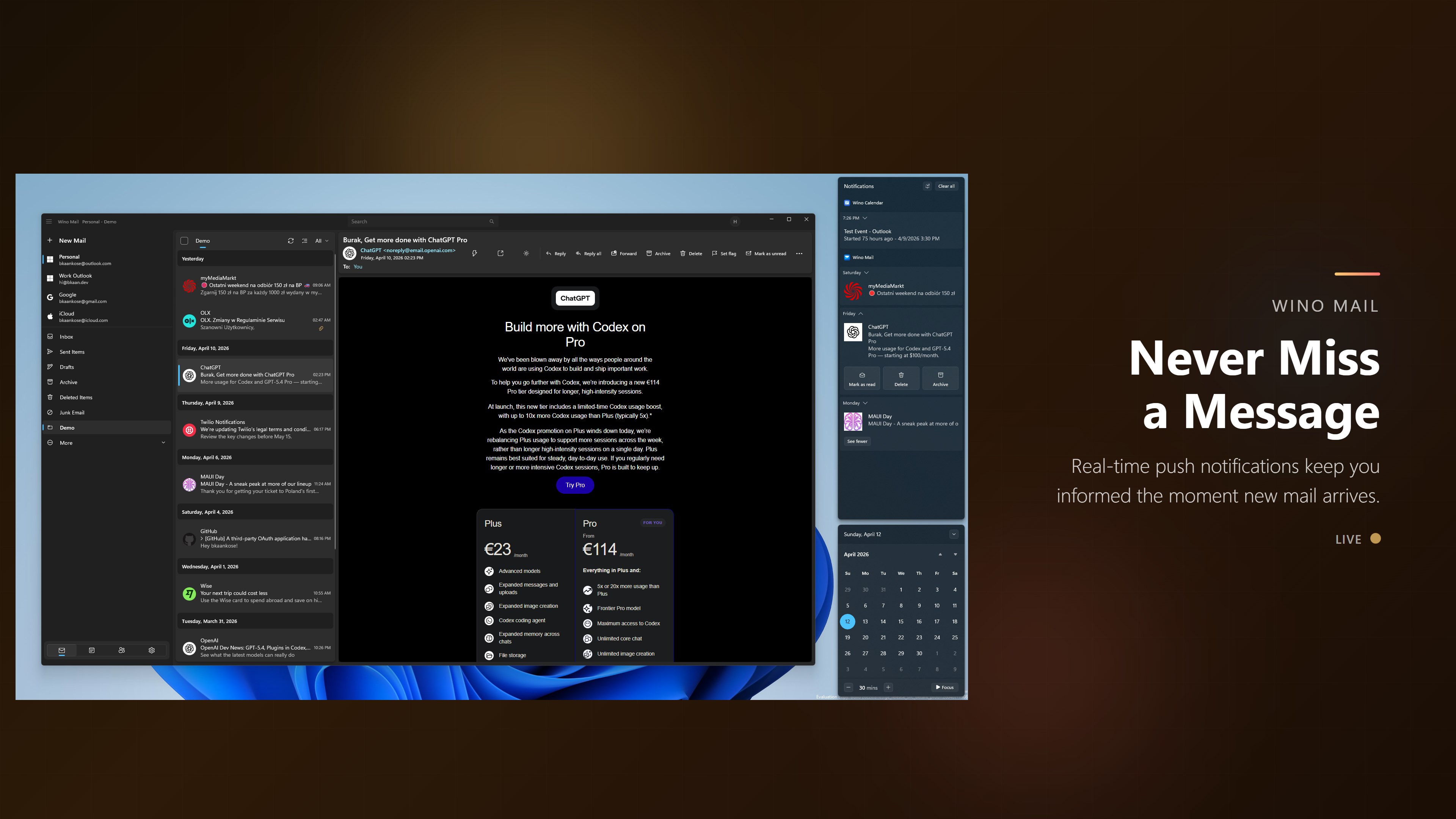
Wino Mail & Calendar is an email and calendar app for native Windows that brings email, scheduling, reminders, and account management together in one place. It connects Outlook, Gmail, and custom IMAP/SMTP accounts, allowing multiple inboxes to be managed within a single native Windows experience. Calendars sit alongside the inbox, with tools to create, edit, and manage events, reminders, and invitations. Messages can be searched, moved, deleted, marked read or unread, and checked for spam, with support for drafts and attachments. Toast notifications with background sync keep accounts updated, and linked accounts allow a more unified setup within a modern WinUI interface.
Show the developer's original descriptionHide the original description
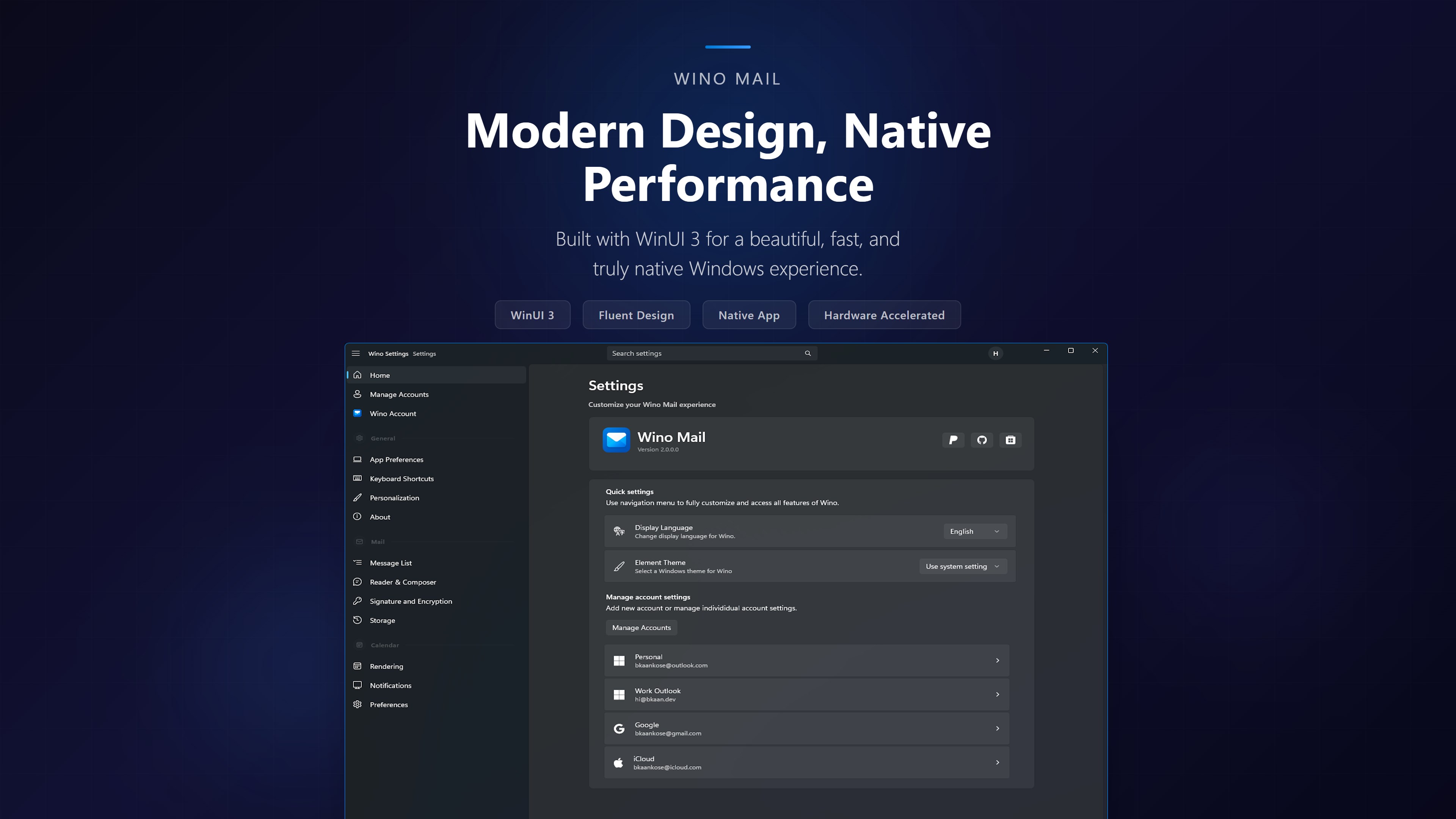
Wino Mail is a native Windows app for your mail, calendar, contacts and tasks. It is not a web wrapper. It's built with WinUI3 for x86, x64 and ARM64, so it starts fast, stays responsive and uses little memory. It syncs directly with your providers, so your accounts, schedule, people and to-dos are all in one place.
Wino has four modes: Mail, Calendar, People and To Do. Switching between them is instant, and each one has its own Windows entry, so you can open contacts or tasks directly.
Wino Mail
Connect Outlook, Gmail, iCloud and any IMAP/SMTP account
Manage multiple inboxes, with linked accounts for a single view
Use Reader View, fast search, a context flyout and customizable hover actions
Organize mail with mail filters
Move, archive, delete, flag, mark read or unread, and report spam
Work with drafts, attachments, aliases and rich formatting
Get toast notifications with background sync
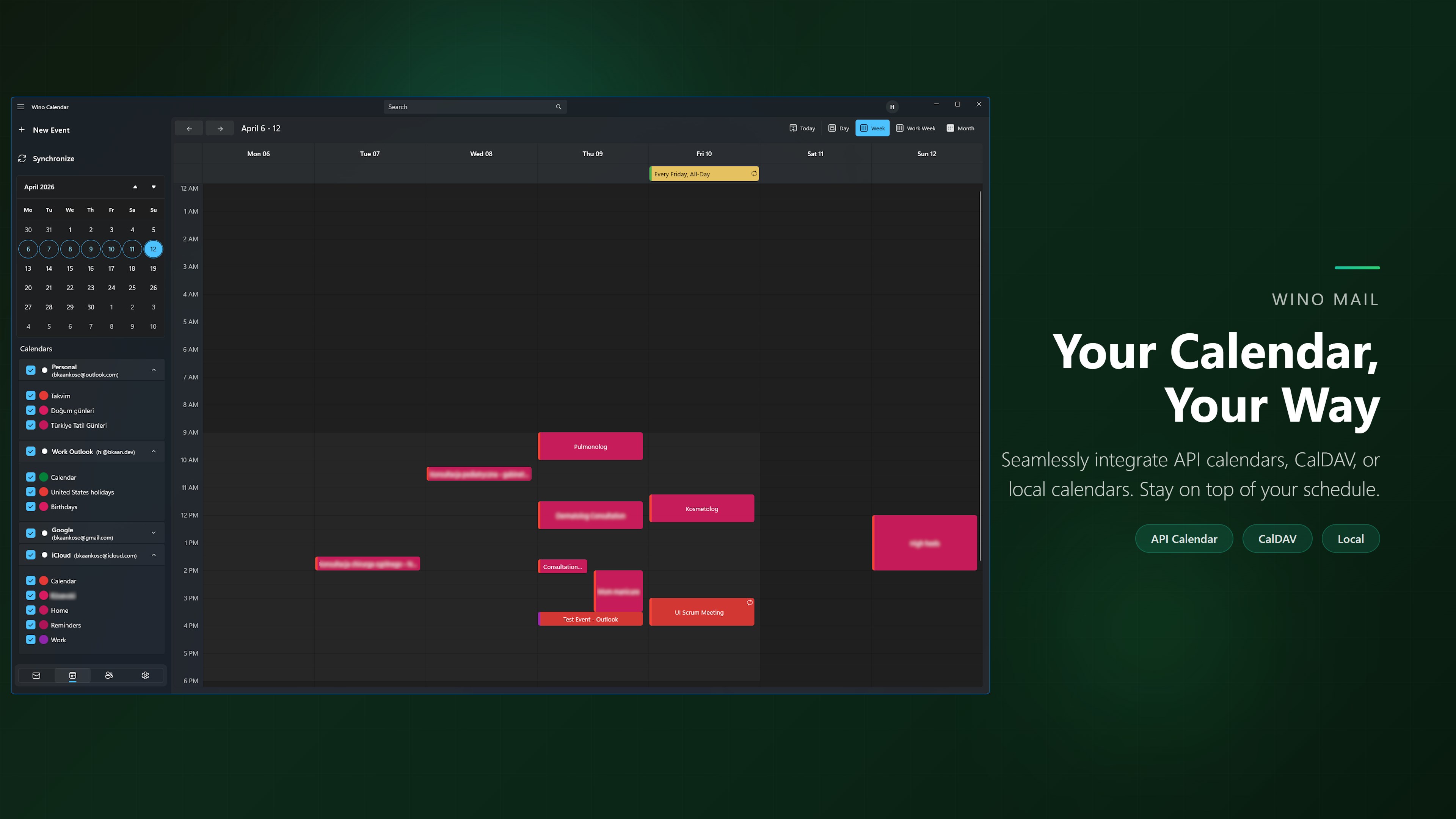
Wino Calendar
Keep your calendars next to your inbox
Create, edit and manage events, recurring series and reminders
Respond to invitations and handle meeting workflows
Sync with Outlook, Google and CalDAV
Wino People
Manage contacts from all your accounts in one place
Use address books, lists, categories and favorites
Use a rich contact editor for multiple emails and phone numbers, company details, addresses, birthdays, notes and photos
Sync through CardDAV, with clear conflict handling when a contact changes in two places
Start an email directly from a contact
Wino To Do
Use smart views: My Day, Important, Planned, All and Completed
Create task lists, group them and give them colors
Add due dates, reminders, importance, notes and steps
Keep tasks synced with your accounts
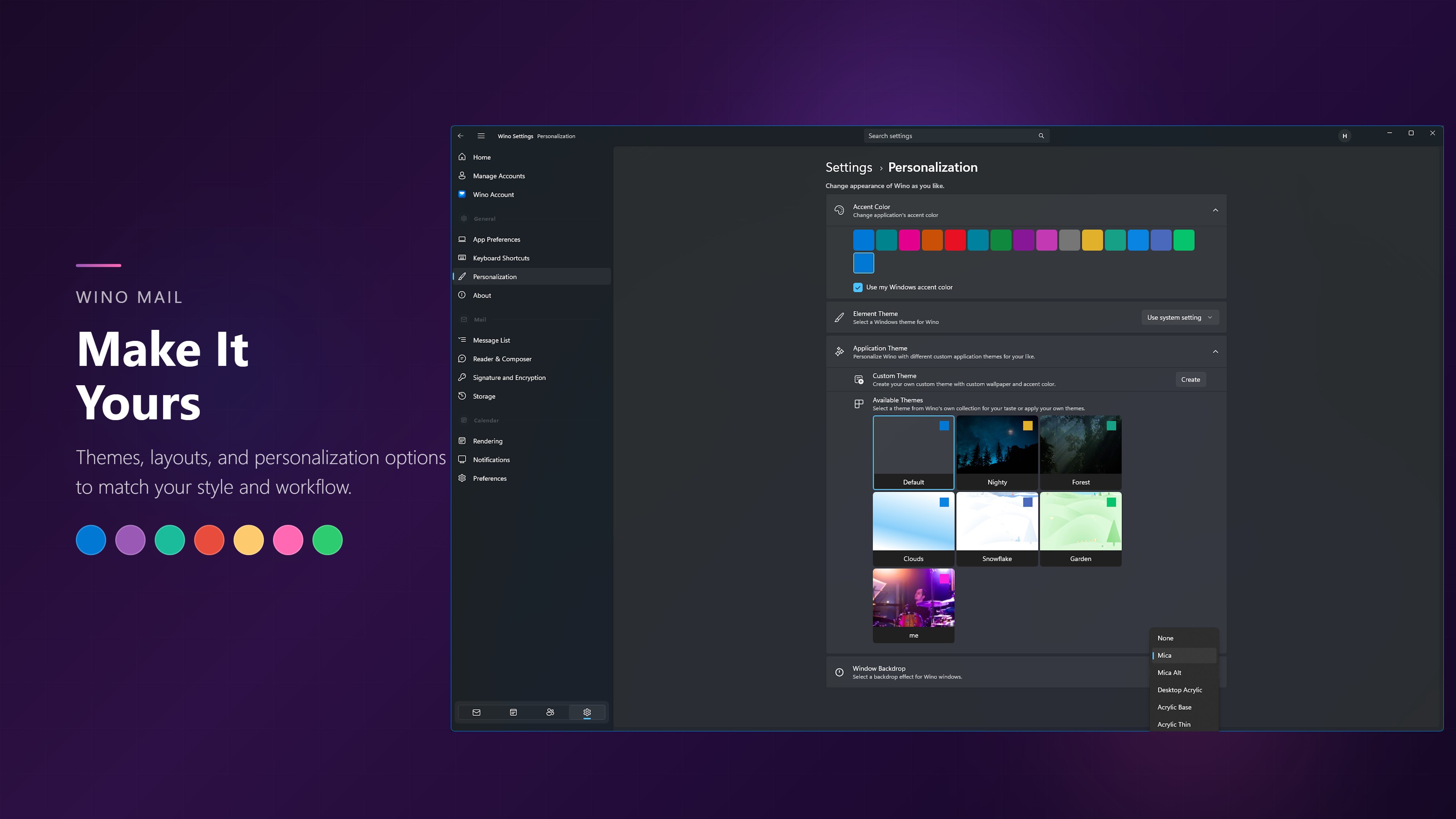
Make it yours
Pick a theme from the gallery or make your own in the theme editor
Preview message-list changes live as you adjust them
Use account profile pictures and one account menu across every mode
Back up and restore with password protection, and keep working offline
Wino Mail is for people who want a dependable, modern replacement for the old built-in Windows mail apps without giving up speed. It keeps the features people use every day and makes the app feel at home on Windows 10 and 11.
If there is a version of this app for iOS/Mac or Windows we don't know about, paste the store link here — we'll auto-detect the store.
How to find the URL:1. Open the app in its store. 2.In the App Store app: tap the Share icon → “Copy Link”. In the browser: copy the URL from the address bar — it contains apps.apple.com/…/id… or apps.microsoft.com/detail/…. 3. Paste it here.
Paste the original link from the Apple App Store or Microsoft Store. We fetch all details automatically.
How to find the URL:
1. Open the app in its store. 2.In the App Store app: tap the Share icon → “Copy Link”. In the browser: copy the URL from the address bar — it contains apps.apple.com/…/id… or apps.microsoft.com/detail/…. 3. Paste it here.
Android apps can only be listed by their developer.




 Fastmail – Email & Calendar
Manage email, calendar and contacts securely
 Mail Apps
Manage multiple email accounts in one app
 Easy Mail - Email & Messaging and more
Manage web apps like email and messaging in one place
 Microsoft Outlook
Manage email, calendar and files in one place
 Blue Mail - Email & Calendar
Email client for multiple accounts with AI assistance
 Outlook for Windows
Email and calendar app for multiple accounts with AI